
Best Mac Apps for Designers (2026)
Compare native Mac apps for UI design, illustration, photo editing, diagramming, and mockups. Choose by use case, with free and paid pricing at a glance.
16 apps · Updated
These native Mac apps for designers cover UI design, illustration, photo editing, diagramming, and the mockup and font tools you reach for in between. Start with Affinity (free) or Sketch (if you need components and prototyping), then add specialists as your work demands them. This shortlist favors native Mac apps with clear, practical use cases — whether you're a full-time designer or a developer doing your own design work.
Mac design apps: use cases and pricing
| App | Best for | Pricing |
|---|---|---|
 Sketch Sketch | UI & product design, components, prototyping | $120 once · Mac-only or from $12/month |
 Affinity Affinity | All-in-one vector, raster, and page layout | Free |
 Amadine Amadine | Vector illustration — a native Illustrator alternative | Free trial $29.99 lifetime |
 Pixelmator Pro Pixelmator Pro | Photo editing and retouching | $49.99 once |
 OmniGraffle OmniGraffle | Diagrams, wireframes, flowcharts, and org charts | Free trial from $149.99 |
 Flow Diagram Flow Diagram | Turning a sketch or whiteboard photo into an editable diagram | $9.99 |
 ImageFlow ImageFlow | Node-based, non-destructive image compositing | $14.99 |
 Atlas Atlas | An inspiration library for images, moodboards, and references | $39 once |
 Rotato Rotato | 3D device mockups for App Store listings and launch videos | from $79 once |
 Typeface Typeface | Font management — tagging, previews, activation | Free $44.99 Pro unlock |
 Pika Pika | Picking on-screen colors for palettes and design tokens | Free · open source |
 RasterFox RasterFox | Pixel-perfect image compression | Free tier $9.99 Pro · 3 Macs |
 VectorFox VectorFox | Converting raster images to SVG, with real gradients | Free tier $9.99 Pro · 3 Macs |
 Gifski Gifski | Converting screen recordings to high-quality GIFs | Free · open source |
Prices in USD; taxes may apply. Free tiers and trials have limits. Follow pricing links for current terms.
Which app fits your design workflow?
- UI & product design: Sketch for native vector UI design with components and prototyping; Affinity if you'd rather have one free app that also covers illustration and raster editing.
- Illustration & vector art: Amadine as a native, lower-cost Illustrator alternative; Affinity covers this too if you already picked it for UI work.
- Photo & raster editing: Pixelmator Pro for full-featured, ML-assisted editing — the native Photoshop alternative.
- Diagrams & wireframes: OmniGraffle for precise, automatable flowcharts, wireframes, and org charts; Flow Diagram if you just need to turn a whiteboard photo or napkin sketch into something editable.
- Mockups & inspiration: Rotato for 3D device mockups for App Store listings and launch videos; Atlas to keep a running library of visual references and moodboards.
- Small daily tools: Typeface for font management, Pika for picking on-screen colors, RasterFox and VectorFox for compressing images and converting raster art to SVG, and Gifski for turning a screen recording into a GIF.
Explore the app cards below for screenshots and downloads, or browse the full Mac design & photo tools directory.
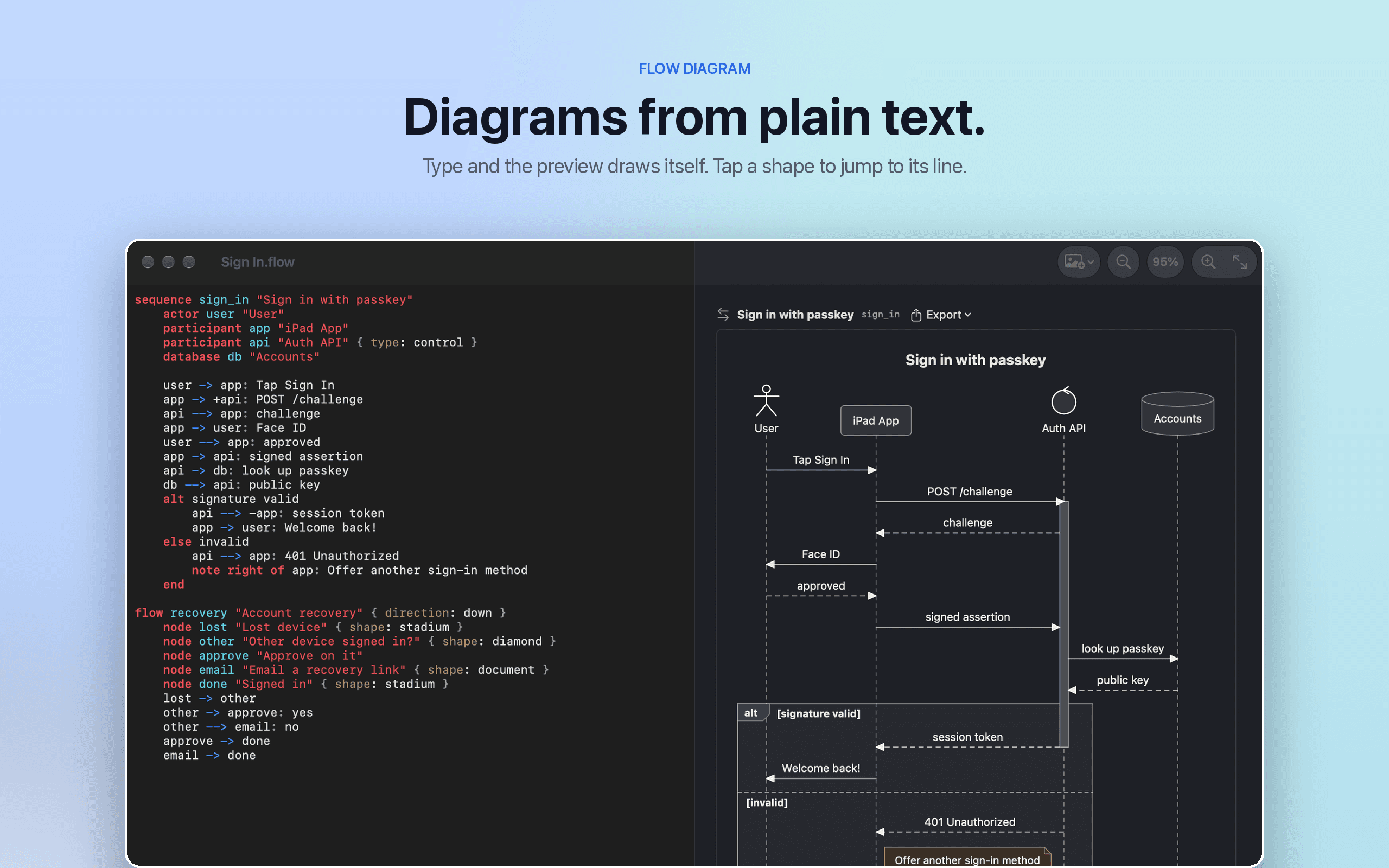
Productivity · $9.99 · one-time
Flow Diagram turns a messy photo or a quick sketch into a diagram you can edit, share and keep
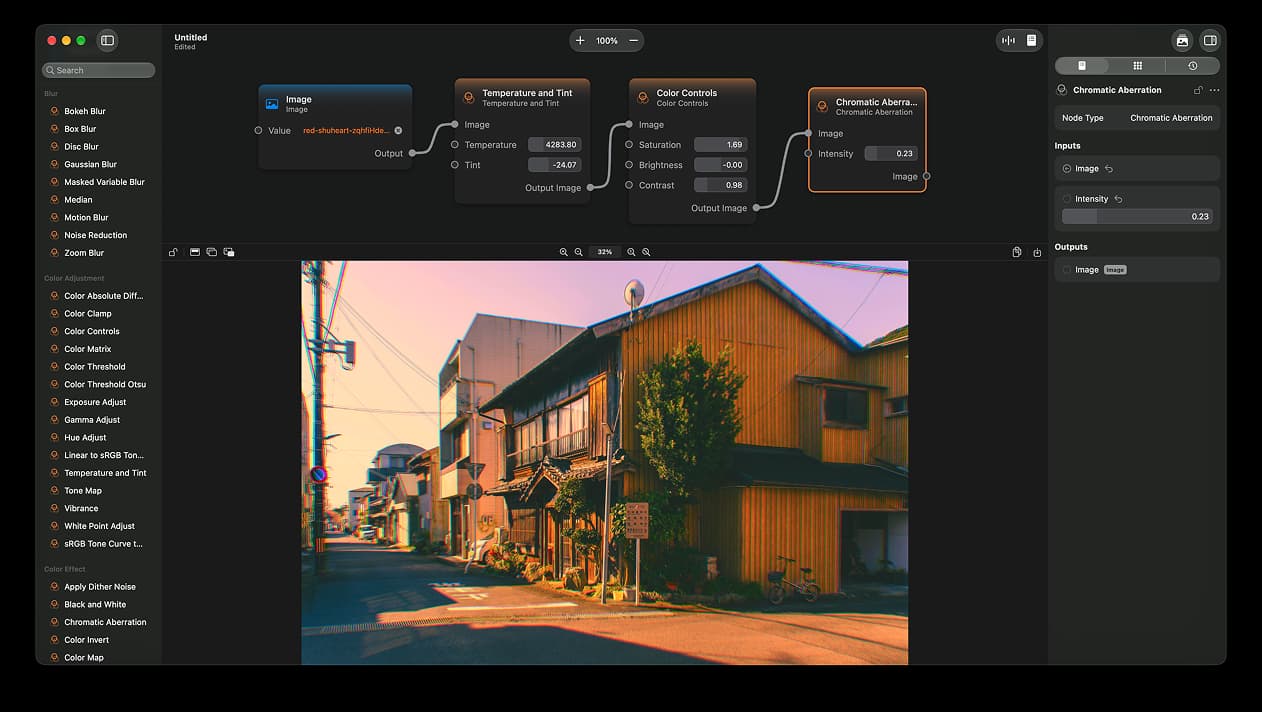
Photo & Video · $14.99 · one-time (App Store)
A node-based image editor for macOS
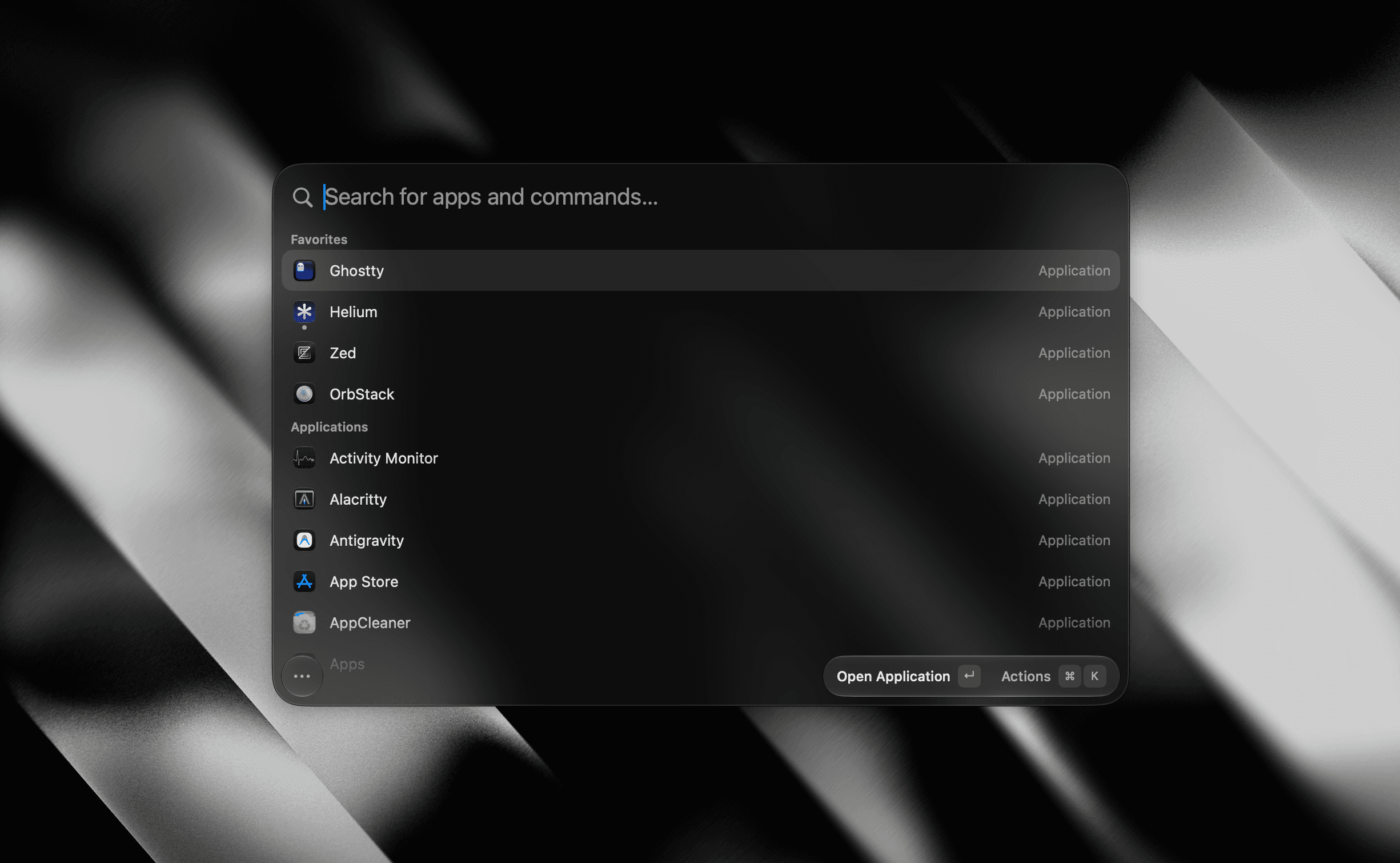

Utilities · Free & open source
A tiny, fully native macOS launcher — fuzzy app search, clipboard history, an inline calculator, snippets, and window management, with no Electron and no telemetry.
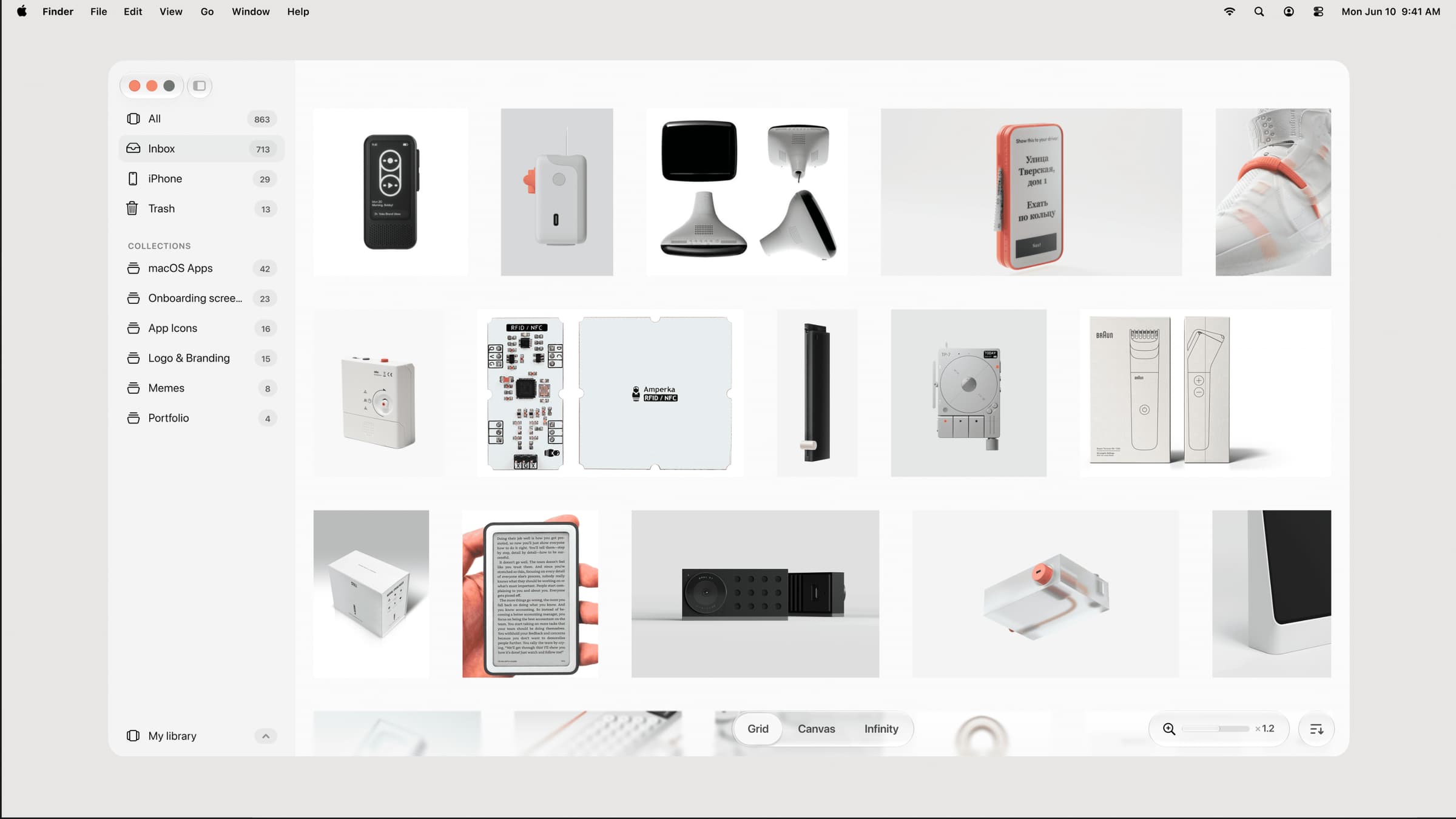
Photo & Video · $39 · one-time (one-time, incl. 1 year of updates)
A native, local-first visual library for designers to collect and organize inspiration — images, videos, and links across Grid, Canvas, and Infinity views.
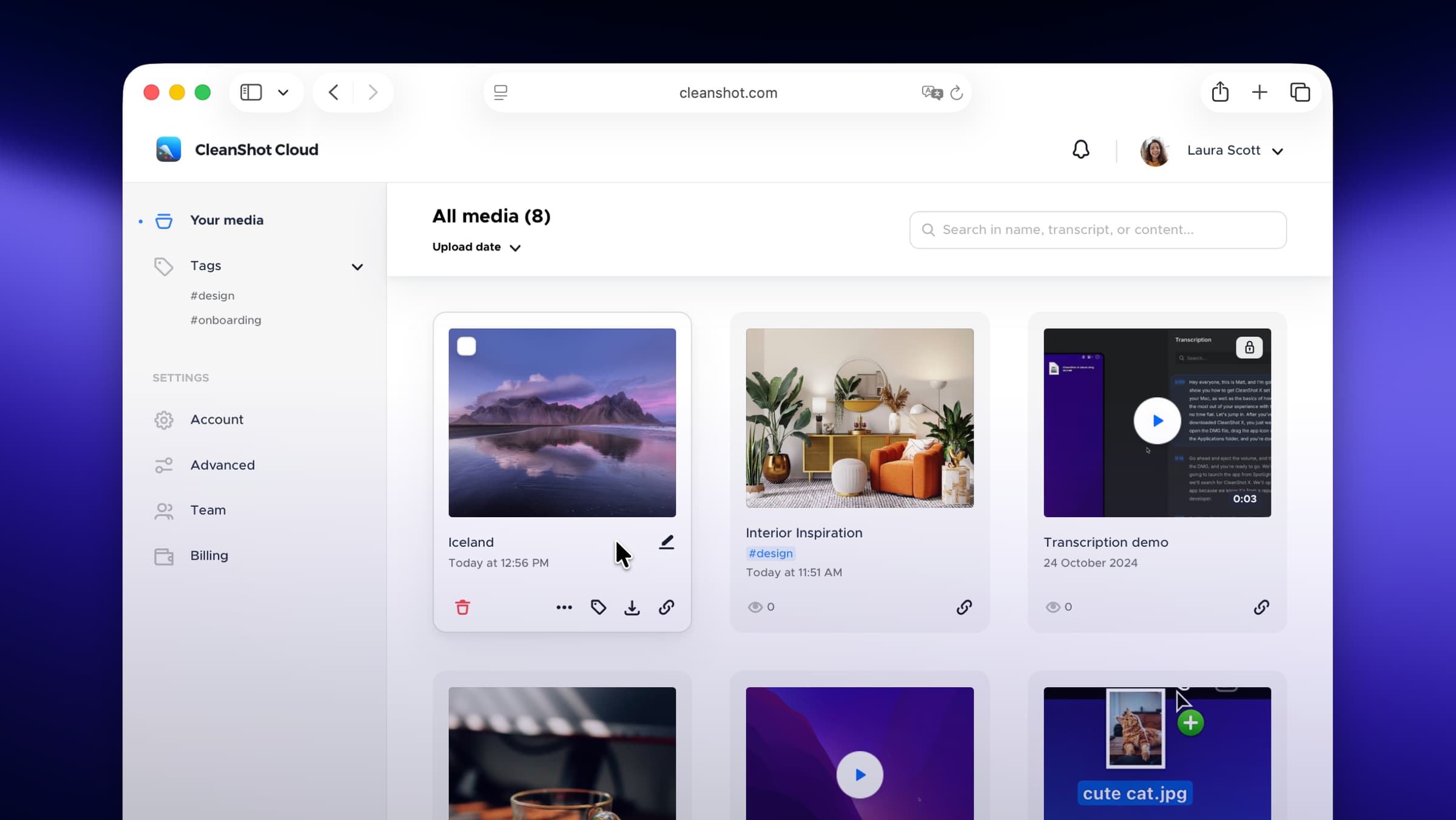
Photo & Video · $29 · one-time
Screenshot and screen-recording done right — hide desktop clutter, annotate, capture scrolling pages, record GIFs, and get a shareable link.
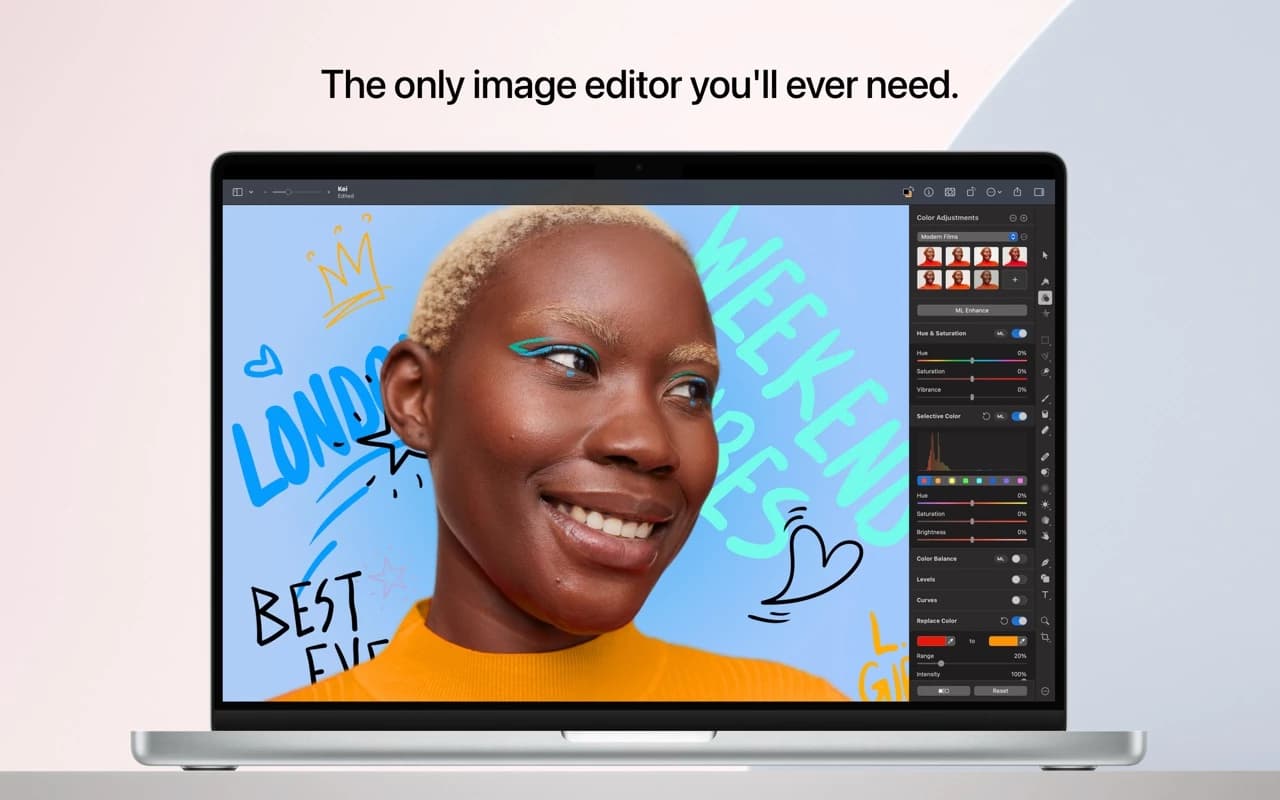
Photo & Video · $49.99 · one-time
A full image editor that is 100% native, Metal-accelerated, and packed with machine-learning tools — and an Apple Design Award winner.
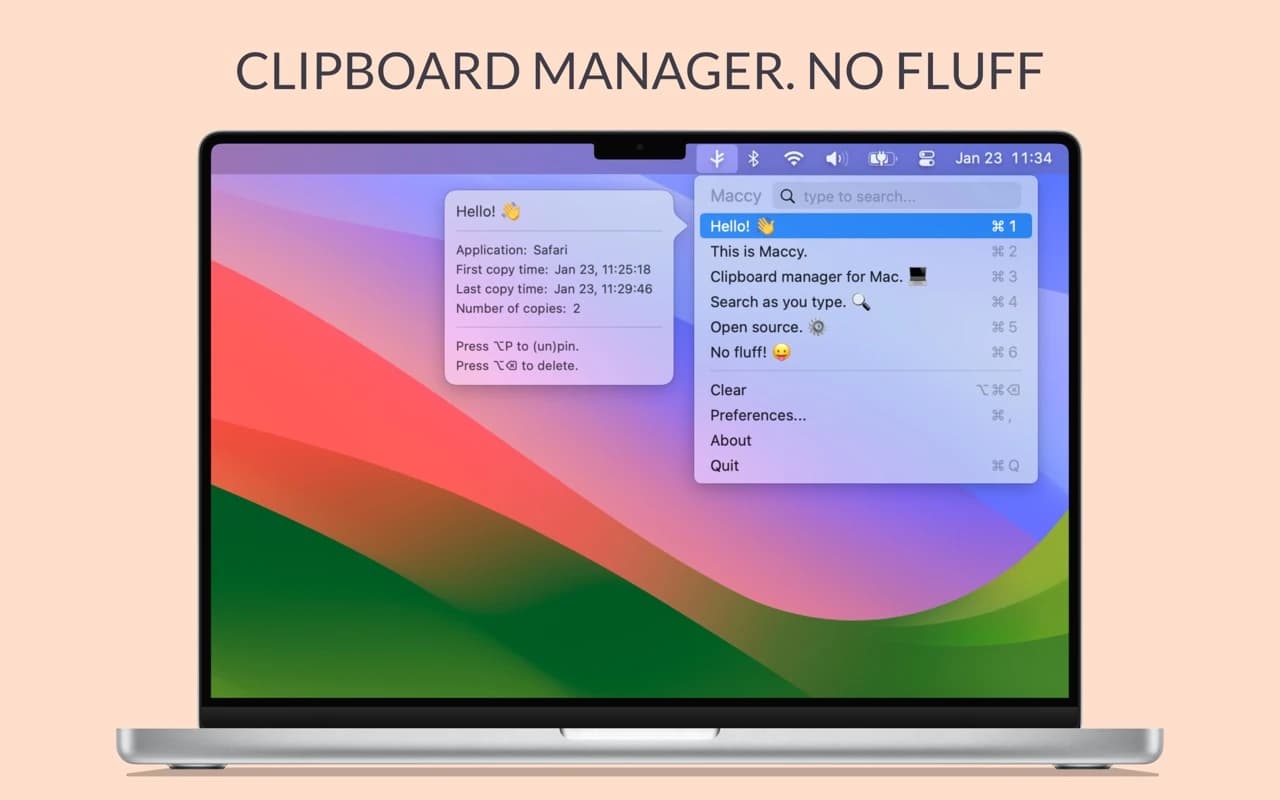
Productivity · Free & open source
A lightweight, open-source clipboard manager for macOS — search your clipboard history from a keystroke, with no account and no background bloat.
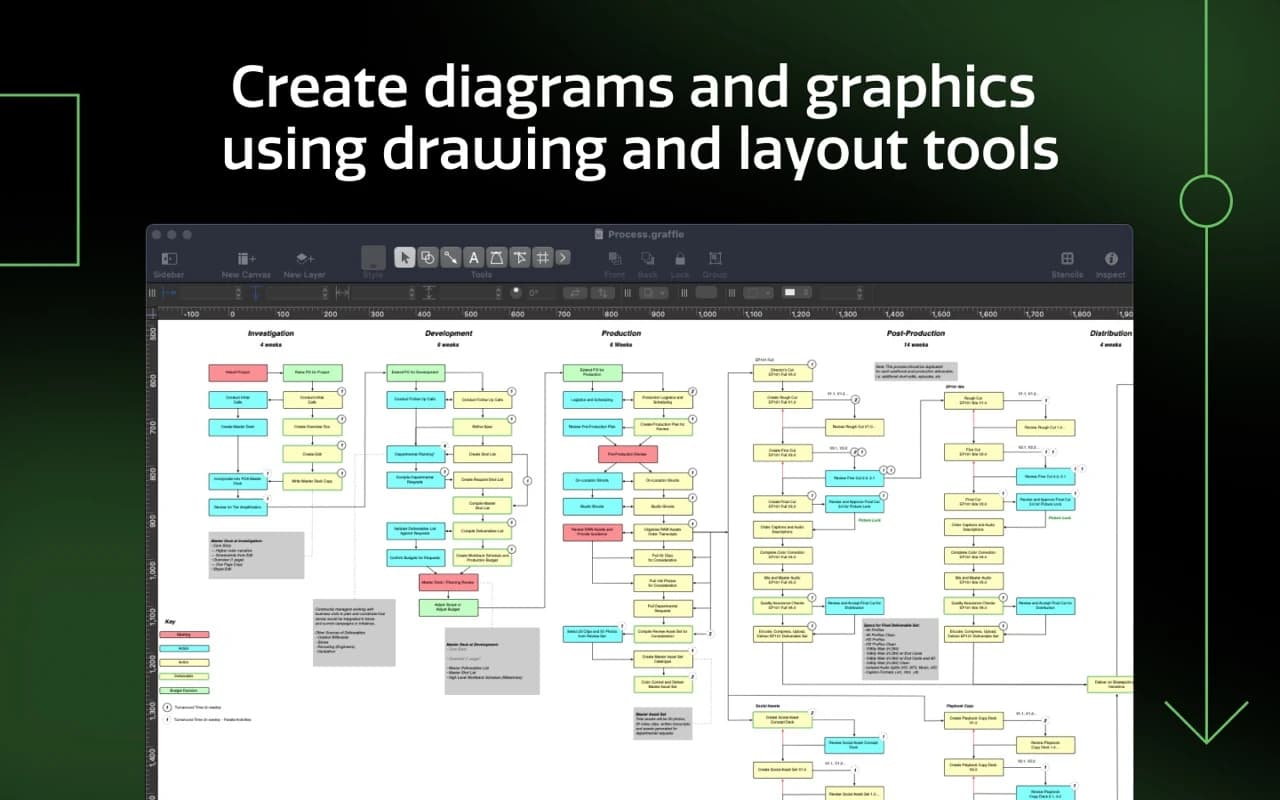
Writing & Documents · $124.99 · one-time (free trial)
The Mac's benchmark diagramming app — wireframes, flowcharts, network maps, and org charts with precise layout tools and a deep automation model.
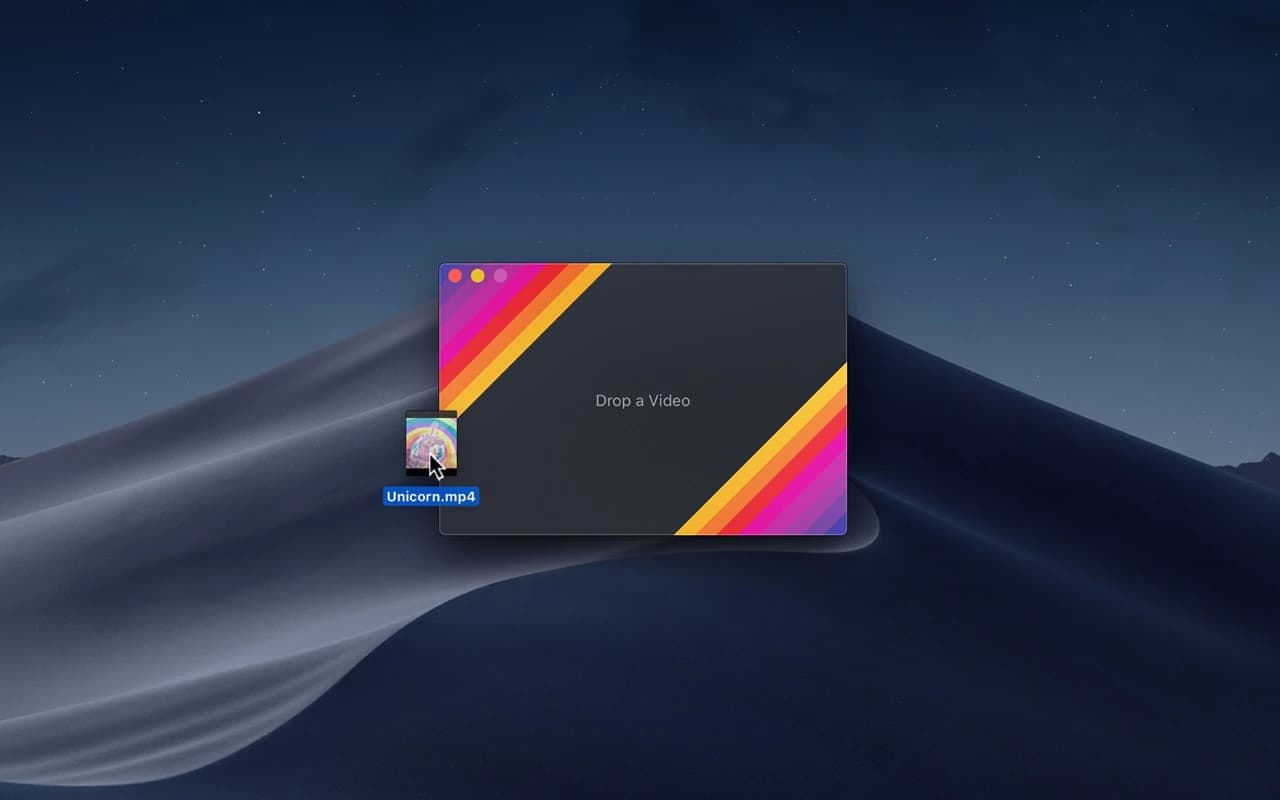
Photo & Video · Free & open source
Converts video to high-quality GIF on the Mac using a per-frame palette encoder that keeps gradients smooth at surprisingly small file sizes.
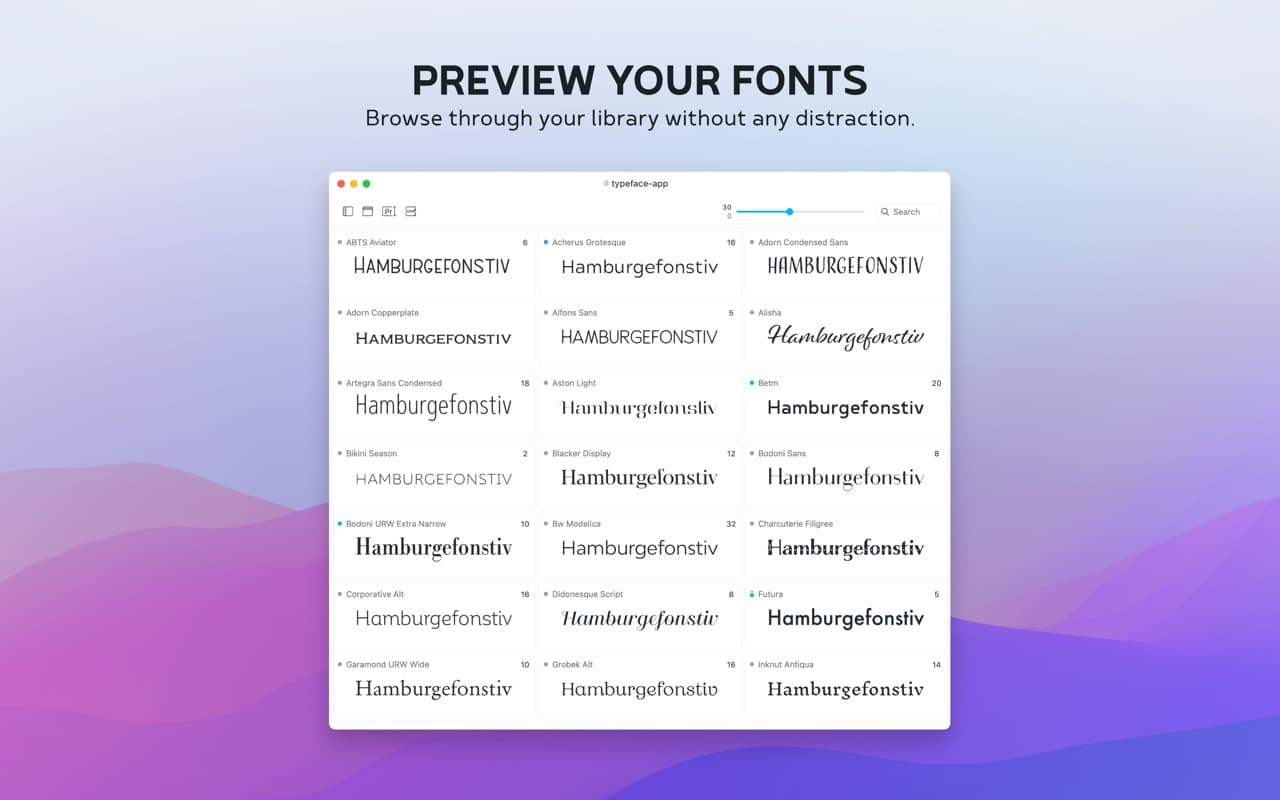
Utilities · Free · Pro unlock $44.99
A native macOS font manager — tag, preview, and activate fonts with nested tags, Google/Adobe Fonts sync, and a built-in duplicate remover.
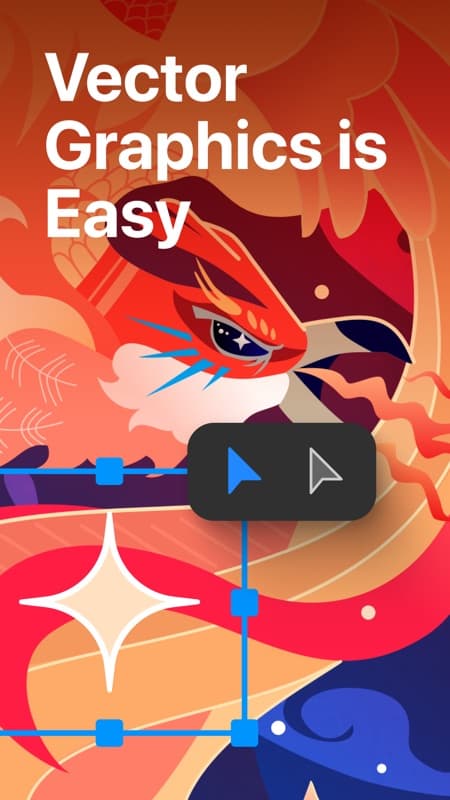
Photo & Video · Free · Lifetime $29.99
A native vector illustration app for Mac — Bezier drawing, unlimited artboards, and full SVG/PDF/AI export, built as a Mac-first alternative to Illustrator.
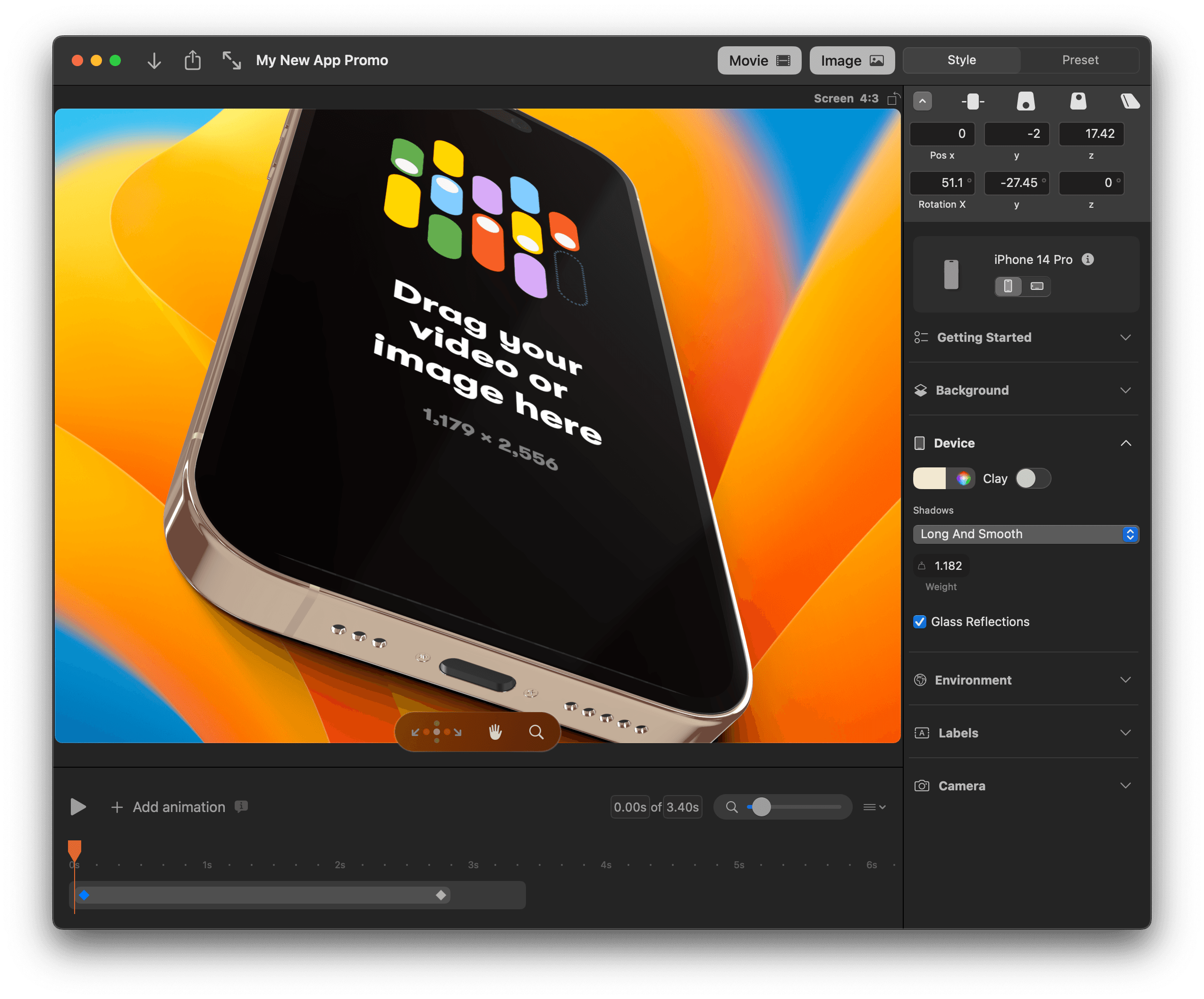
Photo & Video · $79 · one-time (Standard $89)
A native Mac app for 3D device mockups — drop in a screenshot and get a rotatable, animatable phone, laptop, or desktop render for App Store images, decks, and launch videos.
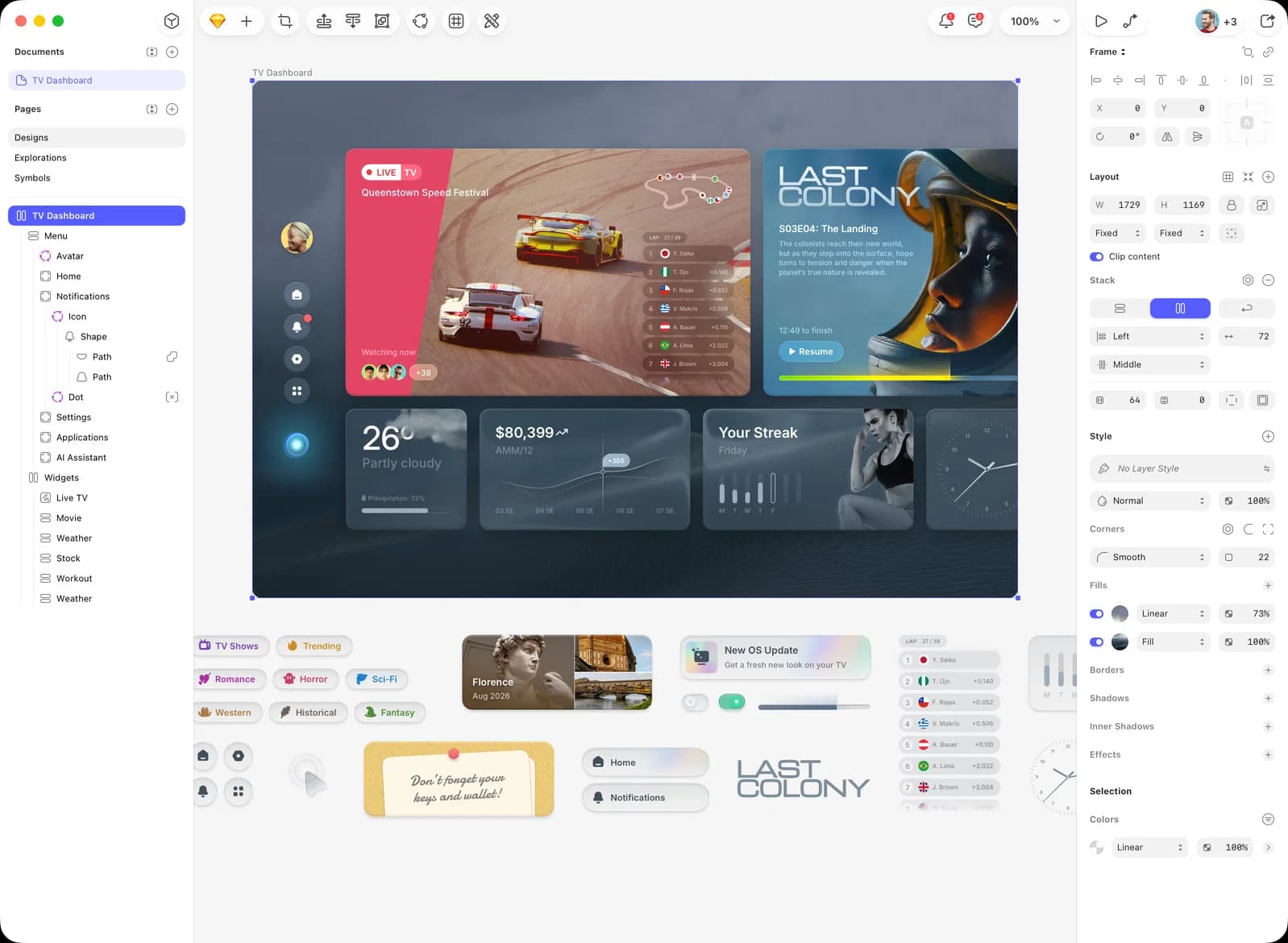
Photo & Video · $120 · one-time (Mac-only license)
The native Mac app that defined modern UI design — vector editing, components, and prototyping, with a one-time Mac-only license alongside its cloud subscription.
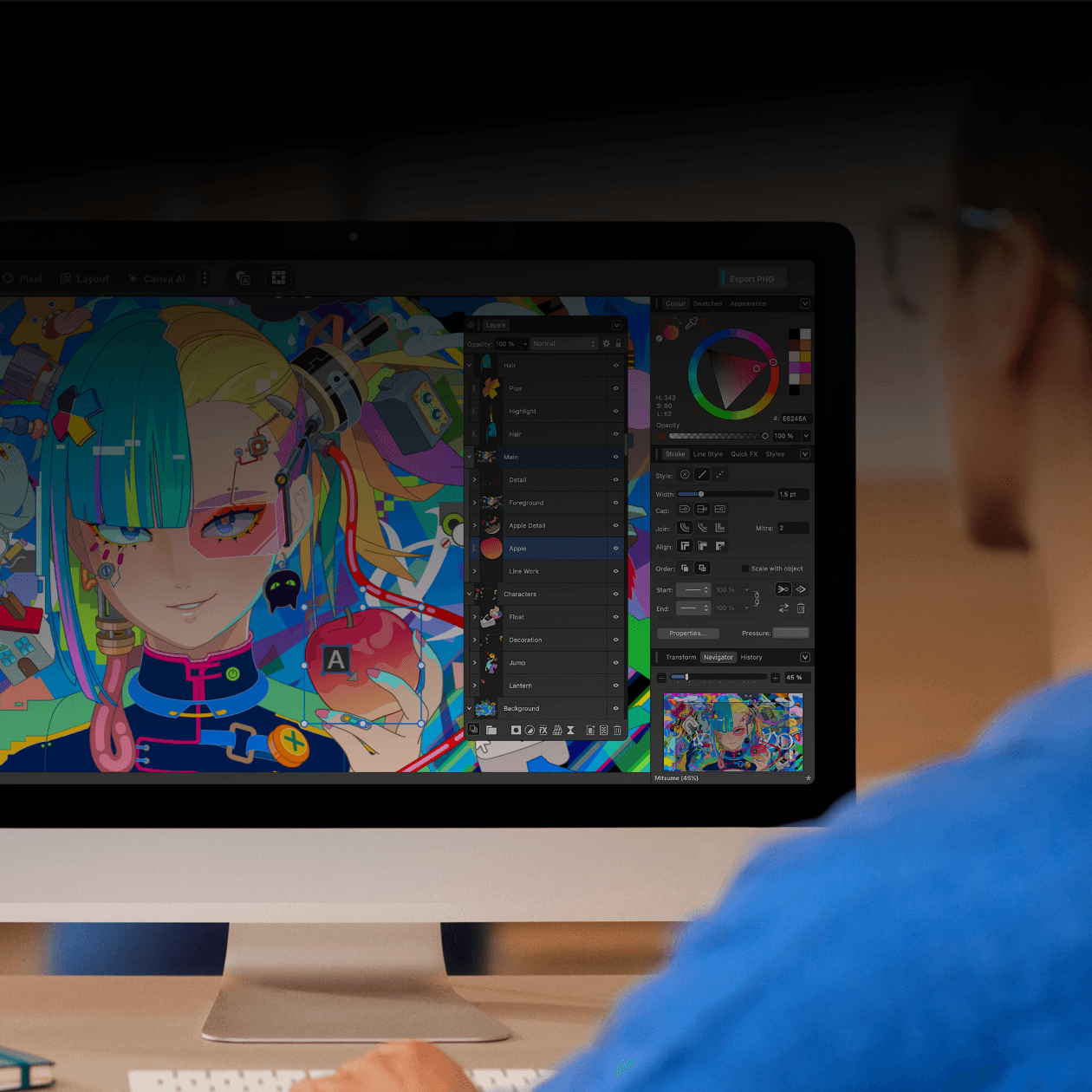
Photo & Video · Free
Canva's free, unified native design app for Mac — vector illustration, photo editing, and page layout (formerly Designer, Photo, and Publisher) in one window.
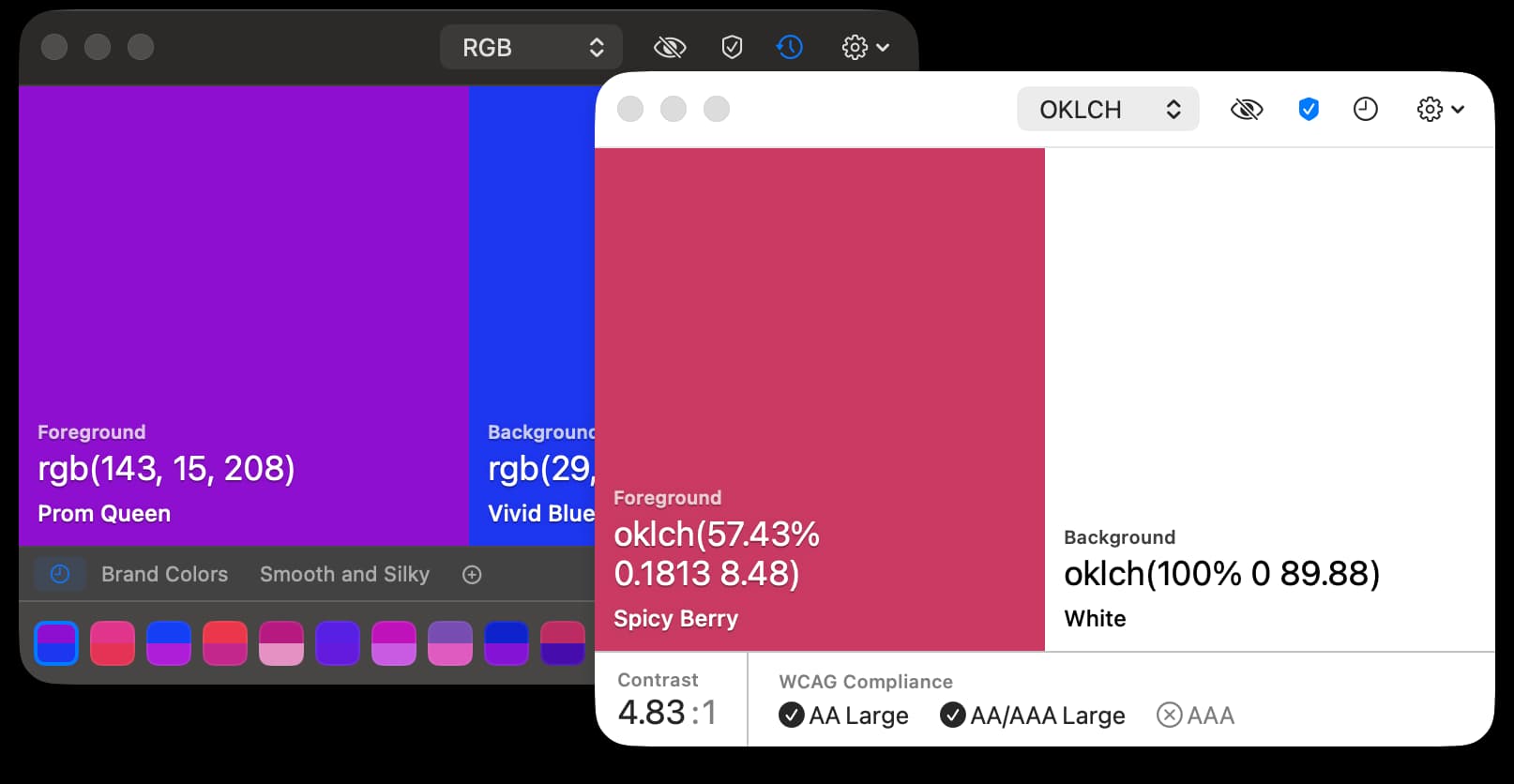
Utilities · Free & open source
An open-source colour picker for macOS — pick any on-screen colour in Hex, RGB, HSB, HSL, LAB, or OKLCH, with full keyboard control.
Utilities · Free & open source
A native menu bar app for tracking and planning across timezones.