
Converts video to high-quality GIF on the Mac using a per-frame palette encoder that keeps gradients smooth at surprisingly small file sizes.
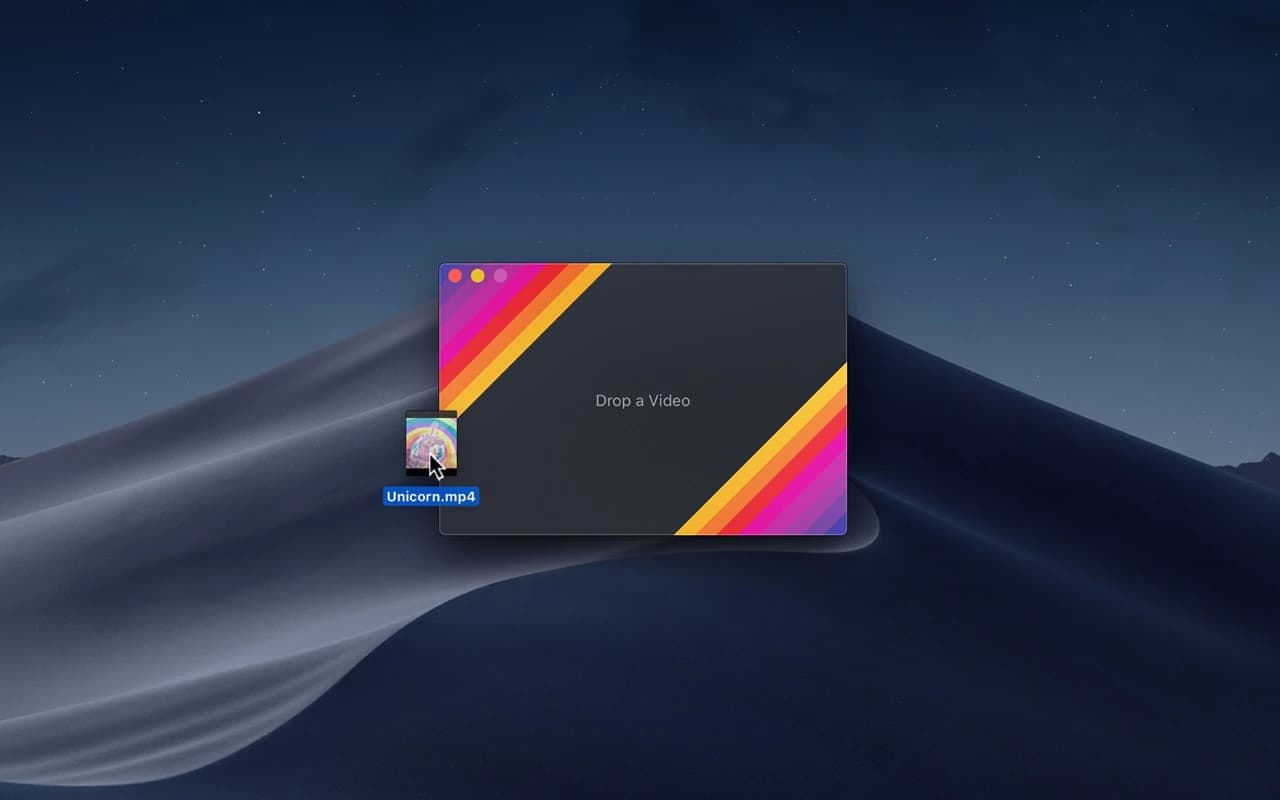
Gifski turns a video clip into an animated GIF that actually looks good. It builds an optimised colour palette for each frame, so the result keeps the smooth gradients and fine detail a naive GIF encoder would band and dither into mush.
Why it makes the list
Anyone who posts demos, bug repros, or tutorials ends up making GIFs, and most tools produce ugly, oversized files. Gifski is the native front-end to the well-regarded gifski encoder, it is free and open source, and the quality-to-size ratio is the best you'll get without a paid pipeline.
Standout features
-
Per-frame palettes for smooth gradients and clean edges
-
Frame-rate and quality sliders to trade size against fidelity
-
Resize and crop before export
-
Drag-and-drop any common video format
-
Bounce (yo-yo) and loop options
Pricing
Free and open source. Available on the Mac App Store.
Featured in:
More in Photo & Video
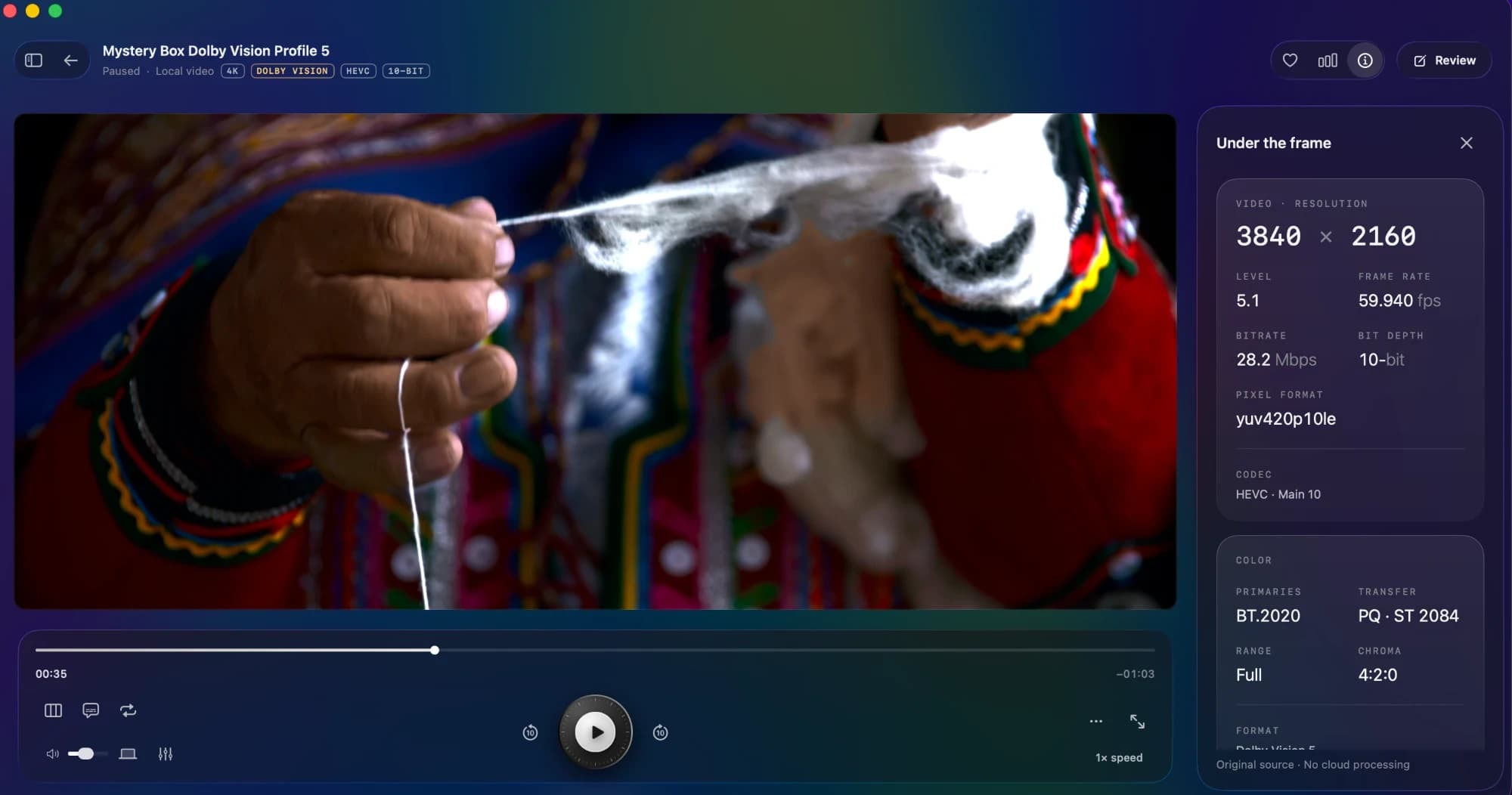
Photo & Video · $9 · one-time
The native Mac player that makes your films feel like films. Beautiful HDR. Your favourite formats. Nothing in the way.
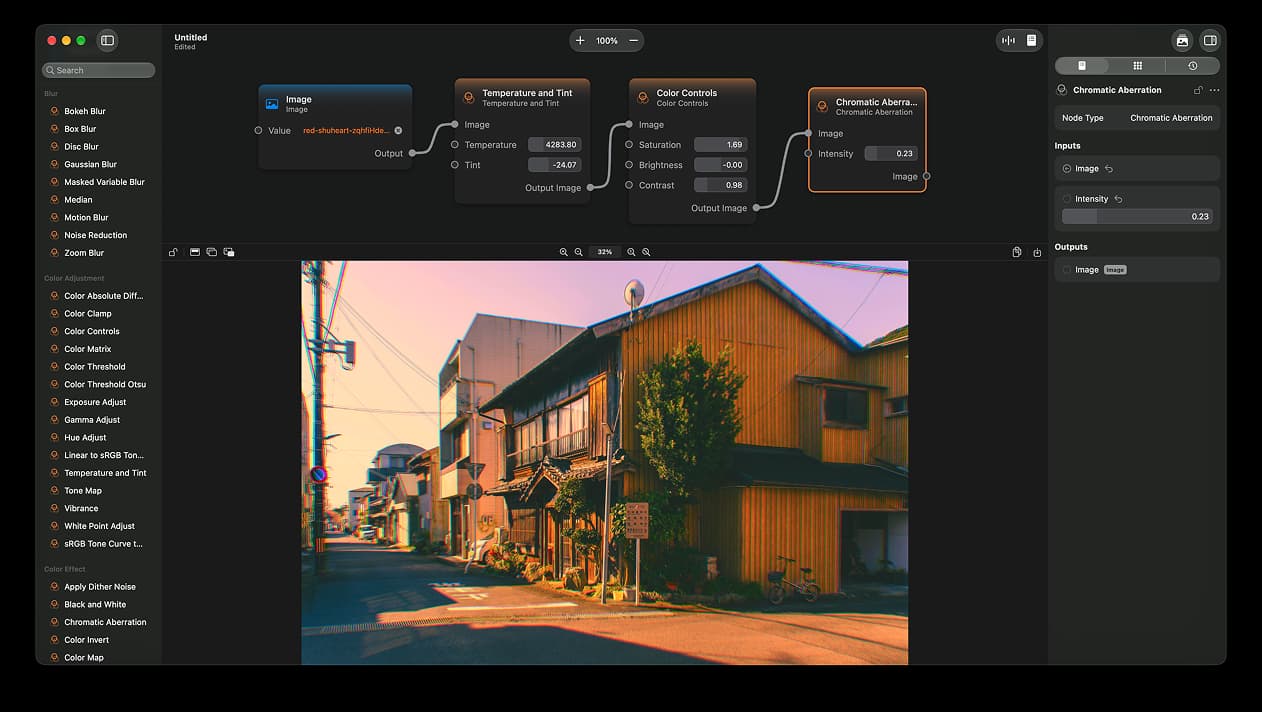

Photo & Video · Free & open source
A node-based image editor for macOS
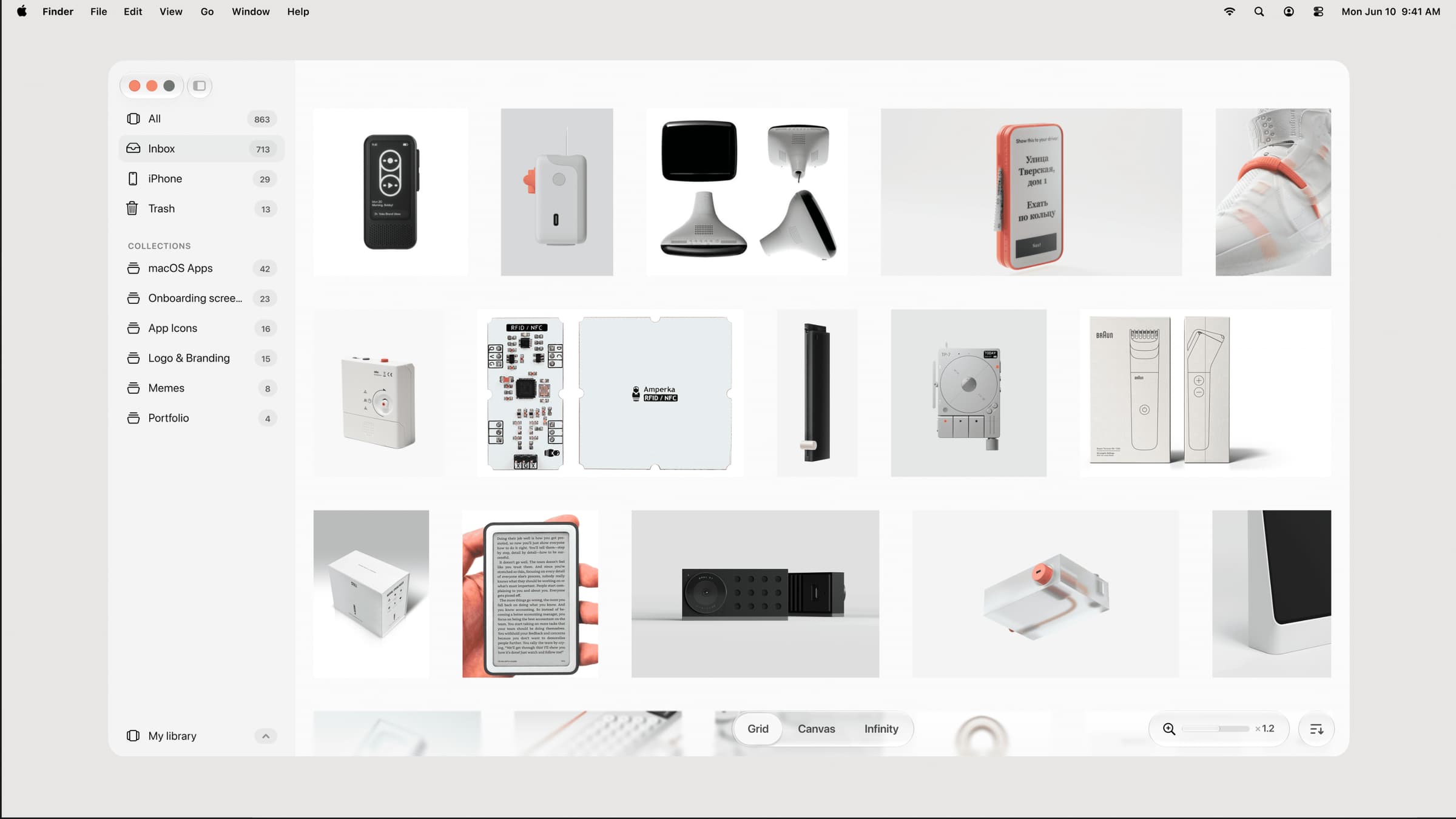

Photo & Video · $39 · one-time (one-time, incl. 1 year of updates)
A native, local-first visual library for designers to collect and organize inspiration — images, videos, and links across Grid, Canvas, and Infinity views.