Utilities · $9 · one-time (One-time; 7-day trial)
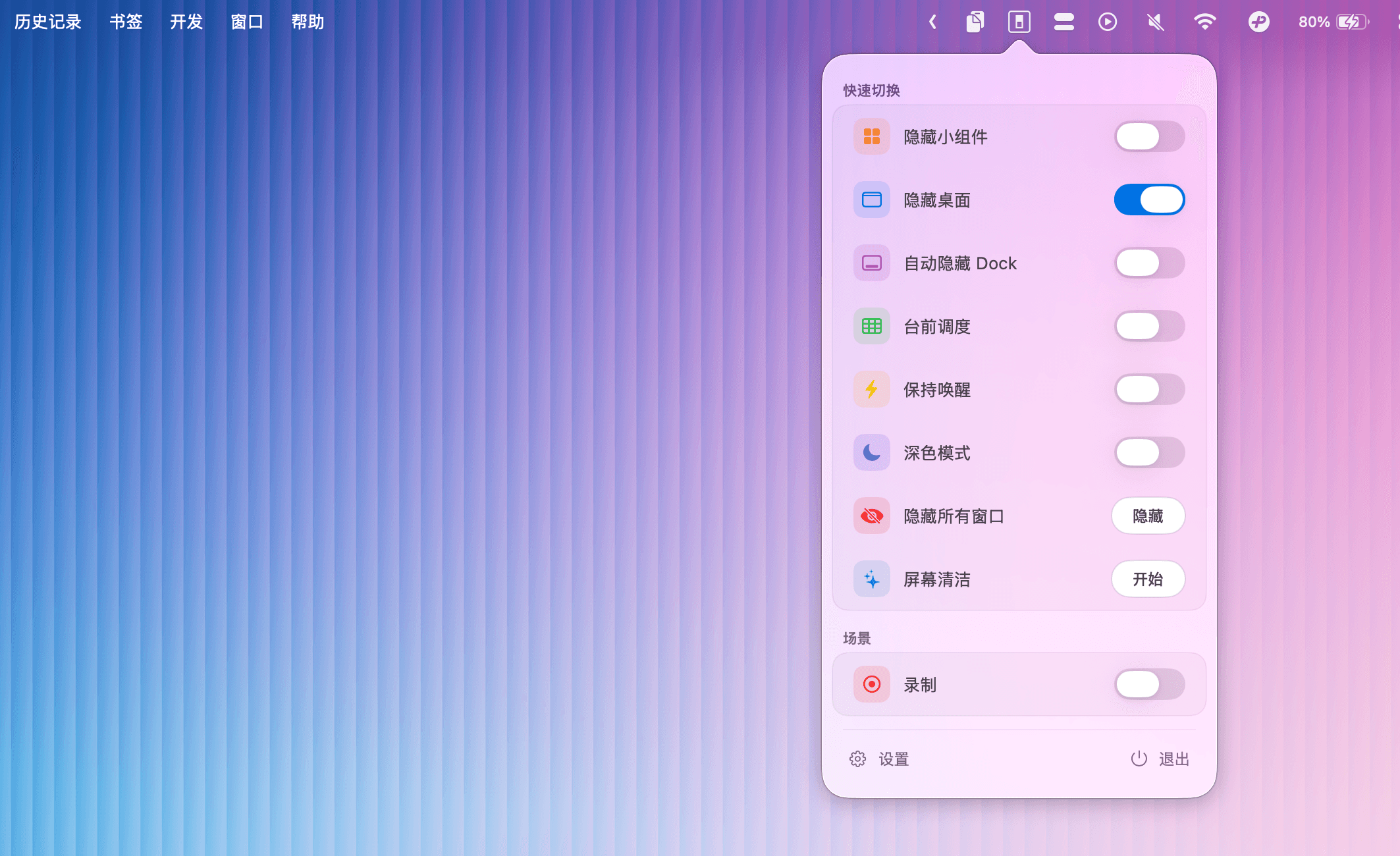
Menu bar toggles for macOS system controls — Dark Mode, Stage Manager, desktop icons, and more.
An open-source colour picker for macOS — pick any on-screen colour in Hex, RGB, HSB, HSL, LAB, or OKLCH, with full keyboard control.
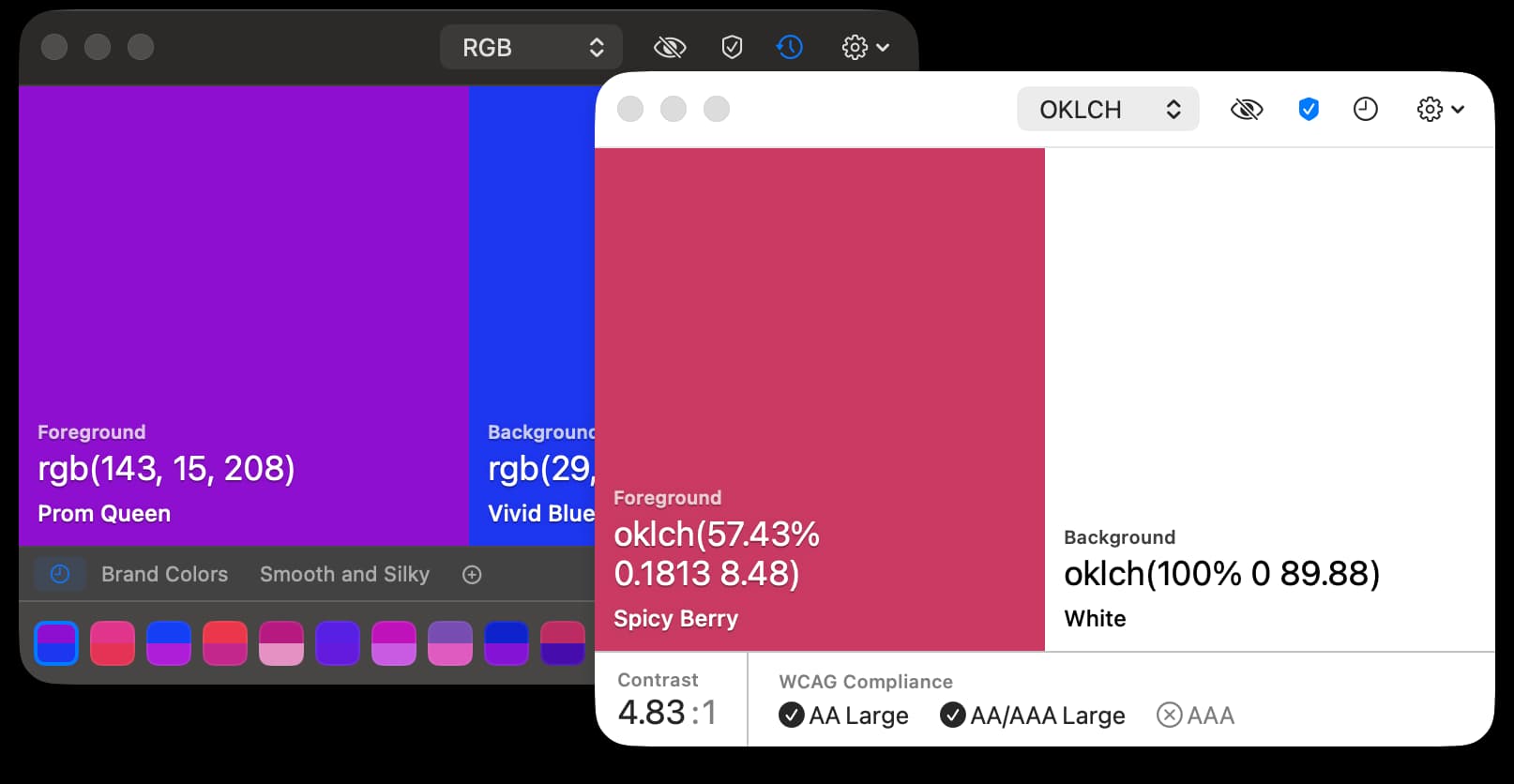
Pika sits quietly out of the way until you need a colour: hit a shortcut, hover anywhere on screen — even over other apps — and pick. It shows the result in whatever format you're working in, keeps a history of recent picks, and lets you swap, copy, or undo without ever touching a mouse.
macOS's built-in colour picker is functional but slow to reach and limited in format support. Pika is built for people who pick colours constantly — designers, developers, anyone matching a hex value from a screenshot — with a shortcut-first workflow and support for seven colour formats including LAB and OKLCH. It was a Golden Kitty Awards finalist in 2022, and it's stayed free and open source since.
pika:// URL scheme for triggering picks from scripts and shortcutsCompletely free and open source. Available via Homebrew (brew install --cask pika) or direct download.
Featured in:
Utilities · $9 · one-time (One-time; 7-day trial)
Menu bar toggles for macOS system controls — Dark Mode, Stage Manager, desktop icons, and more.
Utilities · $12 · one-time (Free trial with 150 emoji insertions)
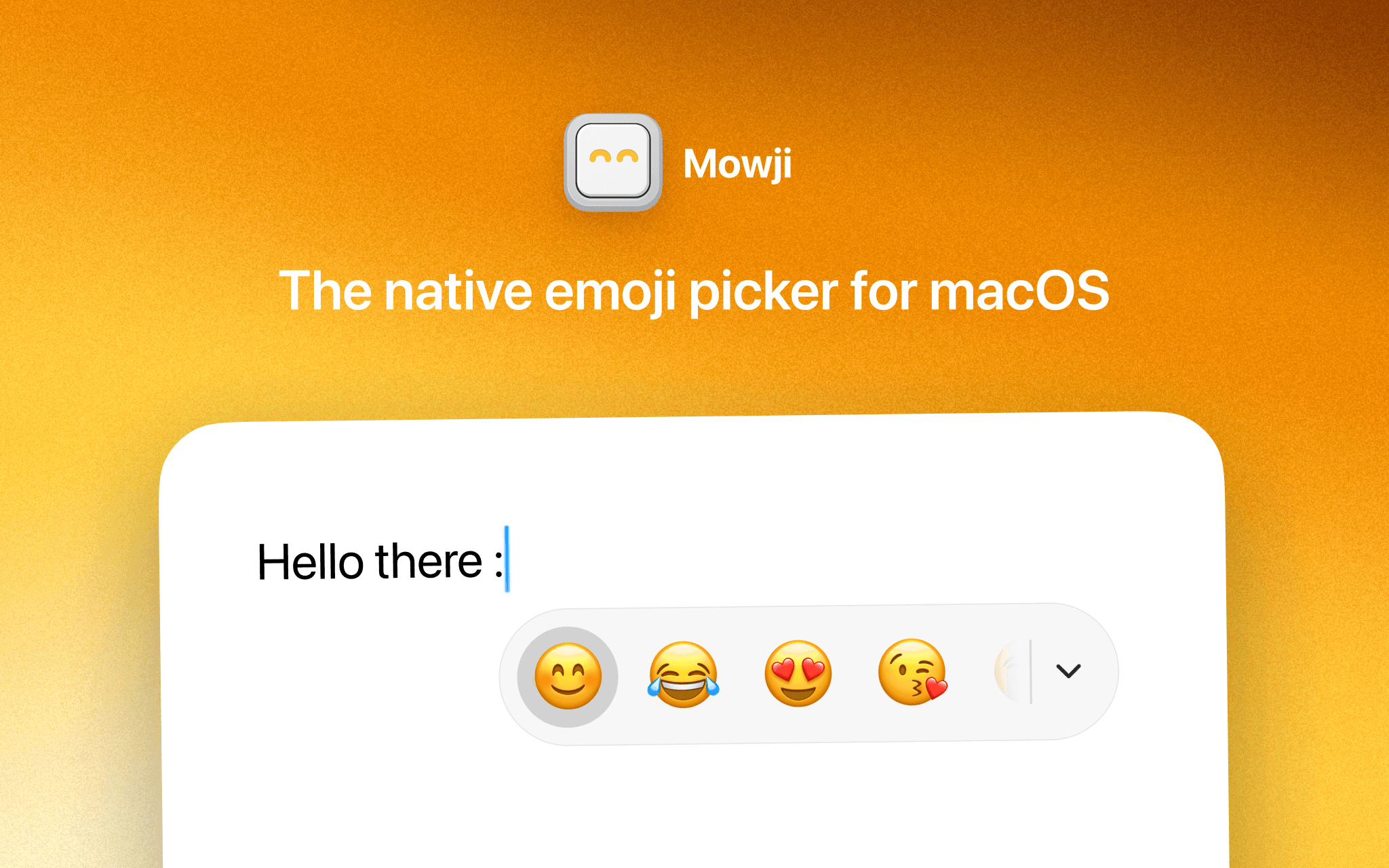
The native emoji picker for macOS
Utilities · $4.99 · one-time (14 day refund policy)
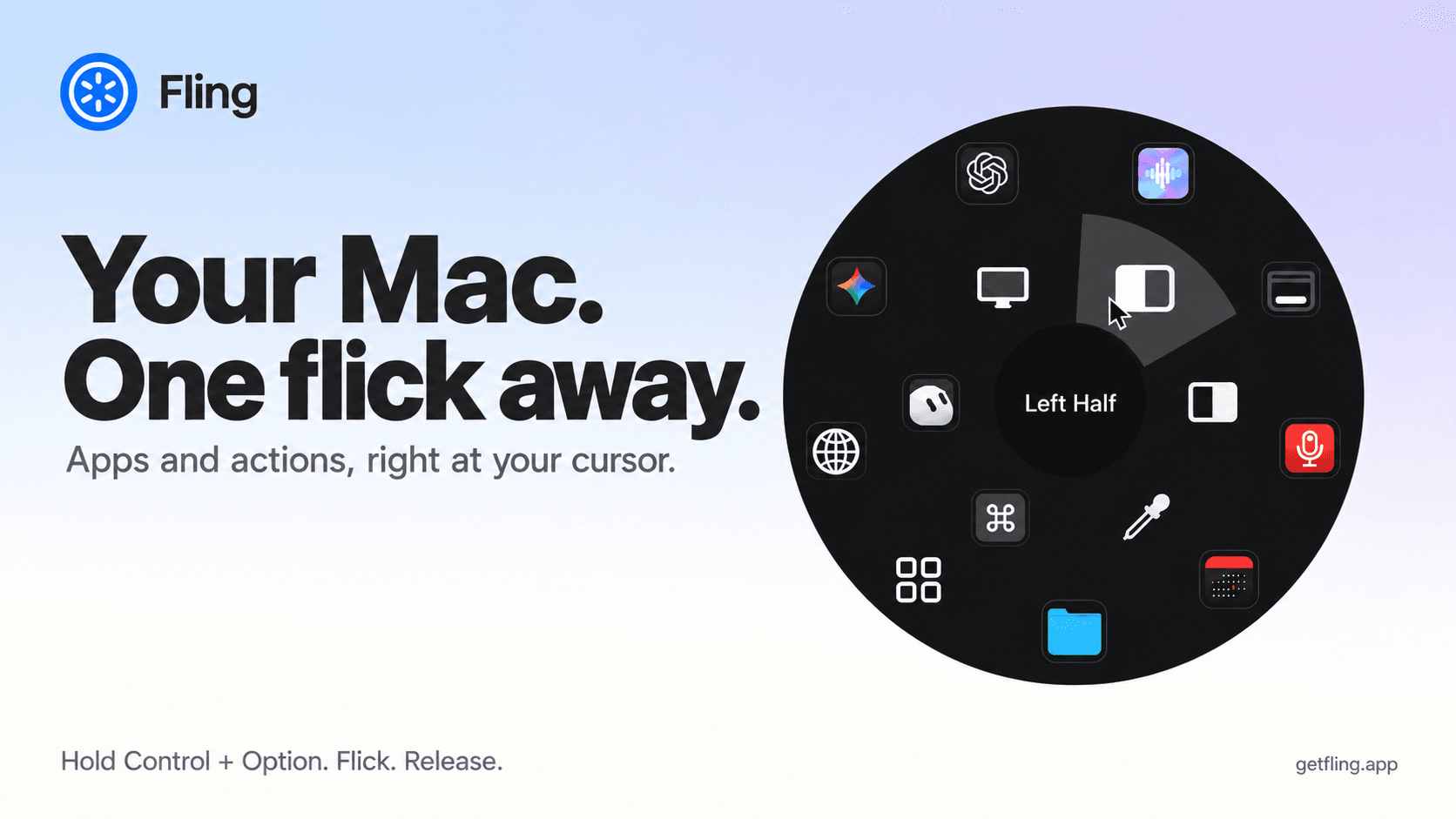
A native macOS command ring for launching apps, folders, links, shortcuts, window actions, screenshots and more with a quick flick.
Utilities · Free · 7 fixes free, then pay once $9.99
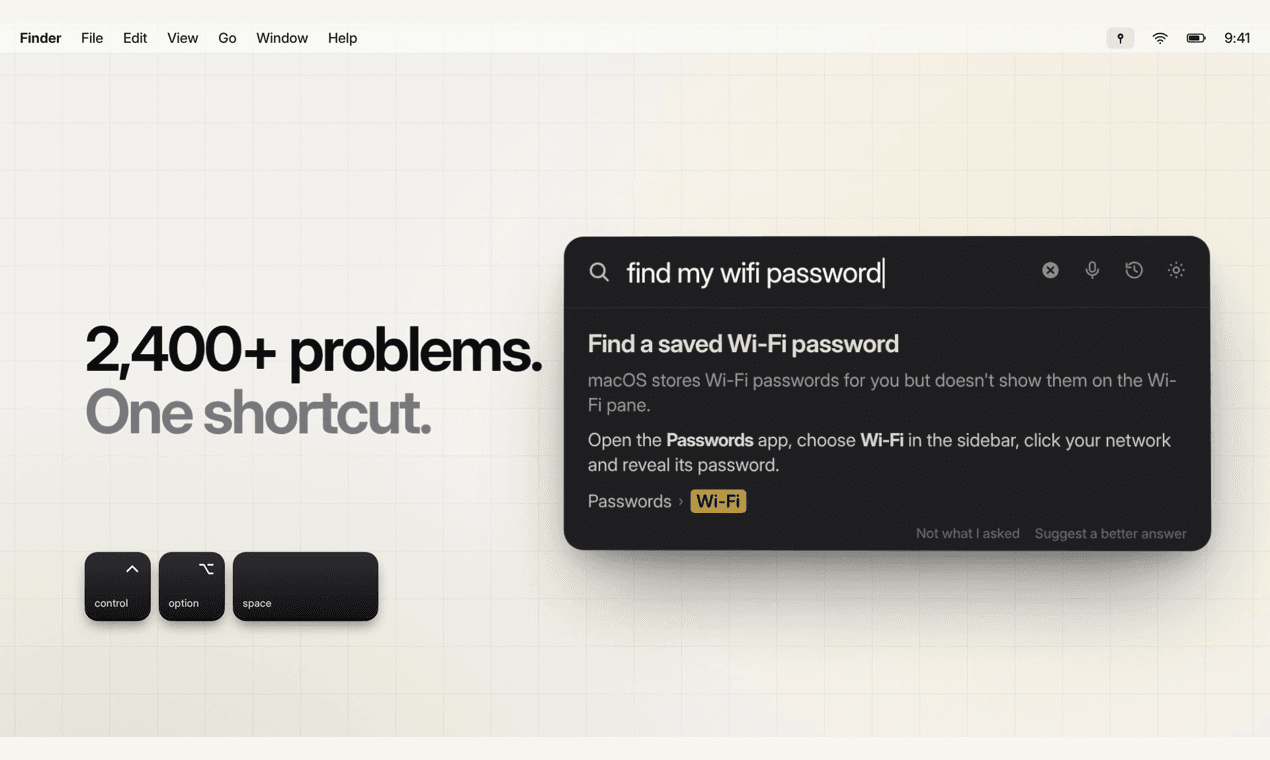
Press ⌃⌥Space, type a Mac problem in plain words, and PinSet opens the exact System Settings switch with a ring around it.
Developer Tools · $29.99 · one-time (Personal: 5 Macs. 15-day full trial; five tools remain free.)
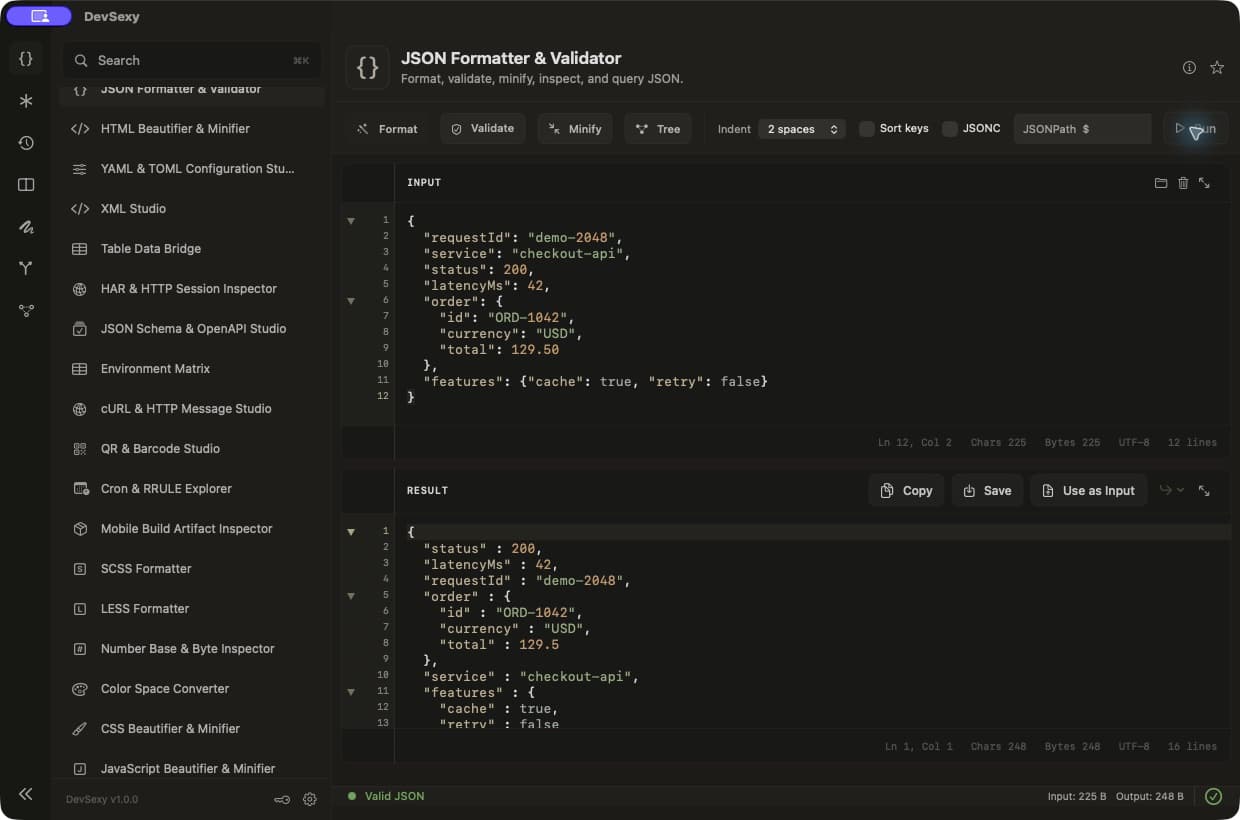
Native offline Mac developer toolbox: 35 tools for JSON, JWT, Base64, regex and text diff, with global Option shortcuts.
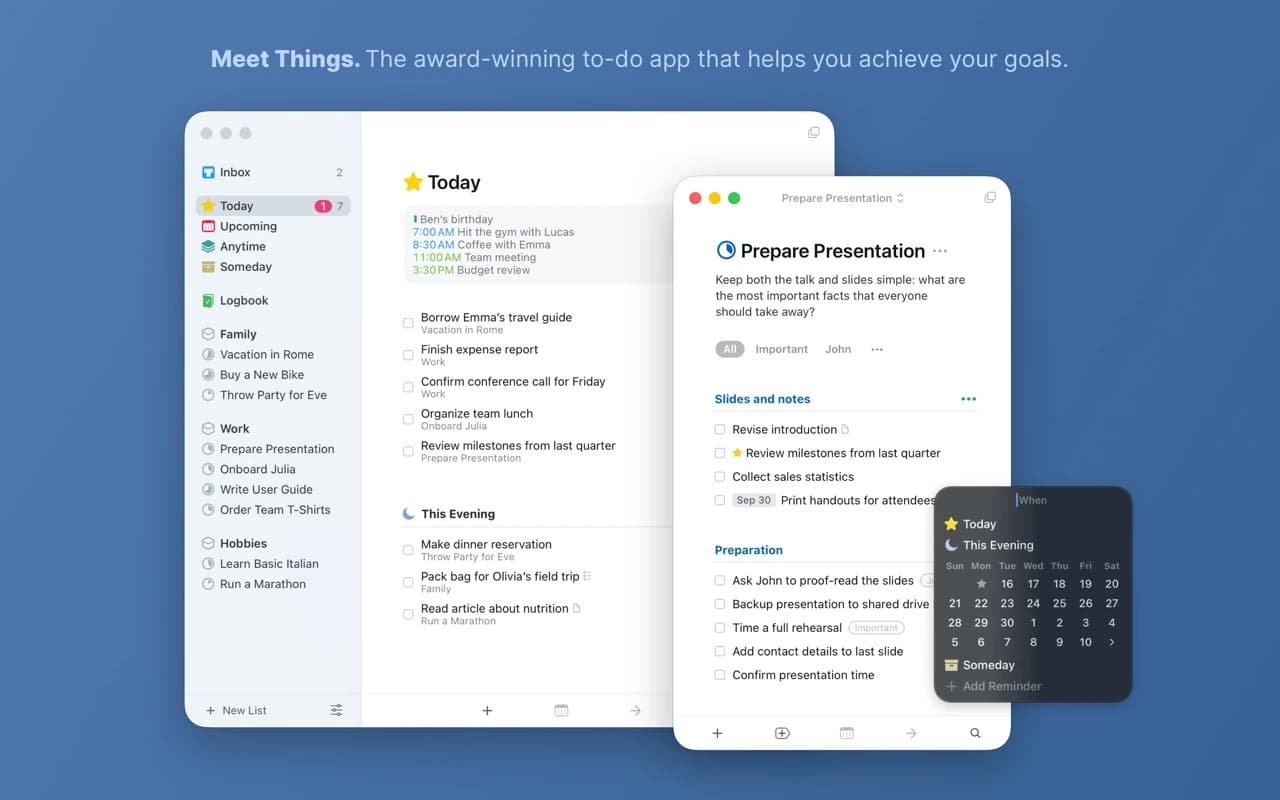
Productivity · $34.99 · one-time
The task manager other task managers are measured against — a two-time Apple Design Award winner built on calm typography and zero friction.