Productivity · $1.99 · one-time (One-time purchase on the Mac App Store. No subscription.)
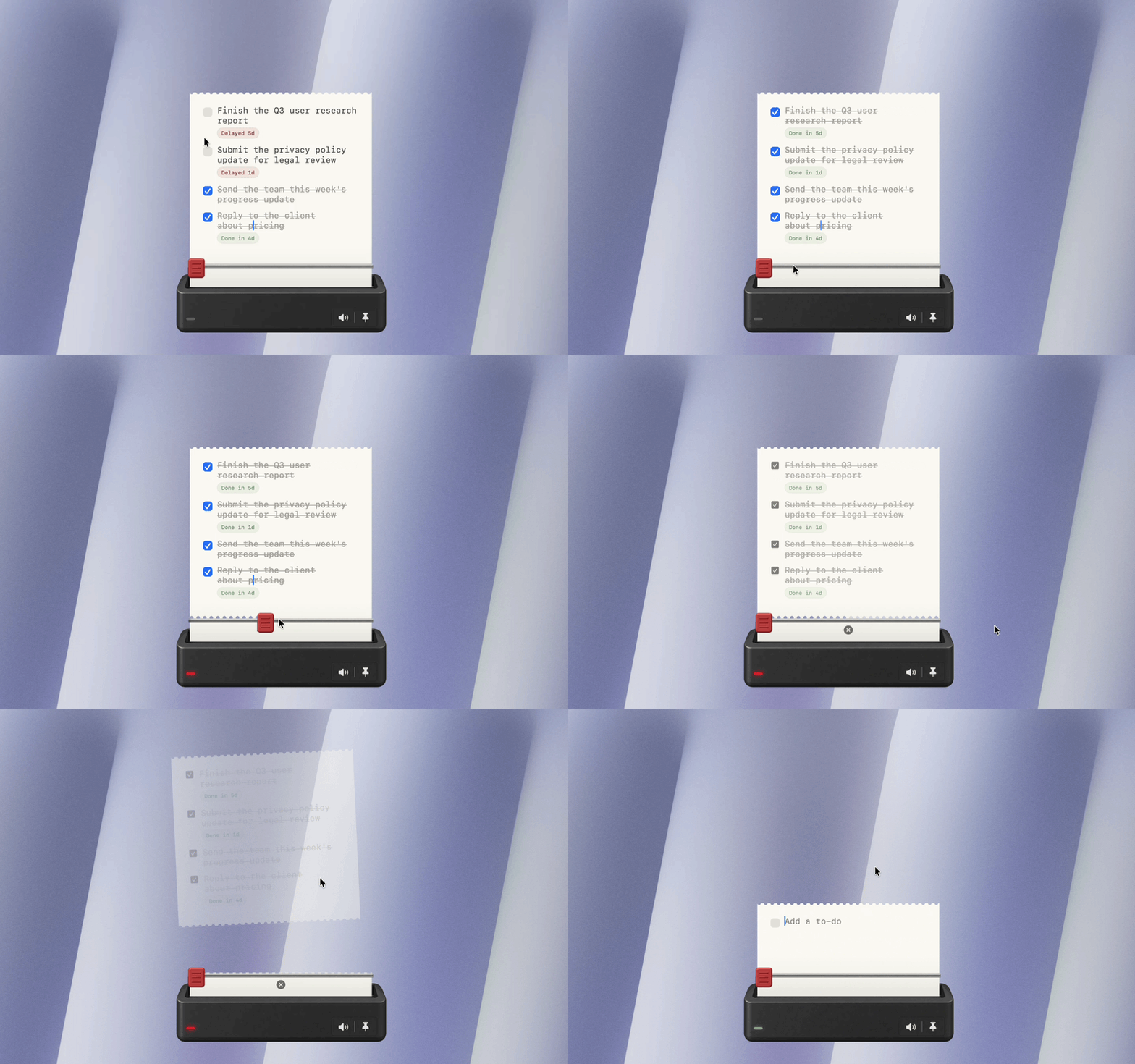
A paper-roll to-do list for your Mac. Write tasks, slide the cutter, and tear off each sheet when you’re done.
The task manager other task managers are measured against — a two-time Apple Design Award winner built on calm typography and zero friction.
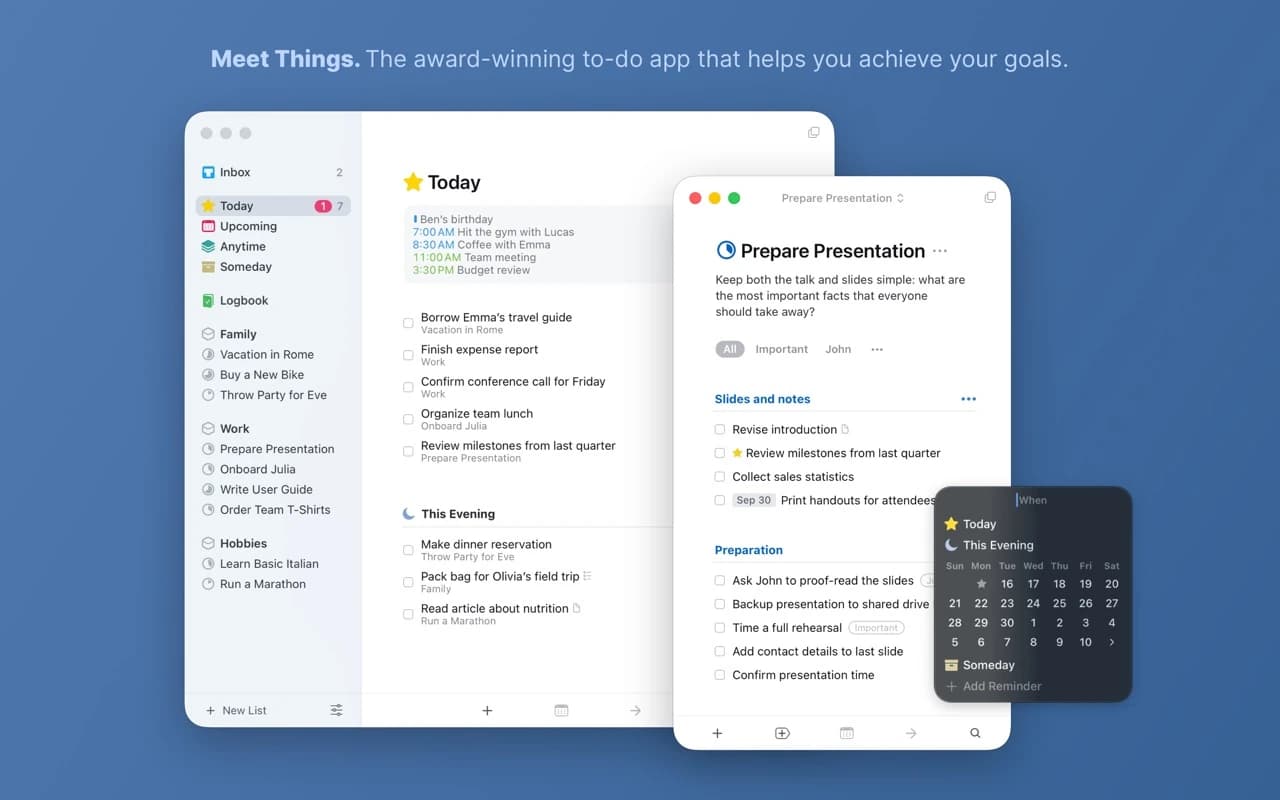
Things is a personal task manager that gets out of your way. Capture a thought in a second, organize it when you have a moment, and open the app each morning to a single, uncluttered view of what actually needs doing today.
Things has won the Apple Design Award twice, and it shows in every interaction: the buttery list animations, the restrained colour, the keyboard shortcuts for everything. It is opinionated in the best way — a clear hierarchy of Areas, Projects, and Headings that scales from a grocery list to a year of work without ever feeling heavy.
Today and This Evening — a focused daily plan, split for after-hours tasks
Magic Plus button for dropping new to-dos exactly where you want them
Headings inside projects to break big efforts into readable sections
Natural-language dates and a calendar view that shows events alongside to-dos
Quick Entry with autofill — capture from any app with a global hotkey
Reliable sync across Mac, iPhone, iPad, and Apple Watch via Things Cloud
A one-time $34.99 purchase for the Mac app — no subscription. The iPhone and iPad apps are sold separately. Things Cloud sync is free.
Productivity · $1.99 · one-time (One-time purchase on the Mac App Store. No subscription.)
A paper-roll to-do list for your Mac. Write tasks, slide the cutter, and tear off each sheet when you’re done.
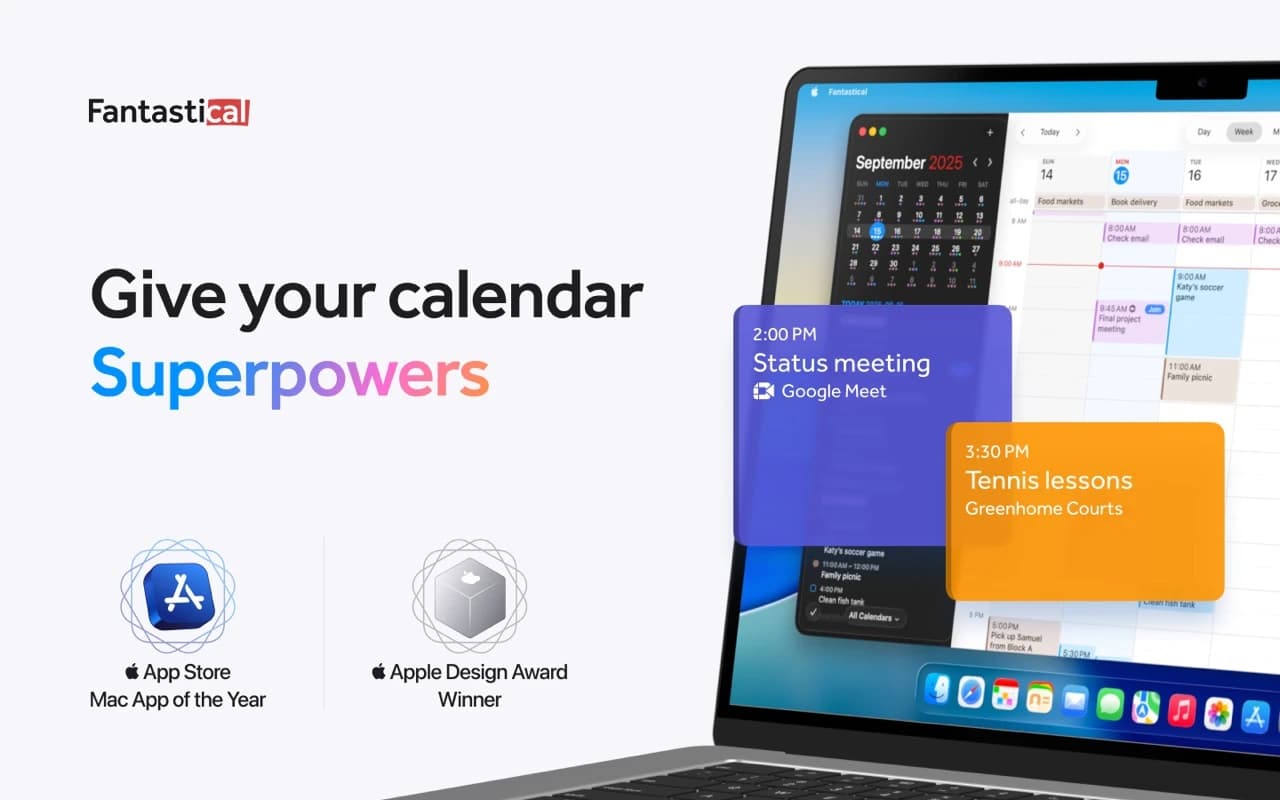
Productivity · Free · Flexibits Premium subscription
The calendar app that set the bar for the category — natural-language event entry, a beautiful week view, and every calendar account in one place.

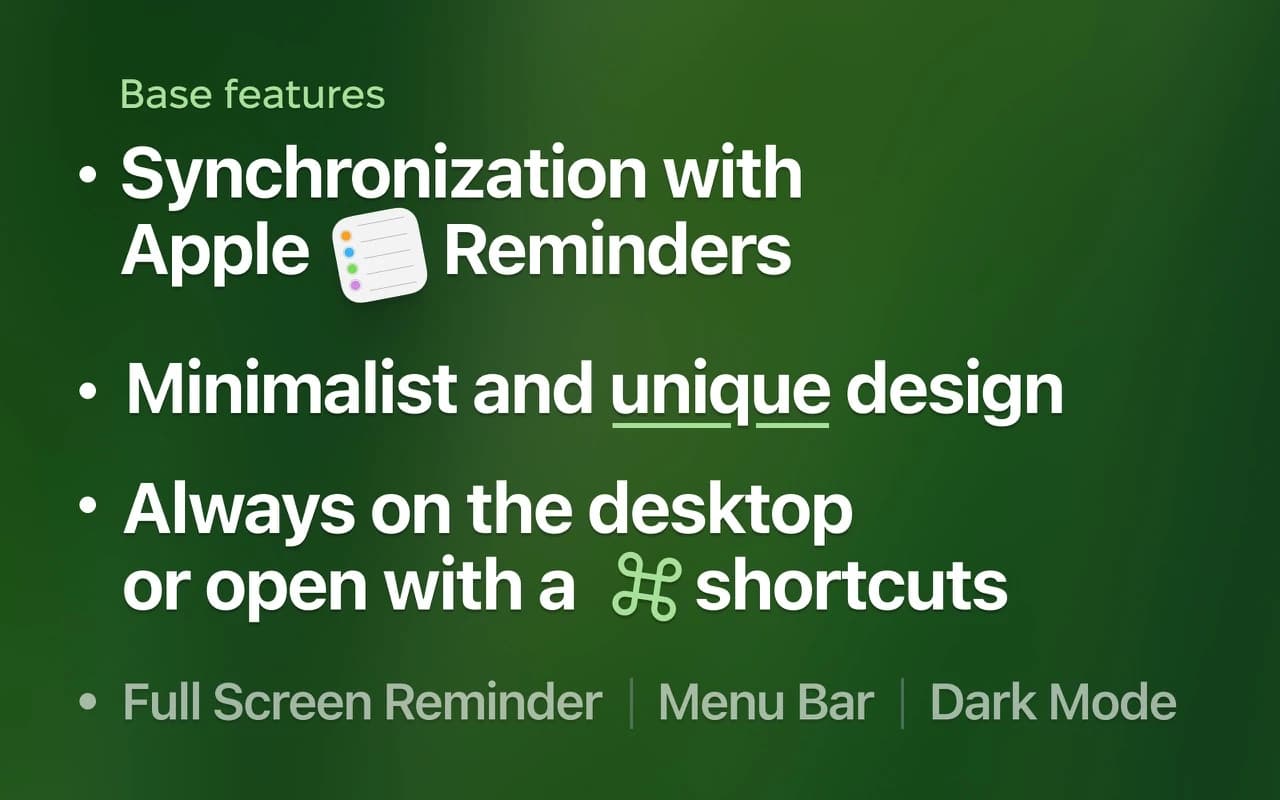
Productivity · Free
One-click reminders and tasks that live on your desktop as small cards, right where you'll actually see them instead of buried in a notification.

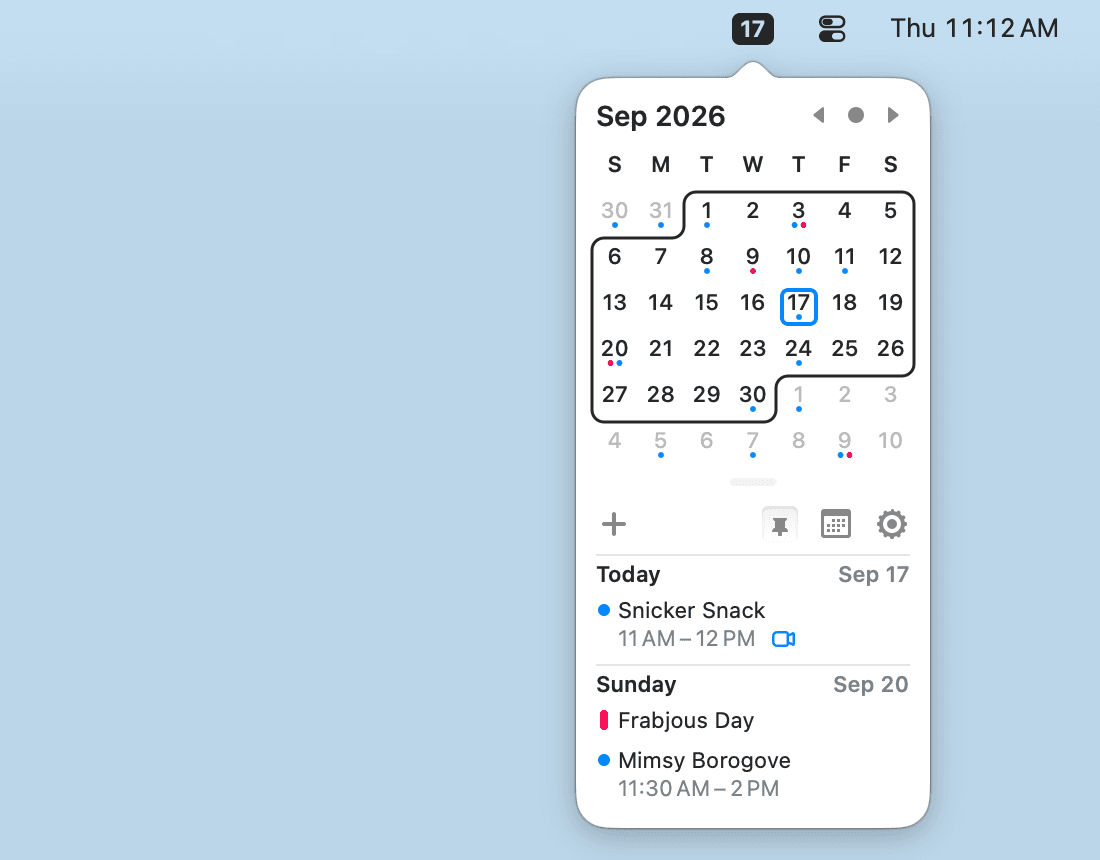
Productivity · Free & open source
A tiny, free, open-source menu-bar calendar that shows and creates events from your existing macOS Calendar — with Vim-style keyboard navigation.
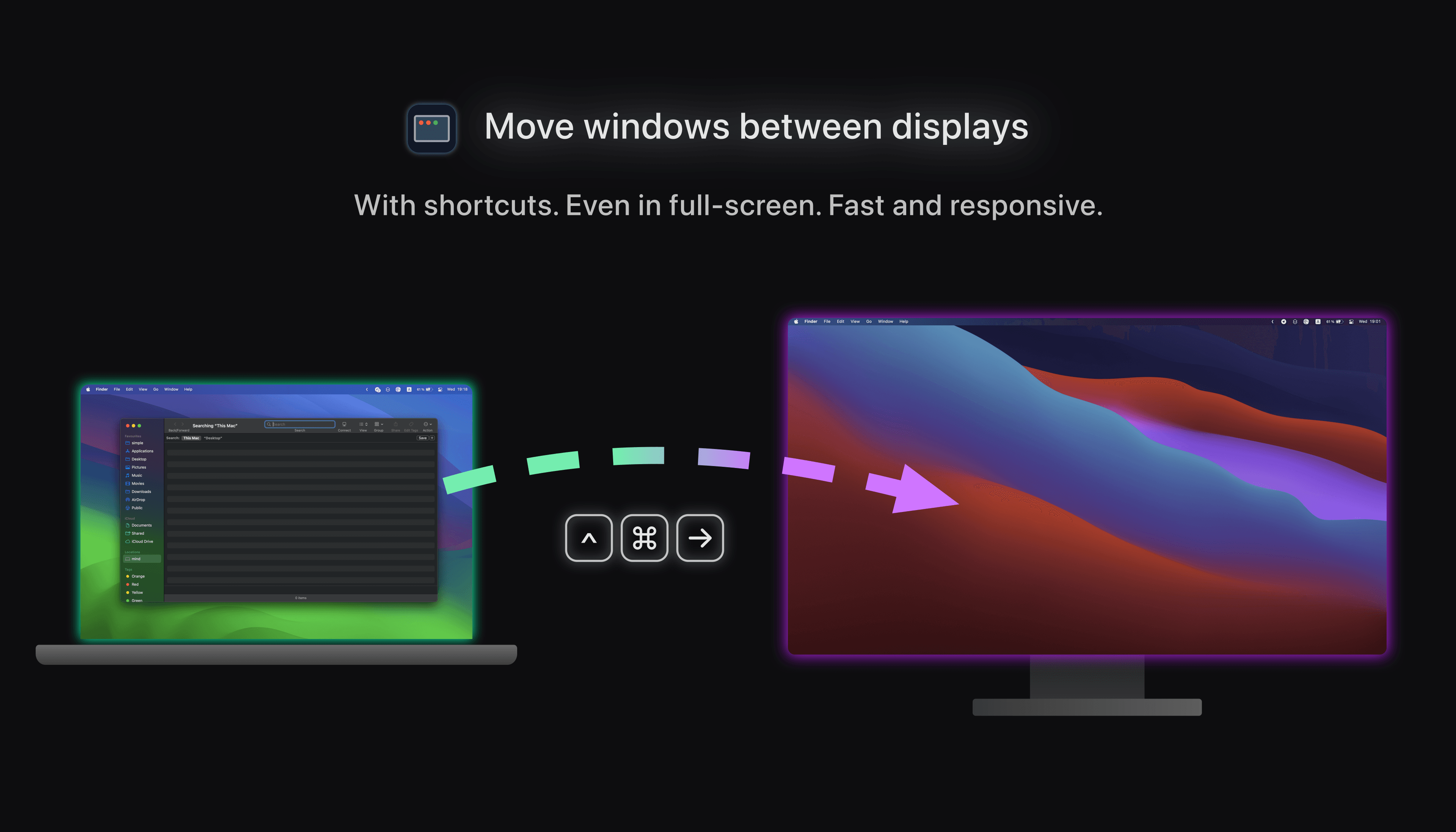
Utilities · Free
A small app for multi-monitor setups that lets you move windows between displays with keyboard effortlessly.
Utilities · $9 · one-time (One-time; 7-day trial)
Menu bar toggles for macOS system controls — Dark Mode, Stage Manager, desktop icons, and more.