
Best Mac Apps for Developers (2026)
Compare native Mac apps for coding, terminals, Docker, databases, and API debugging. Choose by use case, with free and paid pricing at a glance.
15 apps · Updated
These Mac apps for developers cover coding, local services, SQL, and HTTP debugging, plus the small utilities you use between tasks. Start with Zed + one terminal, then add tools for your projects. This shortlist favors native Mac experiences and clear, practical use cases.
Mac developer apps: use cases and pricing
| App | Best for | Pricing |
|---|---|---|
 Zed Zed | Editing code and collaborating | Free editor Paid AI options |
 Ghostty Ghostty | A traditional shell with native tabs and splits | Free · open source |
 Warp Warp | Command blocks and integrated AI agents | Free tier Build $20/month |
 OrbStack OrbStack | Docker containers and Linux environments | Free personal use Commercial $8/month · billed yearly |
 Macsmith Macsmith | Managing Homebrew, runtimes, services, and ports | Free |
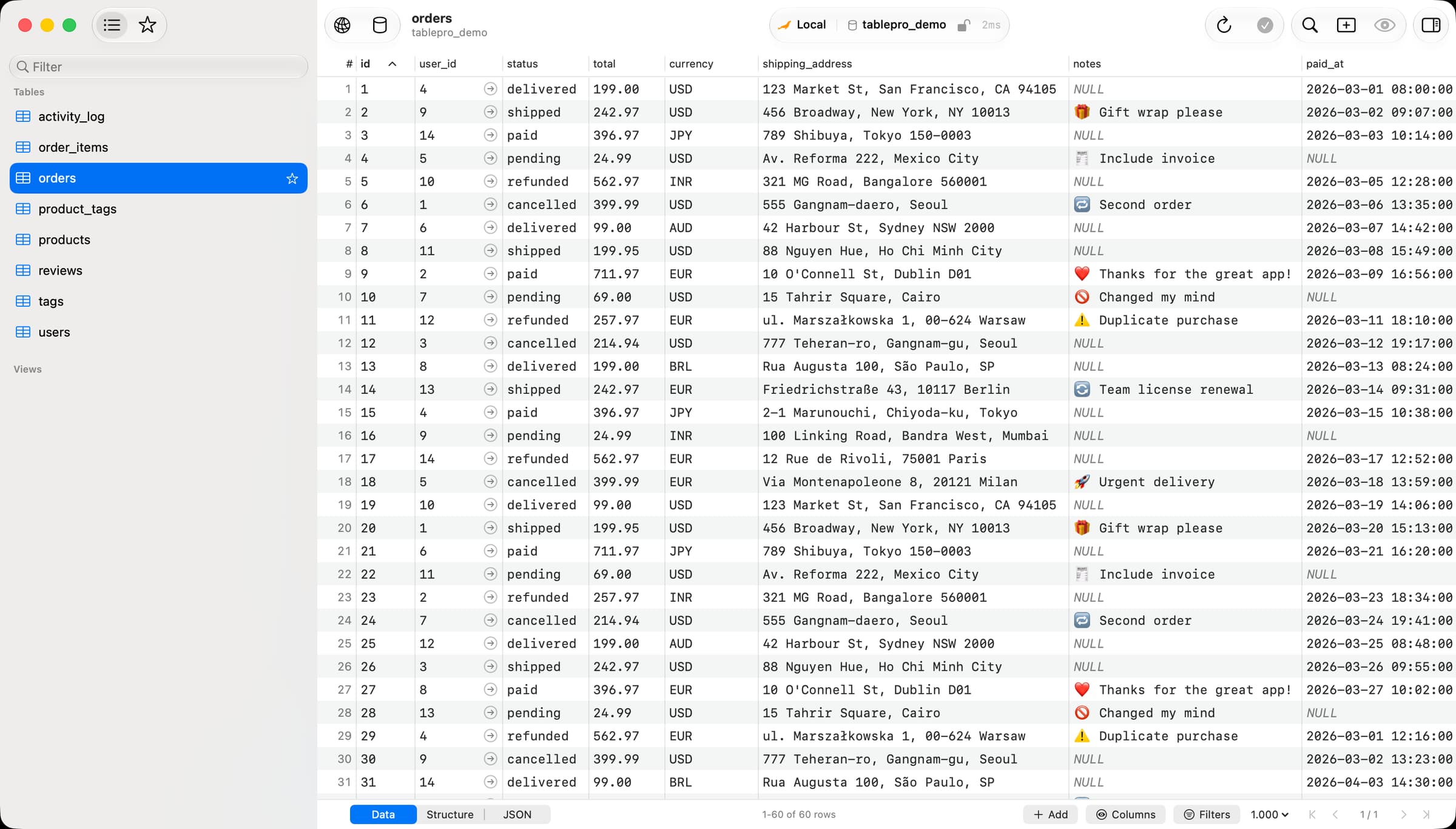
 TablePro TablePro | SQL queries and browsing database records | Free core Starter $24/year or $59 once |
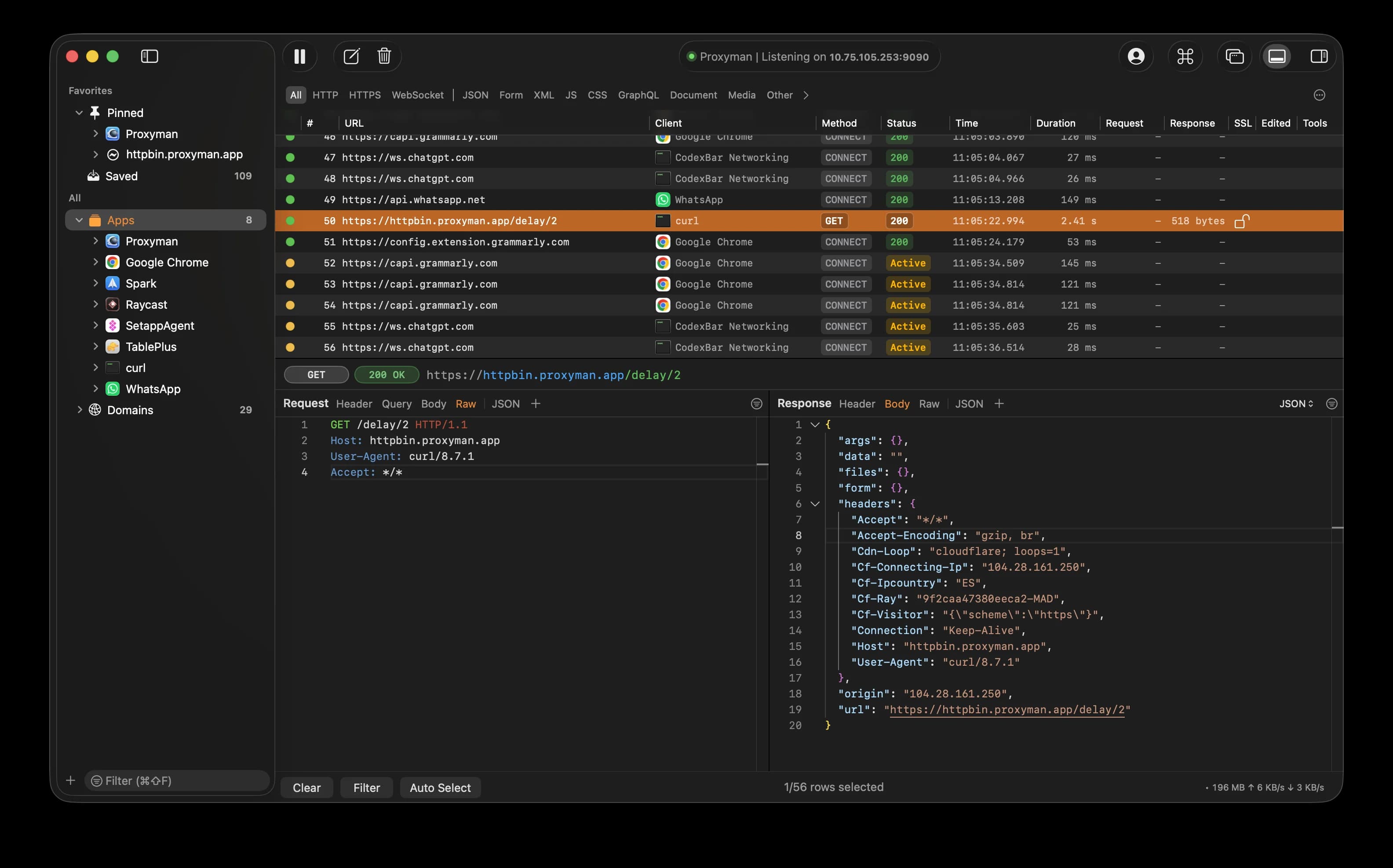
 Proxyman Proxyman | Inspecting HTTP/HTTPS traffic and reproducing API errors | Free tier Paid upgrades |
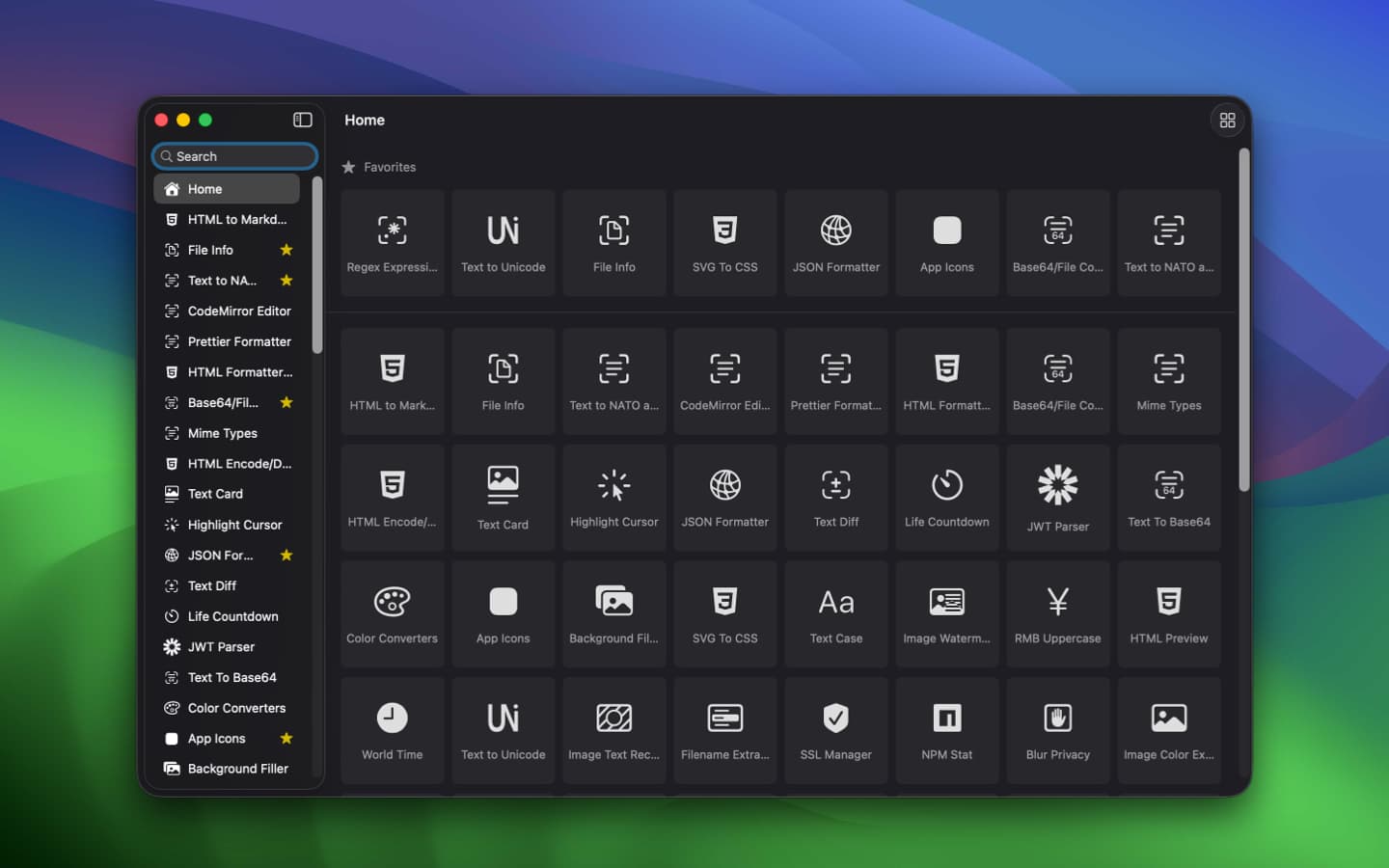
 DevHub DevHub | JSON, JWT, regex, and timestamp utilities | Free · open source |
 Transmit Transmit | SFTP and cloud-storage file transfers | $45 once 7-day trial |
 Osaurus Osaurus | Local AI models and agent experiments | Free app Optional cloud costs |
 Tinycast Tinycast | Launching apps, snippets, and window shortcuts | Free · open source |
 Maccy Maccy | Finding and reusing copied text | Free Paid App Store option |
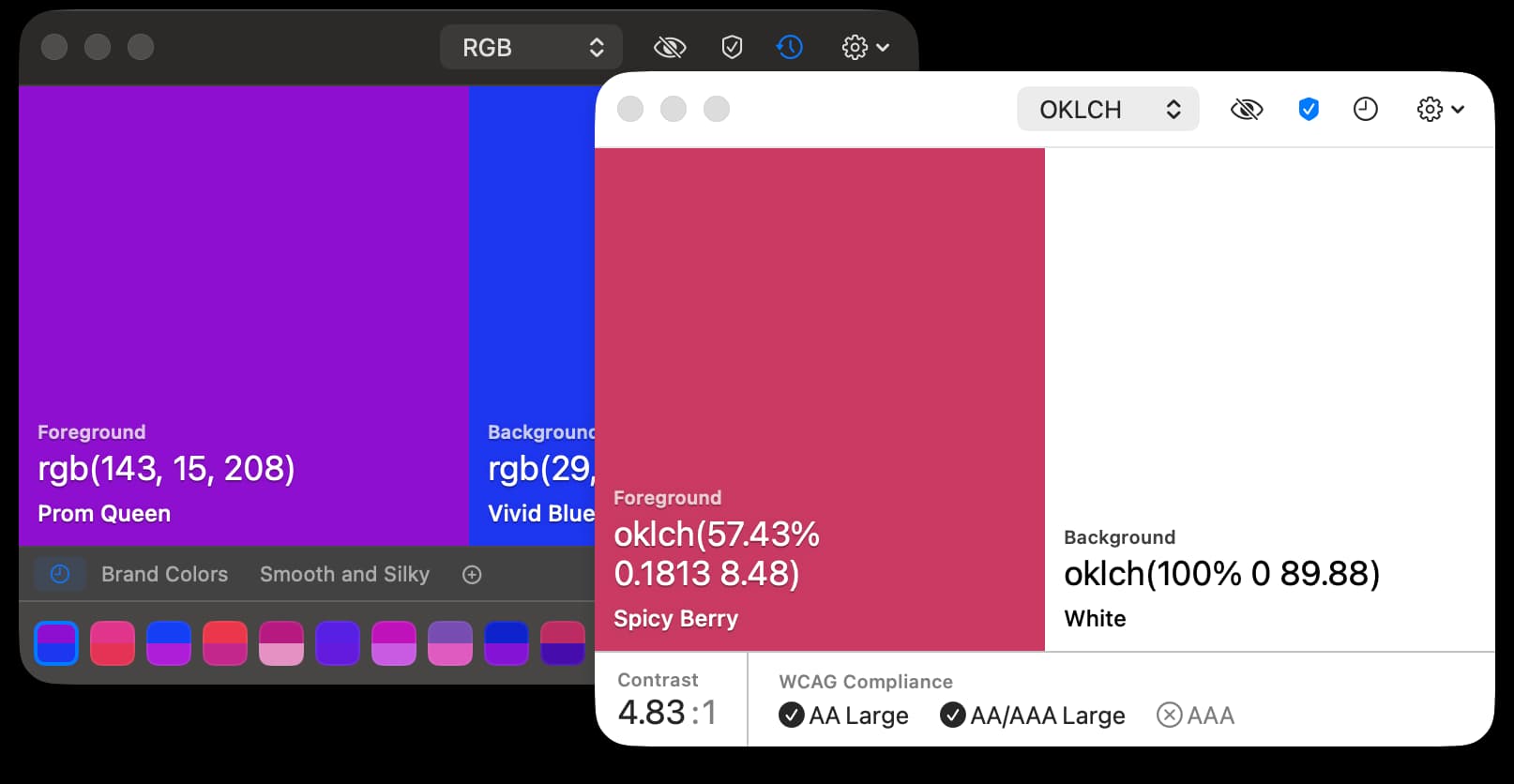
 Pika Pika | Picking screen colors for CSS and design tokens | Free · open source |
 Mole Mole | Finding disk-space hotspots and monitoring resources | $19 once · 2 Macs |
Prices in USD; taxes may apply. Free tiers have limits. Follow pricing links for current terms.
Which apps fit your development workflow?
- Terminal: Ghostty for your existing shell workflow; Warp for command blocks and built-in AI assistance.
- Backend toolkit: add OrbStack for containers, TablePro for data, and Proxyman for requests. Consider Macsmith if managing local command-line tools is your main chore.
- Everyday shortcuts: Tinycast bundles launcher and clipboard features. Pick Maccy if you only need clipboard history—you usually do not need both.
Explore the app cards below for screenshots and downloads, or browse the full Mac developer tools directory.
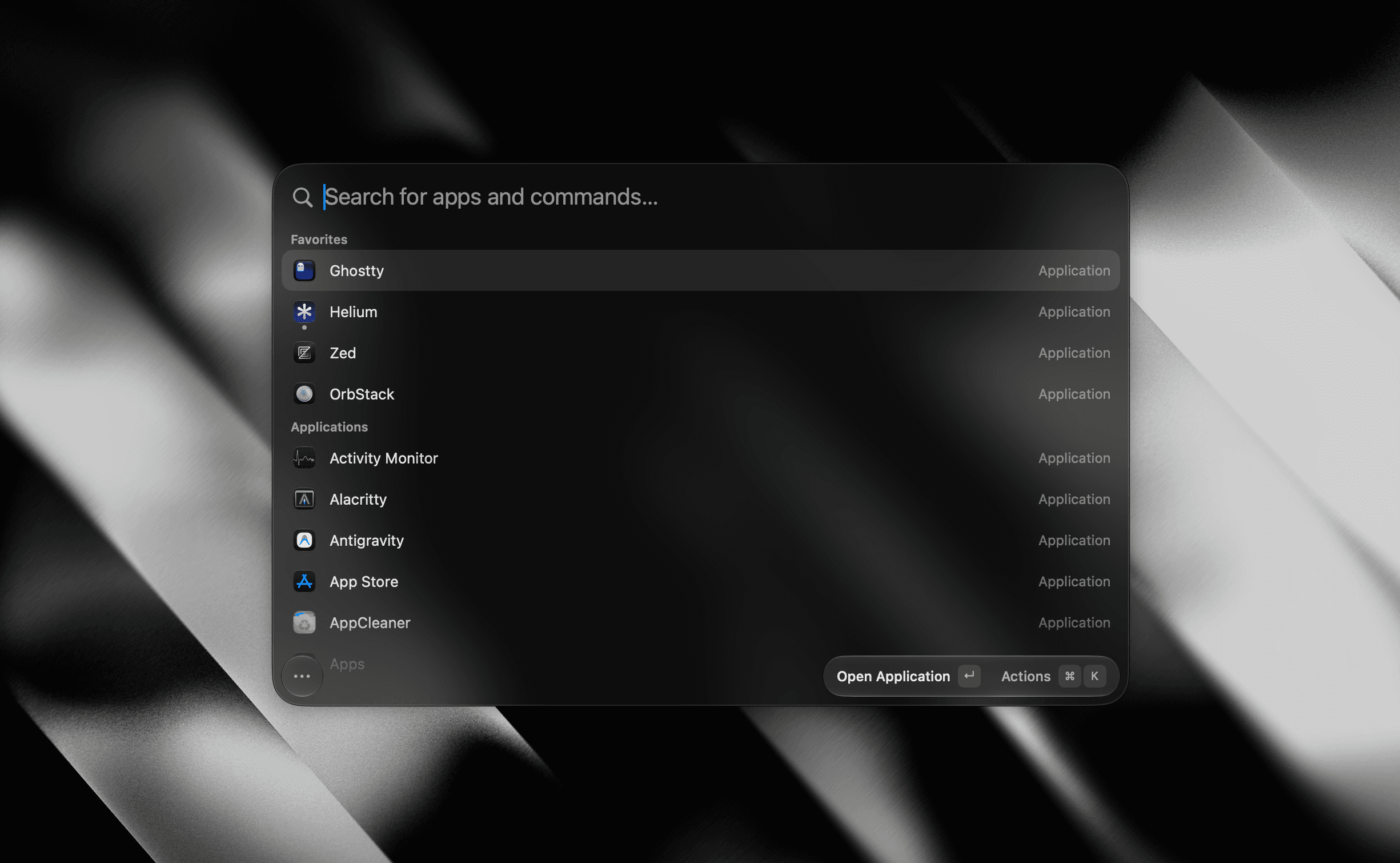
Utilities · Free & open source
A tiny, fully native macOS launcher — fuzzy app search, clipboard history, an inline calculator, snippets, and window management, with no Electron and no telemetry.
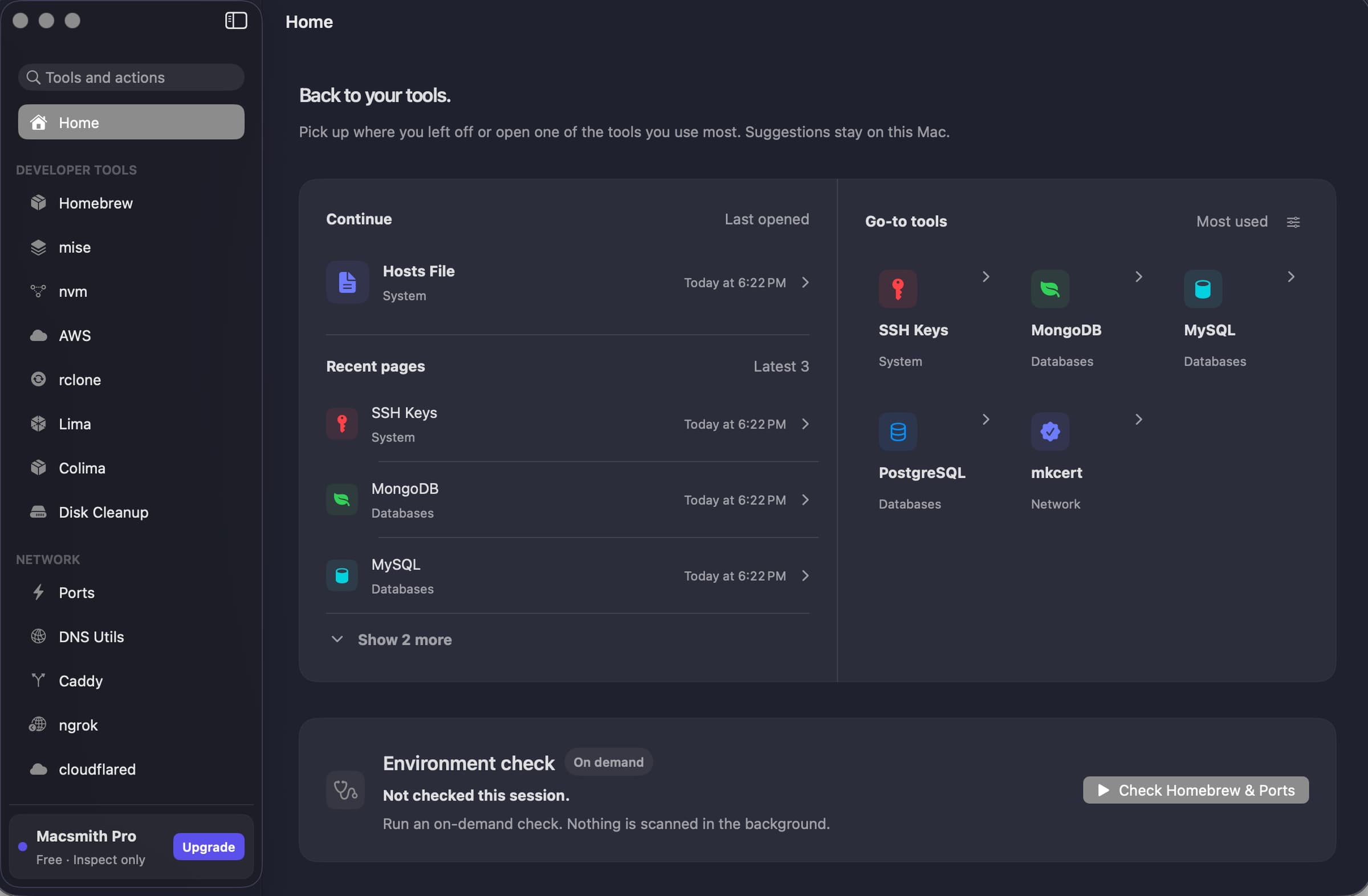
Developer Tools · Free
A native Mac GUI for command-line developer tools.
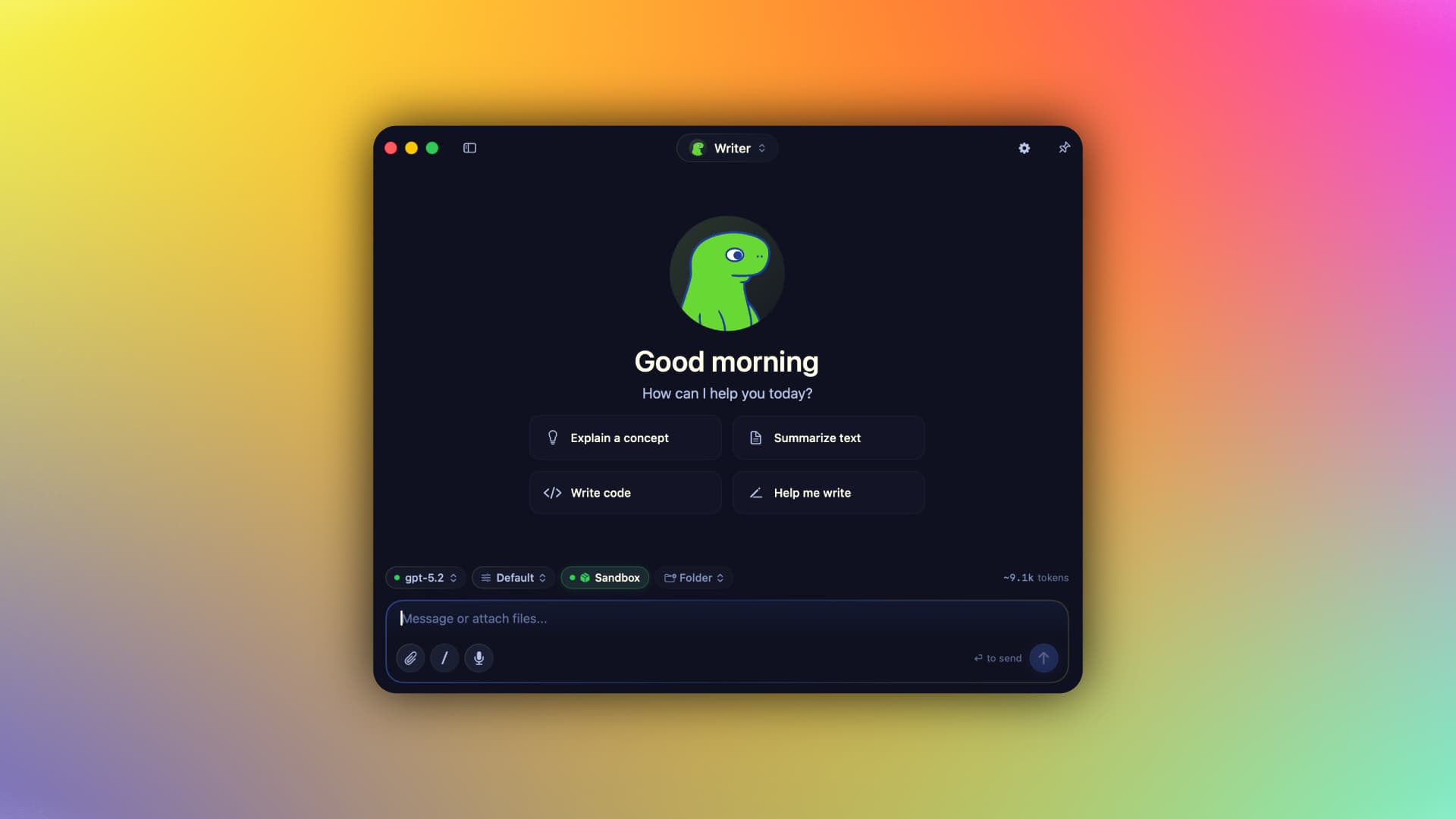
AI & Automation · Free & open source
A native Swift harness for AI agents that keeps your context, memory, tools, and identity on your Mac — run local MLX models or bring your own cloud keys, fully offline-capable.
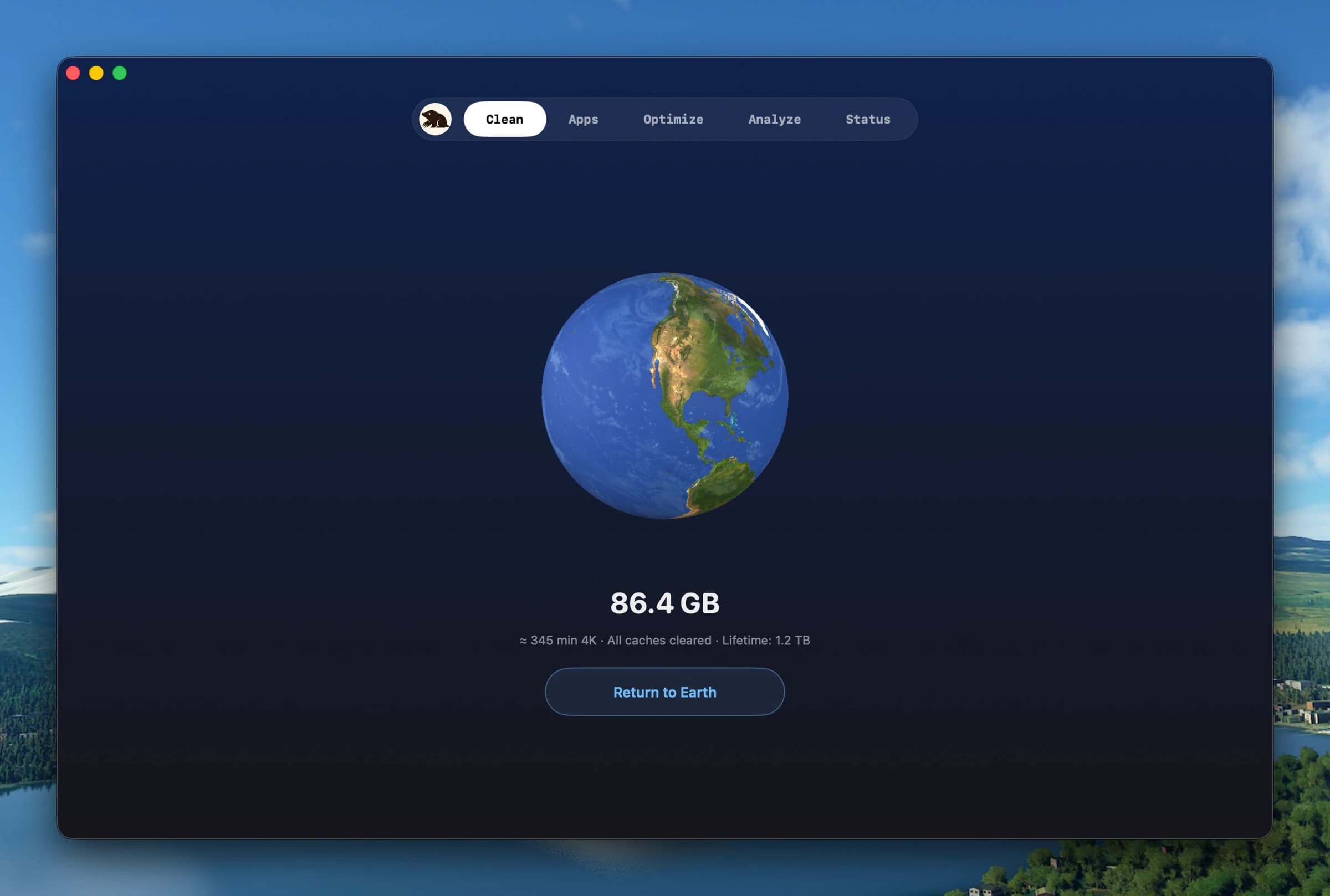
Utilities · $19 · one-time (2 Macs; free CLI available)
Clean, uninstall, optimize, and monitor your Mac from one lightweight native app — a visual dashboard, a disk treemap, and a live menu-bar HUD, all on-device.
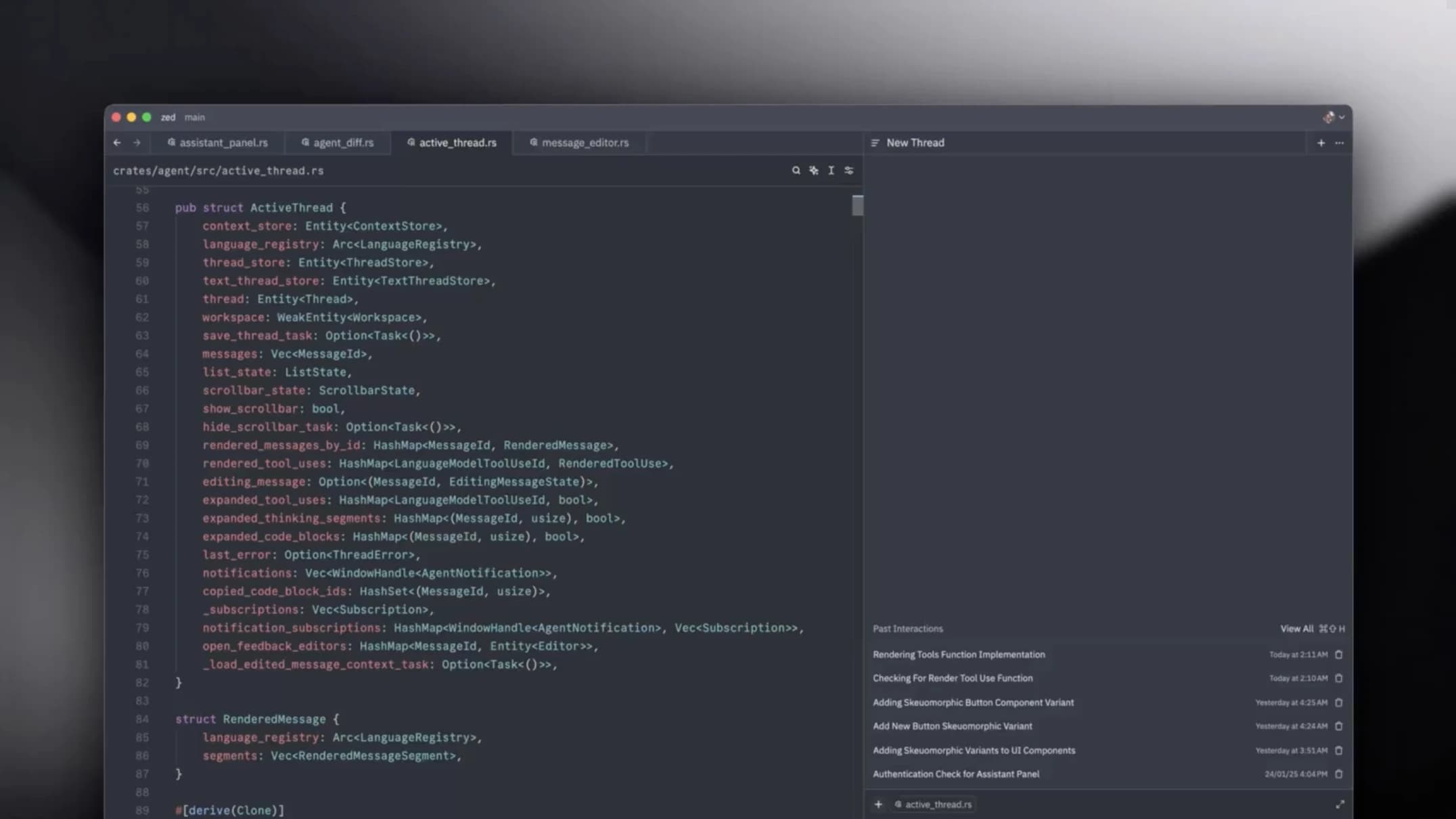
Developer Tools · Free & open source
A GPU-accelerated code editor from the team behind Atom — it opens instantly, stays at your display's refresh rate, and has collaboration built in.
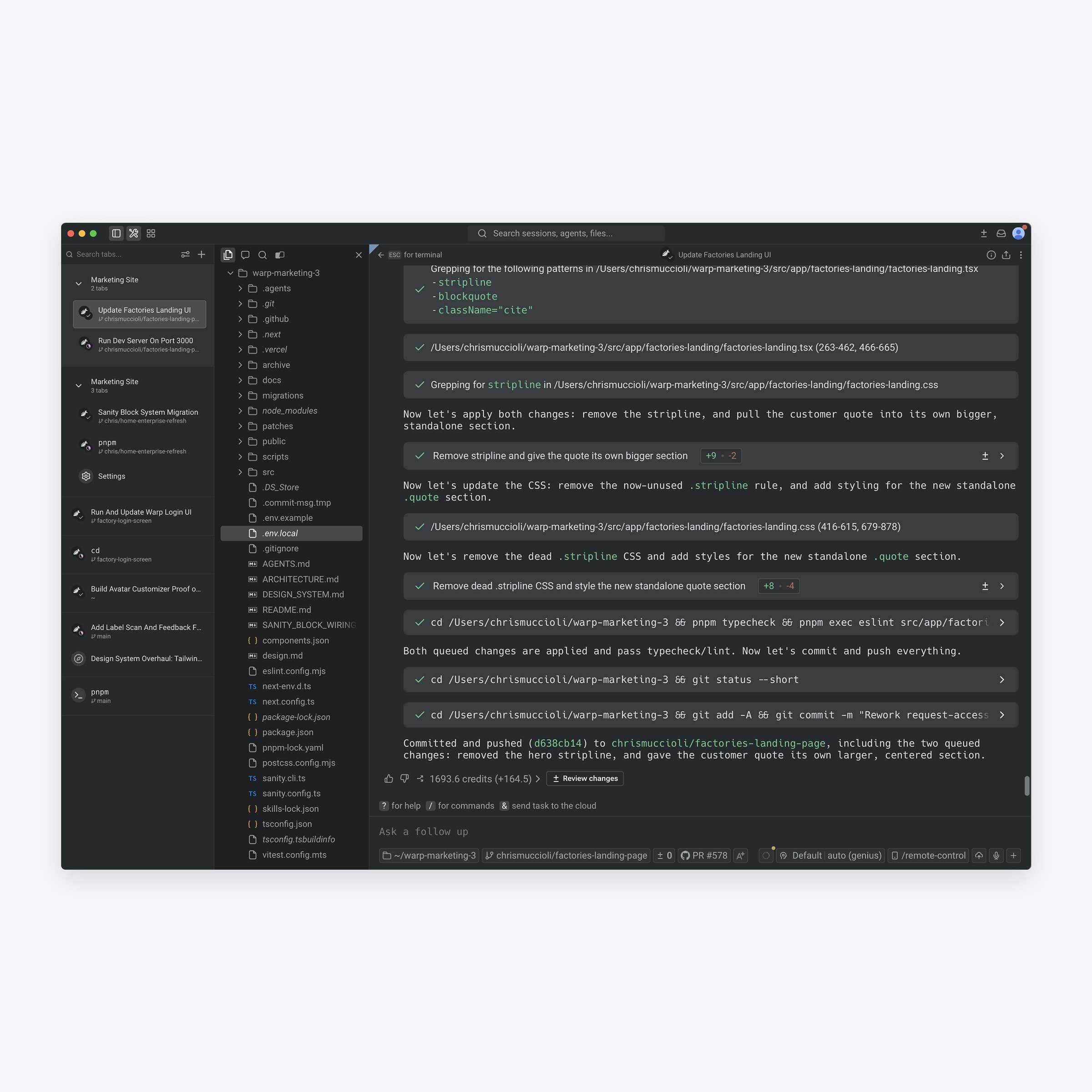
Developer Tools · Free · Team plans available
The terminal, rebuilt with editable input, command output grouped into blocks, and an AI agent that can run tasks for you.
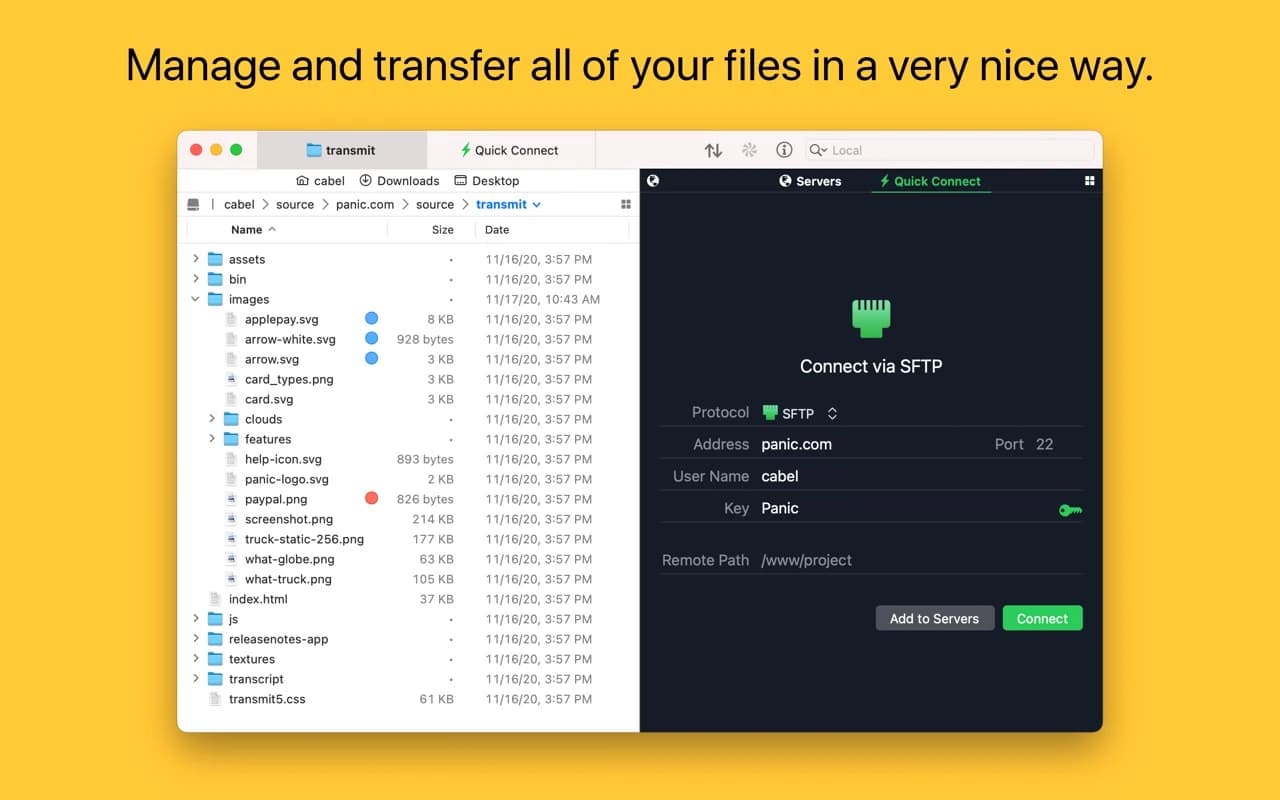
Developer Tools · $45 · one-time (free trial)
Panic's file-transfer classic — a fast, dual-pane client for SFTP, S3, Backblaze, WebDAV, and a dozen more, with the craft you expect from Panic.
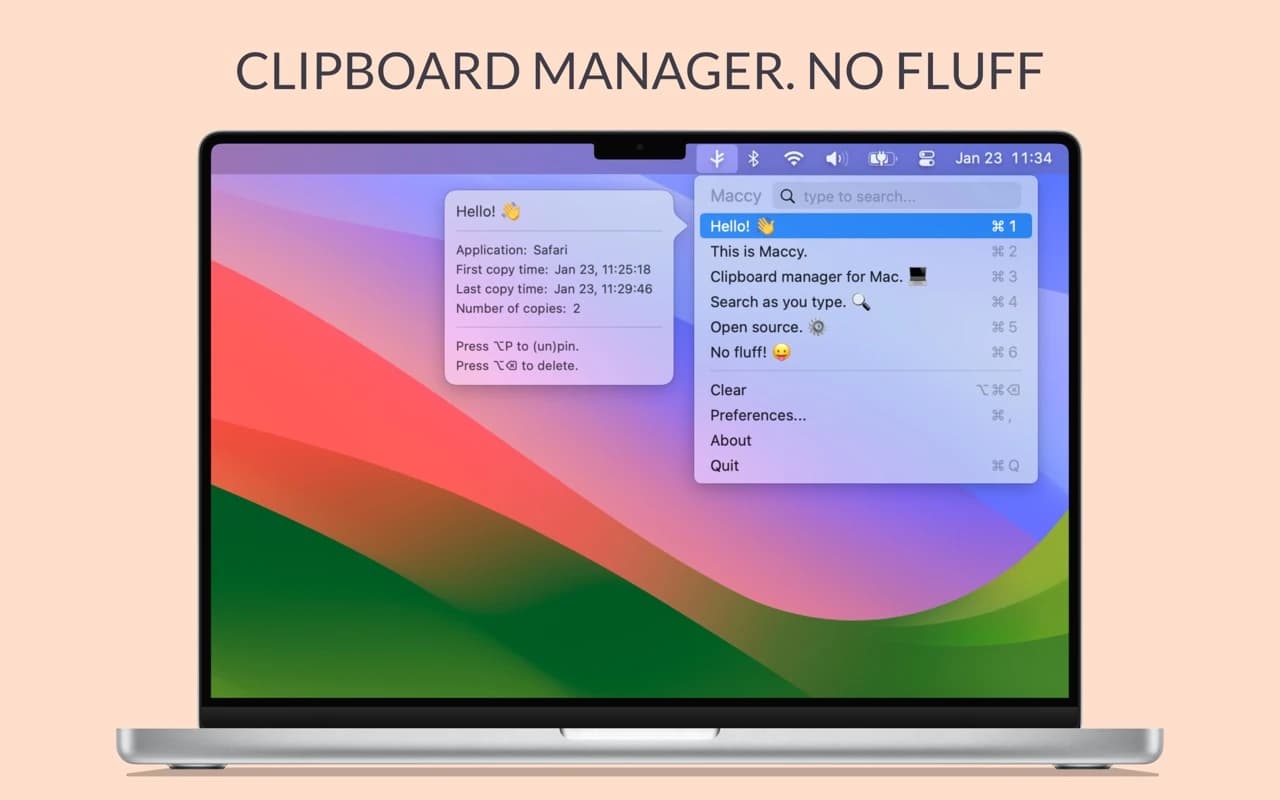
Productivity · Free & open source
A lightweight, open-source clipboard manager for macOS — search your clipboard history from a keystroke, with no account and no background bloat.
Developer Tools · Free · Pro plans
A native HTTP/HTTPS debugging proxy — inspect and decrypt traffic, rewrite requests and responses in flight, and point iOS or Android devices at it in a few clicks.
Developer Tools · Free · open source · $59 lifetime $24
A free, open-source native database client for macOS supporting 29 database engines, with a SQL editor, inline-editable data grid, and a built-in AI assistant.
Utilities · Free & open source
An open-source colour picker for macOS — pick any on-screen colour in Hex, RGB, HSB, HSL, LAB, or OKLCH, with full keyboard control.
Developer Tools · Free & open source
An offline toolbox of 100+ developer utilities for Mac — timestamp conversion, regex testing, key generation, and more, with nothing ever leaving your machine.
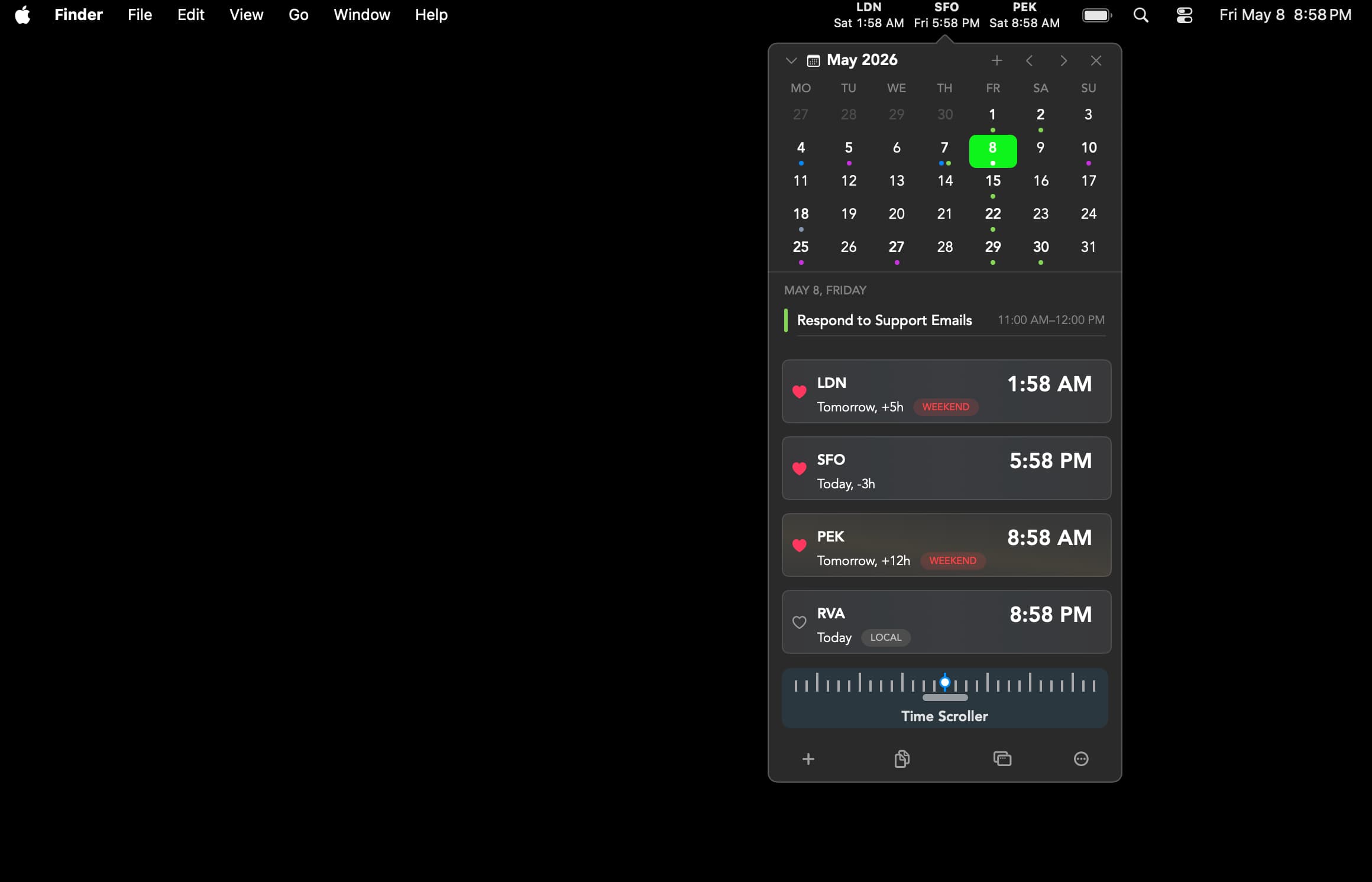
Utilities · Free & open source
A native menu bar app for tracking and planning across timezones.
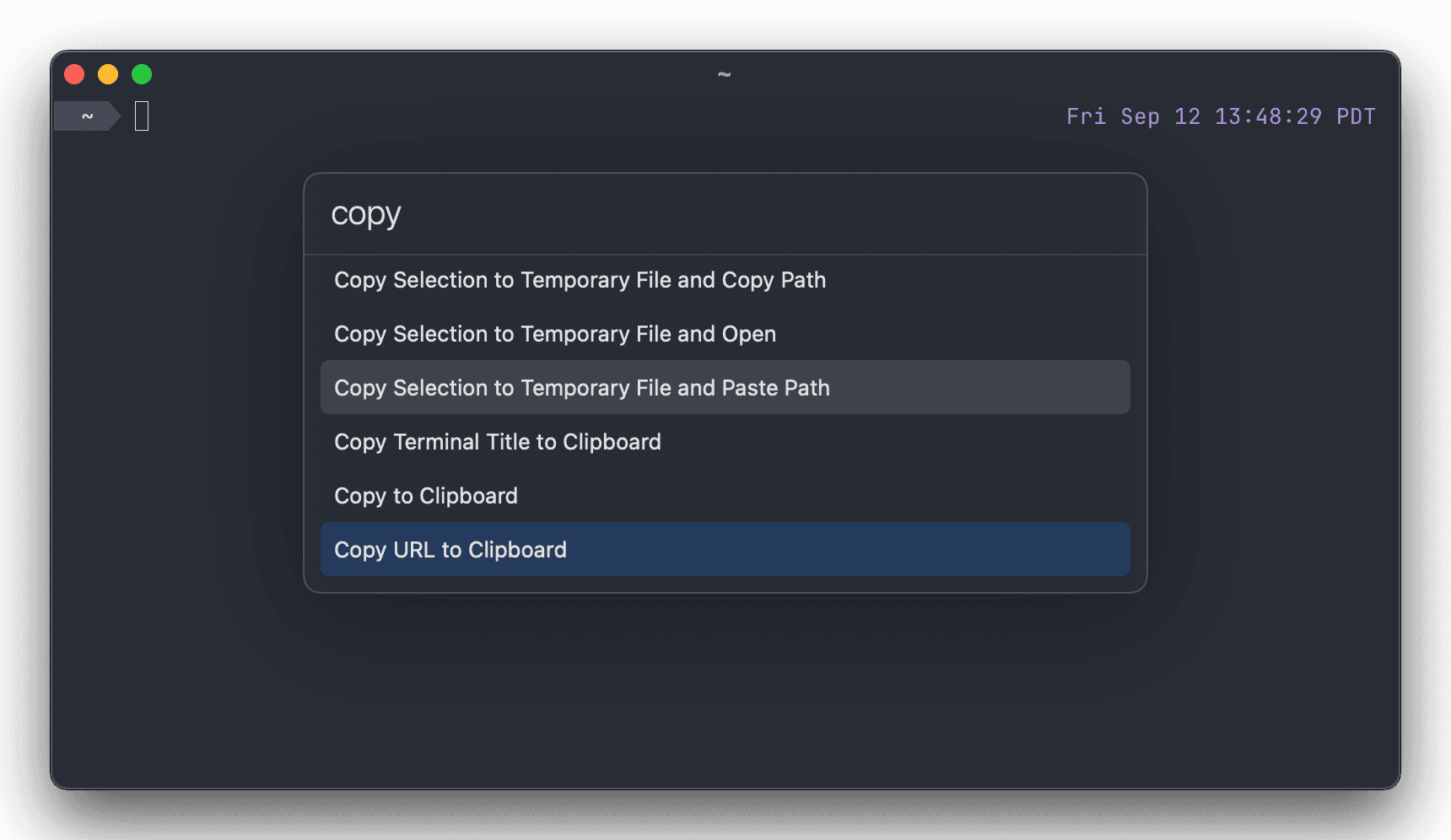
Developer Tools · Free & open source
it turns the terminal into a fast, GPU-accelerated app with native macOS windows, tabs and shortcuts, and it's free, open-source software.
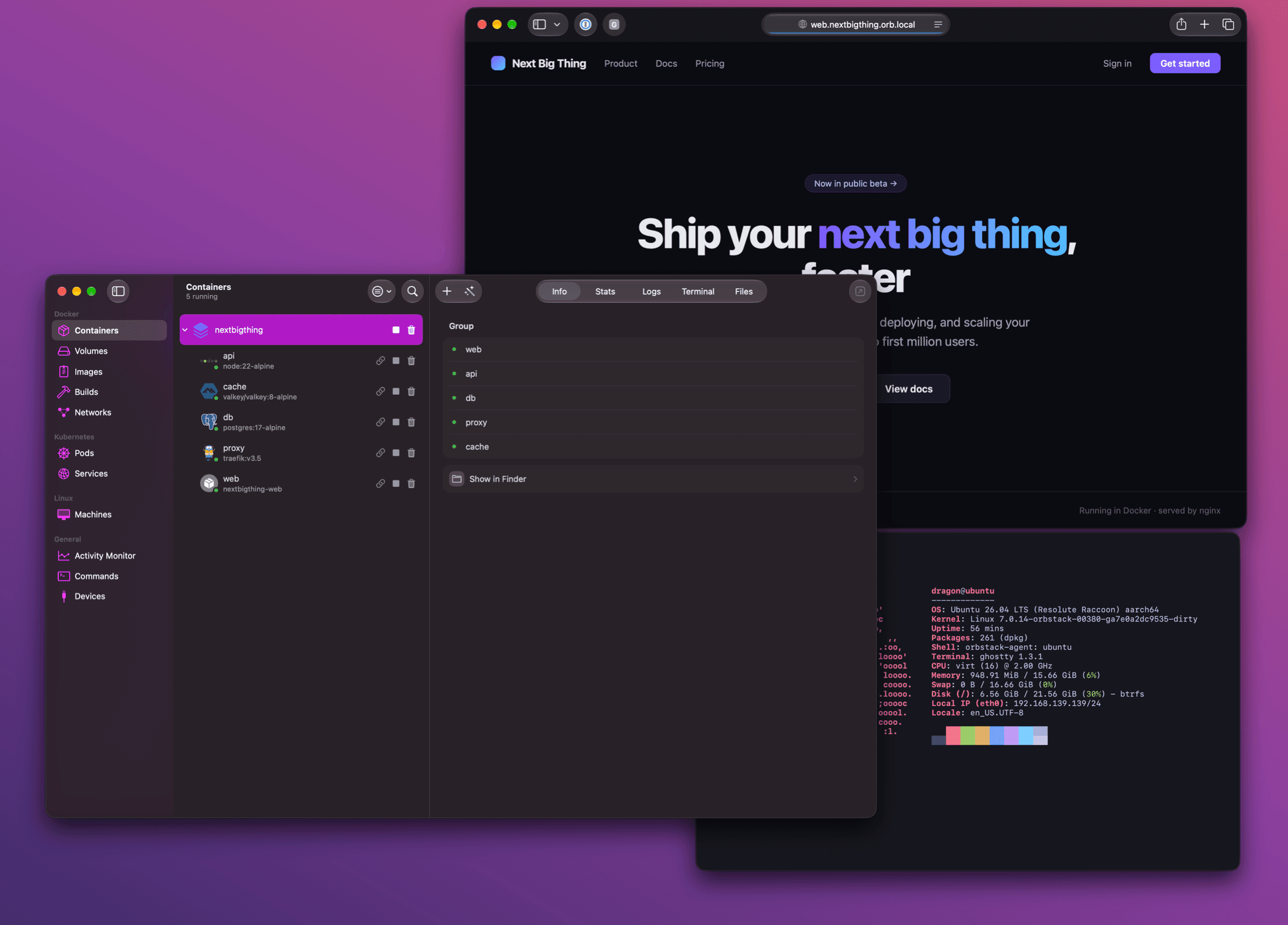
Developer Tools · Free · Pro $8
it replaces Docker Desktop with a fast, native Swift app that runs containers and Linux VMs with minimal CPU, memory and battery drain.