


Utilities · Free & open source
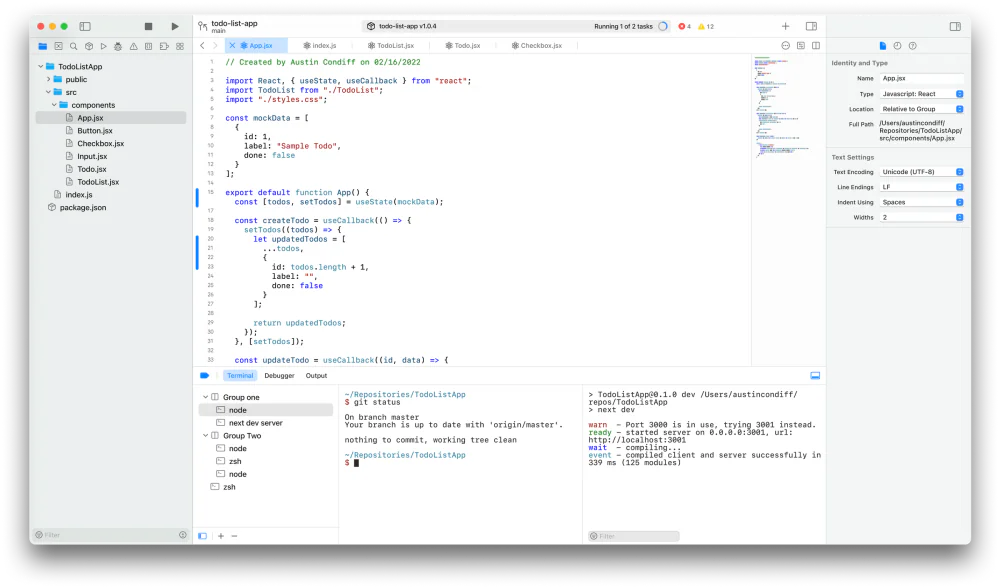
A native, from-scratch Swift code editor for macOS that's still being built in the open — lightweight, fast, and unapologetically Mac-native.
A GPU-accelerated code editor from the team behind Atom — it opens instantly, stays at your display's refresh rate, and has collaboration built in.
Zed is a code editor written from scratch in Rust, rendered on the GPU, and engineered around latency. Files open the moment you click them, scrolling never tears, and keystrokes land with no perceptible delay — even in large projects.
Built by the people who made Atom, Zed is their answer to what a modern editor should feel like: as capable as a heavyweight IDE, as quick as a terminal. Multiplayer editing, an integrated terminal, tree-sitter syntax, and first-class language server support all ship in the box, and the whole thing is open source under the GPL.
GPU rendering that holds 120fps on ProMotion displays
Real-time collaboration with shared projects, cursors, and voice channels
AI assistant and edit prediction with bring-your-own-key support
Native git: inline blame, a diff view, and staged-hunk commits
Integrated debugger and terminal, no extension required
Vim mode that is actually good, plus a fast command palette
Free and open source. Optional paid plans cover hosted AI usage and team collaboration features, but the editor itself has no paywall.
Utilities · Free & open source
A native, from-scratch Swift code editor for macOS that's still being built in the open — lightweight, fast, and unapologetically Mac-native.
Productivity · $9.99 · one-time
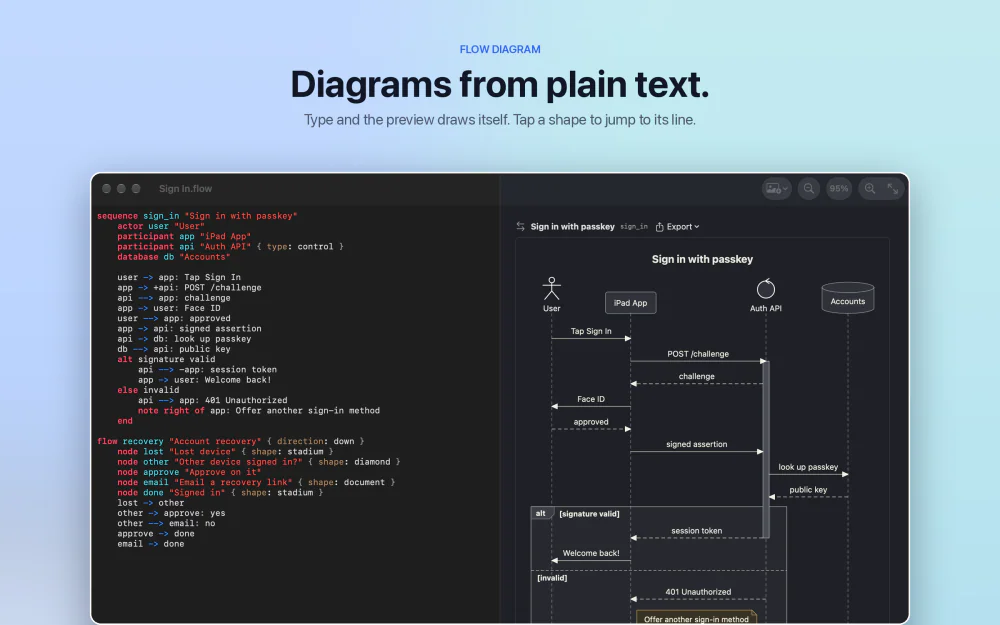
Flow Diagram turns a messy photo or a quick sketch into a diagram you can edit, share and keep

Developer Tools · $19 · one-time (14-day free trial with everything switched on.)
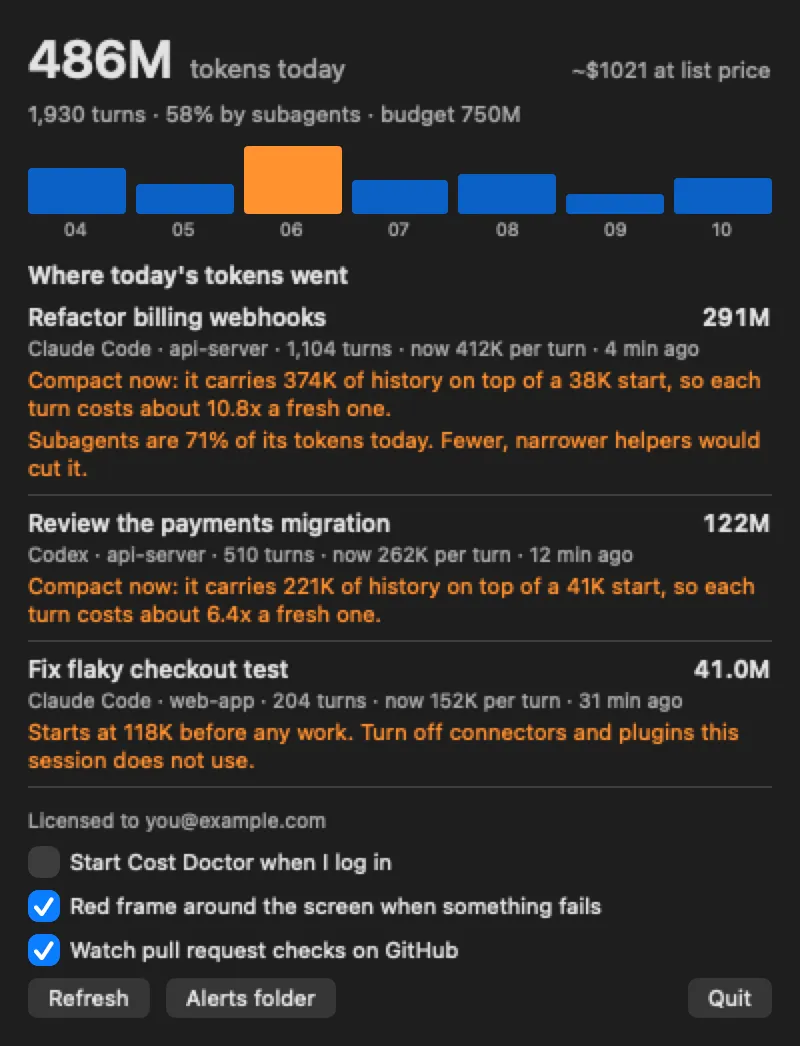
A Mac menu bar app that shows which Claude Code or Codex session is using your tokens, and why.
Developer Tools · Free & open source
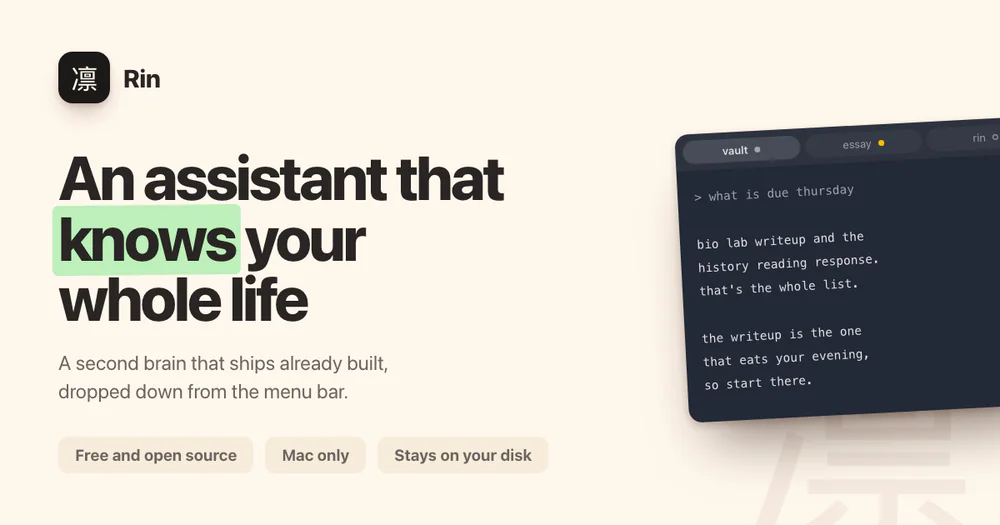
A Claude Code terminal in the menu bar

Developer Tools · Free & open source
Lives in your Mac's notch and shows when Claude Code, Codex, OpenCode or pi finish or need you, so you can answer or jump back.

Developer Tools · Free & open source
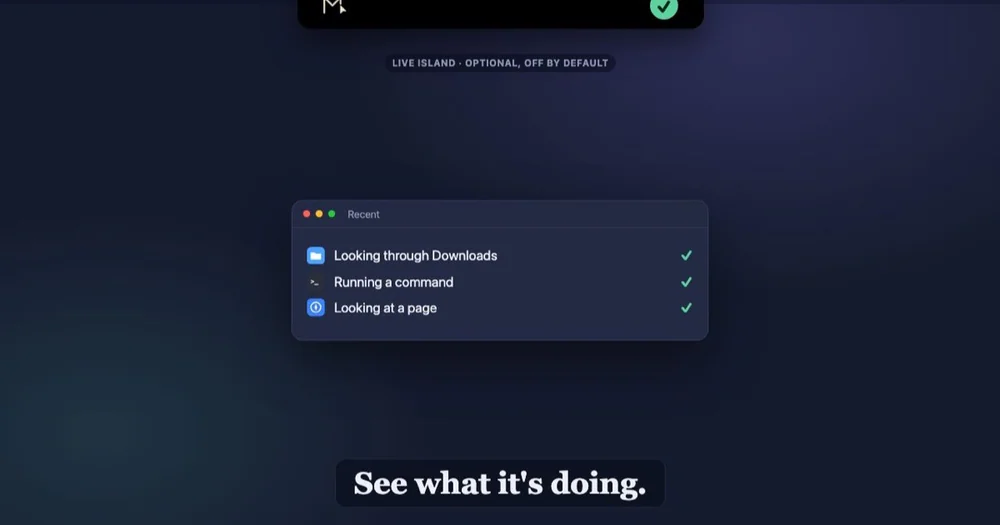
An open-source Mac menu bar app that lets AI agents work with native apps, files, terminal and browsers.