
it turns the terminal into a fast, GPU-accelerated app with native macOS windows, tabs and shortcuts, and it's free, open-source software.
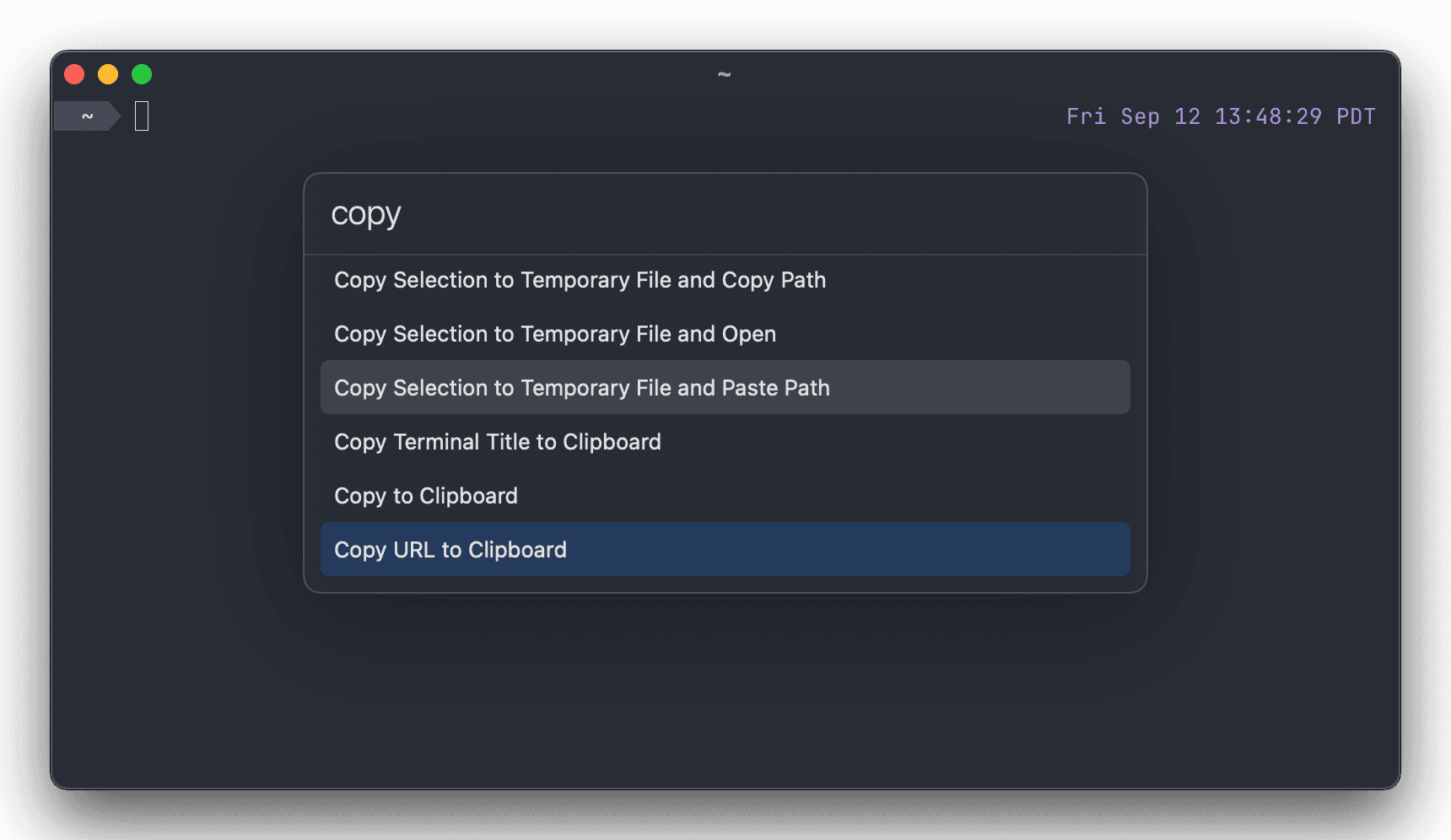
Ghostty is a terminal emulator built to be fast, feature-rich, and genuinely native, instead of making you trade one for the others. Its core terminal engine, libghostty, is a cross-platform library written in Zig, while the macOS app wraps it in Swift with AppKit and SwiftUI for native windows, tabs, splits, and system-standard shortcuts.
Why it exists
Mitchell Hashimoto started Ghostty as a personal project after years of using terminal emulators that forced a tradeoff between speed, features, and feeling like a real Mac app. He wanted a terminal that could do all three at once — fast enough to keep up with heavy output, rich enough to support modern protocols, and native enough to disappear into macOS the way Apple's own apps do.
Standout features
- libghostty core — a cross-platform, C-ABI terminal engine written in Zig, shared across every platform build
- Native macOS UI — built with Swift, AppKit and SwiftUI for real tabs, splits and window behavior
- Kitty graphics protocol — renders images and complex content directly inline in the terminal
- Quick Terminal — a drop-down terminal window summoned with a global shortcut, like iTerm2's hotkey window
- Command palette and search — finds terminal output and actions without memorizing keybindings
- Background images and theming — customizes the terminal's look down to background art and color palette
More in Developer Tools
Developer Tools · $1.99 · one-time
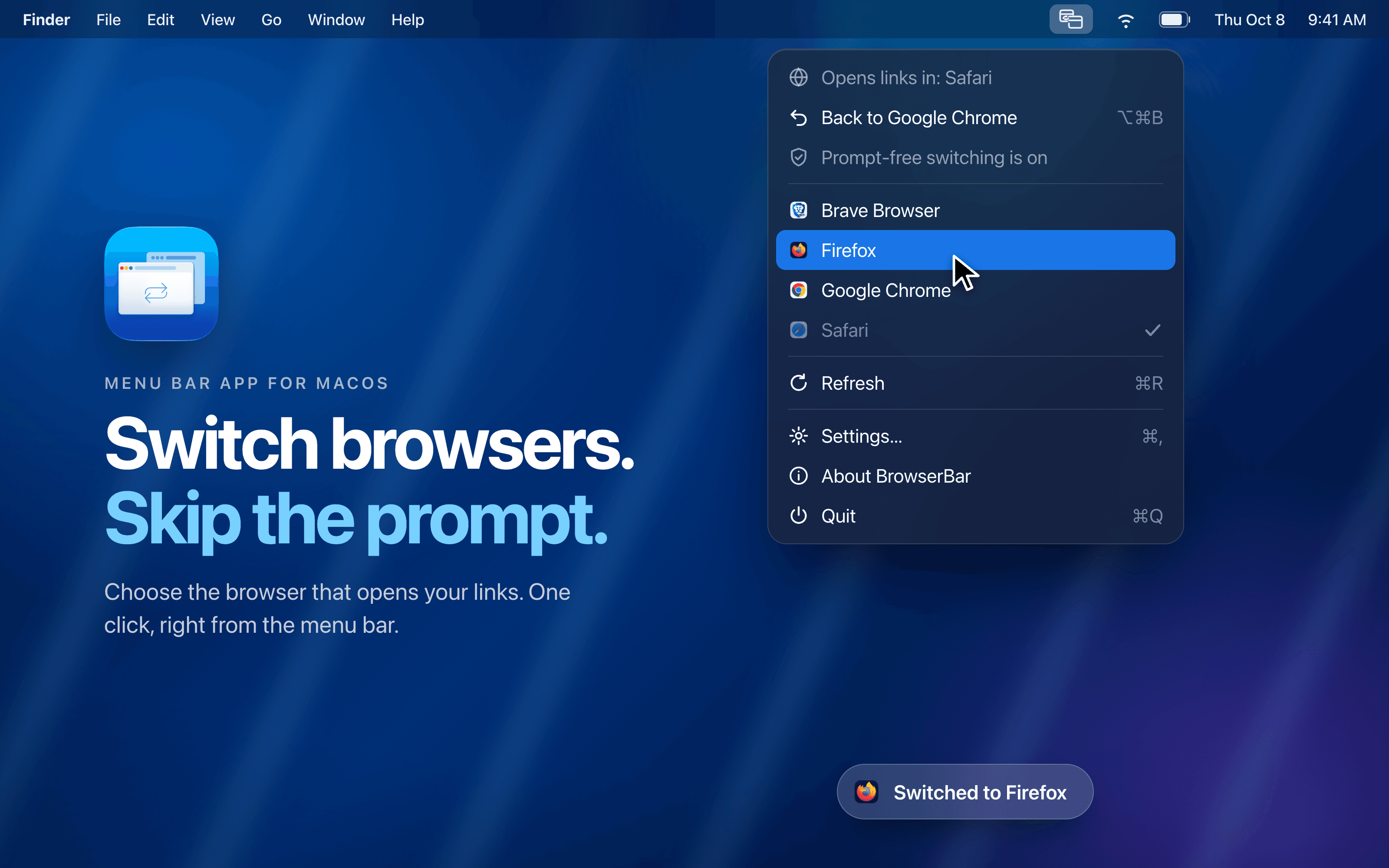
Switch your default browser in one click from the menu bar and skip the macOS confirmation dialog after a one-time setup.
Developer Tools · Free & open source
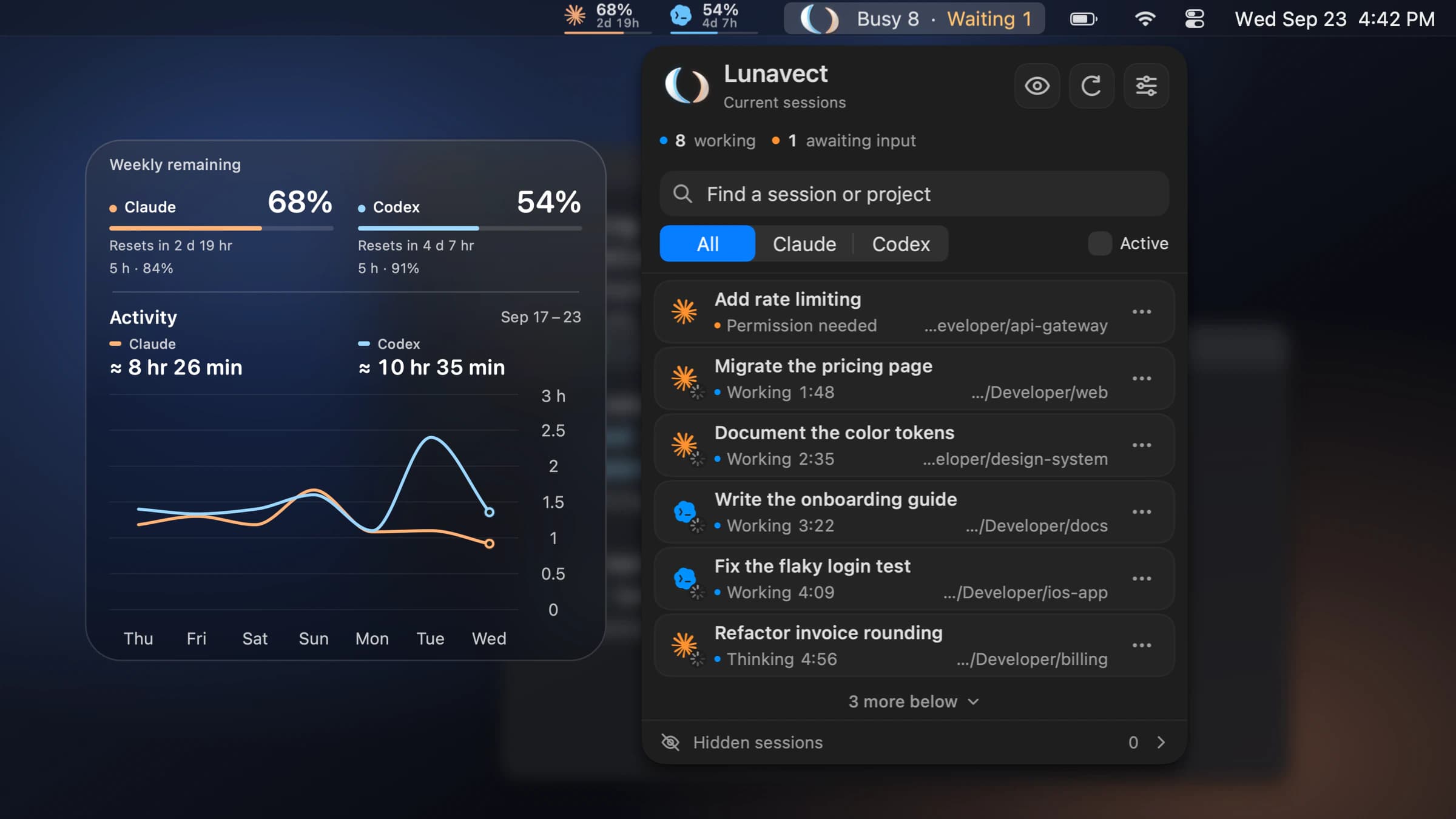
See which Claude Code or Codex session needs you from your Mac menu bar.
Developer Tools · Free
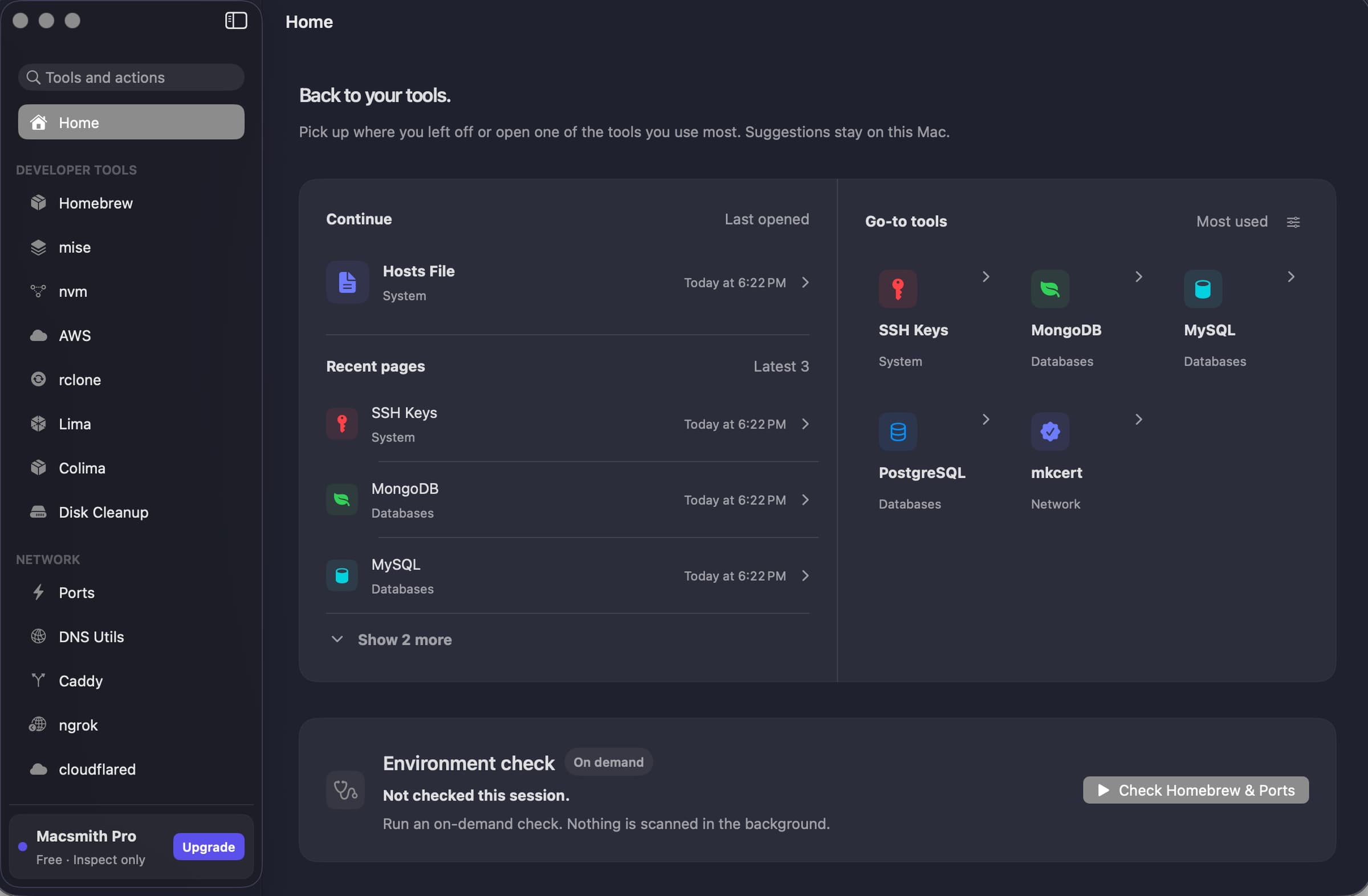
A native Mac GUI for command-line developer tools.