

Developer Tools · Free
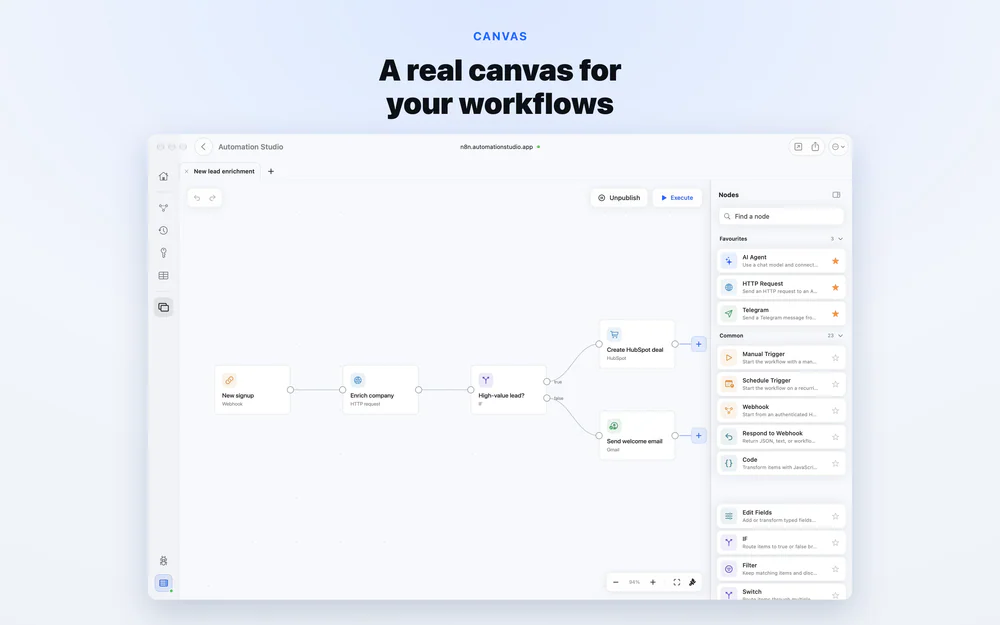
A native client for n8n
A native Mac GUI for command-line developer tools.
Macsmith brings your command-line developer tools into one native Mac GUI. Manage Homebrew packages, switch runtimes with mise and nvm, run Docker through Colima, inspect Lima virtual machines, and start or stop local PostgreSQL, MySQL, and MongoDB services. Find what’s using a port, manage SSH keys, configure local HTTPS, expose localhost through ngrok, and edit hosts files and shell aliases. See your tools’ current state and handle everyday development tasks without looking up commands.
Developer Tools · Free
A native client for n8n
Developer Tools · Free & open source
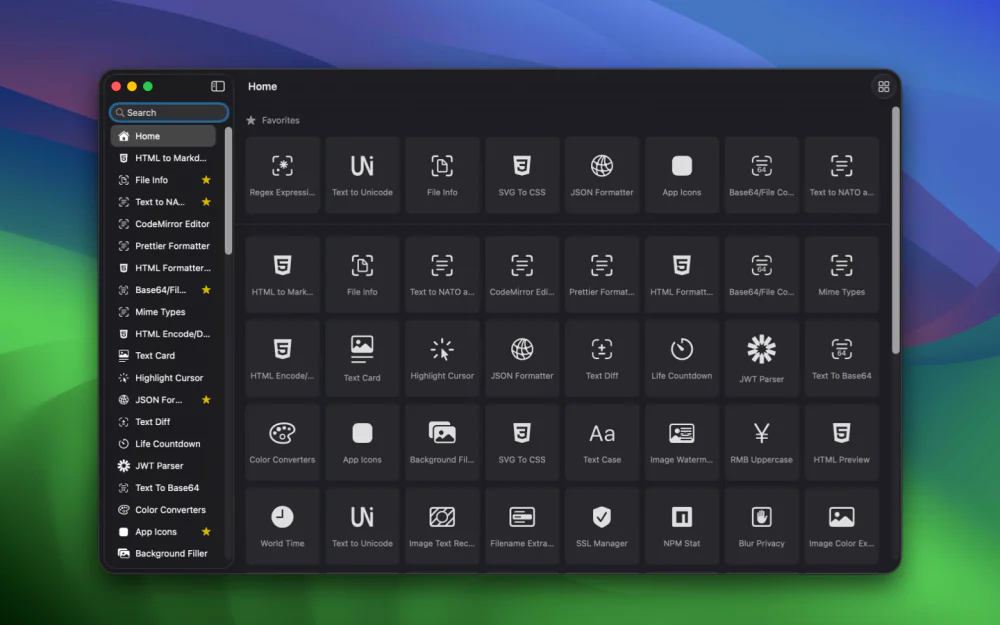
An offline toolbox of 100+ developer utilities for Mac — timestamp conversion, regex testing, key generation, and more, with nothing ever leaving your machine.
Developer Tools · $19.99 · one-time
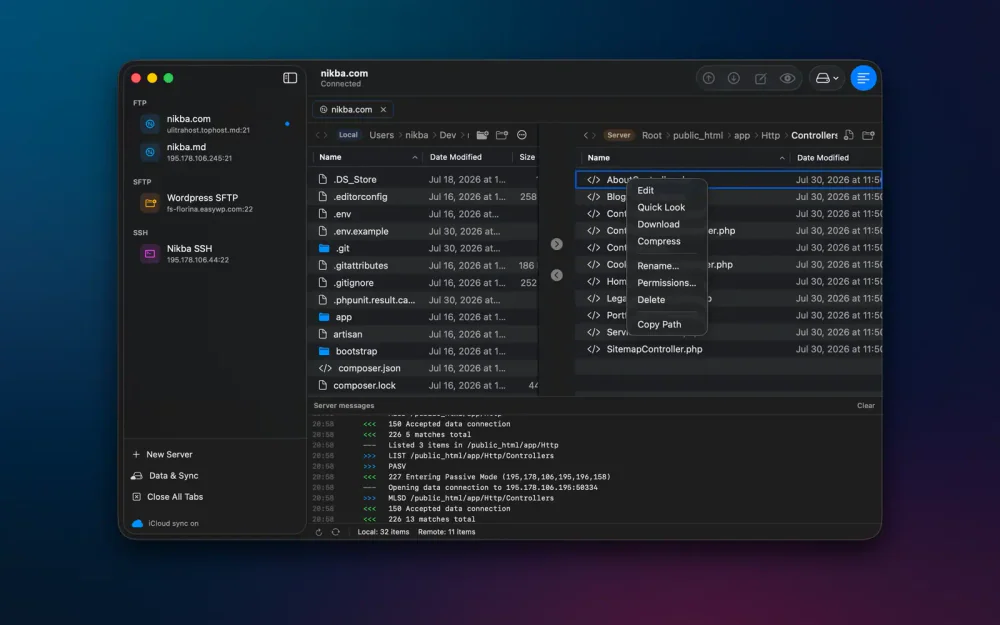
Native FTP, SFTP and SSH client for Mac

Developer Tools · $19.99 · one-time (One-time. 2 Macs $27.99, 3 Macs $34.99)
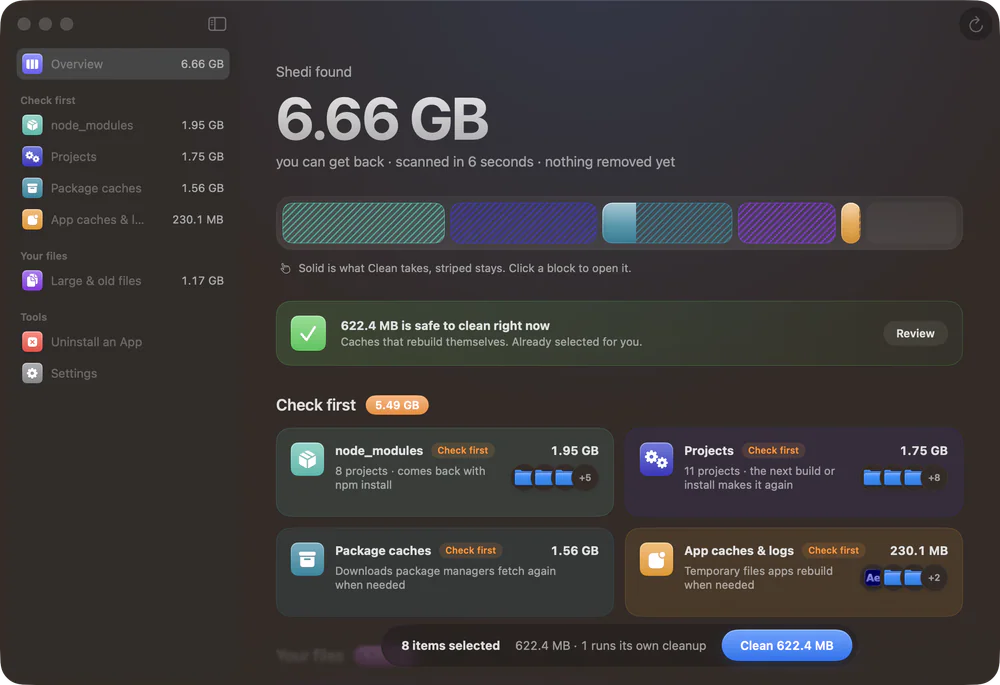
A Mac cleaner for developers: finds Xcode, Docker and node_modules junk, explains every item, and moves only what you pick to the Trash.
Developer Tools · $29.99 · one-time (Personal: 5 Macs. 15-day full trial; five tools remain free.)
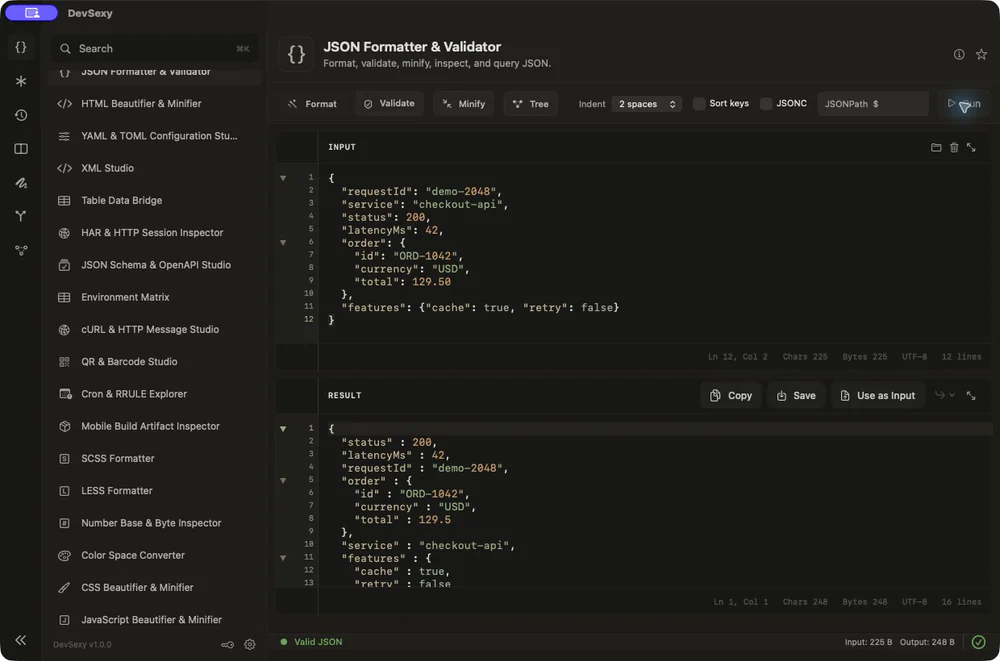
Native offline Mac developer toolbox: 35 tools for JSON, JWT, Base64, regex and text diff, with global Option shortcuts.
Developer Tools · $9/mo (or $79 a year)
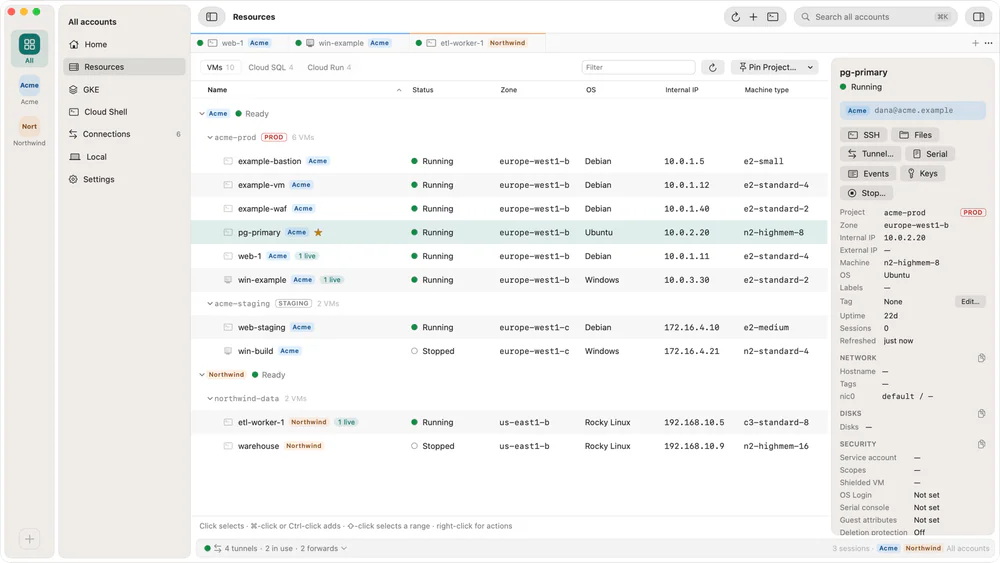
SSH, RDP, SFTP and tunnels to private Compute Engine VMs over IAP, plus GKE clusters and Cloud Shell, from a Mac without gcloud.