
Switch your default browser in one click from the menu bar and skip the macOS confirmation dialog after a one-time setup.
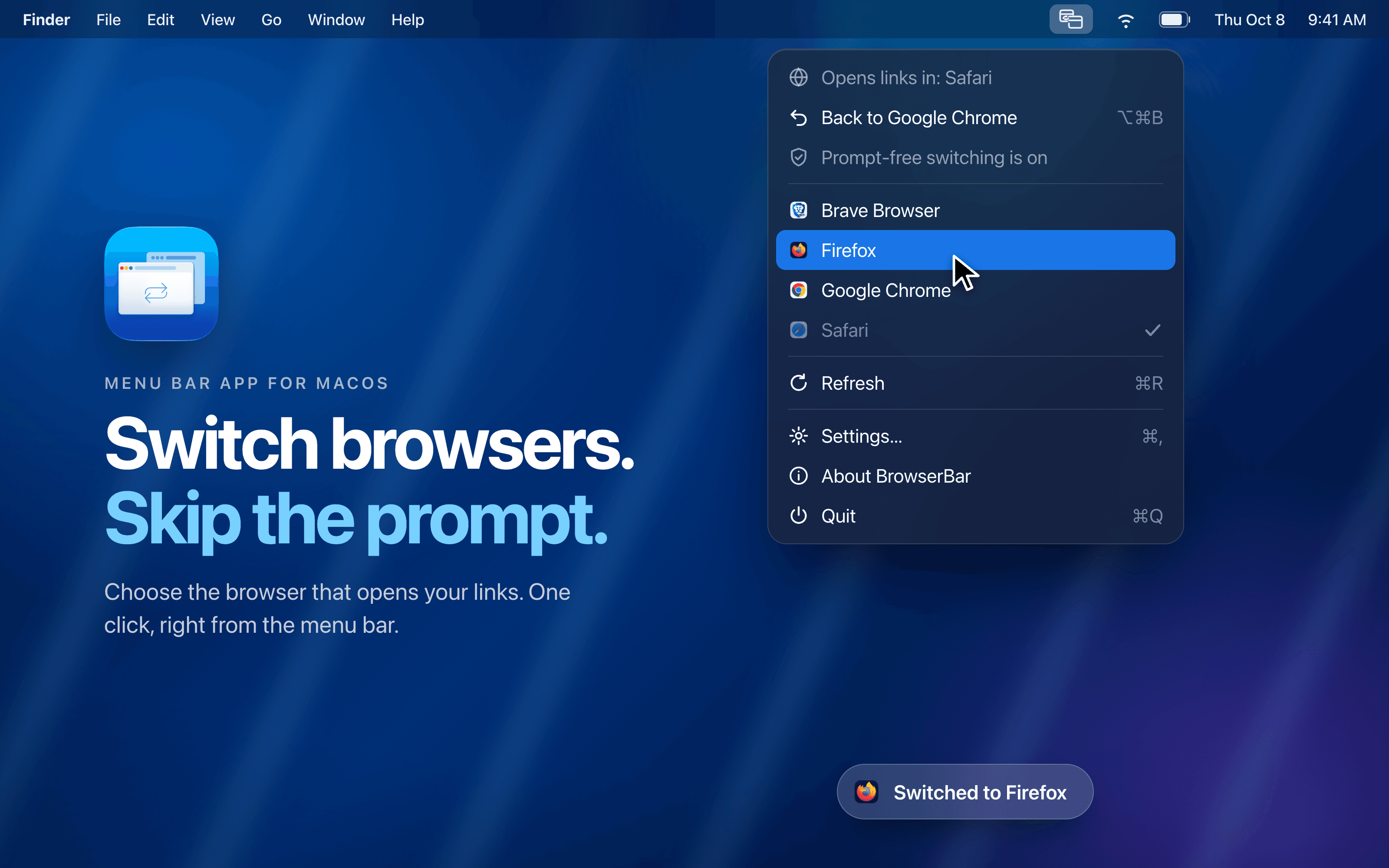
Changing your default browser on macOS means digging through System Settings and confirming a "Use X / Keep Y" dialog every single time. BrowserBar turns that into one click.
What it does
- Lives in your menu bar — no Dock icon, no background service
- Lists your installed browsers; pick one and that's where links open
- After a one-time setup, switching is prompt-free: BrowserBar becomes the handler for web links and forwards each one to the browser you picked, so macOS never asks again
Who it's for People who bounce between browsers during the day: Chrome for work, Safari for personal stuff, Firefox or another engine when testing. If you just want to flip the default fast. Not build URL routing rules. This is the whole job.
Native, and honest about it
- Universal binary (Intel and Apple Silicon)
- No Full Disk Access, no Accessibility permission. The only system prompt is macOS's one-time consent to set the link handler
- Requires macOS 26 or later
More in Developer Tools
Developer Tools · Free & open source
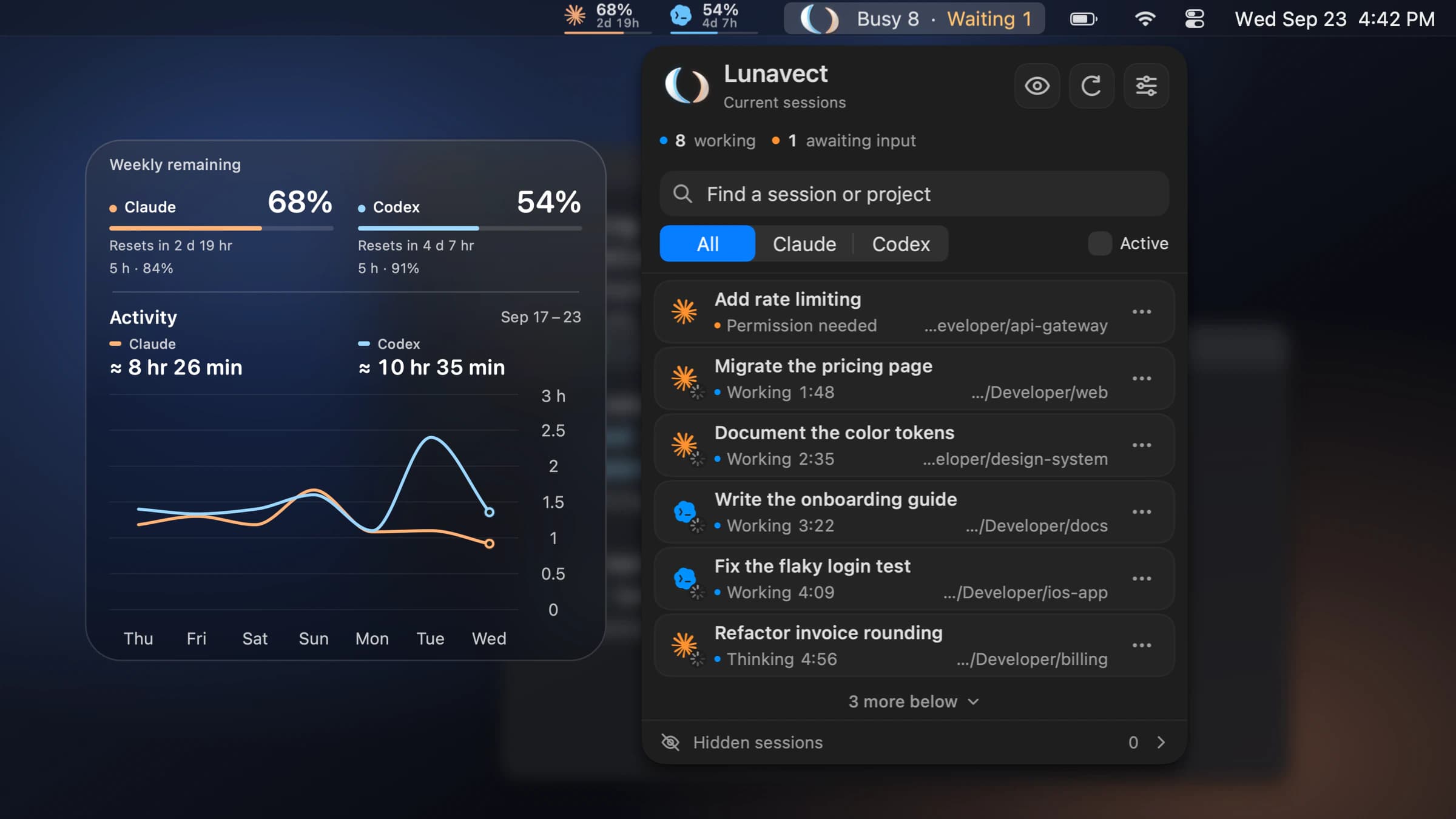
See which Claude Code or Codex session needs you from your Mac menu bar.
Developer Tools · Free
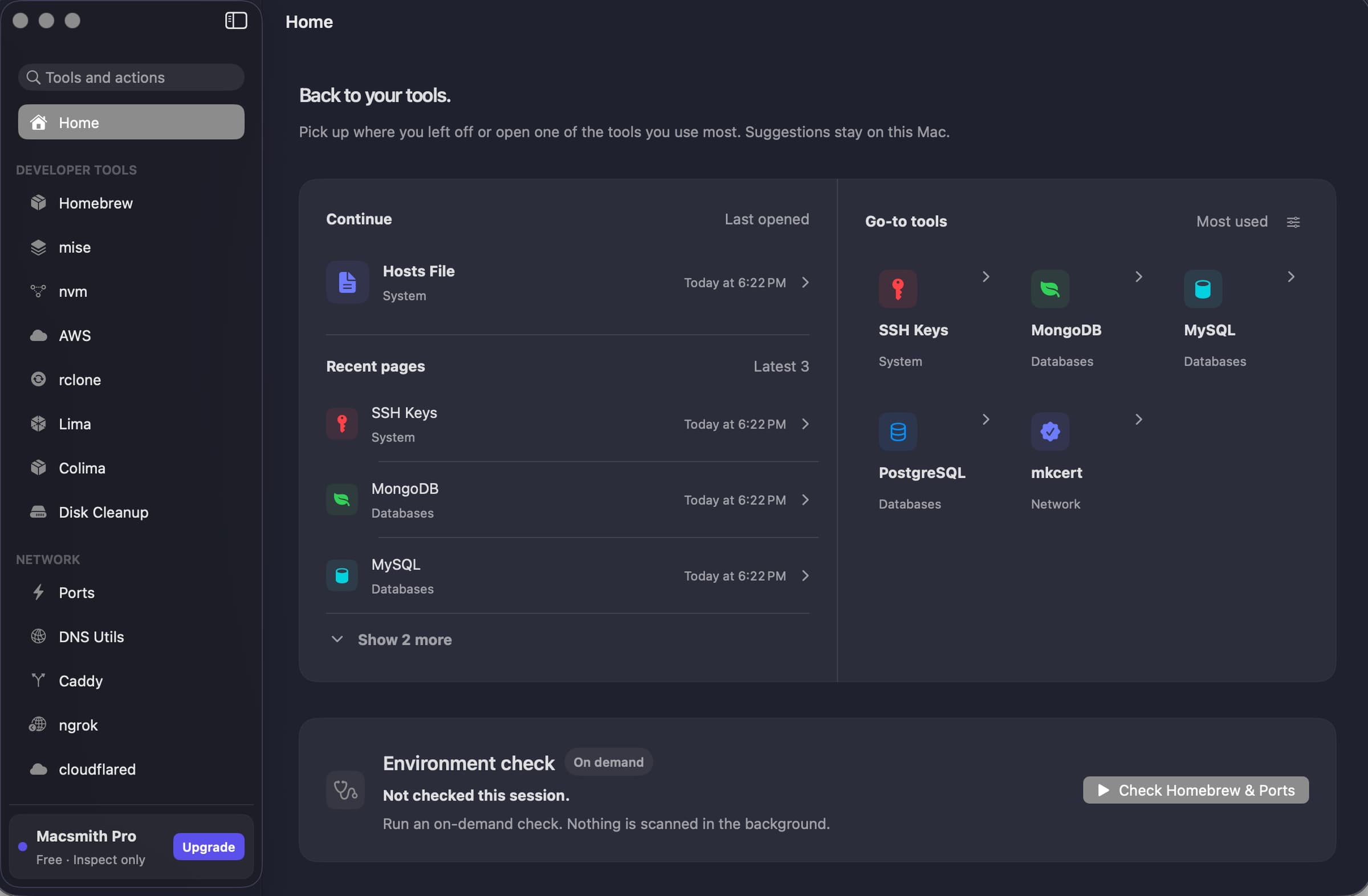
A native Mac GUI for command-line developer tools.
Developer Tools · Free & open source
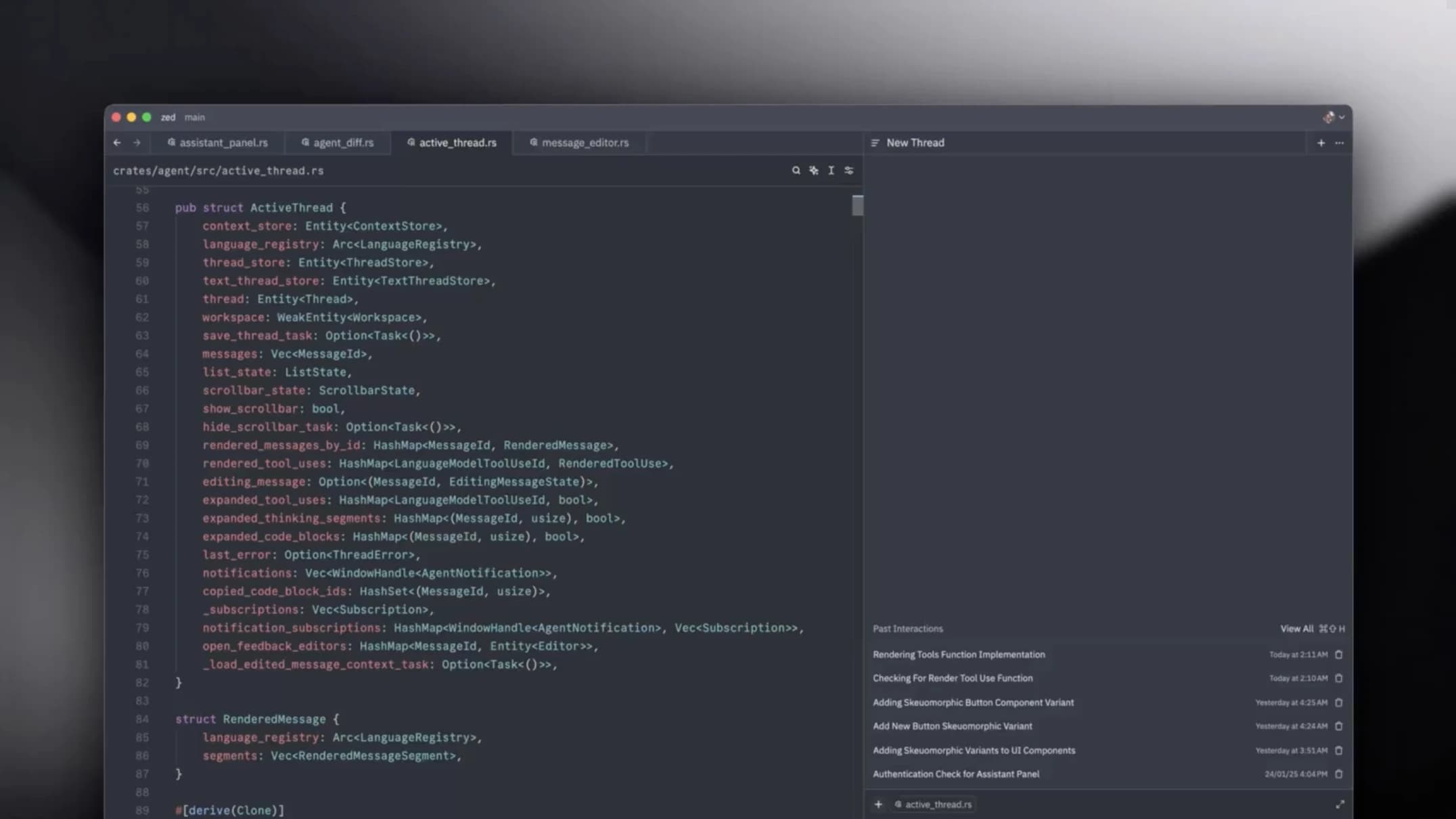
A GPU-accelerated code editor from the team behind Atom — it opens instantly, stays at your display's refresh rate, and has collaboration built in.