Utilities · $18 · one-time
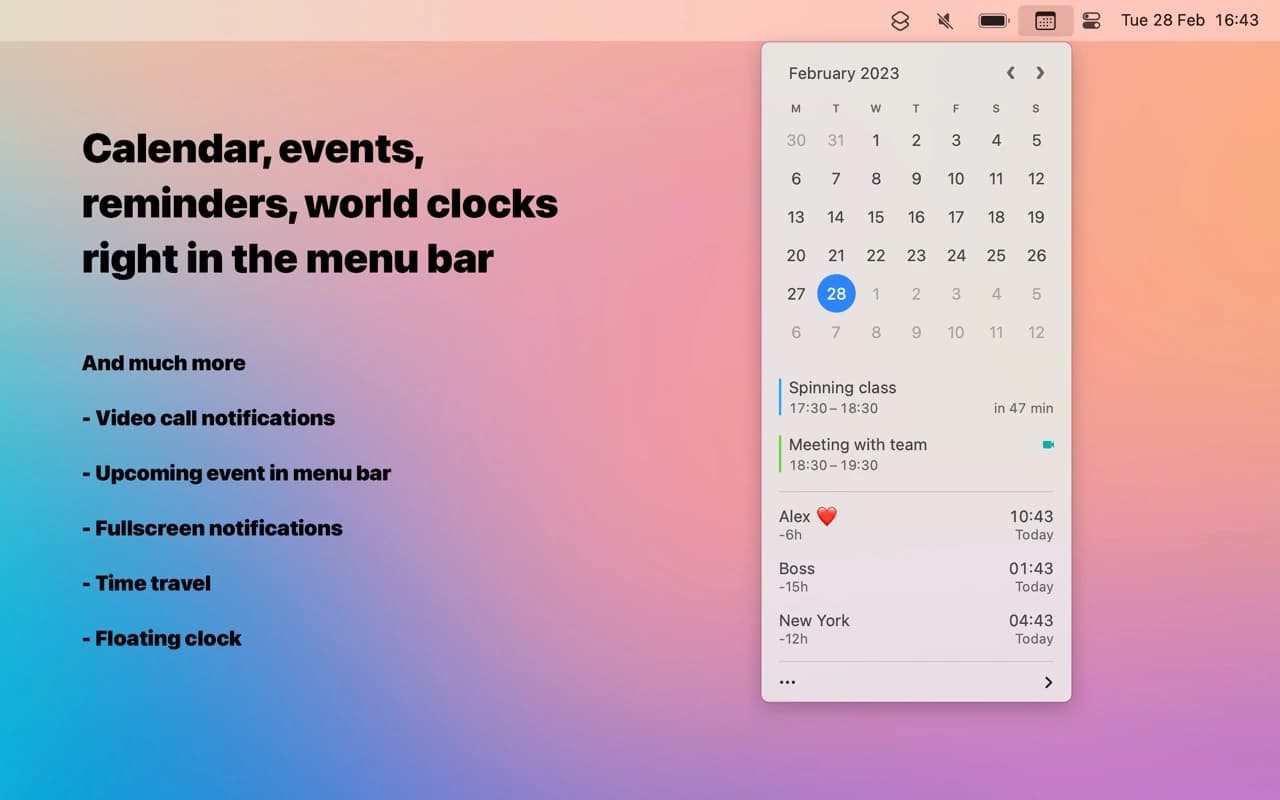
A better menu-bar clock — tap the date for a mini calendar with your events and world clocks, and join the next call in one click.
A native menu bar app for tracking and planning across timezones.
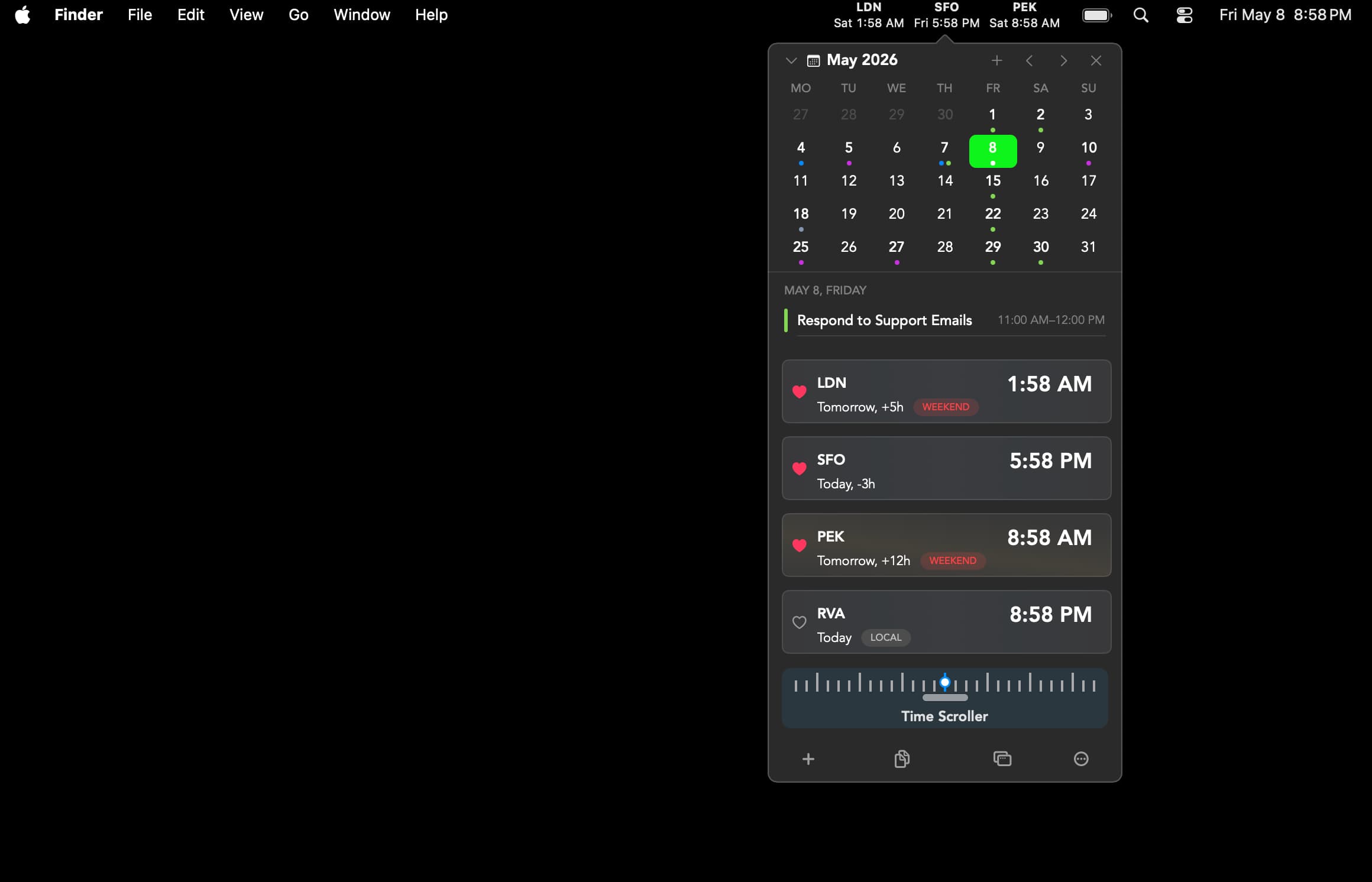
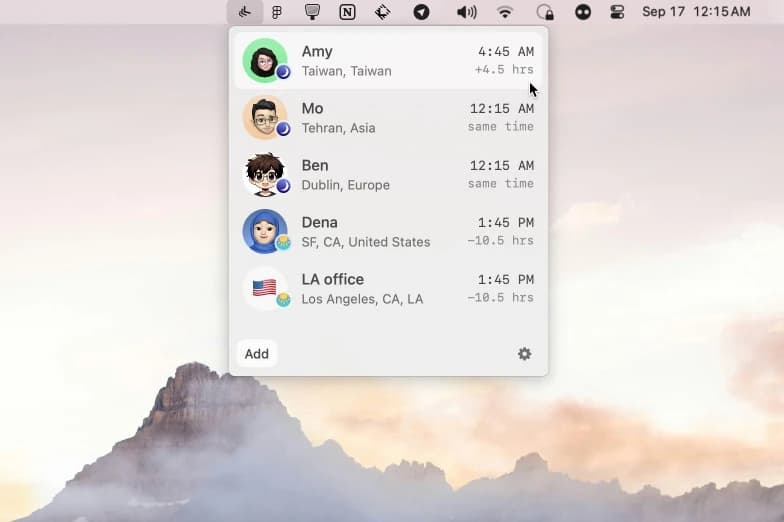
Clocker turns the Mac menu bar into a timezone command center — track friends, colleagues, and meetings across the world, with a calendar that overlays everyone's local time on your own.
Coordinating across timezones usually means mental math or a browser tab full of world-clock widgets. Clocker keeps a permanent, ad-free list of cities in the menu bar, complete with sunrise/sunset shading and a time-scroller so you can preview any future moment across every timezone at once.
Completely free and open source (GPL v3).
Featured in:
Utilities · $18 · one-time
A better menu-bar clock — tap the date for a mini calendar with your events and world clocks, and join the next call in one click.

Utilities · Free
A menu-bar clock that shows the local time of the specific people you work with — teammates, clients, family — each with a name and a face.

Productivity · $9.99 · one-time (Mac App Store, 14-day free trial, 9.99 USD one-time (introductory price) or 1.49 USD per month)
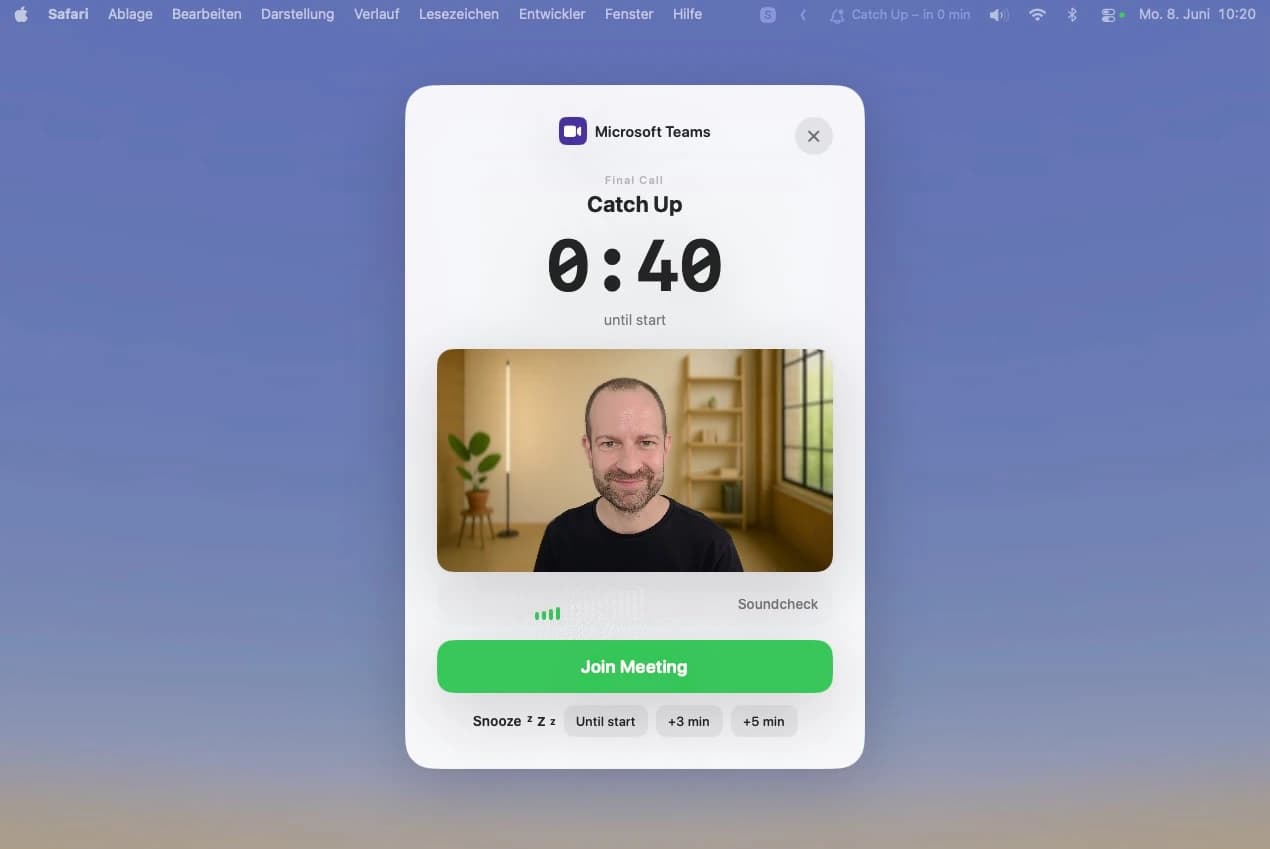
Fullscreen countdown and one-click join before every meeting, right from your menu bar. Calendar data stays on your Mac.

Productivity · $2.99/mo (Monthly)
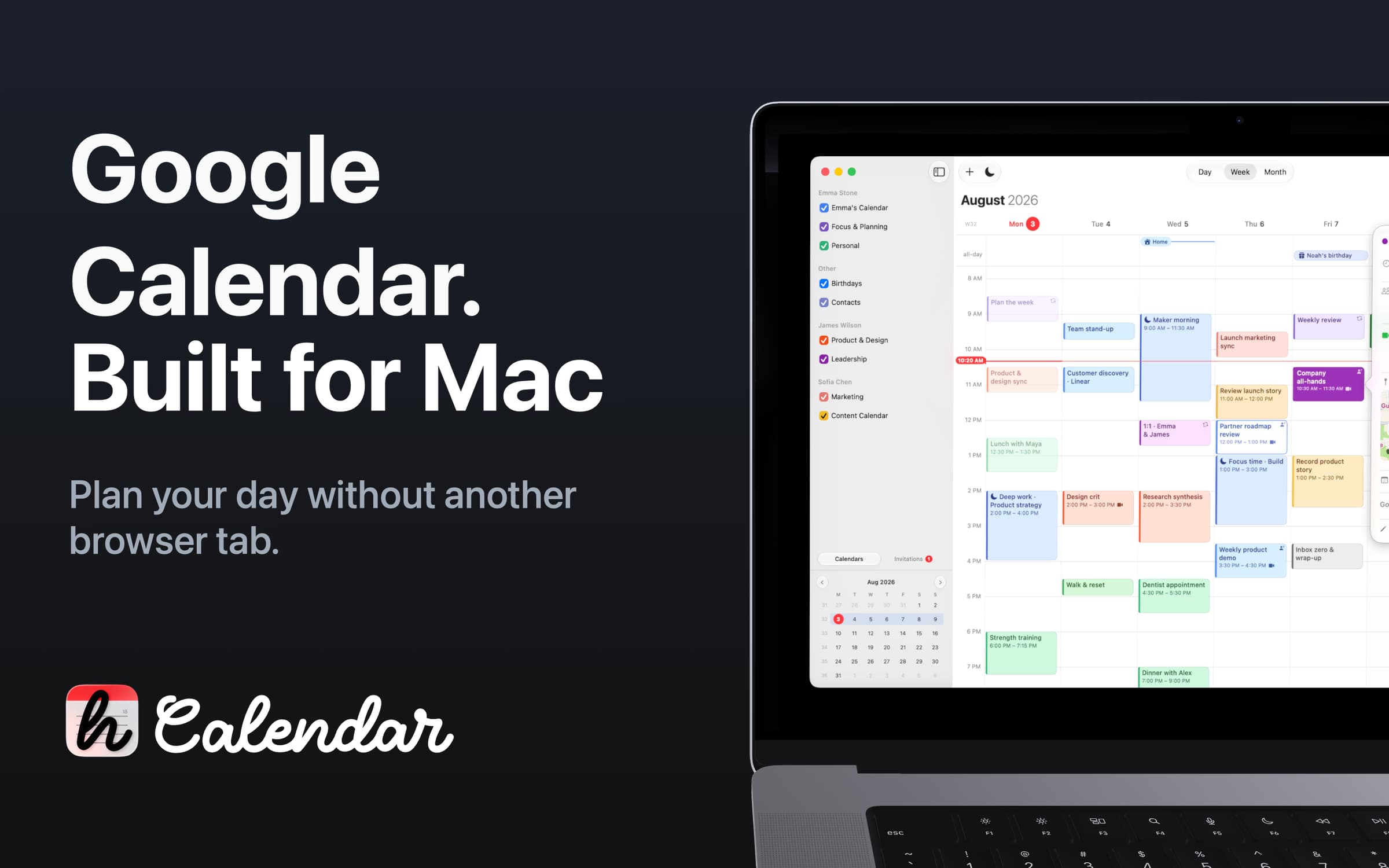
Google Calendar for macOS
Productivity · $49.99 · one-time (one-time, 14-day trial)
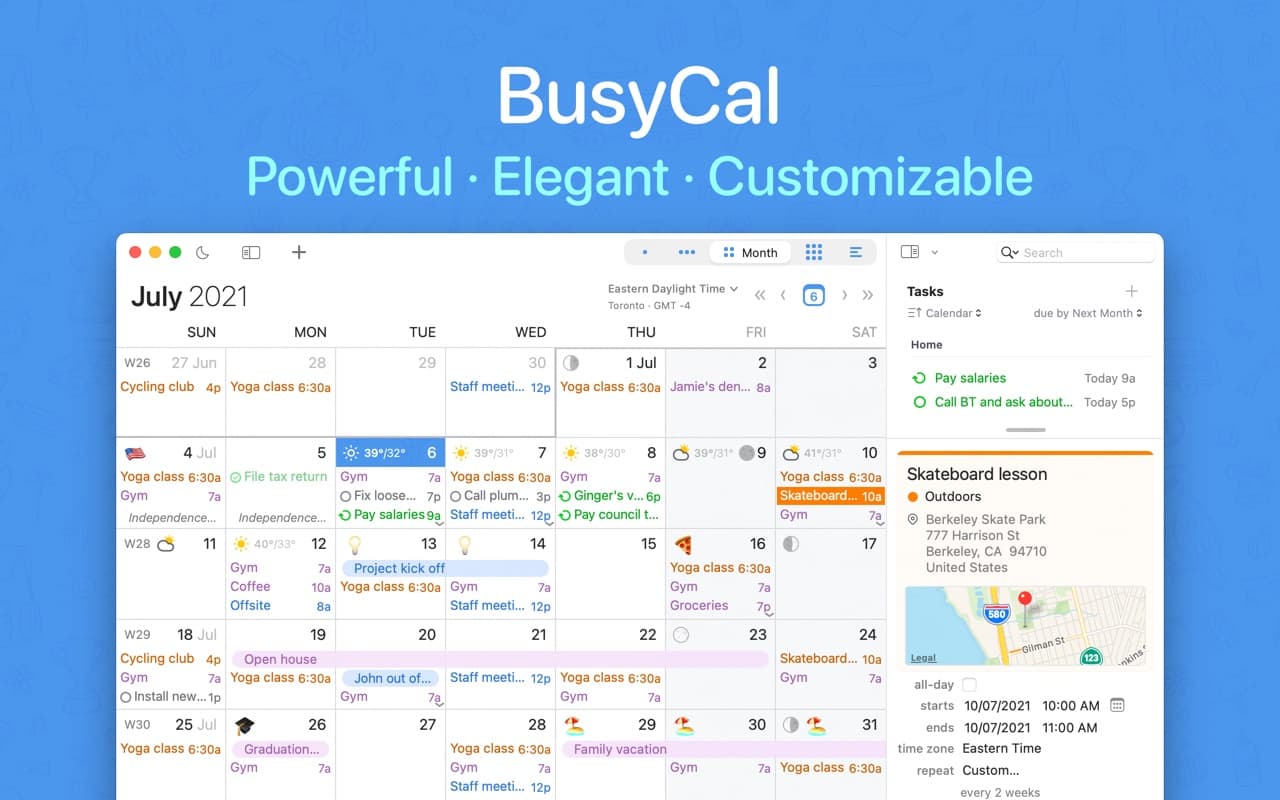
A native Mac calendar with Calendar Sets, Smart Filters, and a menu-bar availability view — the manual-control alternative to Fantastical's automation.

Productivity · $14.99 · one-time (one-time, 14-day trial)
A native menu-bar calendar with agenda/month/week views, meeting-join shortcuts, and a built-in world clock — no account or server required.