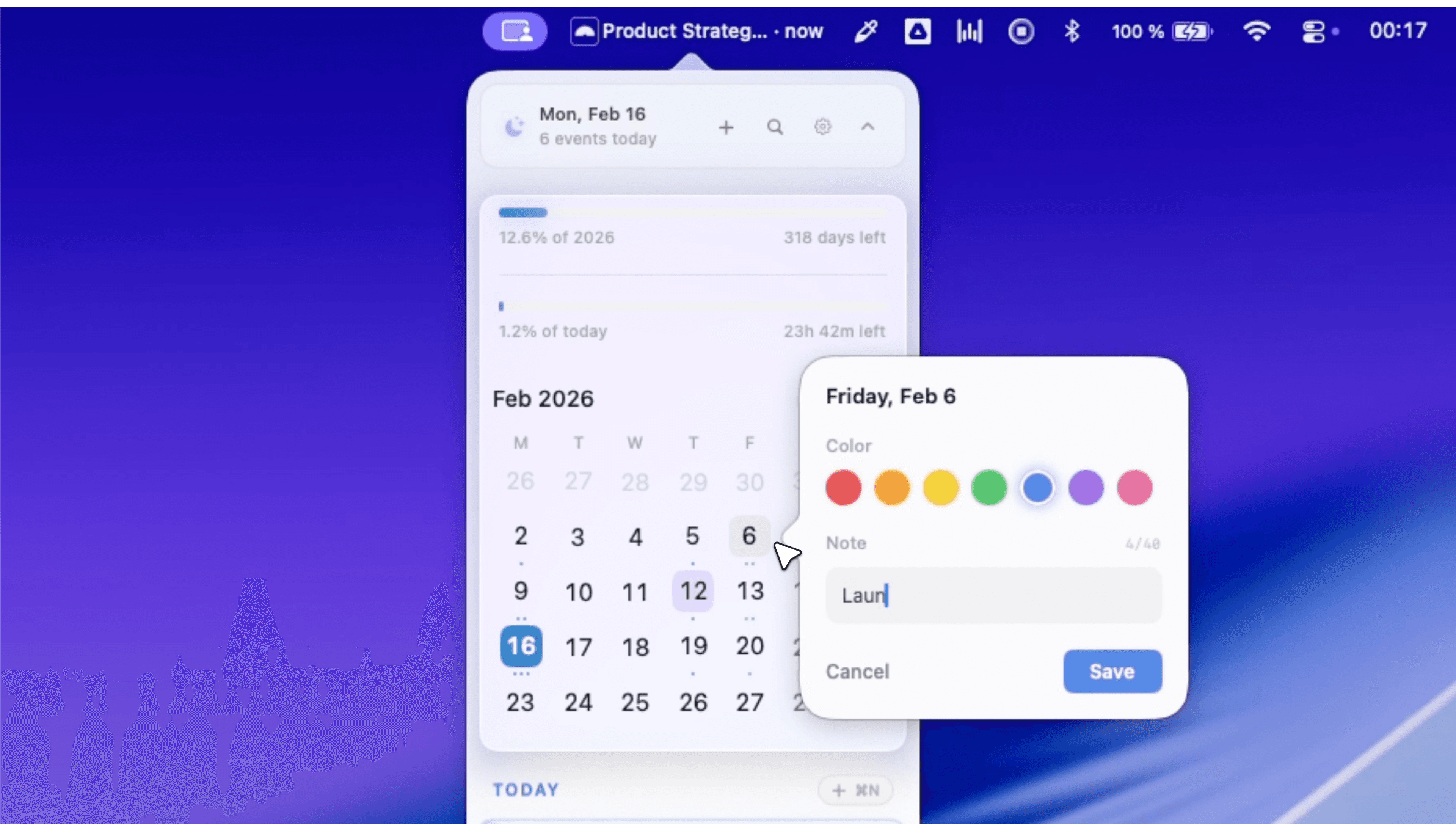
Productivity · $9.99 · one-time (Mac App Store, 14-day free trial, 9.99 USD one-time (introductory price) or 1.49 USD per month)
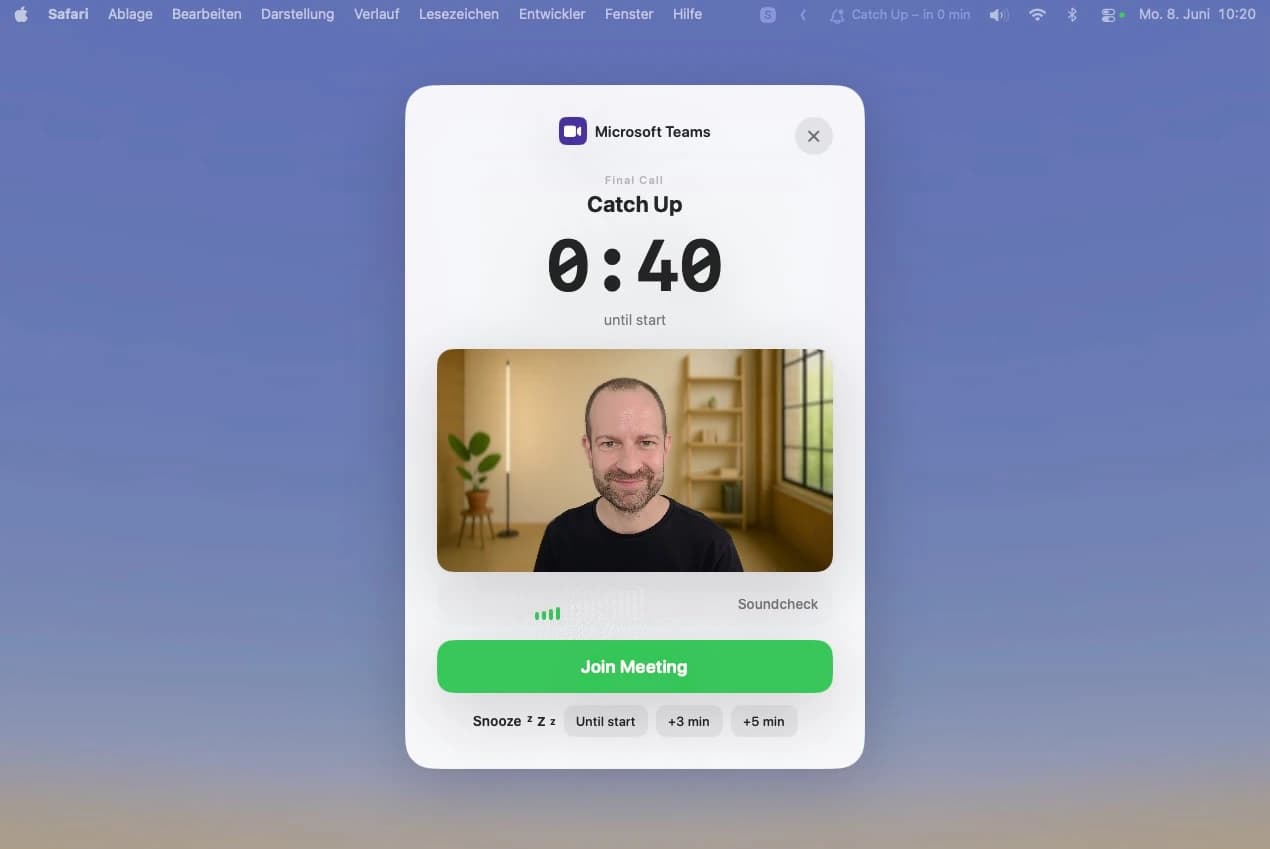
Fullscreen countdown and one-click join before every meeting, right from your menu bar. Calendar data stays on your Mac.
Google Calendar for macOS
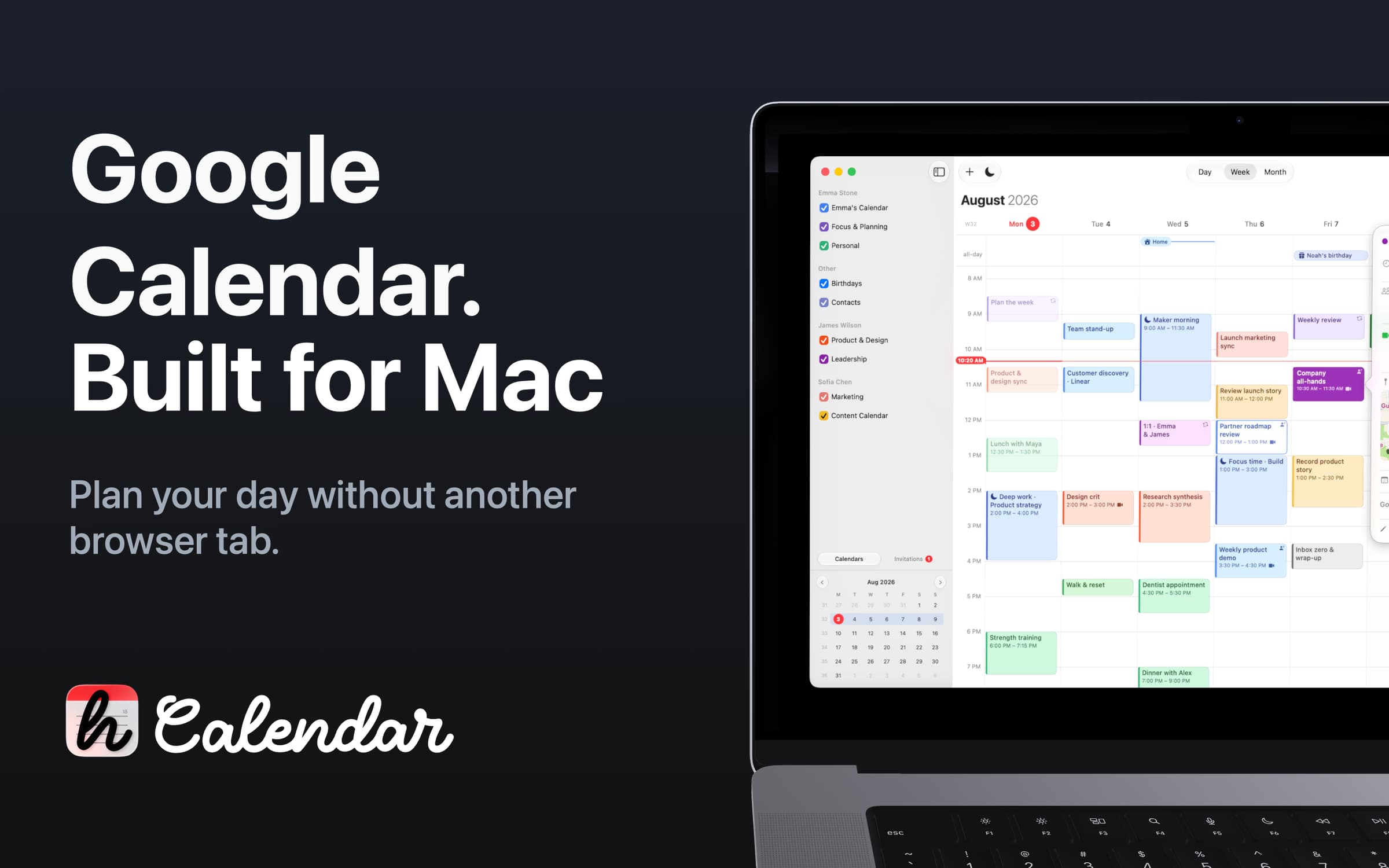
hora Calendar is a native Mac app that connects directly to Google Calendar. Keep your existing accounts, calendars, and events, with an easier way to plan your day, join meetings, and make room for focused work.
No calendar migration. No browser tab to keep open.
Manage personal, shared, and work calendars across multiple Google accounts. Keep your event colors, respond to invitations, and use Google Calendar’s Focus Time, Out of Office, and Working Location features where supported by your account.
Search directly in Google Calendar for events, people, and details beyond what’s stored locally on your Mac. Keep working offline, with changes syncing when you reconnect.
Switch between day, 5-day, week, and month views to see the level of detail you need. Check today and tomorrow from the menu bar, or keep your schedule visible with an agenda widget.
Work across time zones and choose your preferred week start and time format.
Create events by typing naturally in supported languages, with contact suggestions when adding guests. Generate Google Meet links directly from an event, or connect Zoom and Microsoft Teams to create meetings in hora.
Join calls in one click, accept, decline, or ignore invitations, share your availability by email or chat, and add travel time with Apple Maps.
Plan multiple Focus Time blocks across a busy week instead of squeezing focused work into whatever time is left. When it’s time to concentrate, start the built-in Pomodoro timer without switching apps.
Navigate with keyboard shortcuts, stay on top of events with macOS notifications, and choose from light, dark, and custom themes.
Where available, Apple Intelligence can help with event titles and descriptions, availability messages, focus time planning, and summaries of long event notes.
hora syncs your calendar directly with Google Calendar and stores sign-in tokens in macOS Keychain. Calendar event content is not routed through hora’s push service. The push service uses account, device, and calendar identifiers to notify your Mac when changes are available.
Product analytics and diagnostics help improve hora, while purchase information is processed to manage access. These records can be linked to your account. See the Privacy Policy for details.
Full access requires an in-app purchase. Available plans and pricing are shown in the app.
hora is an independent application and is not affiliated with or endorsed by Google. Google Calendar is a trademark of Google LLC.
Featured in:
Productivity · $9.99 · one-time (Mac App Store, 14-day free trial, 9.99 USD one-time (introductory price) or 1.49 USD per month)
Fullscreen countdown and one-click join before every meeting, right from your menu bar. Calendar data stays on your Mac.
Productivity · $14.99 · one-time (one-time, 14-day trial)
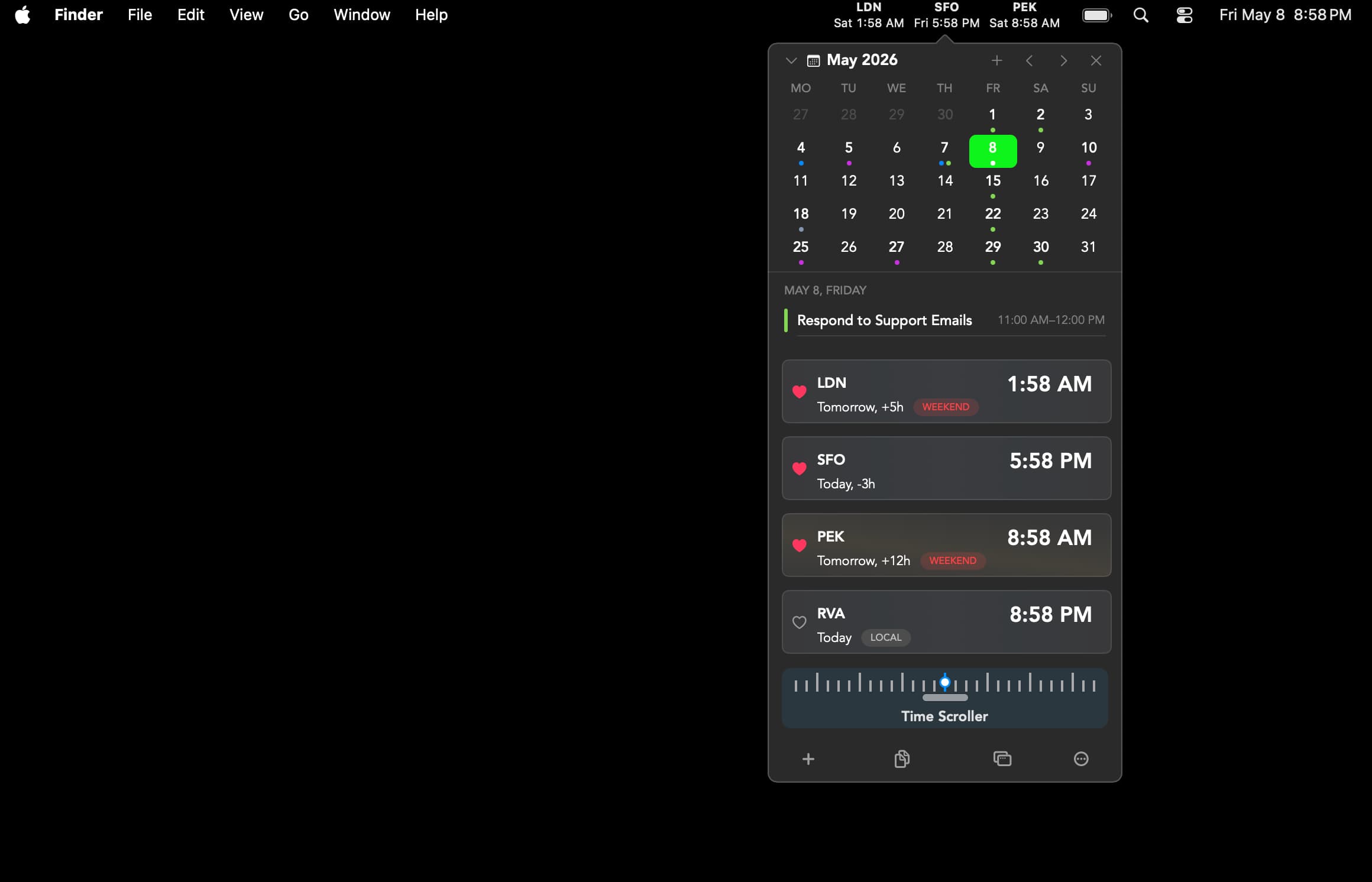
A native menu-bar calendar with agenda/month/week views, meeting-join shortcuts, and a built-in world clock — no account or server required.
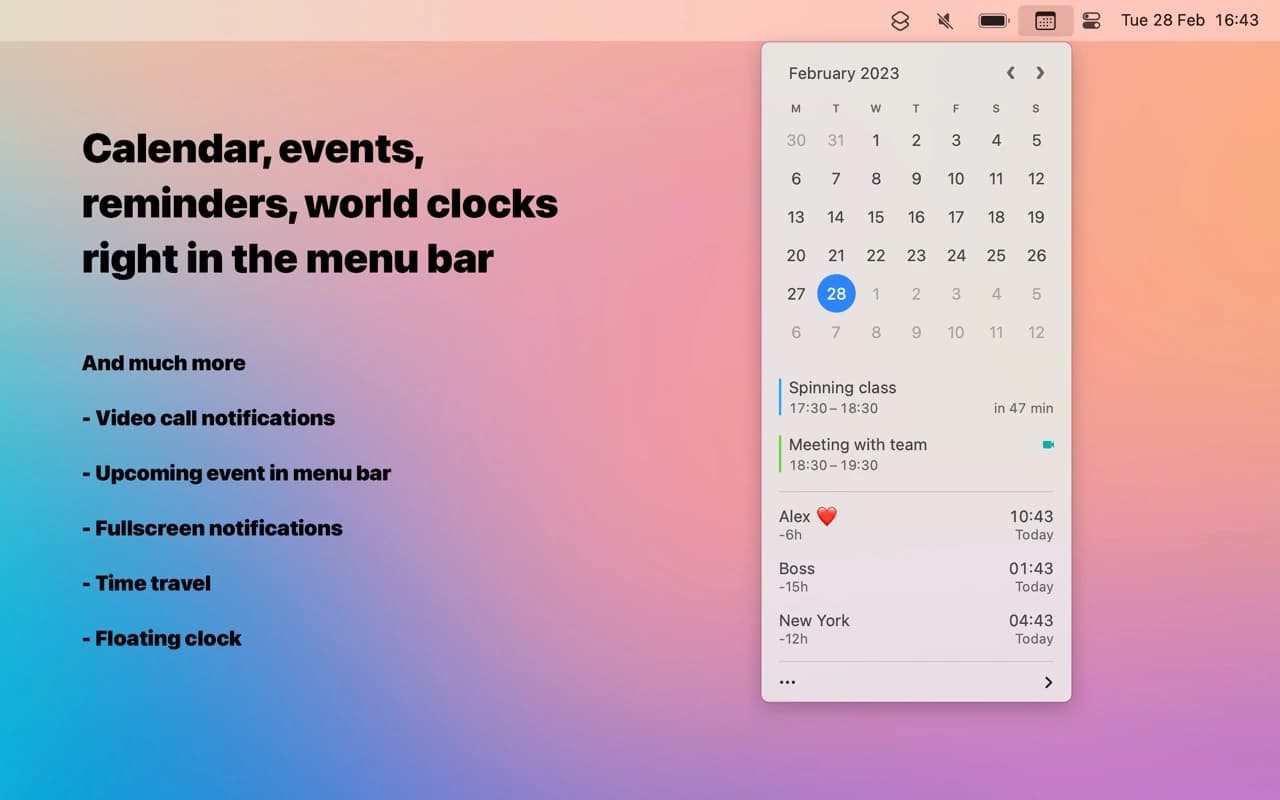
Utilities · $18 · one-time
A better menu-bar clock — tap the date for a mini calendar with your events and world clocks, and join the next call in one click.
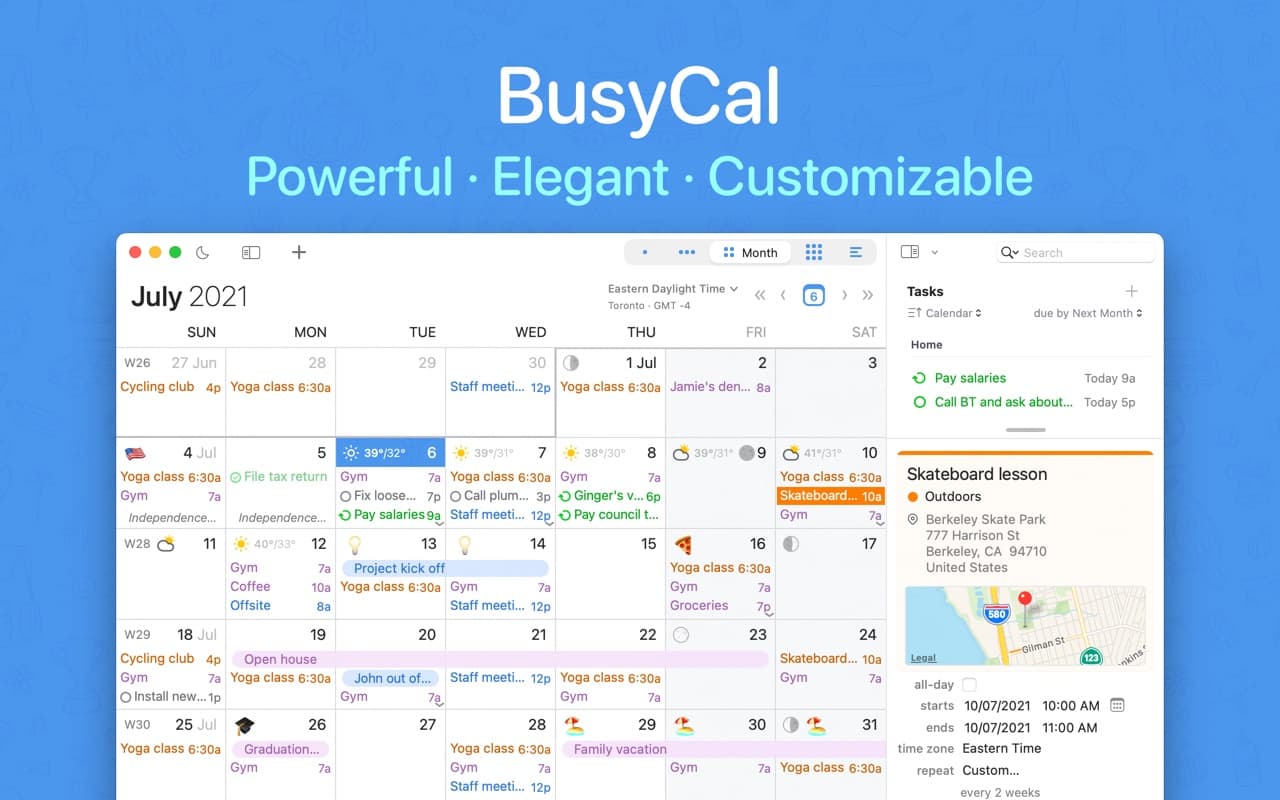
Productivity · $49.99 · one-time (one-time, 14-day trial)
A native Mac calendar with Calendar Sets, Smart Filters, and a menu-bar availability view — the manual-control alternative to Fantastical's automation.

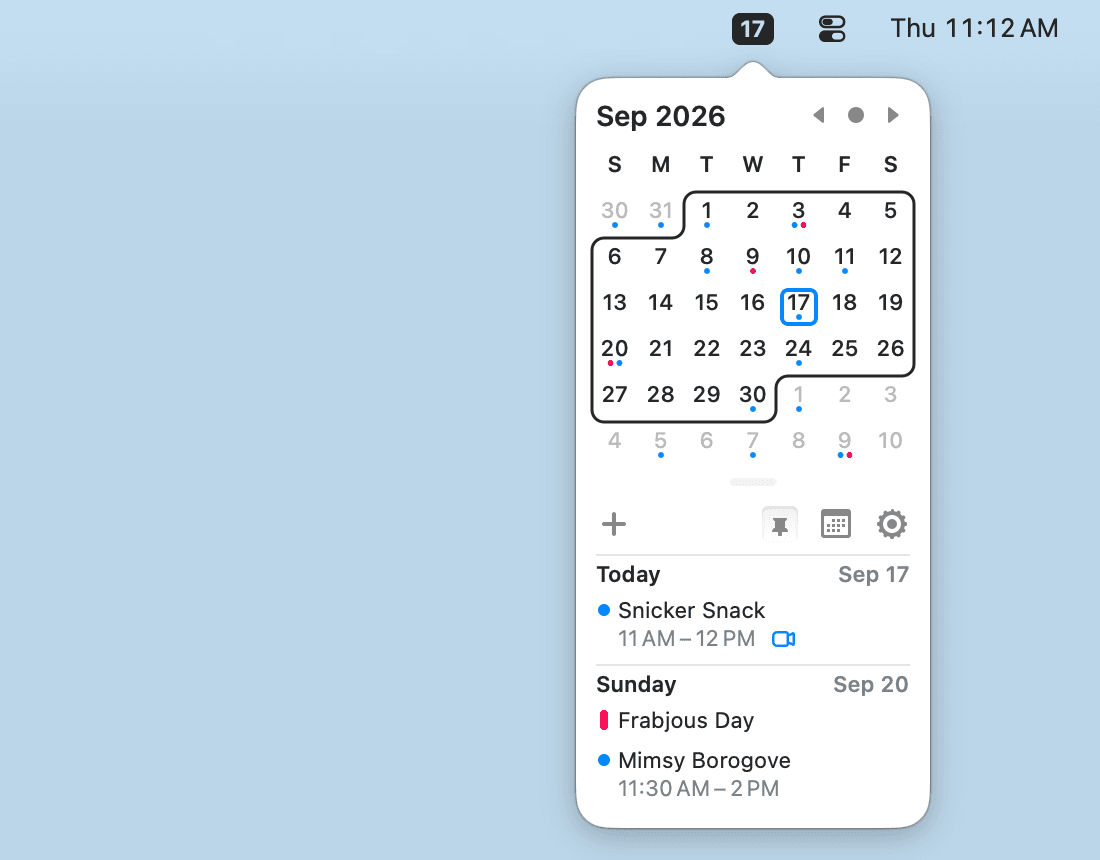
Productivity · Free & open source
A tiny, free, open-source menu-bar calendar that shows and creates events from your existing macOS Calendar — with Vim-style keyboard navigation.
Utilities · Free & open source
A native menu bar app for tracking and planning across timezones.