
Productivity · Free · Pro
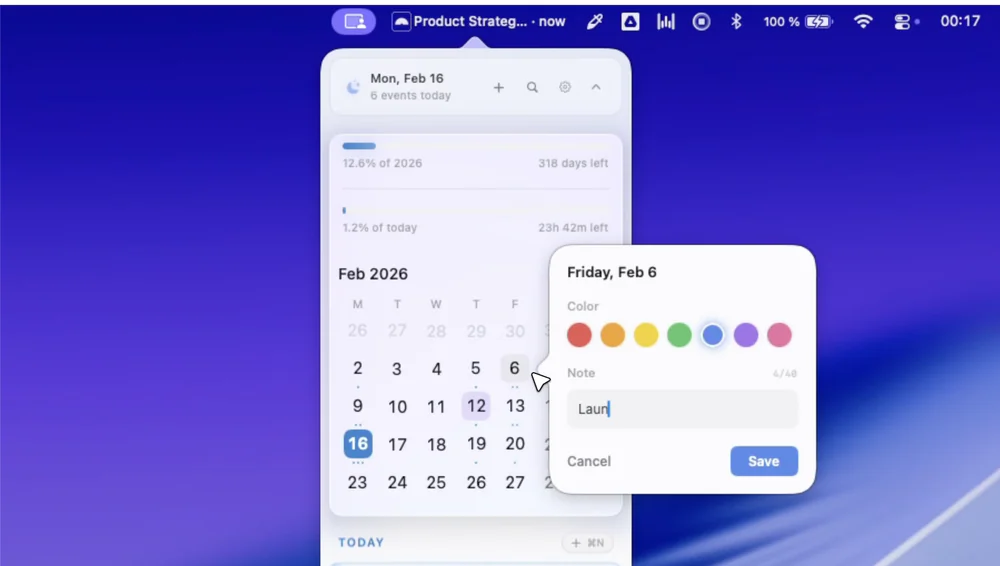
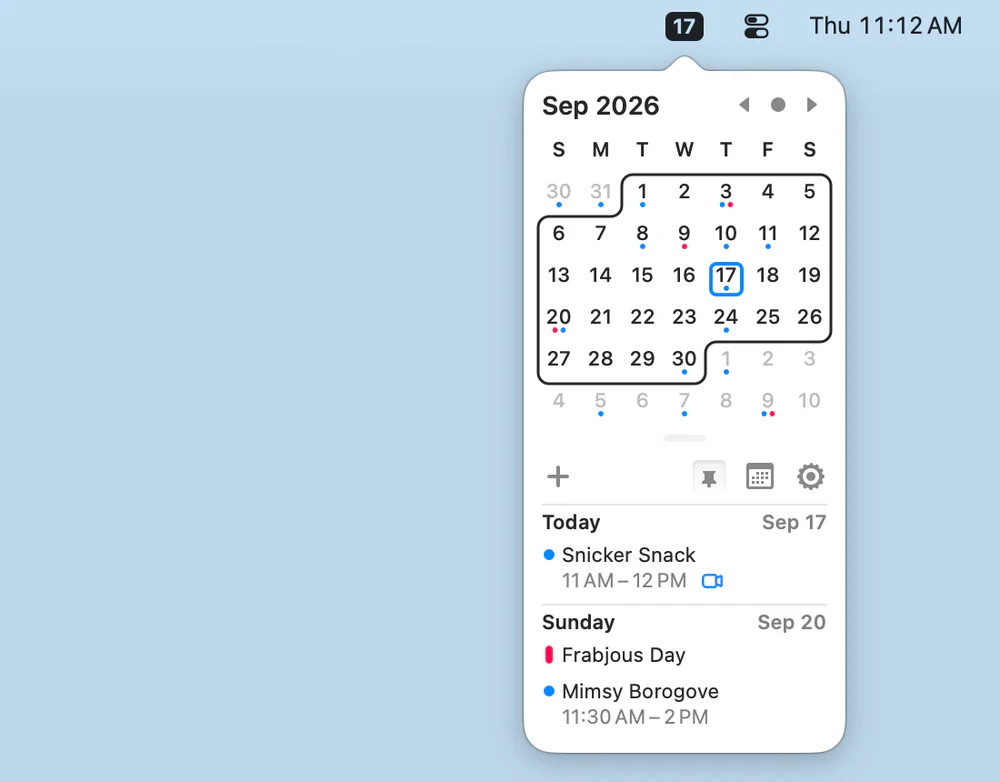
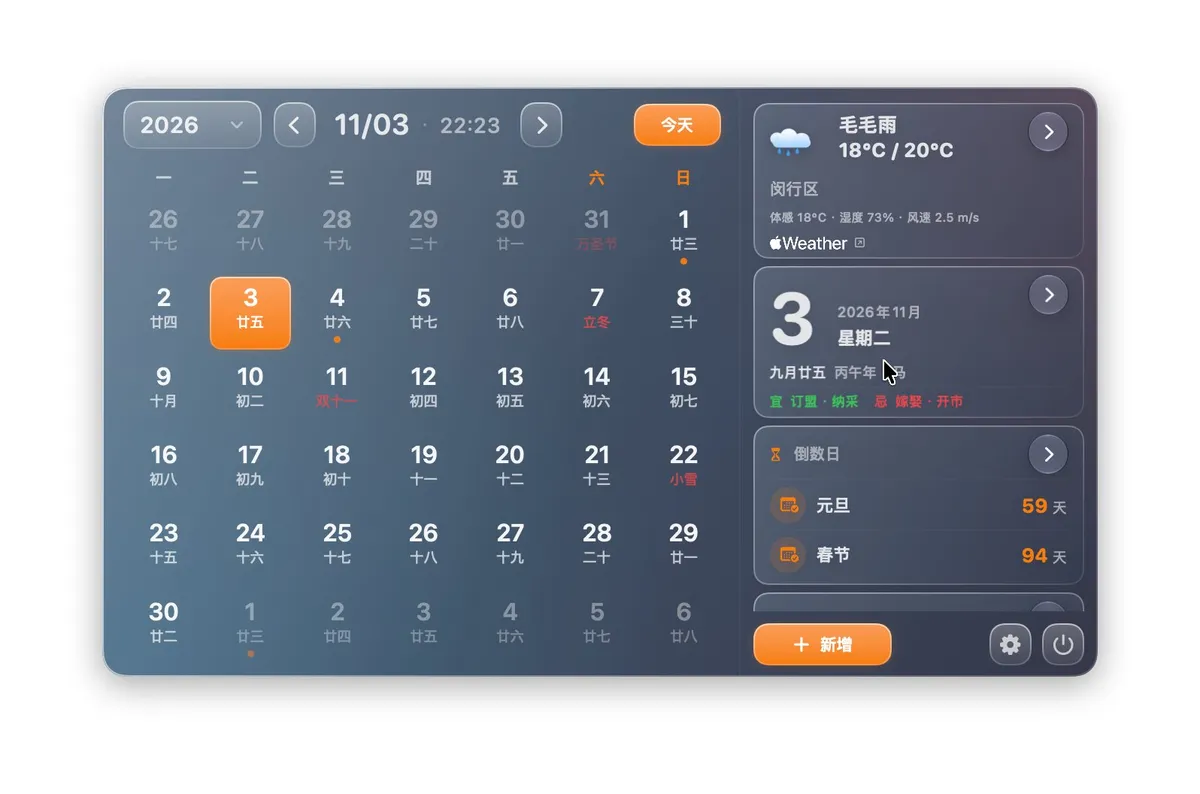
AirCalendar is a native Mac menu bar calendar showing today — date, schedule, to-dos and countdowns — in one small panel.

Fullscreen countdown and one-click join before every meeting, right from your menu bar. Calendar data stays on your Mac.
Final Call lives in your menu bar and shows a fullscreen countdown before every meeting, so a meeting can't slip past you.
Requires macOS 13 Ventura or later. Free to try for 14 days. After the trial, buy it once for 9.99 USD (introductory price) or subscribe for 1.49 USD per month.
Mac App Store: https://apps.apple.com/us/app/final-call-meeting-alarm/id6809144118?mt=12
Productivity · Free · Pro
AirCalendar is a native Mac menu bar calendar showing today — date, schedule, to-dos and countdowns — in one small panel.

Productivity · $2.99/mo (Monthly)
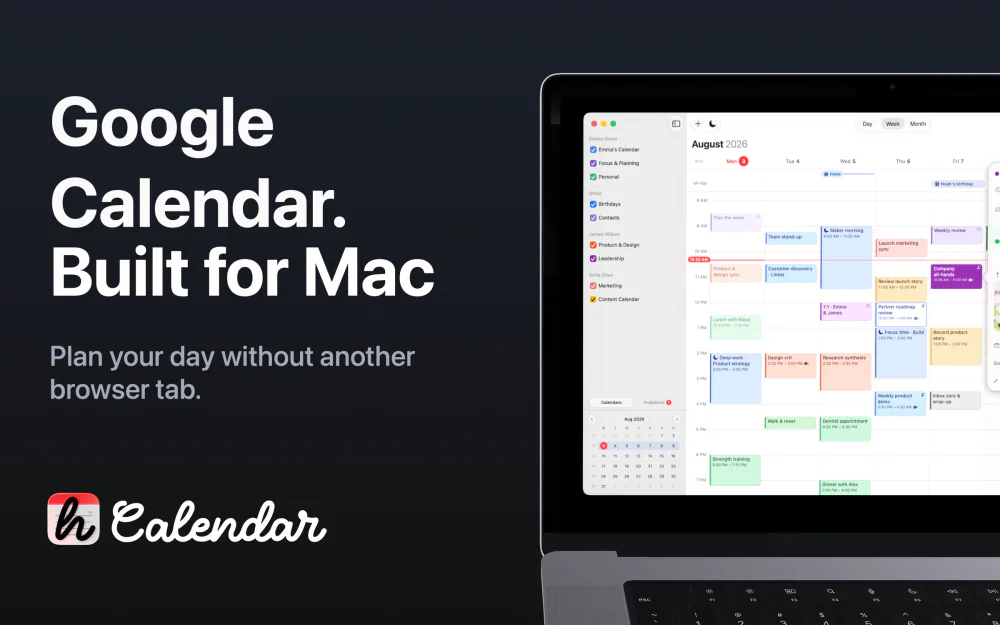
Google Calendar for macOS

Productivity · $14.99 · one-time (one-time, 14-day trial)
A native menu-bar calendar with agenda/month/week views, meeting-join shortcuts, and a built-in world clock — no account or server required.

Utilities · $18 · one-time
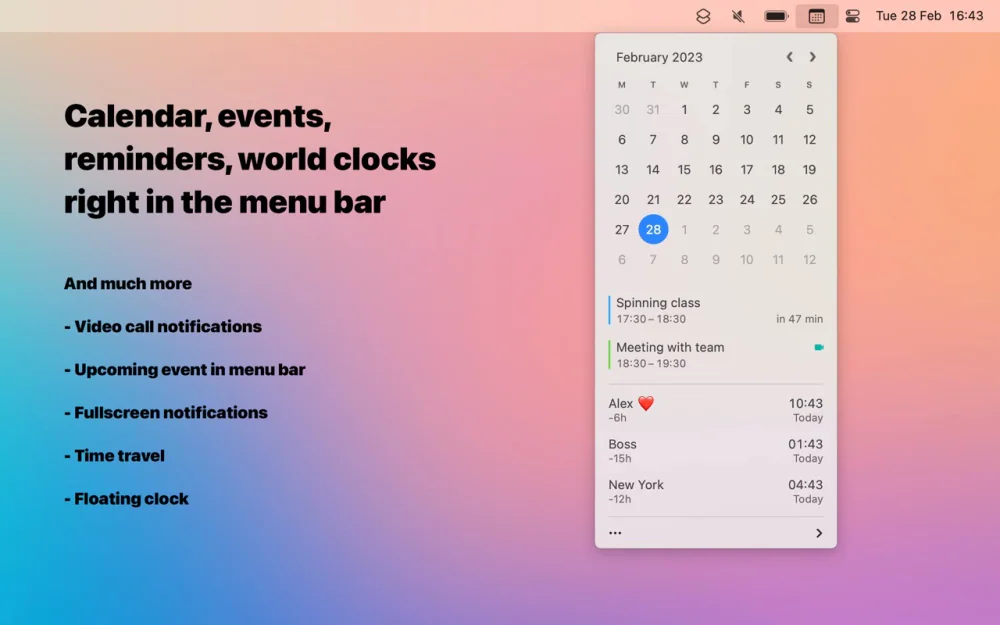
A better menu-bar clock — tap the date for a mini calendar with your events and world clocks, and join the next call in one click.
Productivity · $49.99 · one-time (one-time, 14-day trial)
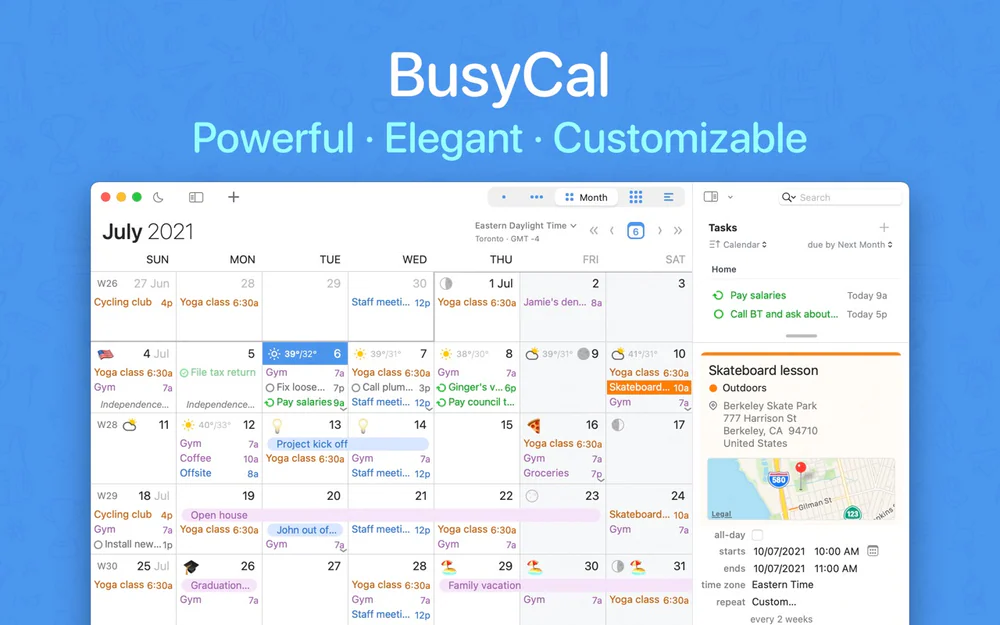
A native Mac calendar with Calendar Sets, Smart Filters, and a menu-bar availability view — the manual-control alternative to Fantastical's automation.

Productivity · Free & open source
A tiny, free, open-source menu-bar calendar that shows and creates events from your existing macOS Calendar — with Vim-style keyboard navigation.