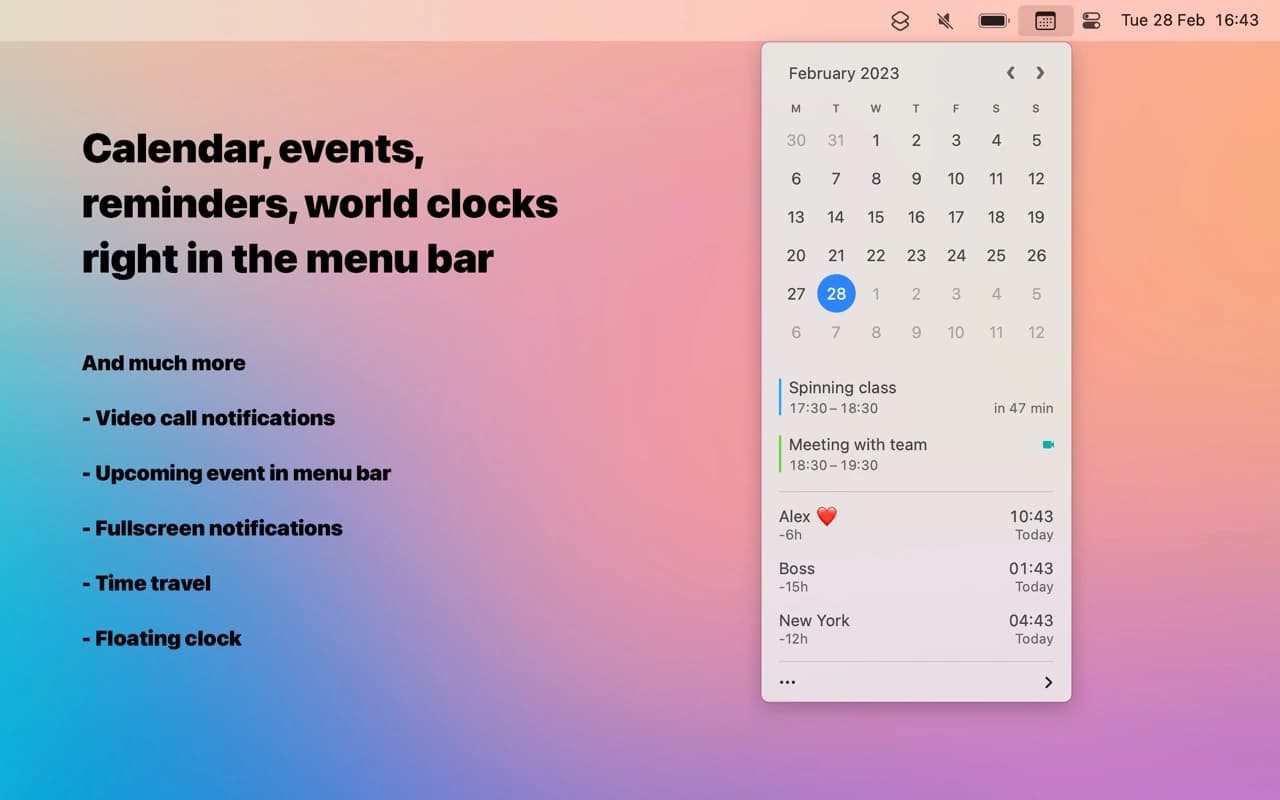

Productivity · $9.99 · one-time (Mac App Store, 14-day free trial, 9.99 USD one-time (introductory price) or 1.49 USD per month)
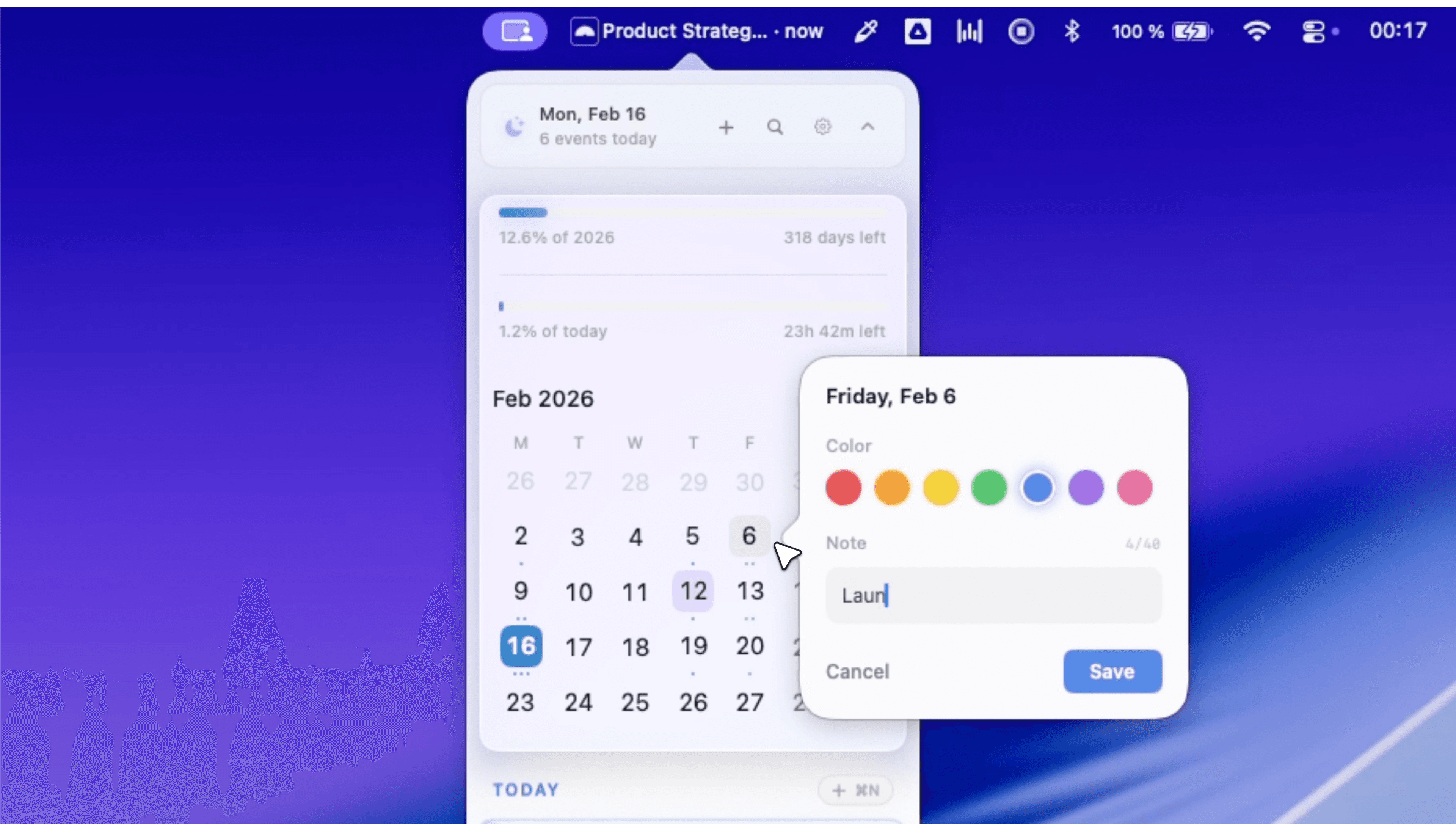
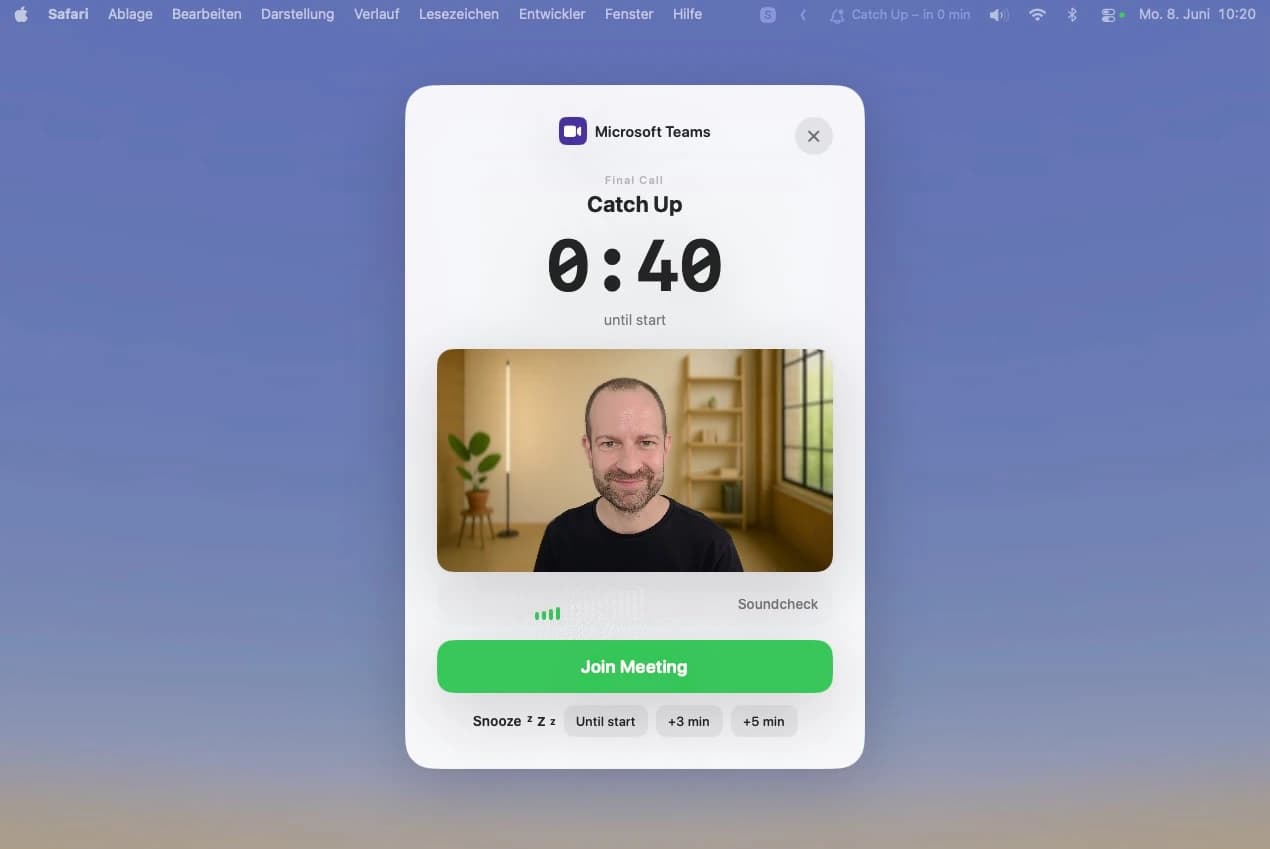
Fullscreen countdown and one-click join before every meeting, right from your menu bar. Calendar data stays on your Mac.
A native Mac calendar with Calendar Sets, Smart Filters, and a menu-bar availability view — the manual-control alternative to Fantastical's automation.
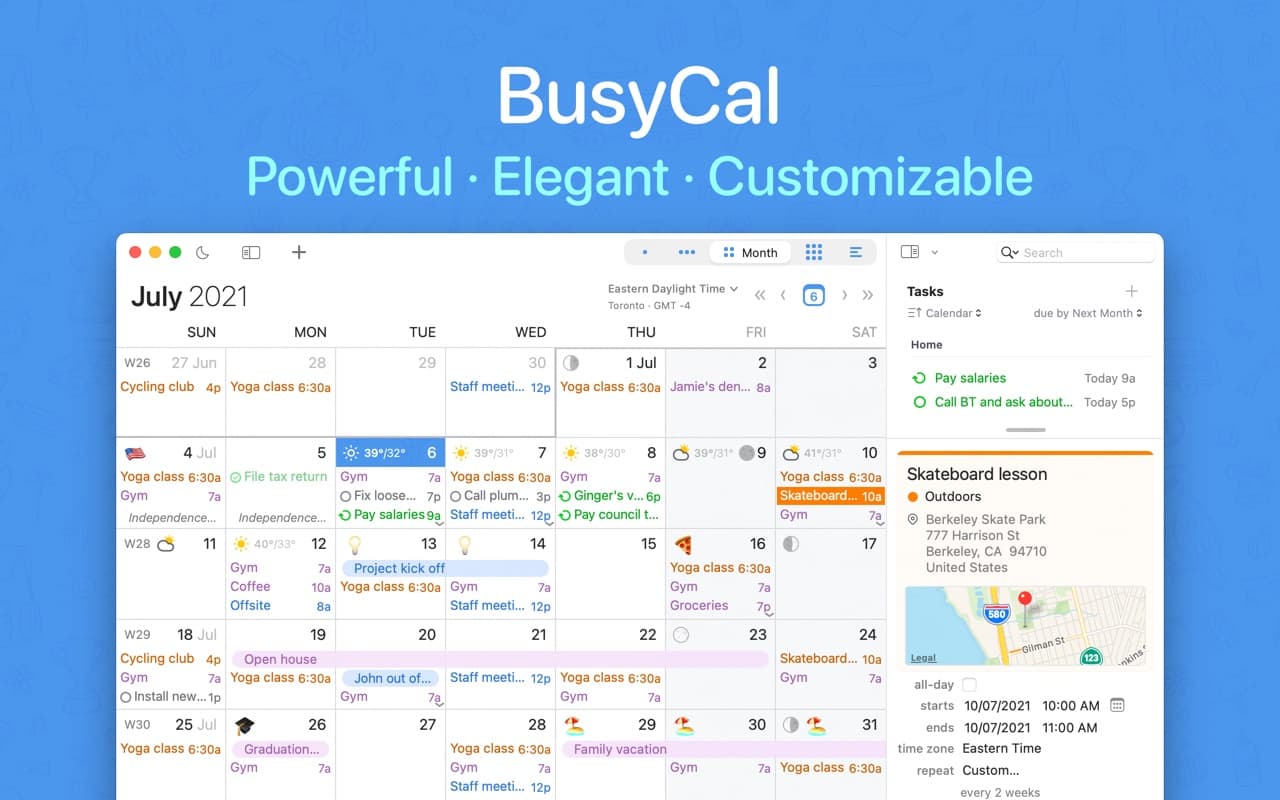
BusyCal replaces Apple's Calendar with a native app built for people who want to manage several calendars by hand rather than let automation decide. Day, Week, Month, Year Planner, and List views are all adjustable, and Calendar Sets let you switch between whole groups of calendars at once.
Every "best calendar apps for Mac" roundup that isn't just Fantastical and Apple Calendar names BusyCal next — the pick for nested smart filters, a working-hours toggle, and finer control over what's visible and when.
$49.99 one-time for the direct license, with a free 14-day trial. Also available via the Mac App Store (freemium, in-app subscription) and Setapp.
Featured in:
Productivity · $9.99 · one-time (Mac App Store, 14-day free trial, 9.99 USD one-time (introductory price) or 1.49 USD per month)
Fullscreen countdown and one-click join before every meeting, right from your menu bar. Calendar data stays on your Mac.

Productivity · $2.99/mo (Monthly)
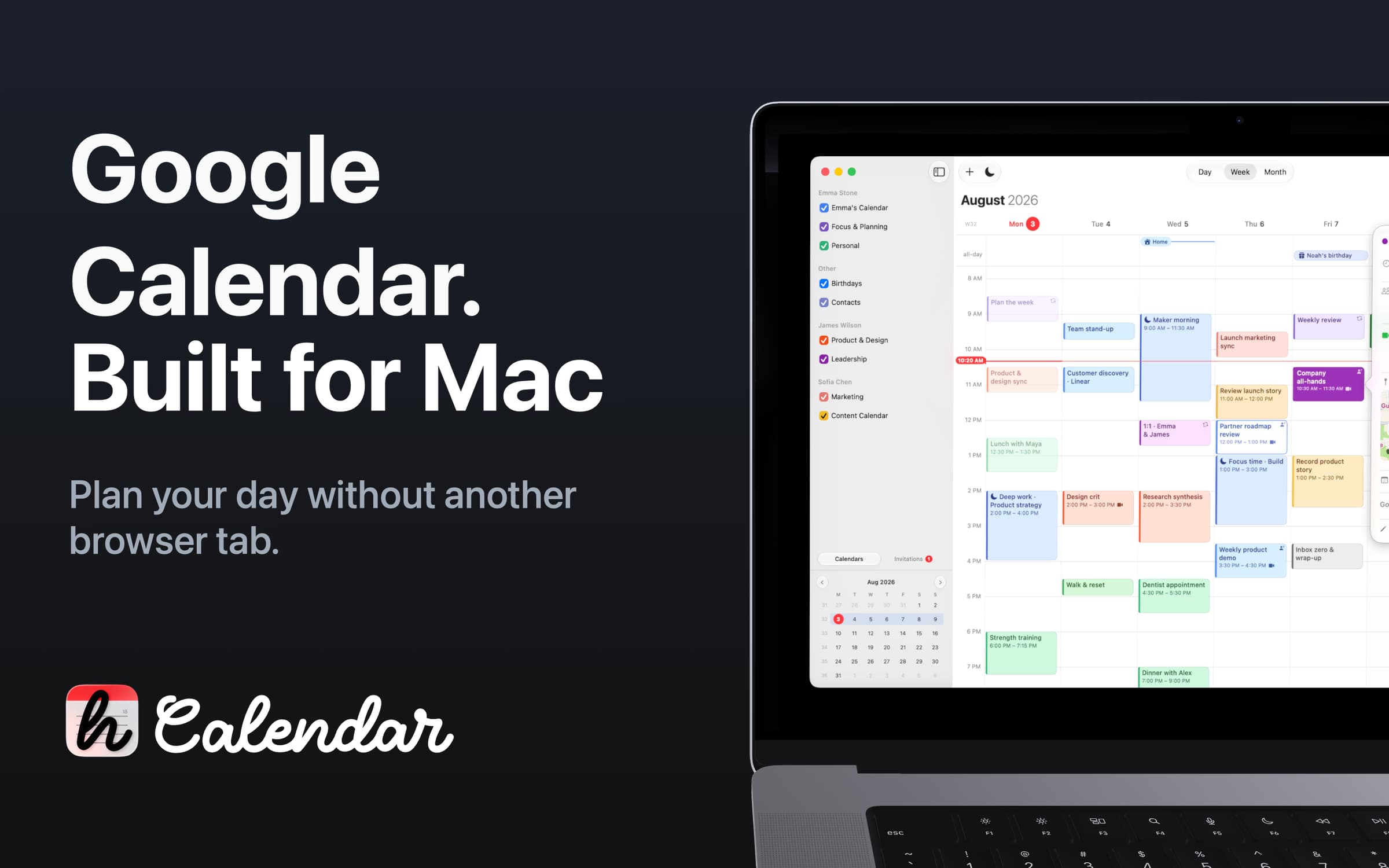
Google Calendar for macOS
Productivity · Free · Flexibits Premium subscription
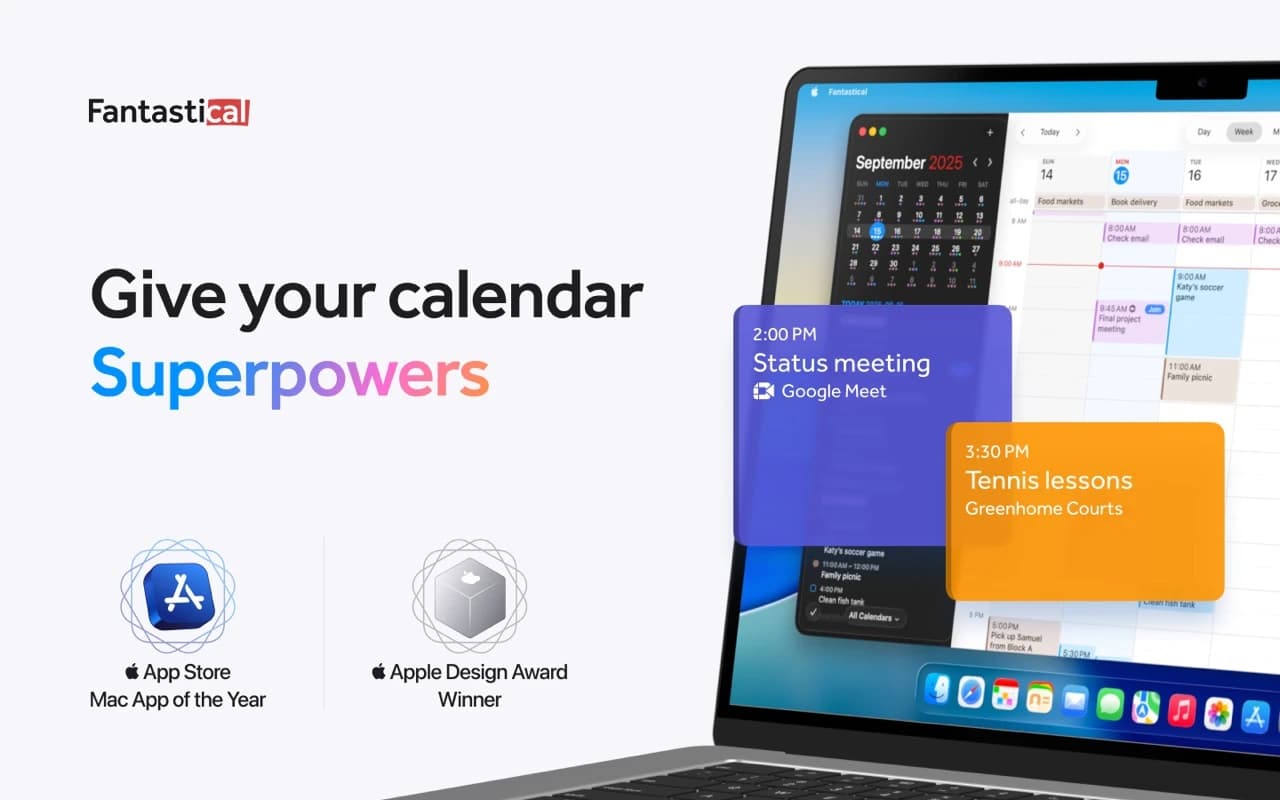
The calendar app that set the bar for the category — natural-language event entry, a beautiful week view, and every calendar account in one place.

Productivity · $14.99 · one-time (one-time, 14-day trial)
A native menu-bar calendar with agenda/month/week views, meeting-join shortcuts, and a built-in world clock — no account or server required.

Productivity · Free & open source
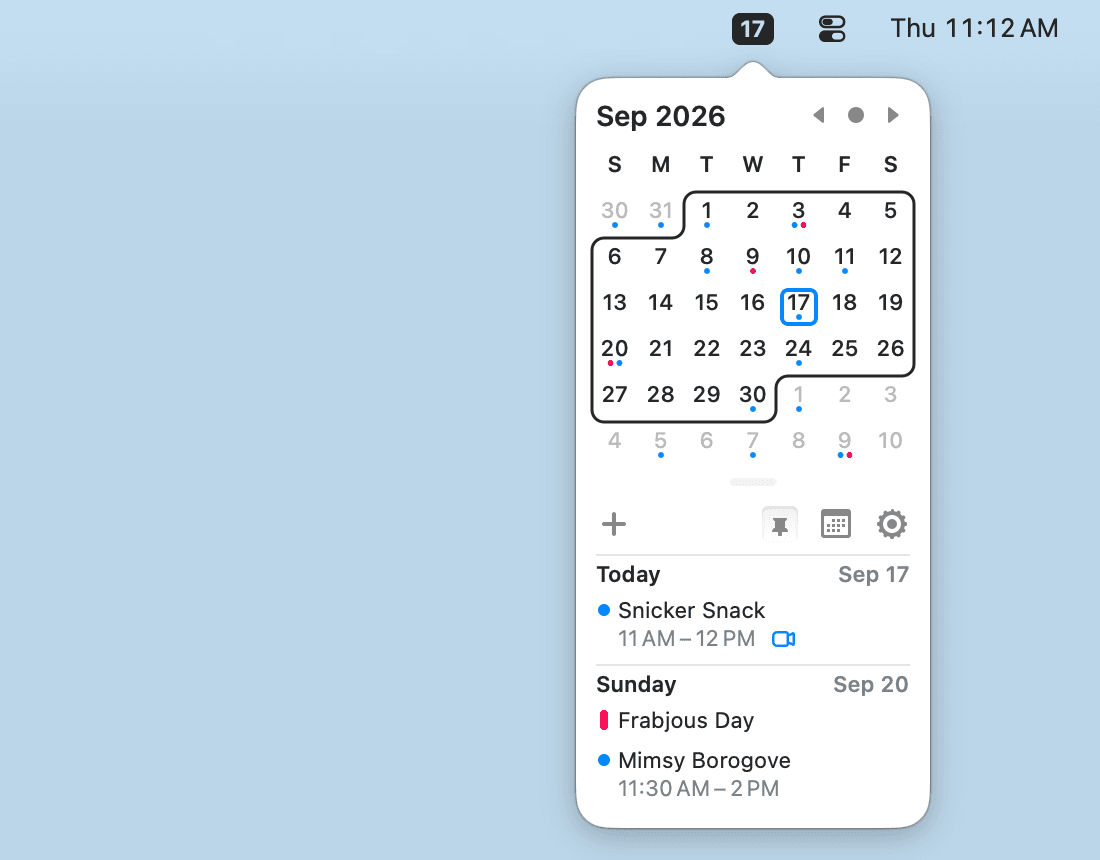
A tiny, free, open-source menu-bar calendar that shows and creates events from your existing macOS Calendar — with Vim-style keyboard navigation.
Utilities · $18 · one-time
A better menu-bar clock — tap the date for a mini calendar with your events and world clocks, and join the next call in one click.