
Productivity · $2.99/mo (Monthly)
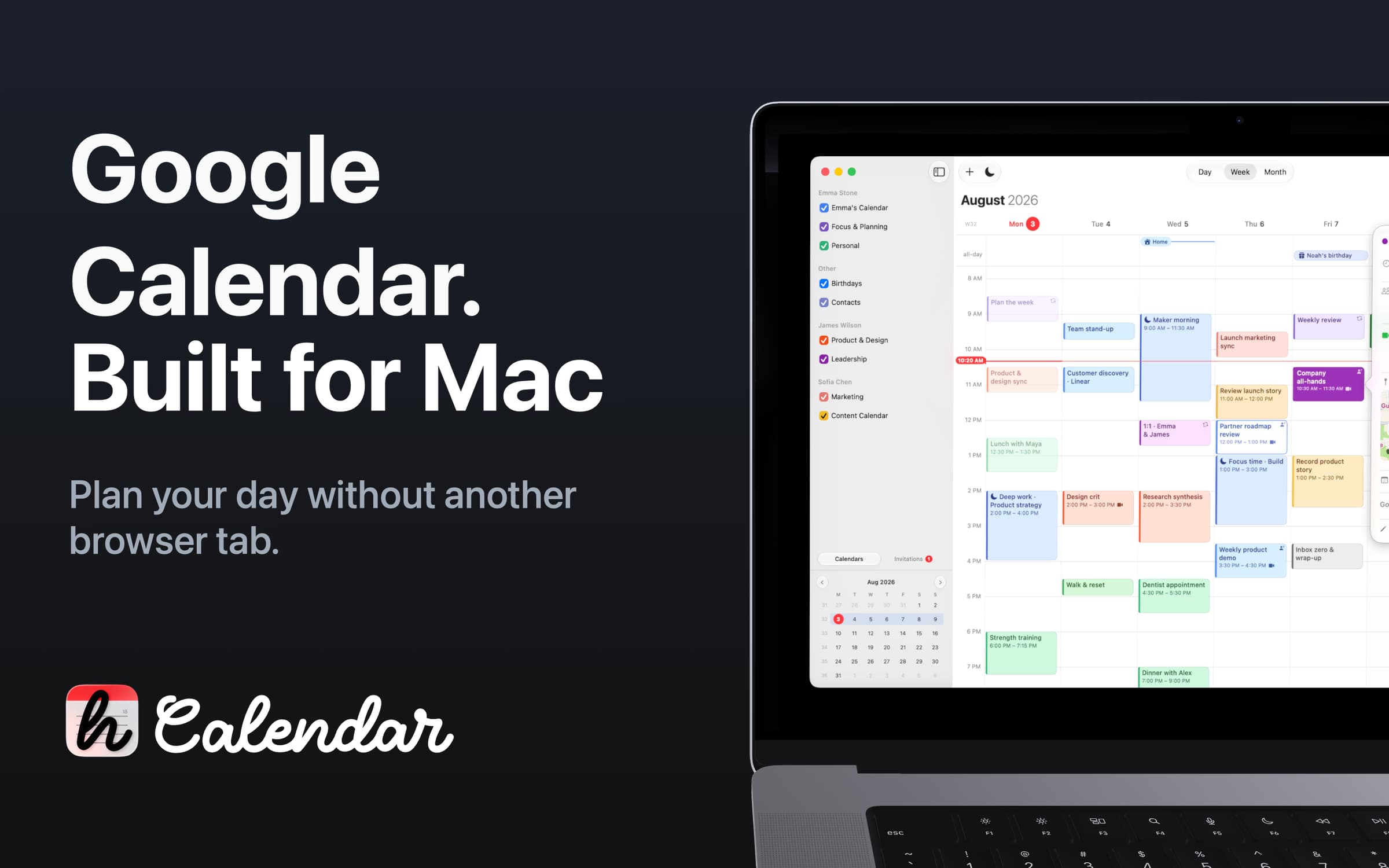
Google Calendar for macOS
Compare Fantastical alternatives by calendar account, full-app or menu-bar workflow, and license. See BusyCal, hora, Dot, Dato and free Itsycal.
5 apps · Updated
For a Fantastical alternative on Mac, start with BusyCal for a full calendar with broad account support, or hora Calendar if all your calendars are on Google. If you mainly open Fantastical to check the agenda and join calls, Dot, Dato or free Itsycal may cover the part you use. A menu bar calendar is a lighter alternative, not a replacement for every scheduling feature.
| App | Calendar workflow | Price and important boundary |
|---|---|---|
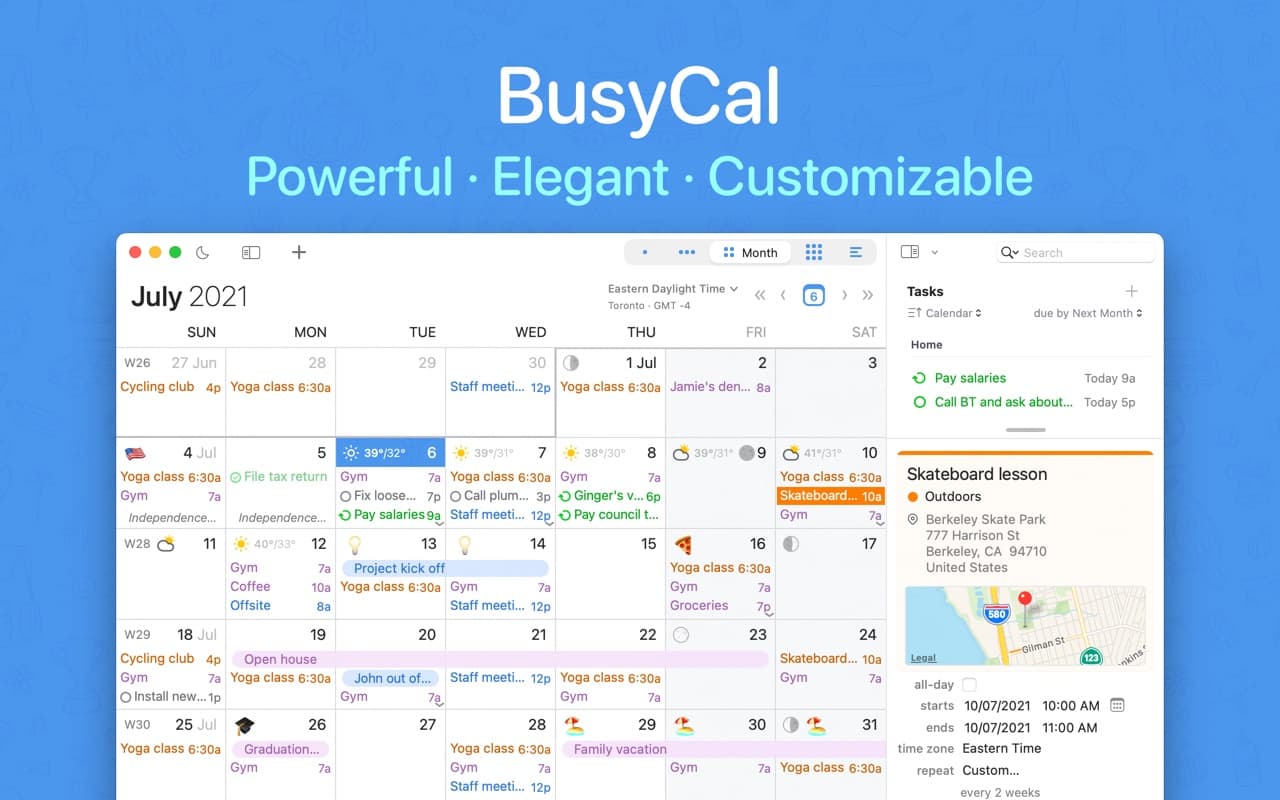
 BusyCal | Full calendar views, tasks, filters and several calendar providers. | Paid direct license with a trial. Check included update years and separate mobile-app terms before budgeting. |
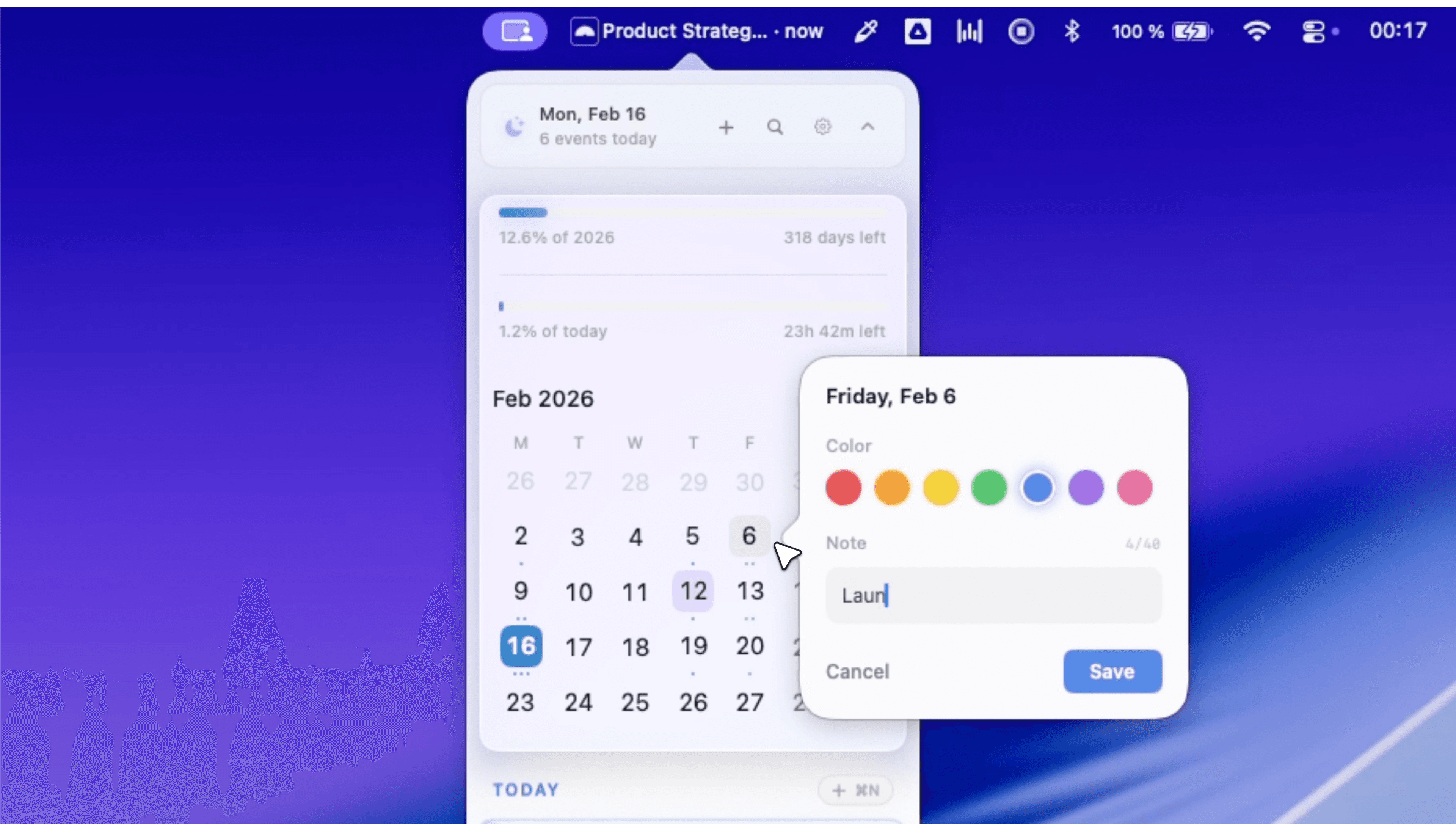
| hora Calendar | A full native client centered on Google Calendar. | Monthly, annual or Lifetime purchase. Requires macOS 15+; Google-only account support is the key limit. |
 Dot | Agenda, month and week views from calendars connected to macOS. | Paid, with a 14-day trial. Adding invitees requires Apple Calendar or the provider rather than Dot itself. |
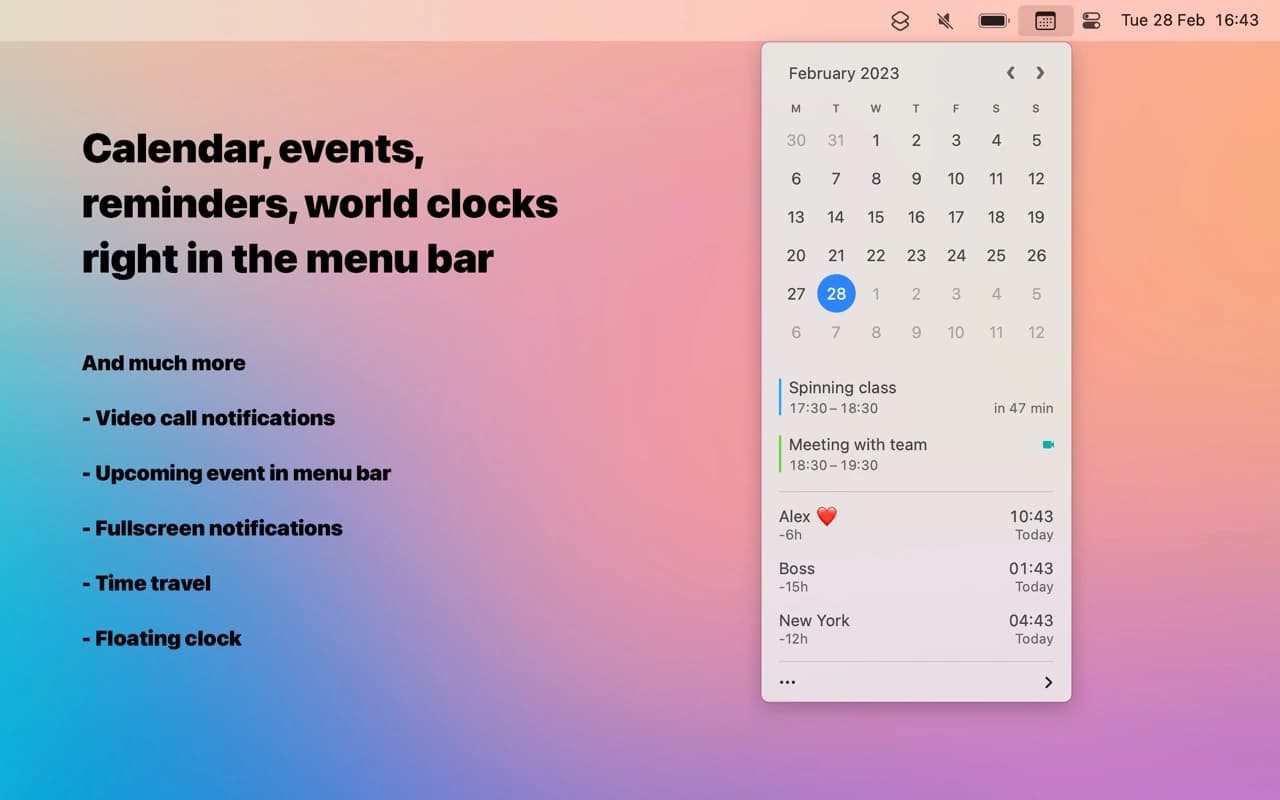
 Dato | Menu bar agenda, world clocks and meeting notifications. | $18 once, with a trial. Current version requires macOS 26+; older versions are listed separately. |
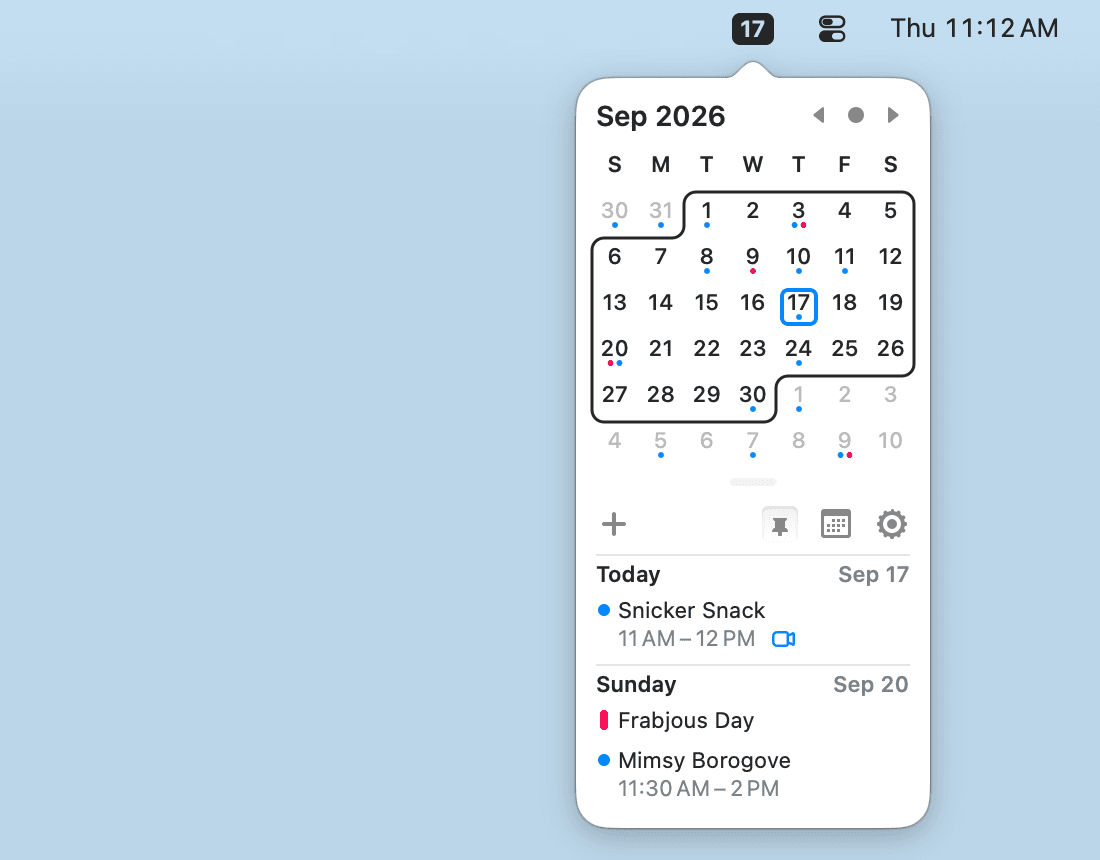
 Itsycal | A compact menu bar calendar using your macOS calendars. | Free and open source. A lightweight calendar panel rather than a complete scheduling suite; choose the correct OS download. |
For a broad first-time choice rather than switching from Fantastical, see our best calendar apps for Mac.
Productivity · $2.99/mo (Monthly)
Google Calendar for macOS
Utilities · $18 · one-time
A better menu-bar clock — tap the date for a mini calendar with your events and world clocks, and join the next call in one click.
Productivity · $49.99 · one-time (one-time, 14-day trial)
A native Mac calendar with Calendar Sets, Smart Filters, and a menu-bar availability view — the manual-control alternative to Fantastical's automation.
Productivity · $14.99 · one-time (one-time, 14-day trial)
A native menu-bar calendar with agenda/month/week views, meeting-join shortcuts, and a built-in world clock — no account or server required.
Productivity · Free & open source
A tiny, free, open-source menu-bar calendar that shows and creates events from your existing macOS Calendar — with Vim-style keyboard navigation.
First confirm where your events live: Google, iCloud, Microsoft or another provider. When the new app supports the same account, connect that account before exporting and importing files; a second import can create duplicate events.
Test a recurring meeting, an invitation response, a time-zone change and a video-call link. If you use tasks, shared calendars or scheduling links, test those separately. Keep Fantastical available until the replacement covers your normal week, including the provider and device combinations you need.
Apple Calendar is included with macOS, and Itsycal is a free menu bar option. Fantastical itself also offers a free tier. Decide whether your missing requirement is basic calendar access, a better agenda panel or a paid scheduling feature before moving to another app.
Compare BusyCal's direct license, hora's Lifetime option and Dato's one-time purchase. Read the update and platform terms: owning the current Mac version, receiving all future versions and owning a separate iPhone app are not automatically the same thing.
Its focus is Google Calendar. Choose a broader client if iCloud, Exchange or another provider is essential. Connecting your calendars is a more important requirement than getting a similar-looking week view.
They can replace a lighter agenda-and-menu-bar workflow. They should not be assumed to reproduce full scheduling, booking links, every invitation action or the same task integrations. Dot also explicitly sends invitee management to Apple Calendar or your provider.
If your main concern is leaving a paid plan, compare the features you actually use with Fantastical's current offering before switching.
Developer sources checked 4 November 2026. This comparison does not claim that every provider was tested with every calendar app.