

Productivity · Free · Pro
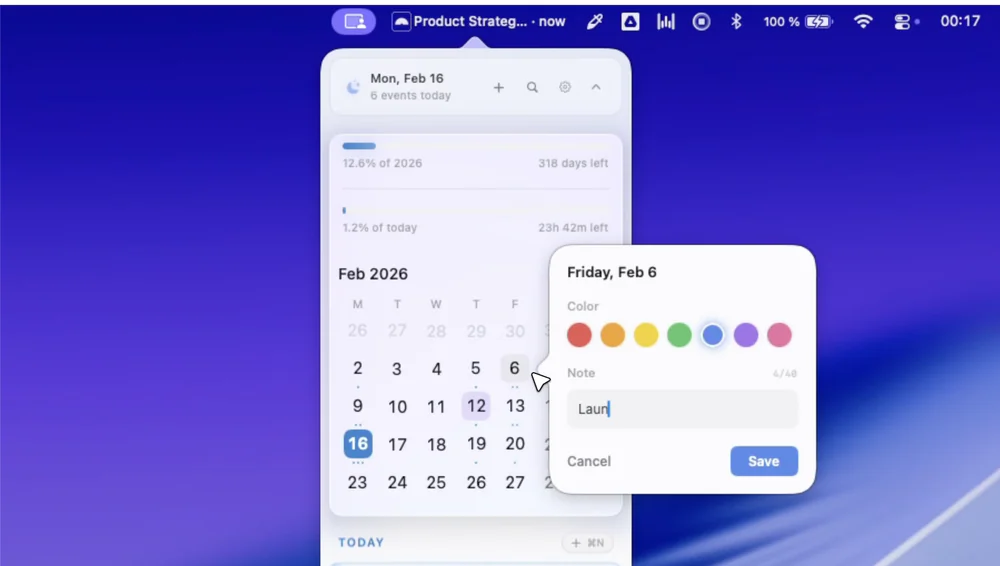
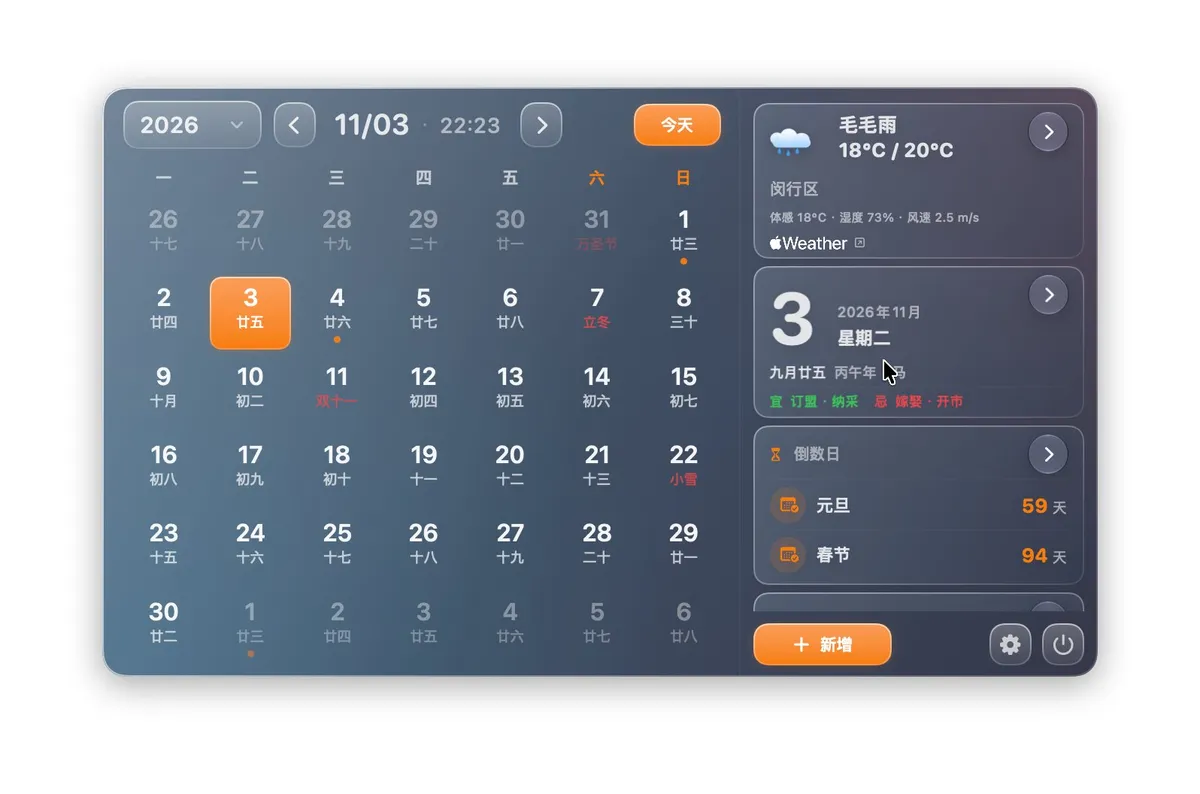
AirCalendar is a native Mac menu bar calendar showing today — date, schedule, to-dos and countdowns — in one small panel.

A tiny, free, open-source menu-bar calendar that shows and creates events from your existing macOS Calendar — with Vim-style keyboard navigation.
Itsycal puts a small calendar in the menu bar that shows events from whatever calendars you already have set up in macOS Calendar, and lets you create new ones without switching apps.
It's the free, no-account option in this lineup — open source under the MIT license, with nearly 4,000 GitHub stars and over a decade of steady updates from its single maintainer.
Free and open source (MIT license). Direct download or brew install --cask itsycal.
Productivity · Free · Pro
AirCalendar is a native Mac menu bar calendar showing today — date, schedule, to-dos and countdowns — in one small panel.

Productivity · $9.99 · one-time (Mac App Store, 14-day free trial, 9.99 USD one-time (introductory price) or 1.49 USD per month)
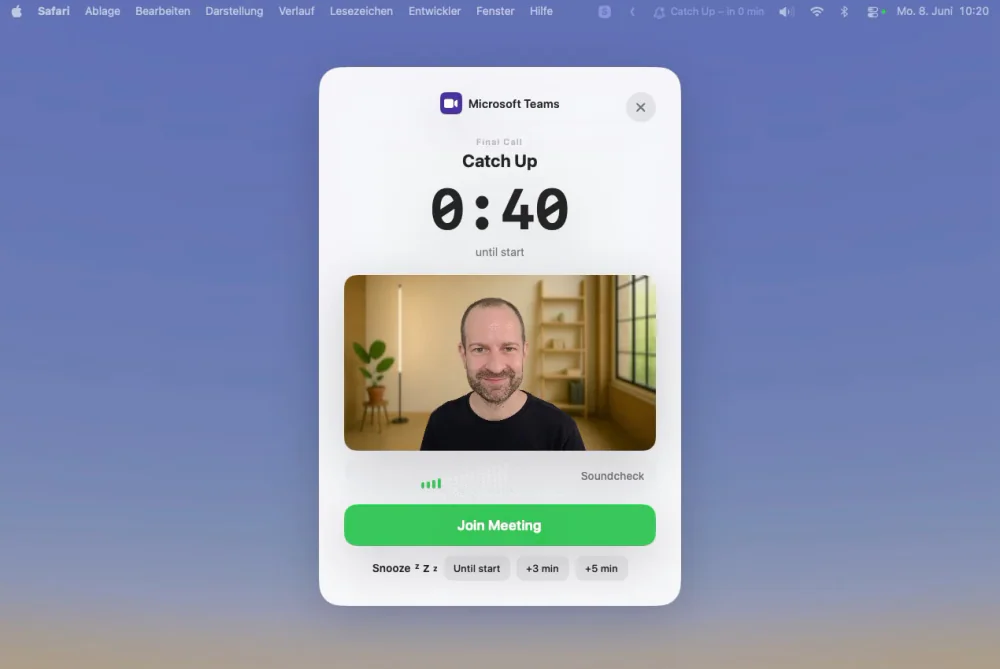
Fullscreen countdown and one-click join before every meeting, right from your menu bar. Calendar data stays on your Mac.

Productivity · $2.99/mo (Monthly)
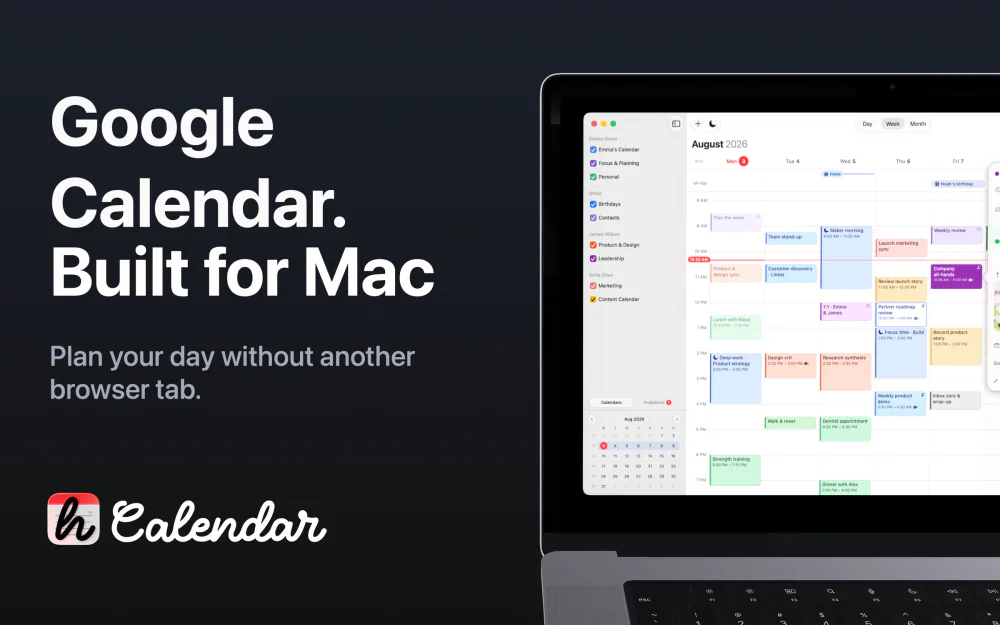
Google Calendar for macOS
Productivity · $49.99 · one-time (one-time, 14-day trial)
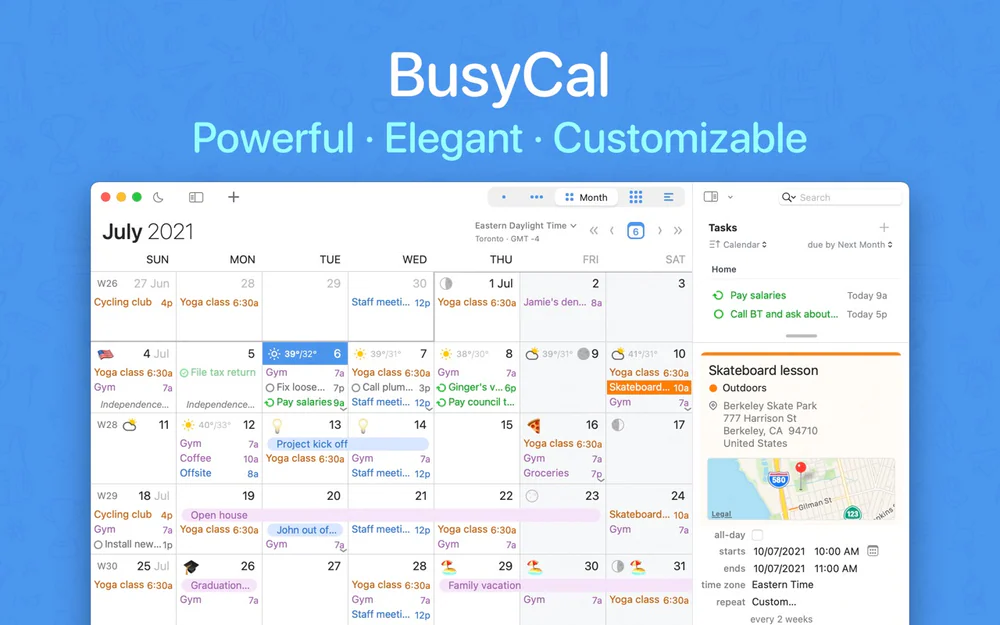
A native Mac calendar with Calendar Sets, Smart Filters, and a menu-bar availability view — the manual-control alternative to Fantastical's automation.

Productivity · $14.99 · one-time (one-time, 14-day trial)
A native menu-bar calendar with agenda/month/week views, meeting-join shortcuts, and a built-in world clock — no account or server required.

Utilities · $9 · one-time (One-time; 7-day trial)
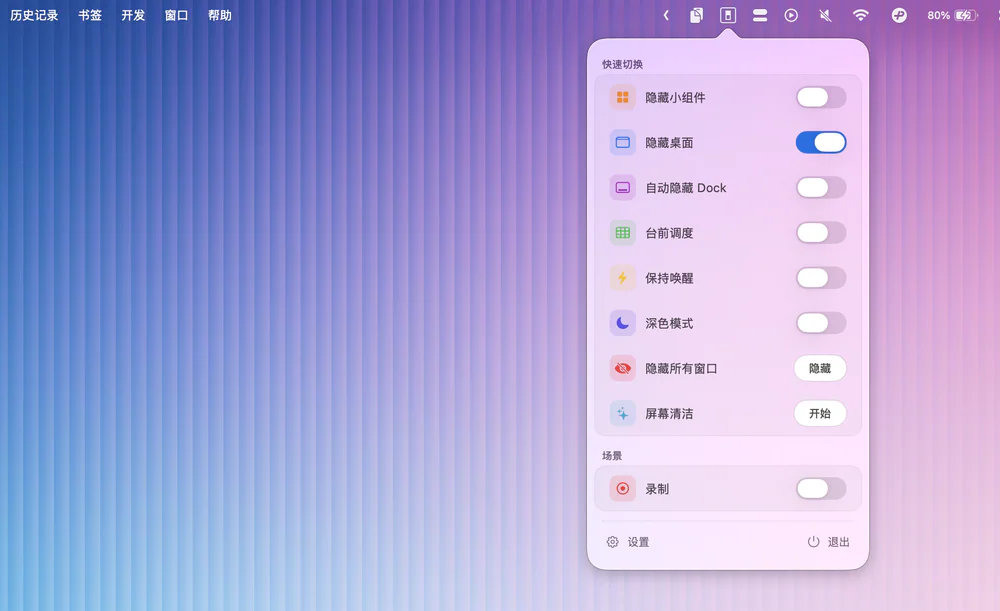
Menu bar toggles for macOS system controls — Dark Mode, Stage Manager, desktop icons, and more.