

A better menu-bar clock — tap the date for a mini calendar with your events and world clocks, and join the next call in one click.
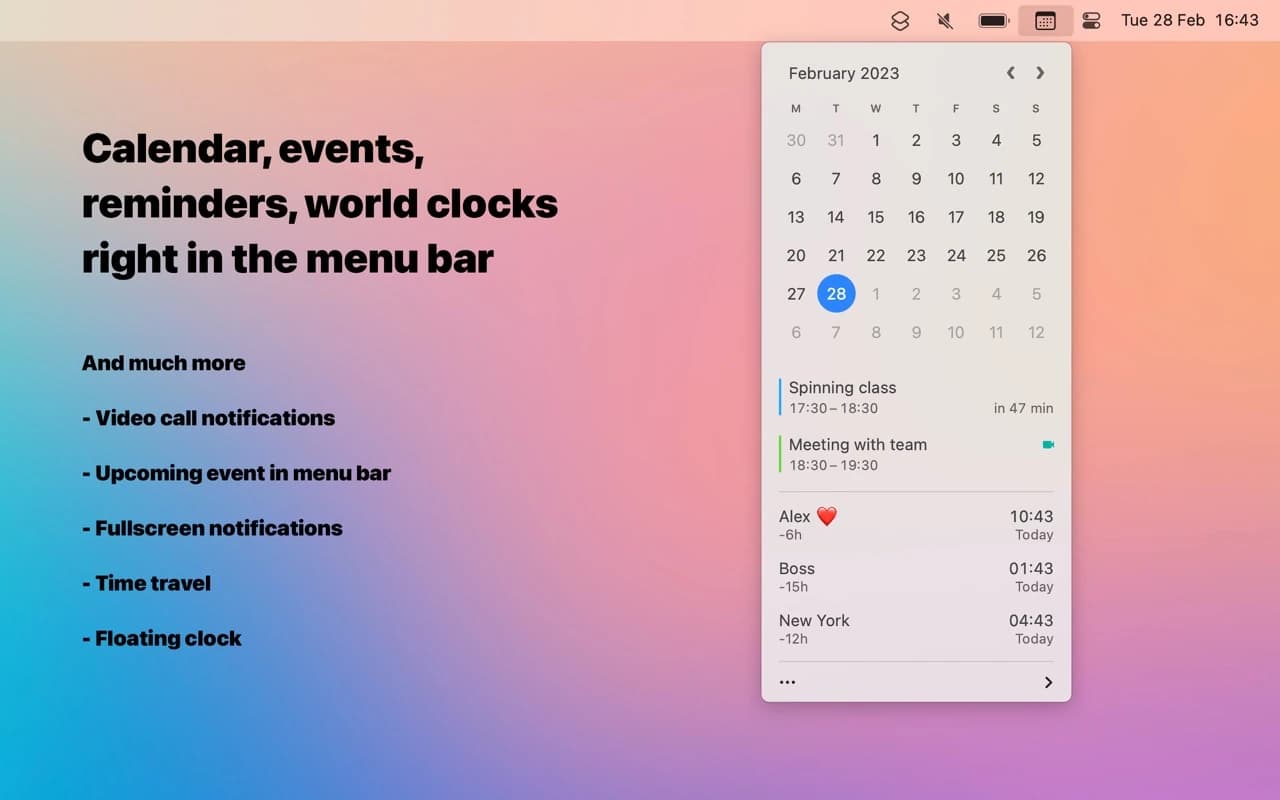
Dato replaces the macOS menu-bar clock with something you will actually click. It shows the date next to the time, and opening it gives you a compact month calendar, your upcoming events from every synced calendar, and as many world clocks as you need.
Why it makes the list
Dato is one of Sindre Sorhus's meticulously small apps — it does one job and finishes it. The details are what sell it: a one-click Join button for the next video call, natural-language time-zone conversion, and a menu-bar footprint you can tune to the pixel.
Standout features
-
Menu-bar calendar with a month view and your real events
-
One-click join for Zoom, Meet, Teams, and more
-
World clocks and drag-to-convert time-zone planning
-
Configurable menu-bar text — date, time, week number, your format
-
Keyboard navigation and a global hotkey
-
Calendar-set style filtering of which calendars show
Pricing
A one-time purchase (around $18) with a free trial. Also available on Setapp.
Featured in:
More in Utilities

Utilities · $4.99 · one-time (14 day refund policy)
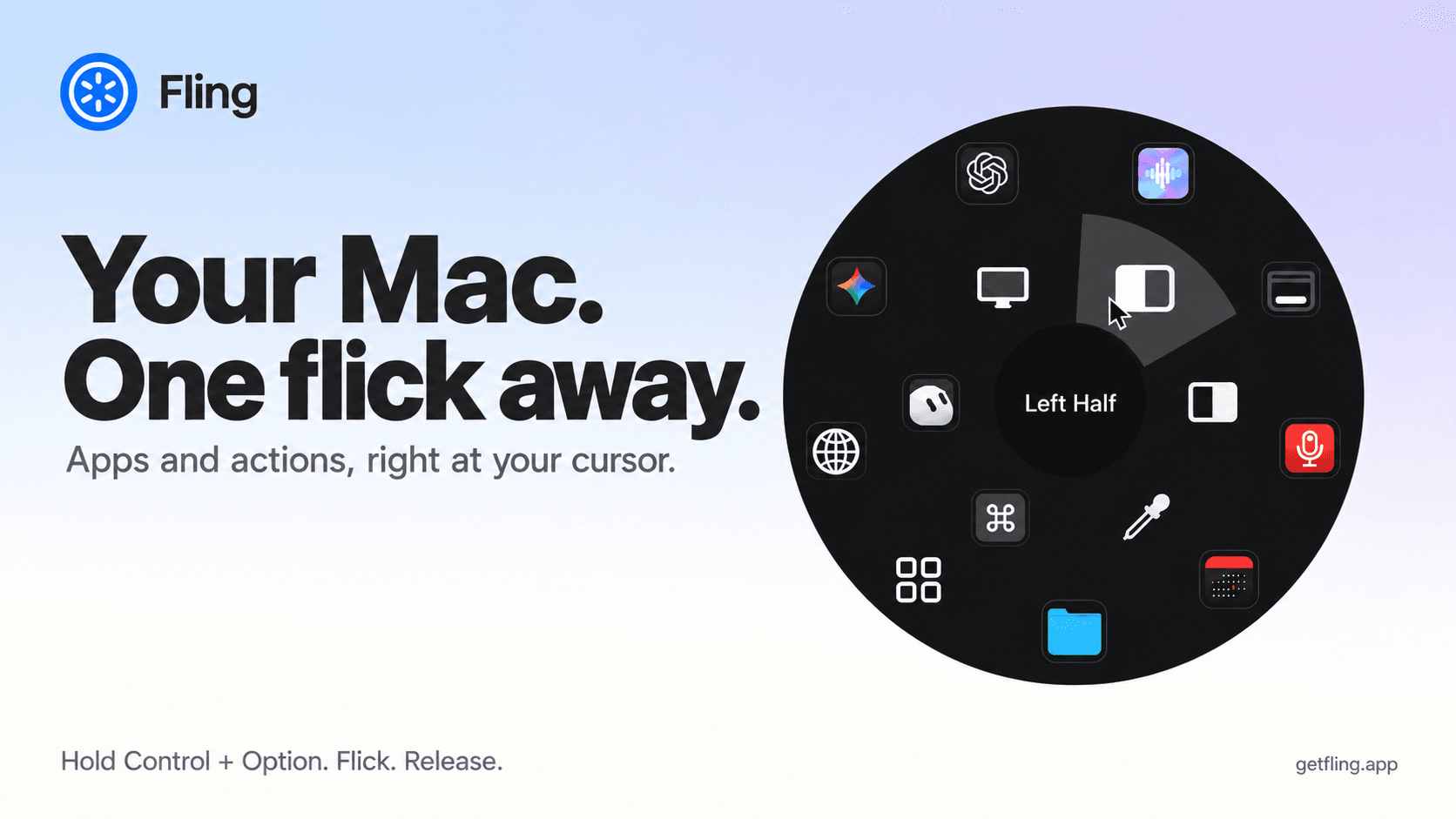
A native macOS command ring for launching apps, folders, links, shortcuts, window actions, screenshots and more with a quick flick.

Utilities · $22.99 · one-time (Lifetime license for 1 Mac; 7-day free trial.)
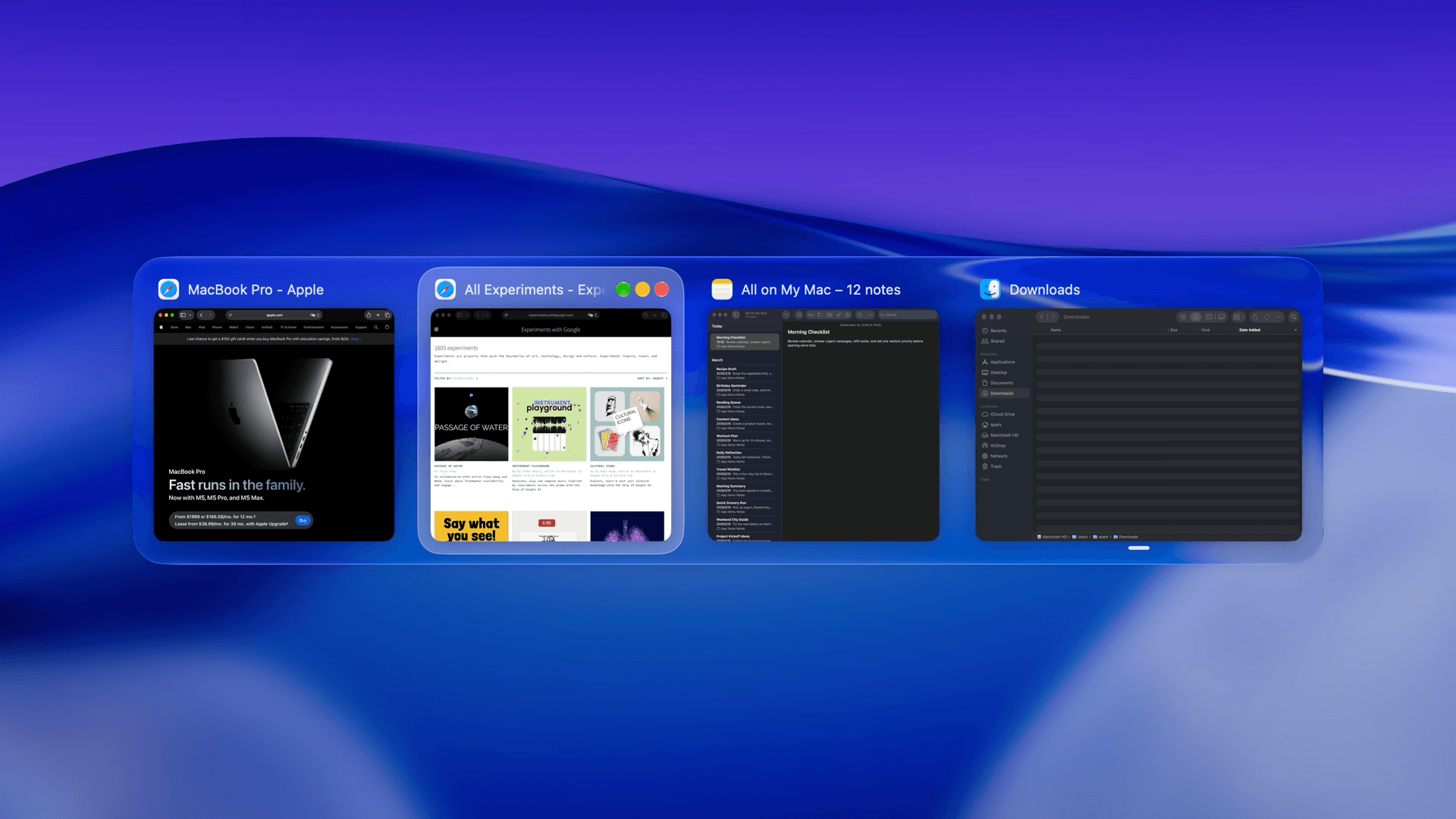
macOS window manager with automatic tiling, window search, and saved layouts


Utilities · $9.99/mo (US $9.99/month or $99.99/year. Free one-hour trial; Family Sharing on annual only.)
Detect slouching with your Mac’s camera and receive personalized posture reminders while you work.