

A menu-bar clock that shows the local time of the specific people you work with — teammates, clients, family — each with a name and a face.
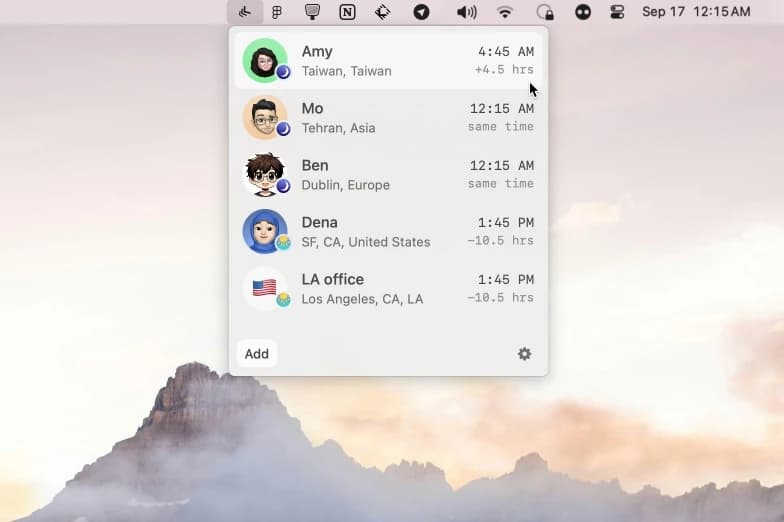
There puts a short list of people, not cities, in your menu bar. Add someone by city, country, an abbreviation like PST, or a raw UTC offset, give them a name and a photo (pulled from an X or Telegram handle, or uploaded), and their current local time sits one glance away. Open the panel and you get a small strip showing everyone's hour side by side, colour-shifted for morning, day, and night.
Why it makes the list
Every world-clock app makes you think in time zones. There makes you think in people, which is how scheduling a call actually works — you want to know if it's a reasonable hour for Sara, not what o'clock it is in Lisbon. It's a 5 MB native app, it runs entirely on-device with no account, and it's open source. Roughly 17,000 people use it, including staff at Apple, Shopify, and Zapier.
Standout features
-
People, with photos — faces and names instead of a list of GMT offsets
-
Flexible entry — city, country, abbreviation (PST, IST), or UTC offset
-
Part-of-day tint so an awkward hour is obvious at a glance
-
Fully local — no sign-up, no server, nothing leaves your Mac
-
Tiny and native — a ~5 MB menu-bar app, installable via Homebrew
Pricing
Free. Download from the site or install with Homebrew. Requires macOS 13 or later.
More in Utilities
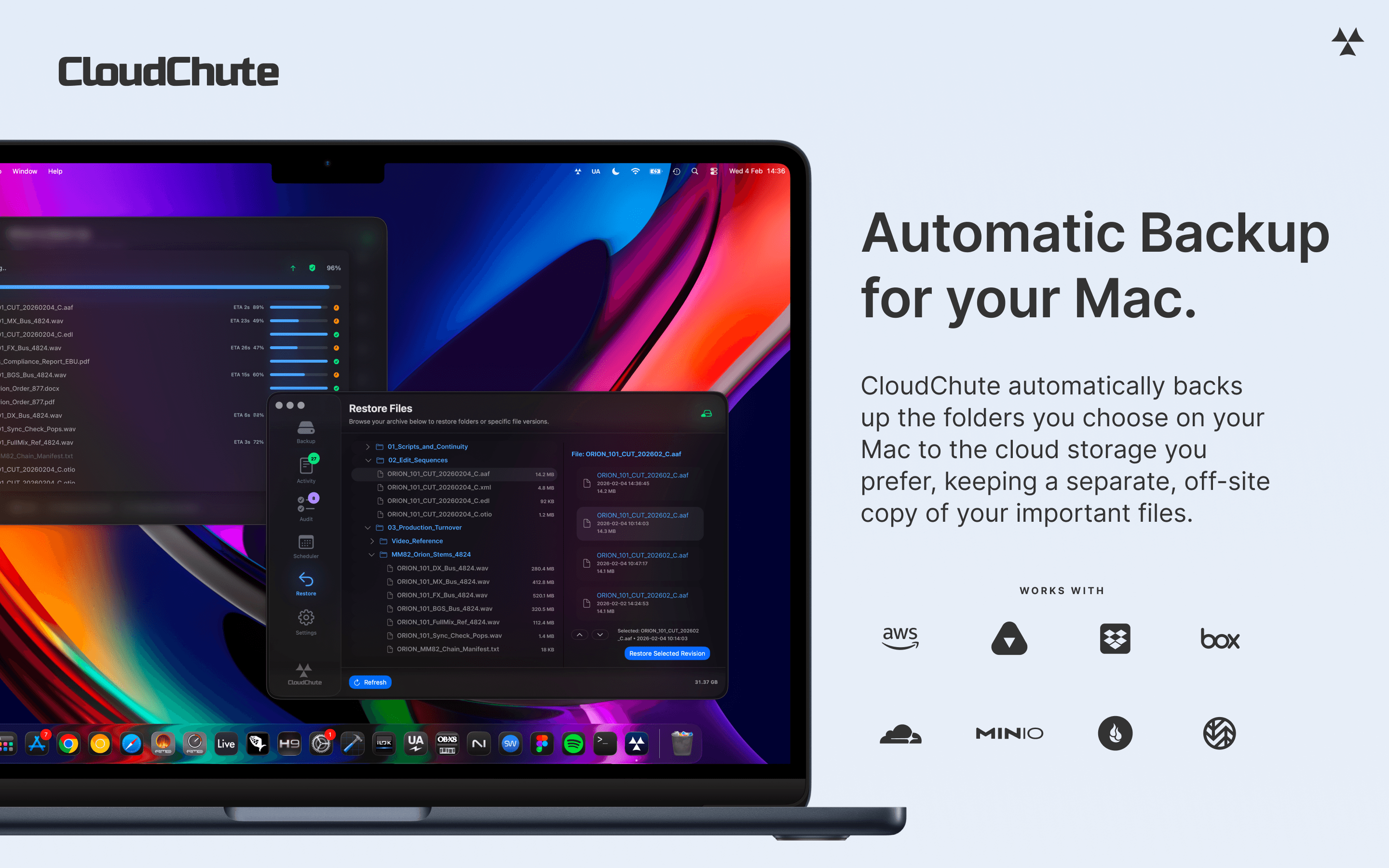

Utilities · $3.99/mo (Start 10-day free trial)
Automatically back up selected Mac folders to your own cloud storage, with optional encryption and protection against accidental deletion.
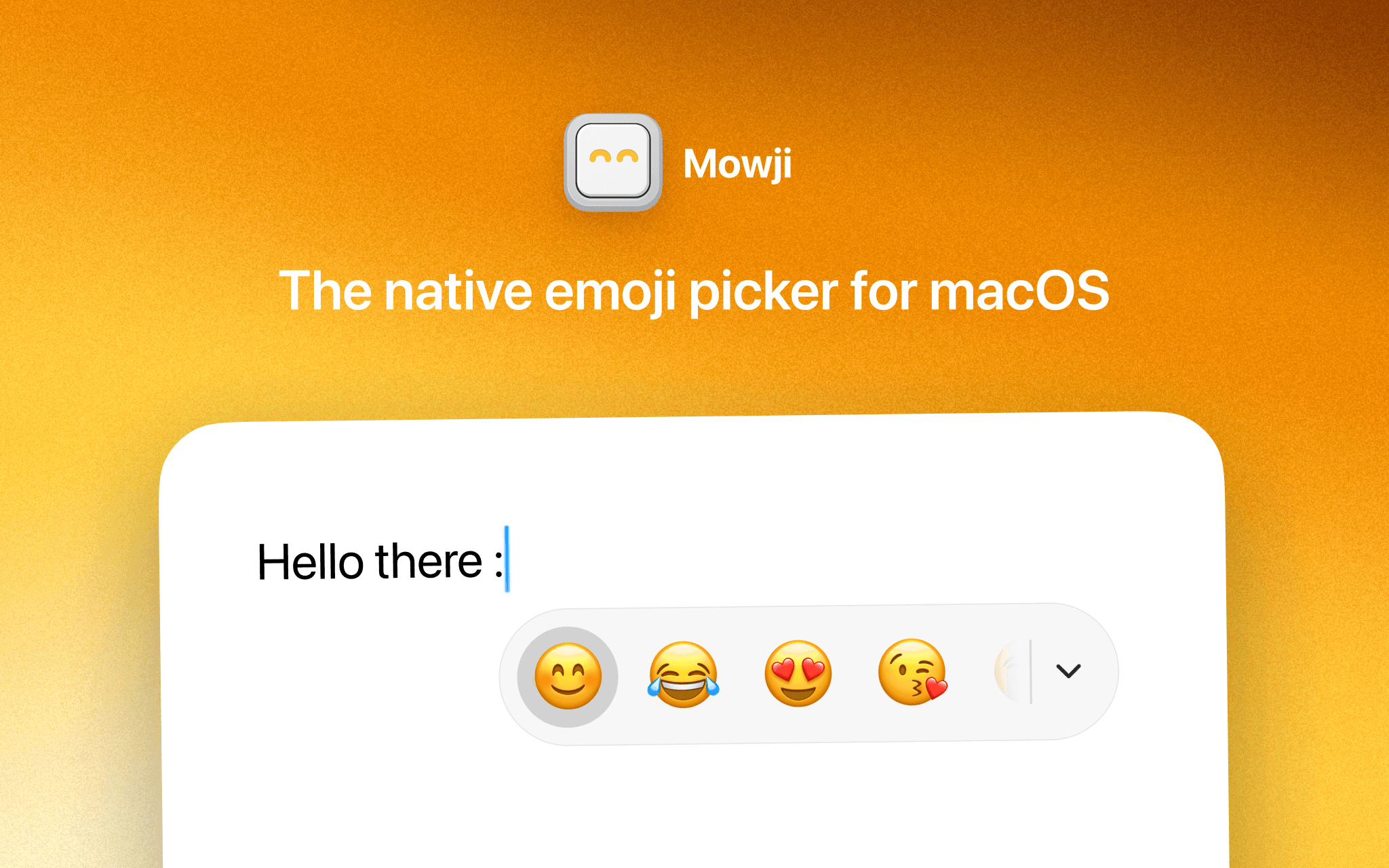

Utilities · $12 · one-time (Free trial with 150 emoji insertions)
The native emoji picker for macOS
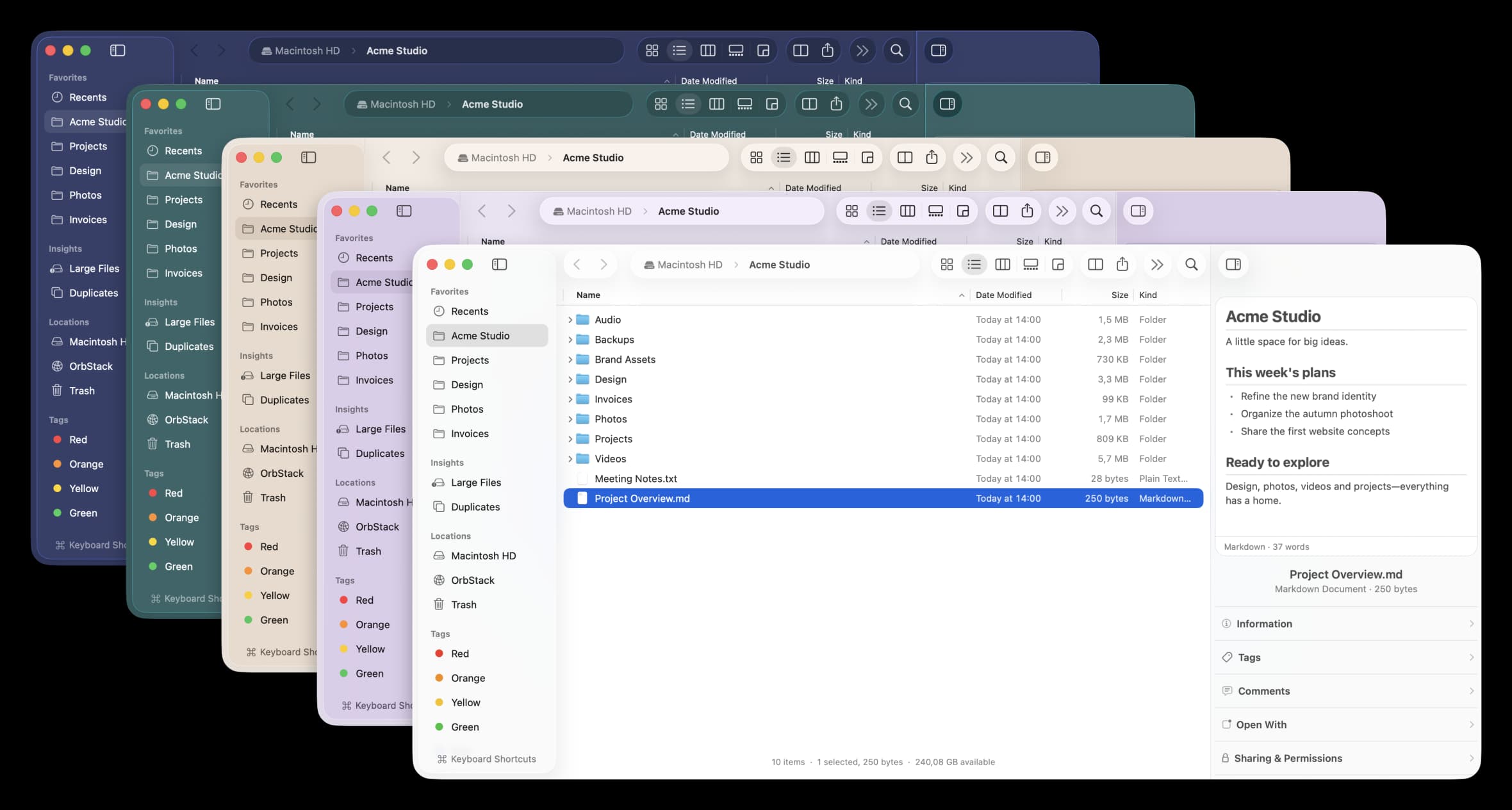

Utilities · Free & open source
A free, open-source Finder alternative for Mac with instant plain-English search, real-time folder sizes, and a visual disk usage map.