

A native Mac app for 3D device mockups — drop in a screenshot and get a rotatable, animatable phone, laptop, or desktop render for App Store images, decks, and launch videos.
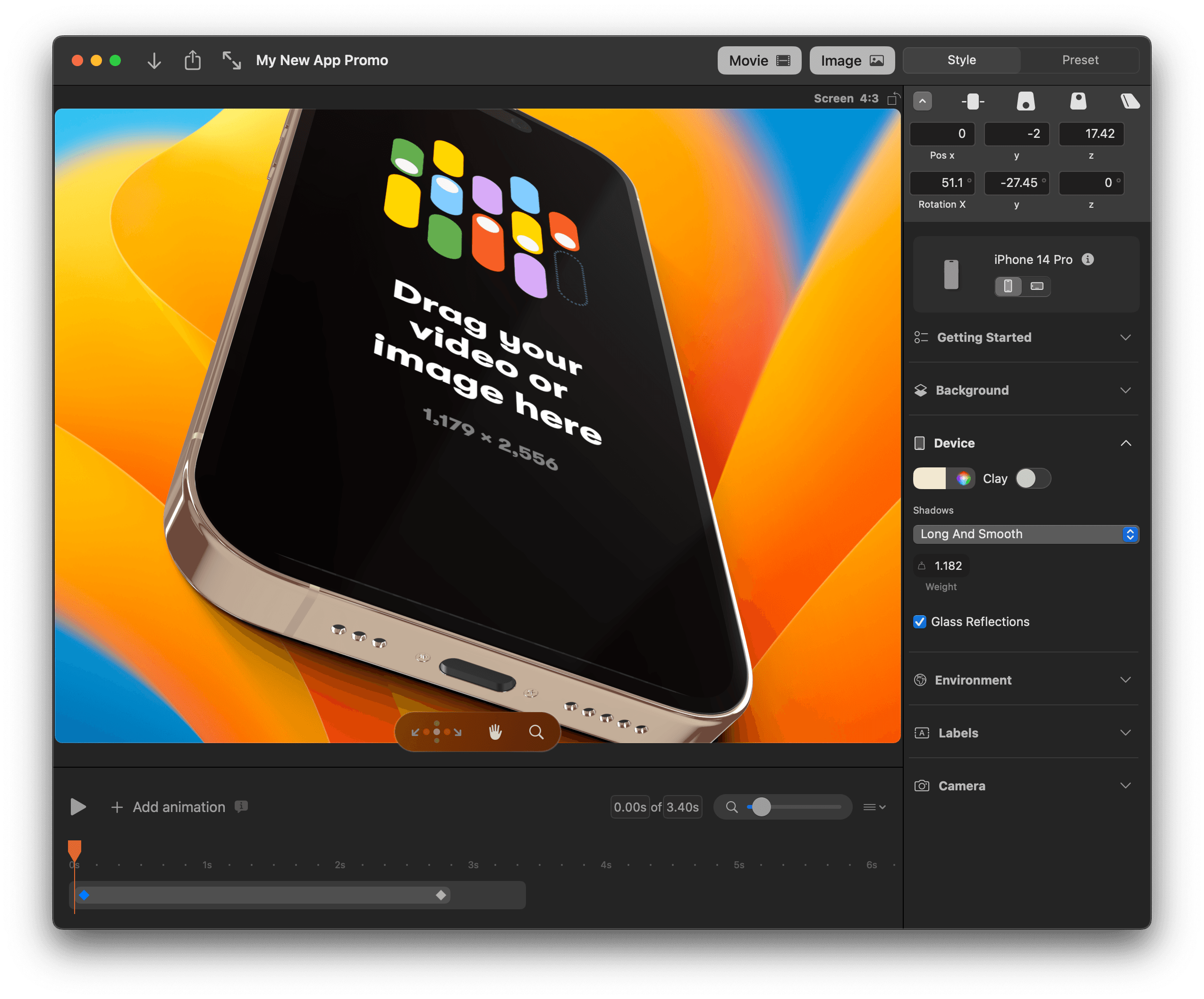
Rotato turns a flat screenshot into a 3D device mockup you can rotate, light, and animate — rendered natively on the Mac rather than through a browser-based template picker. It covers 30+ devices (phones, laptops, desktops, tablets) and exports straight to PNG, MP4, or a GIF for App Store listings, Twitter/X launch posts, Keynote decks, and investor updates.
Why it makes the list
It's the app indie makers and design teams actually reach for when a flat screenshot needs to look like a product shot — a real 3D engine instead of a static PSD template, and a one-time Mac license instead of a recurring mockup-site subscription.
Standout features
-
30+ device models — phones, laptops, desktops, and tablets, kept current with new hardware
-
Full 3D control — rotate, light, add shadows and backgrounds, or strip the frame to a transparent device
-
Timeline animation for video exports, not just static renders
-
Clay mode and custom backgrounds for presentation-ready, on-brand shots
-
Export anywhere — PNG, MP4, and GIF, sized for the App Store, social, Keynote, or Google Slides
Pricing
One-time purchase for the Mac app: Basic $79 (phone mockups only), Standard $89 (all 30+ devices plus premium templates), Premium $199 (adds 100+ video and gallery templates). A free browser-based beta (Rotato Web) is also available at edit.rotato.app.
More in Photo & Video
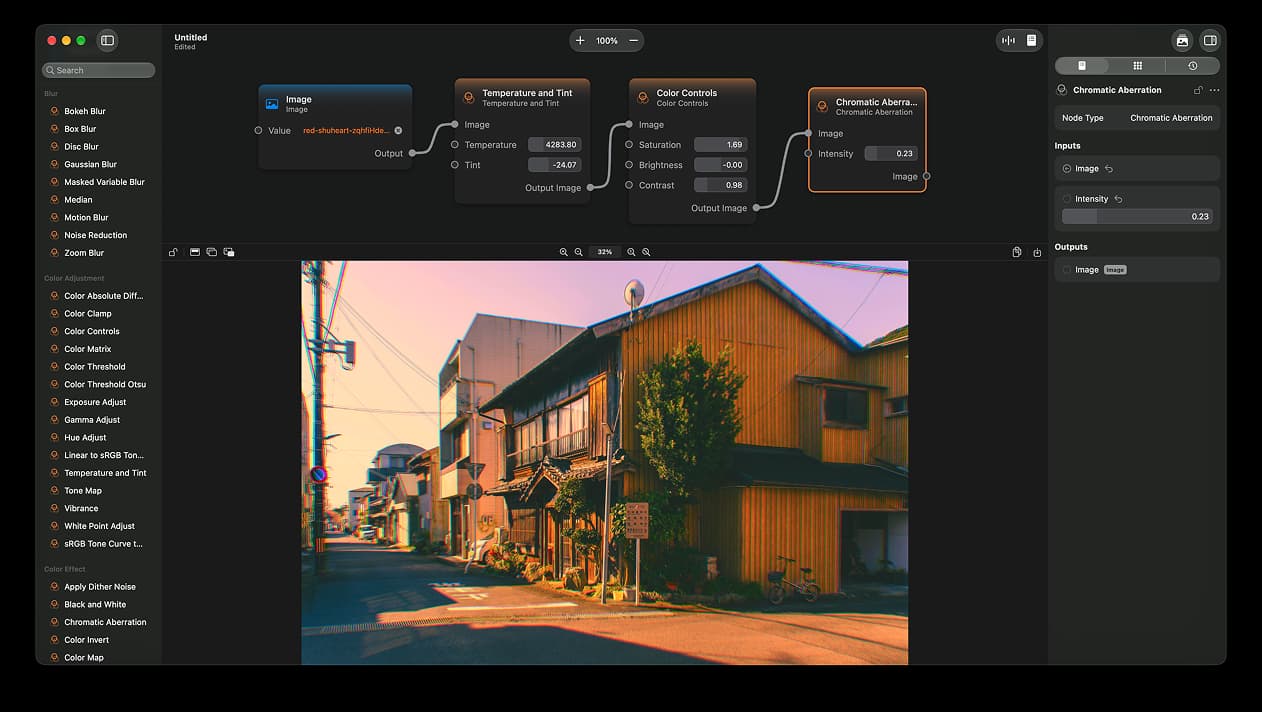
Photo & Video · $14.99 · one-time (App Store)
A node-based image editor for macOS
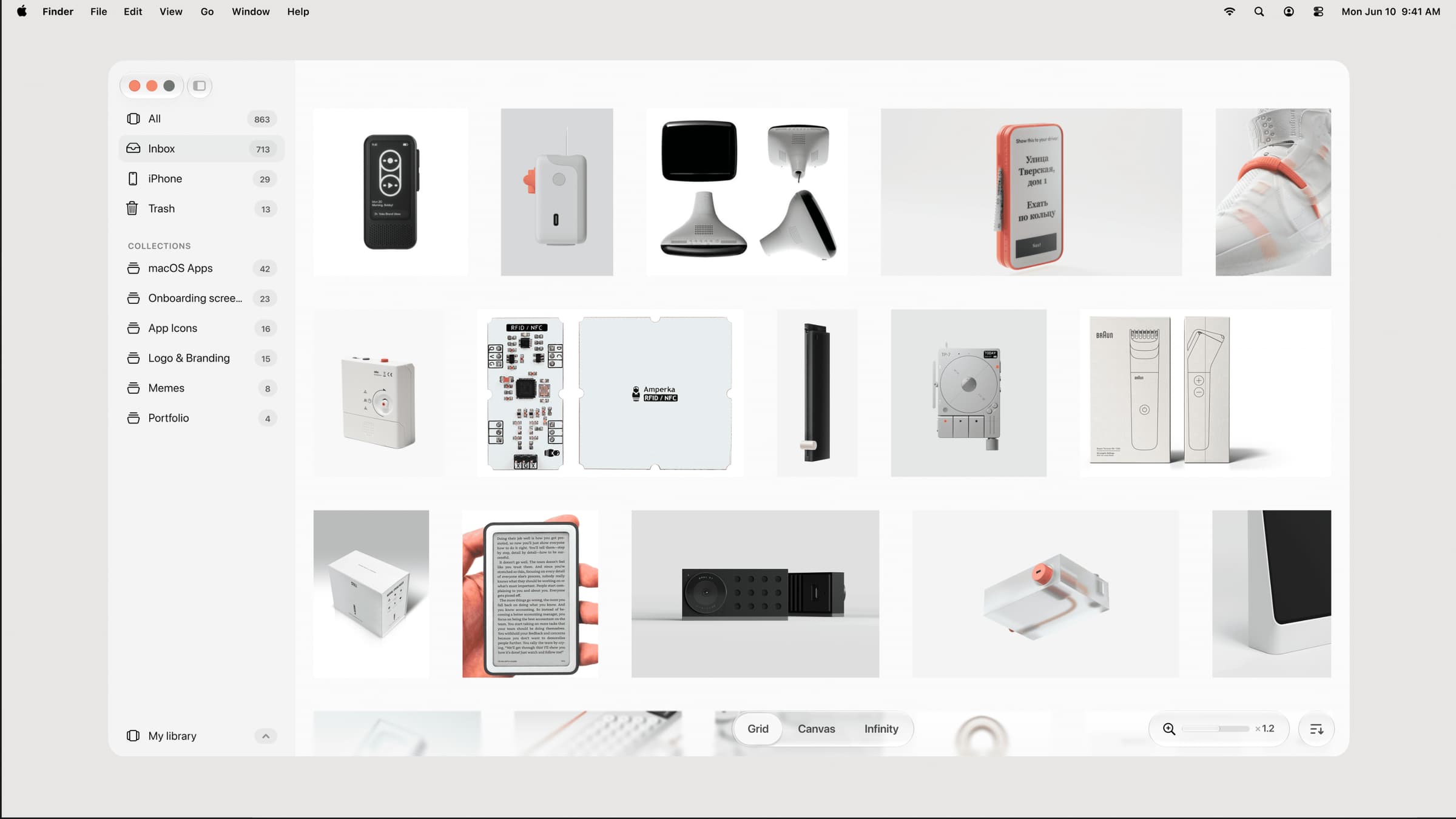

Photo & Video · $39 · one-time (one-time, incl. 1 year of updates)
A native, local-first visual library for designers to collect and organize inspiration — images, videos, and links across Grid, Canvas, and Infinity views.
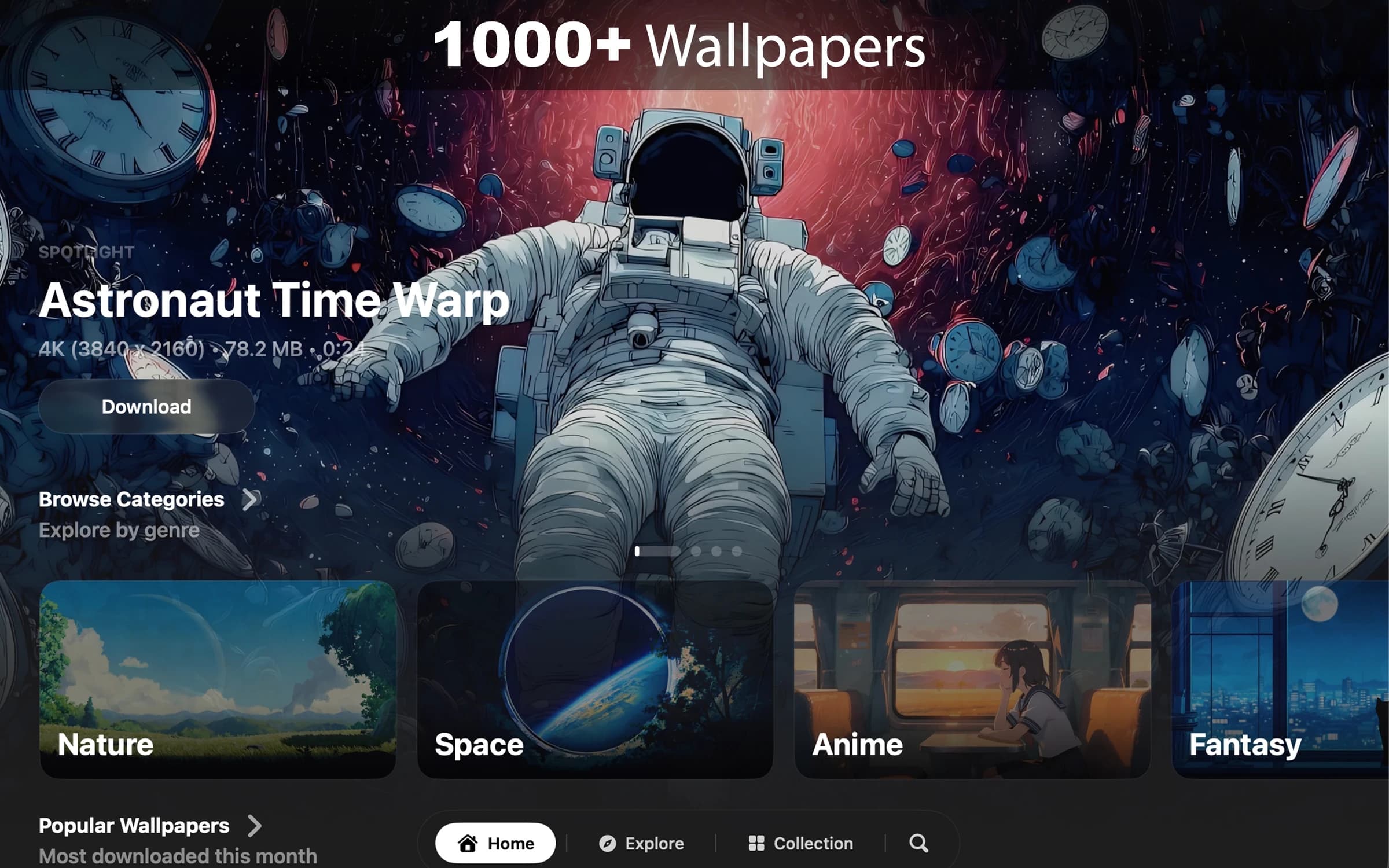

Photo & Video · $8.99 · one-time (7-day free trial. One-time purchase. No subscription.)
Cinematic live wallpapers for your Mac.