

A native macOS font manager — tag, preview, and activate fonts with nested tags, Google/Adobe Fonts sync, and a built-in duplicate remover.
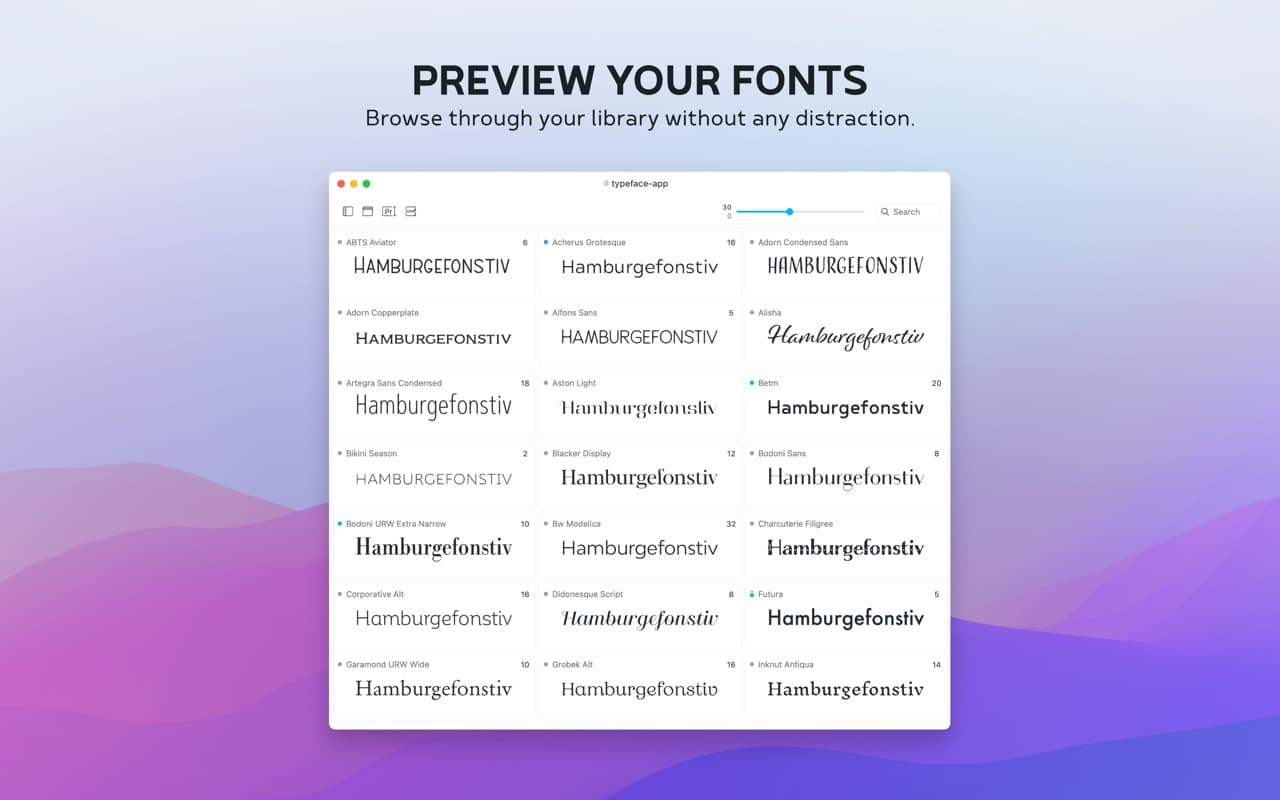
Typeface replaces Font Book for anyone who actually manages a font library: nested tags instead of folders, live previews with your own sample text, and one-click activation that doesn't bog down the system by loading everything at once.
Why it makes the list
It's the font manager that comes up first whenever Font Book stops being enough. The interface is minimal and native, it syncs straight from Google Fonts and Adobe Fonts instead of making you download and drag files in, and it's a one-time purchase rather than the subscription Extensis and Monotype ask teams for.
Standout features
-
Nested tags for organizing a library beyond flat folders, plus synced-folder watching
-
Live previews with custom sample text, character maps, and OpenType feature inspection
-
Google Fonts and Adobe Fonts sync straight into the library
-
Duplicate font detection and one-click cleanup
-
Quick Collection for shortlisting fonts mid-project, and export to PDF for client sign-off
Pricing
Free to try with a limited trial. Typeface Pro is a one-time $44.99 unlock (includes 12 months of updates) — no subscription. Also available via the Mac App Store or Setapp.
More in Utilities


Utilities · $9.99/mo (US $9.99/month or $99.99/year. Free one-hour trial; Family Sharing on annual only.)
Detect slouching with your Mac’s camera and receive personalized posture reminders while you work.

Utilities · Free · per month, Mac App Store. Scanning stays free $4.99
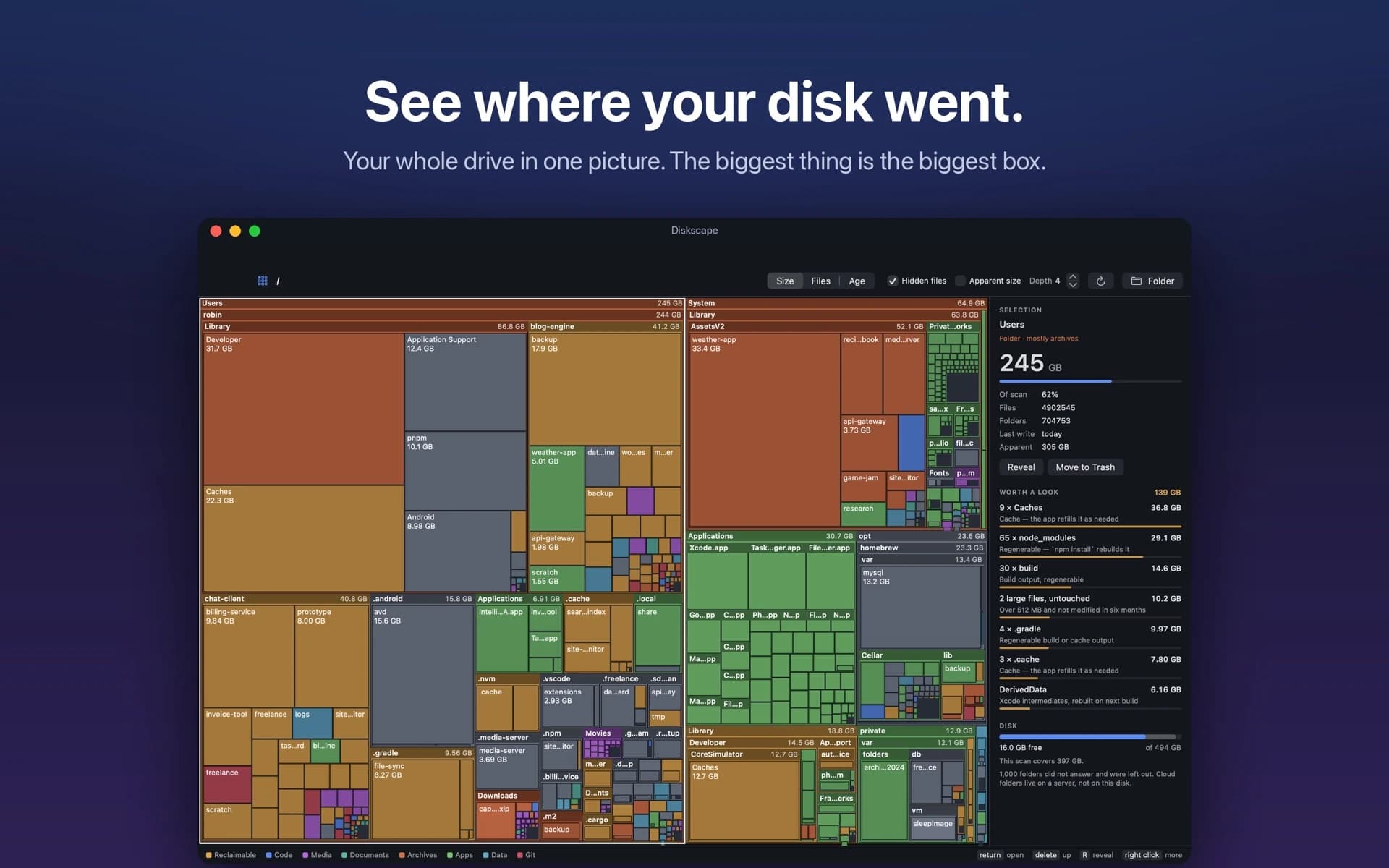
Your whole disk as one treemap. The biggest folder is the biggest box, and node_modules, DerivedData and caches are found and totalled.

Utilities · Free · 14-day free trial; Pro $5 for first 200, then $9.99 once $5
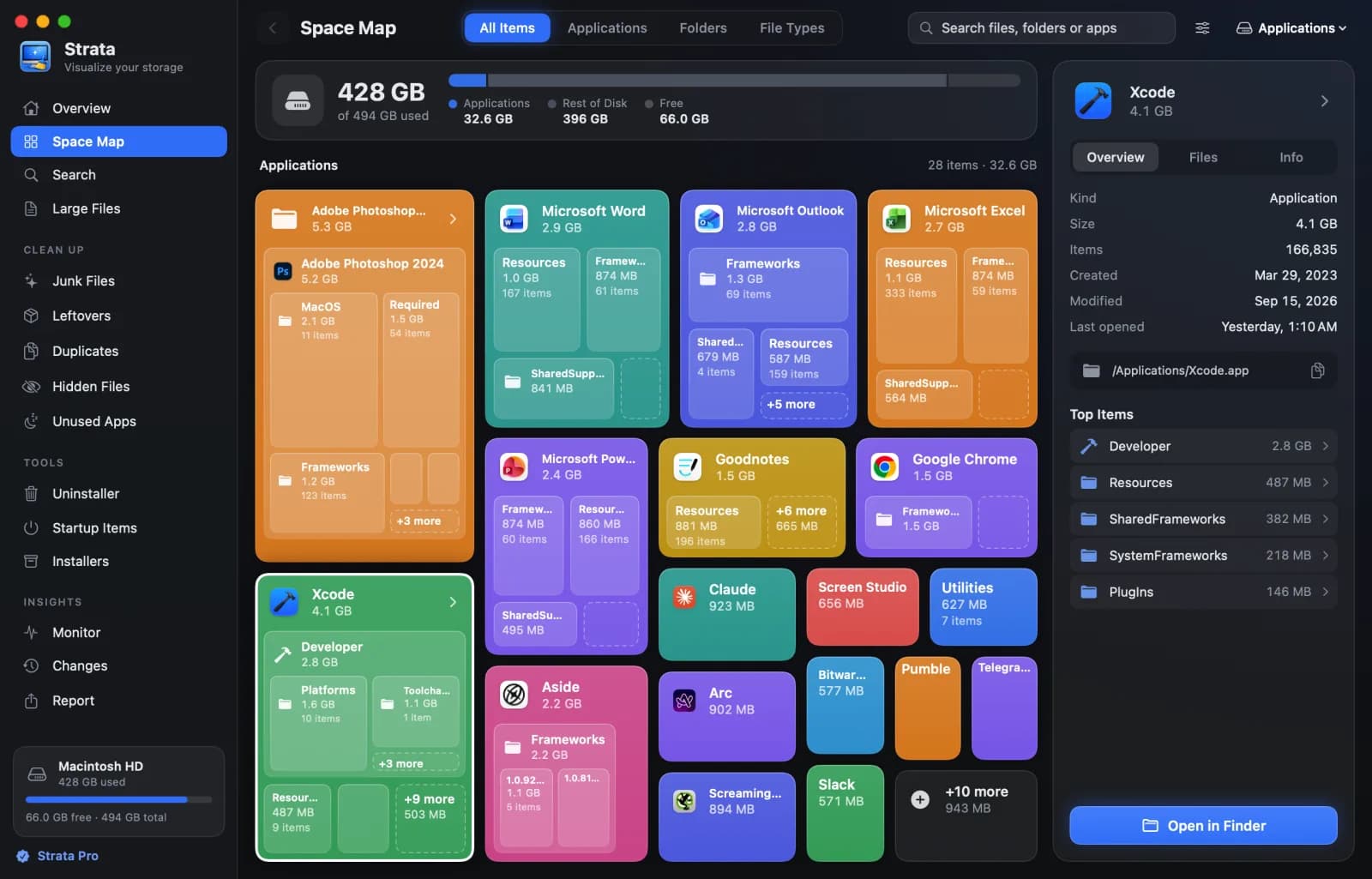
See what's filling your Mac, then clear it safely to the Trash.