
Utilities · $12 · one-time ($12 for the first 100, then $19; free scan and first 2 GB)
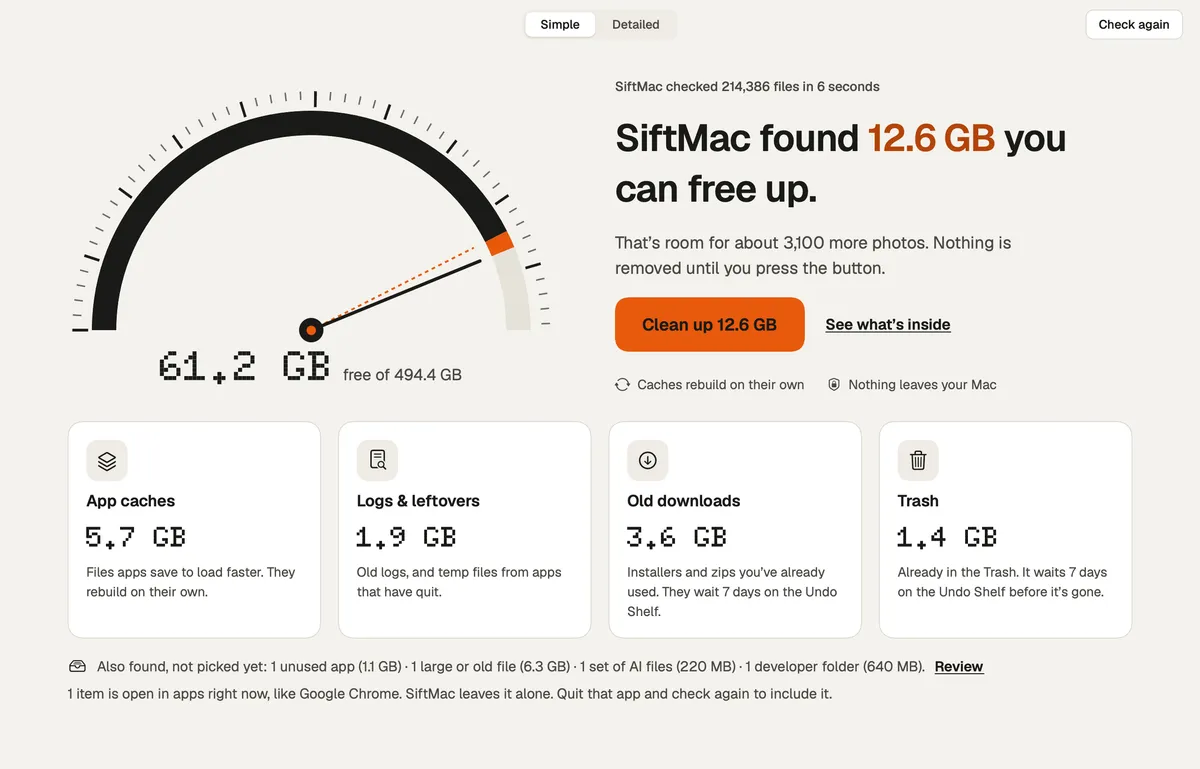
The calm Mac disk cleaner that tells you, for every item, whether it comes back.

See what's filling your Mac, then clear it safely.
Strata is a Mac cleaner for people who want to see what is using their disk before they delete anything. It maps your storage, finds junk files and large leftovers, and moves what you choose to the Trash, so nothing disappears for good by accident.
Strata 1.0.39 (Strata Pro) widens Junk Files: build output of projects untouched for three months, simulators for iOS versions no longer installed, and Xcode archives listed without being ticked. iPhone/iPad updates and macOS installers join the installers; virtual machines and Steam/Epic games get groups of their own, never ticked. System Data now shows Xcode's simulators and GarageBand/Logic Pro sounds, removed through Xcode and Storage settings.
Since 1.0.19, Strata has become lighter on the processor, lists Ollama's models and leaves removing them to Ollama (with the ollama rm command ready to copy), sizes Hugging Face's shared Xet files correctly, and lets you choose when the disk counts as almost full, from 2% to 20% free. Below 2% free, a warning drops from the menu bar every hour. Junk Files now finds caches kept by browsers and apps built like them, idle projects' node_modules, and Downloads you haven't opened for three months (never ticked for you). Strata also offers to remove Dock icons for apps no longer on the Mac, and leaves apps with system extensions to Finder.
Strata needs macOS 13 or later and runs natively on Apple silicon and Intel Macs. It's an 11 MB download and takes 44 MB once installed. Get it at https://stratamaccleaner.com/download, download the DMG from https://stratamaccleaner.com/downloads/Strata-1.0.39.dmg or install with Homebrew: brew install --cask pankaj-kholiya/strata/strata.
Strata Pro is $19.99, paid once. Black Friday: the next 10 licences are $10, then 10 at $15, then $19.99; checkout charges whichever tier is current. Every feature is free for 14 days (up to 40 GB removed), no card needed.
Utilities · $12 · one-time ($12 for the first 100, then $19; free scan and first 2 GB)
The calm Mac disk cleaner that tells you, for every item, whether it comes back.
Utilities · Free · per month, Mac App Store. Scanning stays free $4.99
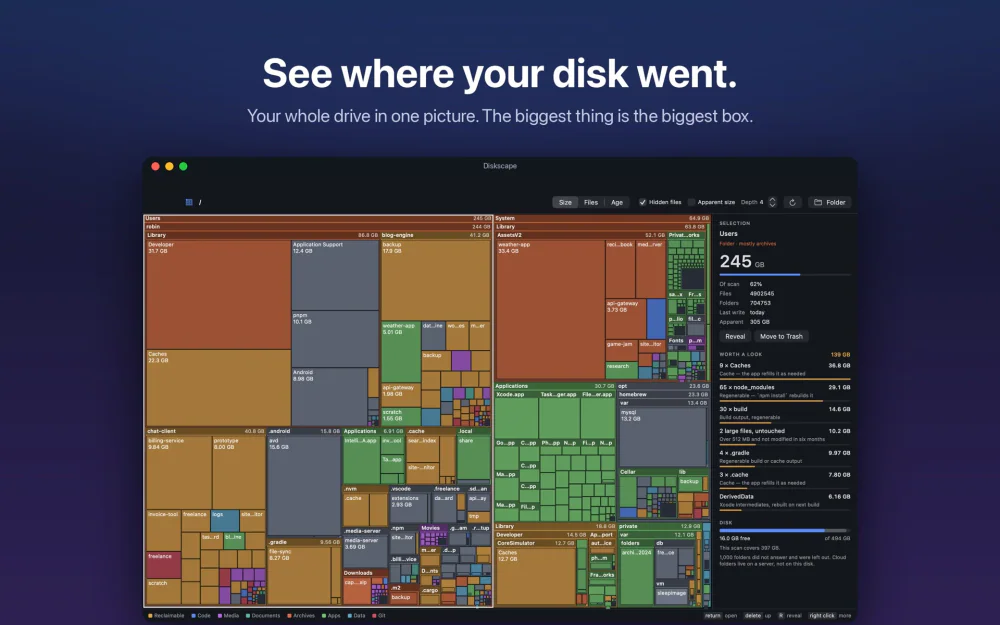
Your whole disk as one treemap. The biggest folder is the biggest box, and node_modules, DerivedData and caches are found and totalled.

Utilities · Free · Free unlimited scanning and storage exploration. Pro starts $19.99
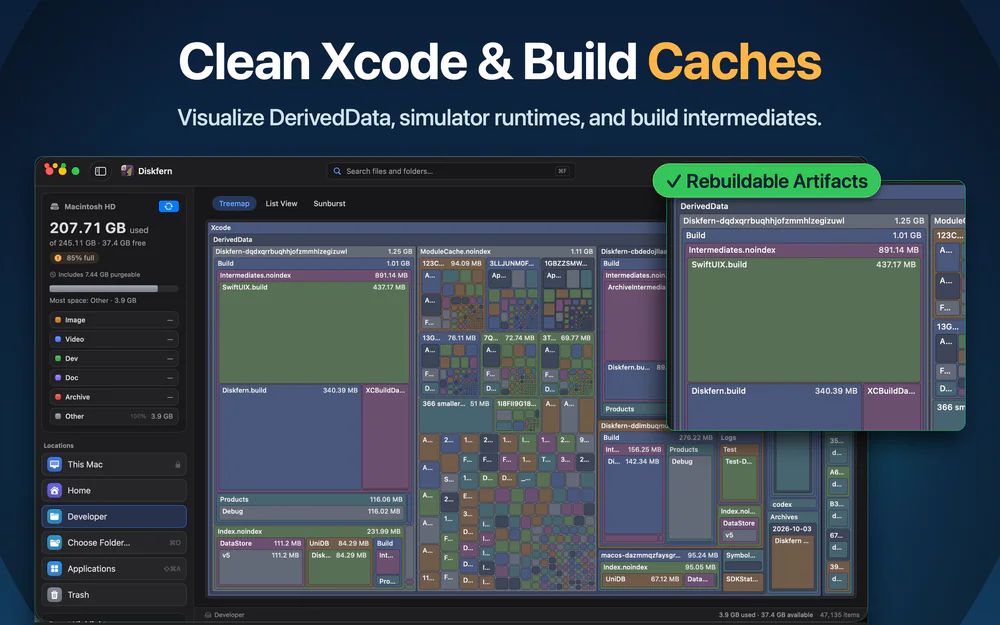
A native macOS app to visualize disk usage, find unnecessary files, and reclaim storage with confidence.
Get 30% off Diskfern Pro and Family for members
Utilities · $19 · one-time (2 Macs; free CLI available)
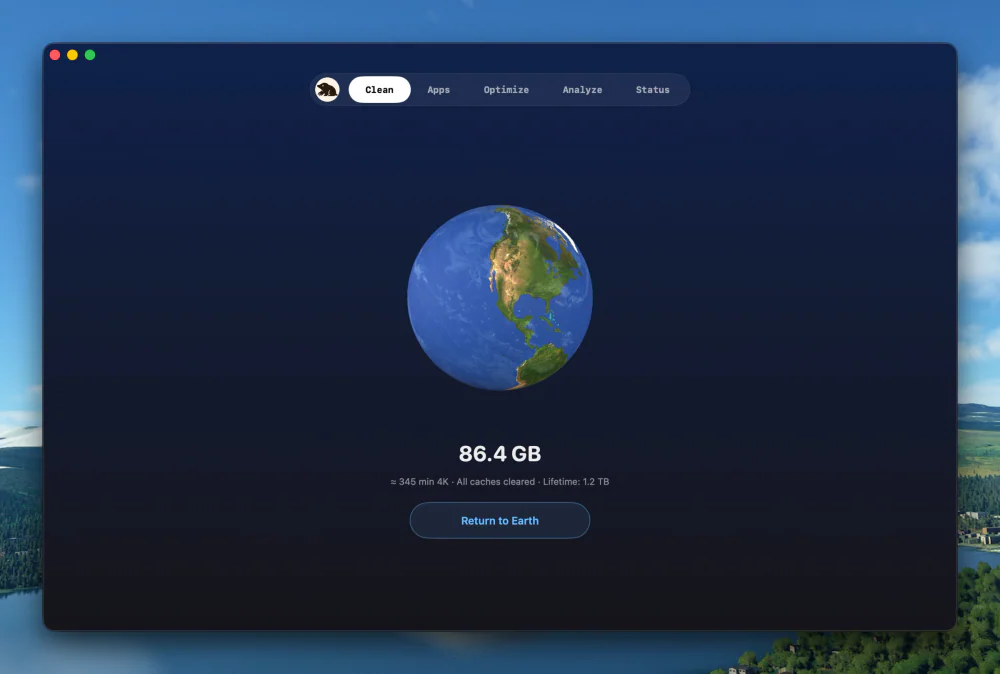
Clean, uninstall, optimize, and monitor your Mac from one lightweight native app — a visual dashboard, a disk treemap, and a live menu-bar HUD, all on-device.
Utilities · $9.99 · one-time
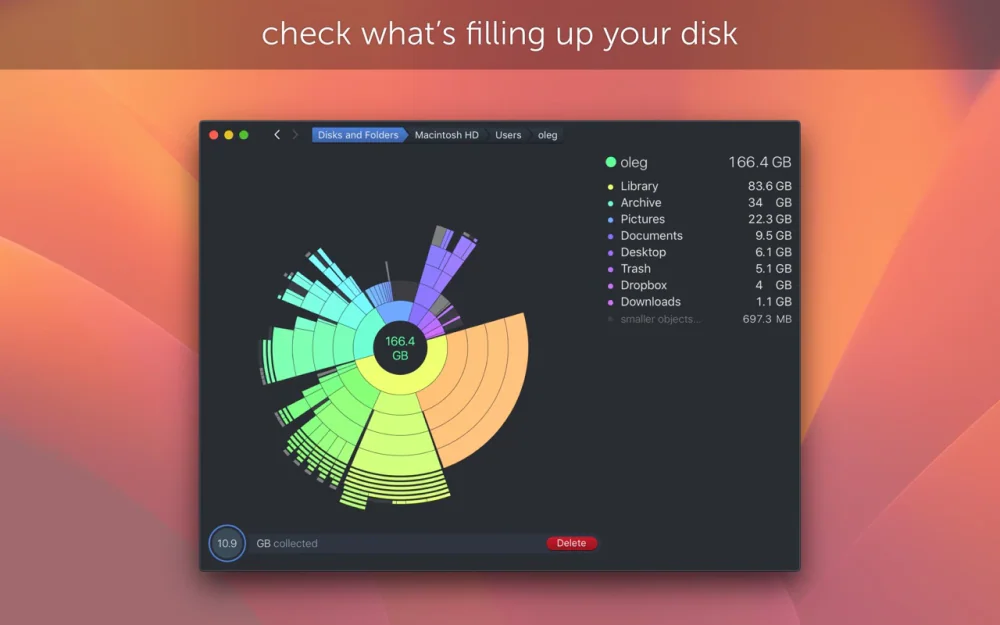
Find what is eating your disk with a scan that turns your drive into an interactive sunburst map you can drill into and clean up.

Utilities · Free & open source
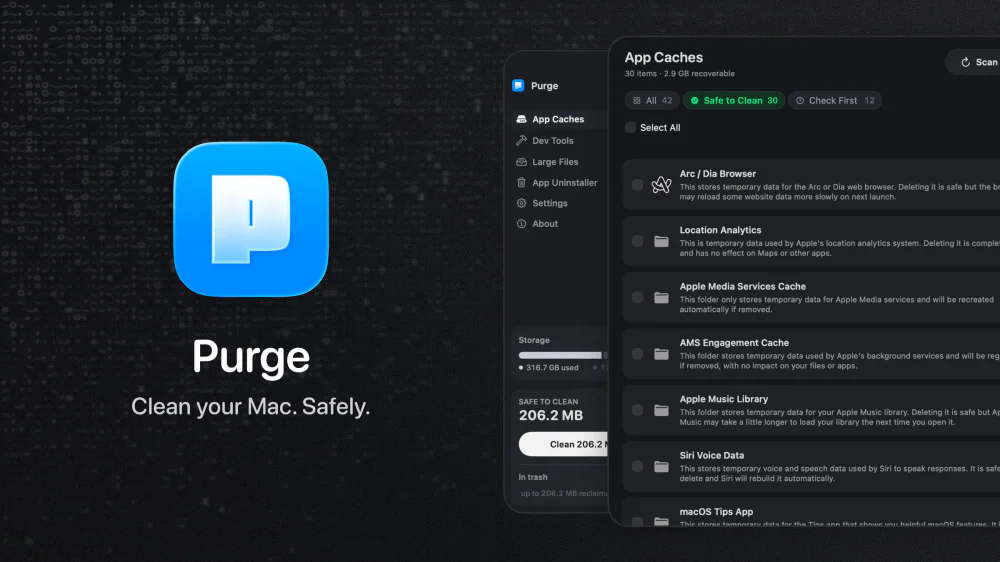
An open-source Mac cleaner that finds app caches, dev-tool junk, and space-hogging large files, labels each one Safe to Clean or Check First, and moves everything to the Trash instead of deleting it outright.