

An open-source Mac cleaner that finds app caches, dev-tool junk, and space-hogging large files, labels each one Safe to Clean or Check First, and moves everything to the Trash instead of deleting it outright.
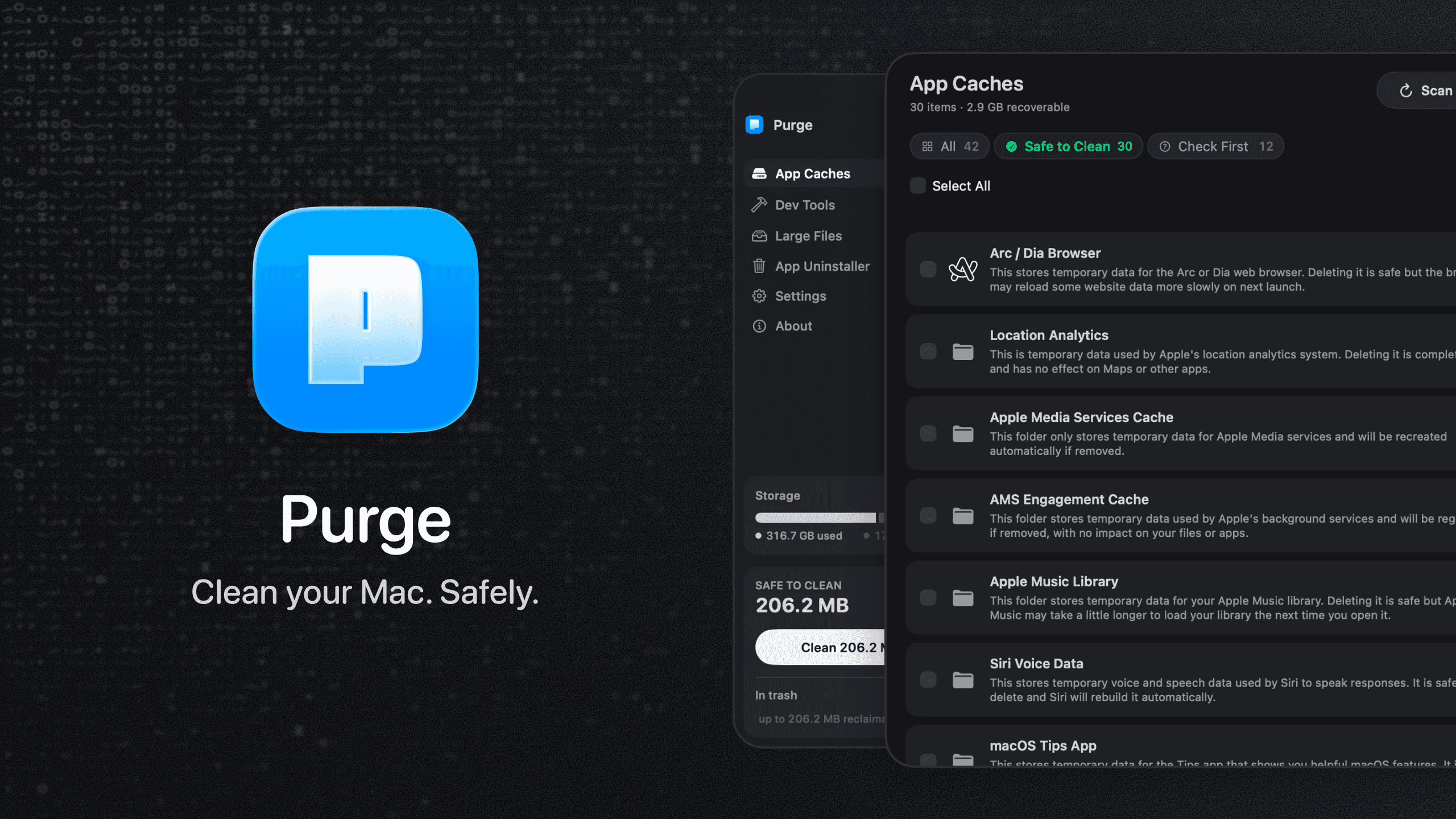
Purge scans the places a Mac quietly fills up on its own — per-app caches, system junk, and developer tool leftovers — and shows what it found with a plain-English explanation and a safety label, before you delete anything.
Why it makes the list
Most Mac cleaners are black boxes: click clean and hope. Purge shows its work instead. Every item carries a reason it's safe (or not) to remove, nothing unidentified gets listed, and every deletion goes to the Trash rather than vanishing for good. It's also free and open source, with the code there to check if you don't take that on faith.
Standout features
-
App Caches — per-app cache folders with friendly names and brand icons, plus system junk like logs, crash reports, and font cache
-
Dev Tools — Xcode Derived Data, Homebrew, npm, Docker, JetBrains, Cargo and more, plus unused iOS Simulator runtimes and stale project artifacts like
node_modules -
Large Files — surfaces space-hogging personal files across Documents, Downloads, and Movies, with duplicate detection and a dedicated category for forgotten local Ollama/LM Studio models
-
App Uninstaller — removes an app and its scattered caches, preferences, containers, and login helpers in one pass, with strict bundle-id matching
-
Safety labels — Safe to Clean vs. Check First on every row, with unidentified folders left out entirely
-
Scheduled cleaning — an optional recurring safe-clean on a weekly, monthly, or custom interval
Pricing
Free and open source (MIT licensed). Install via Homebrew (brew install --cask jithin-sabu/tap/purge) or download the notarized .dmg from GitHub releases.
More in Utilities


Utilities · $4.99 · one-time
Draws real-material borders around your Mac windows: walnut, marble, brushed aluminum, leather and more.

Utilities · Free & open source
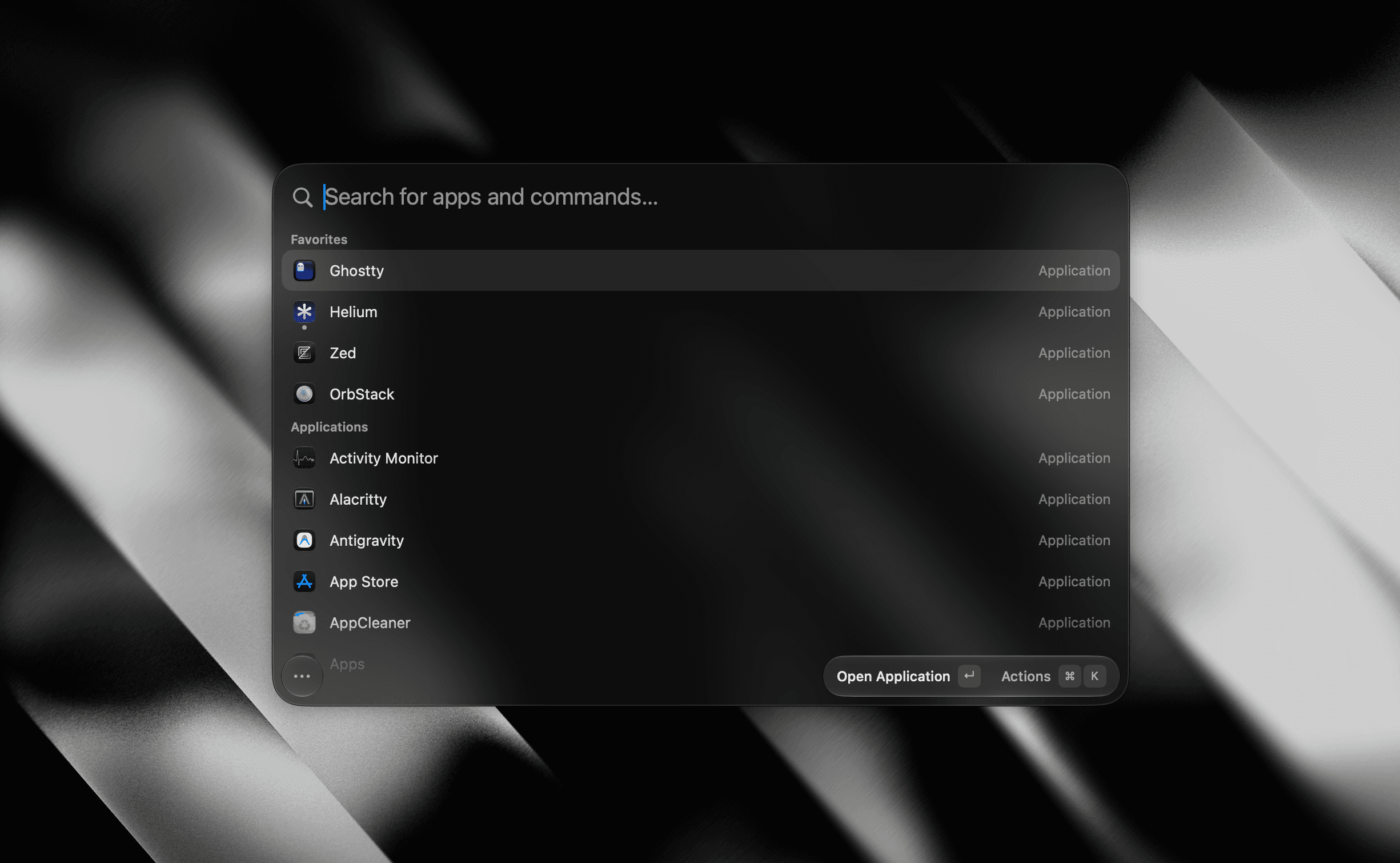
A tiny, fully native macOS launcher — fuzzy app search, clipboard history, an inline calculator, snippets, and window management, with no Electron and no telemetry.

Utilities · $19 · one-time (2 Macs; free CLI available)
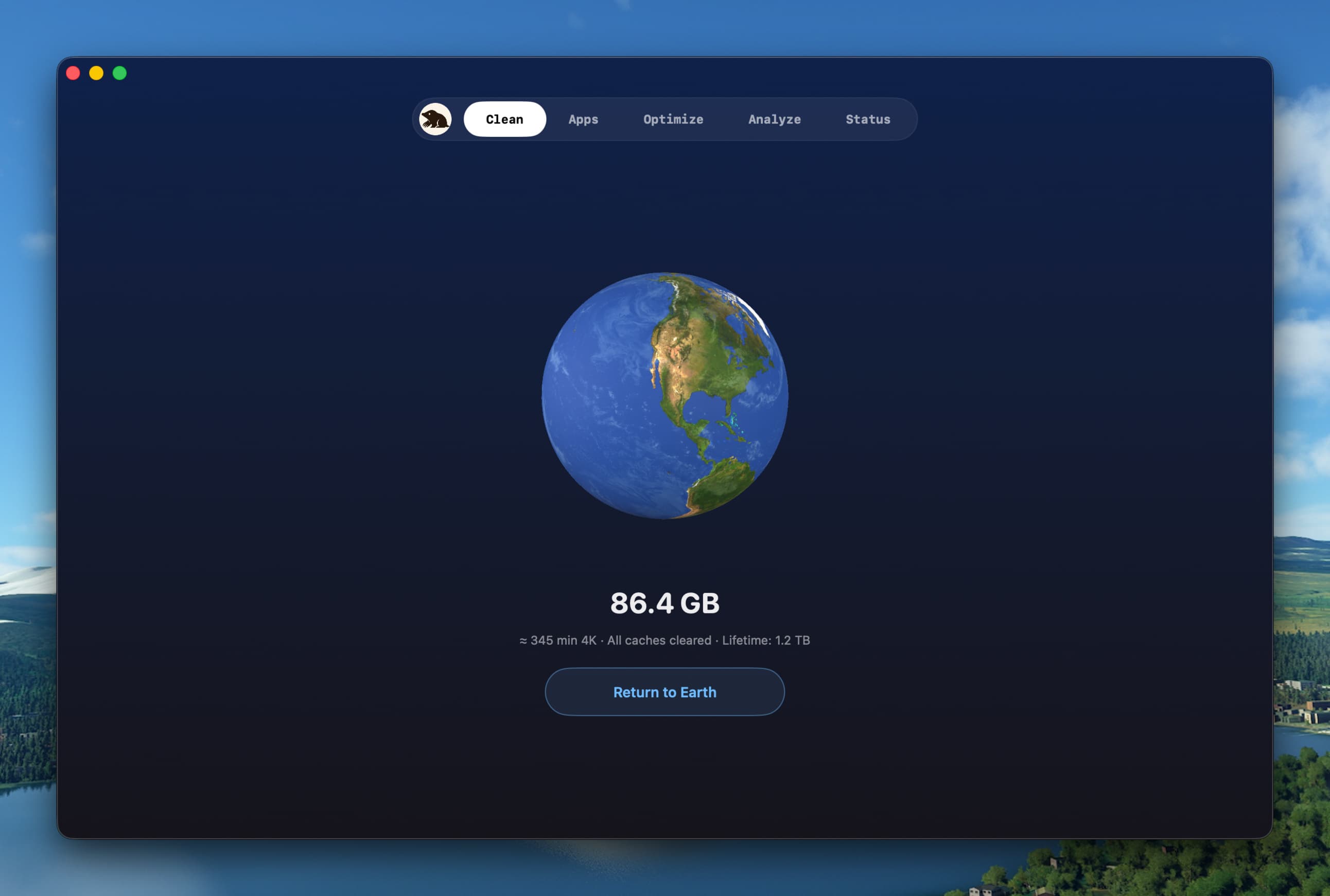
Clean, uninstall, optimize, and monitor your Mac from one lightweight native app — a visual dashboard, a disk treemap, and a live menu-bar HUD, all on-device.