
Utilities · Free & open source
Free, open-source Mac cleaner that only moves files to the Trash, with Undo, and checks your scripts before deleting duplicates.
Compare CleanMyMac alternatives for cleanup, app removal and disk space. Find free tools, one-time purchases and the limits of each approach.
10 apps · Updated
Looking for a CleanMyMac alternative? Start with Purge or Tidymint for free cleanup, Mole for a paid Mac app that combines several maintenance tools, or DaisyDisk when you mainly need to find large files. The right replacement depends on the job you use CleanMyMac for: clearing caches, uninstalling apps and inspecting storage are different needs.
| App | Choose it for | Cost model and what to know |
|---|---|---|
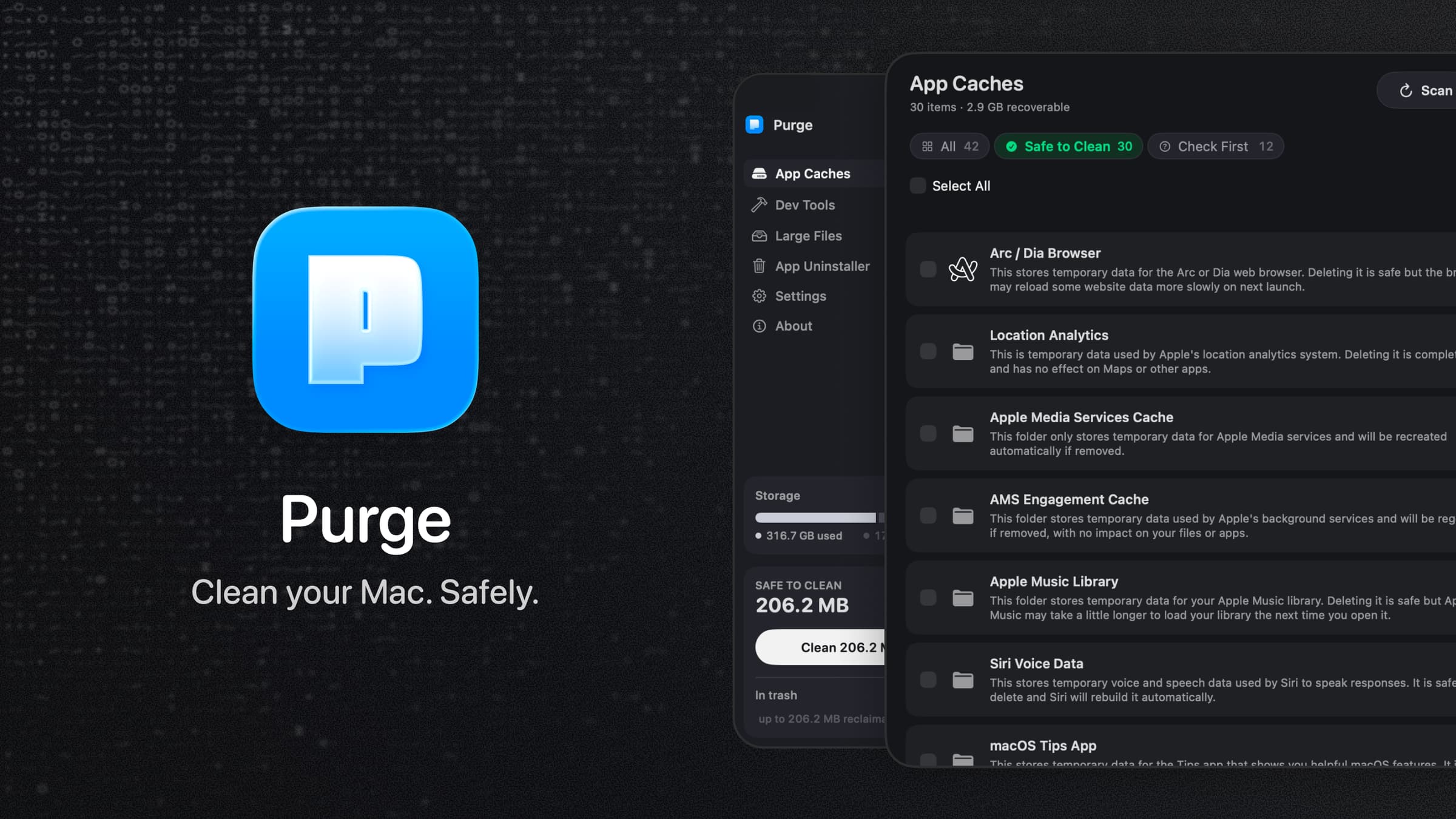
 Purge | Caches, developer junk, app leftovers and selected large files. | Free and open source. Uses the Trash by default, with documented exceptions for some system-managed items. |
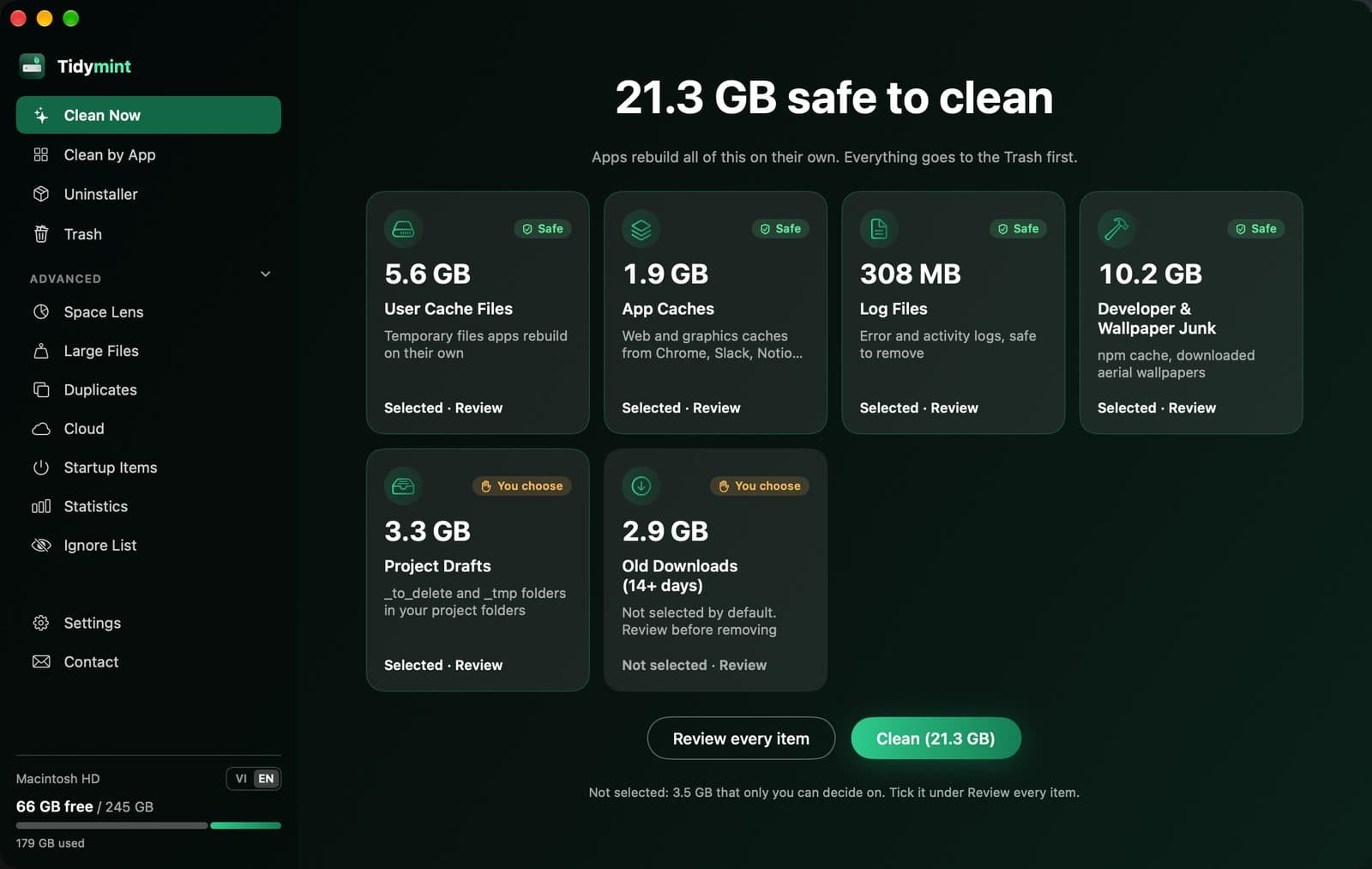
| Tidymint | Cleanup, disk maps, duplicate files and an undoable last clean. | Free and open source. Undo depends on the removed files still being in the Trash. |
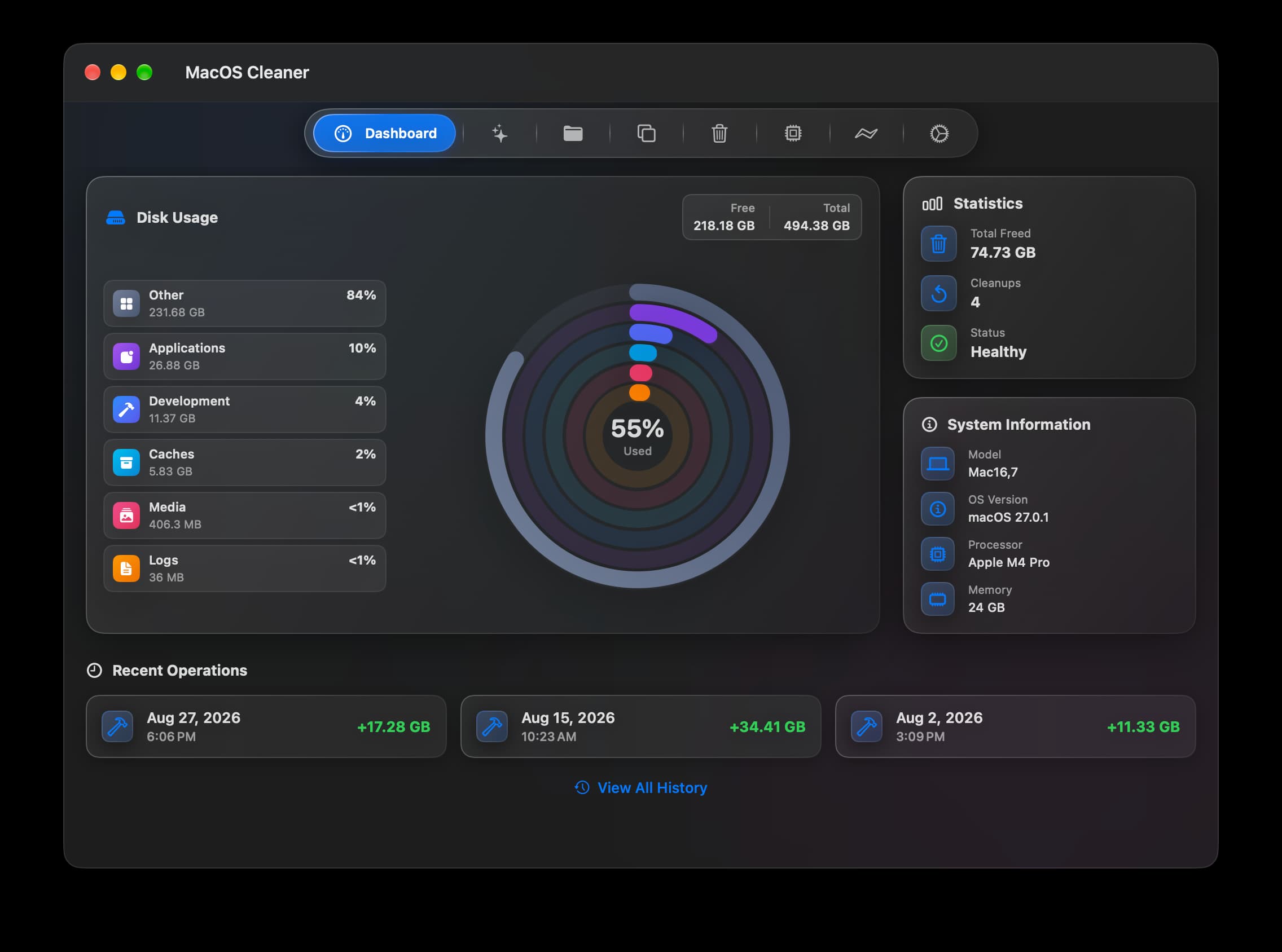
 MacOSCleaner | Cleanup, uninstalling and disk analysis in one interface. | Free. Requires Apple silicon and macOS 26+. Its source-available license includes the Commons Clause. |
 Mole | Cleanup, app management, disk analysis and system monitoring. | Paid Mac app, $19 once. The free command-line Mole is a separate way to use the project. |
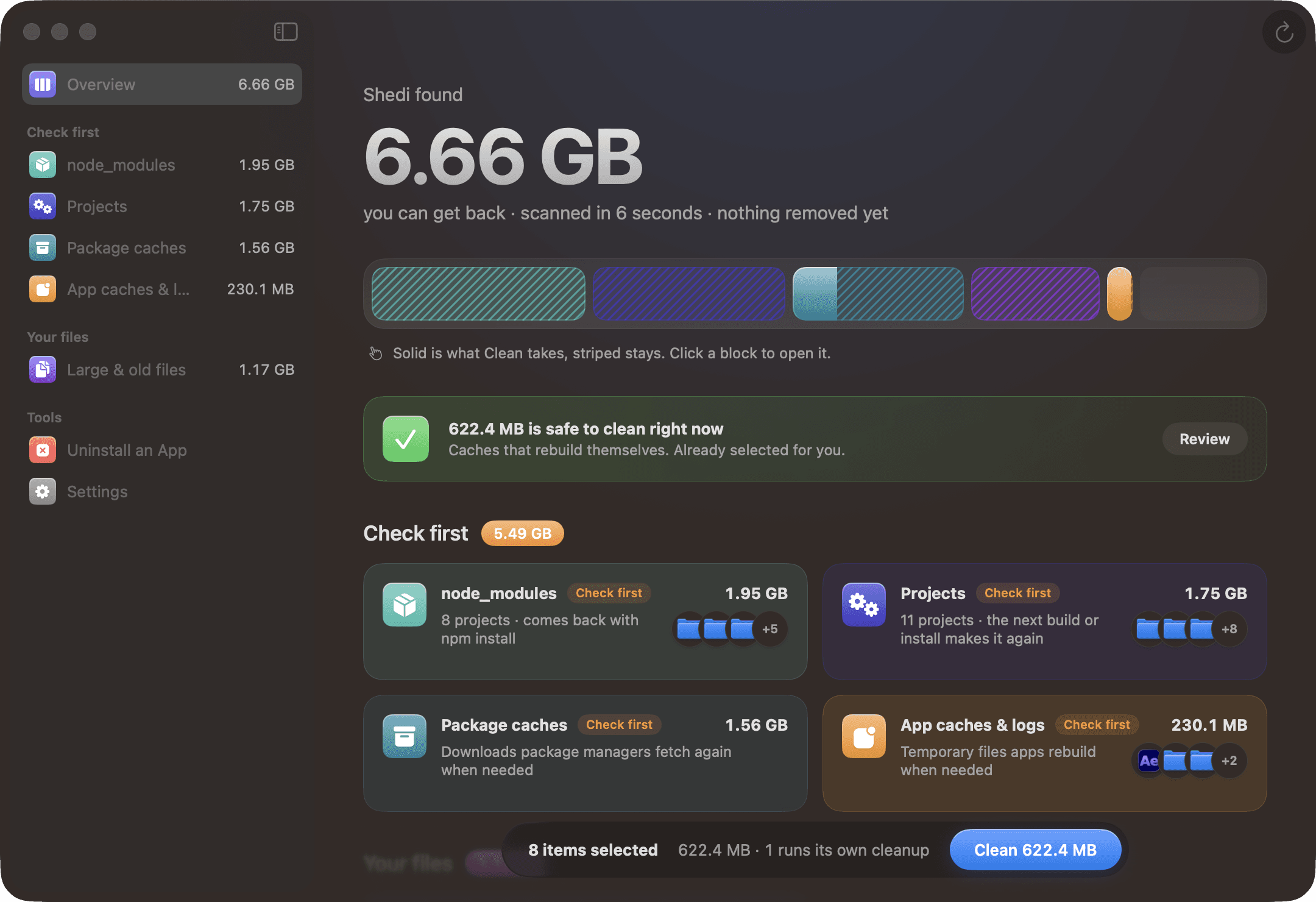
 Shedi | Xcode, Docker, package-manager caches and old build folders. | Paid developer-focused cleaner. Removing rebuildable data can mean downloading or rebuilding it later. |
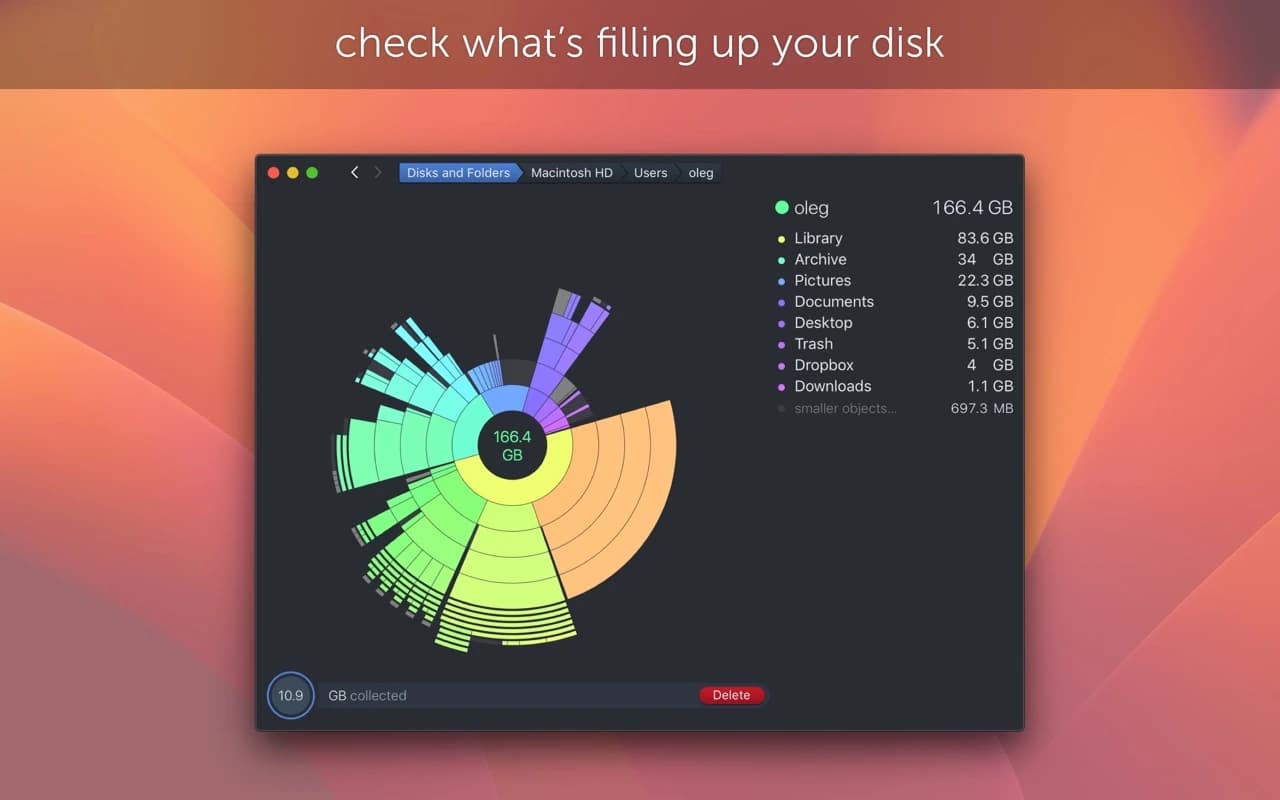
 DaisyDisk | Seeing which folders occupy the most space. | Paid, with a trial. A visual disk tool rather than a complete maintenance or malware-protection suite. |
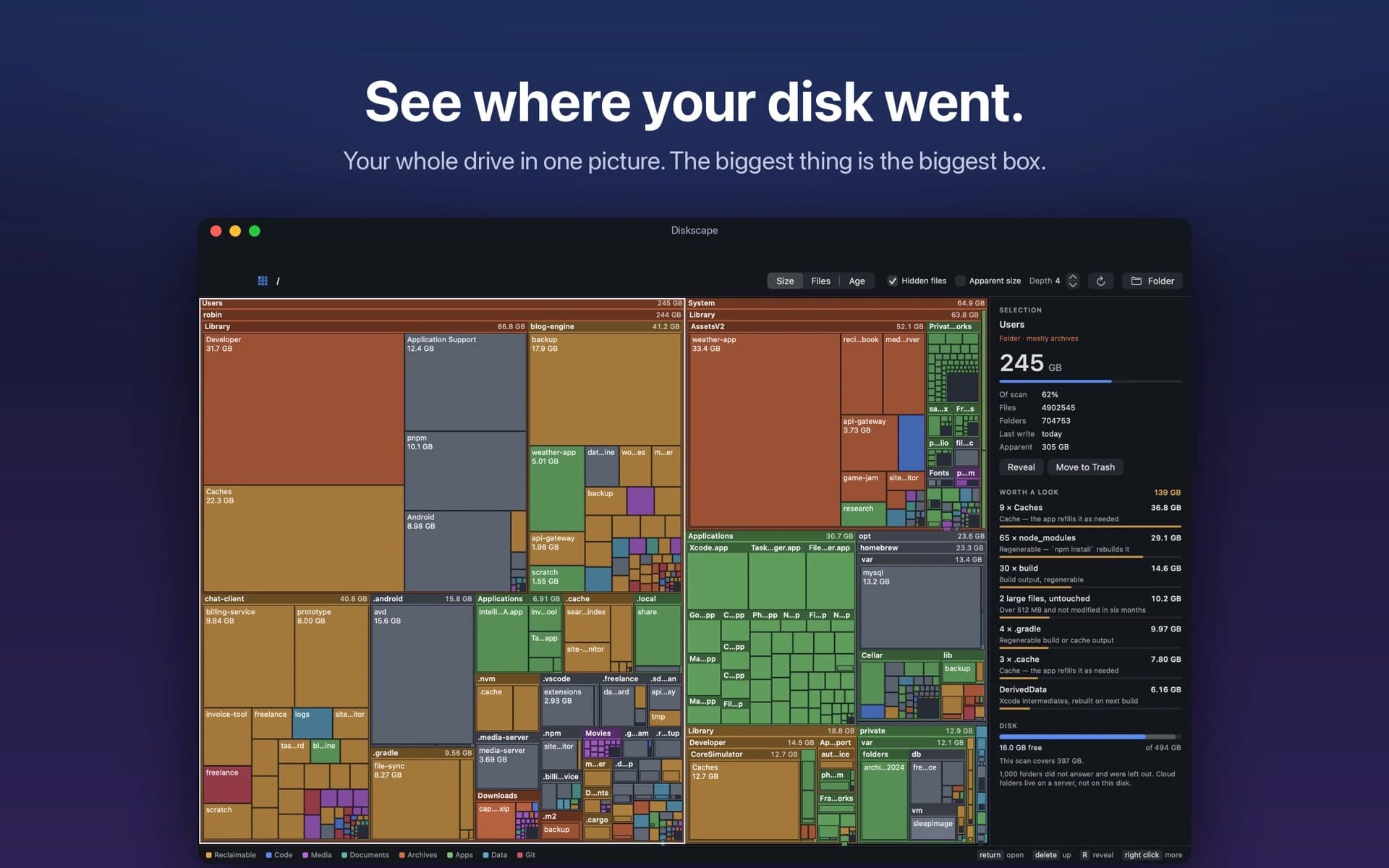
 Diskscape | A treemap with grouped developer-storage findings. | Scanning and browsing stay free. Moving files to the Trash needs a subscription after seven days of use. |
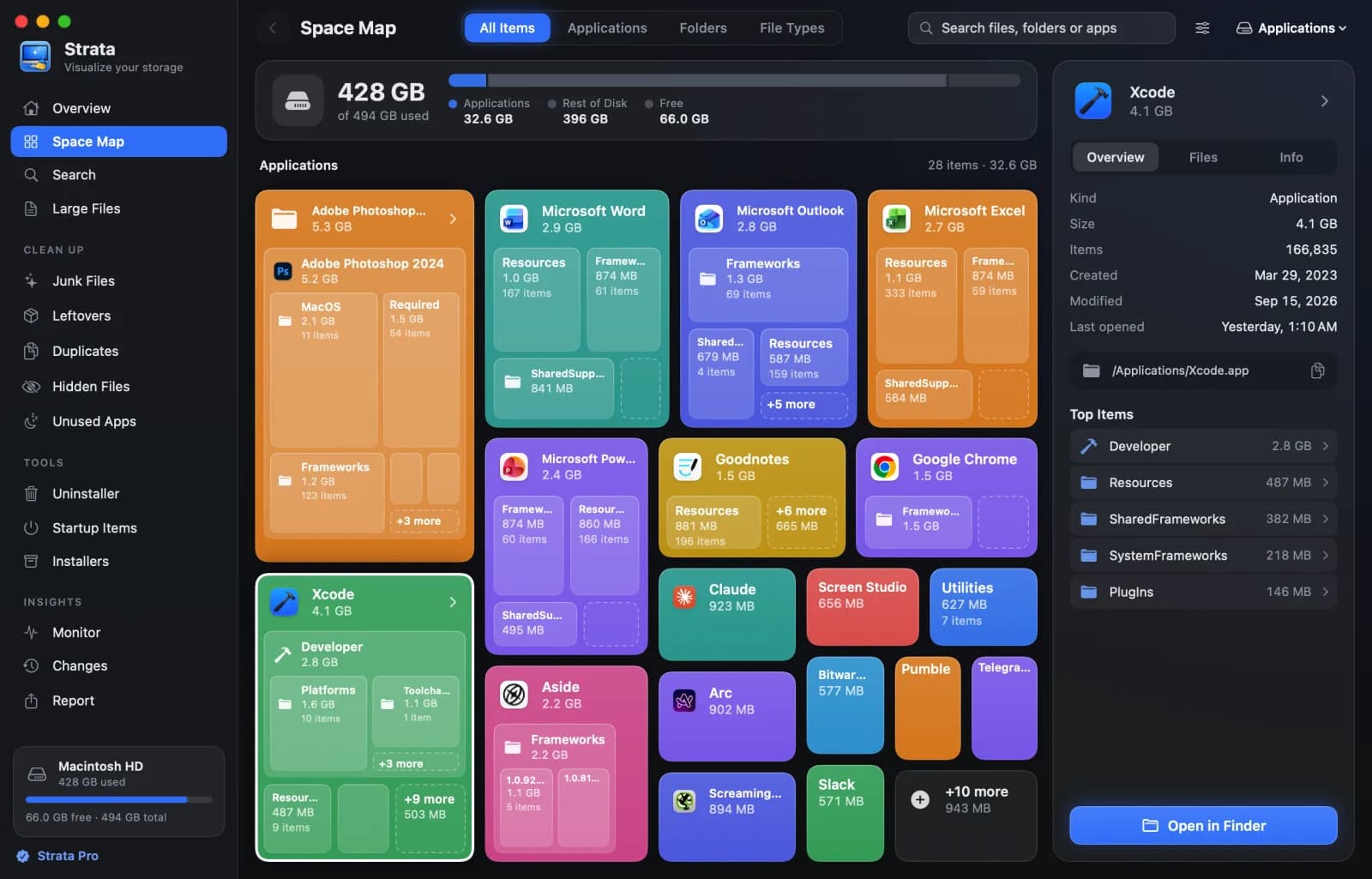
 Strata | Finding large files, clutter and unused apps before cleaning. | Paid, with a 14-day full-feature trial. The free download is the trial, not a free cleaner. |
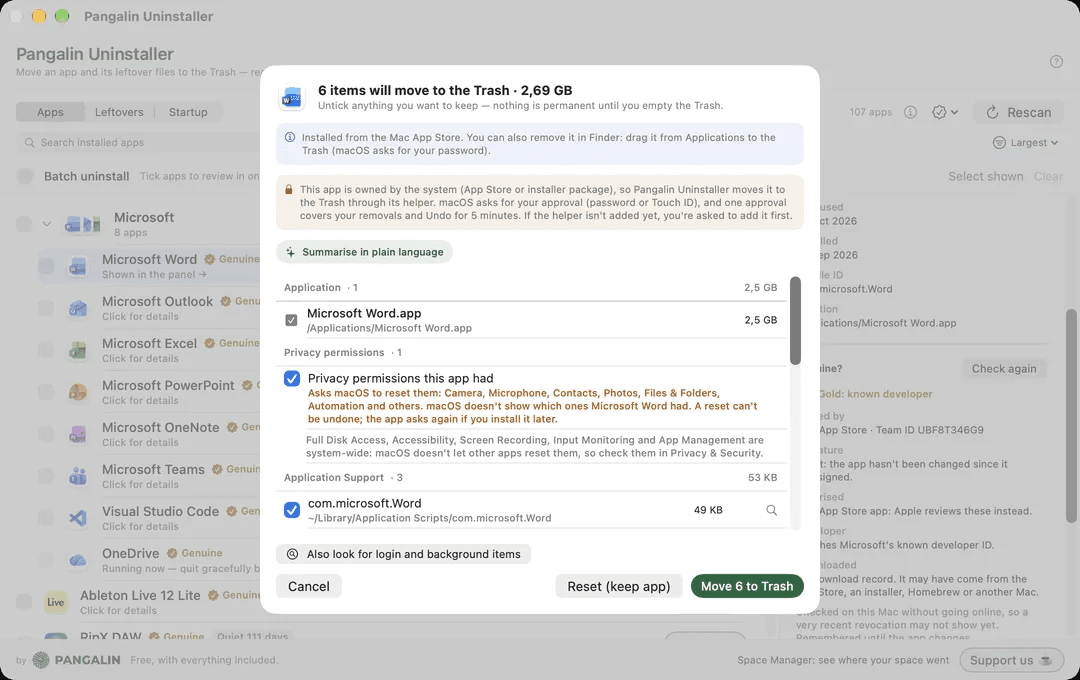
 Pangalin Uninstaller | Removing an app and the related files it finds. | Free, with all features included. Focused on uninstalling and leftovers. |
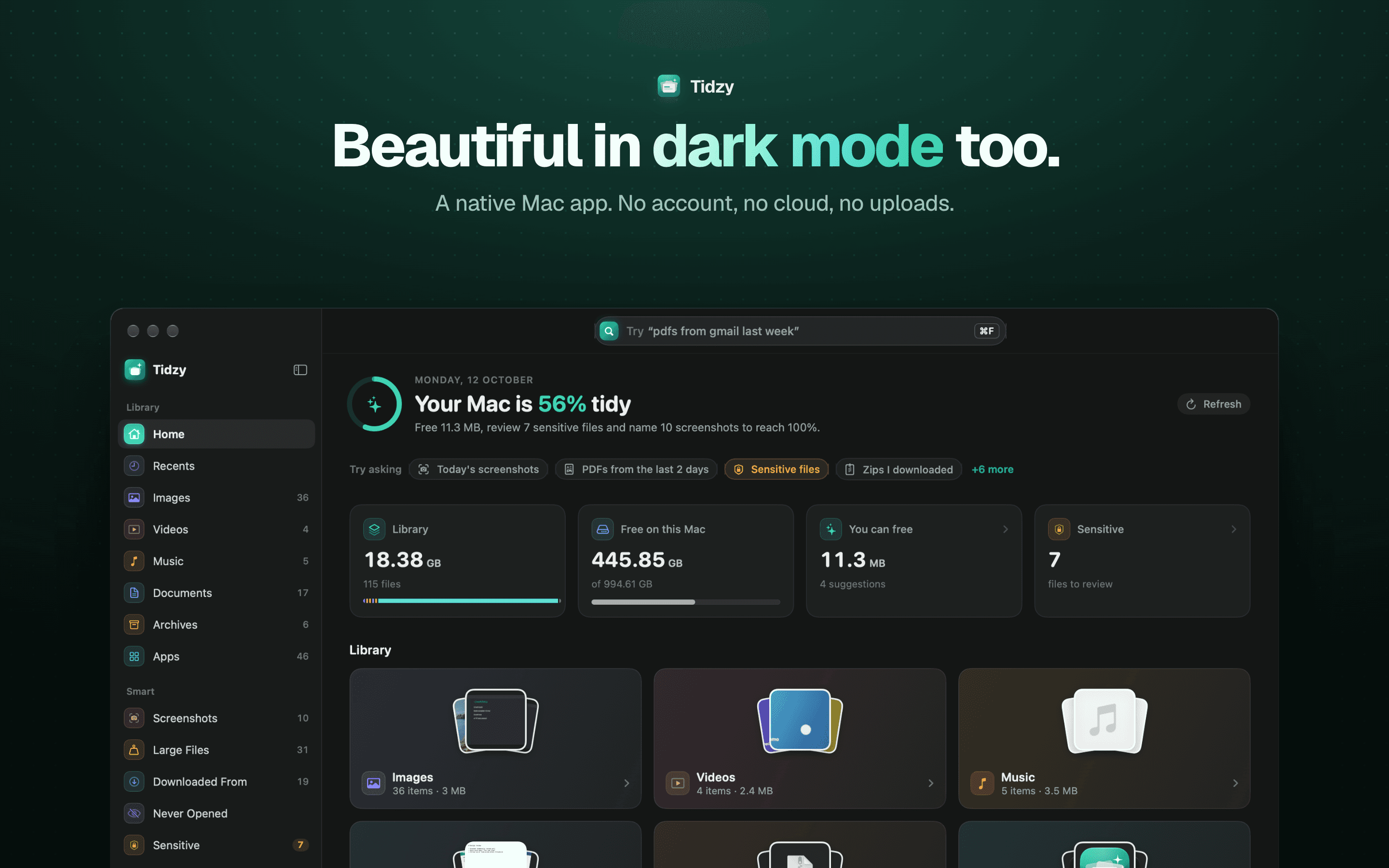
 Tidzy | Finding files by their contents, then dealing with selected clutter. | Free scan and search; paid cleanup options. Most useful when finding the right file is part of the problem. |
Utilities · Free & open source
Free, open-source Mac cleaner that only moves files to the Trash, with Undo, and checks your scripts before deleting duplicates.
Utilities · Free
Shows every file an app put on your Mac before anything moves to the Trash. Free.
Developer Tools · $19.99 · one-time (One-time. 2 Macs $27.99, 3 Macs $34.99)
A Mac cleaner for developers: finds Xcode, Docker and node_modules junk, explains every item, and moves only what you pick to the Trash.
Developer Tools · $4.99 · one-time
Find any file on your Mac by describing it, free up space safely, auto-name screenshots and catch leaked passwords. 100% on-device.
Utilities · Free · per month, Mac App Store. Scanning stays free $4.99
Your whole disk as one treemap. The biggest folder is the biggest box, and node_modules, DerivedData and caches are found and totalled.
Utilities · Free · $19.99 one-time (Black Friday from $10) $19.99
See what's filling your Mac, then clear it safely.
Utilities · Free
Native SwiftUI Mac cleaner: forensic uninstall, disk analyzer, Xcode/Docker reclaim — free, zero telemetry, Apple Silicon.
Utilities · $19 · one-time (2 Macs; free CLI available)
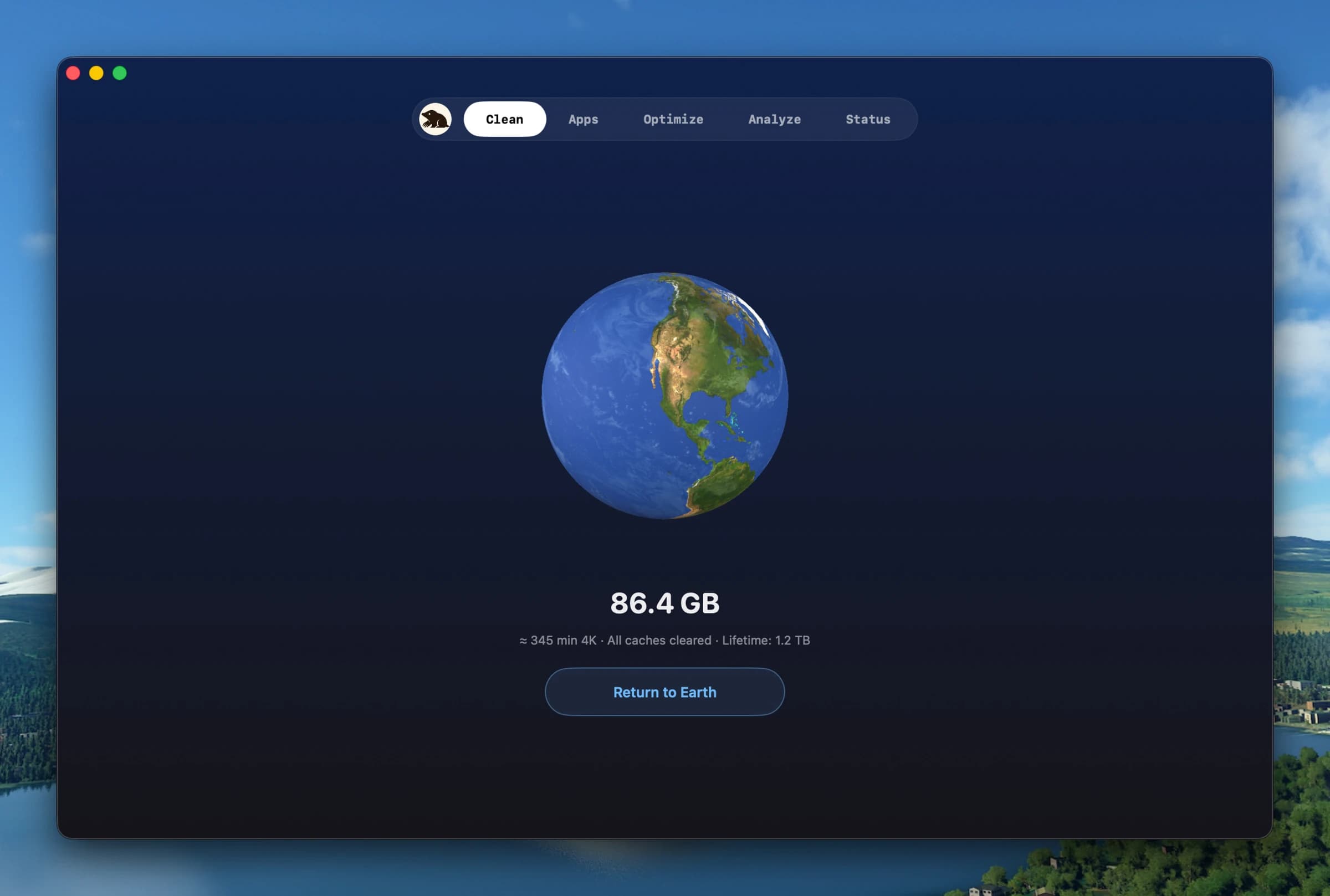
Clean, uninstall, optimize, and monitor your Mac from one lightweight native app — a visual dashboard, a disk treemap, and a live menu-bar HUD, all on-device.
Utilities · $9.99 · one-time
Find what is eating your disk with a scan that turns your drive into an interactive sunburst map you can drill into and clean up.
Utilities · Free & open source
An open-source Mac cleaner that finds app caches, dev-tool junk, and space-hogging large files, labels each one Safe to Clean or Check First, and moves everything to the Trash instead of deleting it outright.
Open System Settings → General → Storage first. Apple's storage-management guide explains how to review large files and storage recommendations without buying an app. A third-party tool earns its place when it makes your particular cleanup job easier to understand or repeat.
Keep a backup, inspect the proposed removals, and start with a small selection. “Rebuildable” does not mean “free to replace”: deleting a development cache or local model may cost time and bandwidth later. Moving files to the Trash also does not reclaim their space until the Trash is emptied.
Purge and Tidymint are free, open-source cleanup options; MacOSCleaner is also free, with a different source license and newer system requirements. None should be assumed to reproduce every CleanMyMac protection, update or maintenance feature. For app removal alone, Pangalin Uninstaller is free.
The Mole Mac app is paid. The project's command-line version is free and open source. Pick the app if you want a graphical interface, or the CLI if you're comfortable in Terminal.
Not necessarily. Begin with macOS storage tools if the problem is old downloads or a few large files. A disk visualizer, an uninstaller or a developer-cache tool may solve the problem without replacing a whole maintenance suite. This comparison does not measure speed improvements or promise a particular amount of recovered storage.
For work-specific tools, see our Mac apps for developers.
Developer pages checked 4 November 2026. This is a researched shortlist of apps in our directory, not a hands-on cleanup benchmark. Prices and system requirements can change.