
Utilities · Free
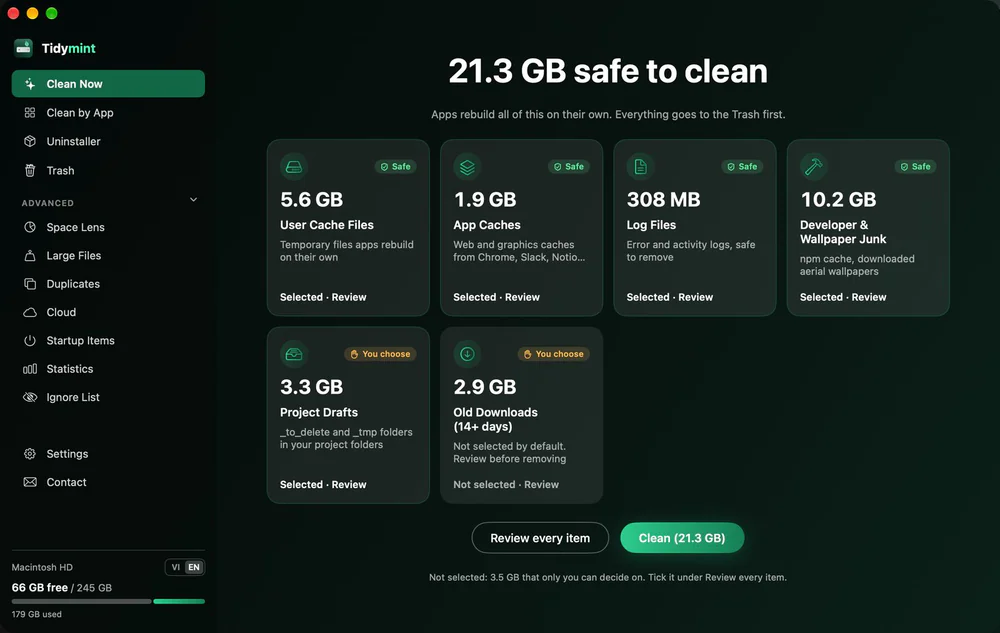
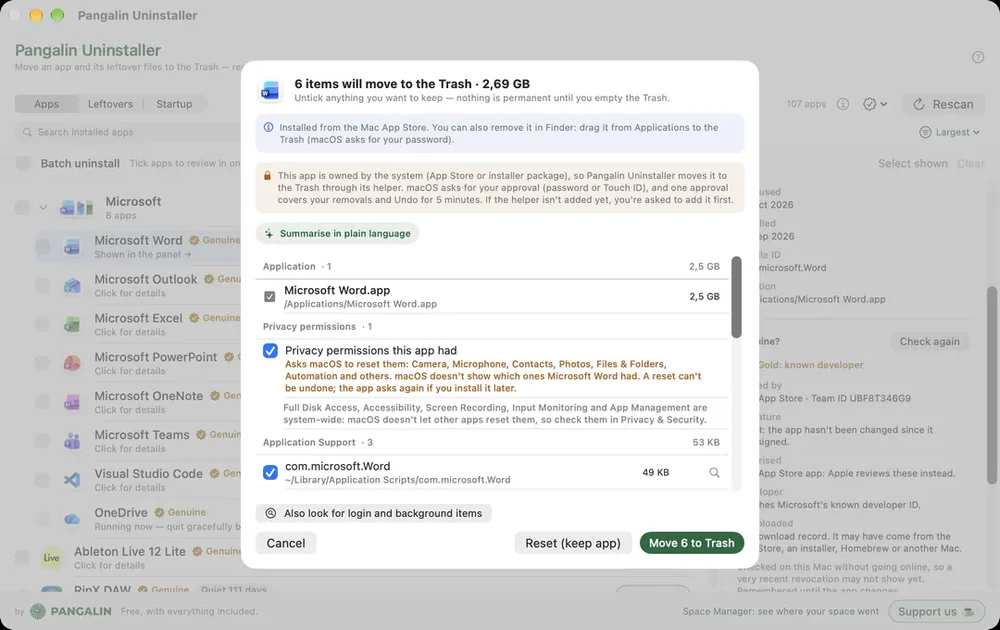
Shows every file an app put on your Mac before anything moves to the Trash. Free.

Native SwiftUI Mac cleaner: forensic uninstall, disk analyzer, Xcode/Docker reclaim — free, zero telemetry, Apple Silicon.
MacOSCleaner is a free, native Mac cleaner and app uninstaller for Apple Silicon. It shows everything before you delete, and moves items to Trash by default.
What it cleans
New in 3.0.0
Privacy
First launch
Details
Utilities · Free
Shows every file an app put on your Mac before anything moves to the Trash. Free.

Utilities · Free & open source
Free, open-source Mac cleaner that only moves files to the Trash, with Undo, and checks your scripts before deleting duplicates.

Utilities · Free & open source
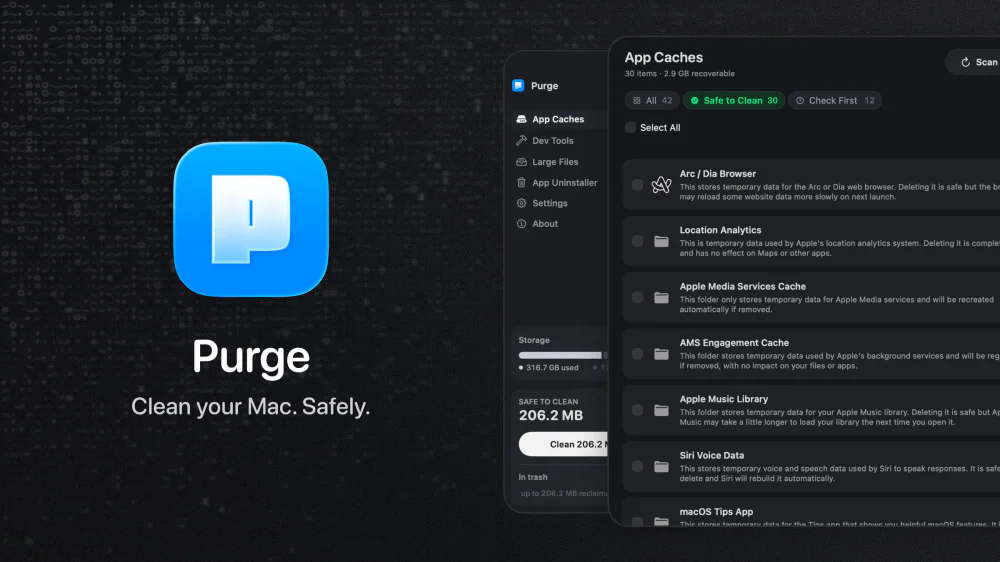
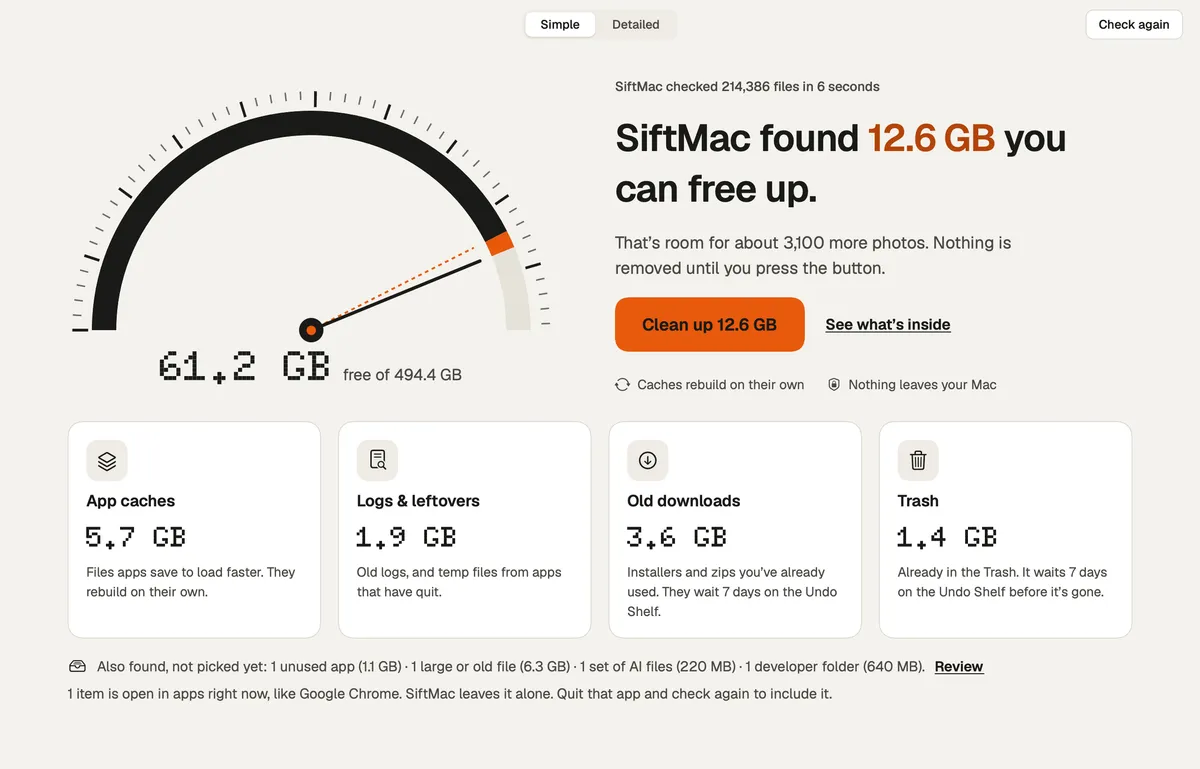
An open-source Mac cleaner that finds app caches, dev-tool junk, and space-hogging large files, labels each one Safe to Clean or Check First, and moves everything to the Trash instead of deleting it outright.

Developer Tools · $19.99 · one-time (One-time. 2 Macs $27.99, 3 Macs $34.99)
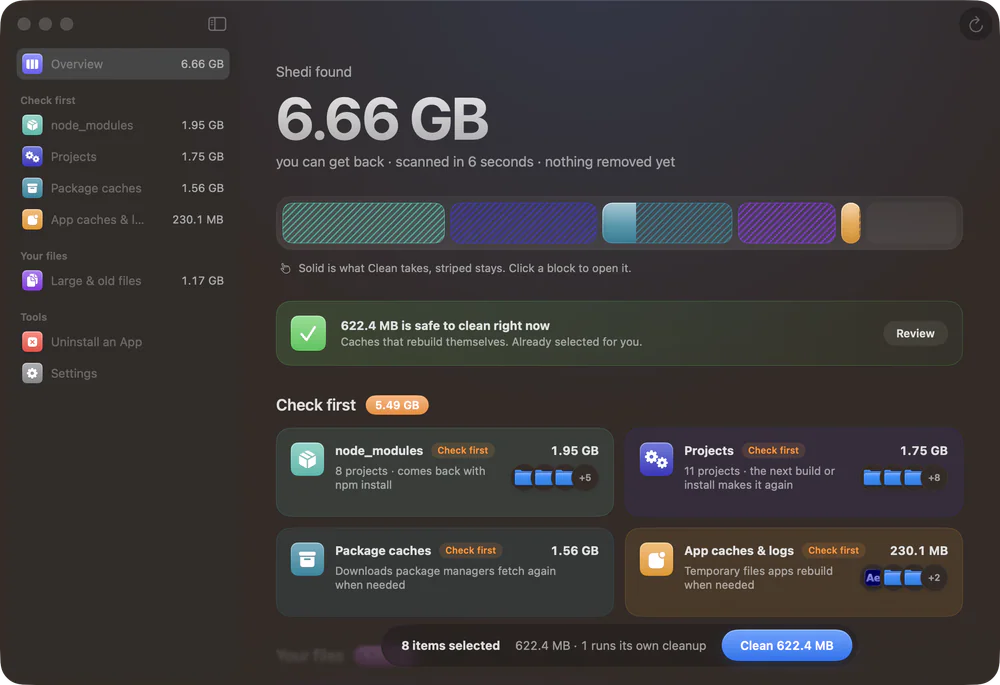
A Mac cleaner for developers: finds Xcode, Docker and node_modules junk, explains every item, and moves only what you pick to the Trash.

Utilities · Free & open source
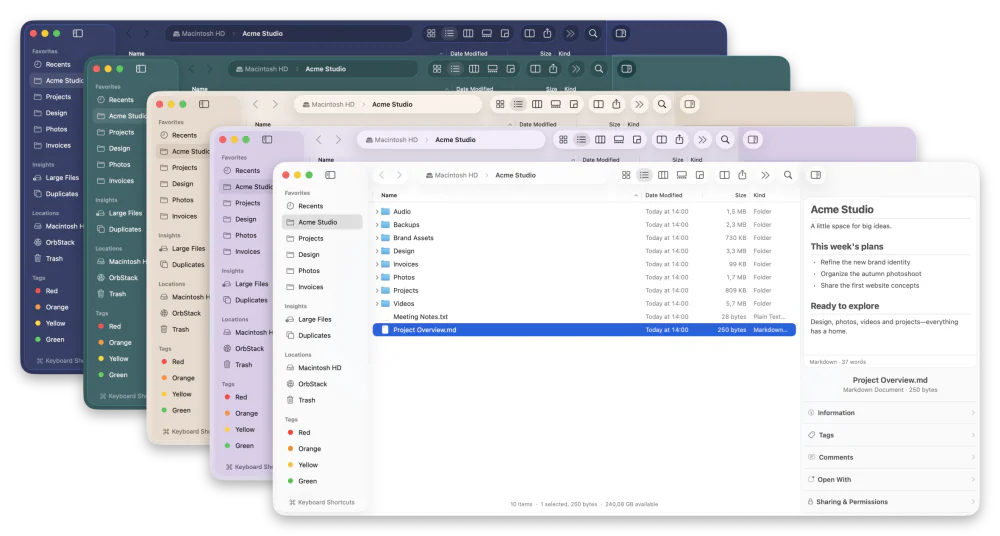
A free, open-source Finder alternative for Mac with instant plain-English search, real-time folder sizes, and a visual disk usage map.

Utilities · $12 · one-time ($12 for the first 100, then $19; free scan and first 2 GB)
The calm Mac disk cleaner that tells you, for every item, whether it comes back.