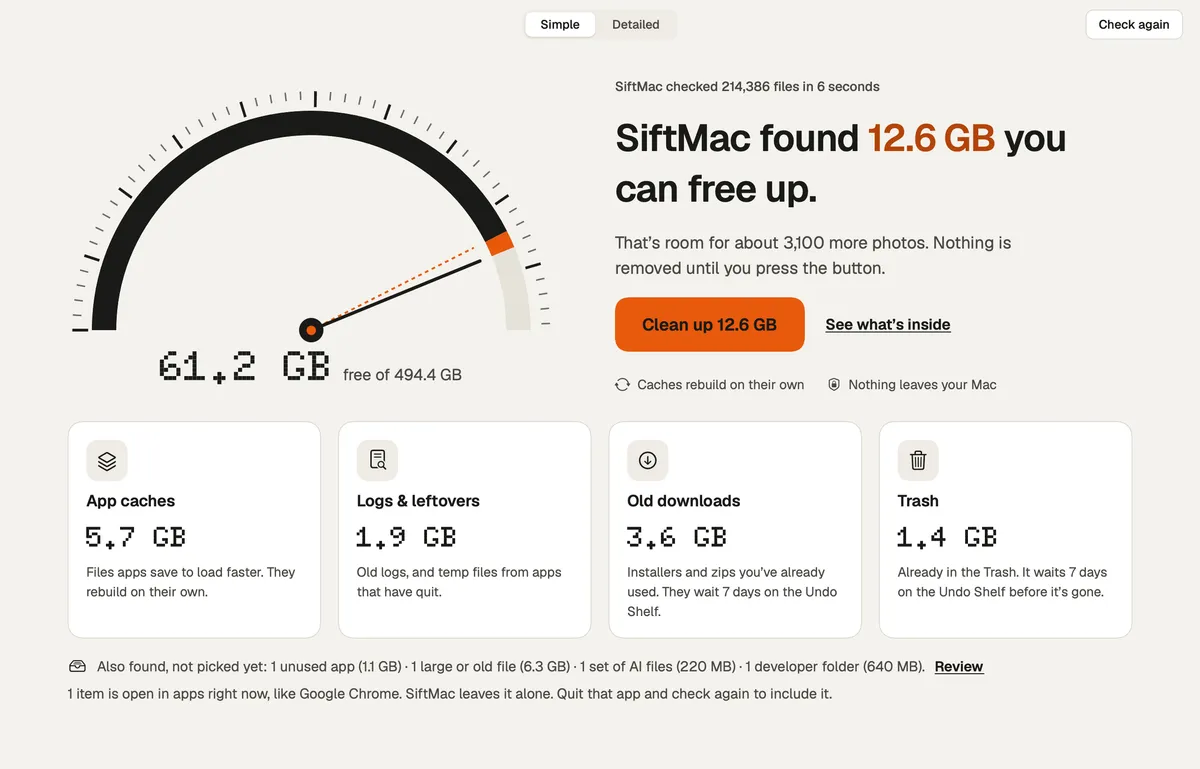

Utilities · $12 · one-time ($12 for the first 100, then $19; free scan and first 2 GB)
The calm Mac disk cleaner that tells you, for every item, whether it comes back.

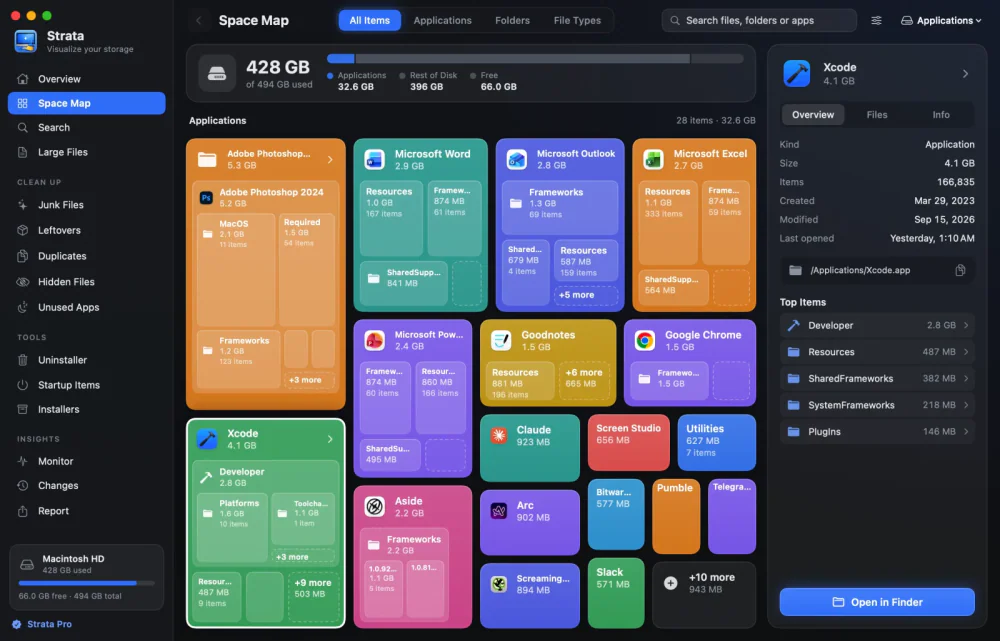
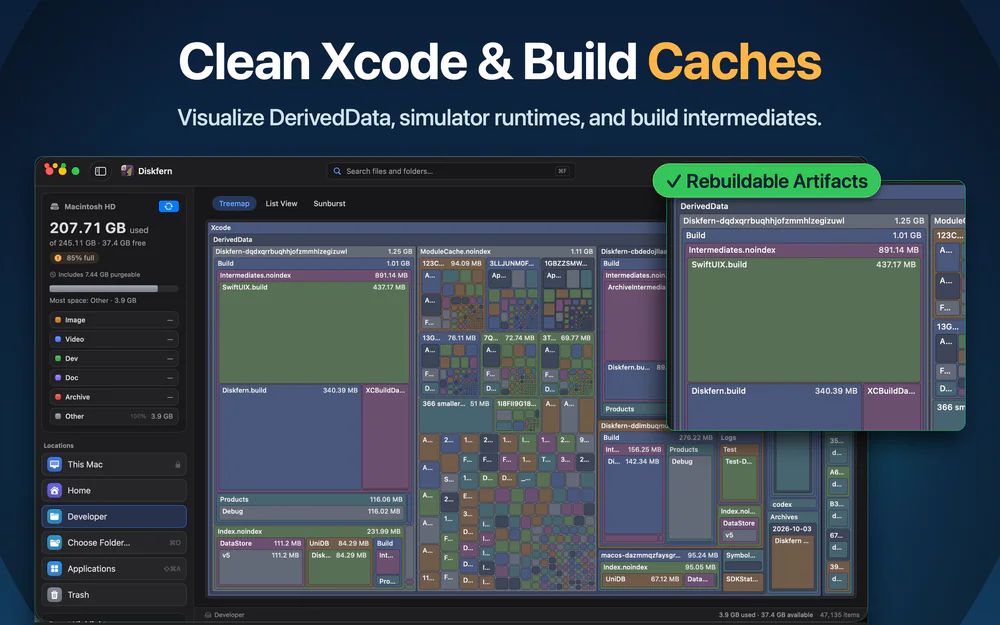
Your whole disk as one treemap. The biggest folder is the biggest box, and node_modules, DerivedData and caches are found and totalled.
Diskscape draws your whole disk, or any folder, as one map. The biggest folder is the biggest box, so whatever is eating your space is the first thing you see. No lists to sort, no digging through menus.
Native Swift and SwiftUI, sandboxed, and nothing about your files leaves your Mac.
Scanning and browsing are free for good. The first seven days you use it, everything is unlocked. After that, Move to Trash needs a subscription.
Utilities · $12 · one-time ($12 for the first 100, then $19; free scan and first 2 GB)
The calm Mac disk cleaner that tells you, for every item, whether it comes back.

Utilities · Free · $19.99 one-time (Black Friday from $10) $19.99
See what's filling your Mac, then clear it safely.

Utilities · Free · Free unlimited scanning and storage exploration. Pro starts $19.99
A native macOS app to visualize disk usage, find unnecessary files, and reclaim storage with confidence.
Get 30% off Diskfern Pro and Family for members
Utilities · $19 · one-time (2 Macs; free CLI available)
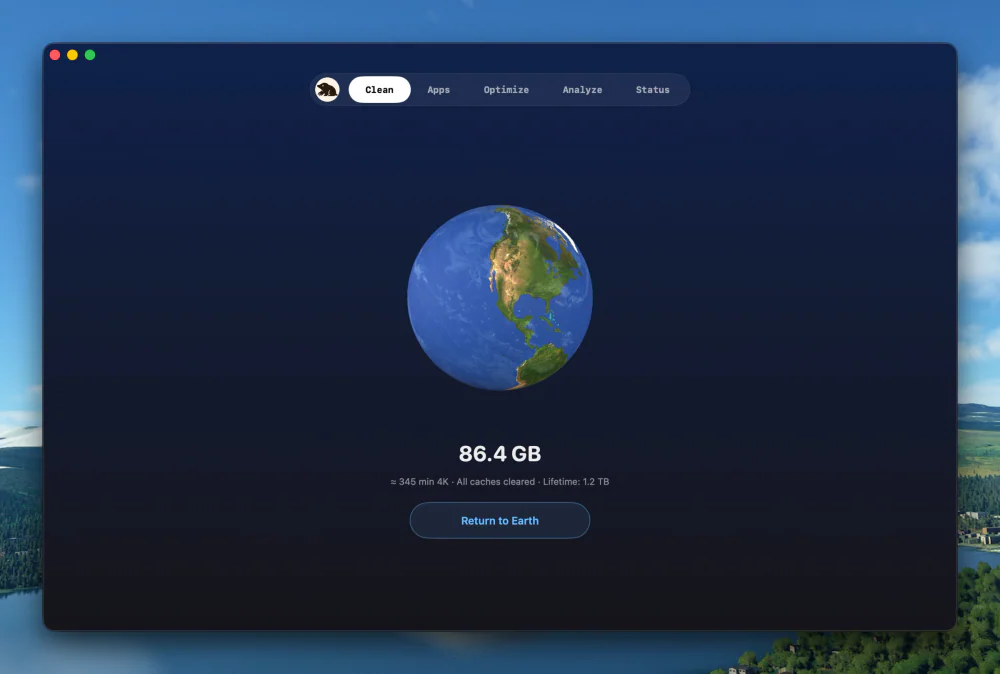
Clean, uninstall, optimize, and monitor your Mac from one lightweight native app — a visual dashboard, a disk treemap, and a live menu-bar HUD, all on-device.

Utilities · $9.99 · one-time
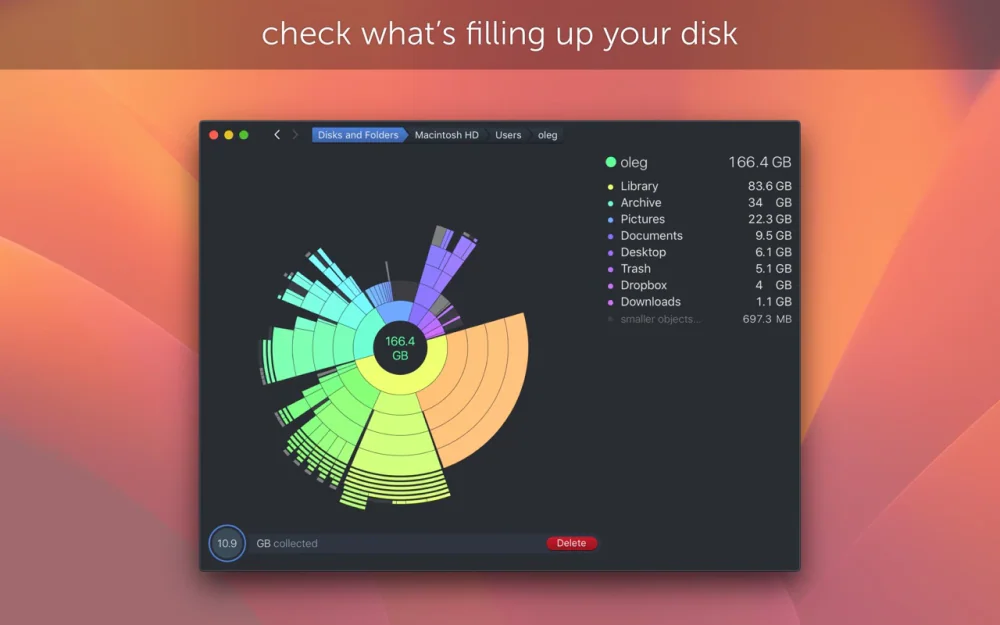
Find what is eating your disk with a scan that turns your drive into an interactive sunburst map you can drill into and clean up.

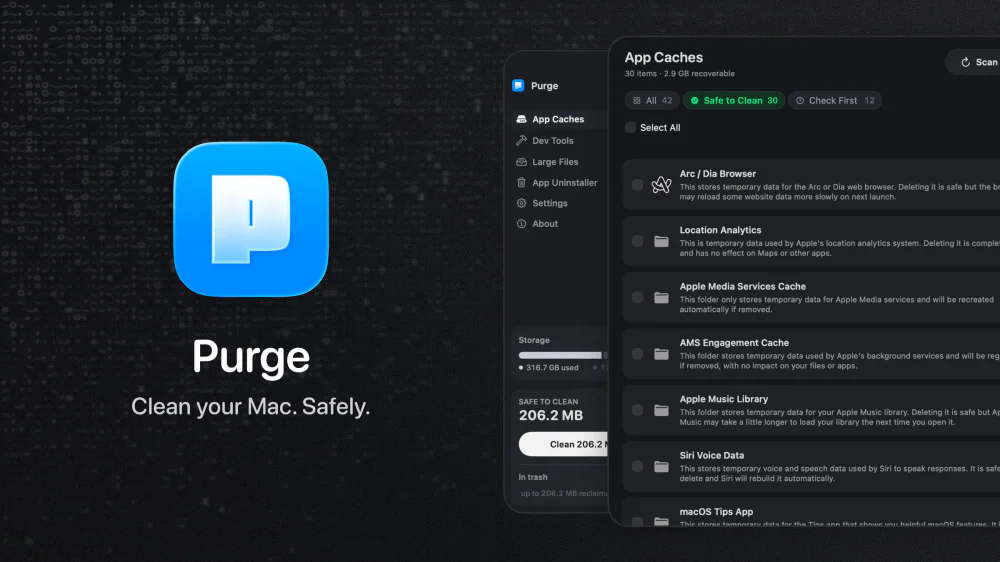
Utilities · Free & open source
An open-source Mac cleaner that finds app caches, dev-tool junk, and space-hogging large files, labels each one Safe to Clean or Check First, and moves everything to the Trash instead of deleting it outright.