Utilities · Free · per month, Mac App Store. Scanning stays free $4.99
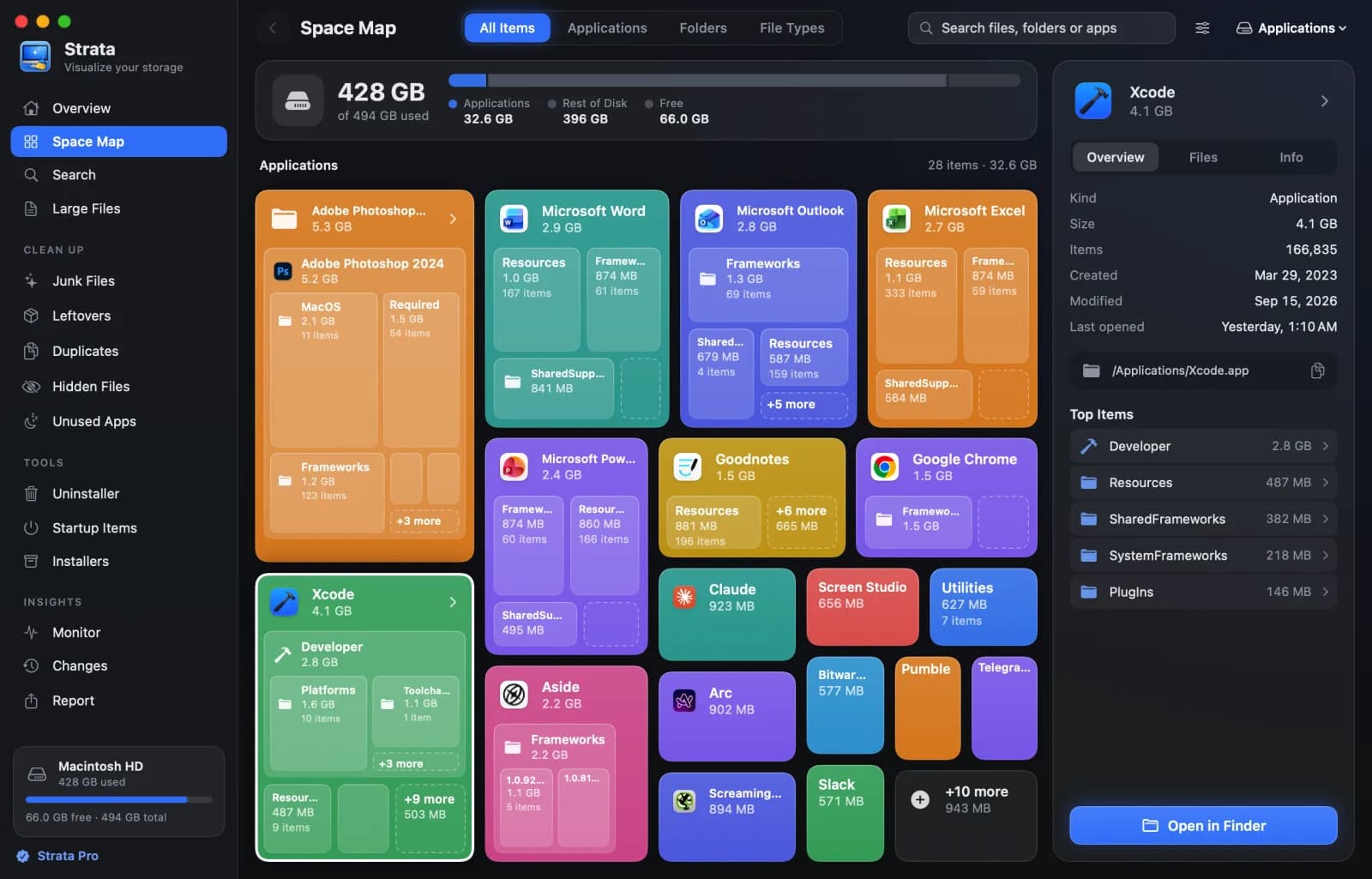
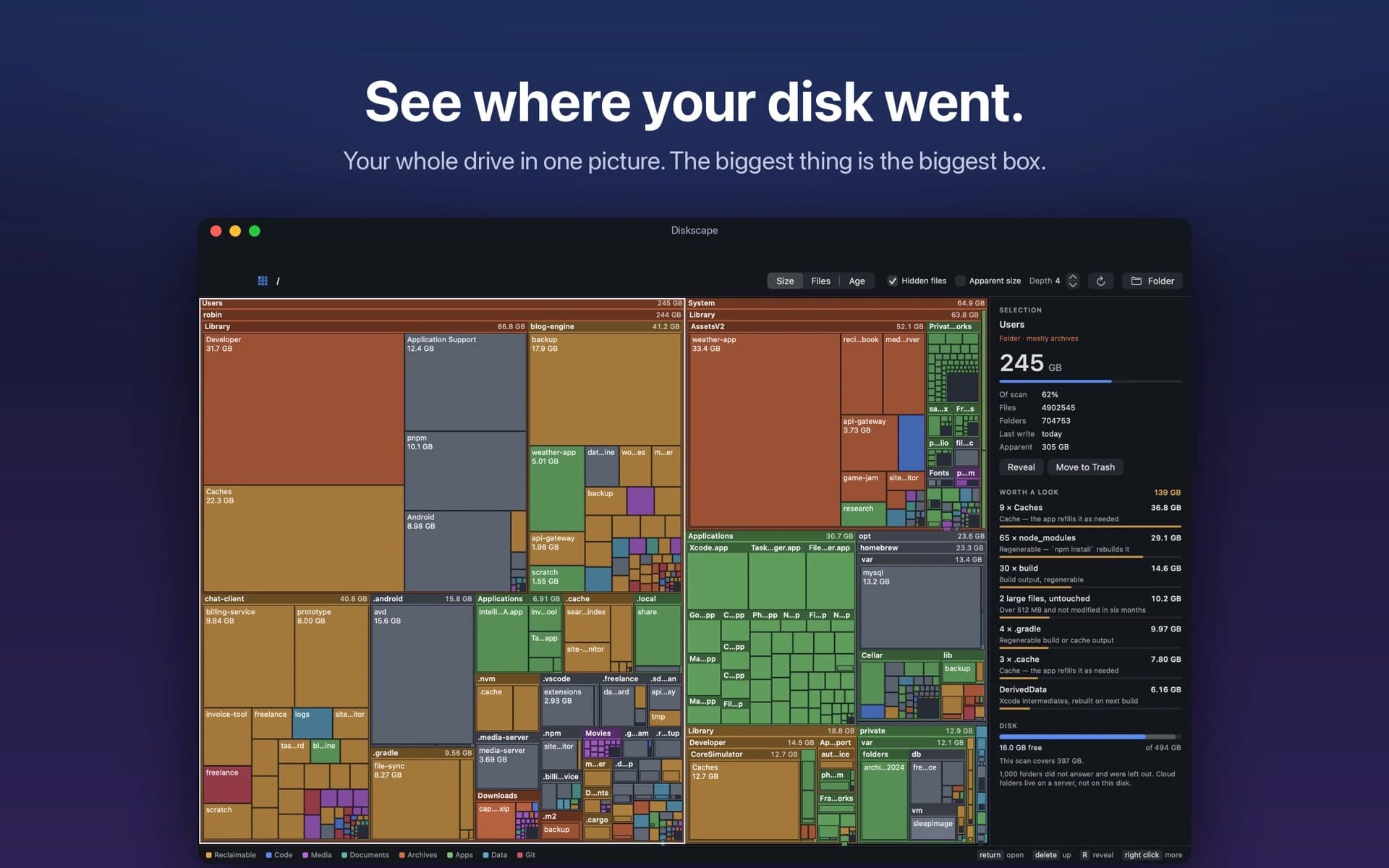
Your whole disk as one treemap. The biggest folder is the biggest box, and node_modules, DerivedData and caches are found and totalled.

A native macOS app to visualize disk usage, find unnecessary files, and reclaim storage with confidence.
Member deal
Get 30% off Diskfern Pro or Family with code DISKFERN30. Diskfern helps you visualize Mac storage, find unnecessary files, and safely review cleanup candidates before removing them. One-time purchase. No recurring subscriptions. · Ongoing offer · Offered by the app maker · All deals
Diskfern helps you understand what's consuming storage on your Mac, find unnecessary files, and reclaim space without guessing.
Explore your disk through three visualization modes: Treemap, Sunburst, and List. Find large files, investigate System Data, and identify storage consumed by developer tools, Xcode, Docker, caches, build artifacts, and local AI models.
Diskfern performs scanning and analysis locally. Your files and scan results stay on your Mac. Nothing is removed without your approval.
Tested on an Apple M4 MacBook Air with 16 GB memory, Diskfern scanned 2.886 million files in 16.055 seconds. See the full benchmark methodology and results at https://www.diskfern.com/benchmarks.
Free unlimited scanning and storage exploration. Pro and Family offer advanced cleanup features through one-time purchases, with no recurring subscriptions.
Utilities · Free · per month, Mac App Store. Scanning stays free $4.99
Your whole disk as one treemap. The biggest folder is the biggest box, and node_modules, DerivedData and caches are found and totalled.

Utilities · Free · $19.99 one-time (Black Friday from $10) $19.99
See what's filling your Mac, then clear it safely.

Utilities · $19 · one-time (2 Macs; free CLI available)
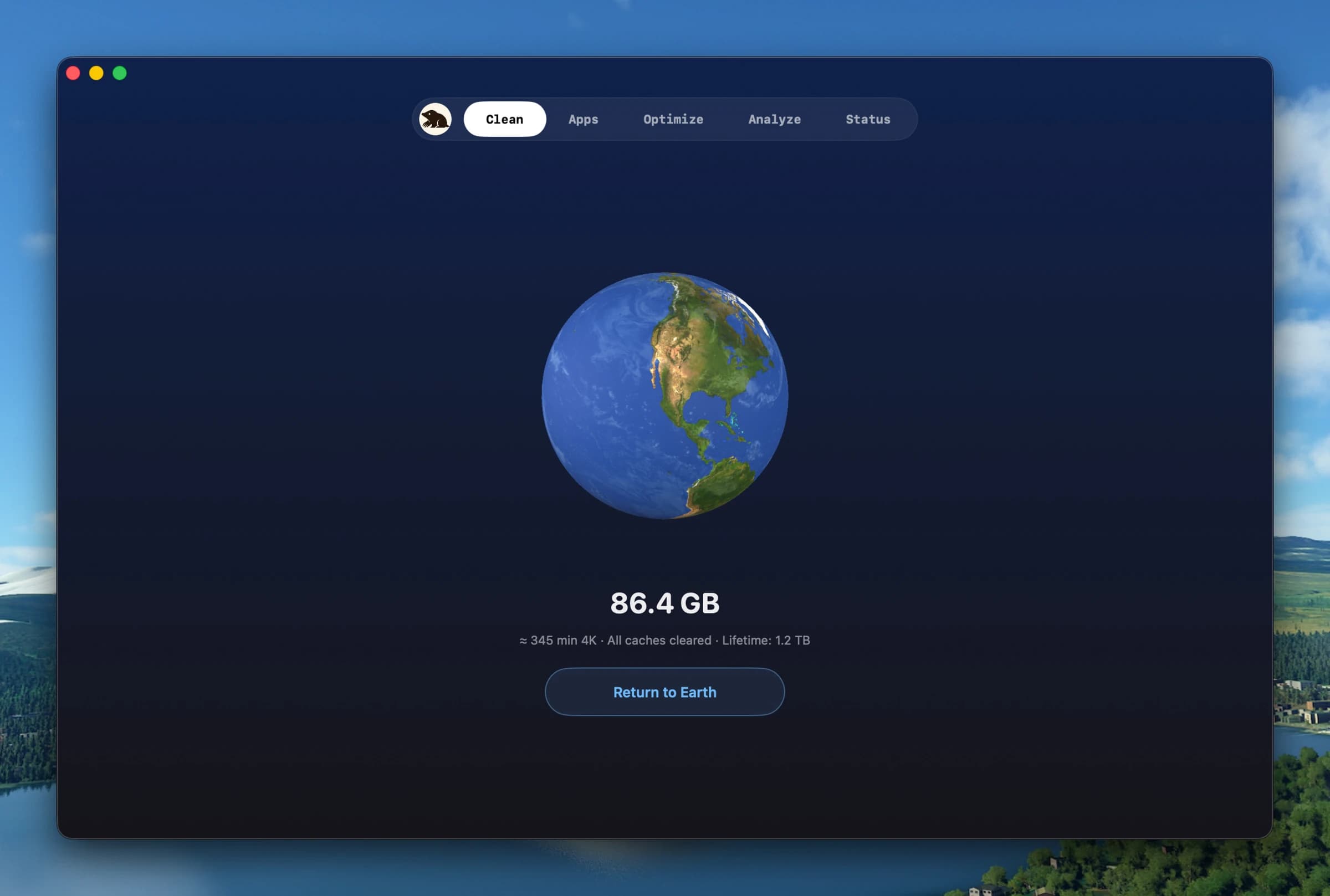
Clean, uninstall, optimize, and monitor your Mac from one lightweight native app — a visual dashboard, a disk treemap, and a live menu-bar HUD, all on-device.
Utilities · $9.99 · one-time
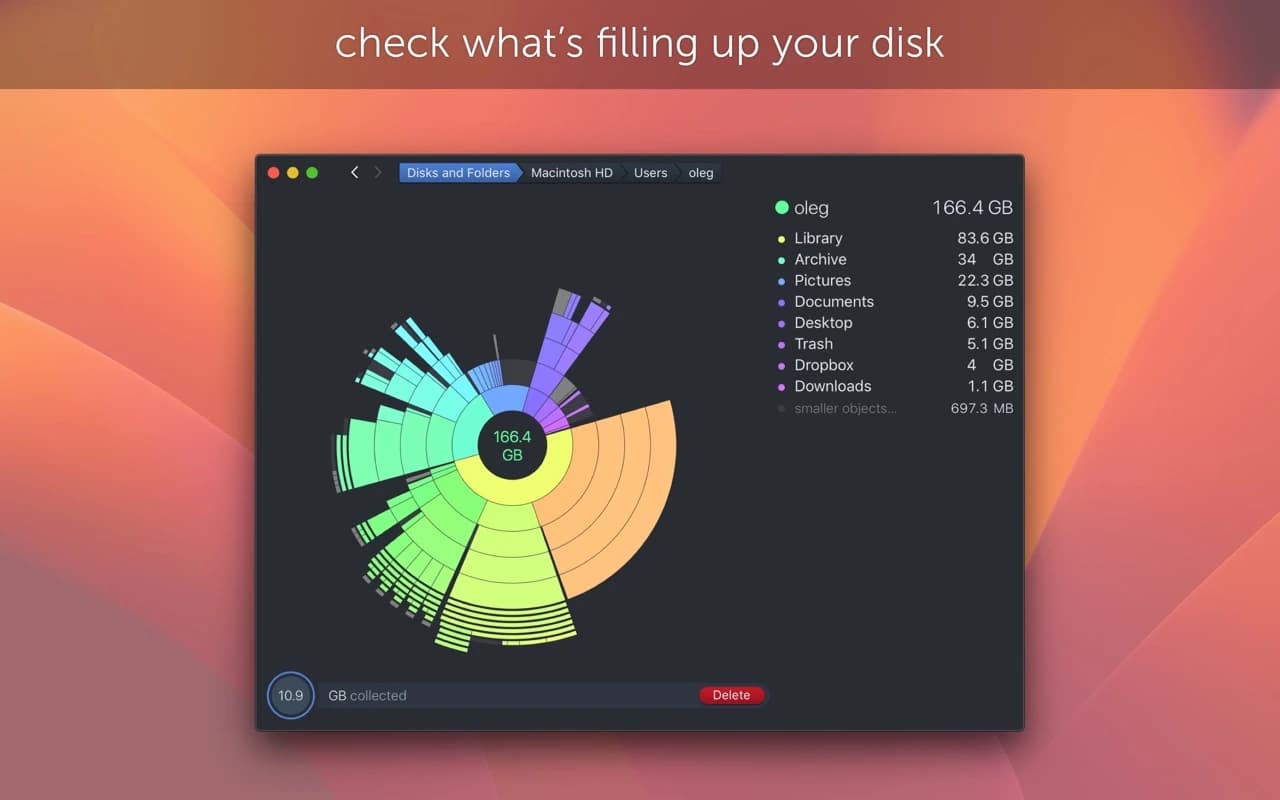
Find what is eating your disk with a scan that turns your drive into an interactive sunburst map you can drill into and clean up.

Utilities · Free & open source
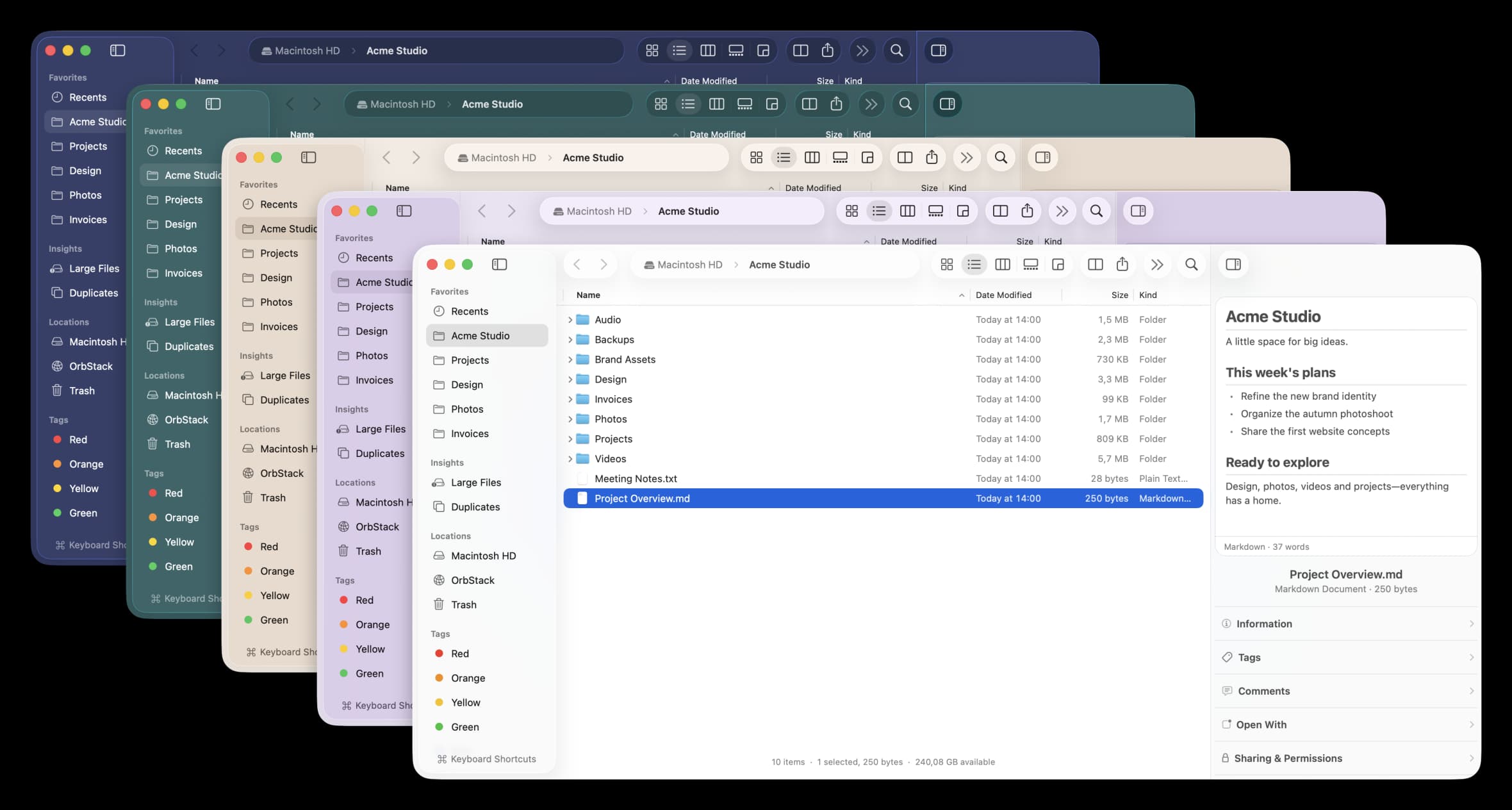
A free, open-source Finder alternative for Mac with instant plain-English search, real-time folder sizes, and a visual disk usage map.

Productivity · Free · Free download with unlimited dictation; Pro is a one-time lifetime licence, no subscription $79
Fully on-device AI meeting note taker for Mac. Records any meeting app without a bot. Free, unlimited dictation in any app.