
Find what is eating your disk with a scan that turns your drive into an interactive sunburst map you can drill into and clean up.
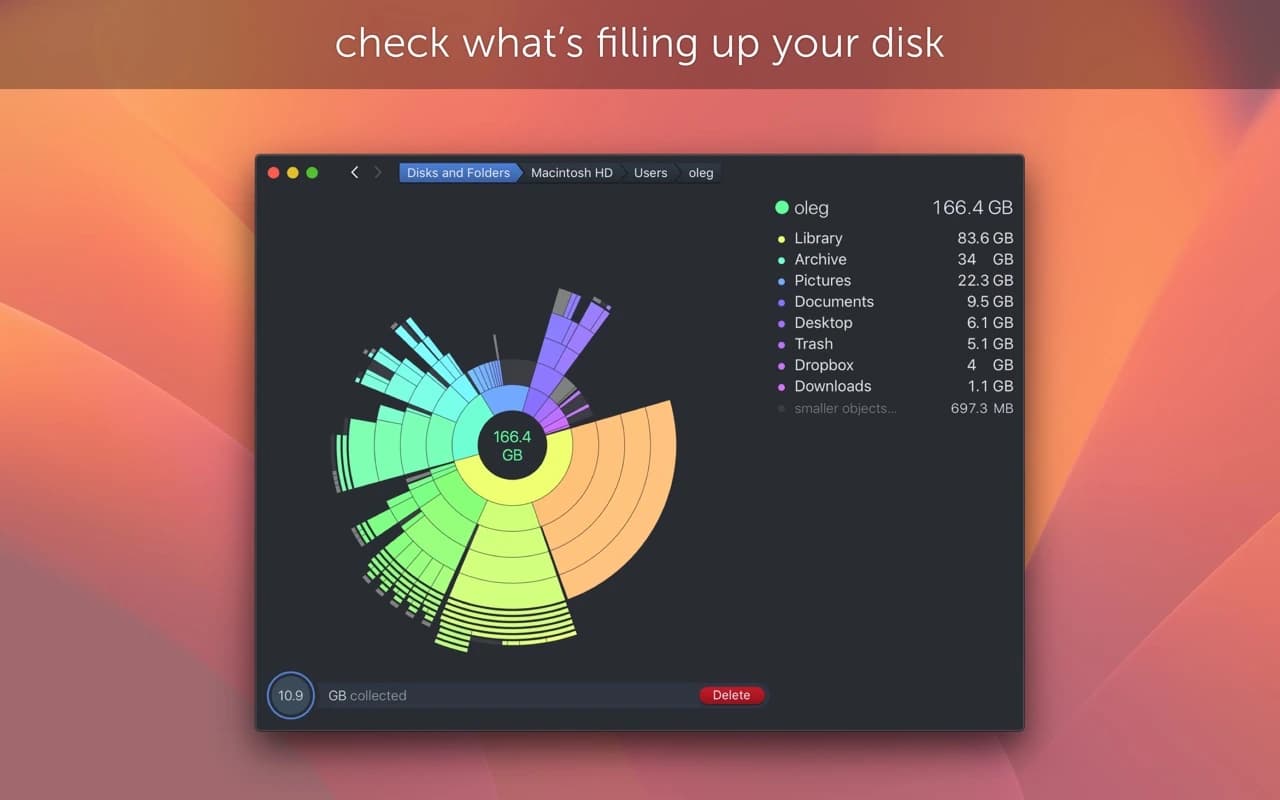
DaisyDisk scans a drive and draws the result as a colour-coded ring chart, biggest files and folders as the largest segments. Click to dive into a folder, drag files to the collector at the bottom, and delete the whole pile when you are sure — all without leaving the map.
Why it makes the list
Every Mac accumulates mystery gigabytes, and DaisyDisk is the nicest way to hunt them down. The visualization is genuinely useful rather than decorative — you can see at a glance where the space went — and the scan is fast, reads other users' folders and system areas with permission, and never deletes anything on its own.
Standout features
-
Interactive sunburst map of an entire volume
-
Fast scans, including hidden and system locations
-
Drag-to-collect then delete for safe bulk cleanup
-
Preview and Quick Look before removing anything
-
Scan external drives, network volumes, and mounted images
-
Deep scan of "Purgeable" and hidden space
Pricing
A one-time $9.99 purchase.
More in Utilities

Utilities · $4.99 · one-time (14 day refund policy)
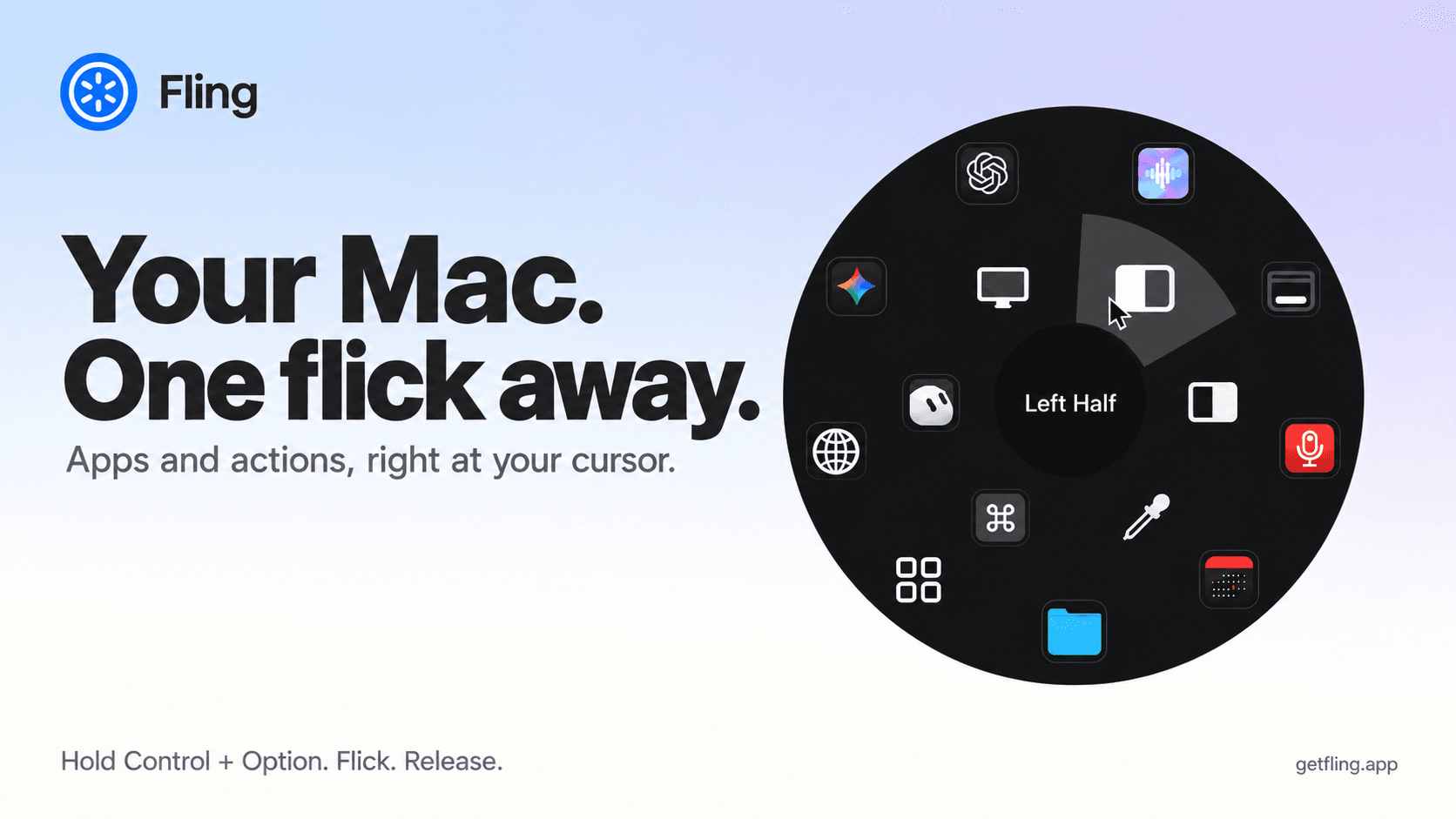
A native macOS command ring for launching apps, folders, links, shortcuts, window actions, screenshots and more with a quick flick.

Utilities · $22.99 · one-time (Lifetime license for 1 Mac; 7-day free trial.)
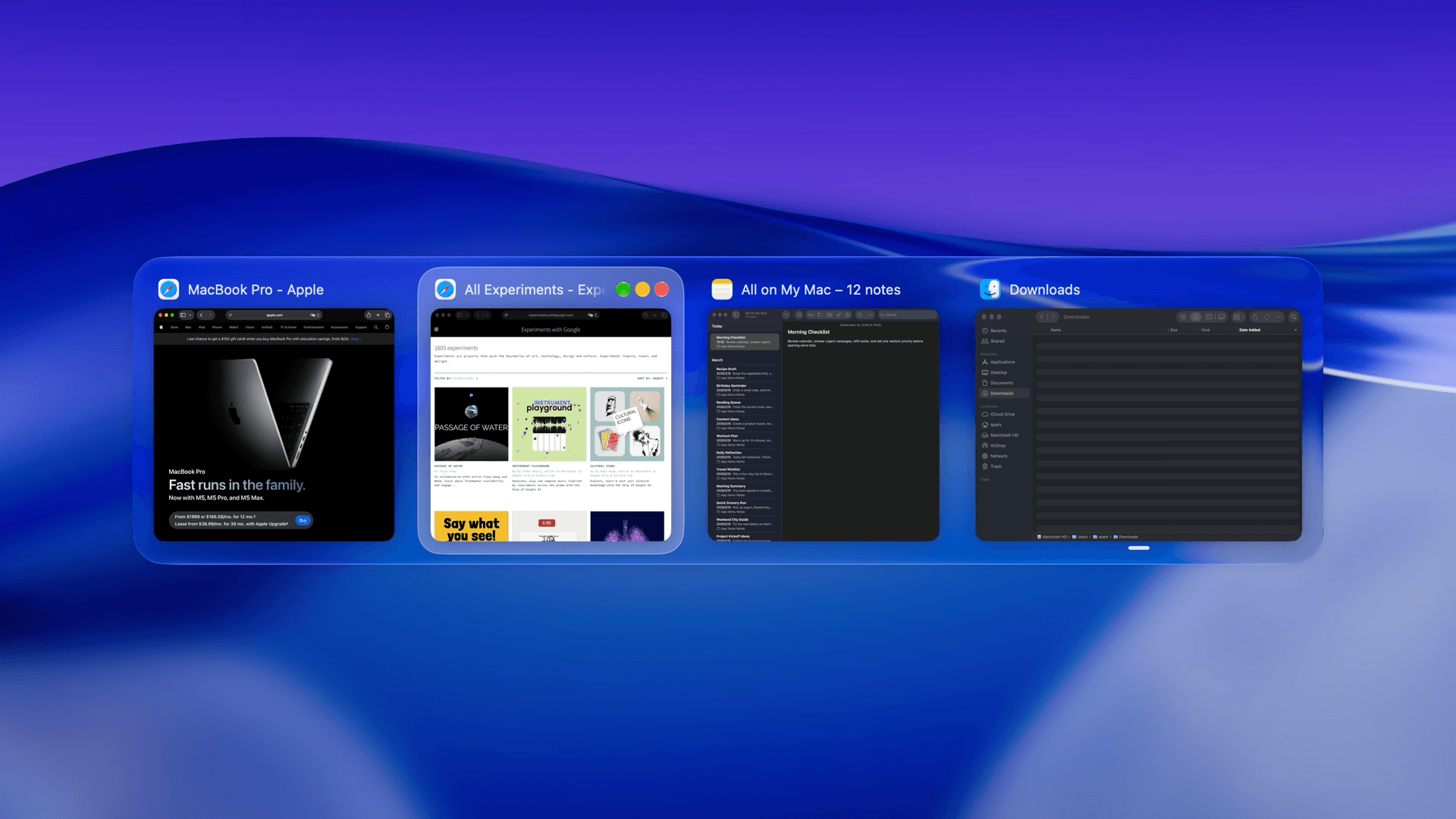
macOS window manager with automatic tiling, window search, and saved layouts


Utilities · $9.99/mo (US $9.99/month or $99.99/year. Free one-hour trial; Family Sharing on annual only.)
Detect slouching with your Mac’s camera and receive personalized posture reminders while you work.