
Audio & Voice · Paid
A menu bar app that plays a mechanical keyboard sound for every key you press, in any app, with a keycap pet that types along.
Make your Mac sound like a real mechanical keyboard. Every key plays its own recording, 22 switches, quiet on calls.
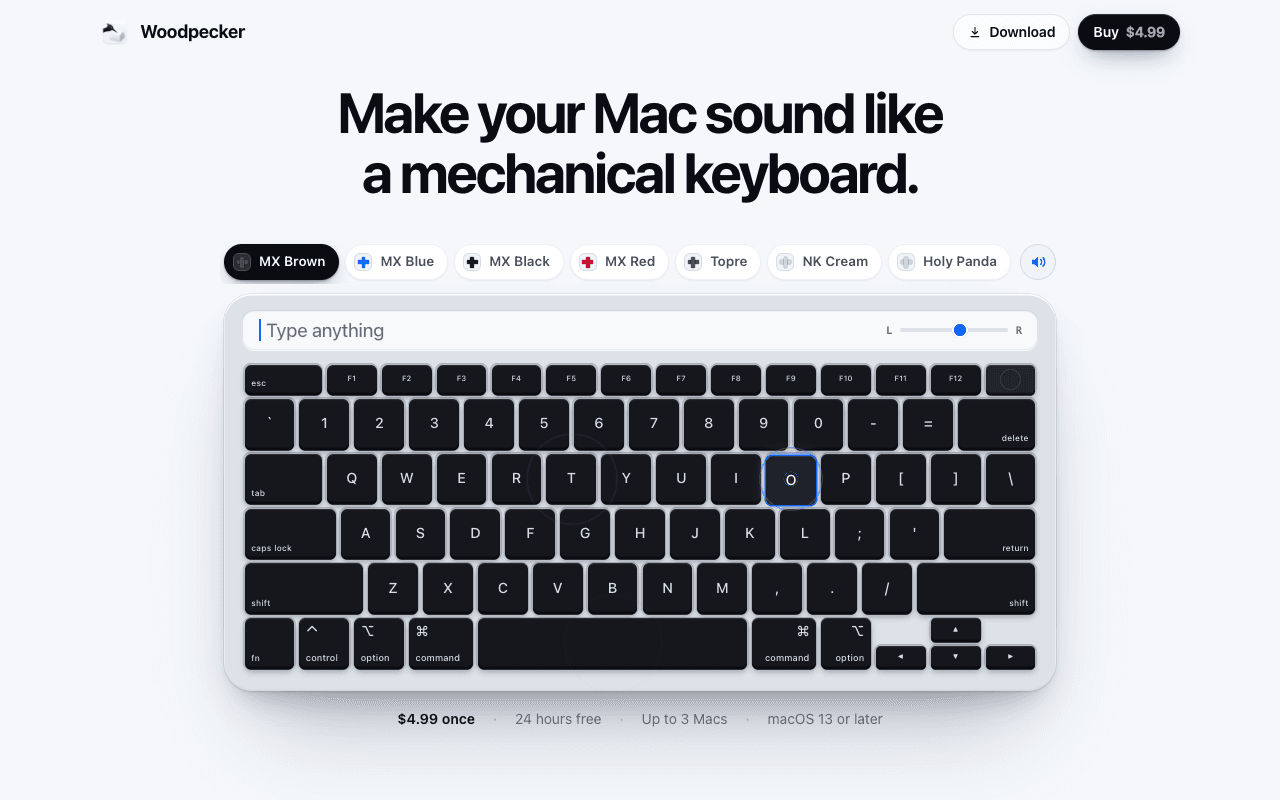
Woodpecker is a Mac menu bar app that makes your keyboard sound like a real mechanical keyboard. Every key plays a recorded mechanical switch and each key has its own sound: the space bar is deep, Return is heavy, every letter is its own. Each key plays its press going down and its release coming up, panned by where it sits on the keyboard.
22 switches, 12 of them recorded key by key. Tone goes from deep to bright, and Room adds a little of the space around a keyboard. It works with the MacBook's own keys or a plugged-in keyboard.
It stays quiet when it should: silent while your mic is in use, silent in password fields, and Control-Option-K mutes it from anywhere. It records nothing you type.
$4.99 once, 24 hours free, up to 3 Macs. macOS 13 or later.
Audio & Voice · Paid
A menu bar app that plays a mechanical keyboard sound for every key you press, in any app, with a keycap pet that types along.
Utilities · Paid (Paid direct download. Final regional price is shown at checkout.)
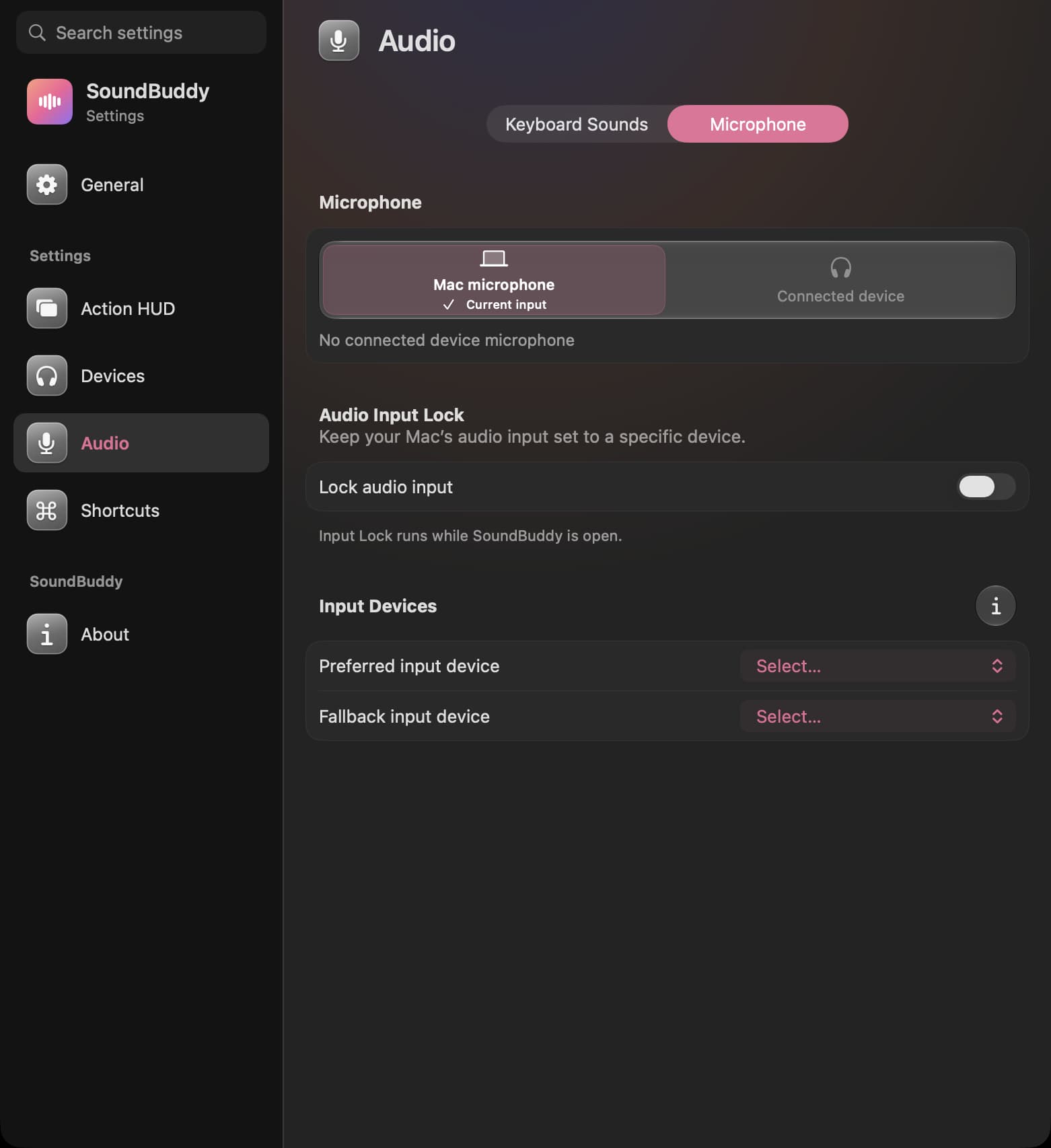
Native Mac menu bar companion for Input Lock, keyboard sounds and paired Bluetooth controls.

Utilities · $4.99 · one-time
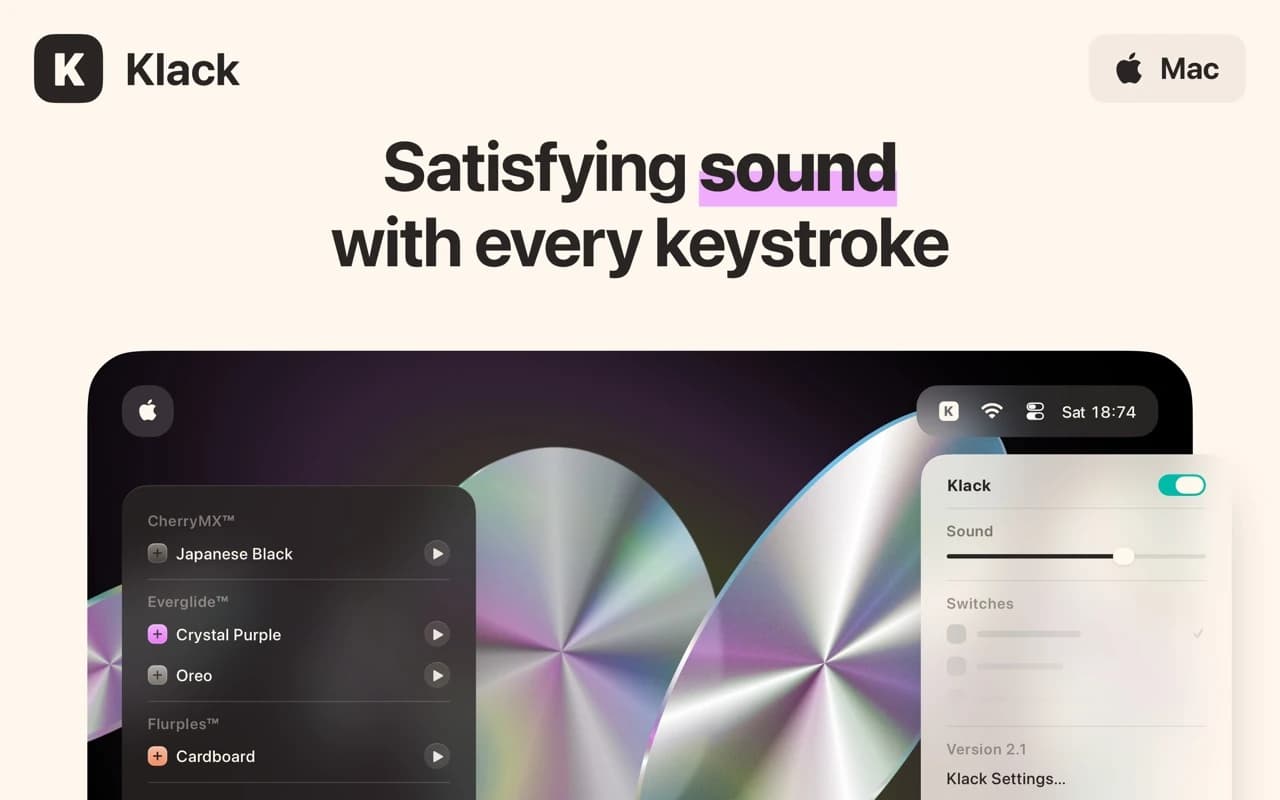
Adds satisfying mechanical-keyboard sound feedback to your Mac's typing — pick a switch profile, tune the volume, and every keystroke gets a tactile click.

Productivity · Subscription
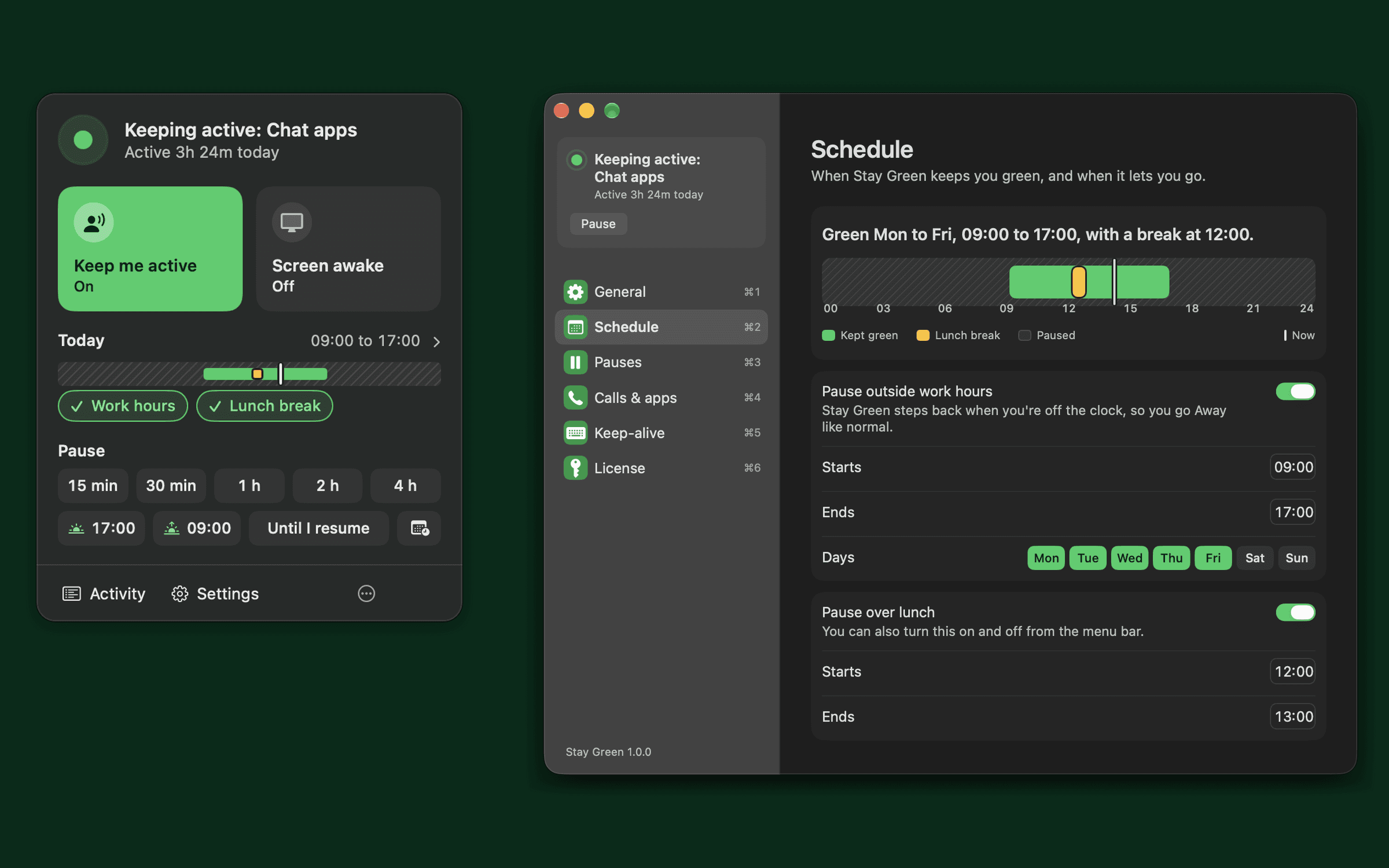
Keeps Teams, Slack and Zoom green while you read, think or take a call. Never moves your cursor.

Productivity · $4.99 · one-time (for the first 100 buyers, then $6.99)
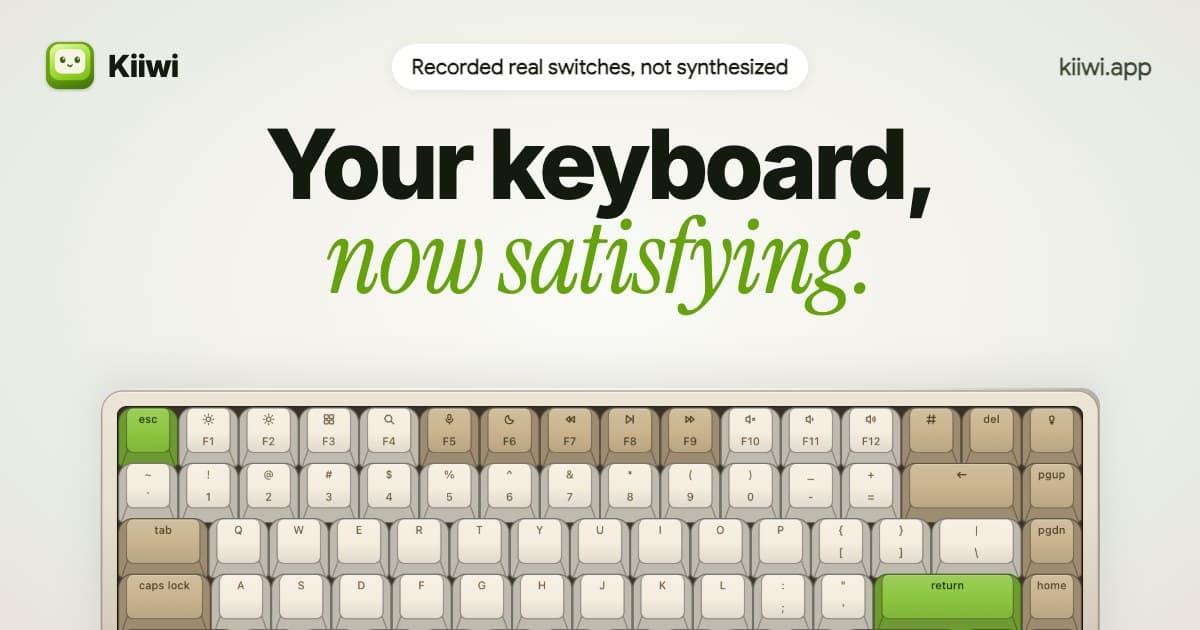
Real mechanical keyboard sounds for your Mac, from 32 recorded switches
Writing & Documents · $19.99 · one-time (Paid for major upgrades (for example 1.x -> 2.x))
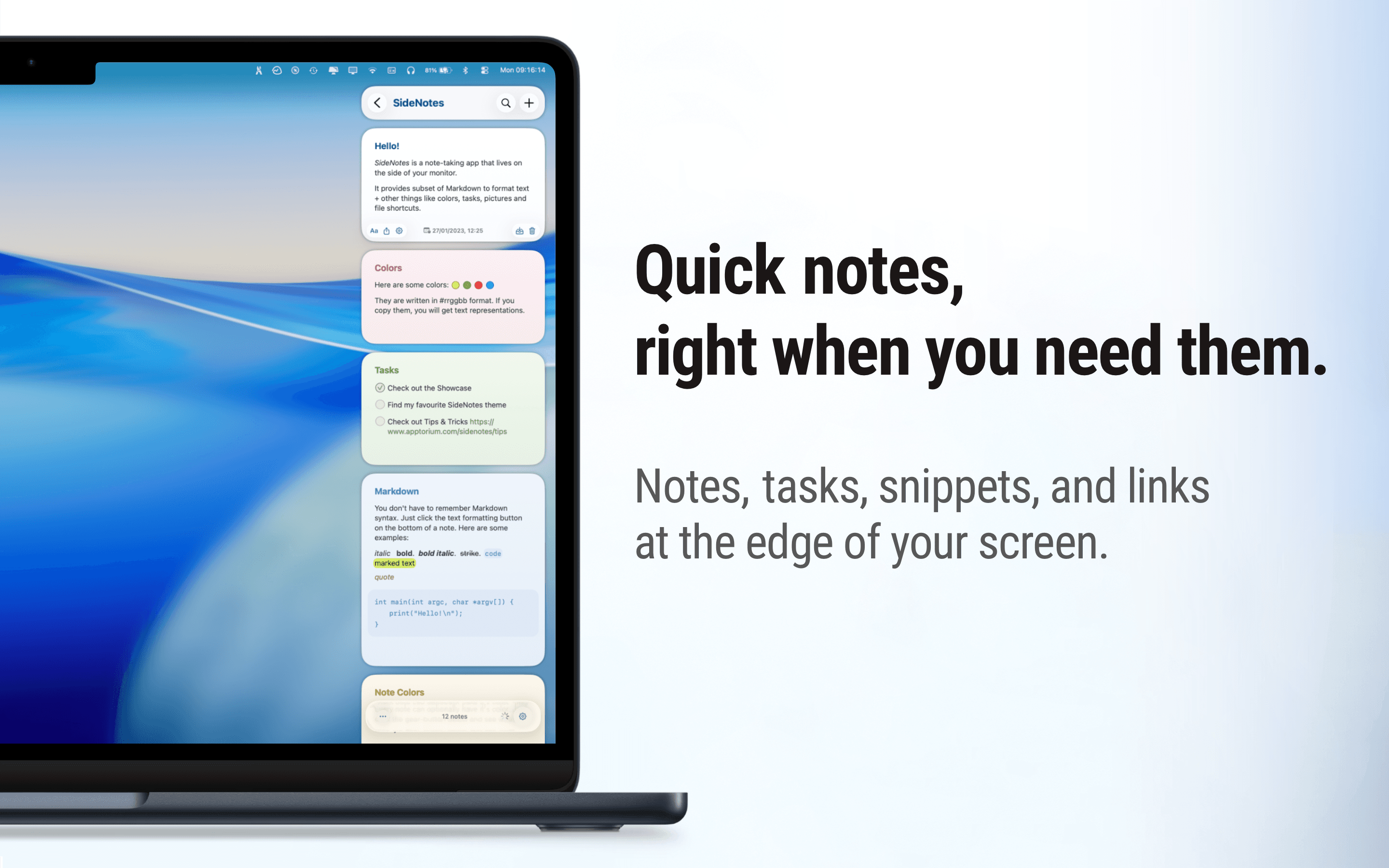
Native macOS notes that slide out from your screen edge, so you can capture tasks, links, and snippets without leaving your work.