Utilities · $4.99 · one-time (One-time, free 24-hour trial)
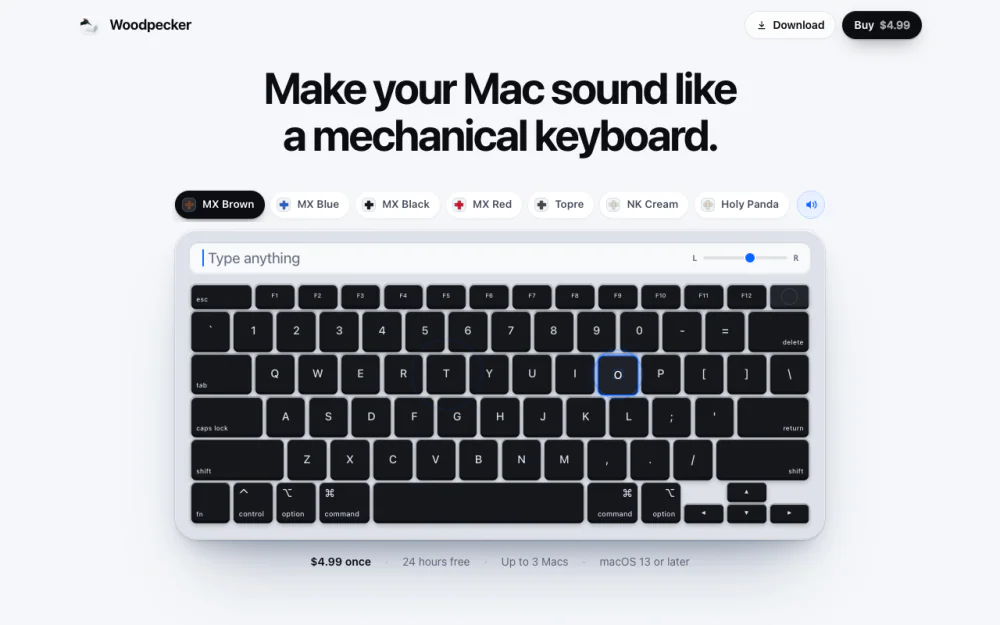
Make your Mac sound like a real mechanical keyboard. Every key plays its own recording, 22 switches, quiet on calls.

Real mechanical keyboard sounds for your Mac, from 32 recorded switches
Kiiwi is a menu bar app that makes the keyboard you already own sound mechanical. It plays real recordings of 32 named switches (38 recordings in all) as you type, in every app, through your headphones or speakers.
What you get
Private by design
Kiiwi hears that a key was pressed, never what you typed. Nothing you type is stored or sent, and the stats only count keys, never which ones. The only network calls are a licence check and a daily update check.
Details
You can hear every switch in your browser before you buy, with nothing to install: kiiwi.app/switches
Utilities · $4.99 · one-time (One-time, free 24-hour trial)
Make your Mac sound like a real mechanical keyboard. Every key plays its own recording, 22 switches, quiet on calls.

Utilities · Paid (Paid direct download. Final regional price is shown at checkout.)
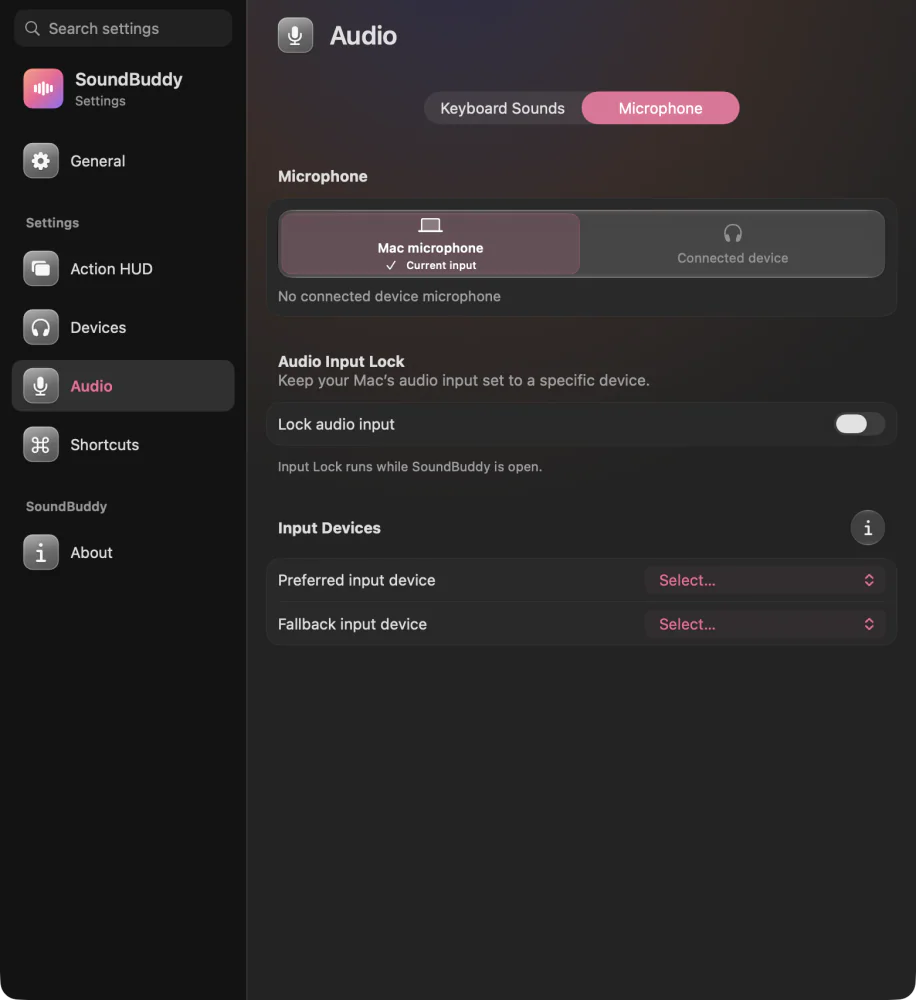
Native Mac menu bar companion for Input Lock, keyboard sounds and paired Bluetooth controls.

Audio & Voice · Paid
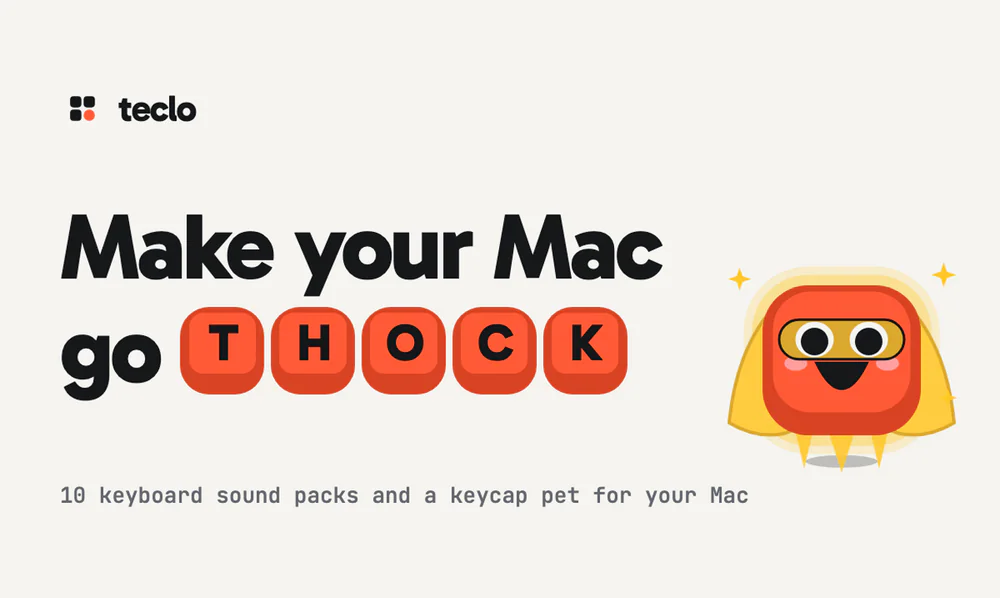
A menu bar app that plays a mechanical keyboard sound for every key you press, in any app, with a keycap pet that types along.
Utilities · $4.99 · one-time
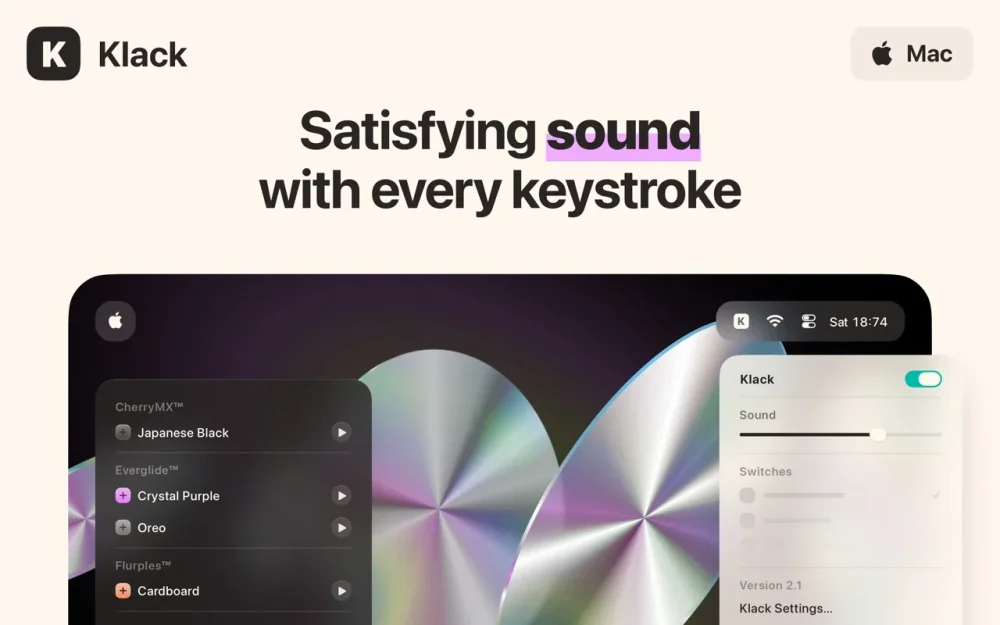
Adds satisfying mechanical-keyboard sound feedback to your Mac's typing — pick a switch profile, tune the volume, and every keystroke gets a tactile click.

Productivity · Free · Free, with a 7-day trial of the paid features. Paid upgrades $19
A menu-bar-only Mac app that celebrates every sale with a pixel-art monkey and sticky note.