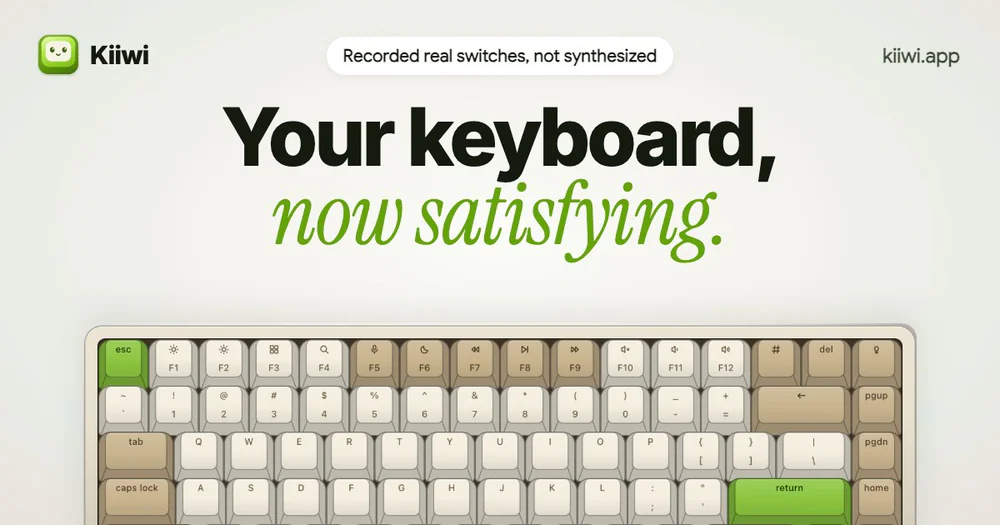

Productivity · $4.99 · one-time (for the first 100 buyers, then $6.99)
Real mechanical keyboard sounds for your Mac, from 32 recorded switches
Menu bar notes that wait for your next break, a live sky, rain that follows your typing, and your day at the keyboard, hour by hour.
Key Press Counter: Notes lives in the menu bar and describes your day at the computer, from the smallest piece of data that still means something: how many keys per hour, never which ones.
One-time purchase on the Mac App Store. No subscription, no account, no ads.
Productivity · $4.99 · one-time (for the first 100 buyers, then $6.99)
Real mechanical keyboard sounds for your Mac, from 32 recorded switches

Utilities · $19 · one-time (2 Macs; free CLI available)
Clean, uninstall, optimize, and monitor your Mac from one lightweight native app — a visual dashboard, a disk treemap, and a live menu-bar HUD, all on-device.
10% off for members
Writing & Documents · $19.99 · one-time (Paid for major upgrades (for example 1.x -> 2.x))
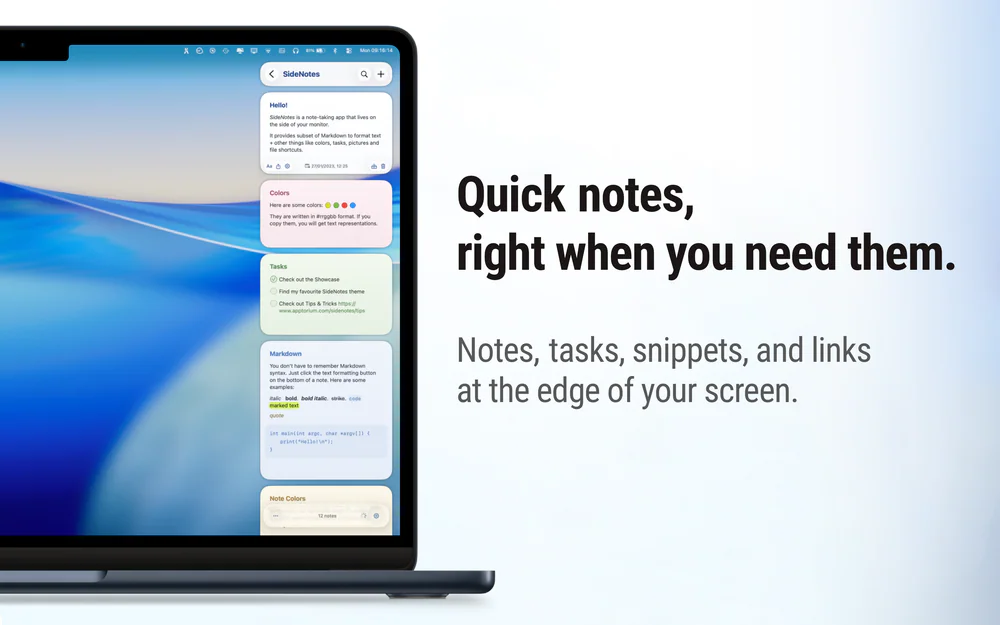
Native macOS notes that slide out from your screen edge, so you can capture tasks, links, and snippets without leaving your work.
Productivity · Free · Pro $6.99
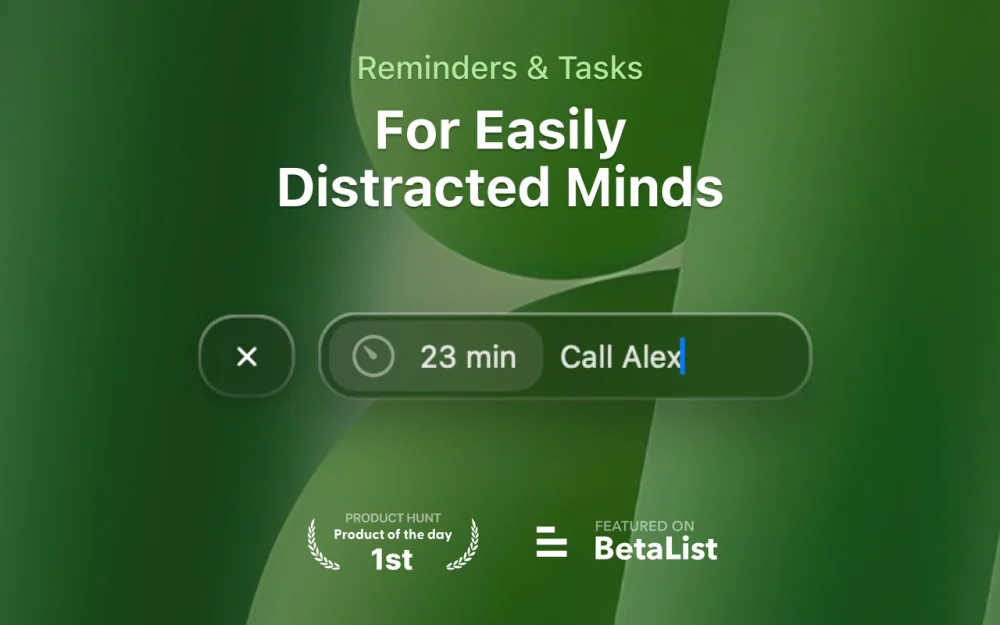
One-click reminders and tasks that live on your desktop as small cards, right where you'll actually see them instead of buried in a notification.
40% OFF for members
Utilities · Free & open source
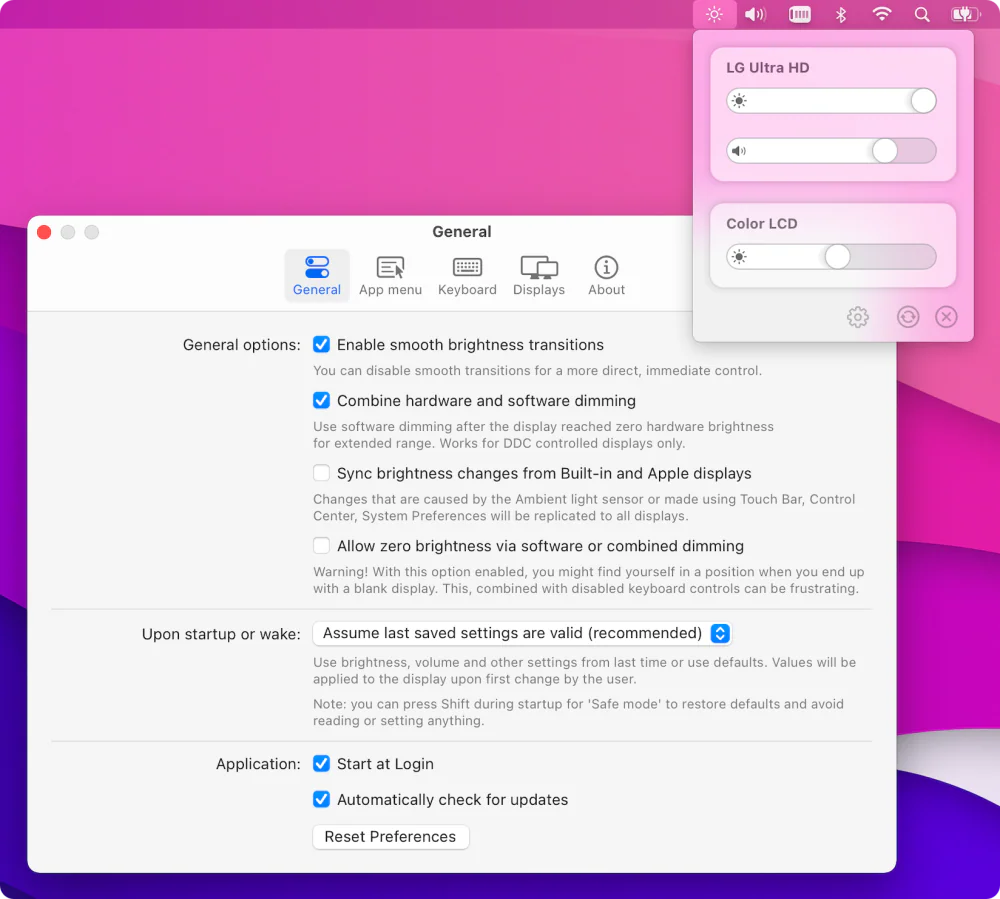
Free, open-source brightness and volume control for external monitors — the native macOS controls Apple never gave your non-Apple display.

Utilities · $4.99 · one-time (14-day free trial. One license covers up to 3 Macs.)
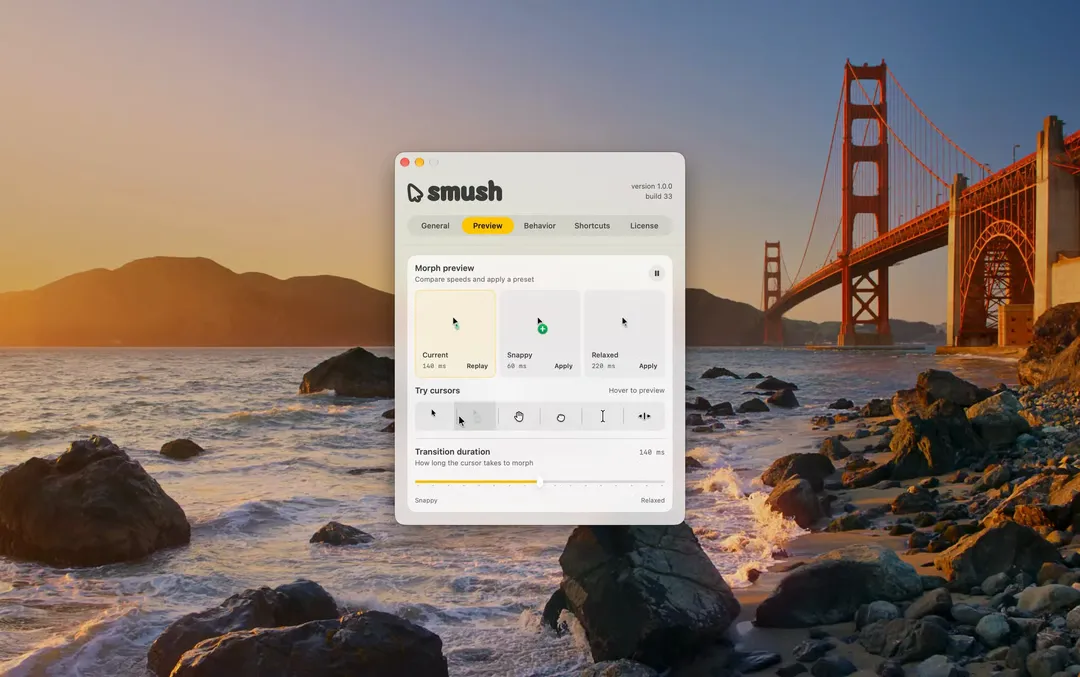
Adds a little animation when your Mac’s cursor changes shape.