Utilities · $24.99 · one-time
Control external monitors from your Mac's menu bar — brightness, contrast, volume, and input switching over DDC/CI, with presets, schedules, and multi-display sync.
Free, open-source brightness and volume control for external monitors — the native macOS controls Apple never gave your non-Apple display.
MonitorControl adds the brightness, volume, and contrast sliders macOS gives you for Apple's own displays to any external monitor that supports DDC/CI — which is most modern displays over USB-C, DisplayPort, HDMI, or DVI. Adjust them from the menu bar, your keyboard's media keys, or custom shortcuts, and see the same native macOS on-screen display Apple uses.
Pairing a Mac with a non-Apple monitor usually means fumbling with the monitor's own physical buttons just to turn the brightness down. MonitorControl fixes that for free, matching what paid alternatives like Lunar or BetterDisplay charge for. It also handles cases DDC/CI doesn't reach — software dimming via the gamma table for displays with no hardware control, and shade-overlay dimming for DisplayLink, AirPlay, and Sidecar virtual displays.
Completely free and open source.
Utilities · $24.99 · one-time
Control external monitors from your Mac's menu bar — brightness, contrast, volume, and input switching over DDC/CI, with presets, schedules, and multi-display sync.

Utilities · $4.99 · one-time (14-day free trial. One license covers up to 3 Macs.)
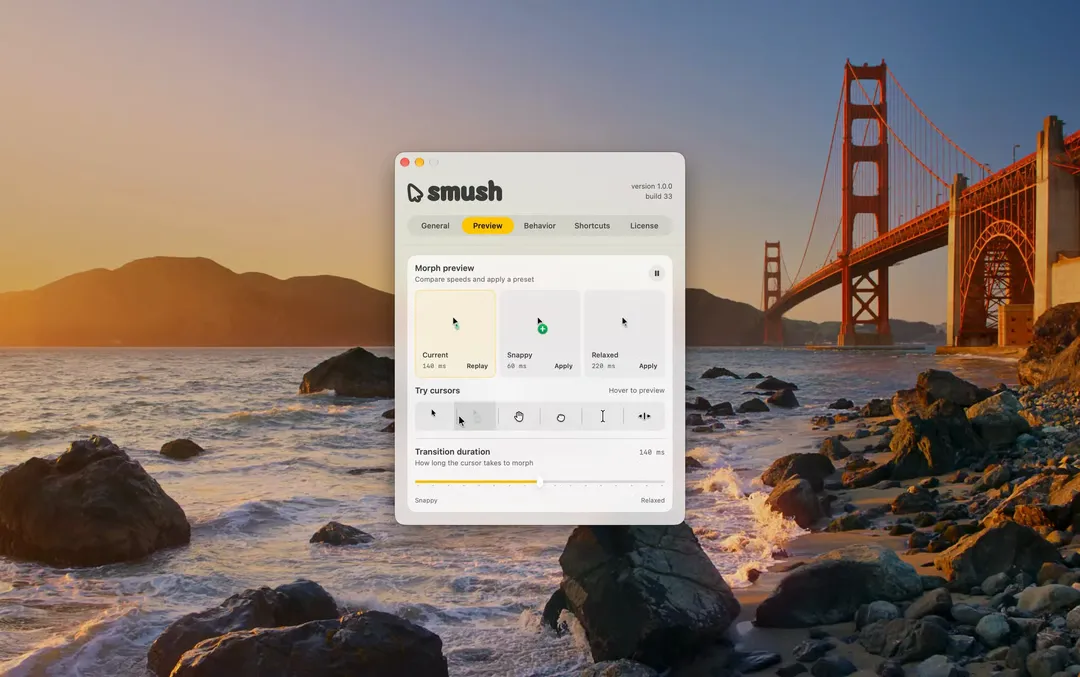
Adds a little animation when your Mac’s cursor changes shape.

Utilities · $9.99 · one-time (14-day trial · launch price until Jan 12, 2027, then $14.99)
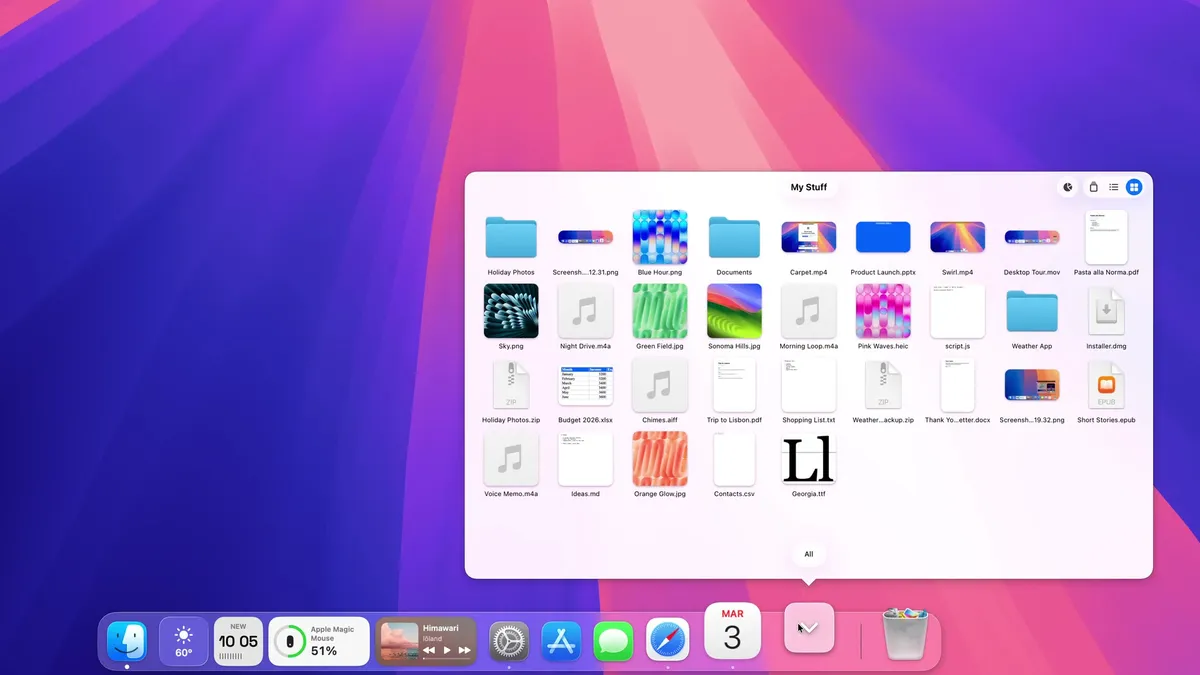
A Dock for macOS, written from scratch. Same spot, new tricks: badges that talk, widgets, Finder-like folders and smarter hiding.
20% off, on top of the launch price for members
Utilities · $4.99 · one-time (One-time, free 24-hour trial)
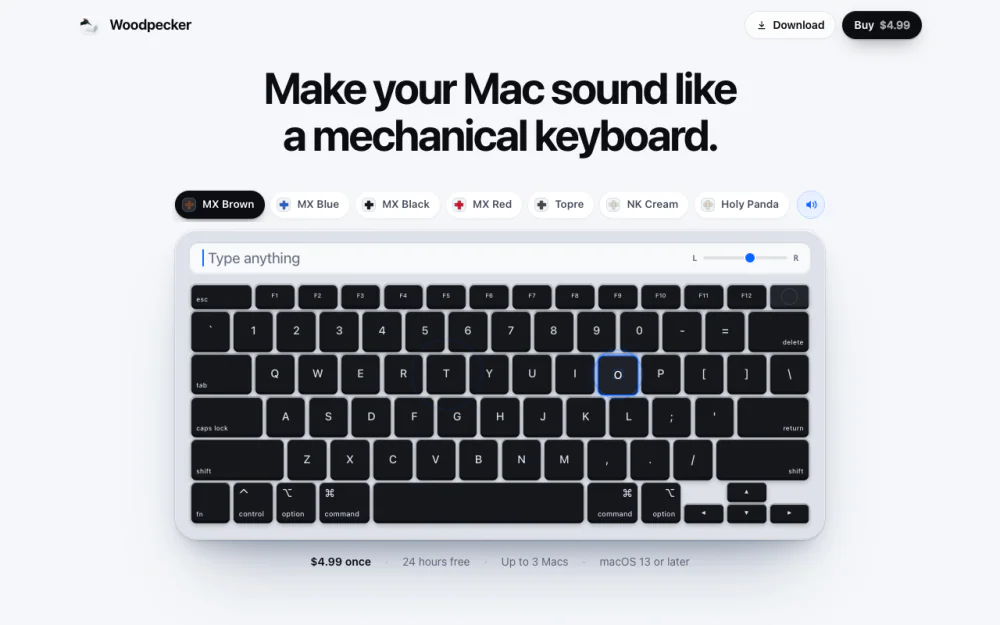
Make your Mac sound like a real mechanical keyboard. Every key plays its own recording, 22 switches, quiet on calls.
Utilities · Free & open source
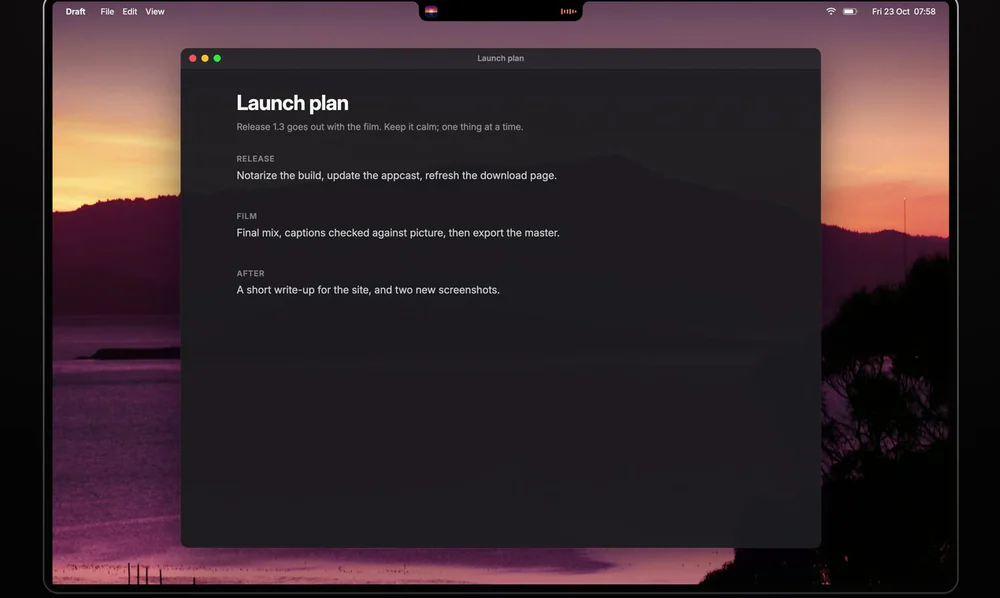
Free, open-source notch app for MacBook: now playing, a focus timer, your next meeting, weather, notes and Keep Awake.