

Control external monitors from your Mac's menu bar — brightness, contrast, volume, and input switching over DDC/CI, with presets, schedules, and multi-display sync.

DisplayBuddy talks to your external monitors over DDC/CI, so the controls buried behind a monitor's hardware buttons move to your menu bar. Drag a slider to set brightness, switch an input from HDMI to USB-C, mute the built-in speakers — without leaving the keyboard.
Why it makes the list
External displays have never respected the Mac's brightness keys. DisplayBuddy fixes that for a wide range of monitors — Dell, LG, Samsung, BenQ, Acer and more — and goes further with presets, time-of-day schedules, and synced controls across every screen at once. It is a buy-once utility that quietly removes a daily annoyance.
Standout features
-
Menu-bar brightness and contrast for DDC/CI displays
-
Input switching between HDMI, DisplayPort, and USB-C
-
Volume control for monitors with built-in speakers
-
Presets and schedules that adjust displays automatically
-
Sync across displays so every screen matches
-
Keyboard shortcuts for every control
Pricing
A one-time license with lifetime updates: Personal $24.99 (1 Mac), Pro $29.99 (2 Macs), Family $49.99 (5 Macs). Also on Setapp. Needs a DDC/CI-capable display.
More in Utilities
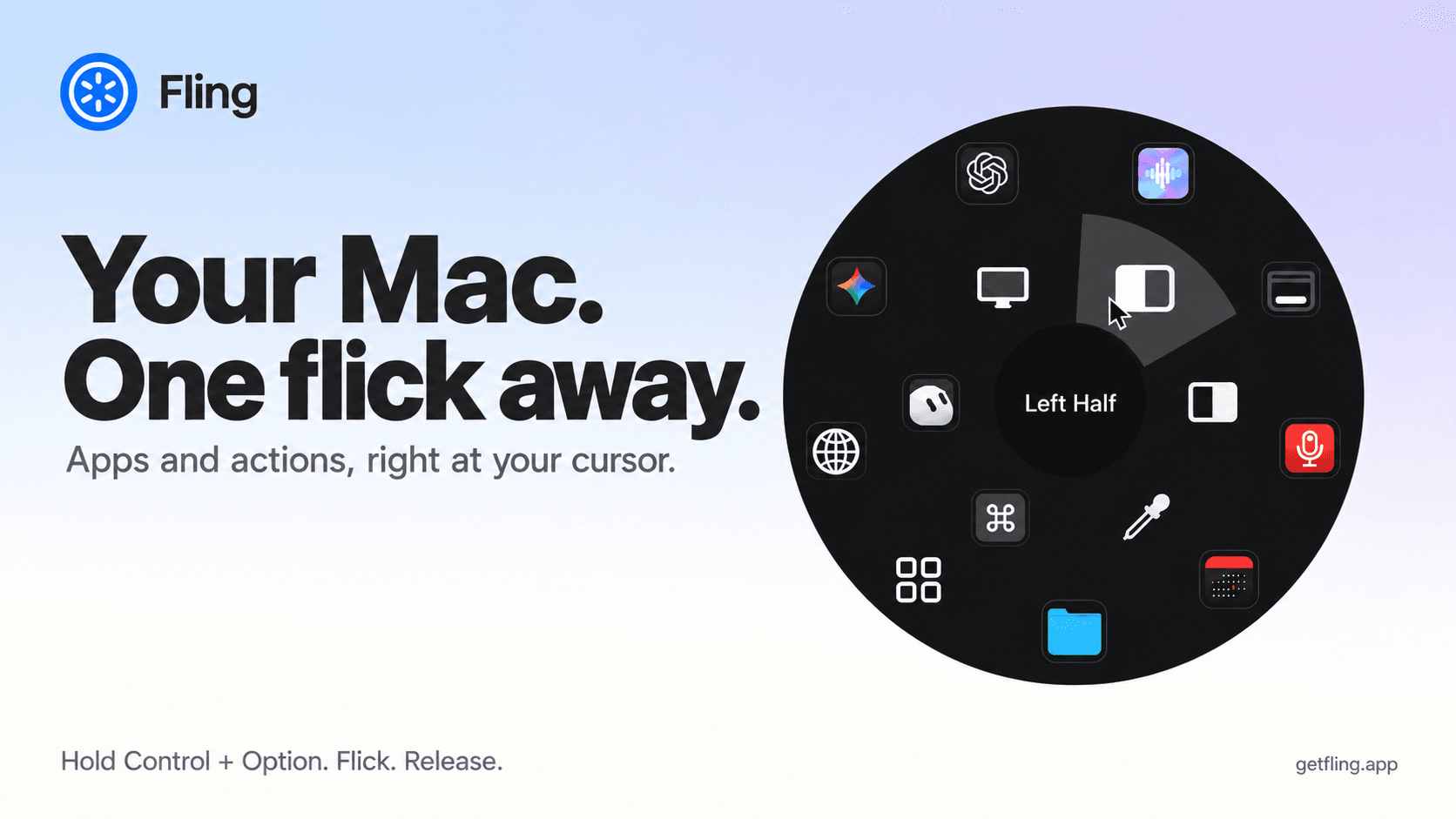

Utilities · $4.99 · one-time (14 day refund policy)
A native macOS command ring for launching apps, folders, links, shortcuts, window actions, screenshots and more with a quick flick.
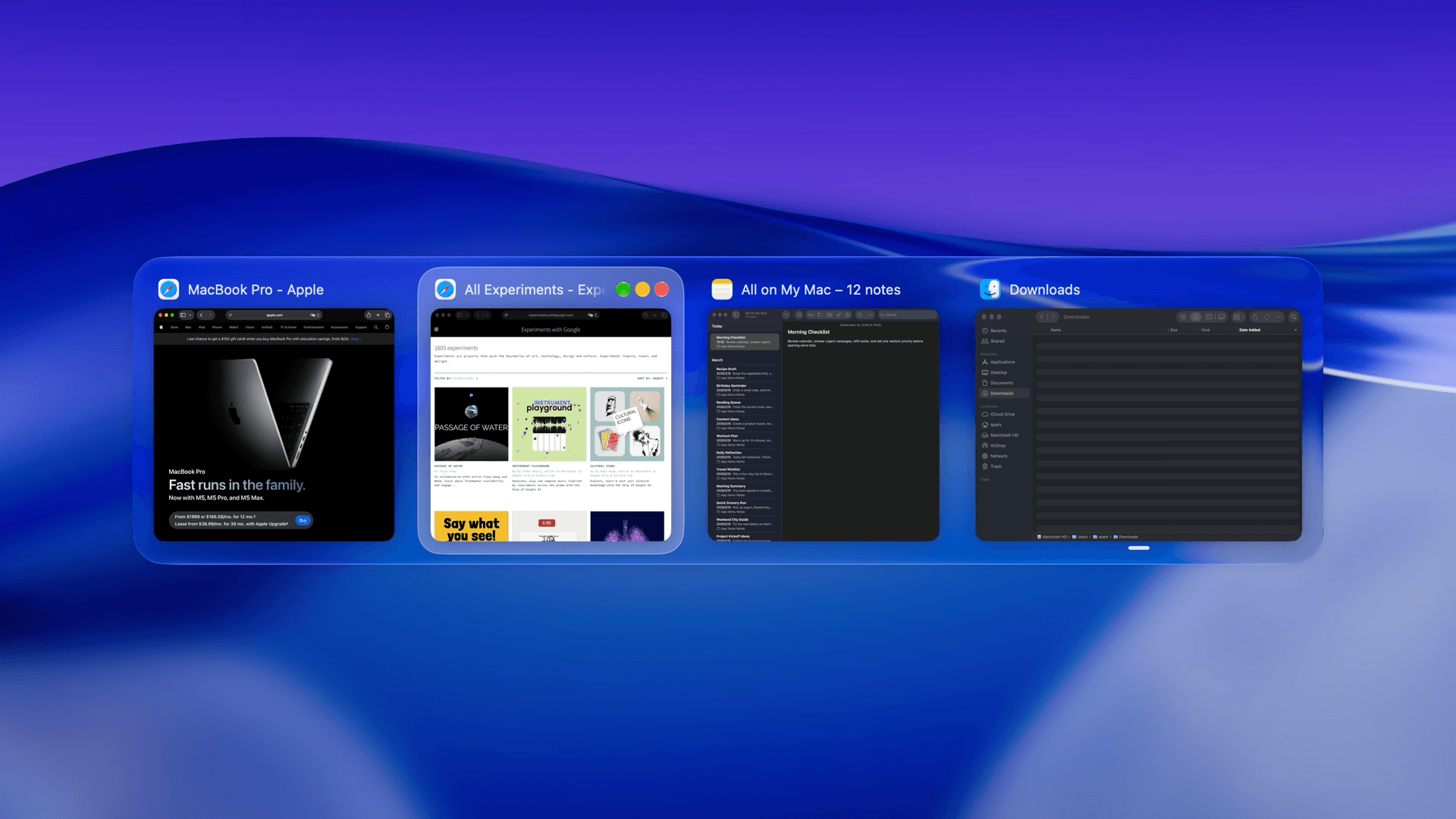

Utilities · $22.99 · one-time (Lifetime license for 1 Mac; 7-day free trial.)
macOS window manager with automatic tiling, window search, and saved layouts

Utilities · $9.99/mo (US $9.99/month or $99.99/year. Free one-hour trial; Family Sharing on annual only.)
Detect slouching with your Mac’s camera and receive personalized posture reminders while you work.