

Adds satisfying mechanical-keyboard sound feedback to your Mac's typing — pick a switch profile, tune the volume, and every keystroke gets a tactile click.
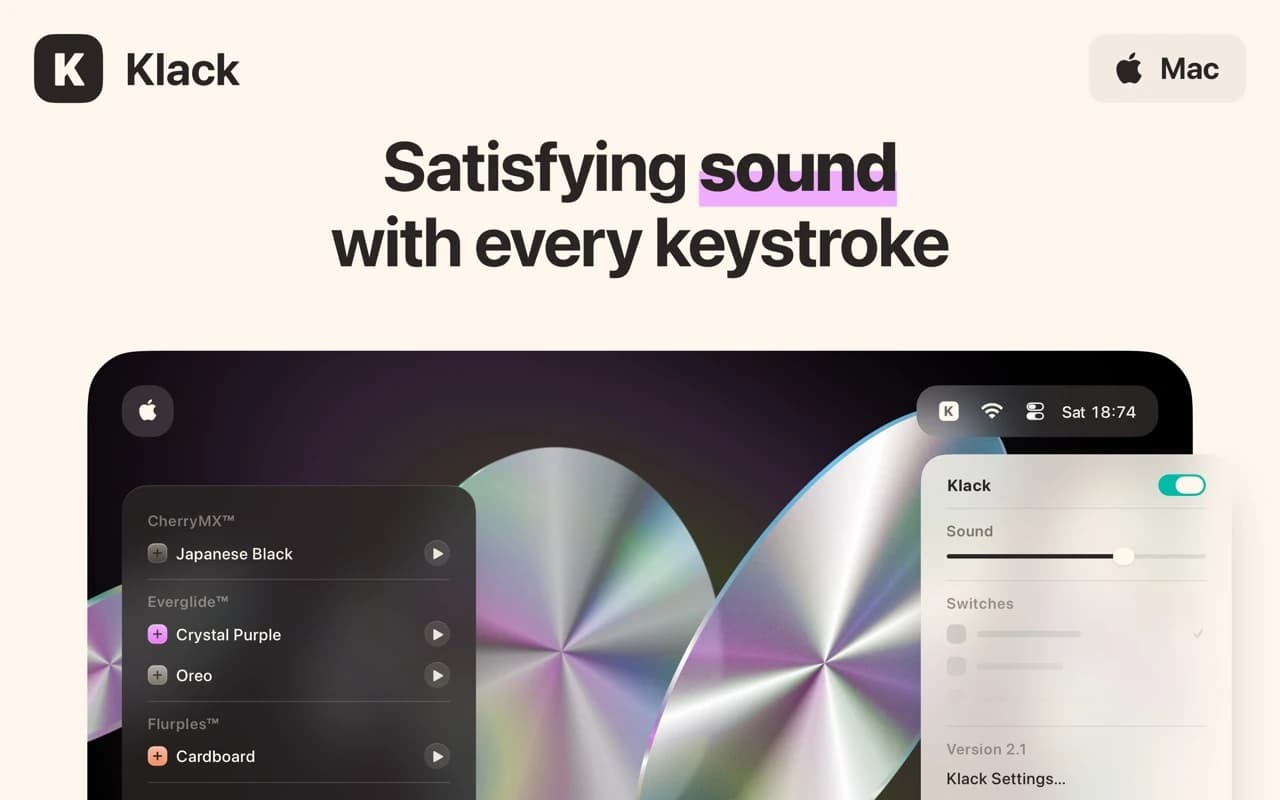
Klack plays a mechanical keyboard sound as you type, matched to the key you actually pressed — spacebar, return, and modifiers each sound different. On a quiet laptop keyboard it adds a layer of feedback that a lot of people find makes typing feel better and more accurate.
Why it makes the list
It is a small, single-purpose app done with real care: the samples are high quality, latency is imperceptible, and it processes key events locally without logging what you type. A nice-to-have, executed properly.
Standout features
-
Multiple switch profiles with distinct sounds per key type
-
Volume that can react to how hard you type on supported keyboards
-
Near-zero latency between keypress and sound
-
Local processing — Klack never records or transmits keystrokes
-
Menu-bar toggle for when you need silence
Pricing
$4.99 one-time on the Mac App Store.
More in Utilities
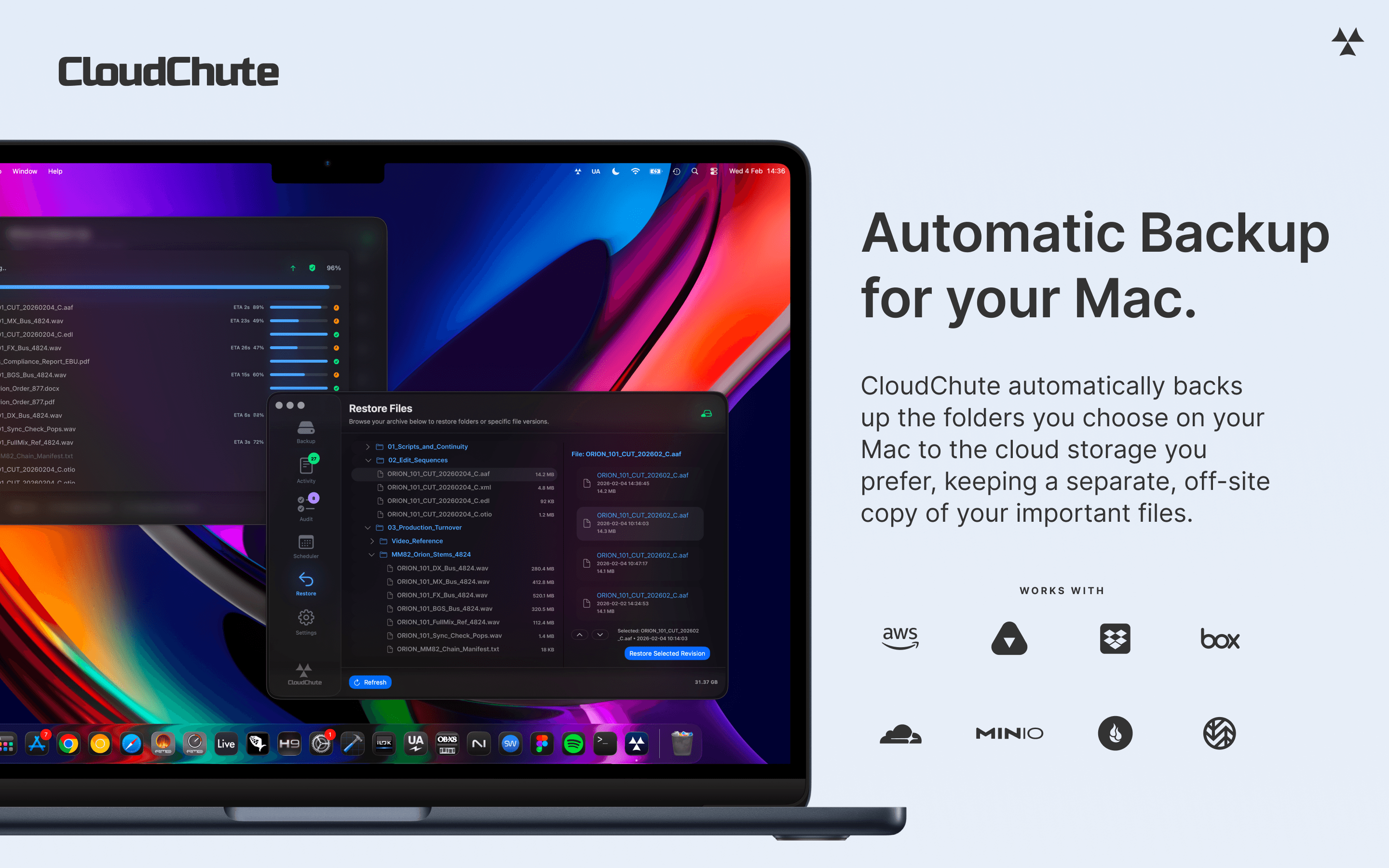

Utilities · $3.99/mo (Start 10-day free trial)
Automatically back up selected Mac folders to your own cloud storage, with optional encryption and protection against accidental deletion.
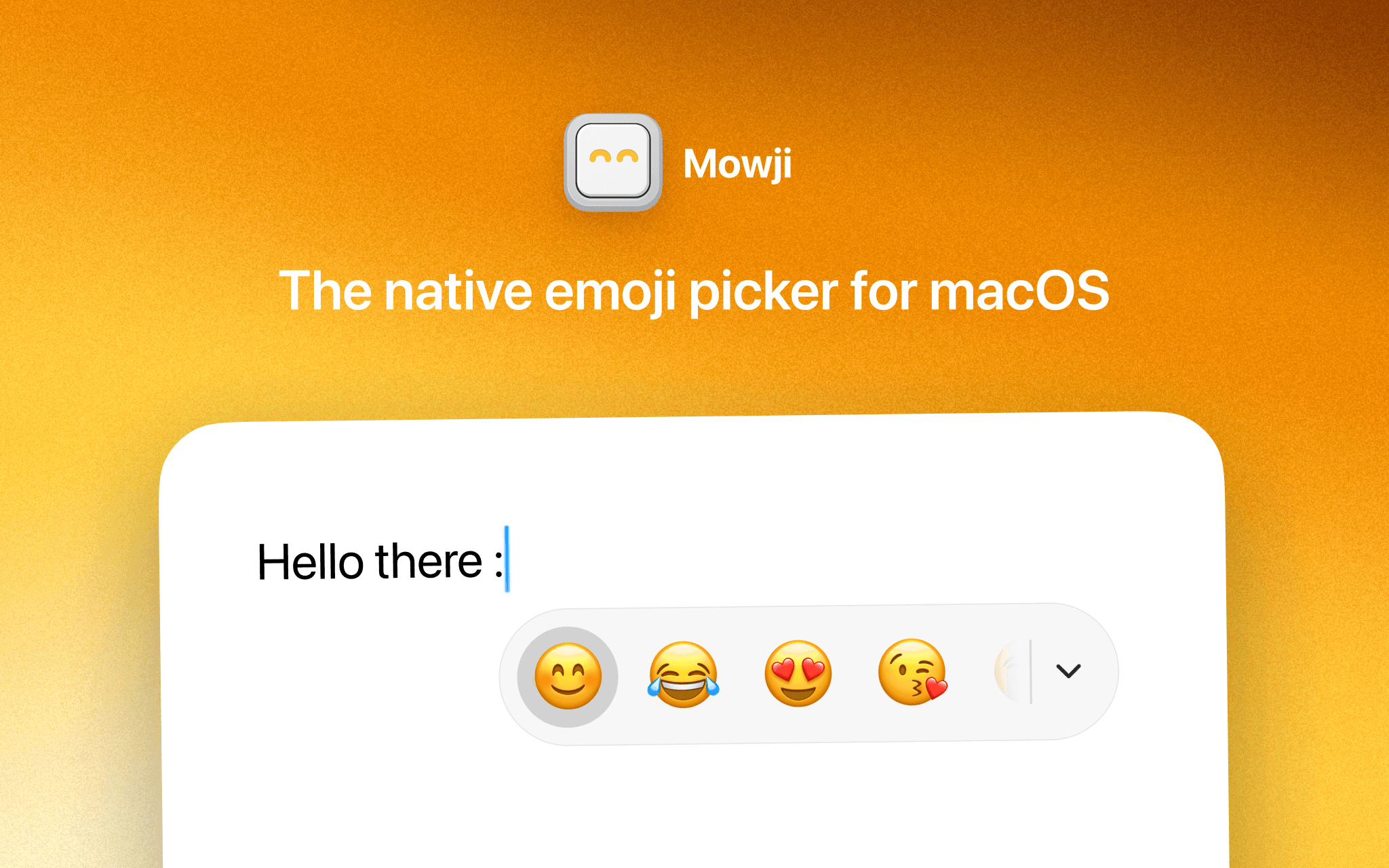
Utilities · $12 · one-time (Free trial with 150 emoji insertions)
The native emoji picker for macOS
Utilities · Free & open source
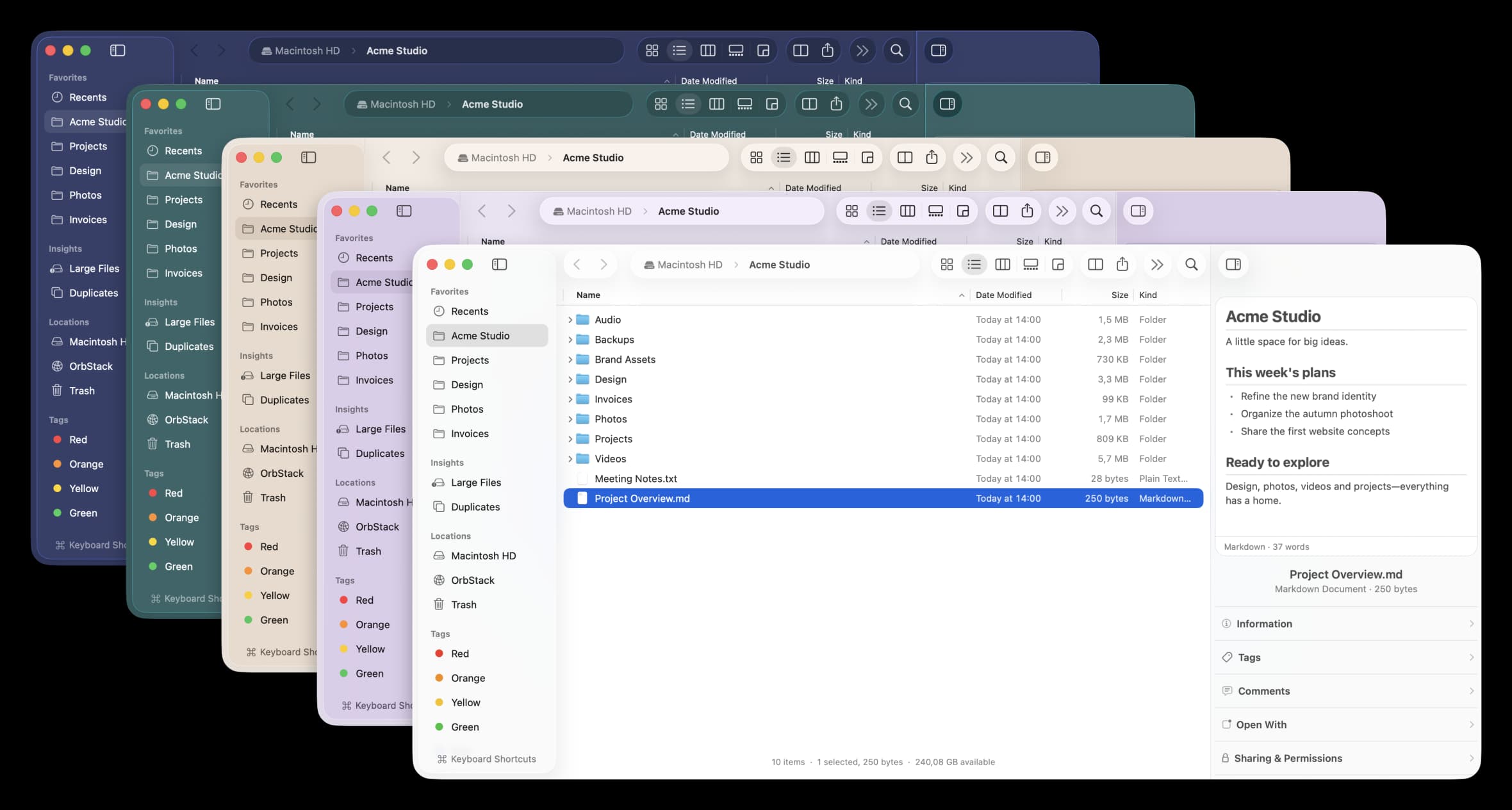
A free, open-source Finder alternative for Mac with instant plain-English search, real-time folder sizes, and a visual disk usage map.