Productivity

PasteNote

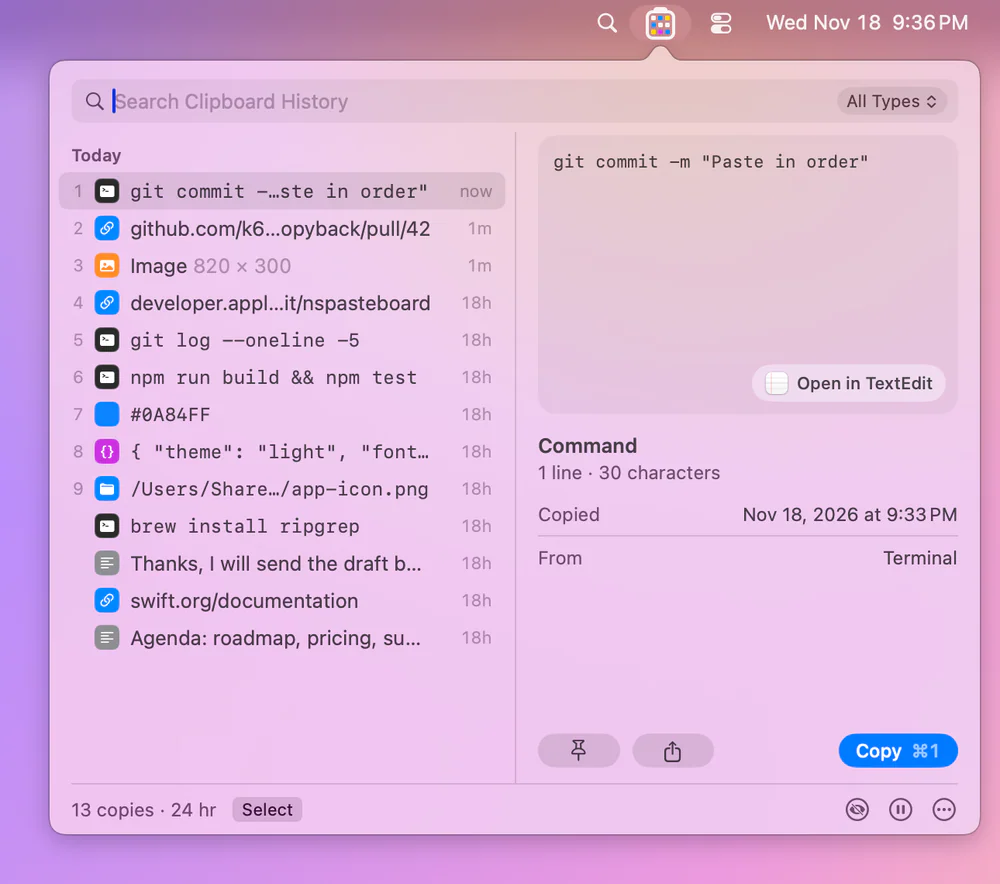
Search your clipboard history, find screenshots by the text inside them, and pin copied items as desktop notes.

Free · Pro: $0.99/month, $3.99/year, or $7.99 lifetime. $0.99by coderchan.com

PasteNote saves copied text, links, images, and files in a searchable history on your Mac. Search for a word in a screenshot using on-device text recognition, or pin a copied item to your desktop as a sticky note.

The free version includes clipboard history, search, folders, text recognition, and one sticky note. PasteNote Pro adds multiple notes, image annotation, app-specific workspaces, sequential paste, and optional sync across Macs through your personal iCloud account. Pro is available as a monthly or yearly subscription or a lifetime purchase.


More like PasteNote

Just Copy screenshot

Productivity · $29.99 · one-time (launch price; one-time, includes 1.x updates; iPhone companion coming soon)

Browse clipboard history as cards in a tray at the top of your Mac’s screen. Search screenshots and paste items in sequence. iPhone companion coming soon.

TextSniper screenshot

Utilities · $9.99 · one-time

Drag a box over anything on screen — an image, a PDF, a video frame, an app that blocks copying — and the text inside it lands on your clipboard.

Copy Haste screenshot

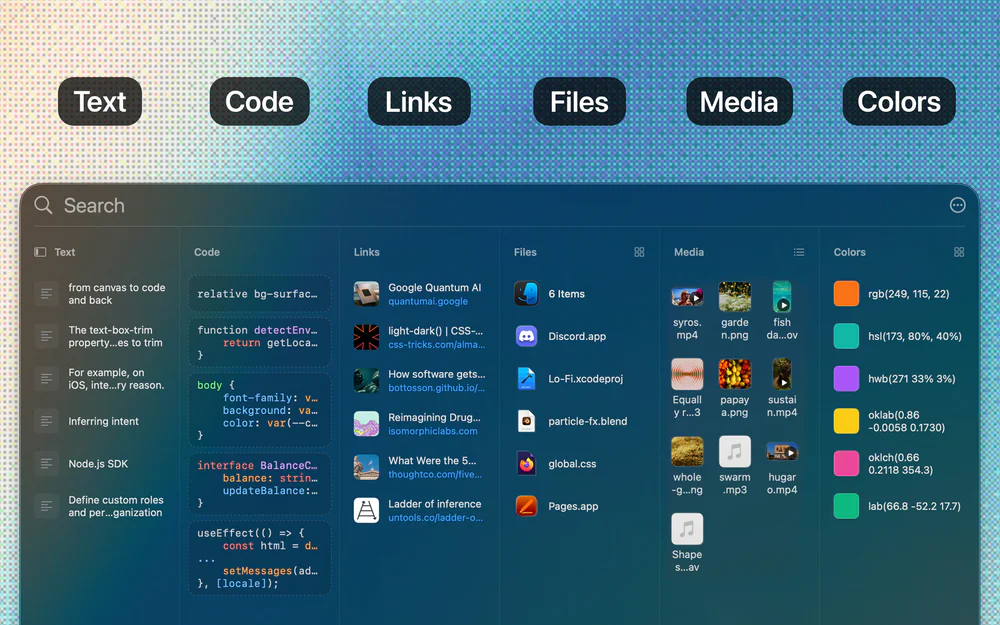
Productivity · Free · One-time $6.99

Your clipboard, sorted into Text, Code, Links, Media & more

Pizzinu screenshot

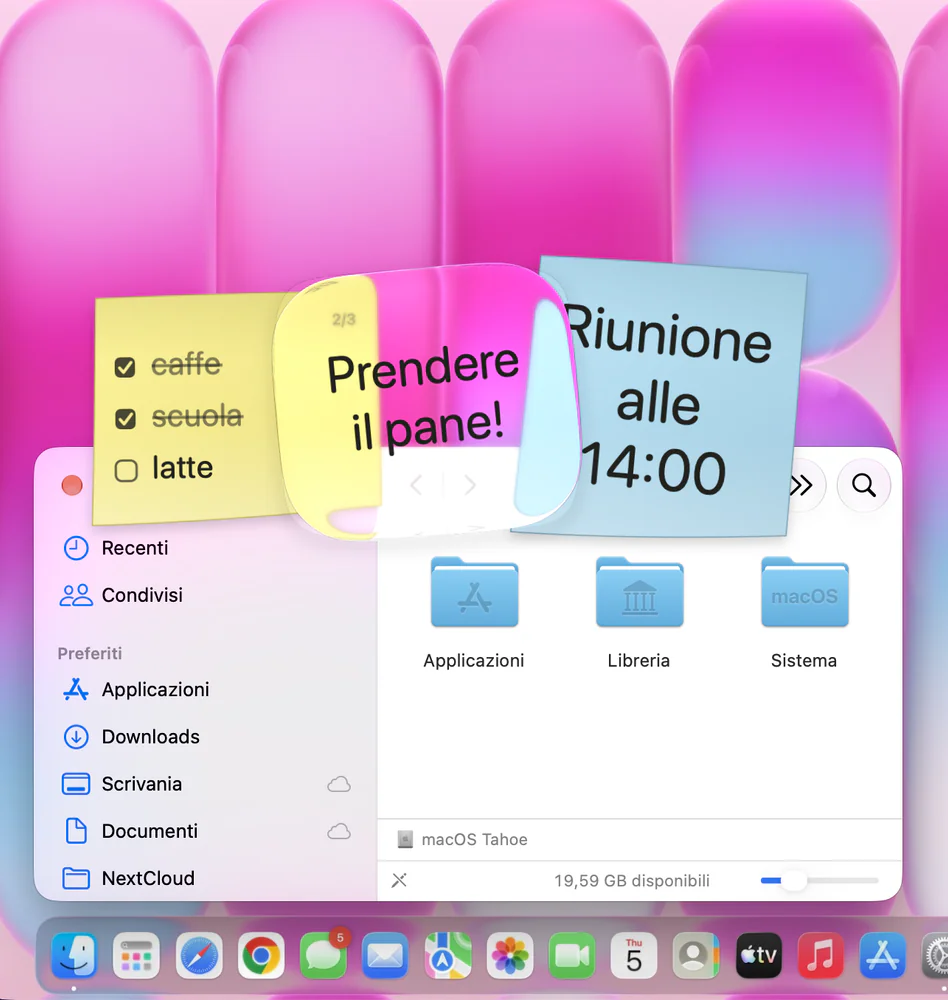
Productivity · Free & open source

Sticky notes for macOS that look like real paper. Native, free, private.

Copyback screenshot

Productivity · Free · Pro $6.99

Clipboard history with your last nine copies right in the menu bar, encrypted and kept on your Mac.