
Productivity · $9.99 · one-time (One-time $9.99 for 3 Macs, 7-day free trial, no subscription)
Private clipboard history for Mac, $9.99 once

Your clipboard, sorted into Text, Code, Links, Media & more
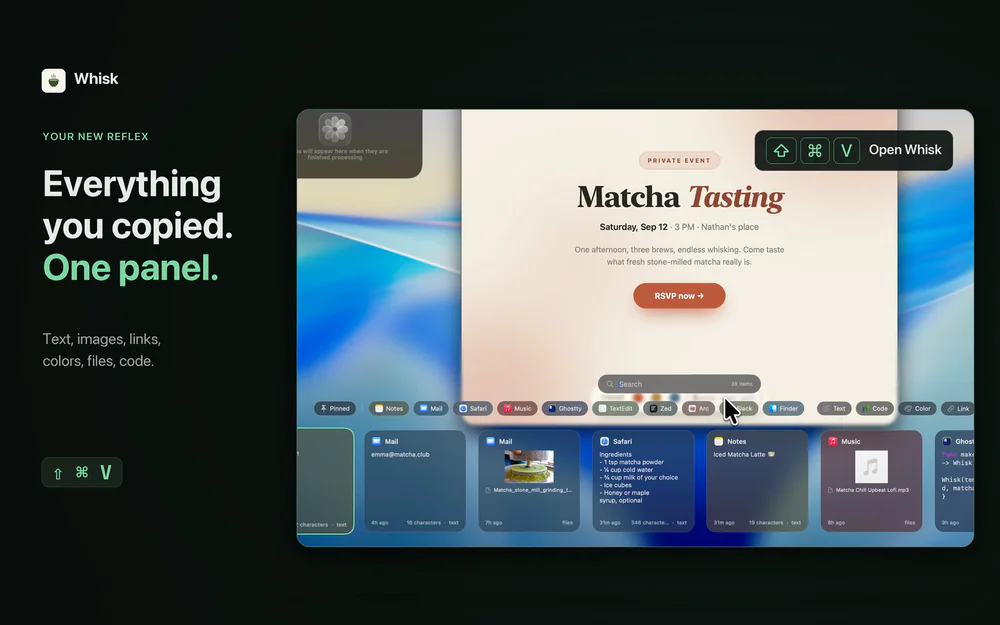
A clipboard manager that sorts everything you copy into Text, Code, Links, Files, Media and Colors columns.
No adult content or passwords: keeps sensitive items out of your history, including passwords from password managers, adult links and any URLs you exclude.
Comparison Maccy: free, one searchable list. Copy Haste groups by type.
Paste: subscription. Copy Haste is a one-time purchase.
Pricing 30-day free trial.
$6.99 one-time. No subscription. No account required.
Up to 3 Macs, all future updates, 14-day refunds. Or, you can keep using a limited free tier. Requires macOS 26.
Privacy Privacy: https://www.copyhaste.app/privacy Terms: https://www.copyhaste.app/terms
About me Portfolio: https://www.pirosca.com LinkedIn: https://www.linkedin.com/in/marcelpi Contact: [email protected]
Productivity · $9.99 · one-time (One-time $9.99 for 3 Macs, 7-day free trial, no subscription)
Private clipboard history for Mac, $9.99 once

Productivity · Free & open source
Paste-style clipboard manager with pins, search operators, paste stack and rich previews.
Productivity · Free · one-time lifetime license (or $1.99/mo); free tier available $19.99
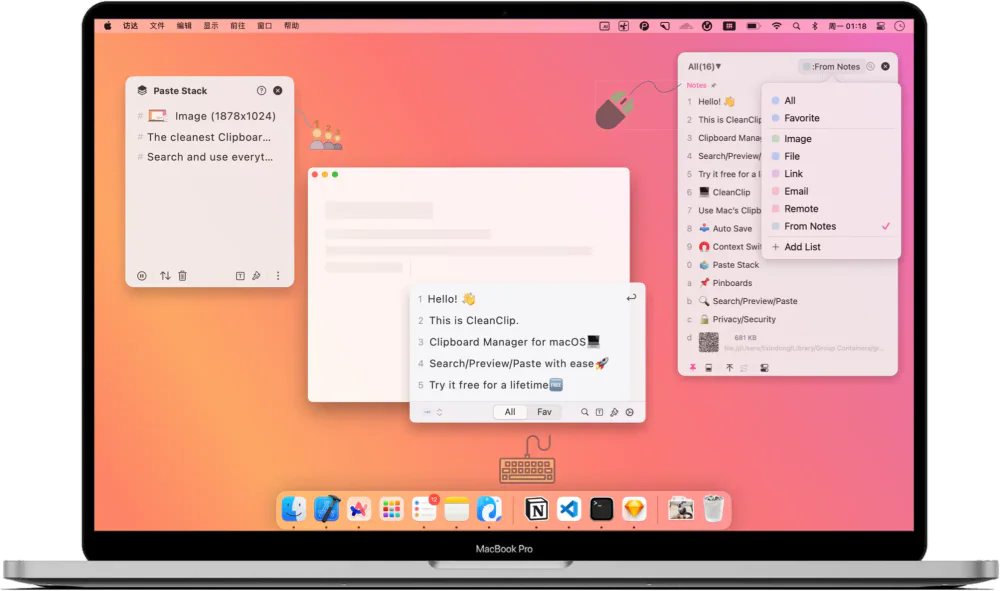
A one-time-purchase alternative to subscription clipboard managers — auto-saved history, Paste Stack multi-paste, and Smart Lists.

Productivity · $5 · one-time (Lifetime / one-time; up to 3 Macs; 7-day trial)
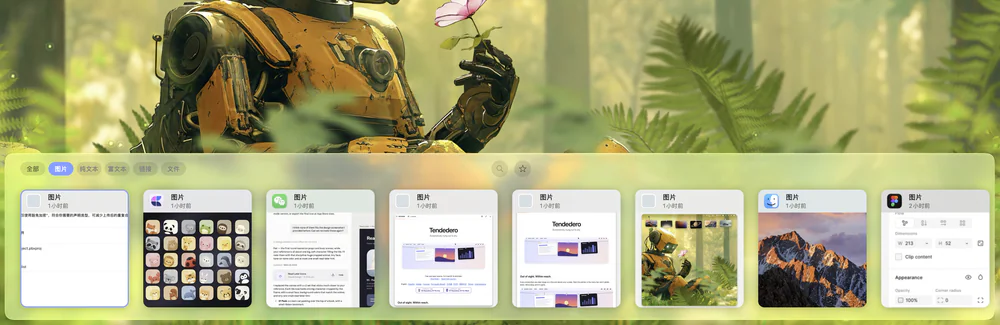
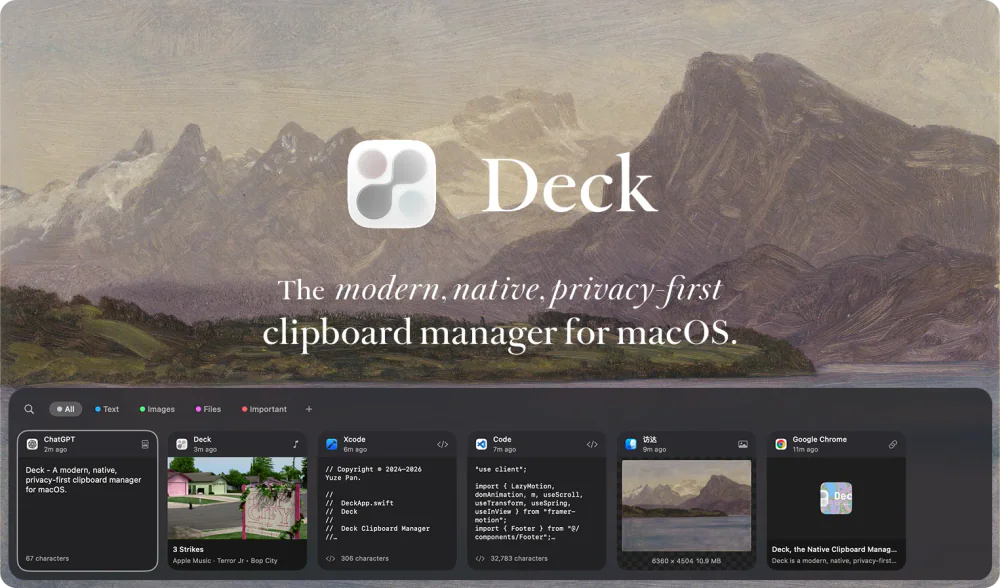
Native macOS clipboard history as a visual card stream — search and reuse text, images, links, files.

Productivity · Free & open source
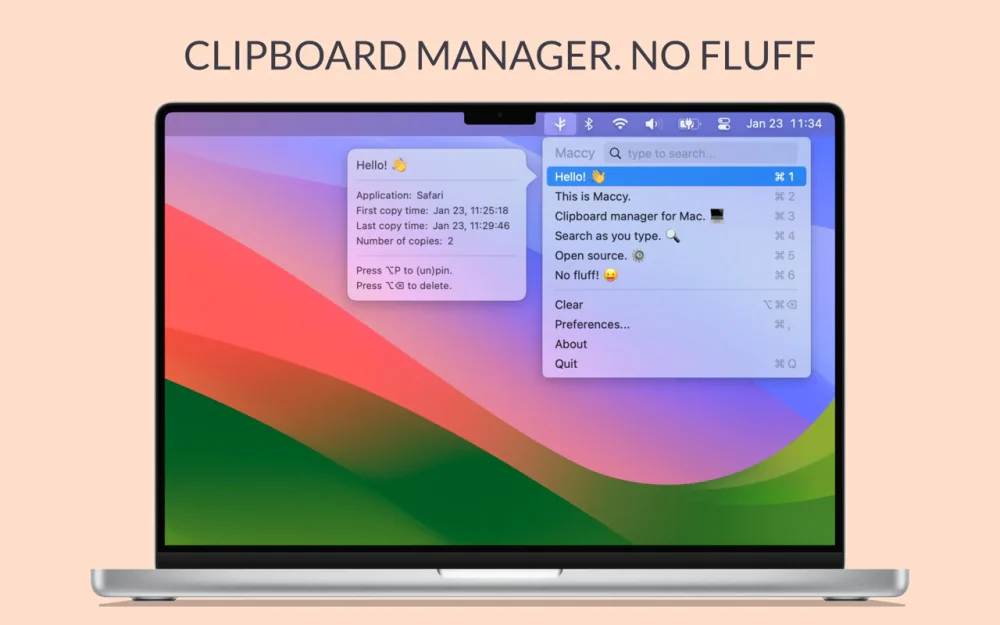
A lightweight, open-source clipboard manager for macOS — search your clipboard history from a keystroke, with no account and no background bloat.

Productivity · Free · mixed source licensing; check repository download notice
A modern, native, privacy-first clipboard manager for macOS — with built-in AI to search, transform, and manage what you copy.