
Productivity · Free & open source
Paste-style clipboard manager with pins, search operators, paste stack and rich previews.

Private clipboard history for Mac, $9.99 once

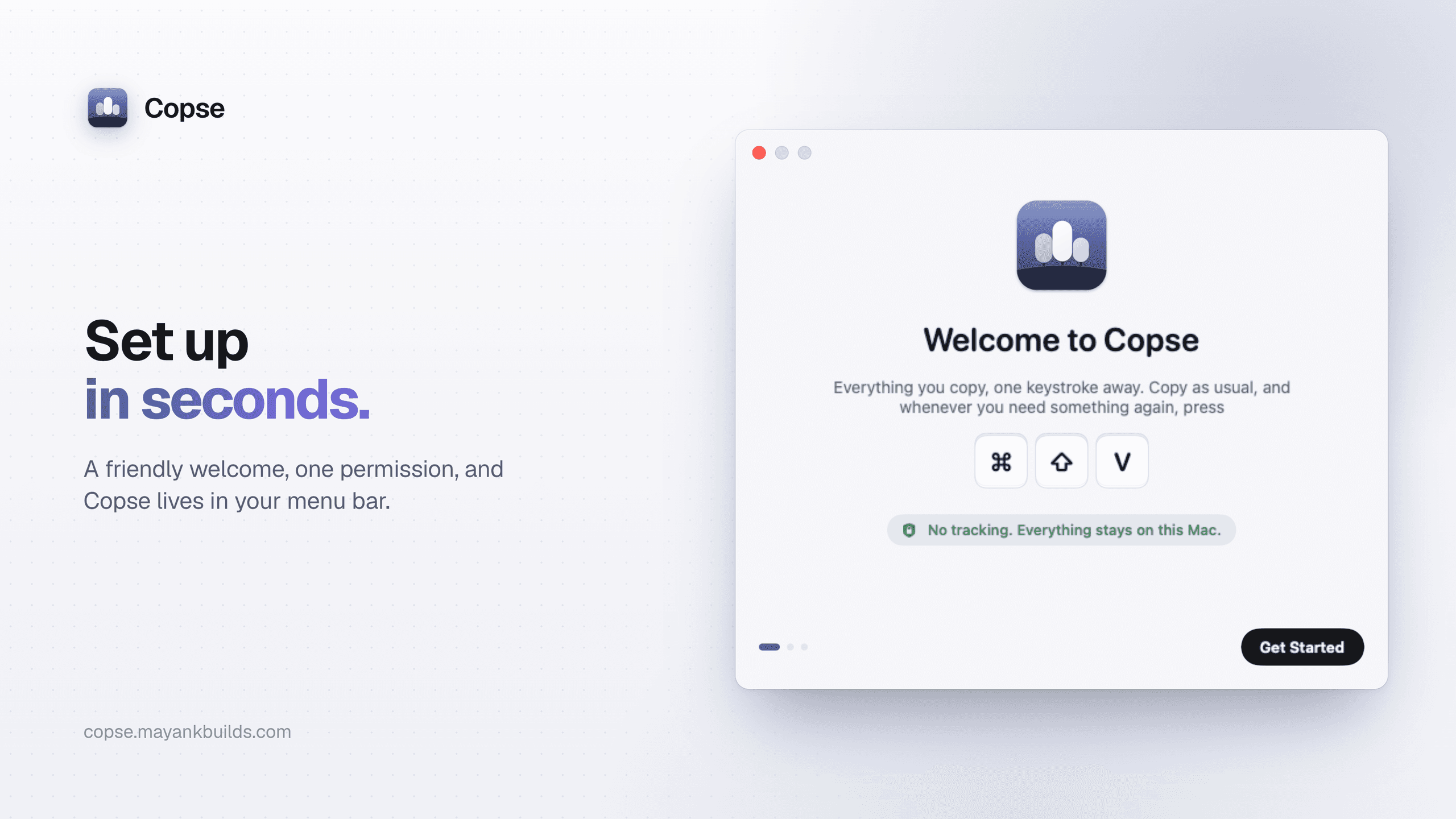
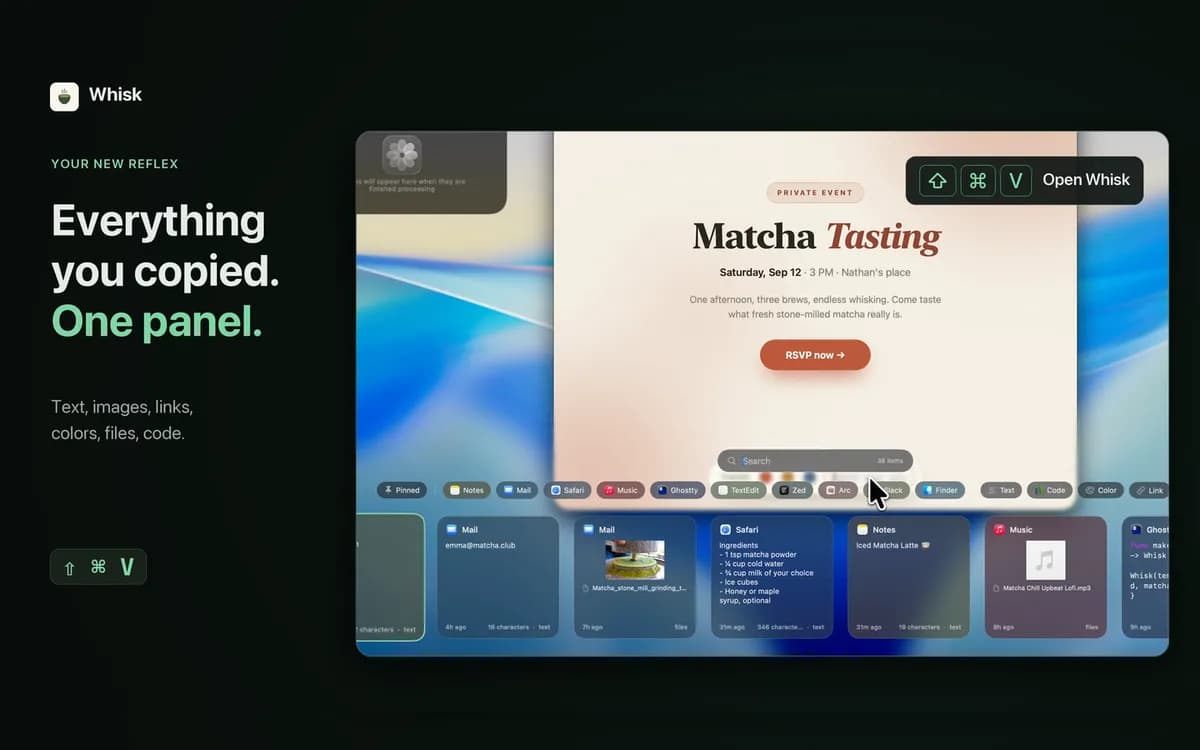
Minimal Paste keeps everything you copy one keystroke away. Press Shift Command V to open a shelf on any side of your screen, search as you type, and paste back into the app you were using. Text, images, links, files, and colors work. Pin the clips you reuse, group related clips, or paste several together. It is private by design: history stays on your Mac, no account, no iCloud, no sync, and password managers are ignored. $9.99 once for three Macs, with a 7-day free trial. Needs macOS 14 or later. Available as a direct download, notarized, and not on the Mac App Store.
Productivity · Free & open source
Paste-style clipboard manager with pins, search operators, paste stack and rich previews.
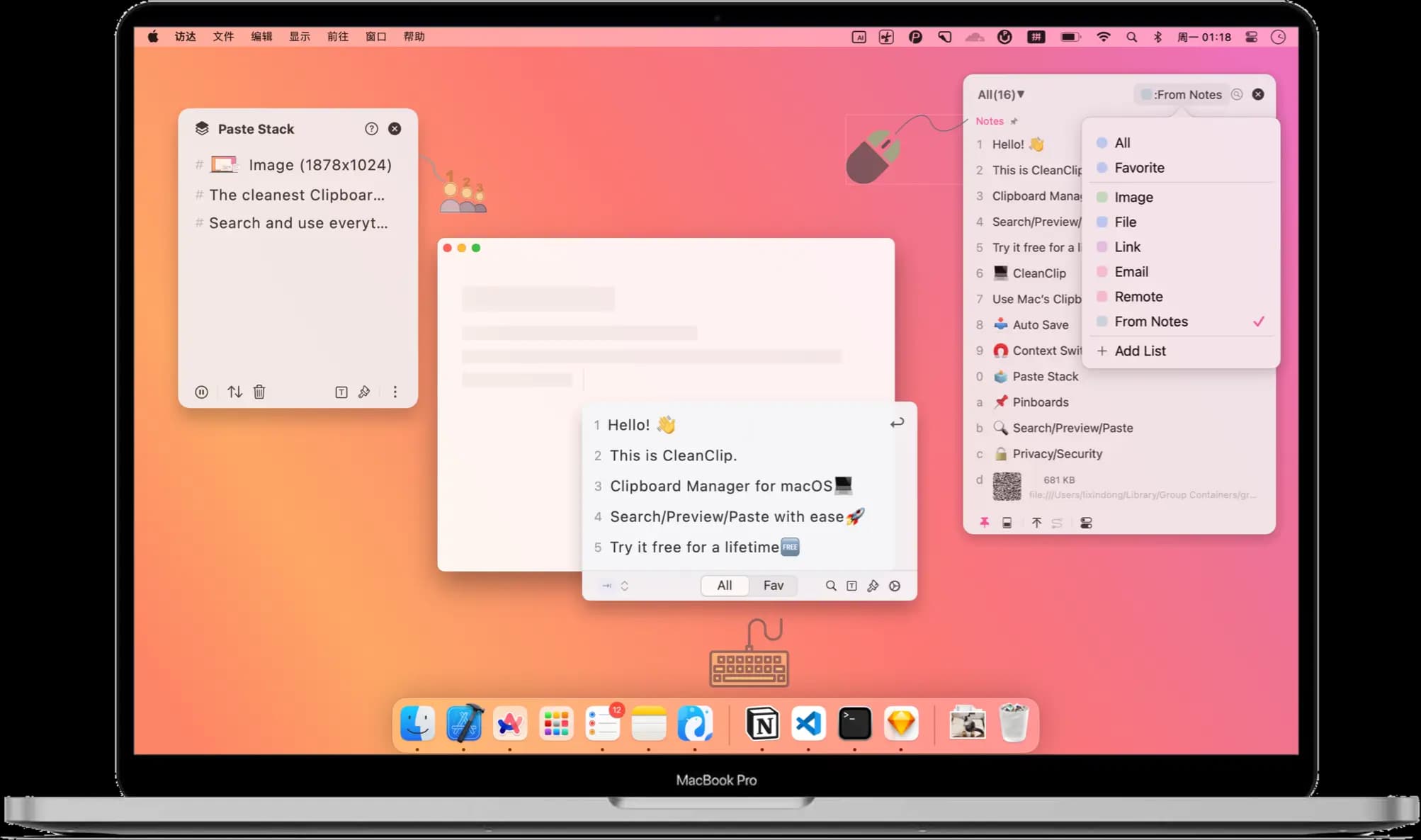
Productivity · Free · one-time lifetime license (or $1.99/mo); free tier available $19.99
A one-time-purchase alternative to subscription clipboard managers — auto-saved history, Paste Stack multi-paste, and Smart Lists.

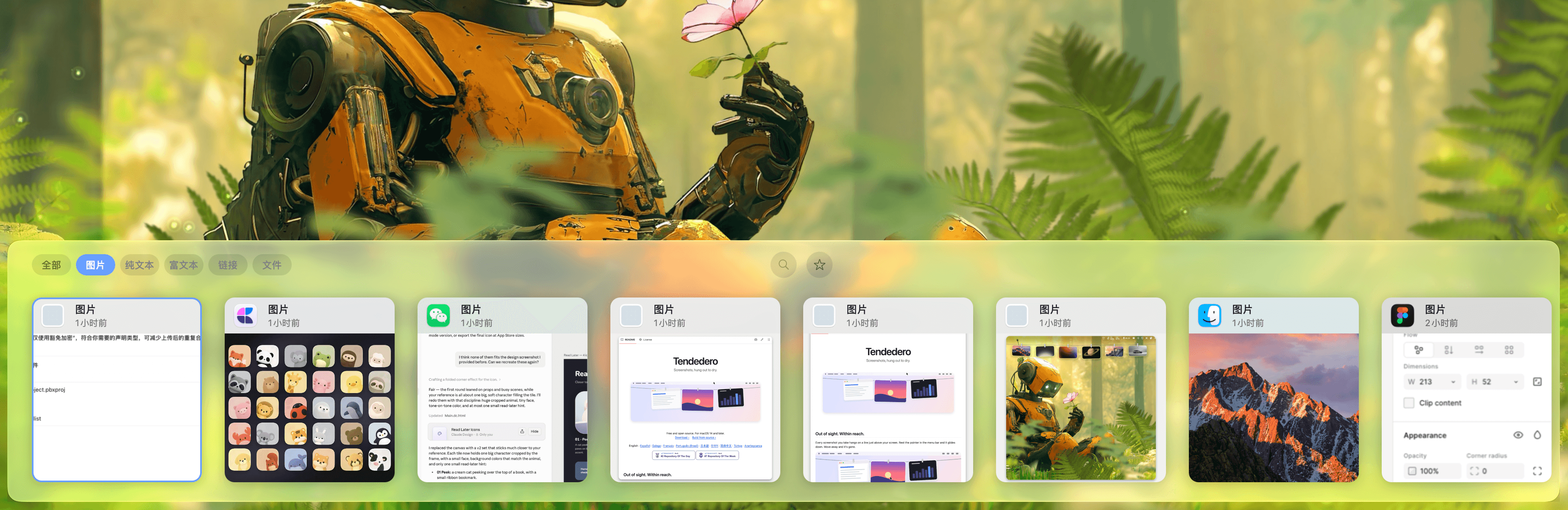
Productivity · $5 · one-time (Lifetime / one-time; up to 3 Macs; 7-day trial)
Native macOS clipboard history as a visual card stream — search and reuse text, images, links, files.

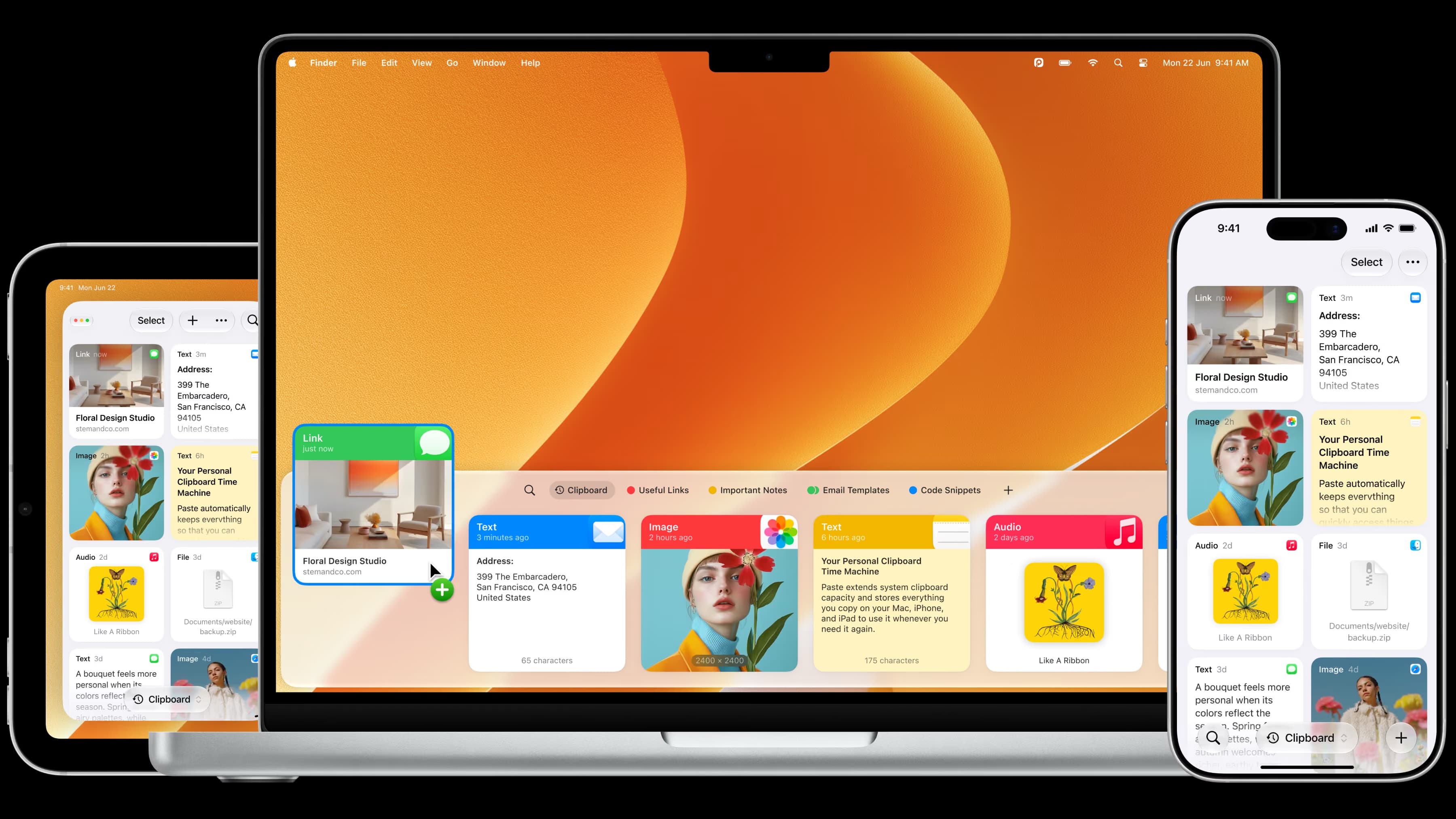
Productivity · $2.49/mo (monthly, billed annually at $29.99/yr; lifetime option available)
The most full-featured Mac clipboard manager — synced pinboards and clipboard history across Mac, iPhone, and iPad.

Productivity · Free · one-time Pro unlock; free tier available $14.99
A low-cost, one-time-purchase clipboard manager that syncs your history across Mac, iPhone, and iPad with Family Sharing.

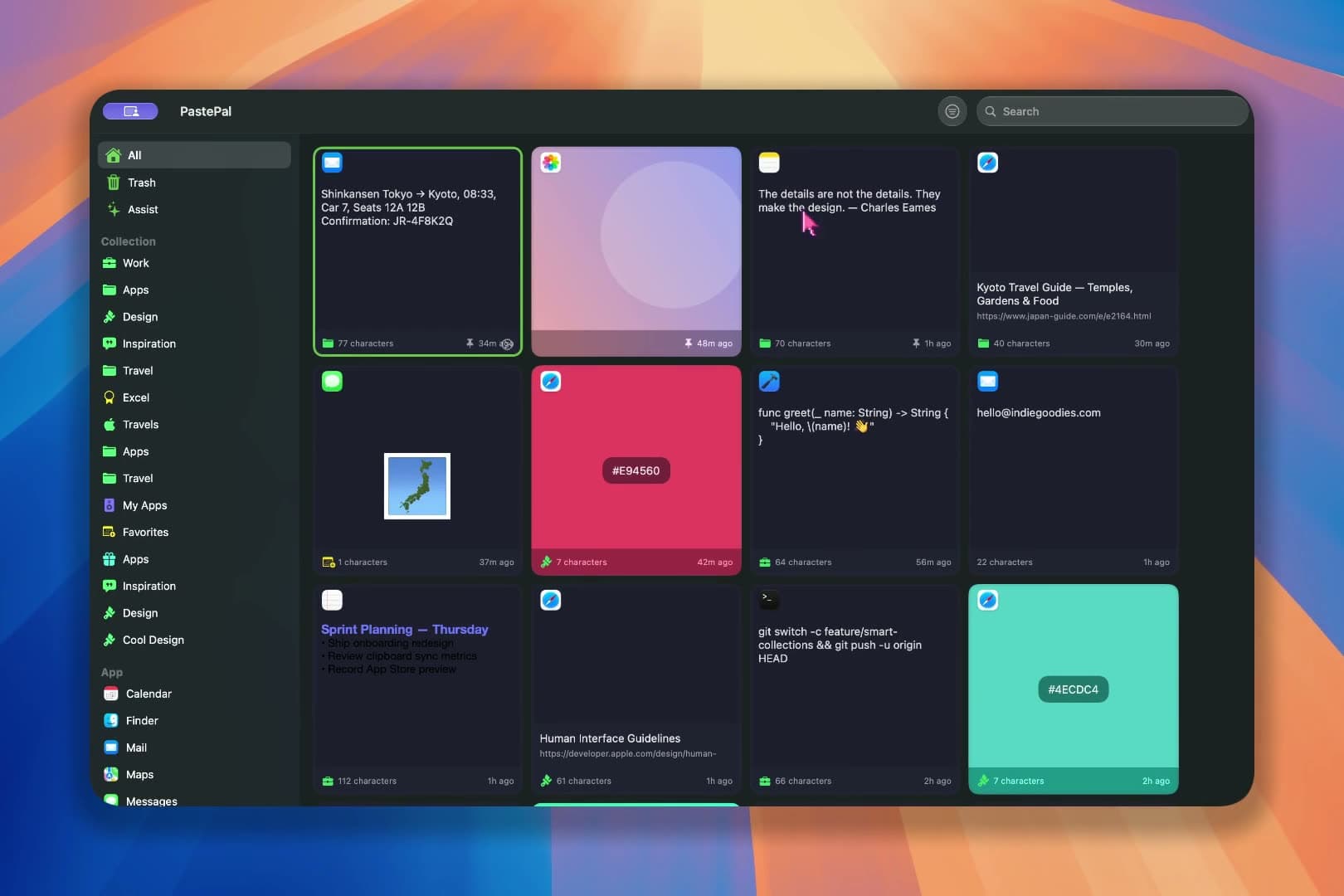
Developer Tools · $2.99 · one-time (one-time; 7-day free trial)
A fast, private clipboard manager for Mac: press ⌘⇧V to find and paste anything you’ve copied.