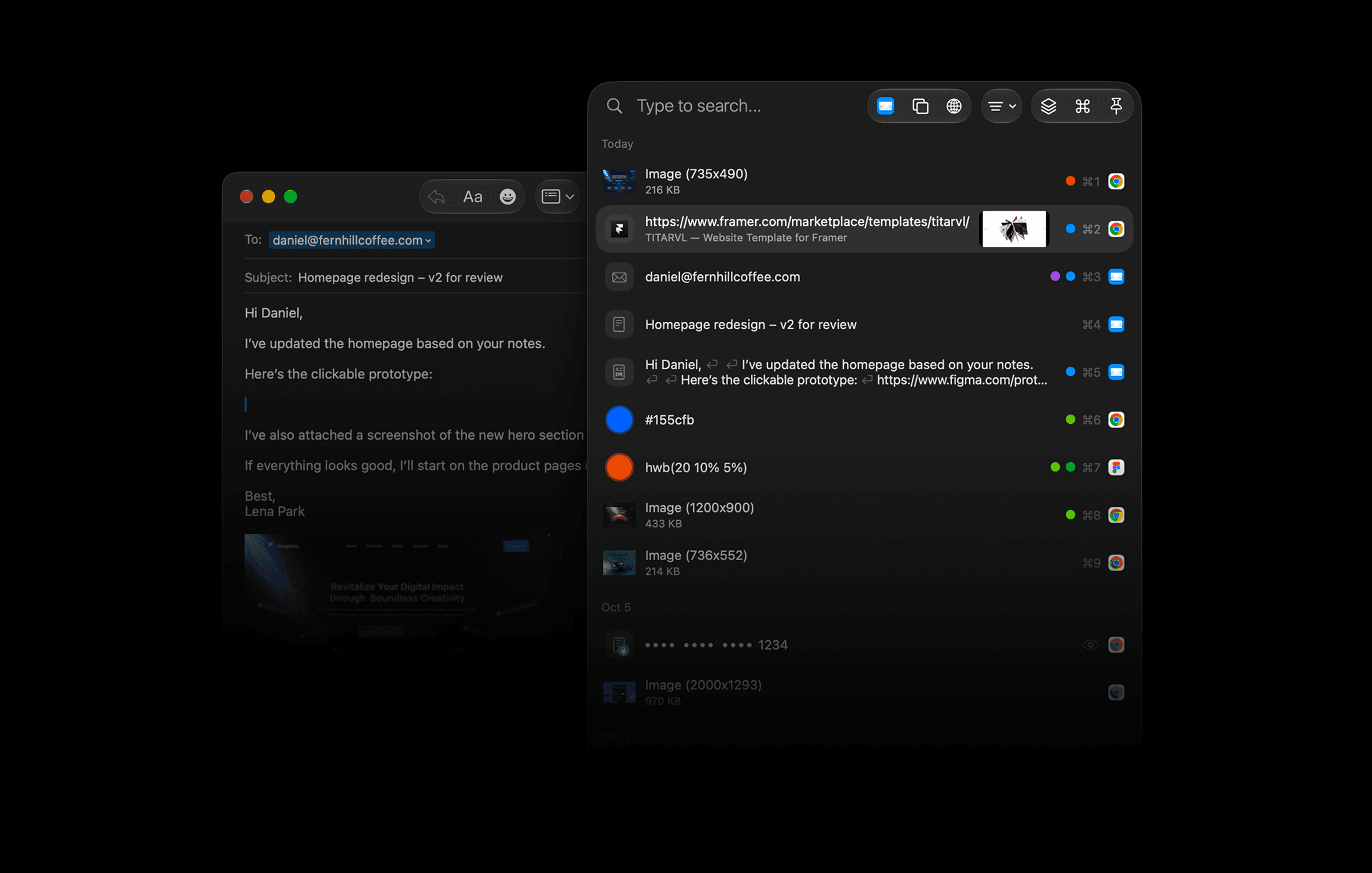
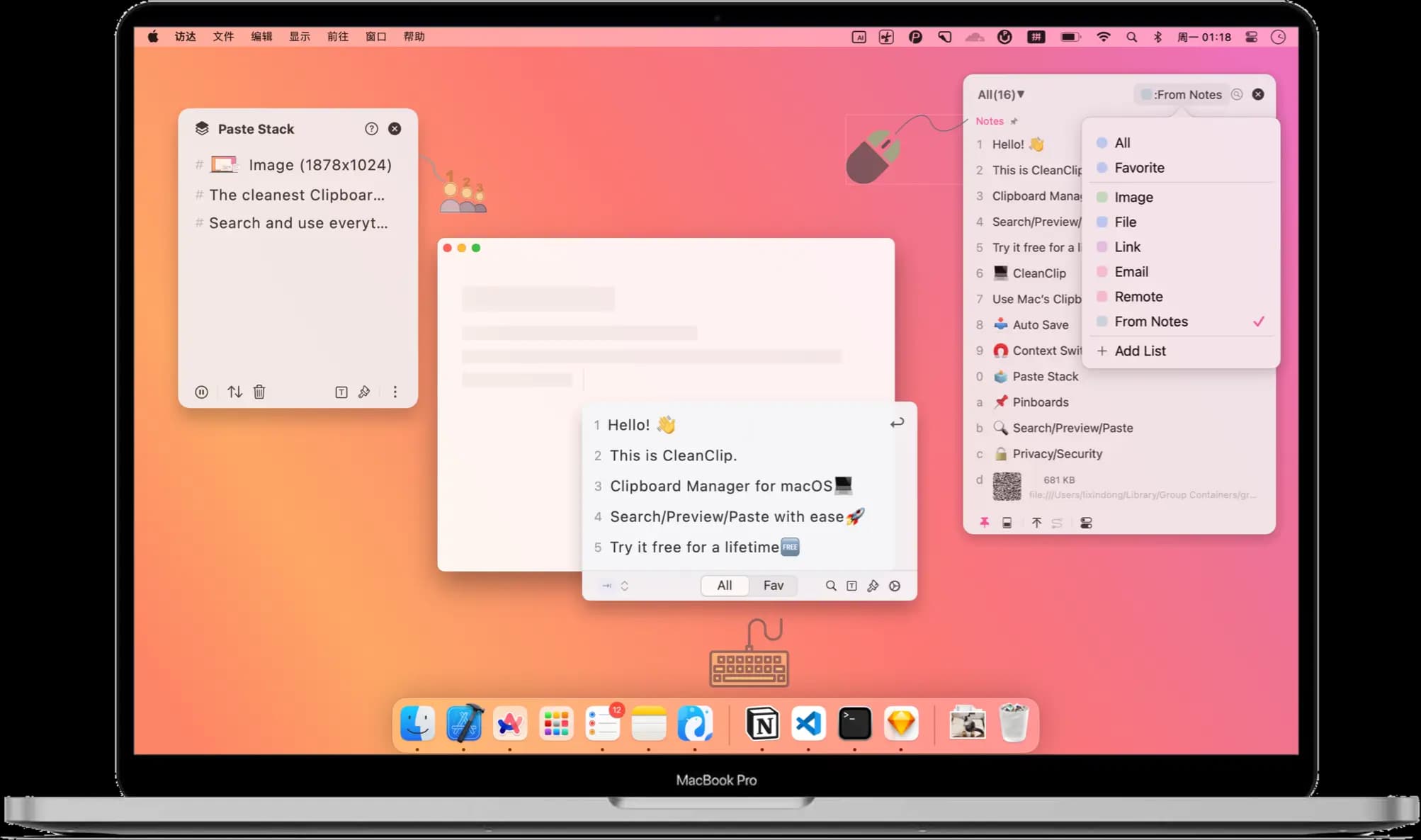
Productivity · Free · one-time lifetime license (or $1.99/mo); free tier available $19.99
A one-time-purchase alternative to subscription clipboard managers — auto-saved history, Paste Stack multi-paste, and Smart Lists.
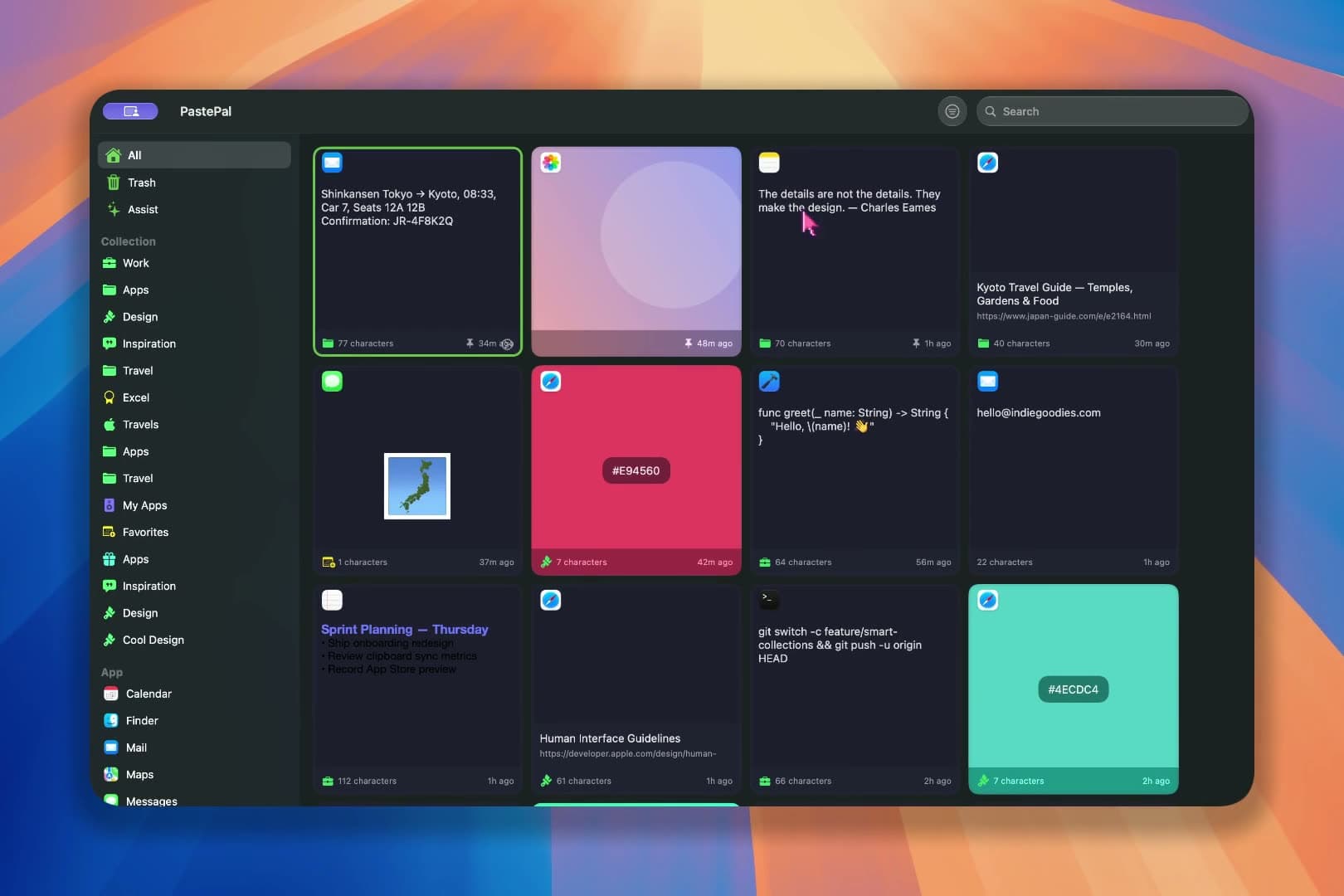
Paste-style clipboard manager with pins, search operators, paste stack and rich previews.
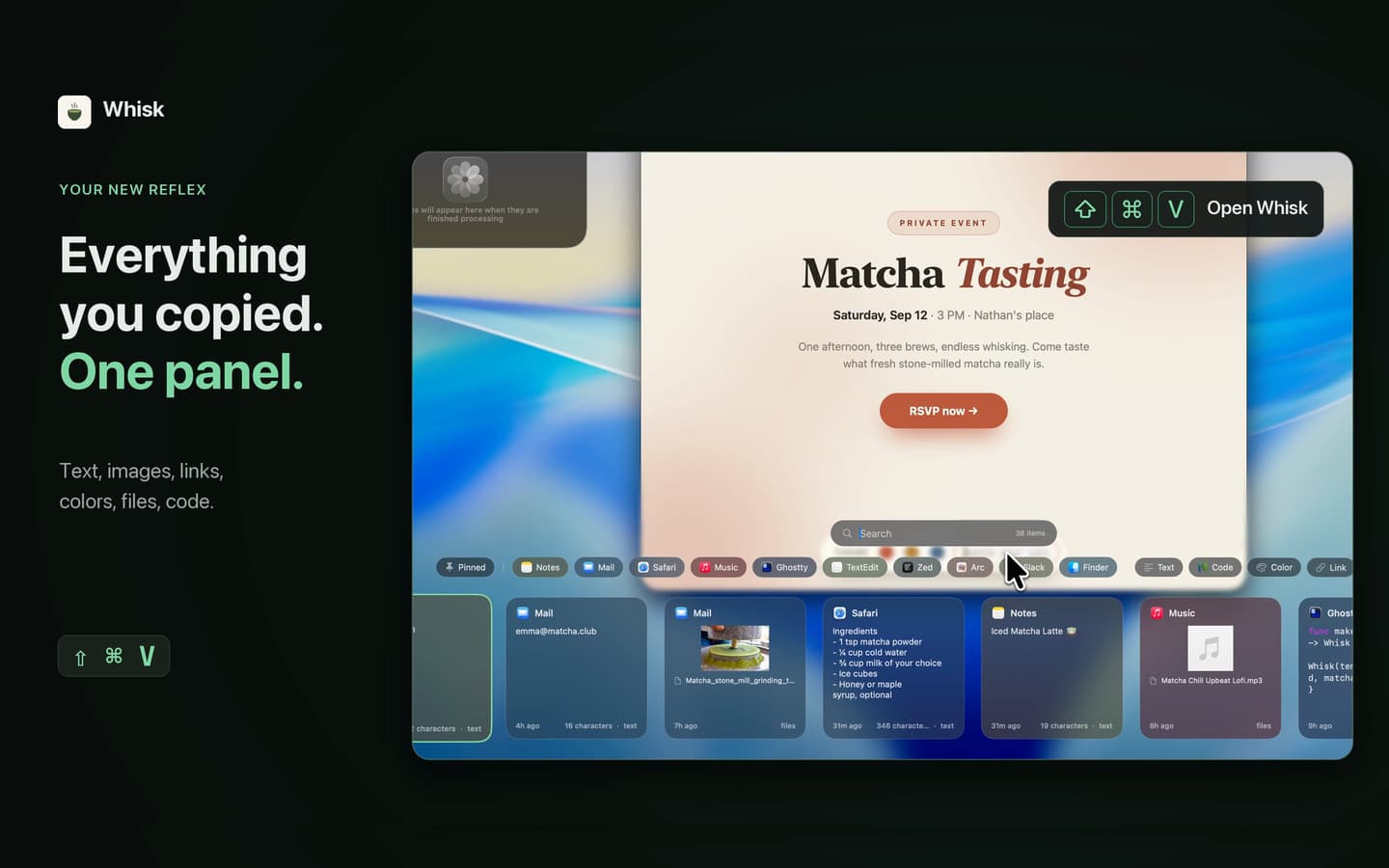
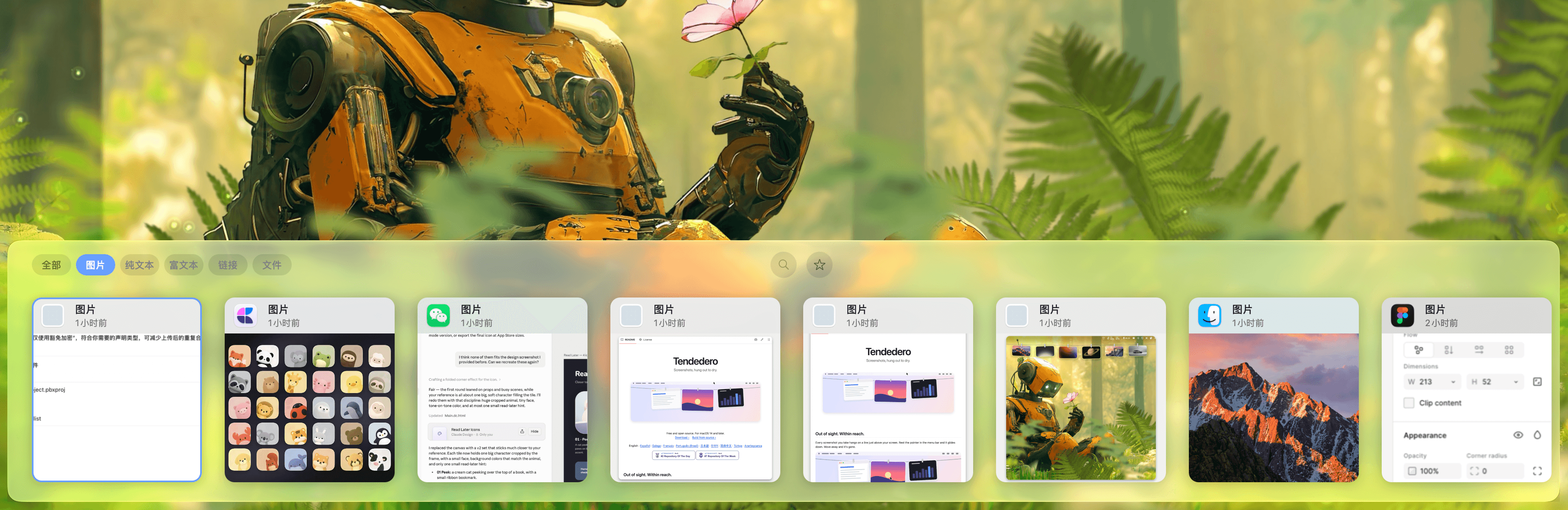
Whisk is an open-source clipboard manager for macOS. It lives in the menu bar, remembers everything you copy (text, links, images, files, colors) and brings it back through a Liquid Glass panel at the bottom of the screen with ⇧⌘V.
Highlights
app:safari, type:link and pinned combine with free text.⇧⏎, then paste them one by one anywhere with ⌥⌘V.⌘Z restores deletions; drag any card into another app.Native Swift/SwiftUI with no web view. Requires macOS 14 or later. Ships as a notarized DMG and a Homebrew cask:
brew install --cask nathan-poncet/tap/whisk
Interface in English and French. Licensed under GPL-3.0.
Productivity · Free · one-time lifetime license (or $1.99/mo); free tier available $19.99
A one-time-purchase alternative to subscription clipboard managers — auto-saved history, Paste Stack multi-paste, and Smart Lists.

Productivity · $5 · one-time (Lifetime / one-time; up to 3 Macs; 7-day trial)
Native macOS clipboard history as a visual card stream — search and reuse text, images, links, files.

Productivity · $2.49/mo (monthly, billed annually at $29.99/yr; lifetime option available)
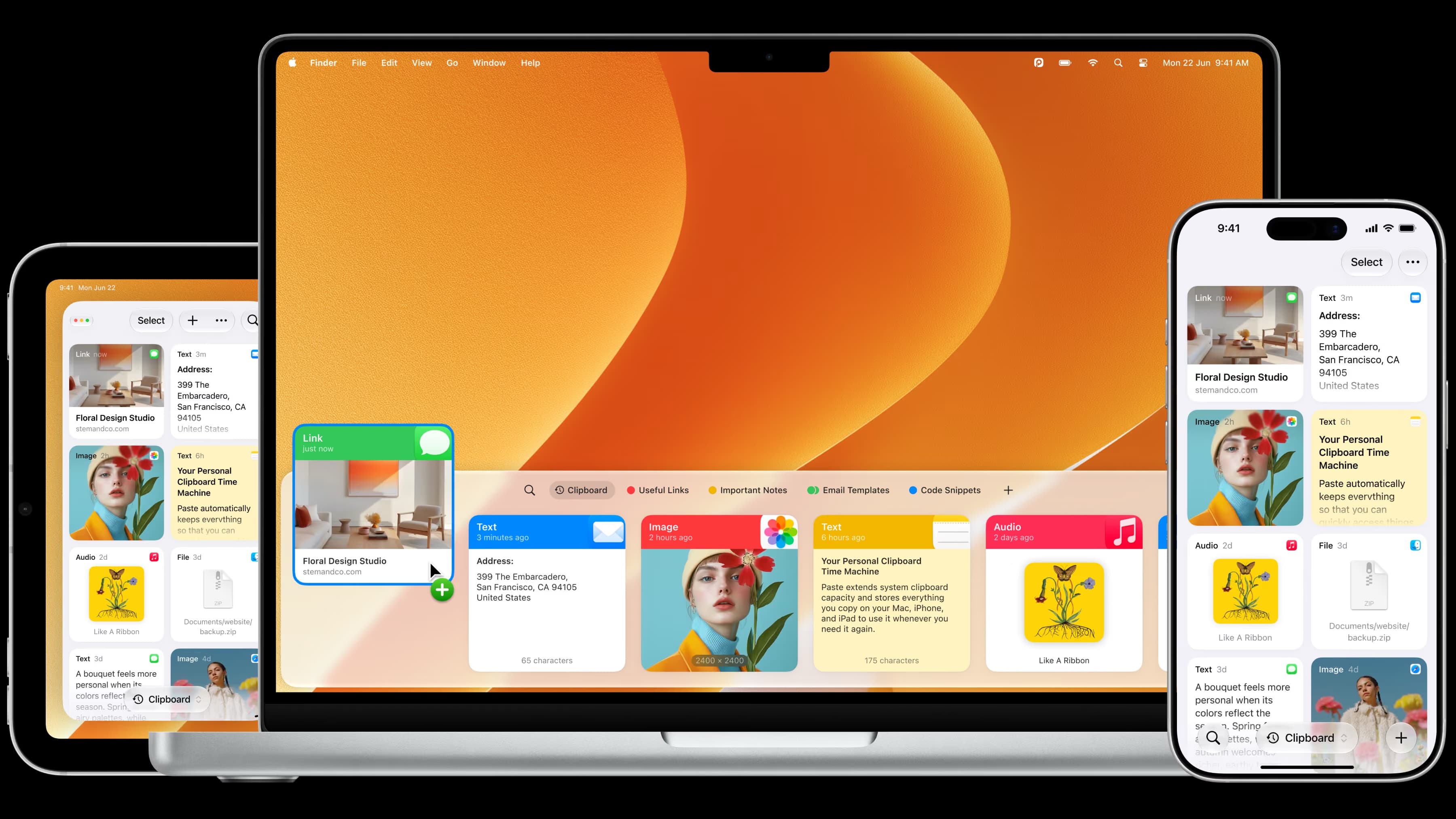
The most full-featured Mac clipboard manager — synced pinboards and clipboard history across Mac, iPhone, and iPad.

Productivity · Free · one-time Pro unlock; free tier available $14.99
A low-cost, one-time-purchase clipboard manager that syncs your history across Mac, iPhone, and iPad with Family Sharing.

Developer Tools · $2.99 · one-time (one-time; 7-day free trial)
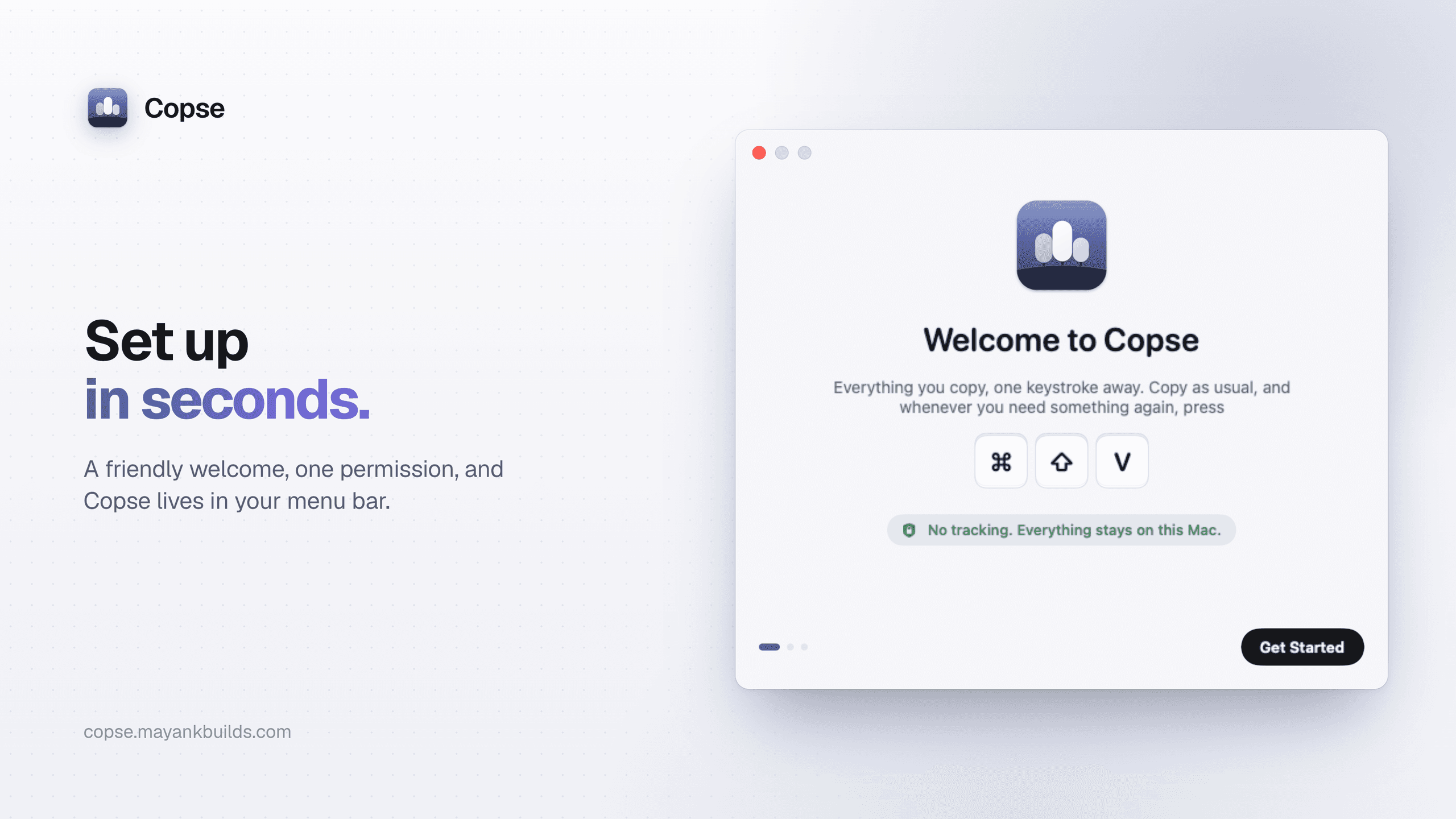
A fast, private clipboard manager for Mac: press ⌘⇧V to find and paste anything you’ve copied.

Productivity · $9.99 · one-time (5 days free trial)
A powerful clipboard history for advanced Mac users. Keep, organize, find, and reuse everything you copy.