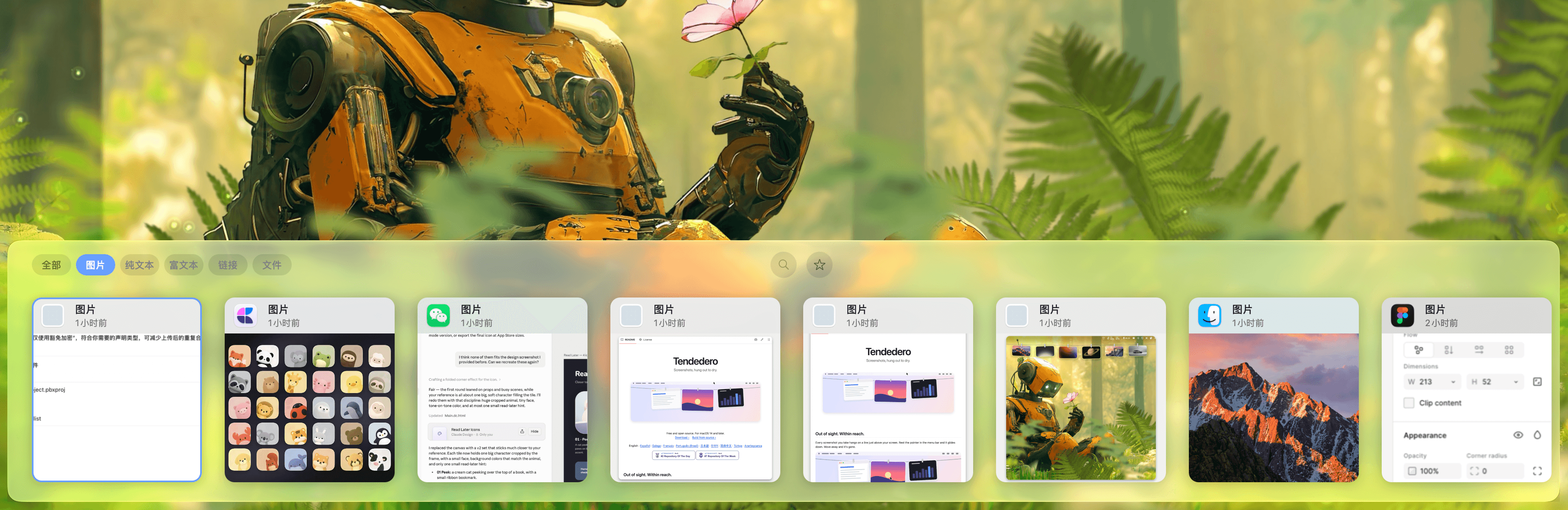
Productivity · Free · one-time lifetime license (or $1.99/mo); free tier available $19.99
A one-time-purchase alternative to subscription clipboard managers — auto-saved history, Paste Stack multi-paste, and Smart Lists.
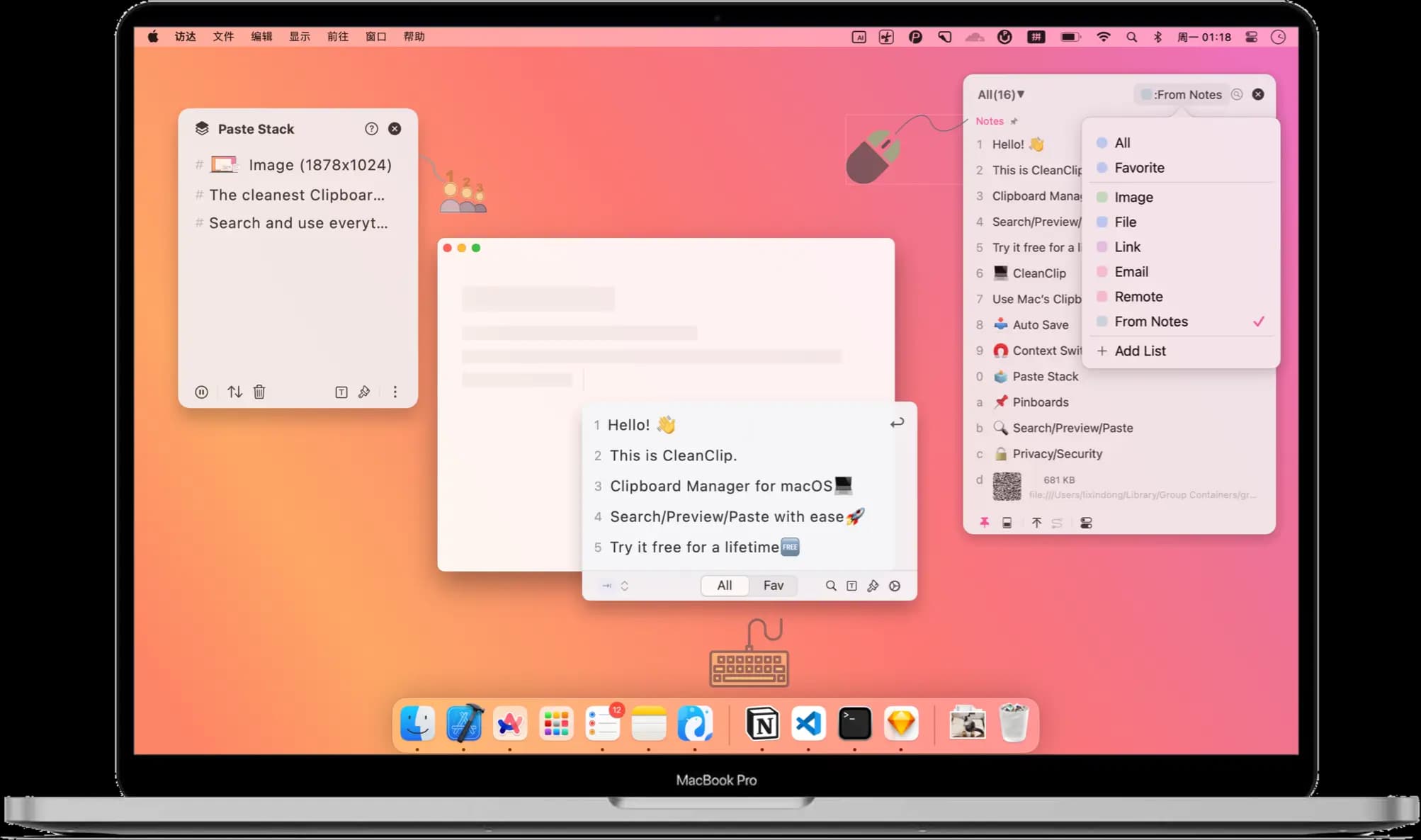
A powerful clipboard history for advanced Mac users. Keep, organize, find, and reuse everything you copy.
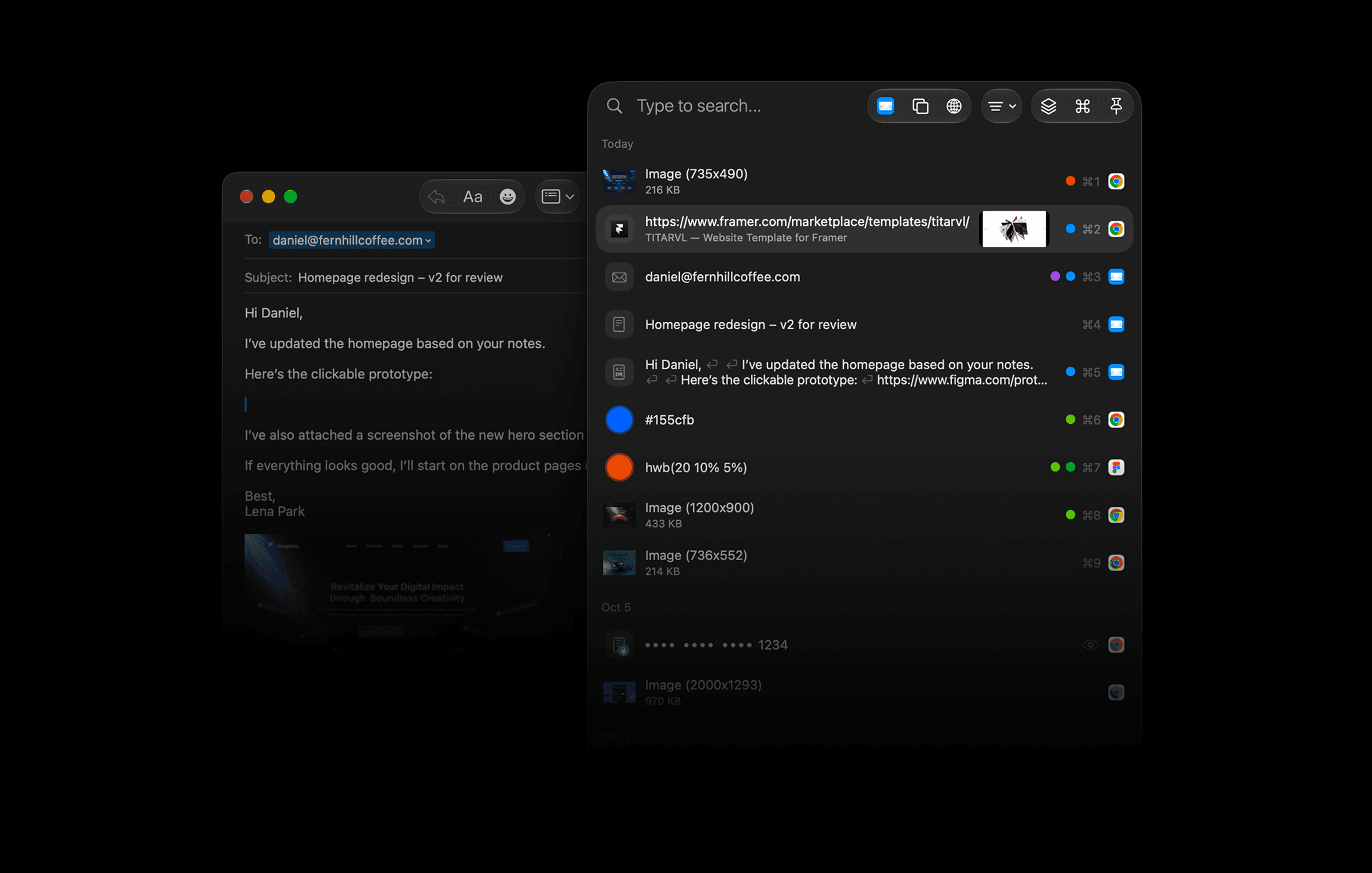
ClipBook is built for people who copy and paste all day, like developers, writers, designers, support agents, and researchers. It is keyboard-first, so you rarely need to touch the mouse.
Return, or the first nine items with ⌘1–9⌃V repeatedly to paste items one after another without opening the history window⌘CC) appends new text to the previous itemYour clipboard history stays on your Mac. There is no cloud, no account, no analytics, and no tracking. ClipBook is open source, so anyone can check this for themselves. It also:
Every keyboard shortcut is customizable. You can also choose light, dark, or system theme, set where the window appears on each screen, pin the window on top, and turn on a sound on copy. ClipBook is available in English, Spanish, Italian, German, Japanese, Chinese, and Portuguese.
ClipBook is a native macOS app with a free, fully featured trial that needs no sign-up or credit card. After that, a one-time purchase gives you lifetime updates and support, with no subscription. Every purchase has a 14-day money-back guarantee.
Productivity · Free · one-time lifetime license (or $1.99/mo); free tier available $19.99
A one-time-purchase alternative to subscription clipboard managers — auto-saved history, Paste Stack multi-paste, and Smart Lists.

Productivity · $5 · one-time (Lifetime / one-time; up to 3 Macs; 7-day trial)
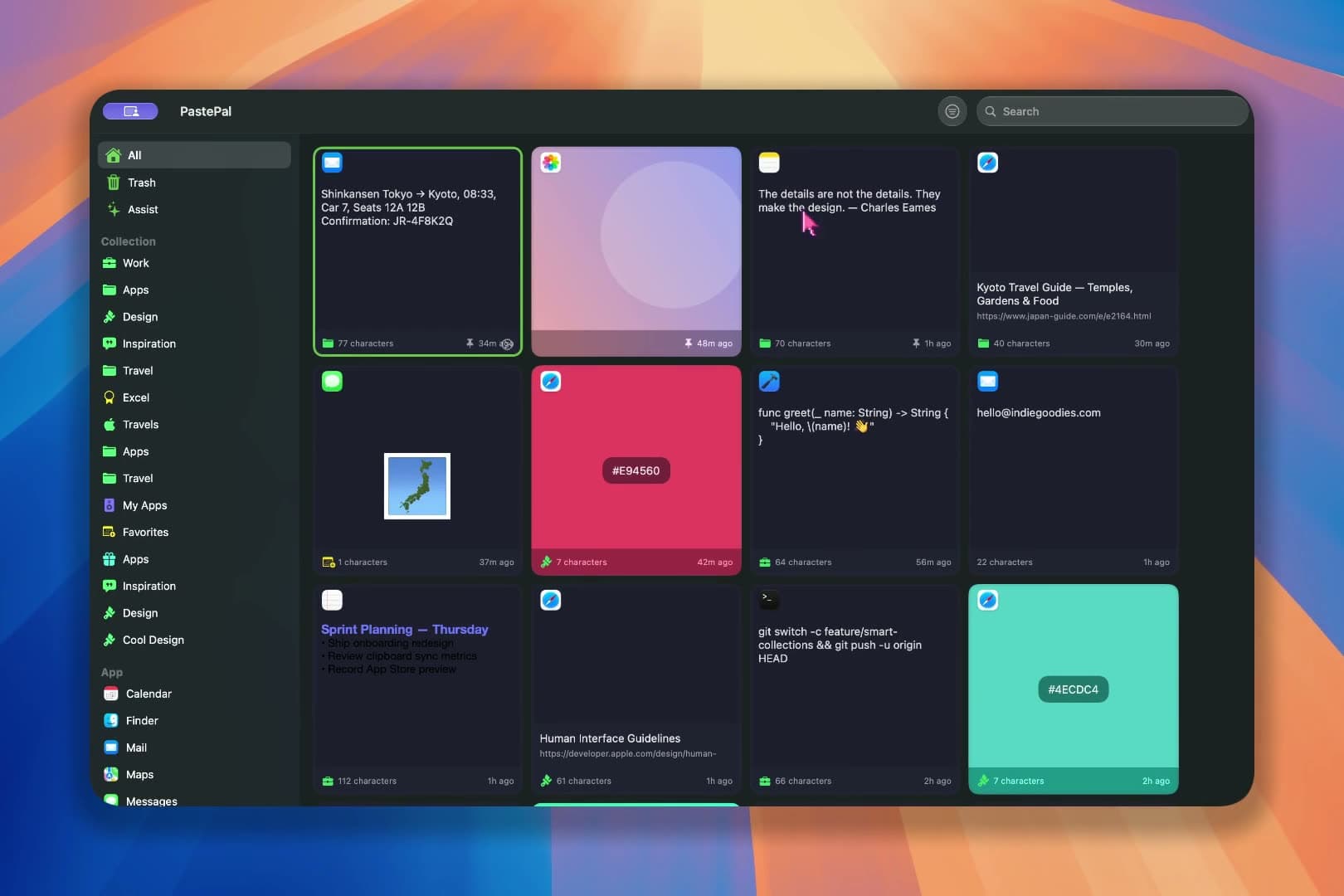
Native macOS clipboard history as a visual card stream — search and reuse text, images, links, files.
Productivity · $39 · one-time (or subscription available)
A clipboard manager from Tapbots — searchable copy history, reusable pasteboards, and filters that transform text on the way out.

Productivity · $2.49/mo (monthly, billed annually at $29.99/yr; lifetime option available)
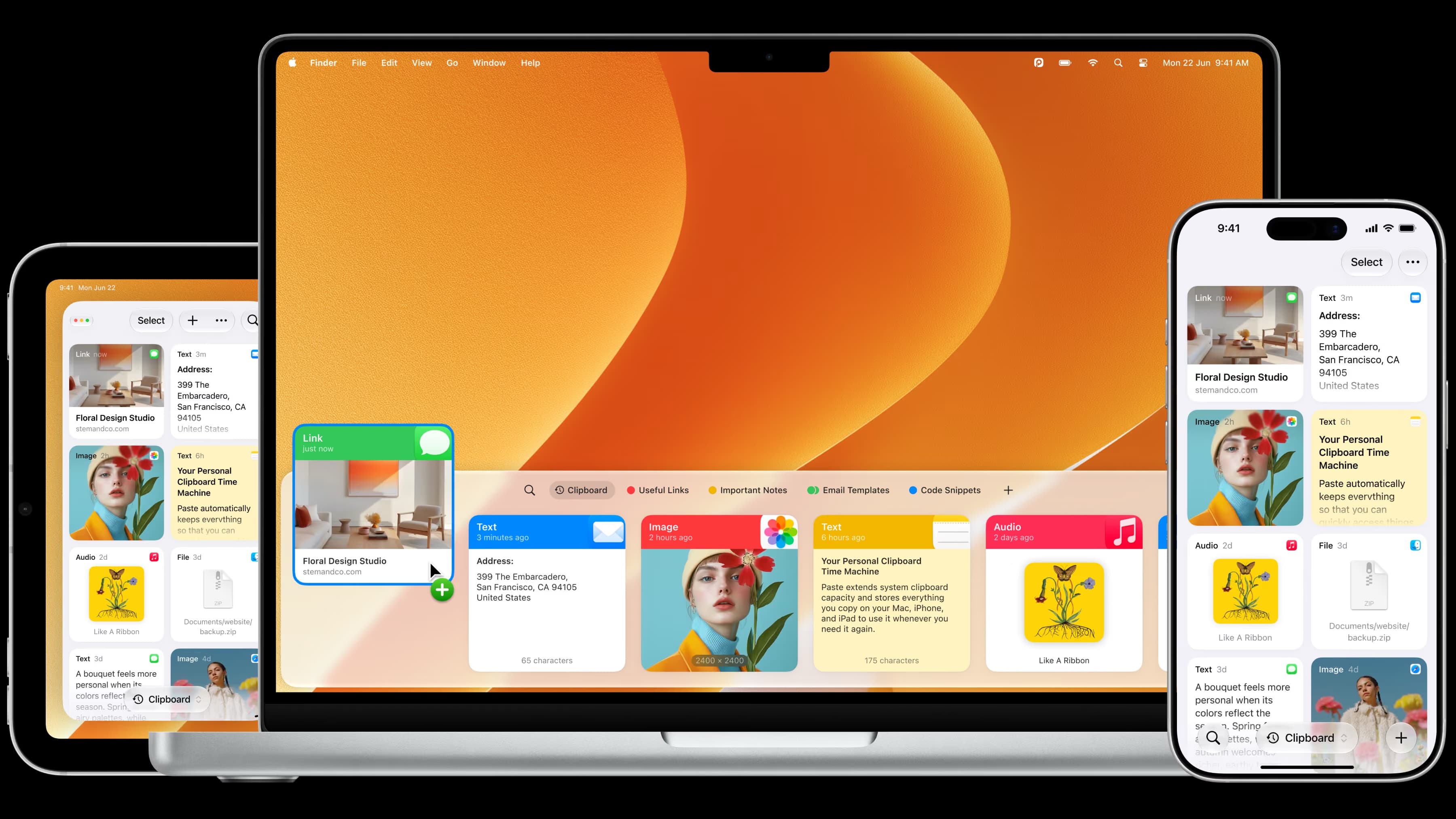
The most full-featured Mac clipboard manager — synced pinboards and clipboard history across Mac, iPhone, and iPad.
Productivity · Free · one-time Pro unlock; free tier available $14.99
A low-cost, one-time-purchase clipboard manager that syncs your history across Mac, iPhone, and iPad with Family Sharing.

Developer Tools · $2.99 · one-time (one-time; 7-day free trial)
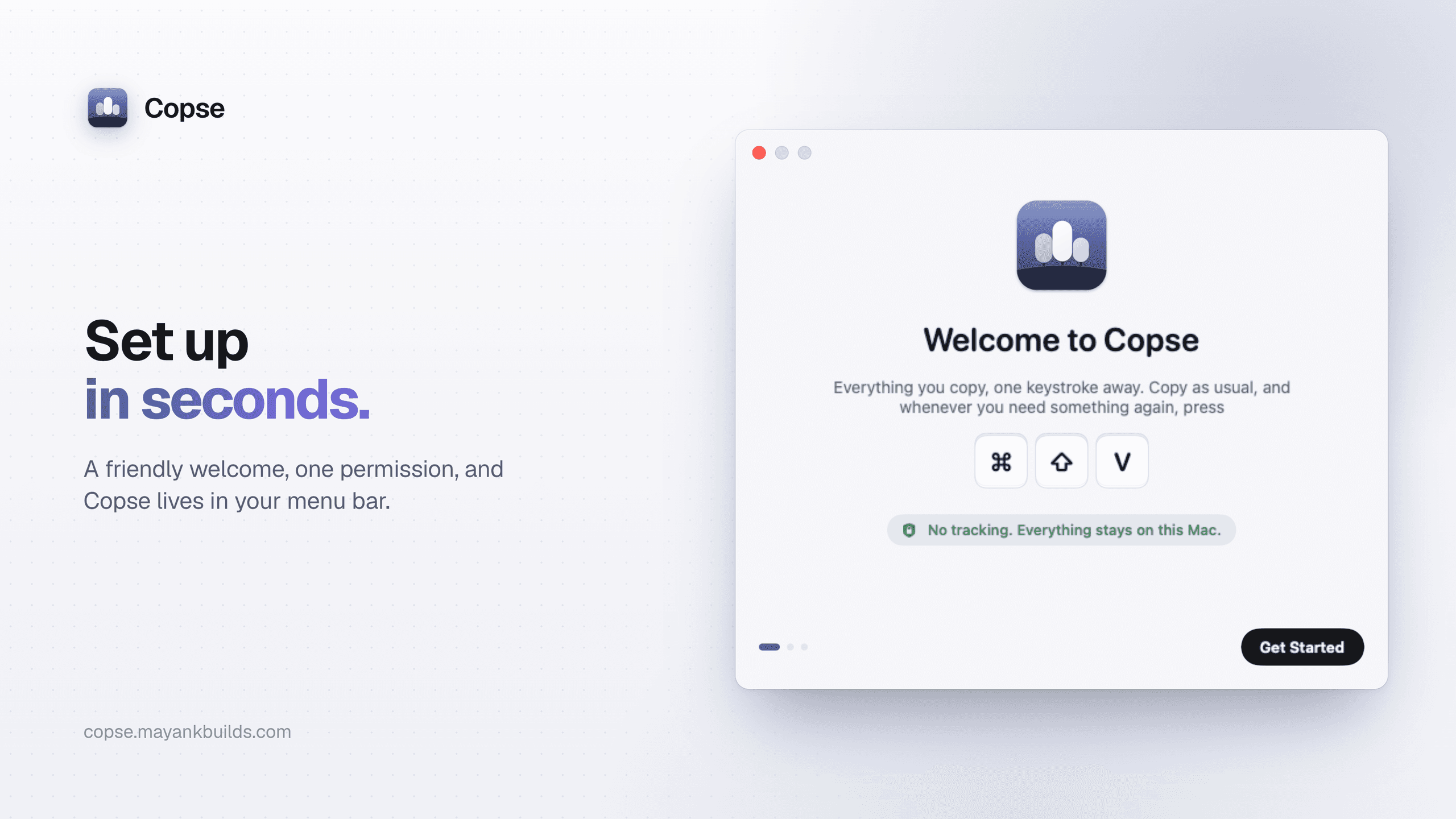
A fast, private clipboard manager for Mac: press ⌘⇧V to find and paste anything you’ve copied.