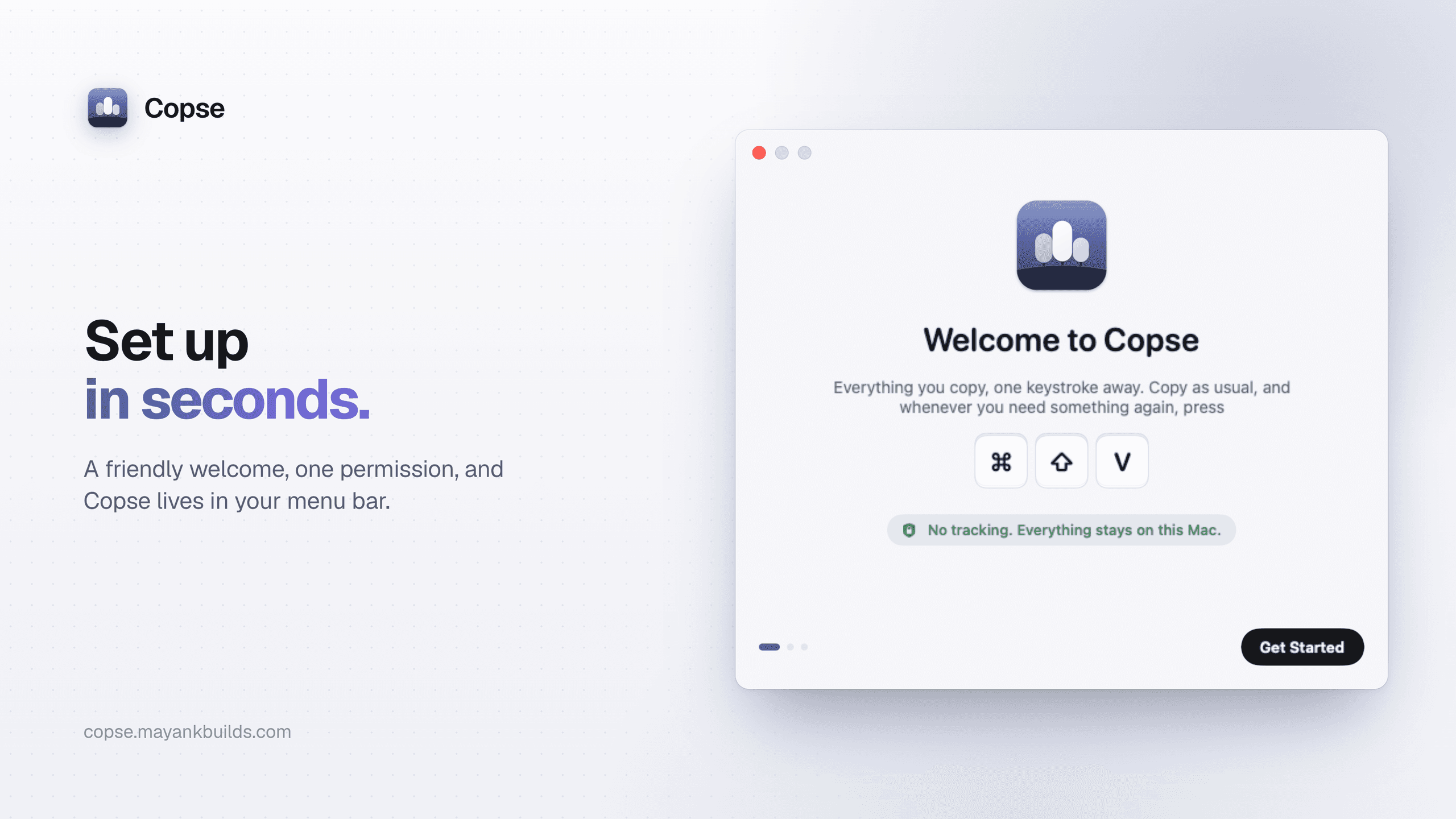
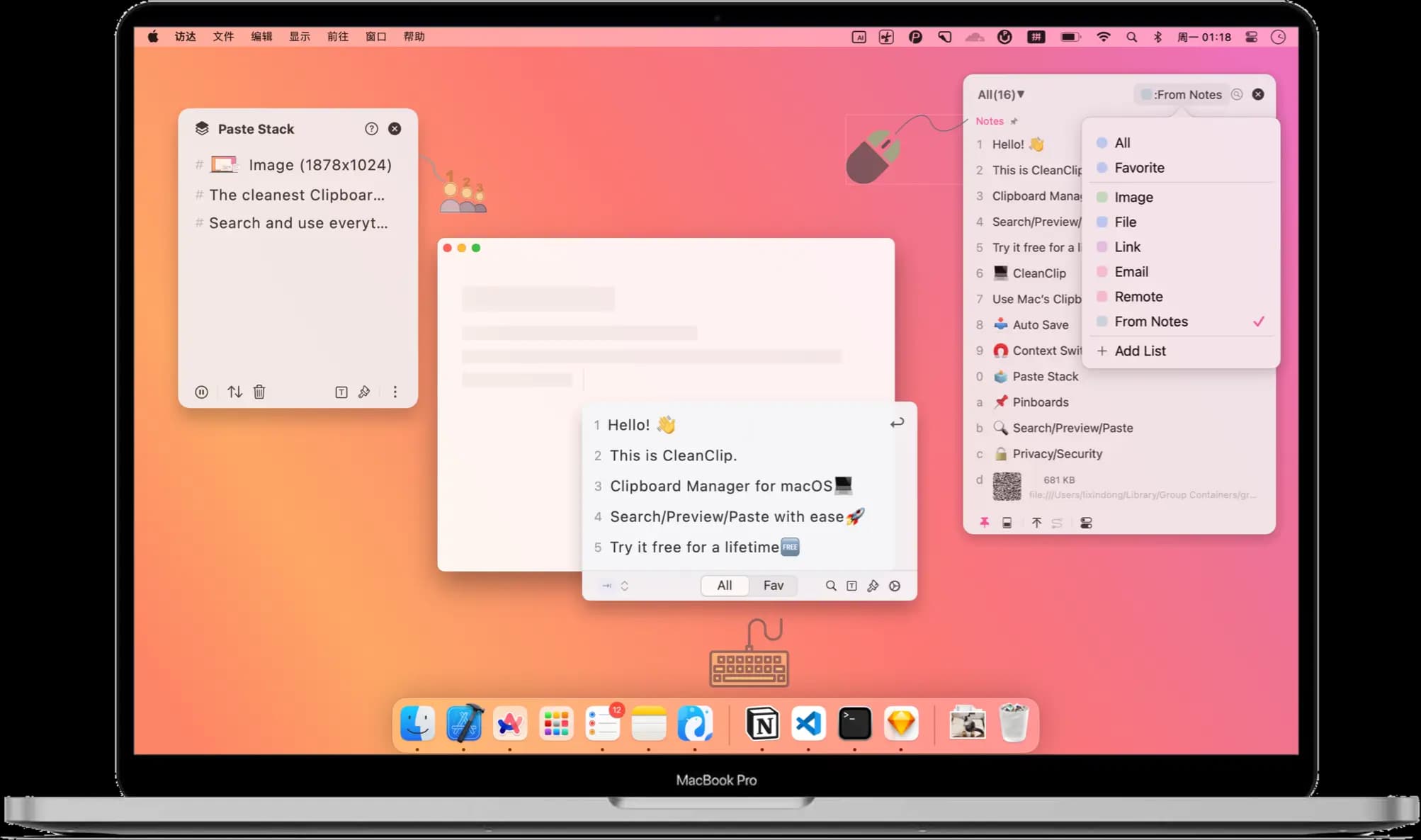
Productivity · Free · one-time lifetime license (or $1.99/mo); free tier available $19.99
A one-time-purchase alternative to subscription clipboard managers — auto-saved history, Paste Stack multi-paste, and Smart Lists.

A modern, native, privacy-first clipboard manager for macOS — with built-in AI to search, transform, and manage what you copy.
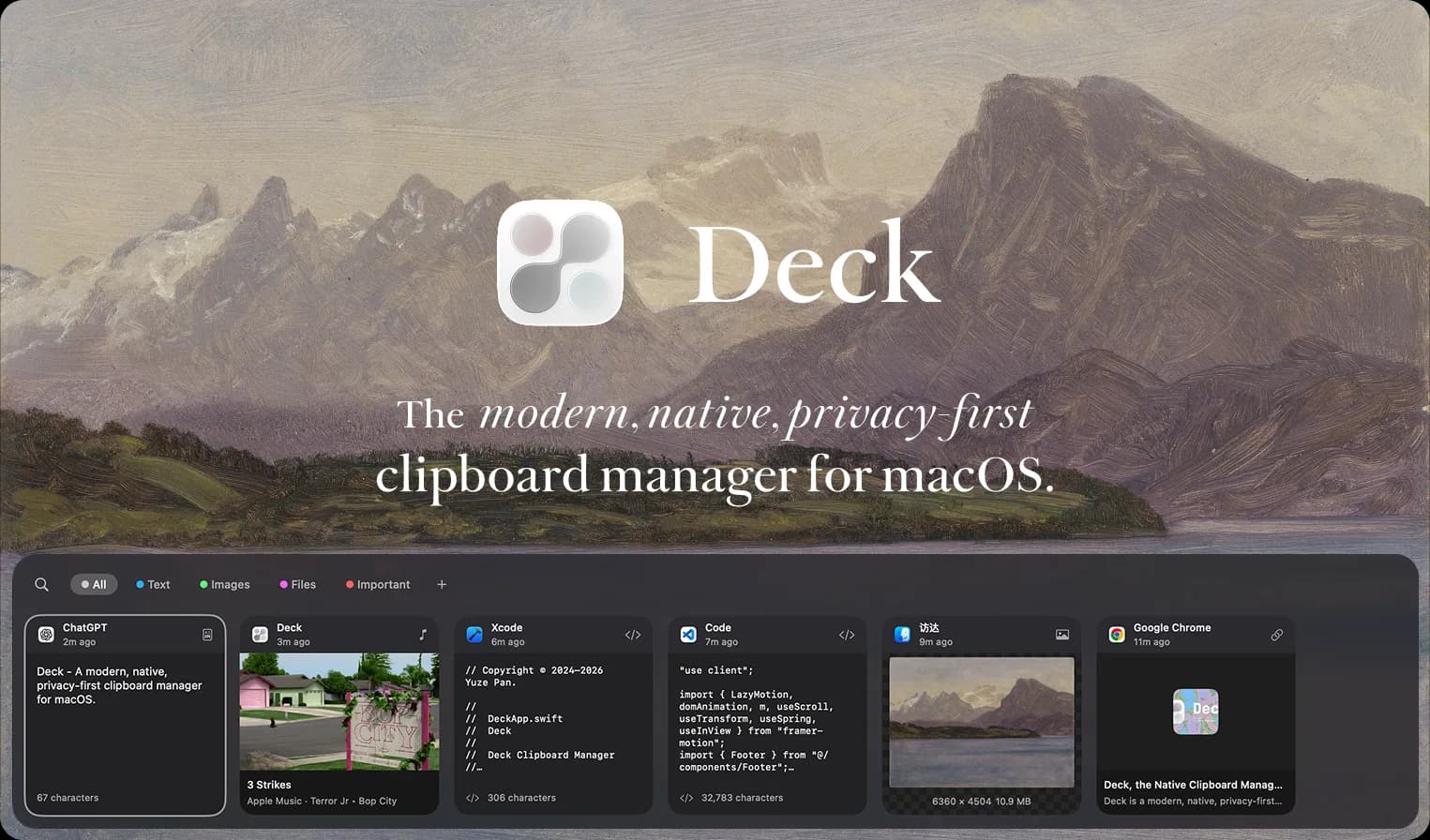
Deck keeps a searchable history of everything you copy — text, images, files, and code — organized into Text, Images, Files, and Important tabs you can jump between instantly. A built-in AI chat can search that history for you ("find the git rebase command I copied earlier") or transform clipboard text on the spot, without you ever leaving the popup.
Clipboard managers are a crowded category, but most stop at "list of recent copies." Deck adds a genuinely useful AI layer on top — asking it questions about your clipboard history instead of scrolling through it — while keeping everything native, fast, and stored on your Mac rather than someone's cloud.
Free download. The repository uses mixed licensing: the deckclip directory is AGPL-licensed; other files are source-available with all rights reserved.
As checked on 20 October 2026, the developer flags a packaging issue that may affect new downloads and updates. Check the official repository notice before installing or updating.
Featured in:
Productivity · Free · one-time lifetime license (or $1.99/mo); free tier available $19.99
A one-time-purchase alternative to subscription clipboard managers — auto-saved history, Paste Stack multi-paste, and Smart Lists.

Productivity · $5 · one-time (Lifetime / one-time; up to 3 Macs; 7-day trial)
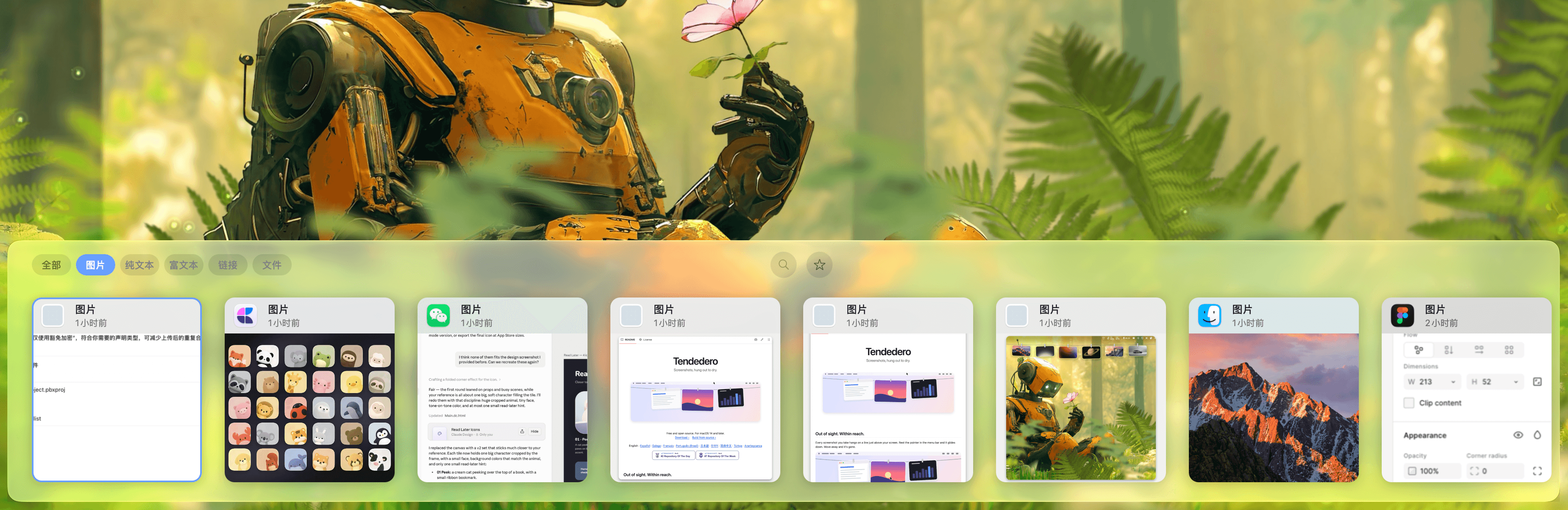
Native macOS clipboard history as a visual card stream — search and reuse text, images, links, files.

Productivity · Free & open source
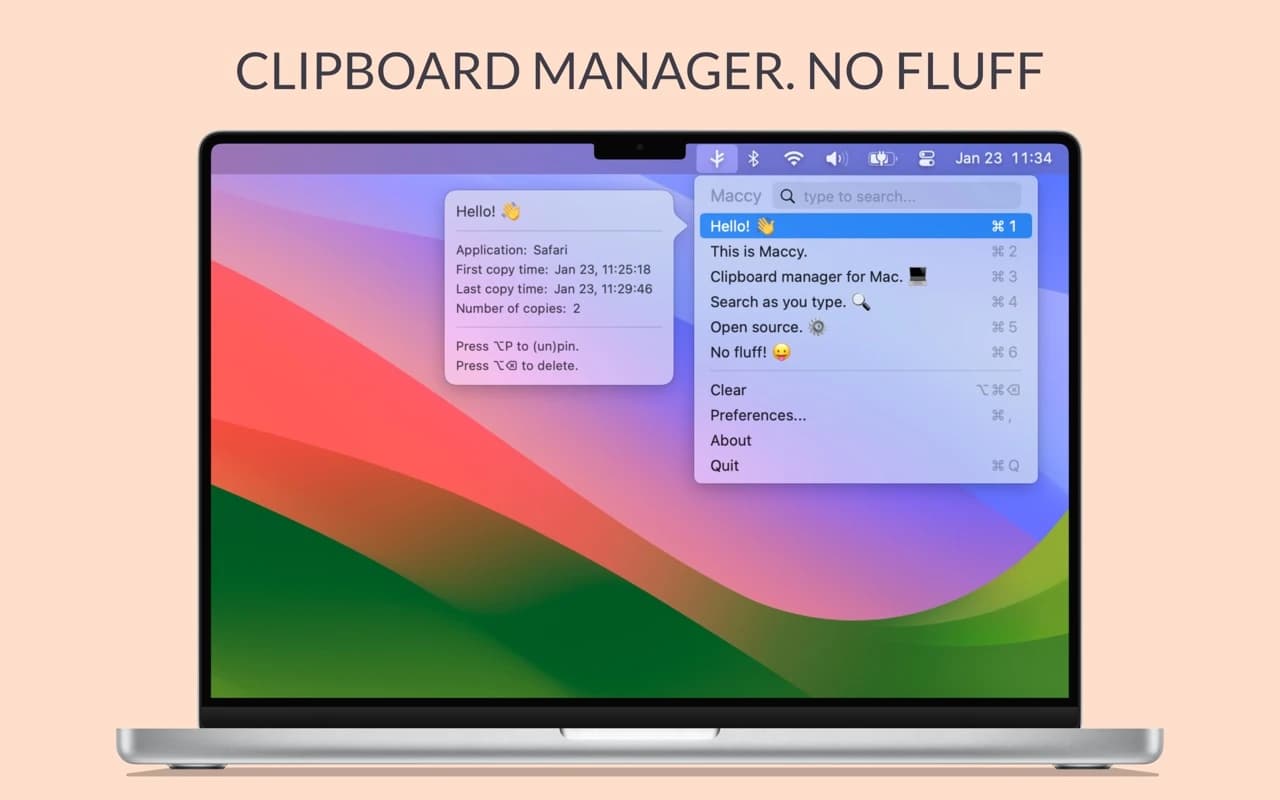
A lightweight, open-source clipboard manager for macOS — search your clipboard history from a keystroke, with no account and no background bloat.

Productivity · $2.49/mo (monthly, billed annually at $29.99/yr; lifetime option available)
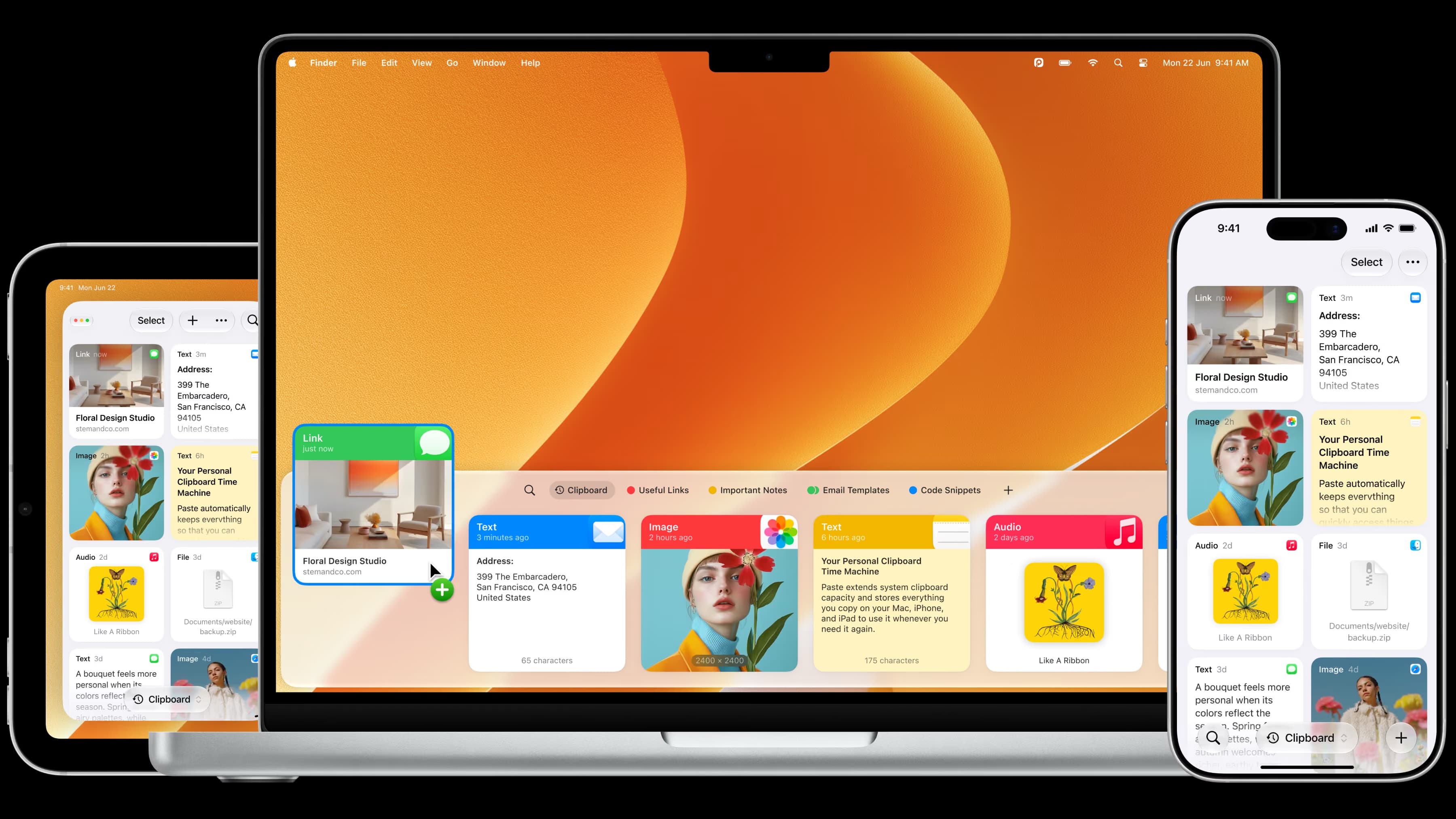
The most full-featured Mac clipboard manager — synced pinboards and clipboard history across Mac, iPhone, and iPad.

Productivity · Free · one-time Pro unlock; free tier available $14.99
A low-cost, one-time-purchase clipboard manager that syncs your history across Mac, iPhone, and iPad with Family Sharing.

Developer Tools · $2.99 · one-time (one-time; 7-day free trial)
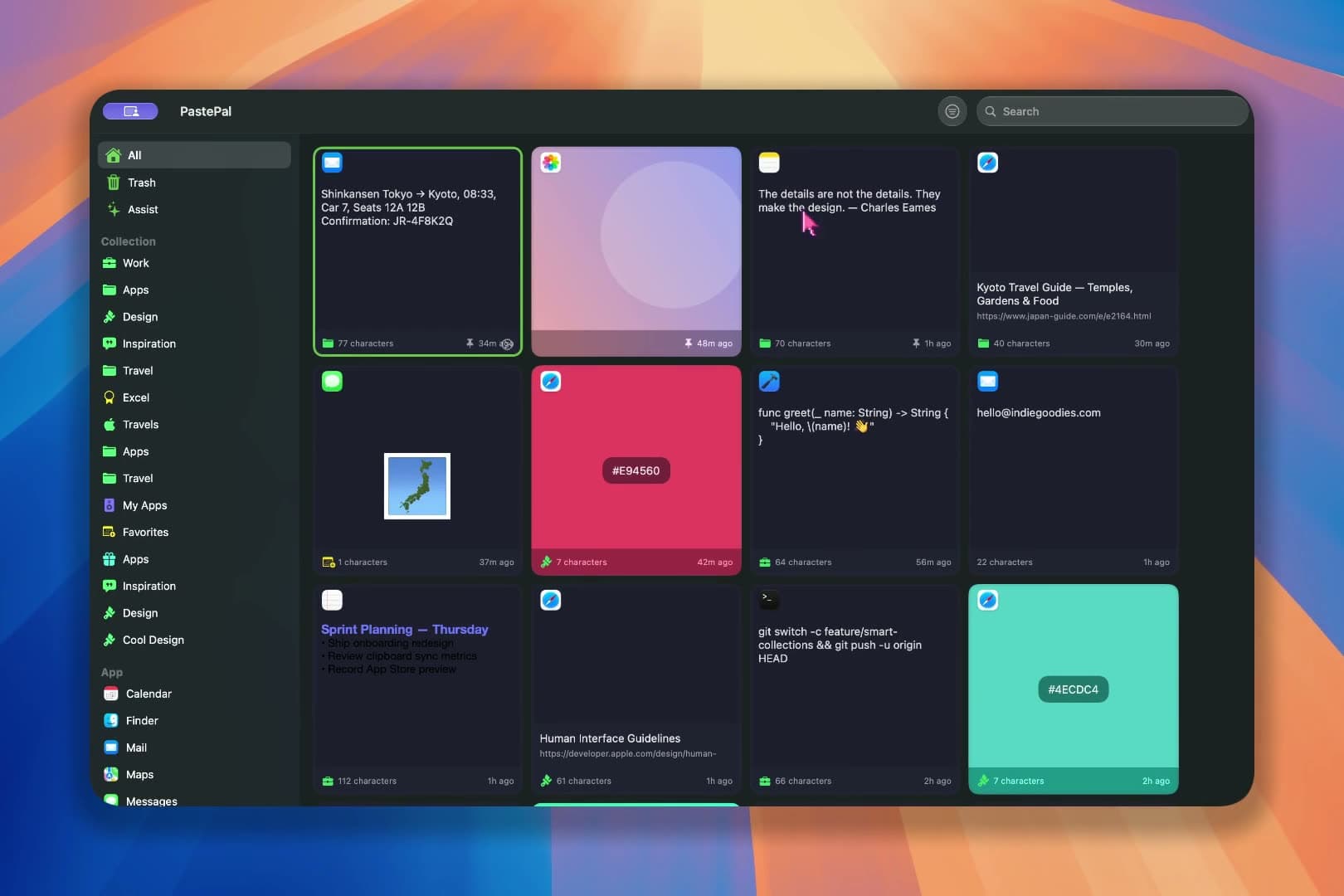
A fast, private clipboard manager for Mac: press ⌘⇧V to find and paste anything you’ve copied.