

Drag a box over anything on screen — an image, a PDF, a video frame, an app that blocks copying — and the text inside it lands on your clipboard.
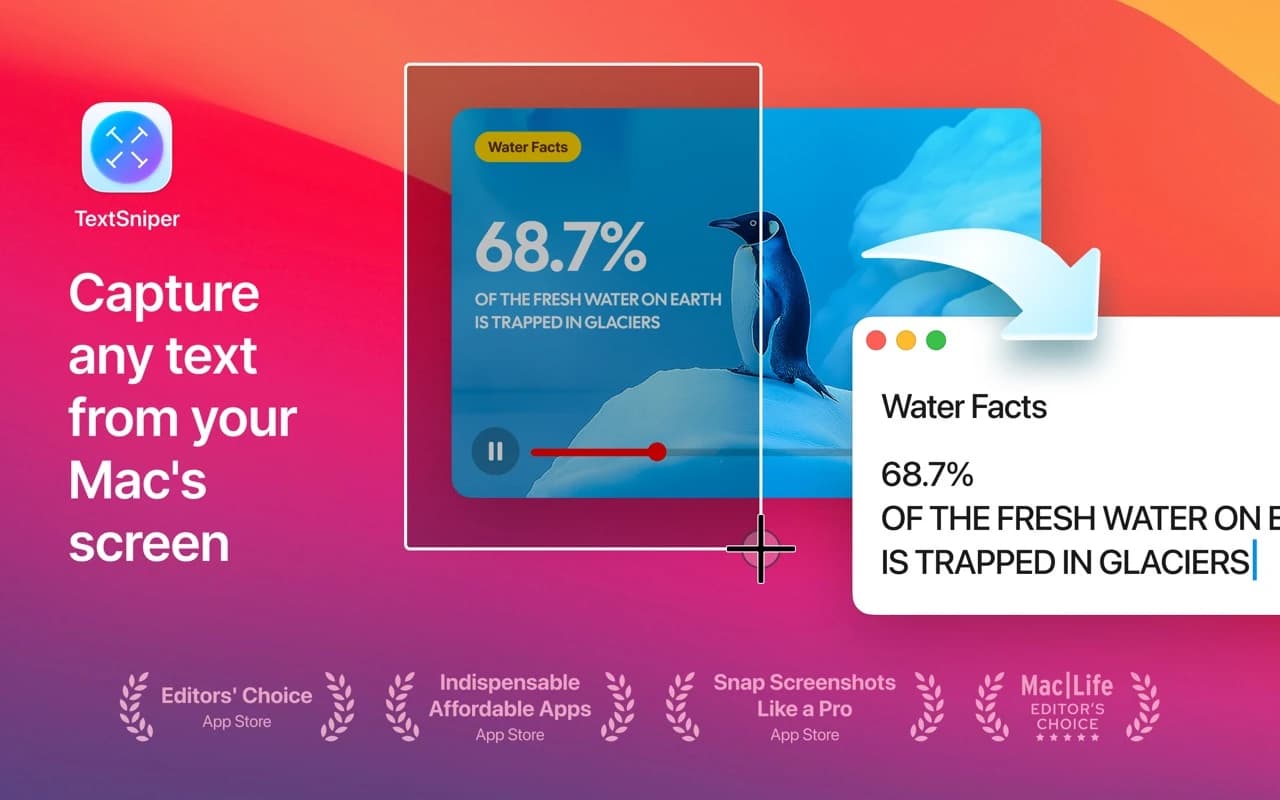
TextSniper is screen OCR with one gesture. Trigger it with a shortcut, draw a rectangle over the text you want, and it's recognised and copied. It works on things you normally can't select: scanned PDFs, screenshots, error dialogs, YouTube frames, locked-down apps. It also reads QR codes and barcodes, can speak the captured text aloud, and handles multiple languages — all on-device, no network.
Why it makes the list
It's a tiny, sharply focused native utility that removes a genuinely annoying task — retyping text a computer is displaying but won't let you copy. It's fast enough that it becomes a reflex, and it earned a Mac App Store Editors' Choice for good reason.
Standout features
-
Draw-to-capture OCR from any pixels on screen
-
QR and barcode decoding
-
Text-to-speech of whatever you just grabbed
-
Multi-line and multi-language recognition, fully offline
-
Keyboard-triggered, with a menu-bar presence and nothing else
Pricing
A one-time $9.99 purchase on the Mac App Store.
More in Utilities
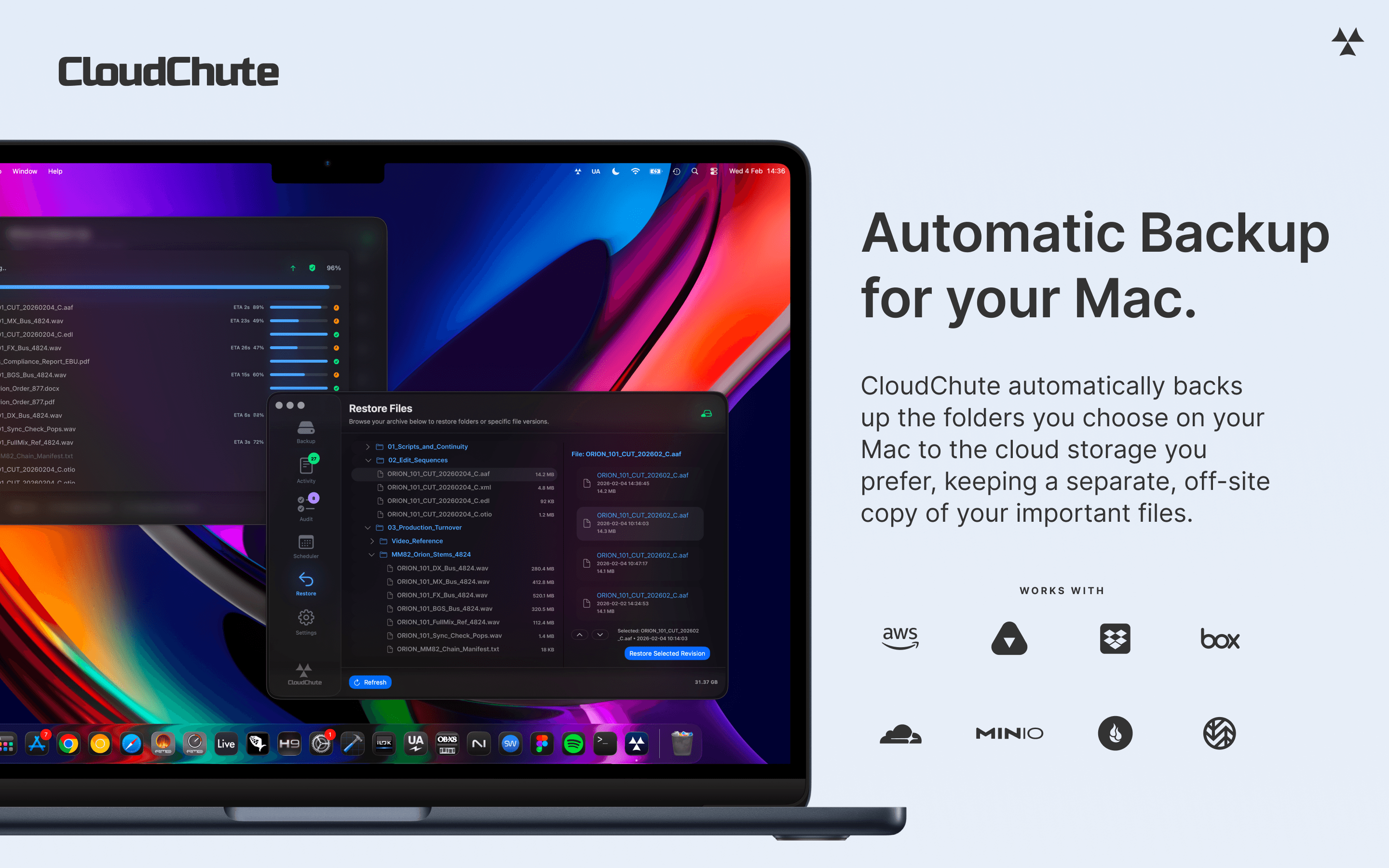

Utilities · $3.99/mo (Start 10-day free trial)
Automatically back up selected Mac folders to your own cloud storage, with optional encryption and protection against accidental deletion.
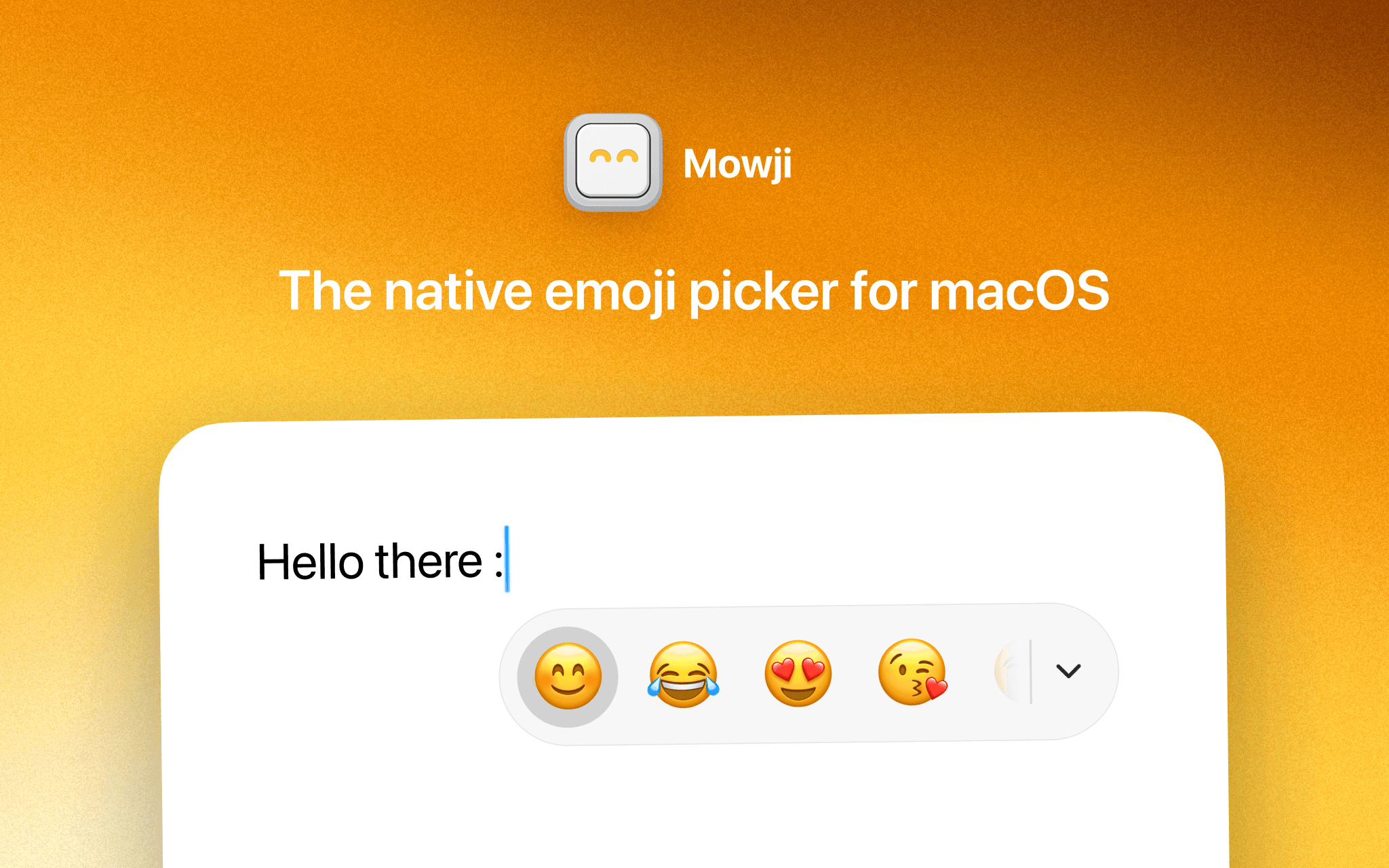
Utilities · $12 · one-time (Free trial with 150 emoji insertions)
The native emoji picker for macOS

Utilities · Free & open source
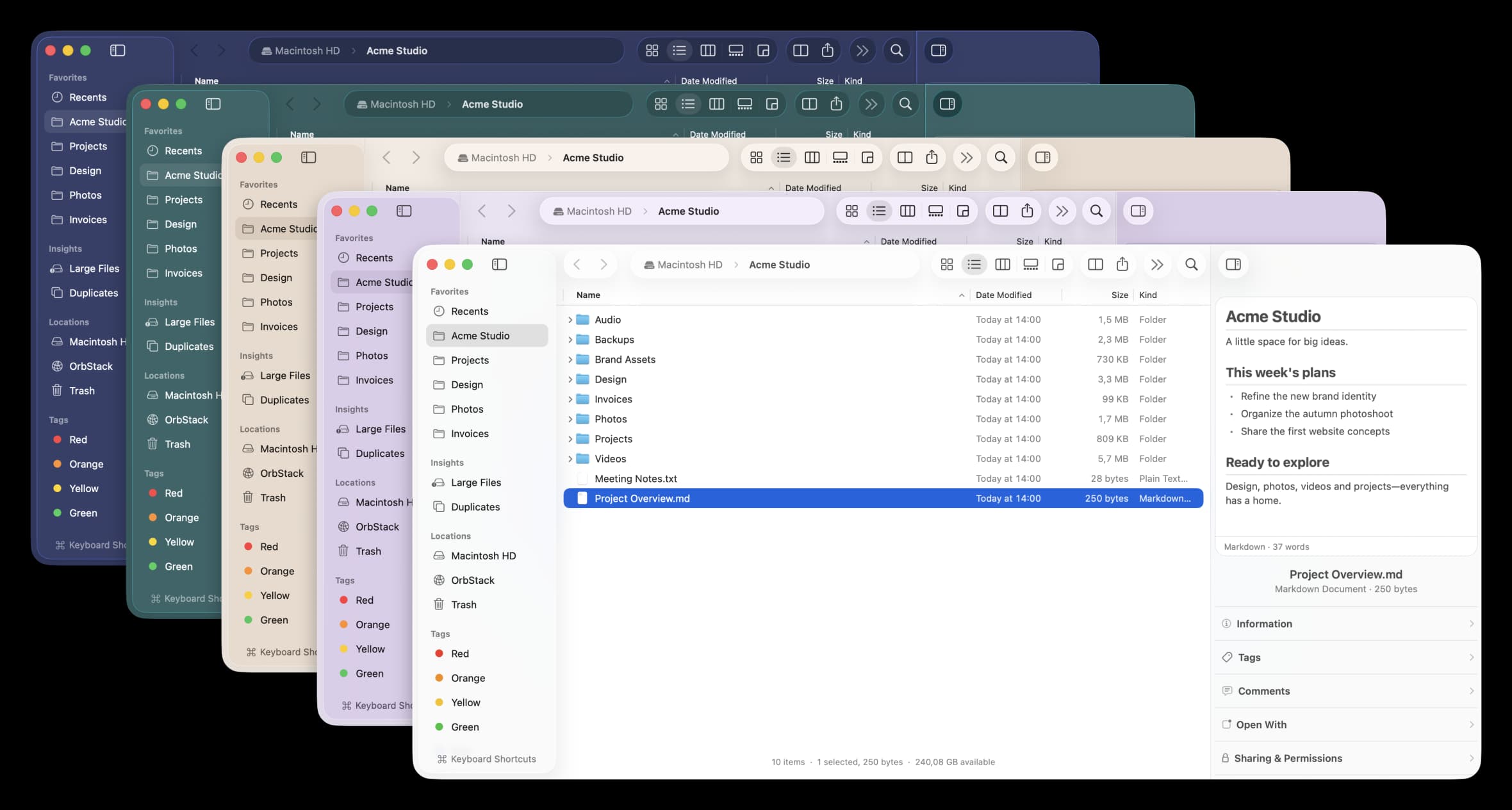
A free, open-source Finder alternative for Mac with instant plain-English search, real-time folder sizes, and a visual disk usage map.