Productivity · $4.99 · one-time (Launch price for the first licences, covers all future tools)
Turns your MacBook notch into a toolbox: window snapping, clipboard history, break reminders and keep-awake in one native app.

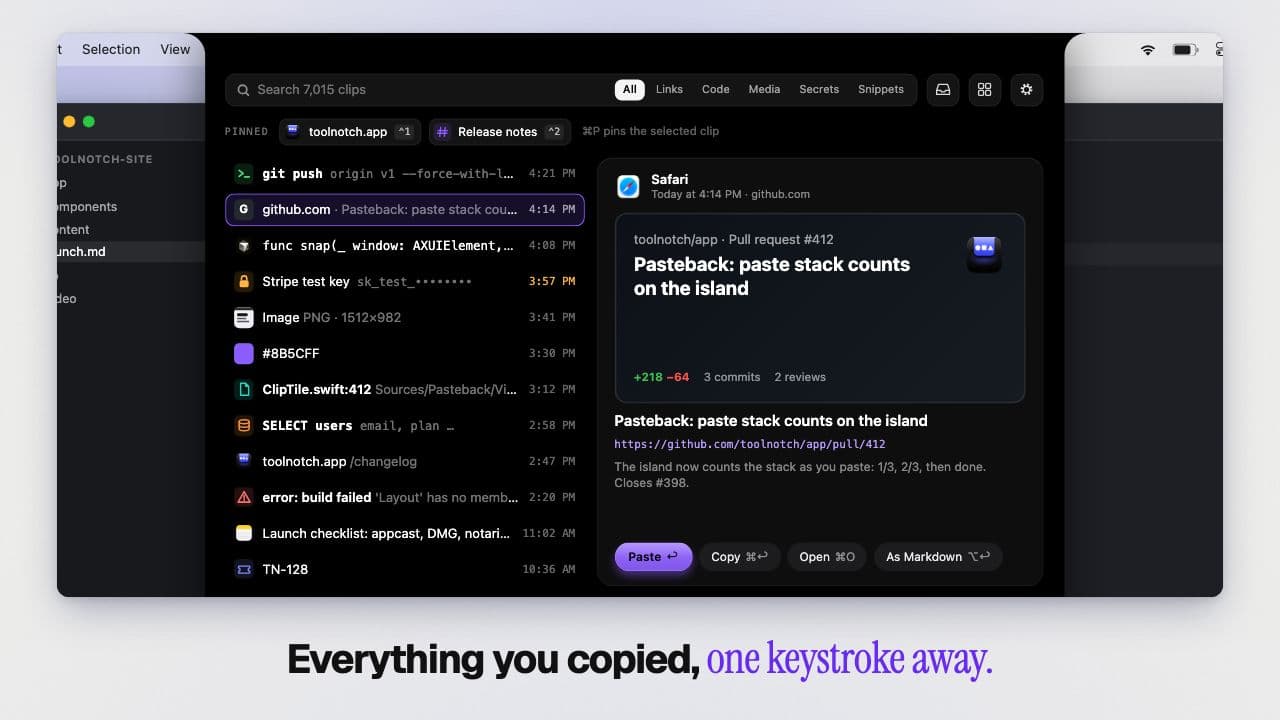
Browse clipboard history as cards in a tray at the top of your Mac’s screen. Search screenshots and paste items in sequence. iPhone companion coming soon.
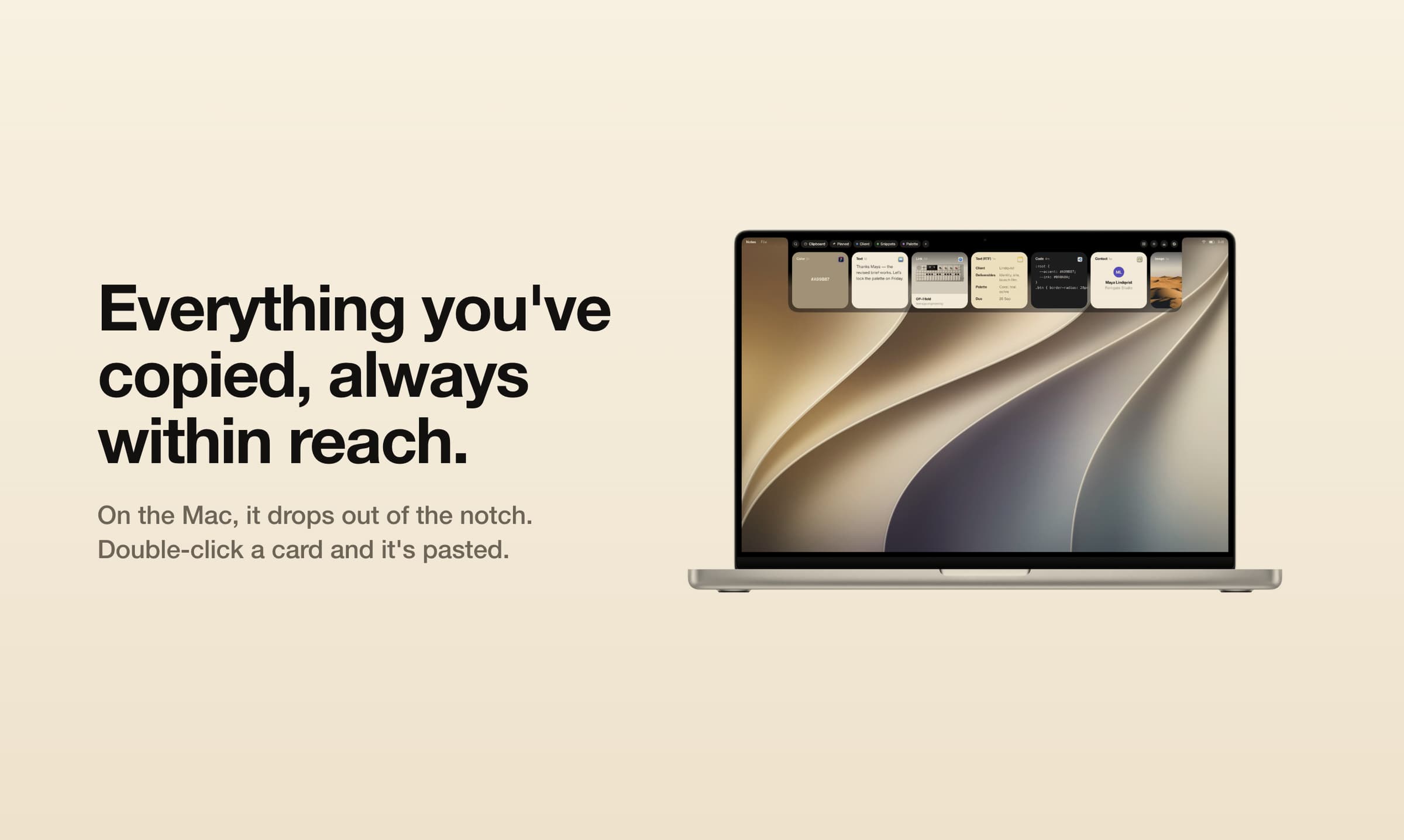
Everything you've copied, always within reach. Just Copy keeps a searchable clipboard history on your Mac.
On the Mac, it lives in the notch. Reach for the top of the screen and everything you've copied drops down as cards, each drawn as what it is: text, links with their picture, images, screenshots, code, colors and files. Double-click a card and it's pasted where you were typing. Search reads the words inside screenshots, screenshots you take land in the tray, folders fill themselves by rule, and Paste Stack pastes several copies in order. An optional local MCP server lets Claude, Cursor and Codex search your history.
The iPhone companion is listed as coming soon on the developer’s website, checked on 20 October 2026. It is included with the Mac purchase when released; do not choose it for an available iPhone workflow yet.
No account, no subscription, no tracking. US$29.99 launch price for the Mac, including the iPhone app when it launches and all 1.x updates. Apple silicon, macOS 14 or later.
Featured in:
Productivity · $4.99 · one-time (Launch price for the first licences, covers all future tools)
Turns your MacBook notch into a toolbox: window snapping, clipboard history, break reminders and keep-awake in one native app.

Productivity · Free
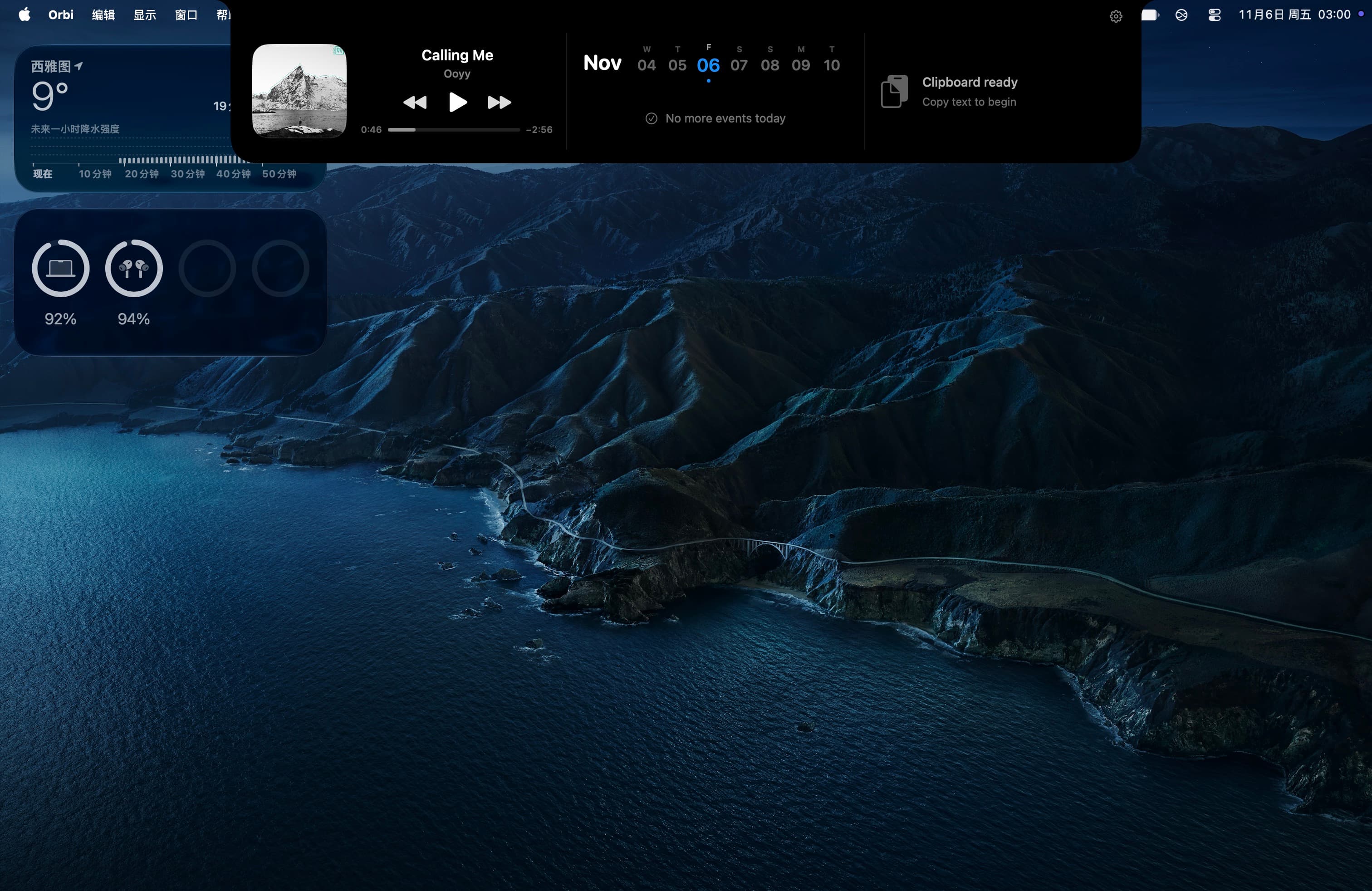
Orbi turns your Mac’s notch into a smart productivity hub for music, calendar events, and clipboard history.
Utilities · $11.99 · one-time (One-time purchase. No subscription.)
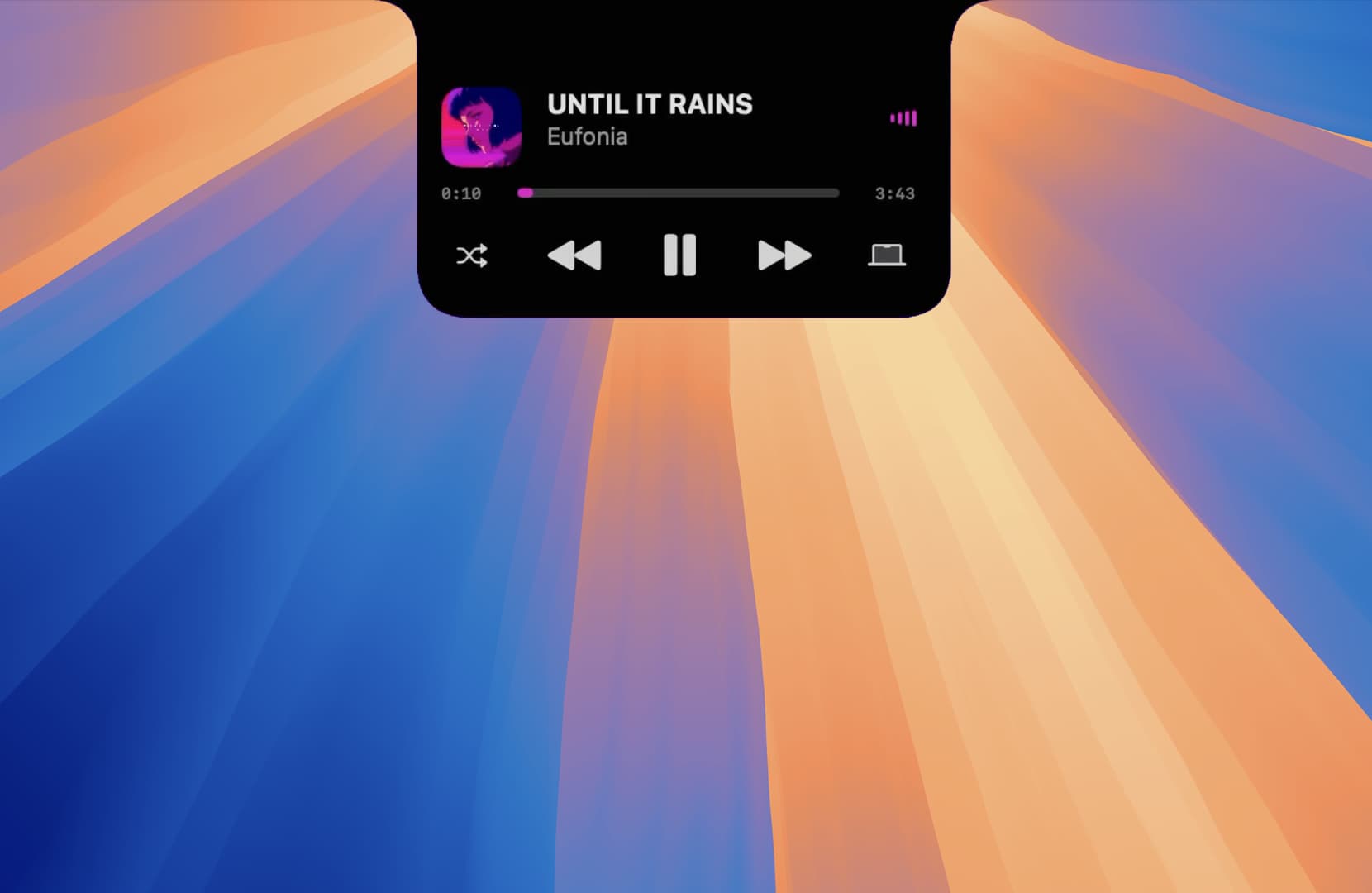
DynamicHorizon brings the Dynamic Island experience to macOS by turning the Mac notch into an interactive part of the system.

Utilities · $9.99 · one-time
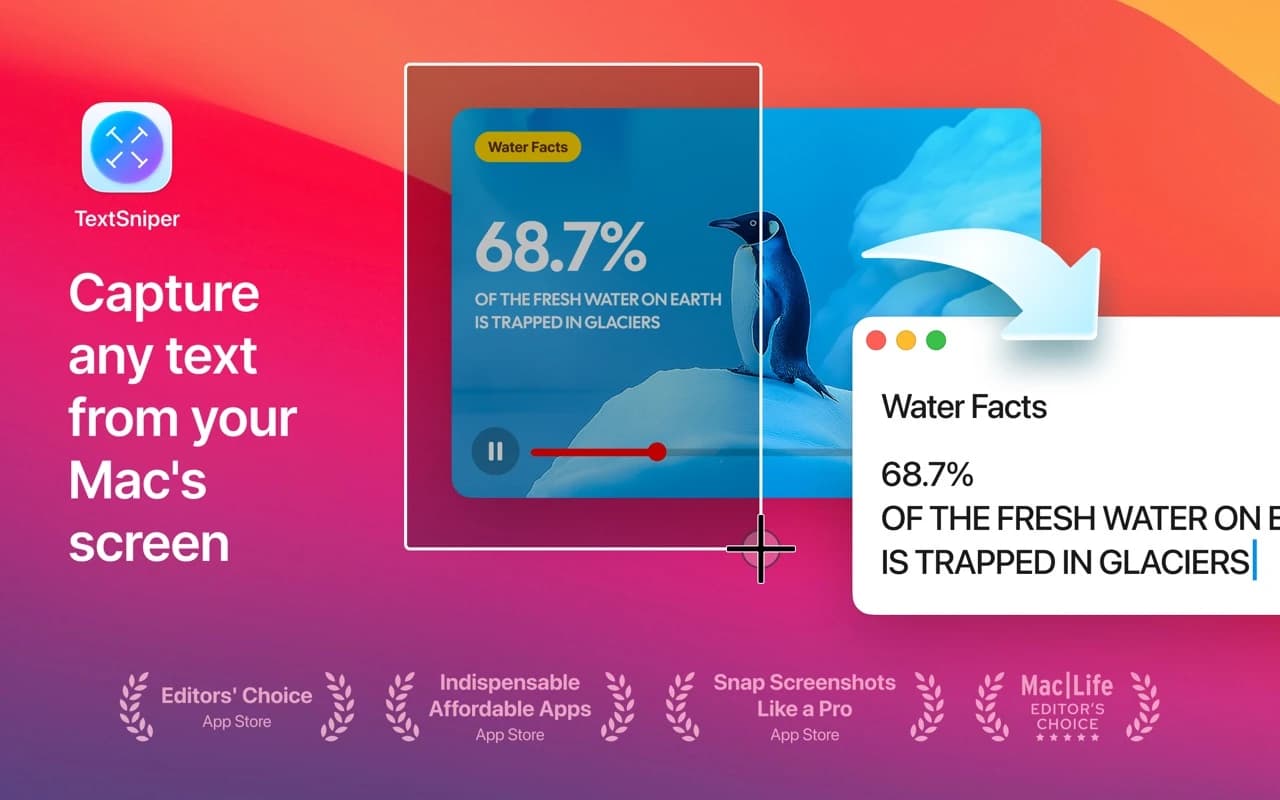
Drag a box over anything on screen — an image, a PDF, a video frame, an app that blocks copying — and the text inside it lands on your clipboard.

Utilities · $15.99 · one-time (First 50 customers: $5.99 with LAUNCH50, while available. One person, 2 Macs; 1.x updates. No trial.)
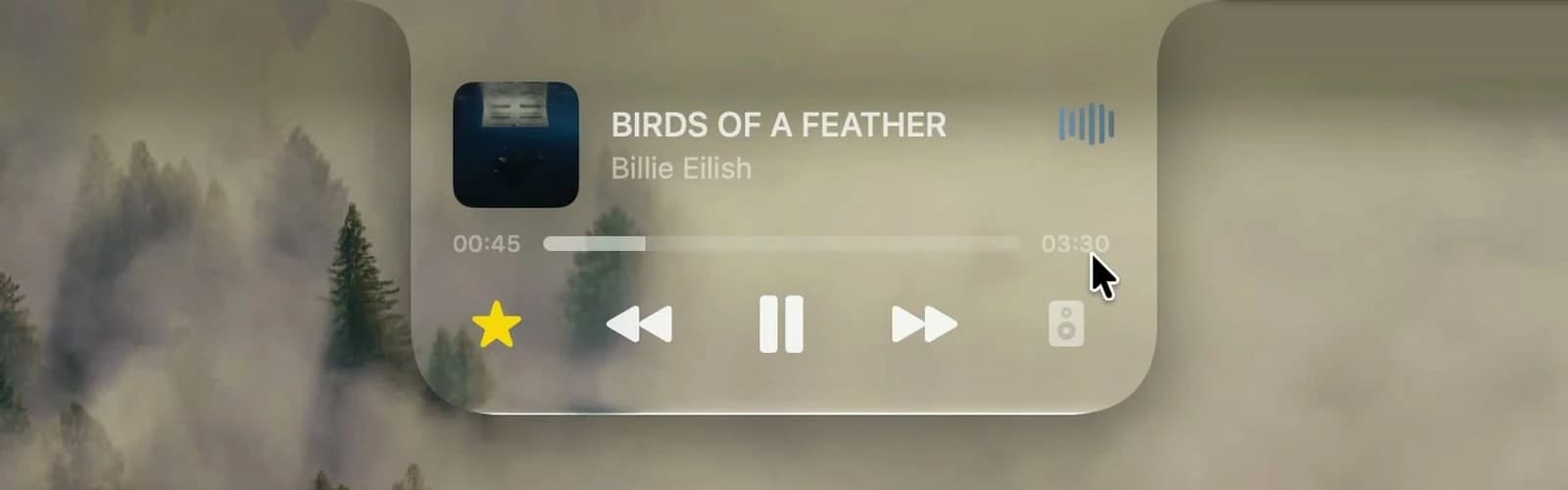
Liquid Glass and smart clipboard tools in your MacBook notch, with music, files, timers and reminders.
Productivity · $14.99 · one-time
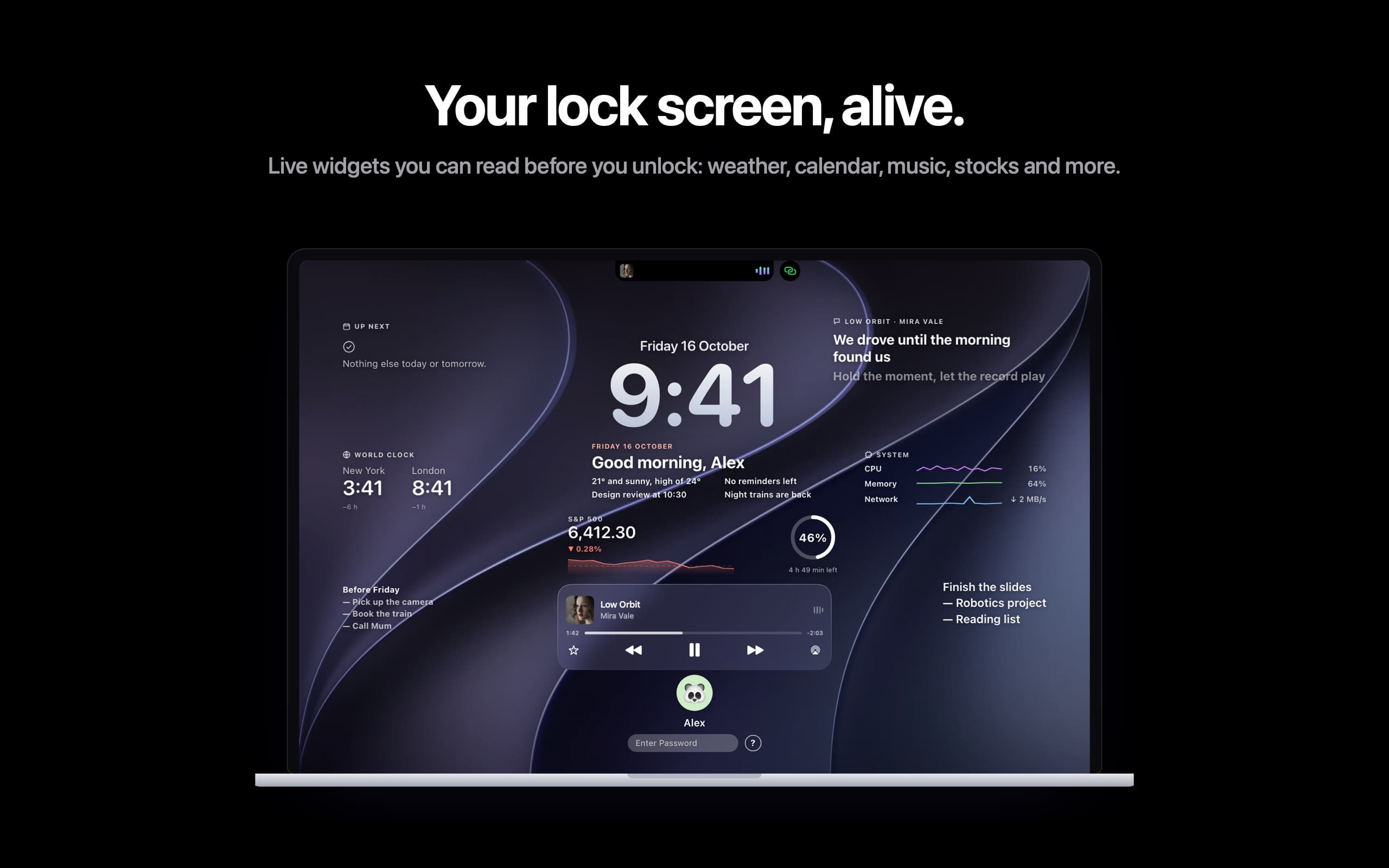
Live widgets on your Mac's lock screen and a Dynamic Island in the notch: music with synced lyrics, calls, trips and more.