
Productivity · Free
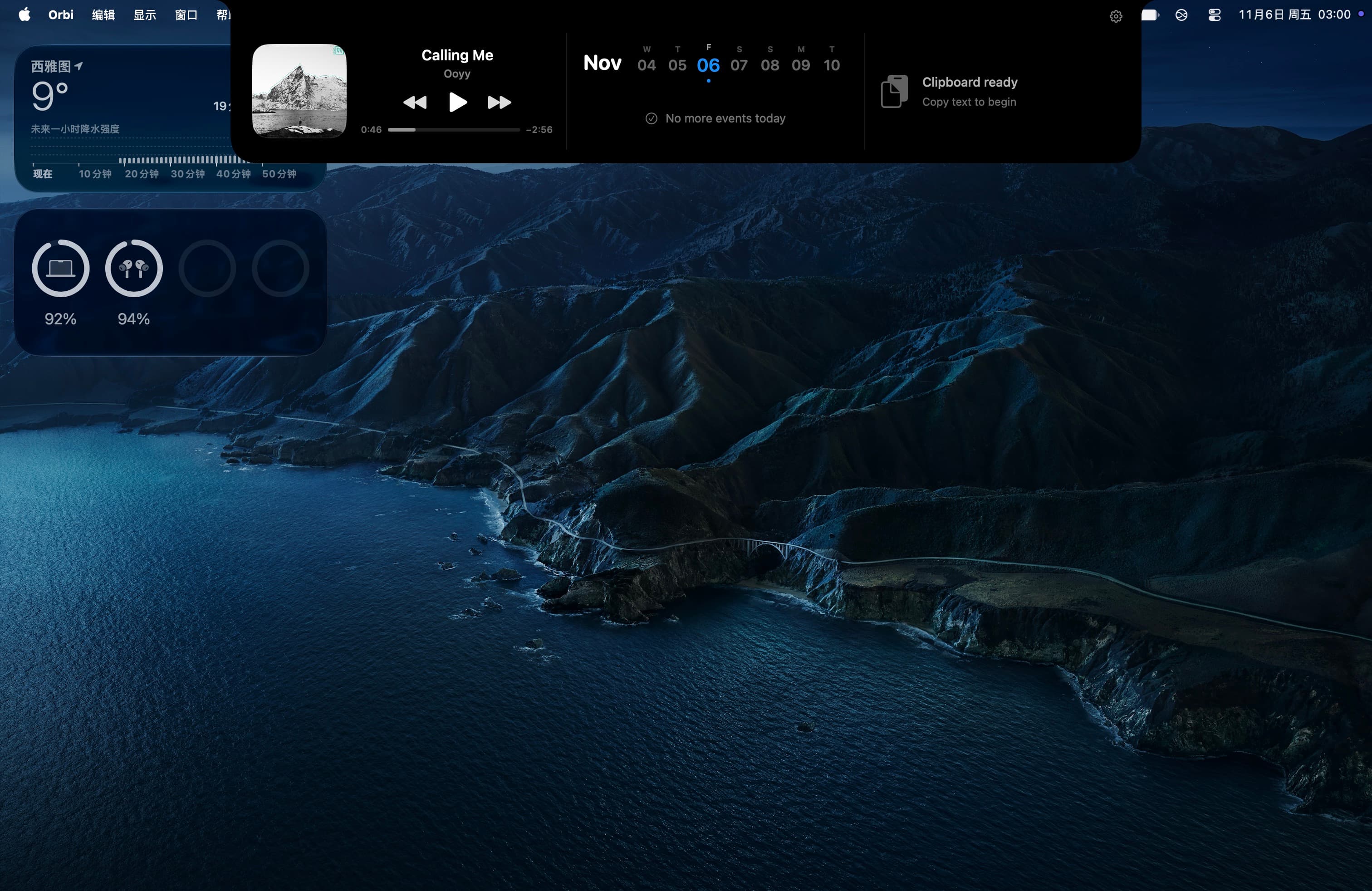
Orbi turns your Mac’s notch into a smart productivity hub for music, calendar events, and clipboard history.
Turns your MacBook notch into a toolbox: window snapping, clipboard history, break reminders and keep-awake in one native app.
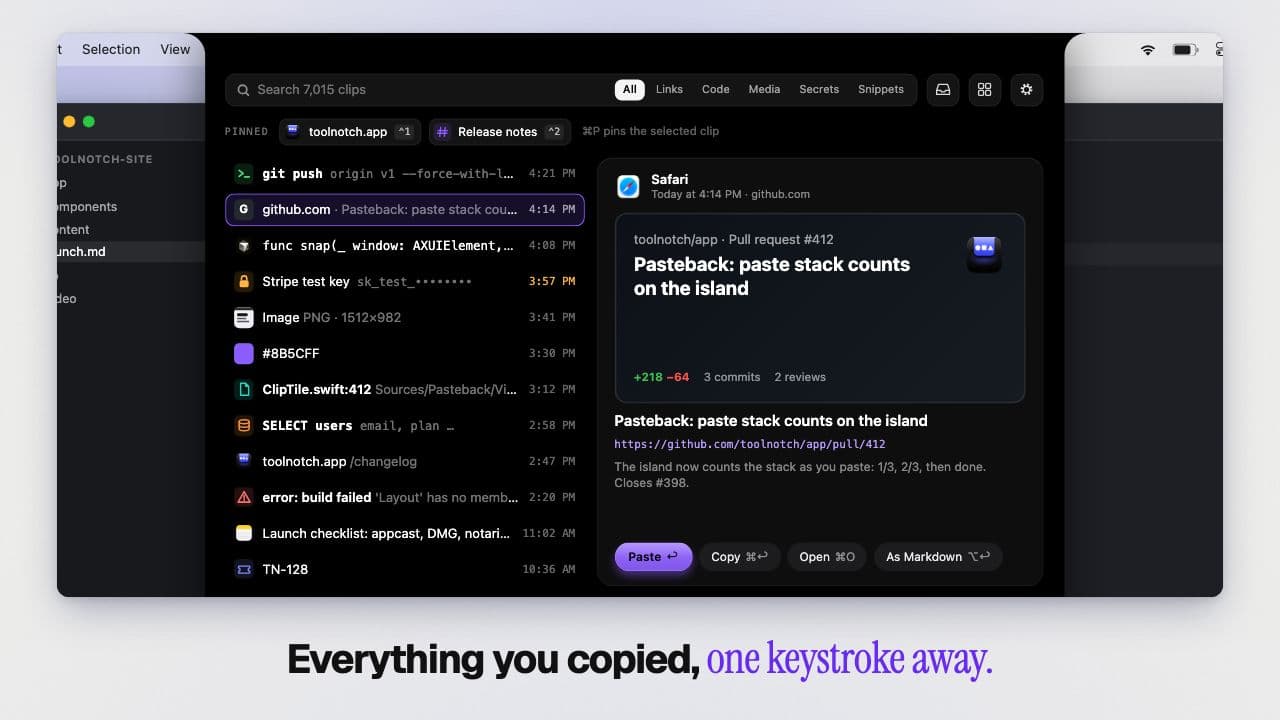
Toolnotch puts small, focused tools in the notch area of your Mac. Each tool shows up as a short "island" that hangs from the notch, then gets out of the way. One app, one licence, instead of a separate menu bar app for each job.
The tools
Details
Productivity · Free
Orbi turns your Mac’s notch into a smart productivity hub for music, calendar events, and clipboard history.

Productivity · Free & open source
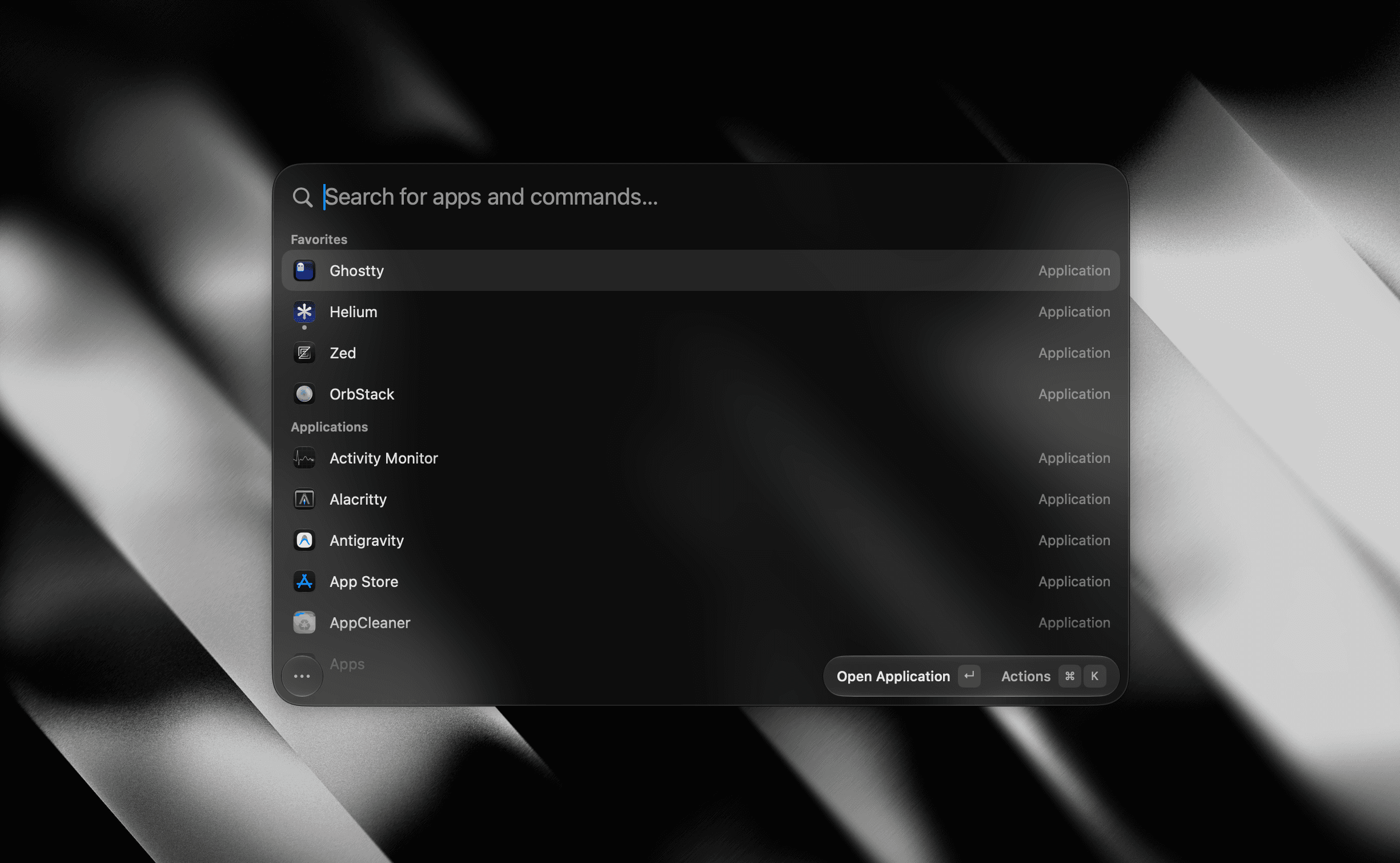
A tiny, fully native macOS launcher — fuzzy app search, clipboard history, an inline calculator, snippets, and window management, with no Electron and no telemetry.

Productivity · $29.99 · one-time (launch price; one-time, includes 1.x updates; iPhone companion coming soon)
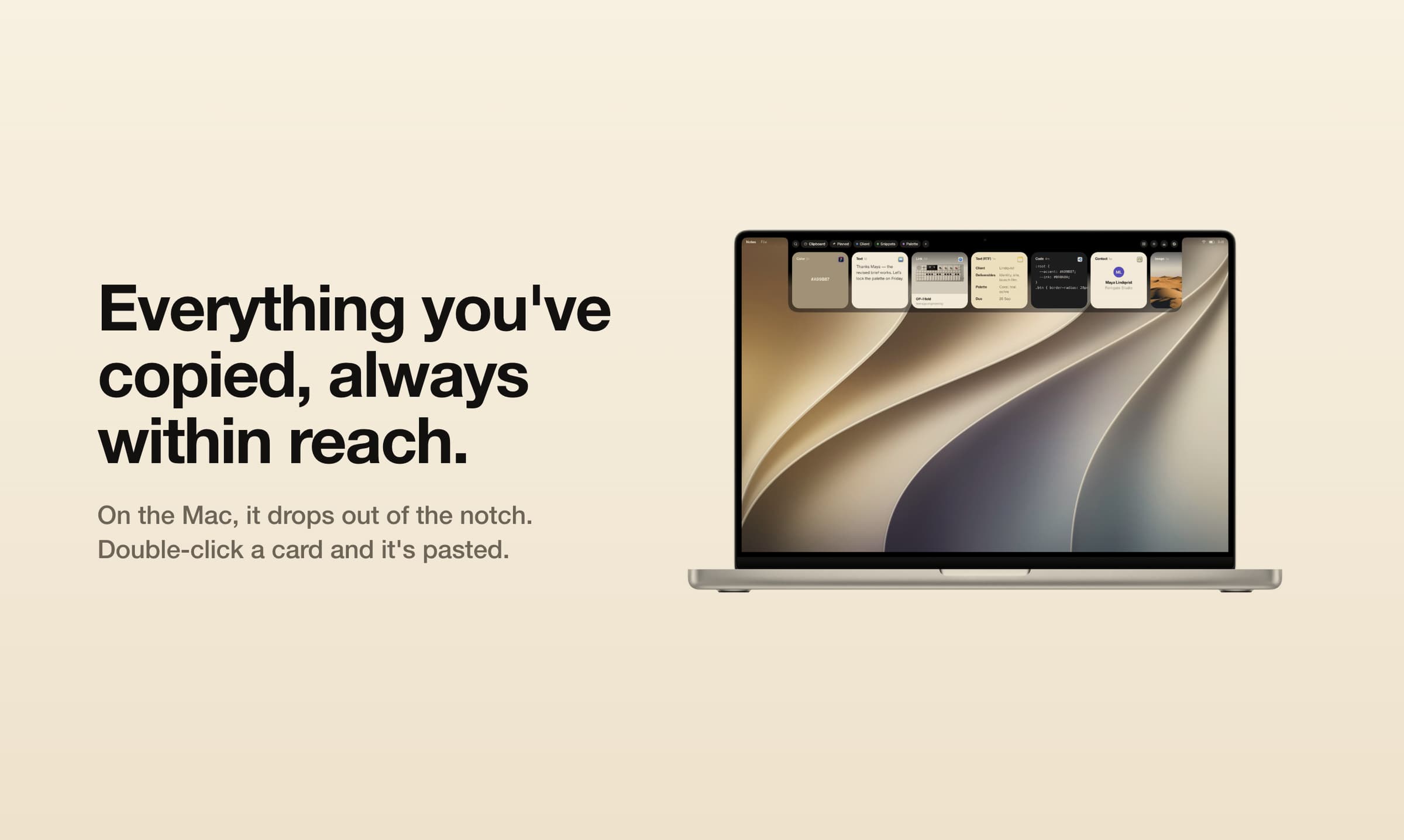
Browse clipboard history as cards in a tray at the top of your Mac’s screen. Search screenshots and paste items in sequence. iPhone companion coming soon.

Utilities · $11.99 · one-time (One-time purchase. No subscription.)
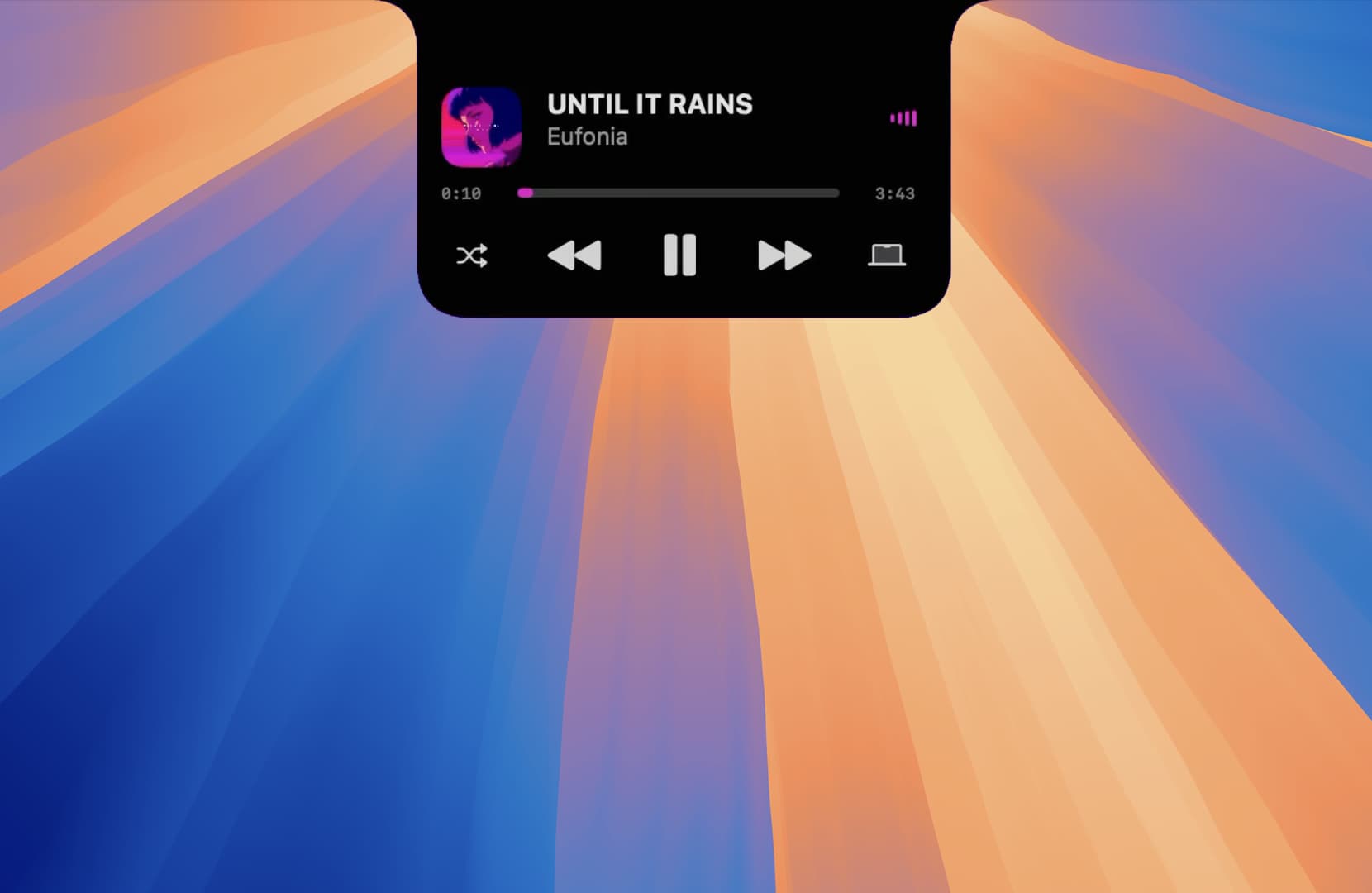
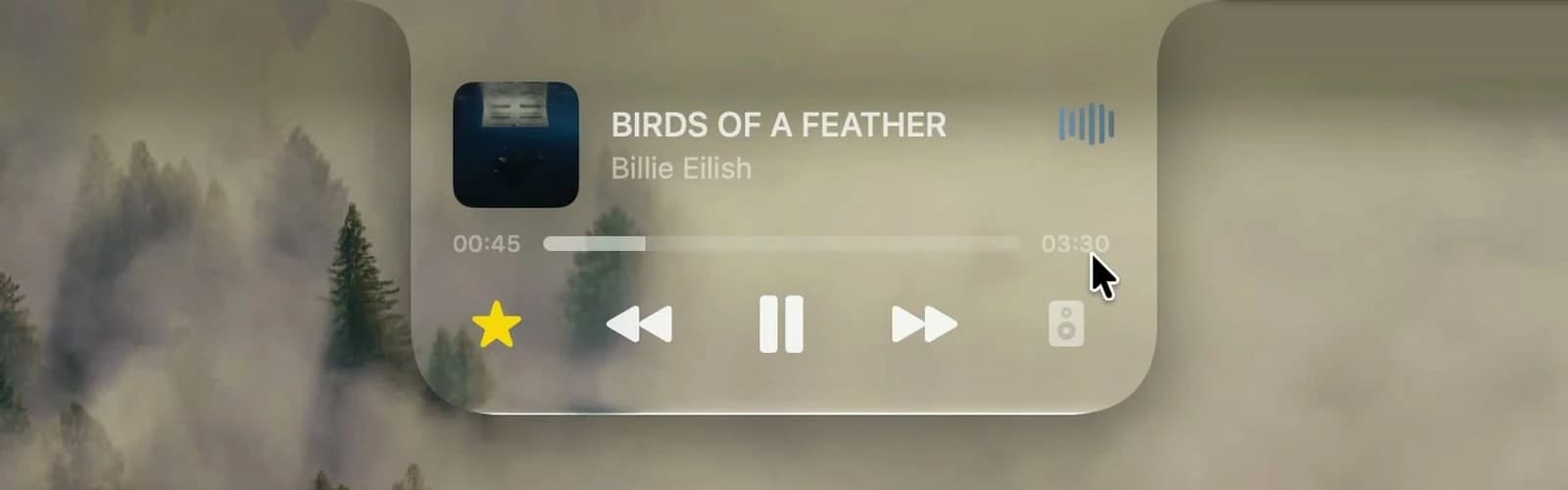
DynamicHorizon brings the Dynamic Island experience to macOS by turning the Mac notch into an interactive part of the system.
AI & Automation · Free · Pro $8
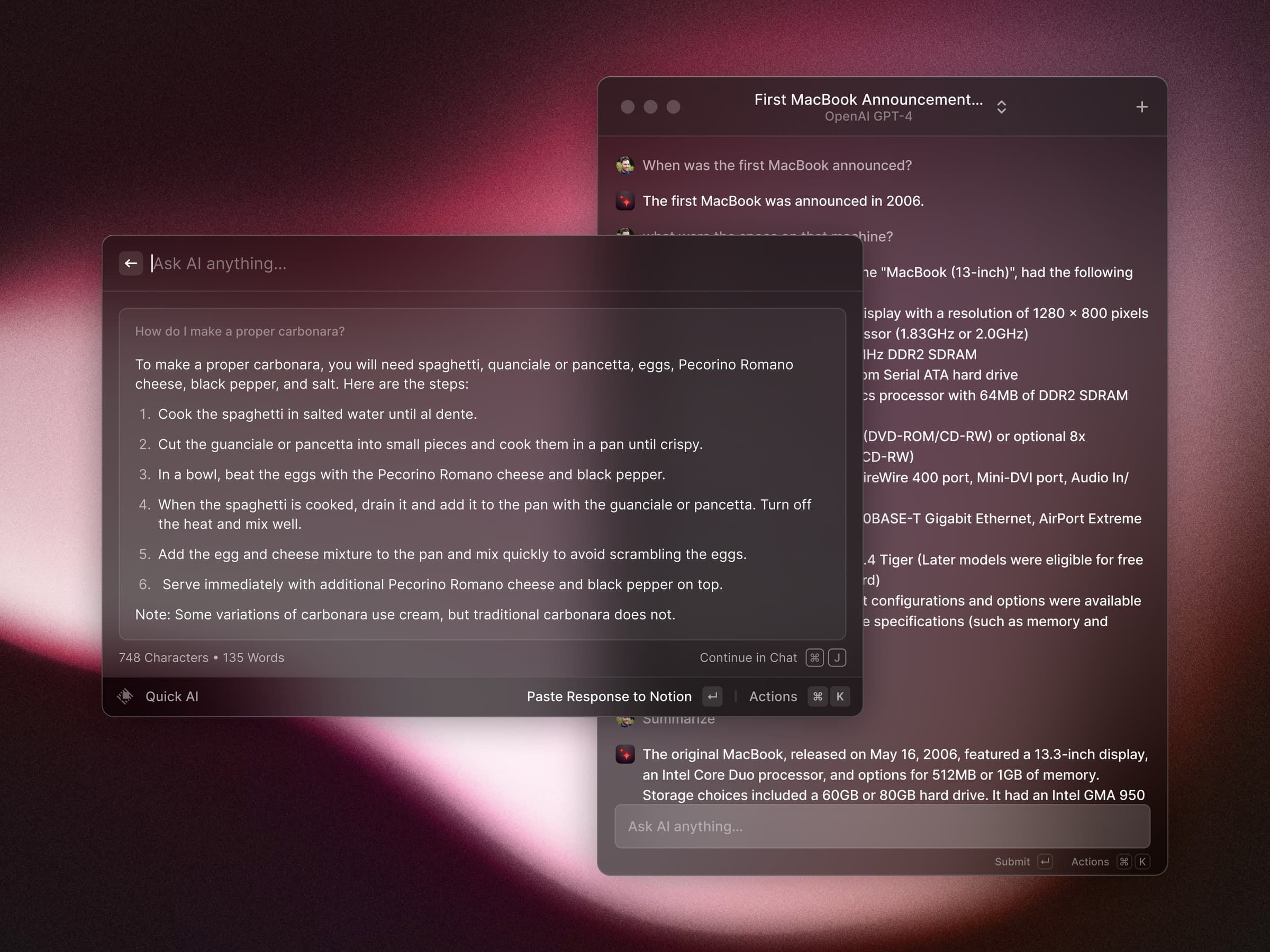
A blazing-fast, keyboard-first launcher that folds clipboard history, window management, snippets, an extension store, and AI into one command bar.

Utilities · $15.99 · one-time (First 50 customers: $5.99 with LAUNCH50, while available. One person, 2 Macs; 1.x updates. No trial.)
Liquid Glass and smart clipboard tools in your MacBook notch, with music, files, timers and reminders.