

The PDF app that feels native — read, annotate, edit text and images, fill and sign forms, and redact, all at a speed the incumbents never manage.
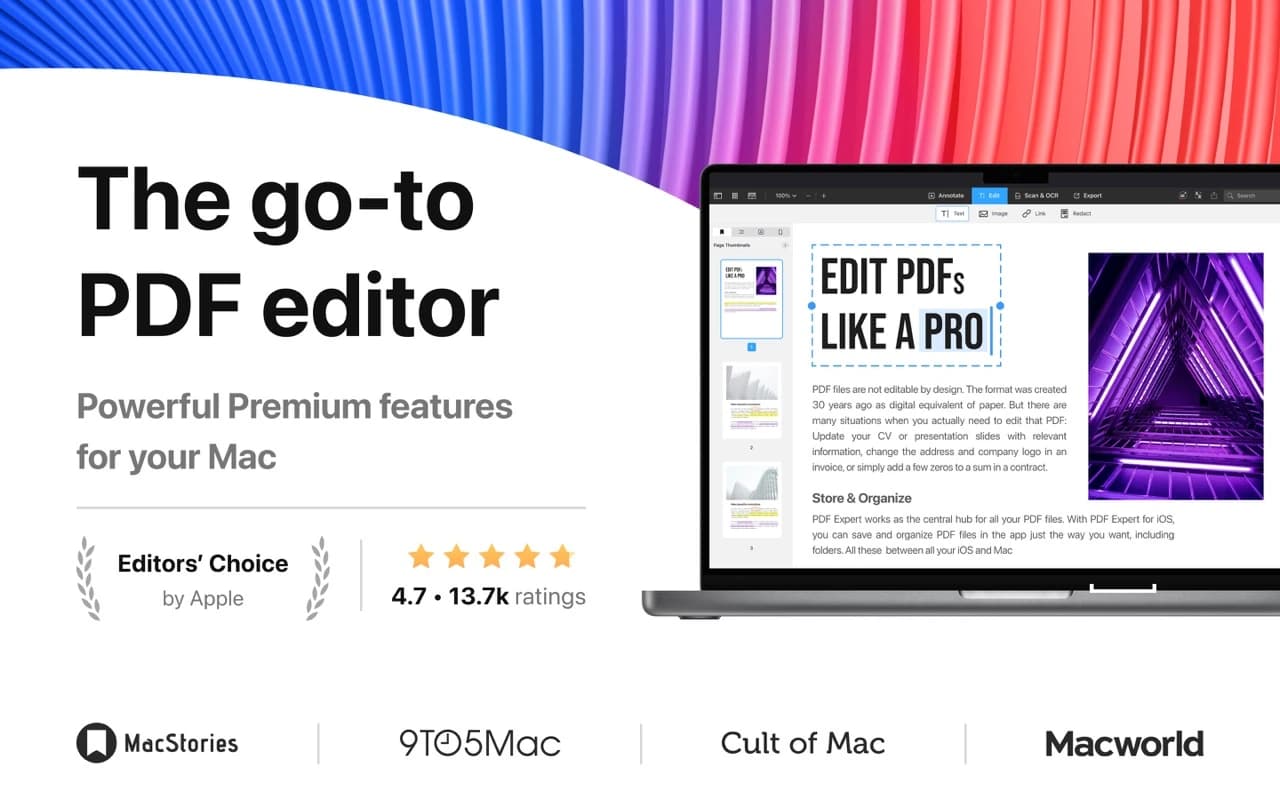
PDF Expert opens big documents instantly and lets you actually work on them: change the words in a paragraph, swap an image, rearrange pages, fill in a form, add a signature, or permanently redact a block of text. It reads like a document viewer and edits like a proper tool.
Why it makes the list
Readdle has spent years making PDF Expert feel like it ships with macOS — fluid scrolling, a clean toolbar, sensible defaults — while quietly covering nearly everything you would otherwise open Acrobat for. It is the rare productivity app in this space that people describe as pleasant.
Standout features
-
Real text and image editing inside existing PDFs
-
Annotations — highlights, notes, shapes, stamps, and freehand
-
Form filling and signing, including sending for signature
-
Redaction that actually removes the underlying content
-
Page management: merge, split, reorder, and extract
-
Fast search and OCR for scanned documents
Pricing
Free to read and annotate. A Premium plan unlocks editing, OCR, redaction, and cross-device features.
Featured in:
More in Writing & Documents
Writing & Documents · $19.99 · one-time (Paid for major upgrades (for example 1.x -> 2.x))
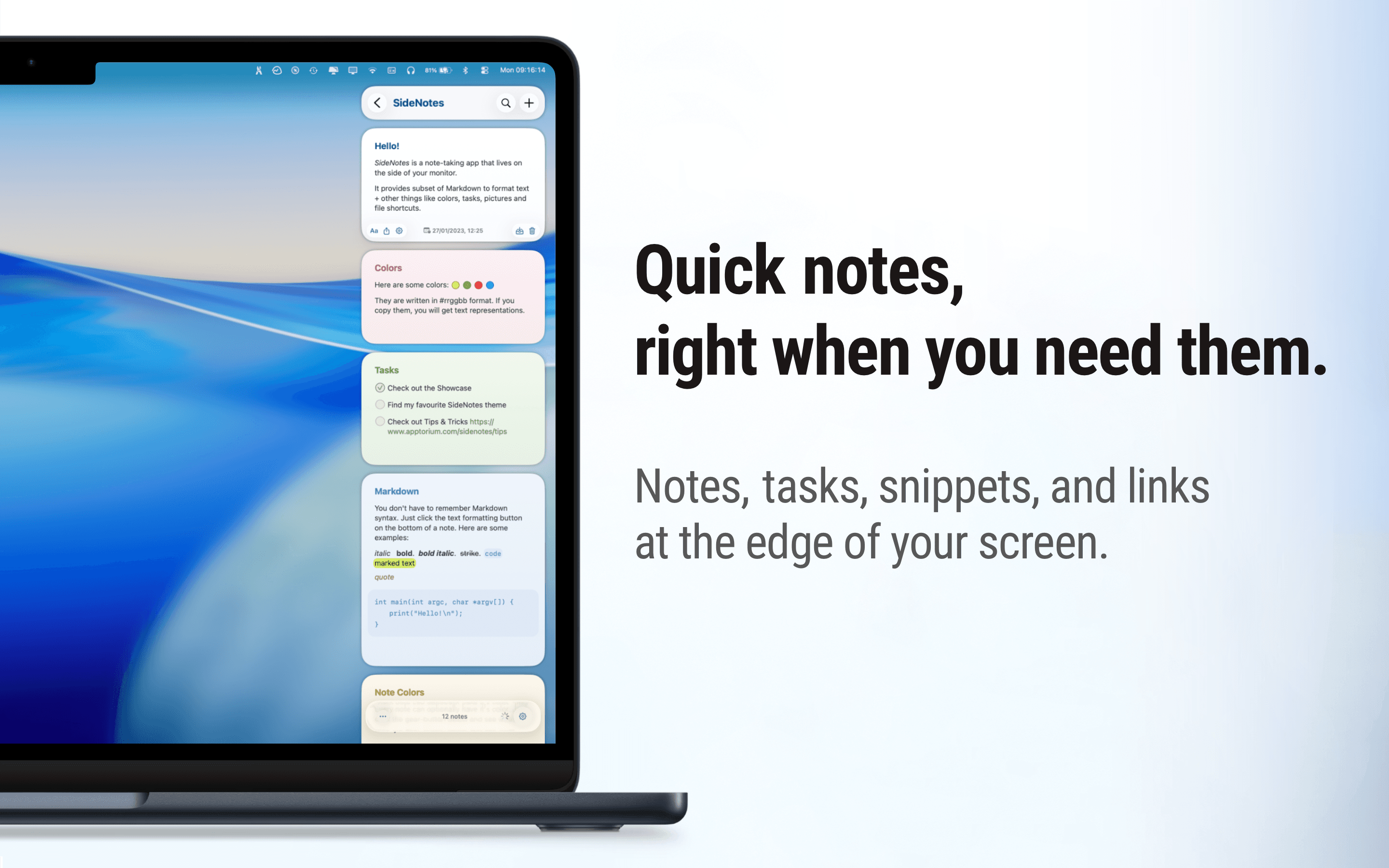
Native macOS notes that slide out from your screen edge, so you can capture tasks, links, and snippets without leaving your work.
Writing & Documents · $12.99 · one-time (One license, up to 3 Macs)
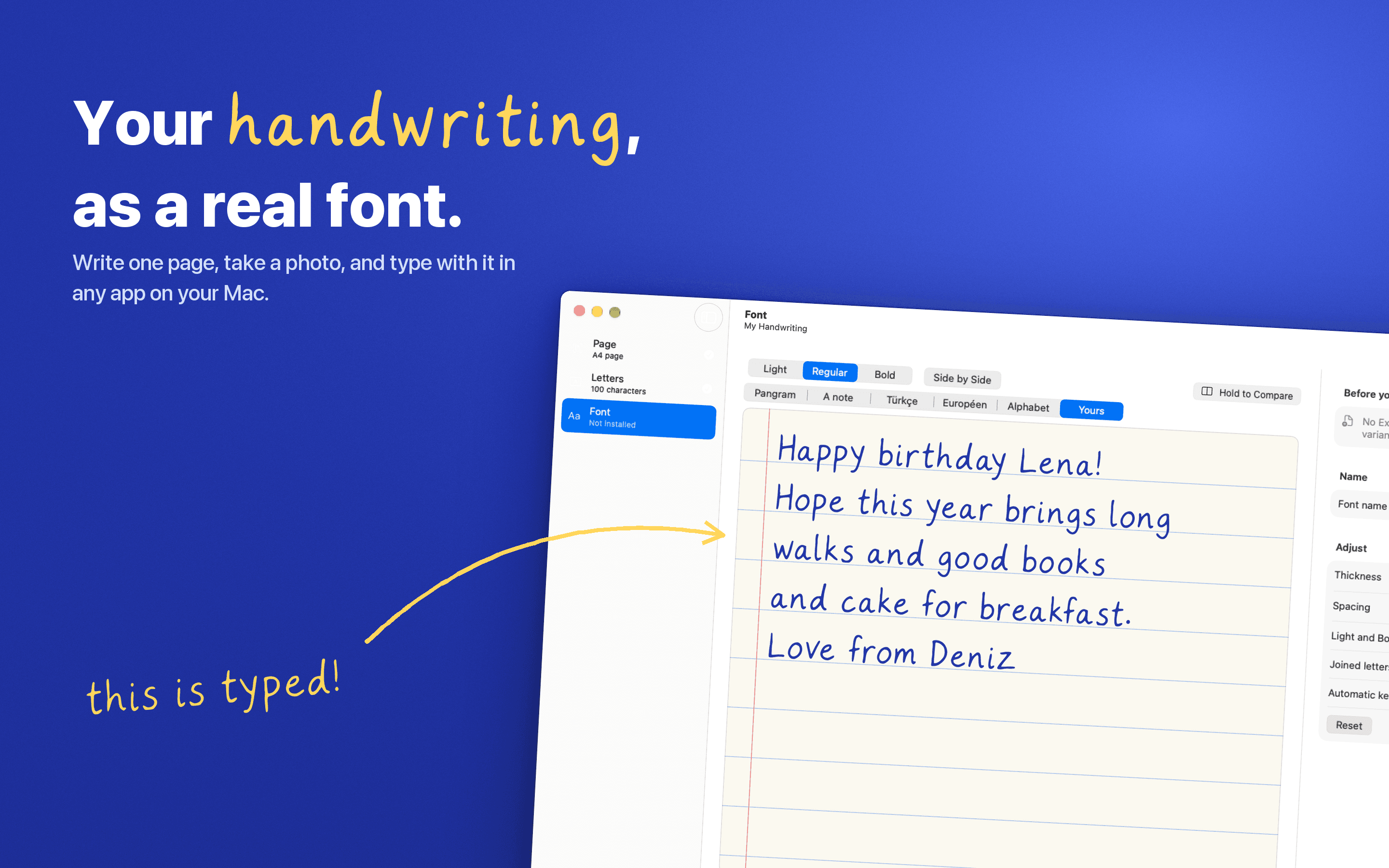
Turn your handwriting into a real font. Write one page, snap a photo, and type with it anywhere on your Mac. Nothing leaves your Mac.
Writing & Documents · Free & open source
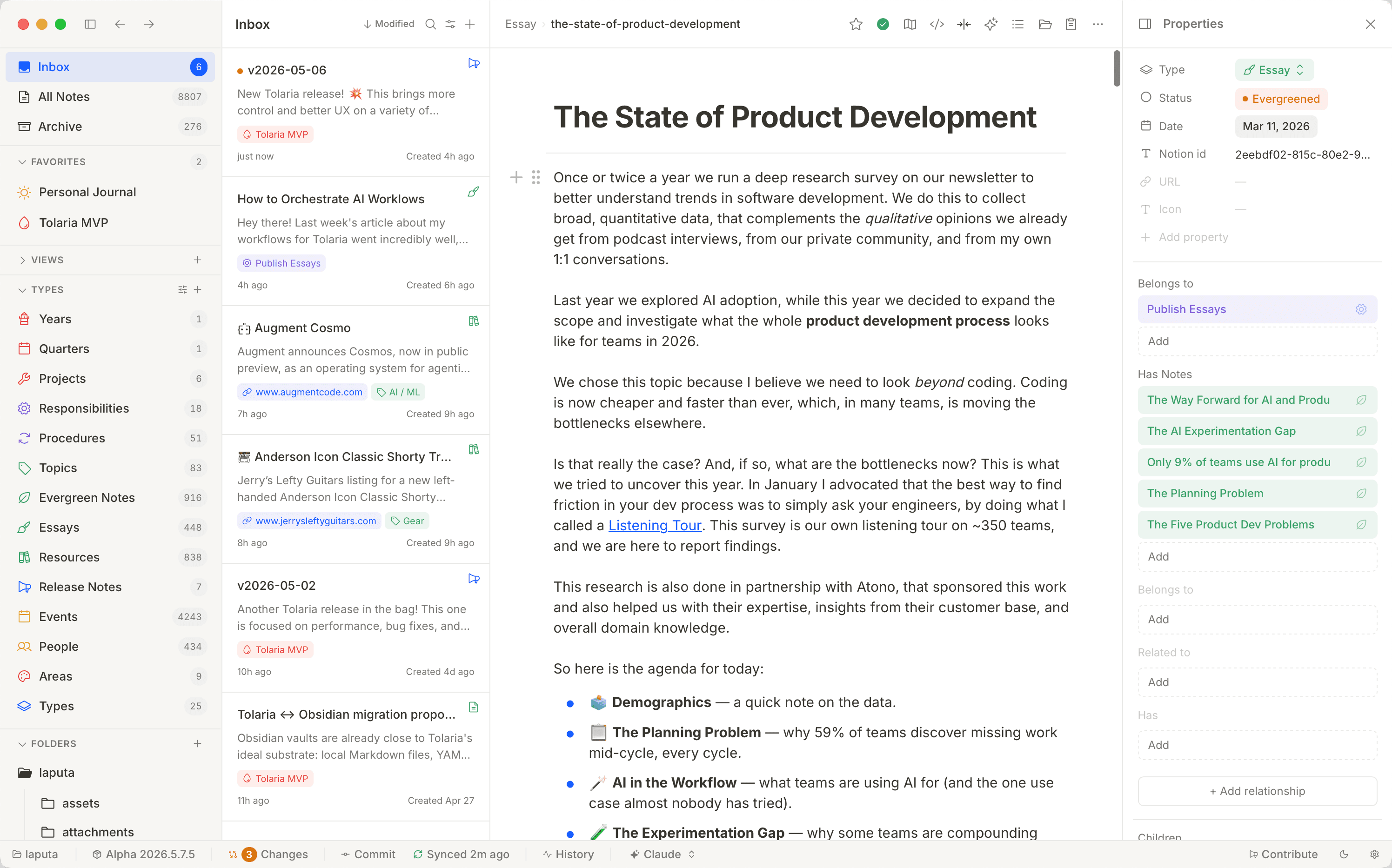
A free, open-source second brain — notes live as local Markdown files with native Git history and built-in AI agents, no proprietary database.