
This submission was rejected.

Where text starts on the Mac — a frictionless capture window that opens to a blank page, then sends the text anywhere with actions and scripts.
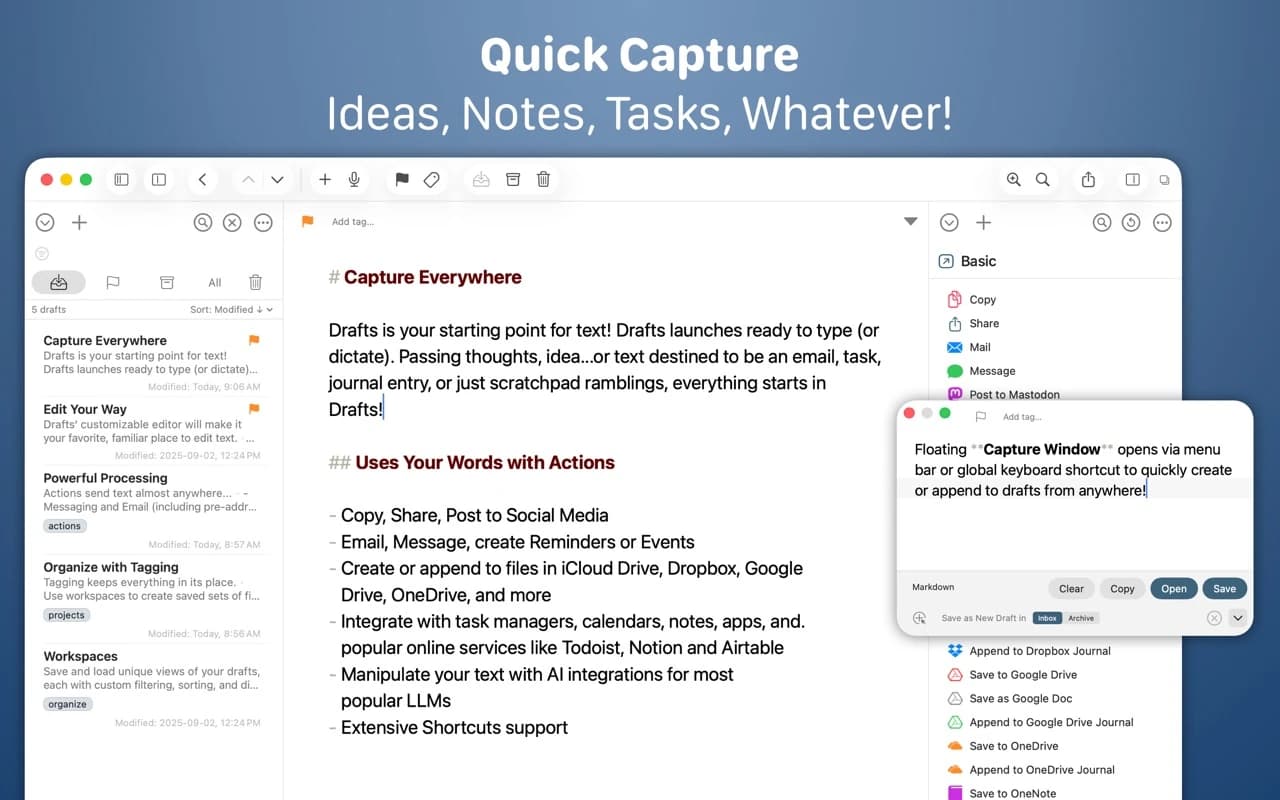
Drafts opens instantly to an empty page. You write first and decide what the text is later — a message, a note, a task, a journal entry — then run an action to send it where it belongs. Every draft is captured and searchable in the meantime.
Why it makes the list
Drafts has a devoted following on iOS, and the Mac version is a first-class citizen rather than a port. The core idea — separate capturing text from filing it — genuinely speeds up getting a thought out of your head, and the action and scripting system is deep enough to run whole workflows.
Standout features
-
Instant capture with a global shortcut and a menu-bar quick-entry field
-
Action library — append to a note, send a message, create a task, post to a blog
-
JavaScript scripting with a full API for custom automation
-
Markdown and TaskPaper syntax with live preview
-
Workspaces and tags to organise a large draft list
-
iCloud sync with iPhone and iPad
Pricing
Free for capture, editing, and core actions. Drafts Pro ($2.99/month or $19.99/year) unlocks themes, versions, and the full action and scripting features.
Featured in:
More in Writing & Documents
Writing & Documents · $29.99 · one-time (App Store, Free Trial)
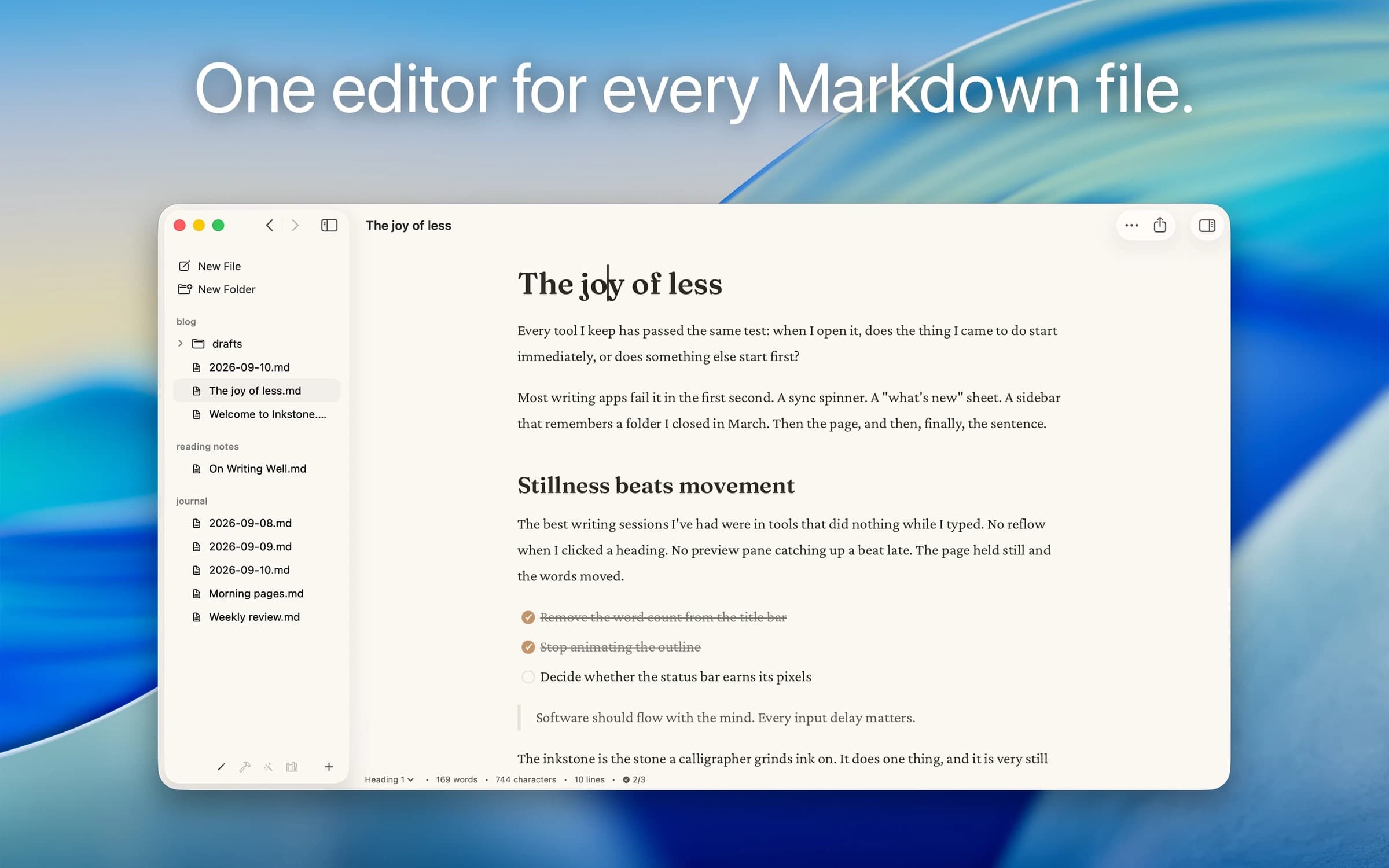
Native Markdown editor for the plain .md files on your Mac: renders as you type, edits folders in place, no account.
Writing & Documents · $17.99 · one-time (App Store. Subscription options also available.)
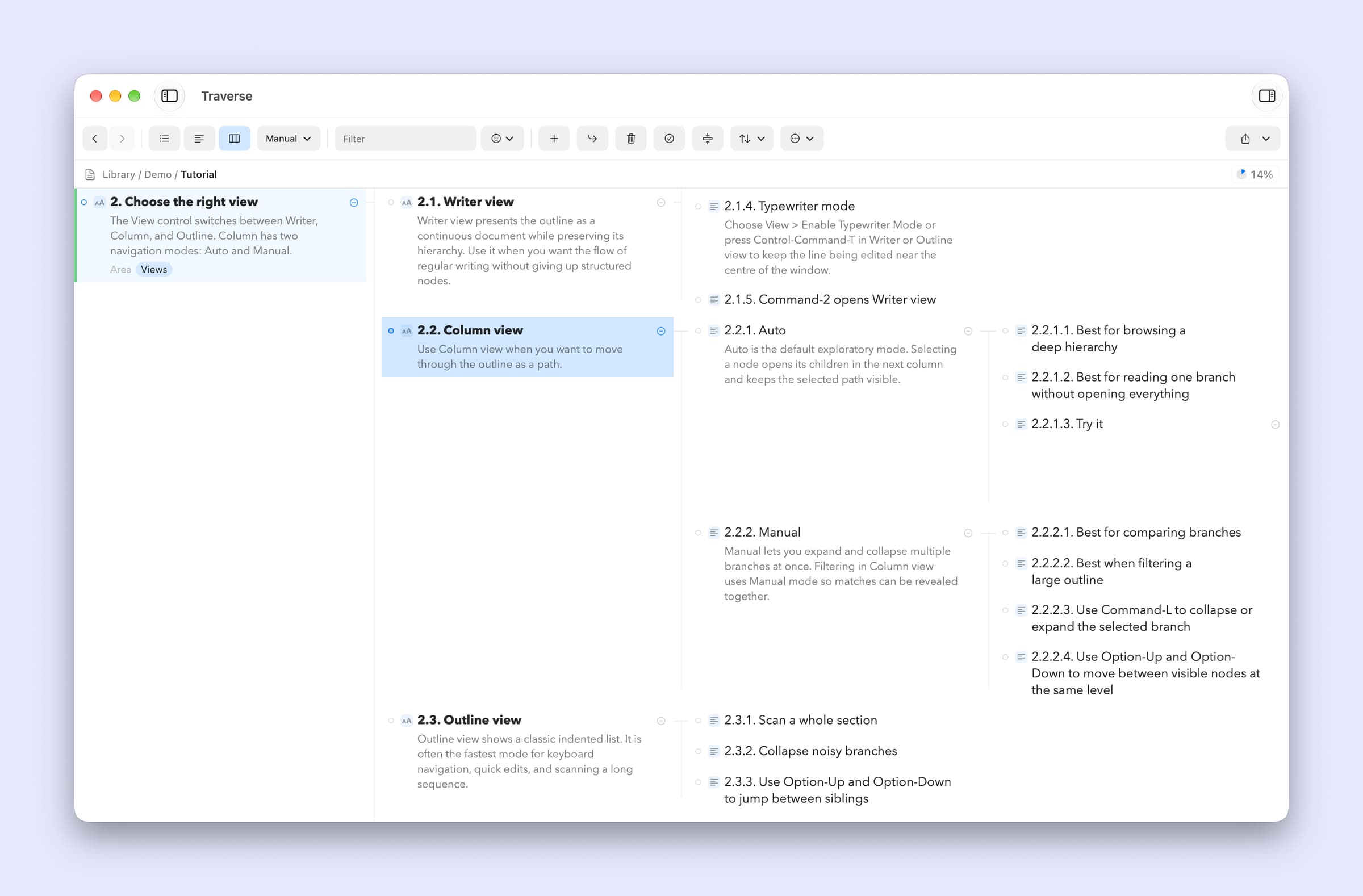
A native Mac outliner for turning messy ideas into structured writing, research, plans, and scripts, all stored as portable local OPML files
Writing & Documents · Free · free for 3 notes, $4.99 one-time for unlimited $0
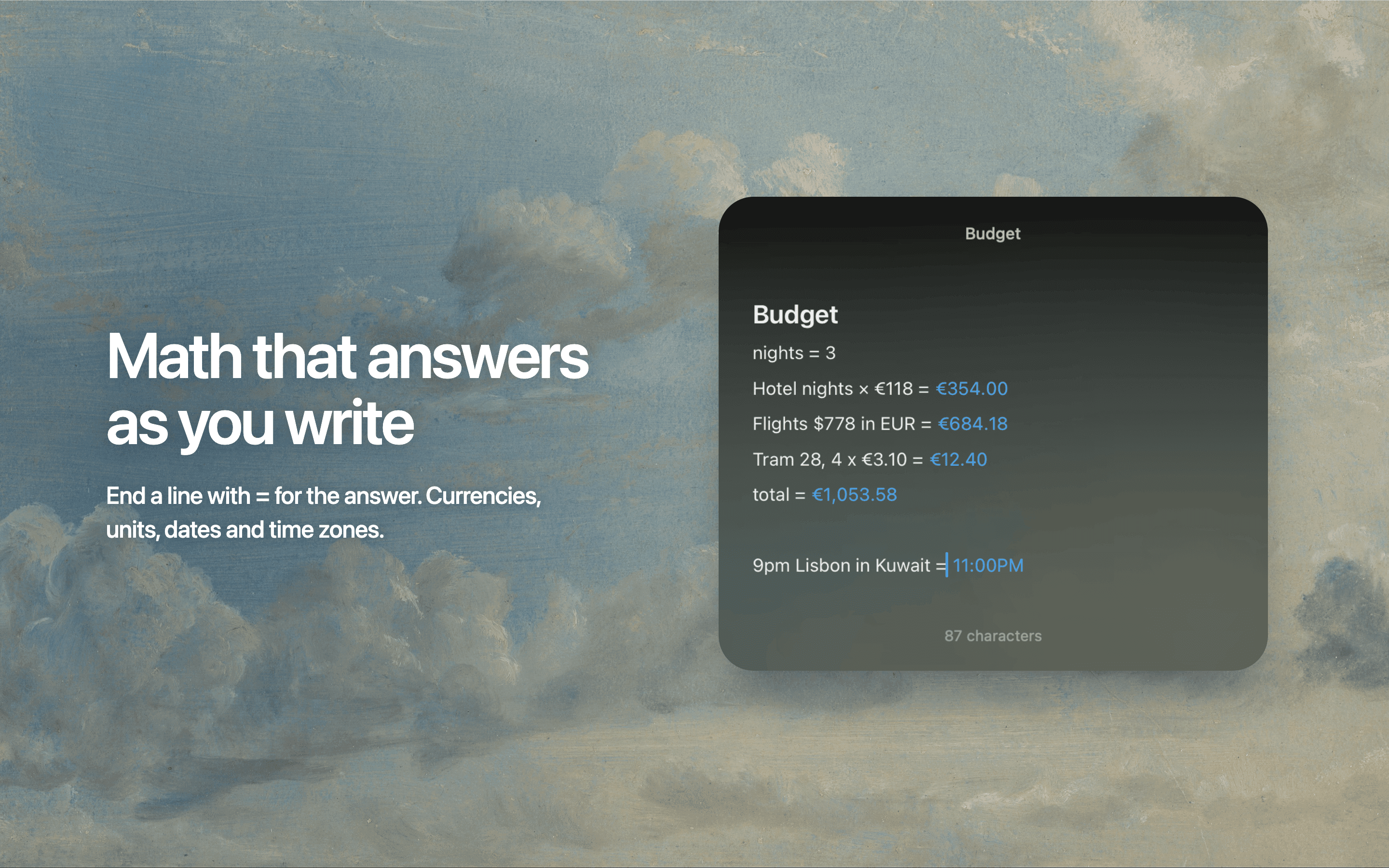
Floating Markdown notes for Mac that open over any app with one keystroke, or from the screen edge or notch.