

A native macOS Quick Look extension and viewer for Markdown — instant, WebView-free rendering with Mermaid diagrams, LaTeX math, tables, and code highlighting.
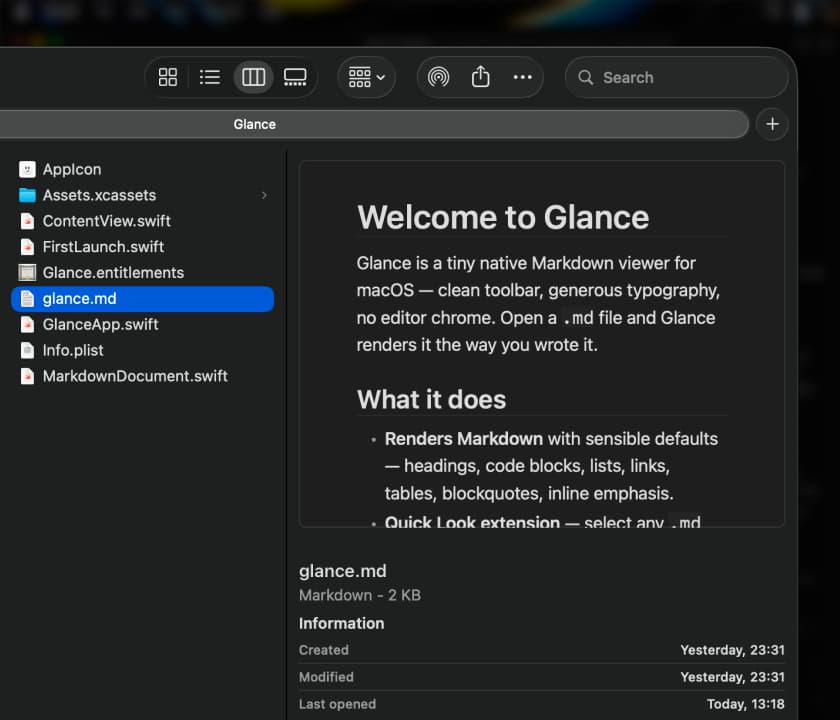
Glance renders Markdown the moment you need it. Select a .md file in Finder and press Space for a clean, fully formatted preview, or open files in the standalone app. There is no WebView anywhere — a native engine draws the page, so it appears instantly and scrolls smoothly.
Why it makes the list
Most Markdown previewers either spin up a browser engine or make you keep a heavy editor open. Glance is a ~10 MB download that hooks straight into Quick Look, works entirely offline, and ships zero telemetry. It handles what technical writing actually uses — Mermaid diagrams, LaTeX math, syntax-highlighted code, tables — without a plugin zoo.
Standout features
-
Quick Look preview for
.mdfiles — just press Space in Finder -
Native rendering, no WebView, for instant display and smooth scrolling
-
Mermaid diagrams and LaTeX math rendered inline
-
Find in file with highlighted matches, plus smart pinch-to-zoom
-
Syntax highlighting for code blocks and for plain text, JSON, and YAML
-
Glance Pro adds inline text formatting, table editing, and diagram editing
Pricing
Reading Markdown is free forever. Glance Pro is a one-time $9.99 (14-day trial, no card required) and covers up to three Macs with a year of updates. Apple Silicon, macOS 14 or later.
Featured in:
More in Writing & Documents
Writing & Documents · $19.99 · one-time (Paid for major upgrades (for example 1.x -> 2.x))
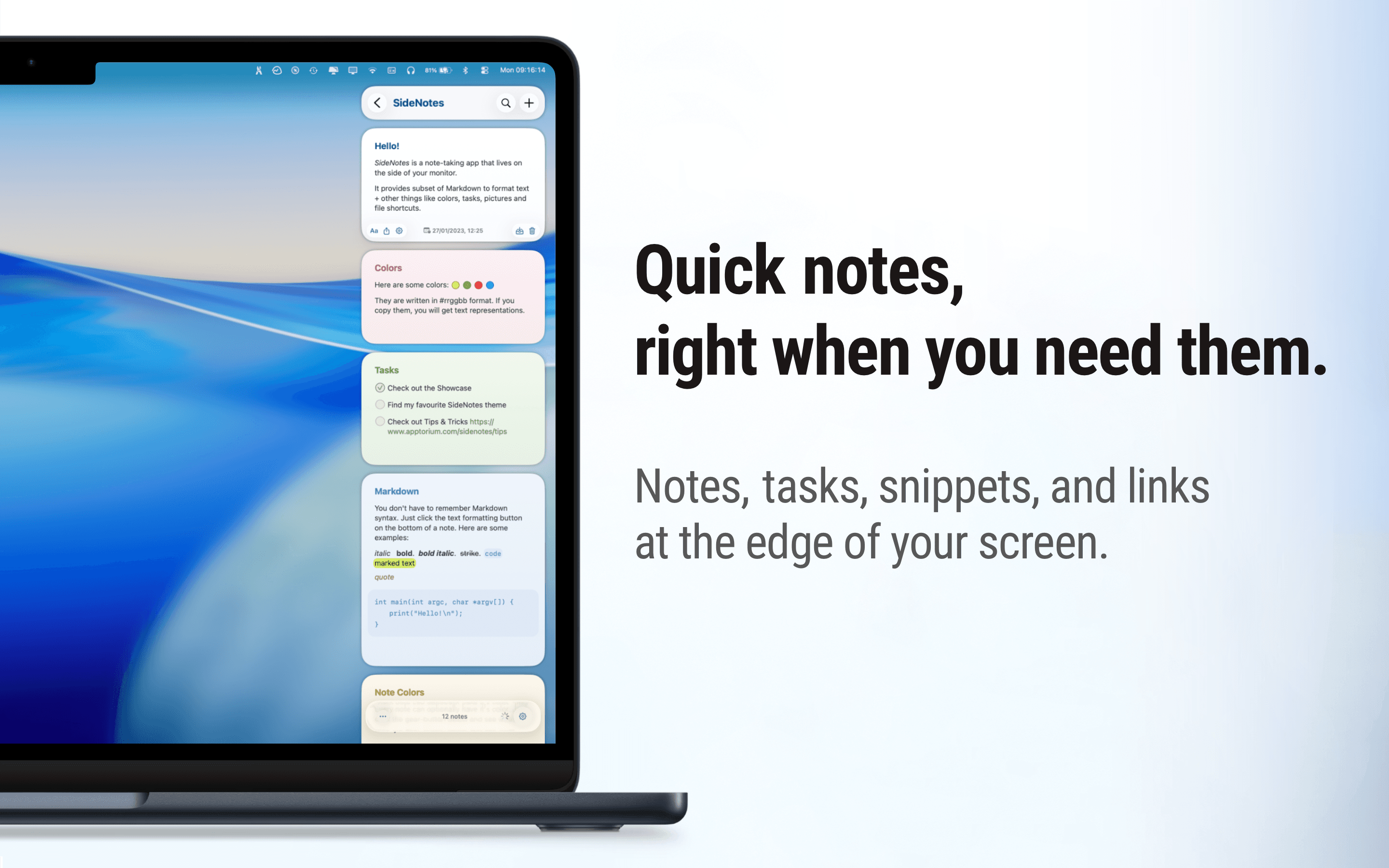
Native macOS notes that slide out from your screen edge, so you can capture tasks, links, and snippets without leaving your work.

Writing & Documents · $12.99 · one-time (One license, up to 3 Macs)
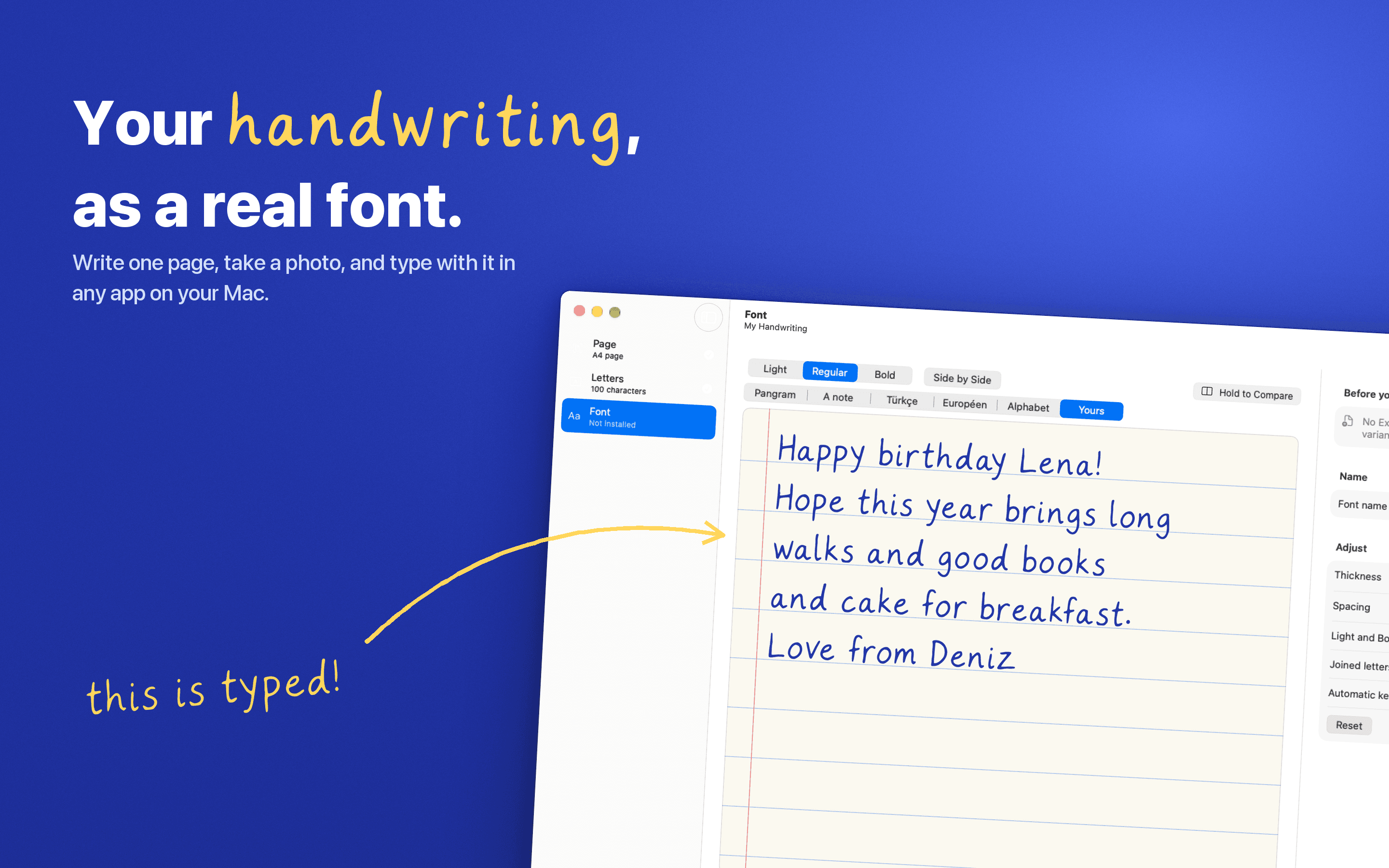
Turn your handwriting into a real font. Write one page, snap a photo, and type with it anywhere on your Mac. Nothing leaves your Mac.
Writing & Documents · Free & open source
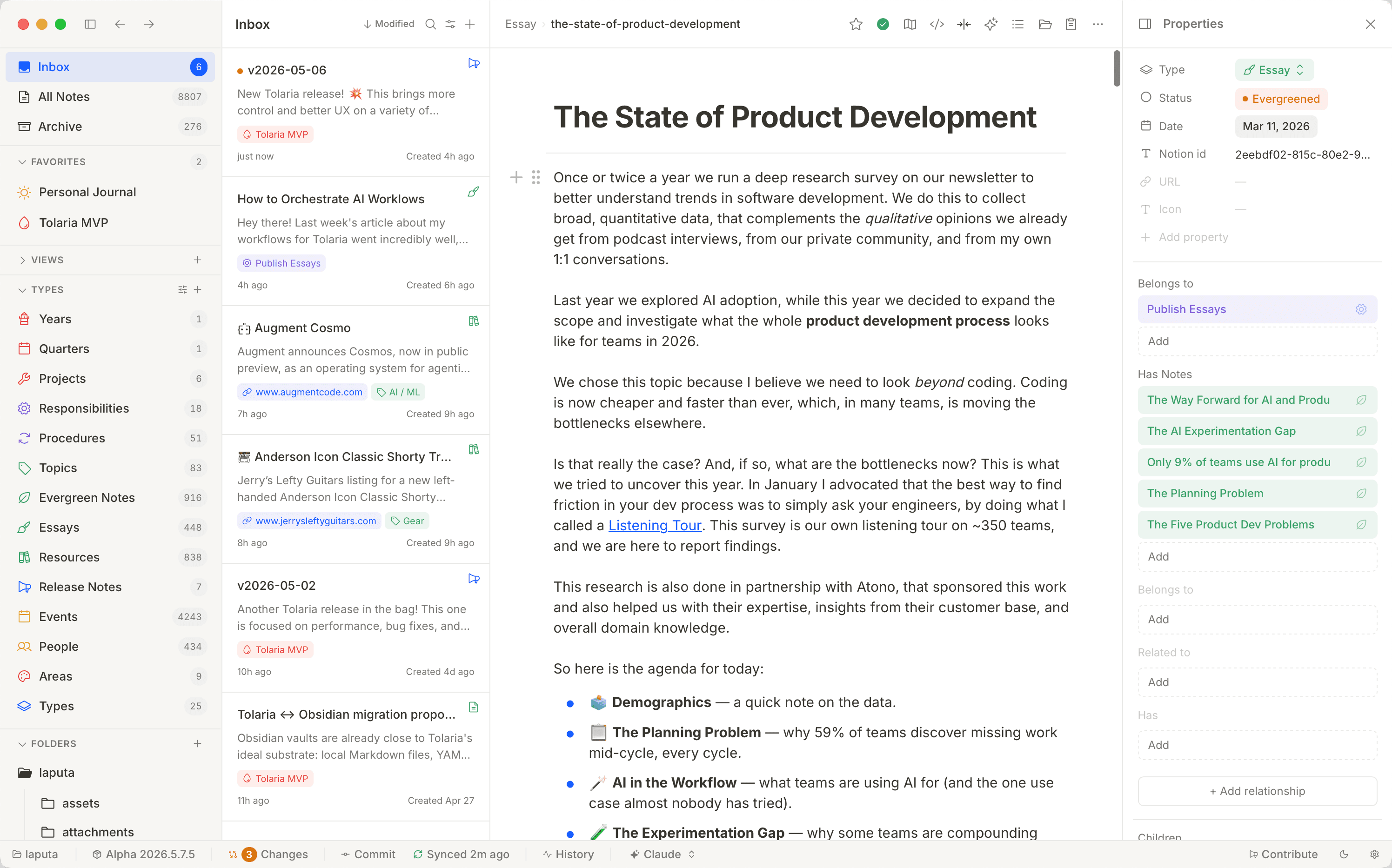
A free, open-source second brain — notes live as local Markdown files with native Git history and built-in AI agents, no proprietary database.