
Writing & Documents · Free · Pro, one-time $9.99
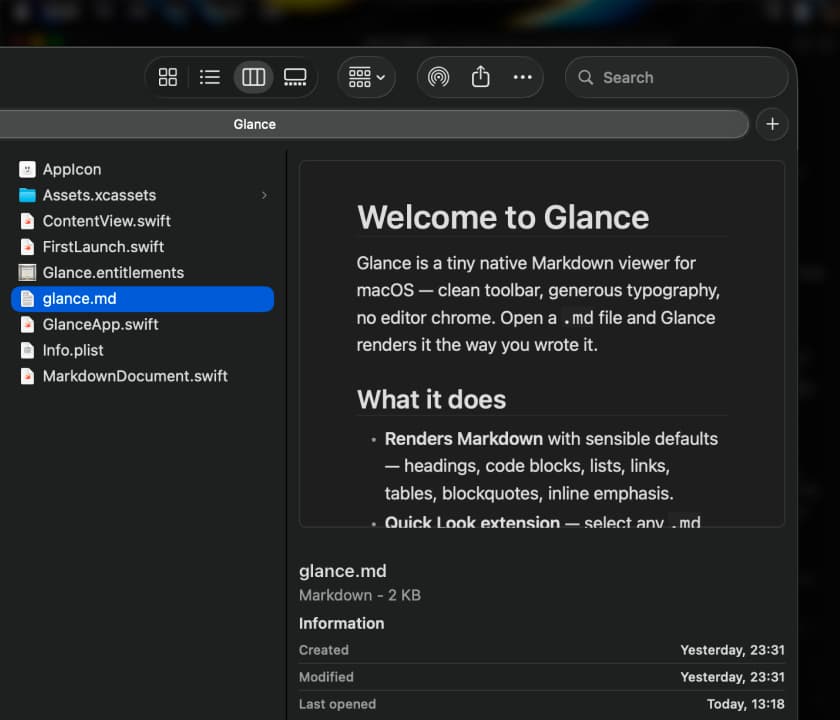
A native macOS Quick Look extension and viewer for Markdown — instant, WebView-free rendering with Mermaid diagrams, LaTeX math, tables, and code highlighting.
A fast, native Markdown viewer that opens .md files instantly without launching an editor.
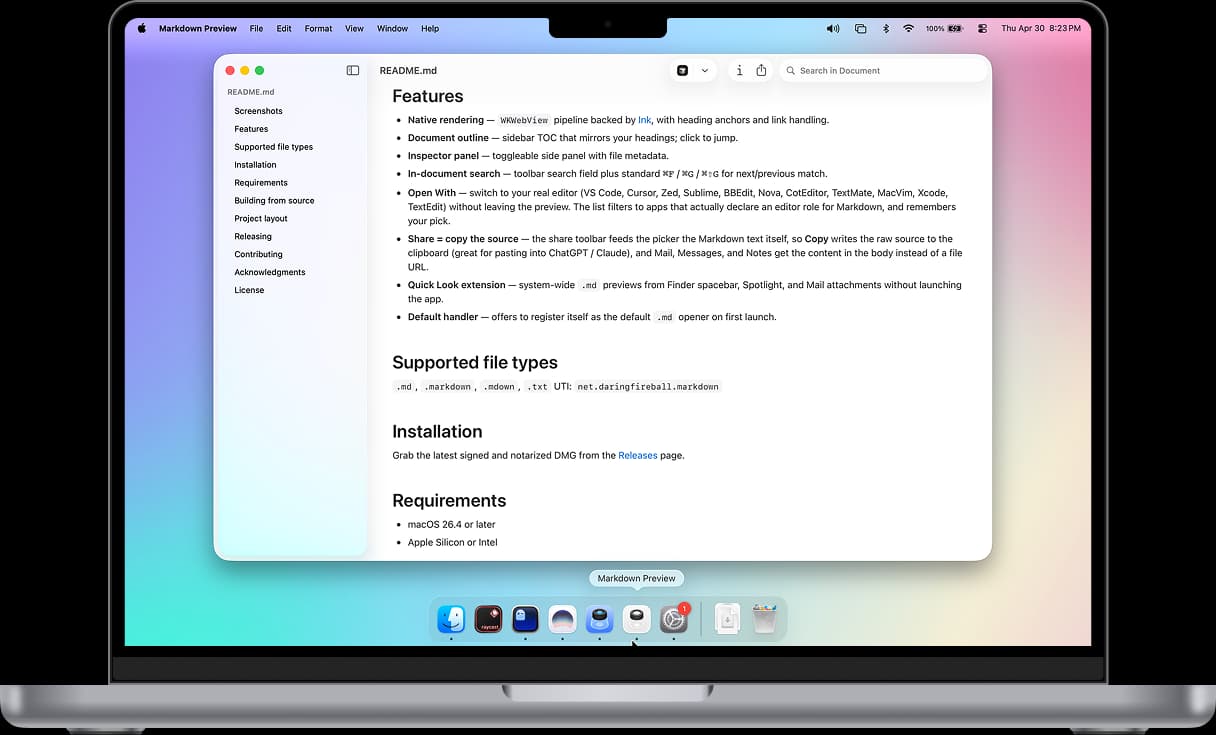
Markdown Preview is a lightweight, native viewer for .md files — double-click a README or notes file and get clean, properly rendered Markdown instead of a wall of raw syntax in a text editor.
Most Markdown files get opened in a full code editor just to be read, which is overkill for simply checking a README. Markdown Preview renders files natively with WKWebView, adds a document outline for quick navigation, and can hand off to your real editor the moment you actually need to edit.
.md files from Finder's spacebar or Spotlight without launching the app.md handler — can register itself to open Markdown files system-wideCompletely free and open source.
Writing & Documents · Free · Pro, one-time $9.99
A native macOS Quick Look extension and viewer for Markdown — instant, WebView-free rendering with Mermaid diagrams, LaTeX math, tables, and code highlighting.
Utilities · Free · Free download; optional Pro US$3.99 one-time in-app purchase. No subscription. Local pricing may vary. $0
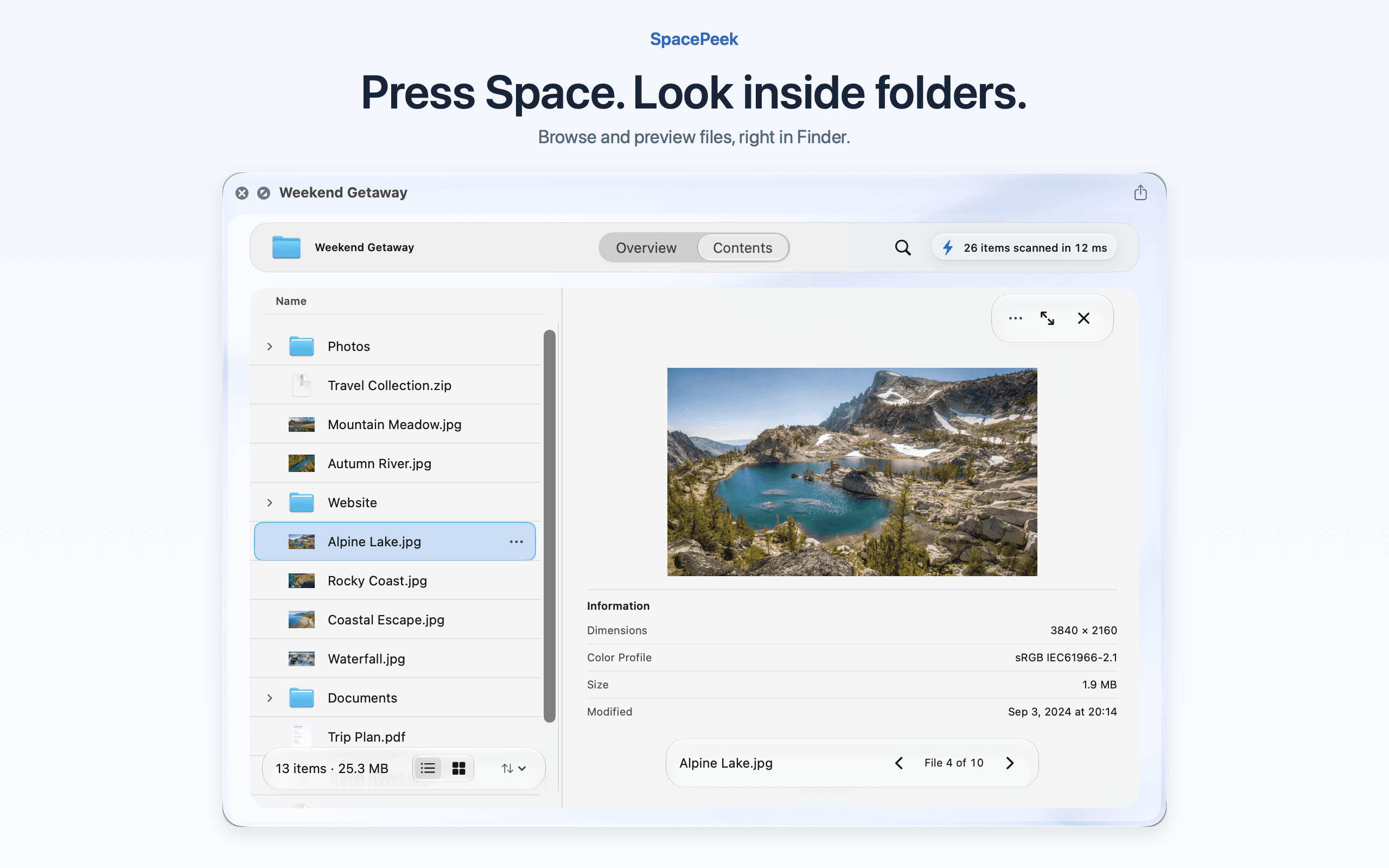
Browse folders and archives in Finder Quick Look

Productivity · Free & open source
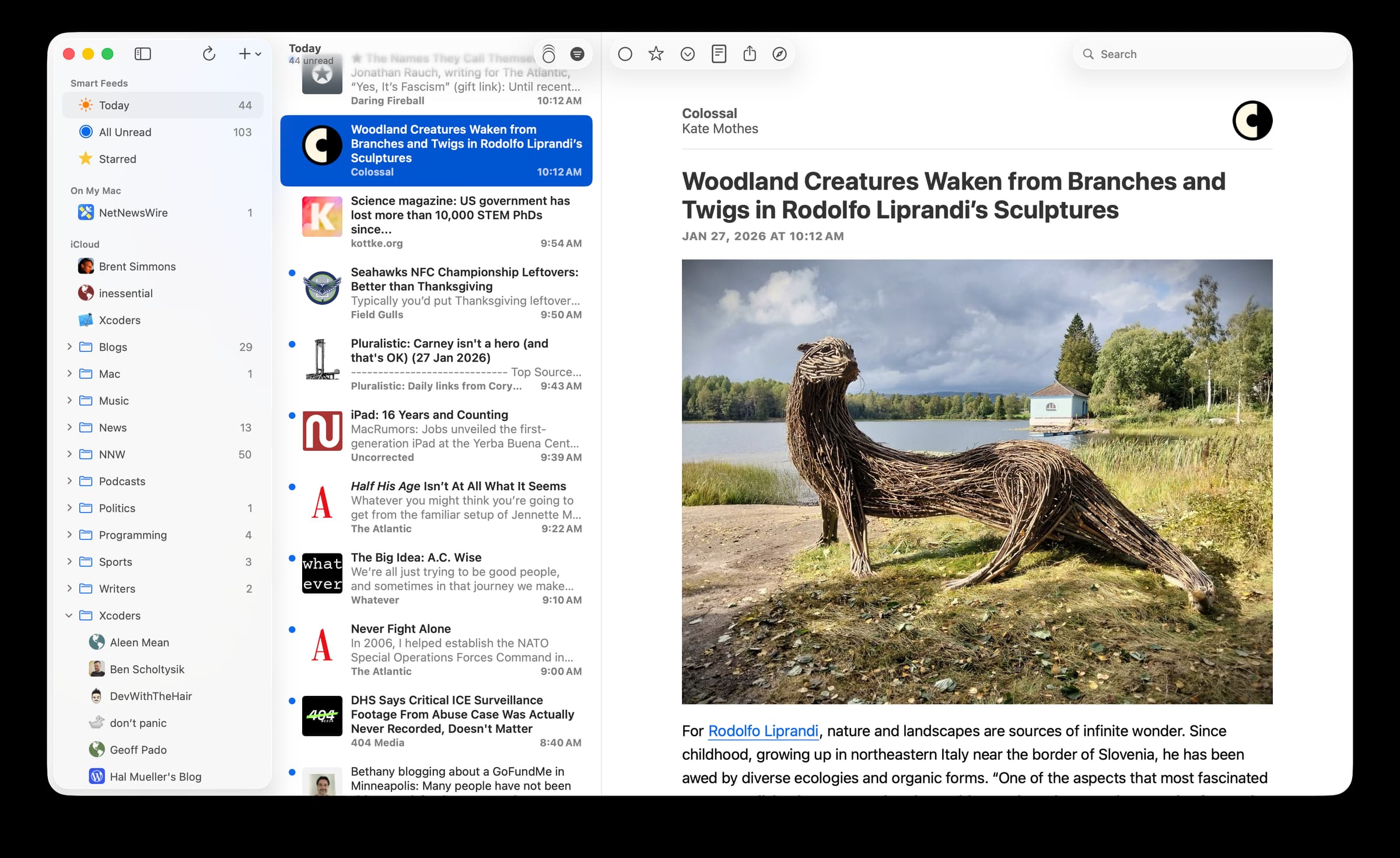
The reference example of a truly native Mac app — a fast, free, open-source RSS reader with no account, no tracking, and no clutter between you and your feeds.

Productivity · $9.99 · one-time
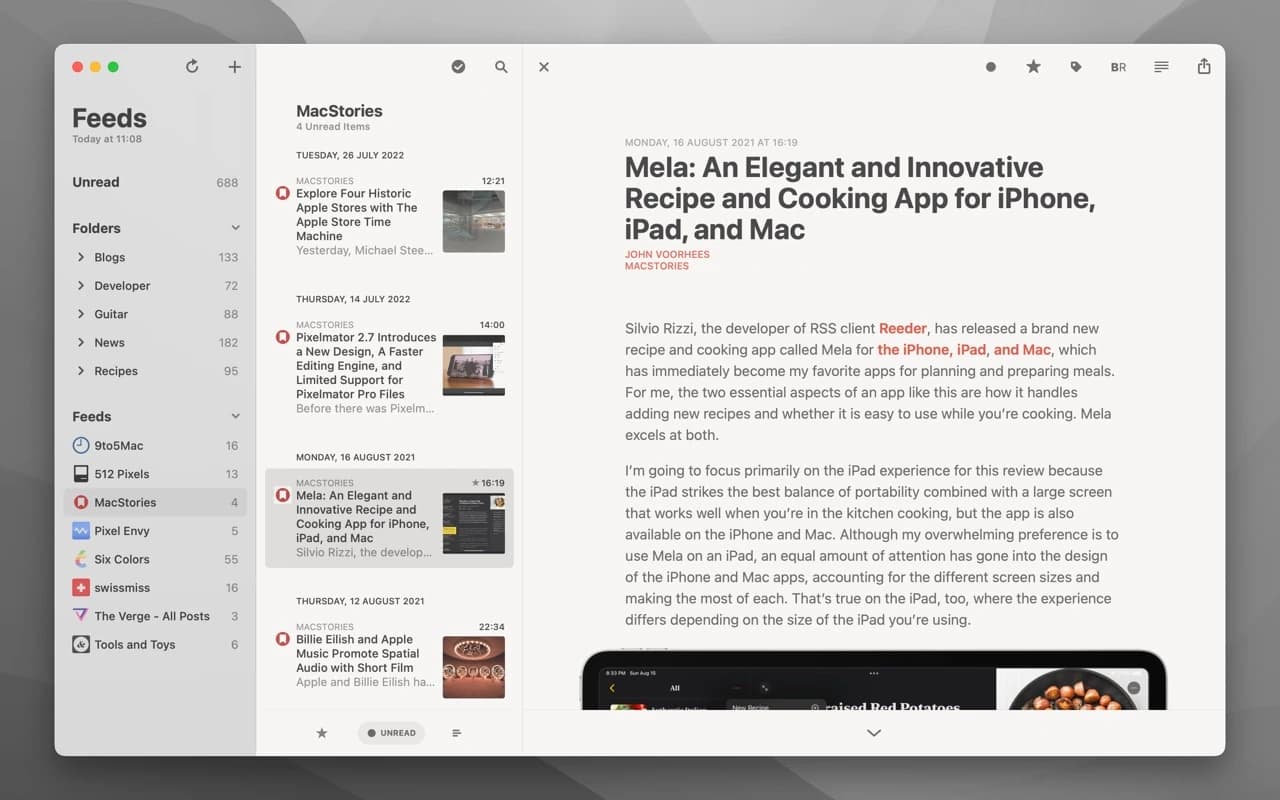
The long-running, beautifully restrained RSS reader for macOS — sync with a feed service or read entirely on-device, with typography and gestures done right.

Writing & Documents · Free · PPP-based regional pricing supported. $4.99
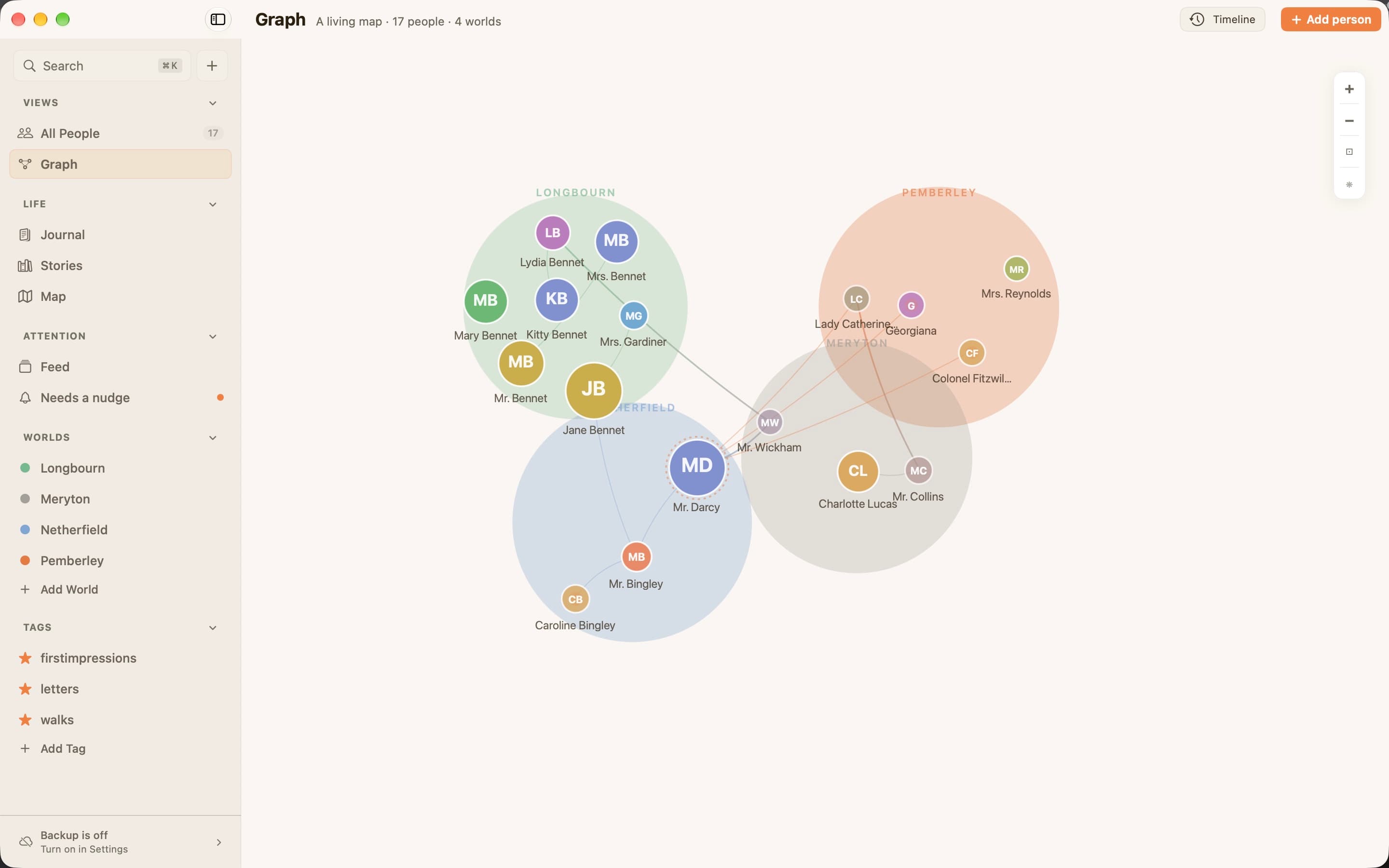
Ember is a journal that remembers your people.
Writing & Documents · $19.99 · one-time (Paid for major upgrades (for example 1.x -> 2.x))
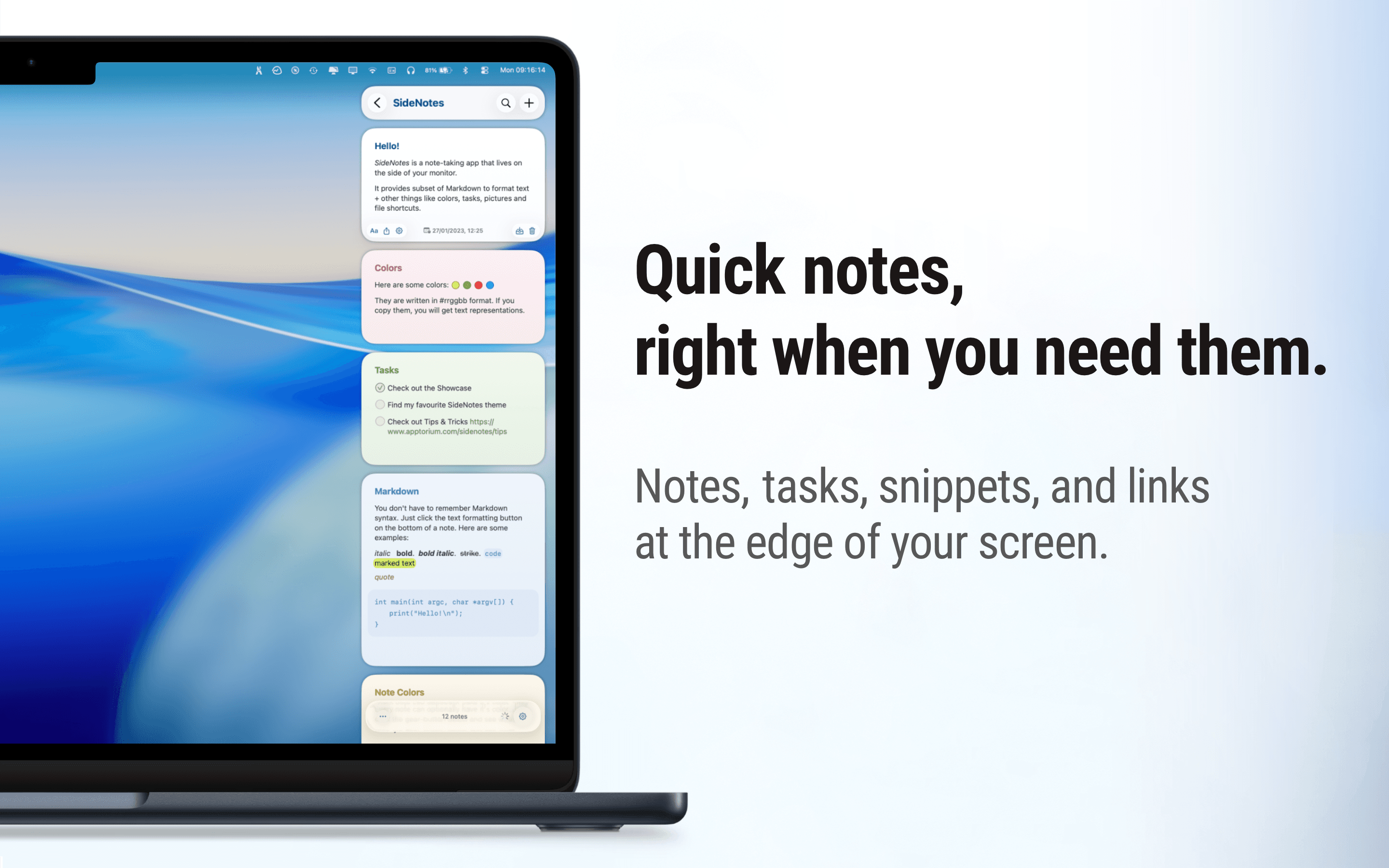
Native macOS notes that slide out from your screen edge, so you can capture tasks, links, and snippets without leaving your work.