Writing & Documents · $19.99 · one-time (Paid for major upgrades (for example 1.x -> 2.x))
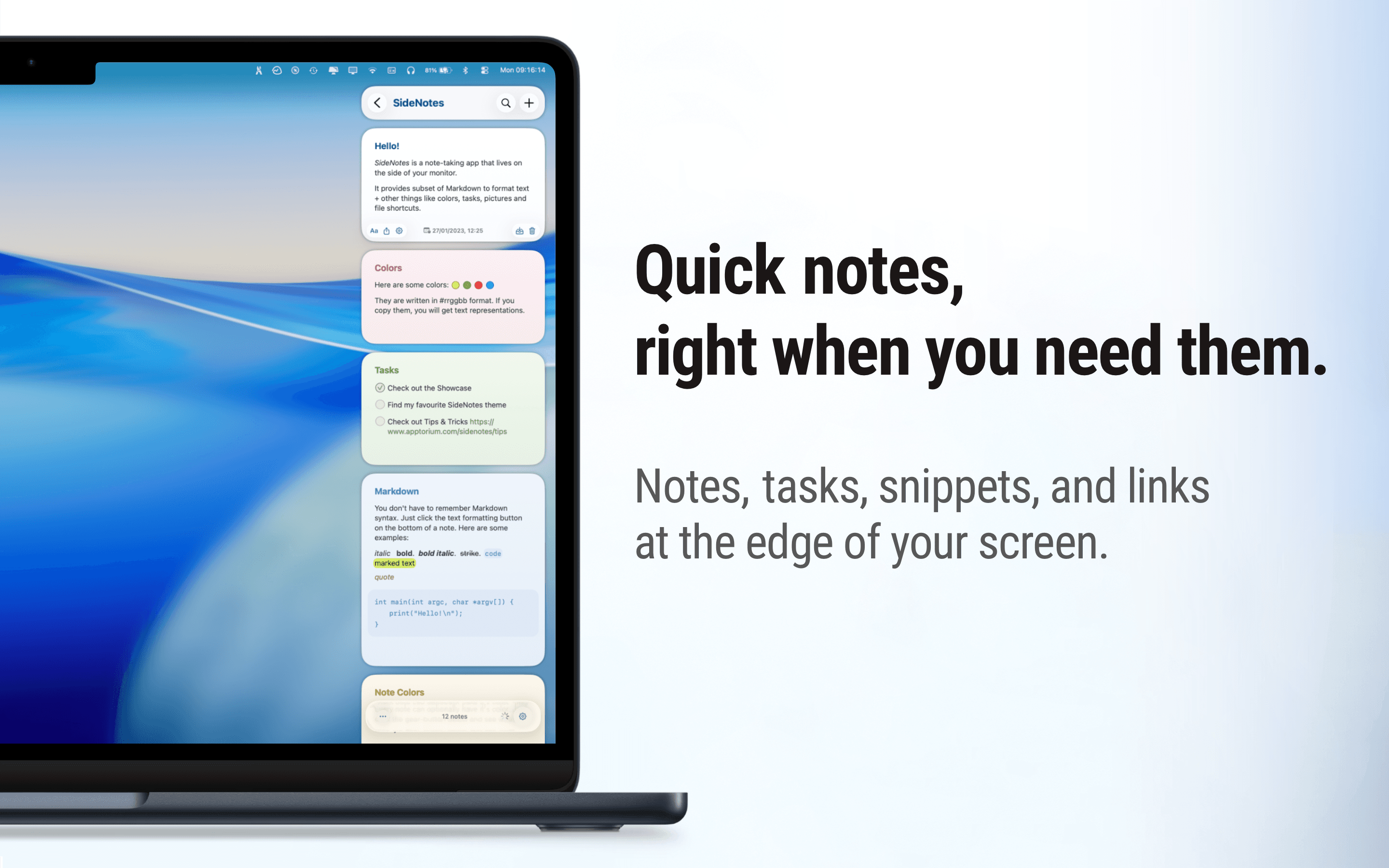
Native macOS notes that slide out from your screen edge, so you can capture tasks, links, and snippets without leaving your work.

Ember is a journal that remembers your people.
Most journals keep events in the order they happened. Ember keeps the people. Type @ and a name while you write, and that entry joins the person's page, next to how you met, the stories you share and every moment you wrote down. Over the years the journal becomes a life archive, organised around the people who mattered.
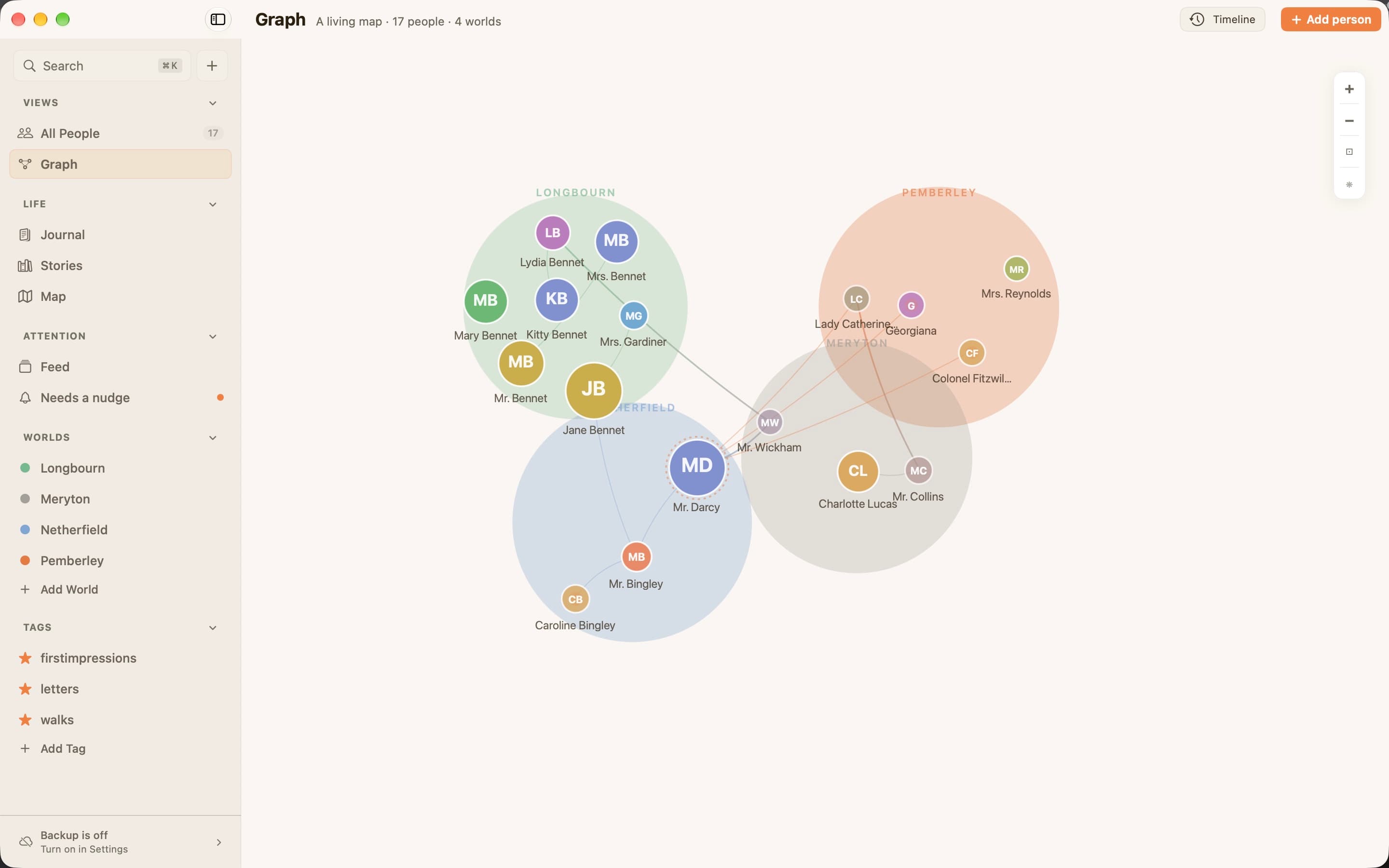
Worlds group the circles you move in (family, work, college), and Stories hold chapters that span years. The Feed brings back moments on the right day, like a year since you met someone, and when a person you care about has been quiet too long, they gently surface, with no streaks and no guilt. A Map shows where memories happened, and on Mac and iPad a Graph shows everyone at once, gathered into the worlds you share.
Ember imports Day One and Apple Journal libraries, with photos, video and audio, and finds the people already named in old entries. Entries support Markdown, photos, voice memos and songs from Apple Music.
Ember is local-first. The journal lives on your device, locks with Face ID, Touch ID or a passcode, and syncs only through your own iCloud. There is no Ember account and no Ember server. Ember has no AI: it never reads, writes or summarises a word of your journal. Everything can be exported at any time as an open, documented archive.
KEY FEATURES
WHY IT EXISTS
"I've lost nearly five people I know. Not lost like they are gone. Lost like I forgot their name." Nandha built Ember so the people who crossed his path keep a place, even someone met only once. The full story: https://ember.mov/about/
Writing & Documents · $19.99 · one-time (Paid for major upgrades (for example 1.x -> 2.x))
Native macOS notes that slide out from your screen edge, so you can capture tasks, links, and snippets without leaving your work.
Writing & Documents · $12.99 · one-time (One license, up to 3 Macs)
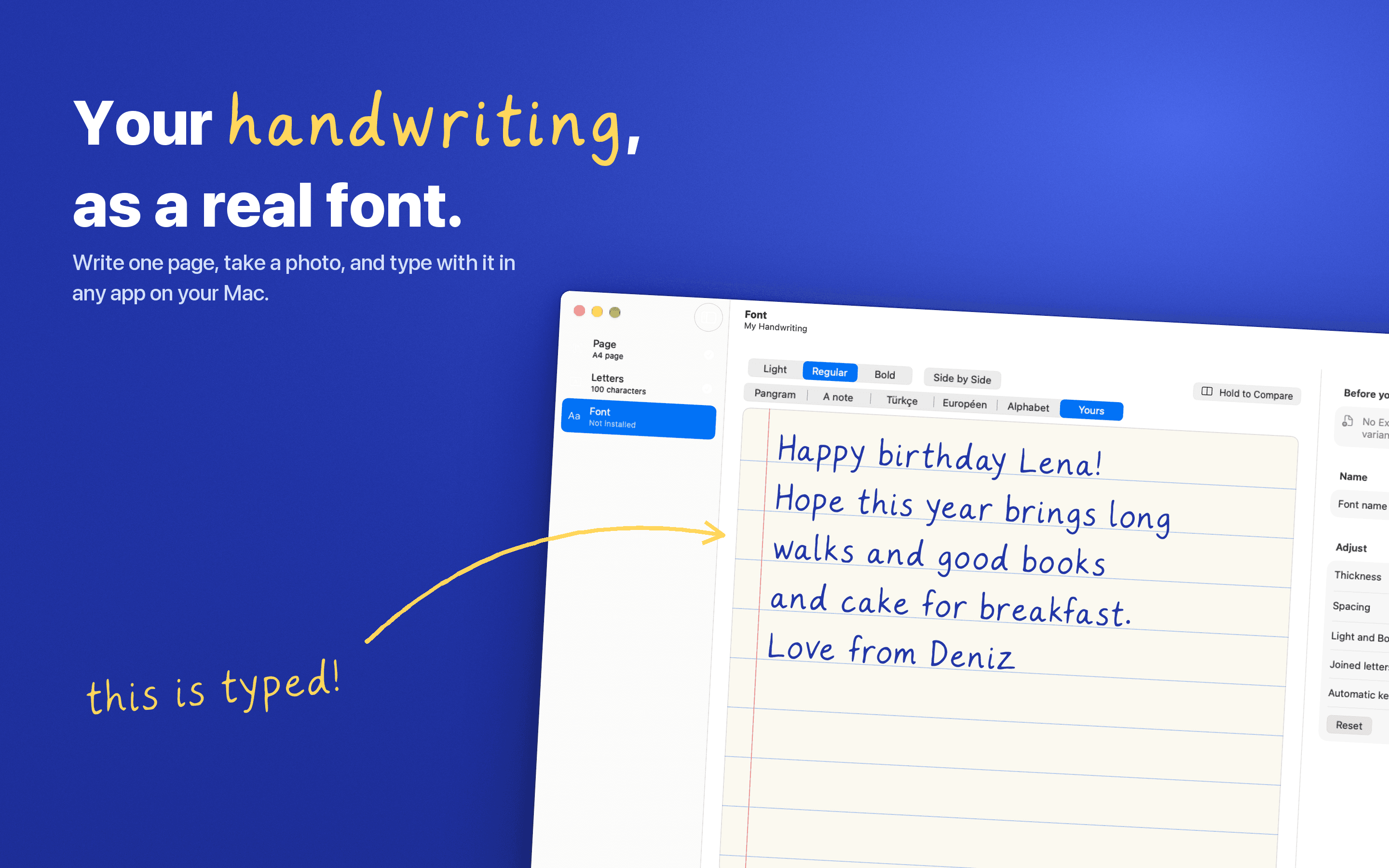
Turn your handwriting into a real font. Write one page, snap a photo, and type with it anywhere on your Mac. Nothing leaves your Mac.
Writing & Documents · Free & open source
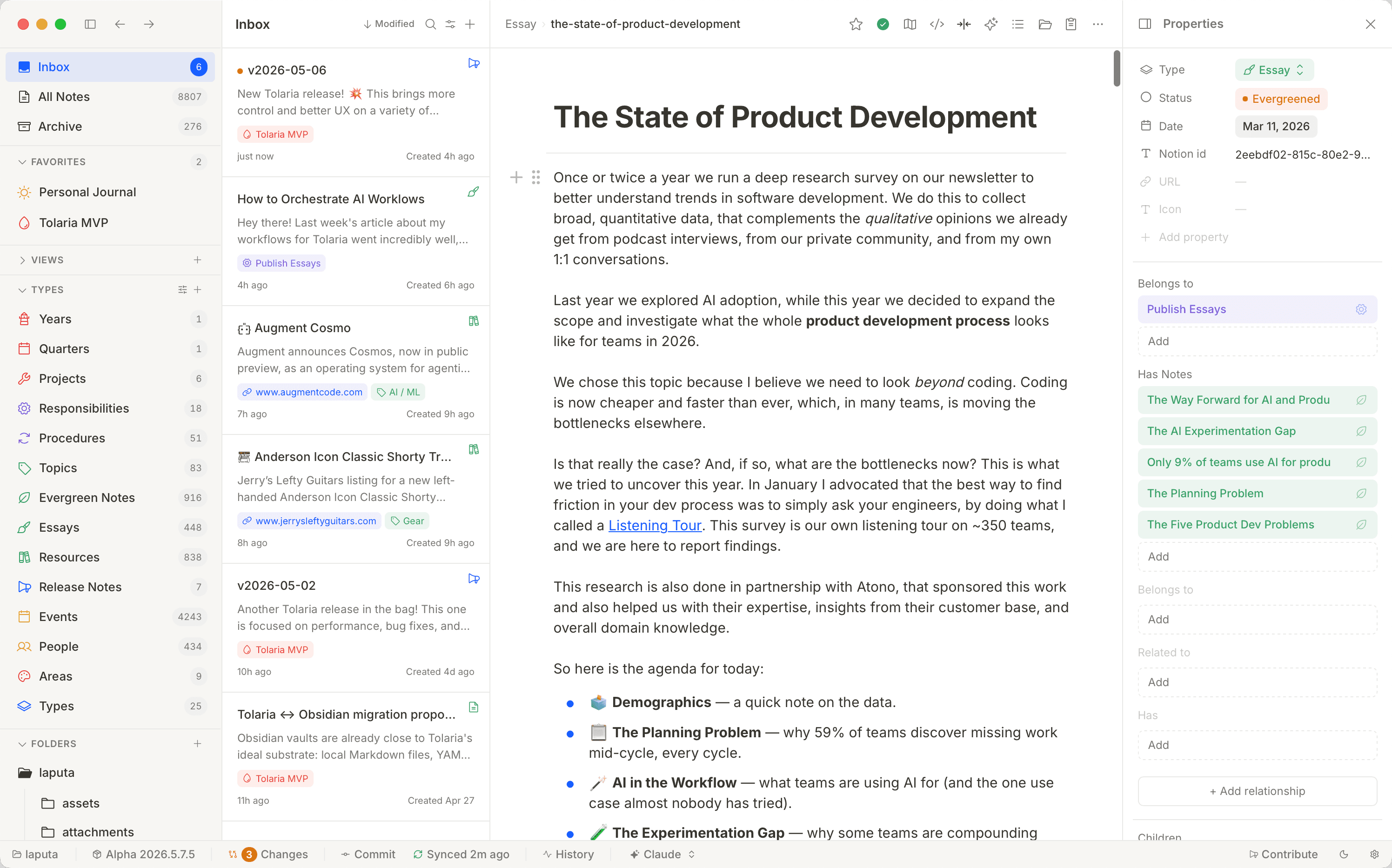
A free, open-source second brain — notes live as local Markdown files with native Git history and built-in AI agents, no proprietary database.

Writing & Documents · $29.99 · one-time (App Store, Free Trial)
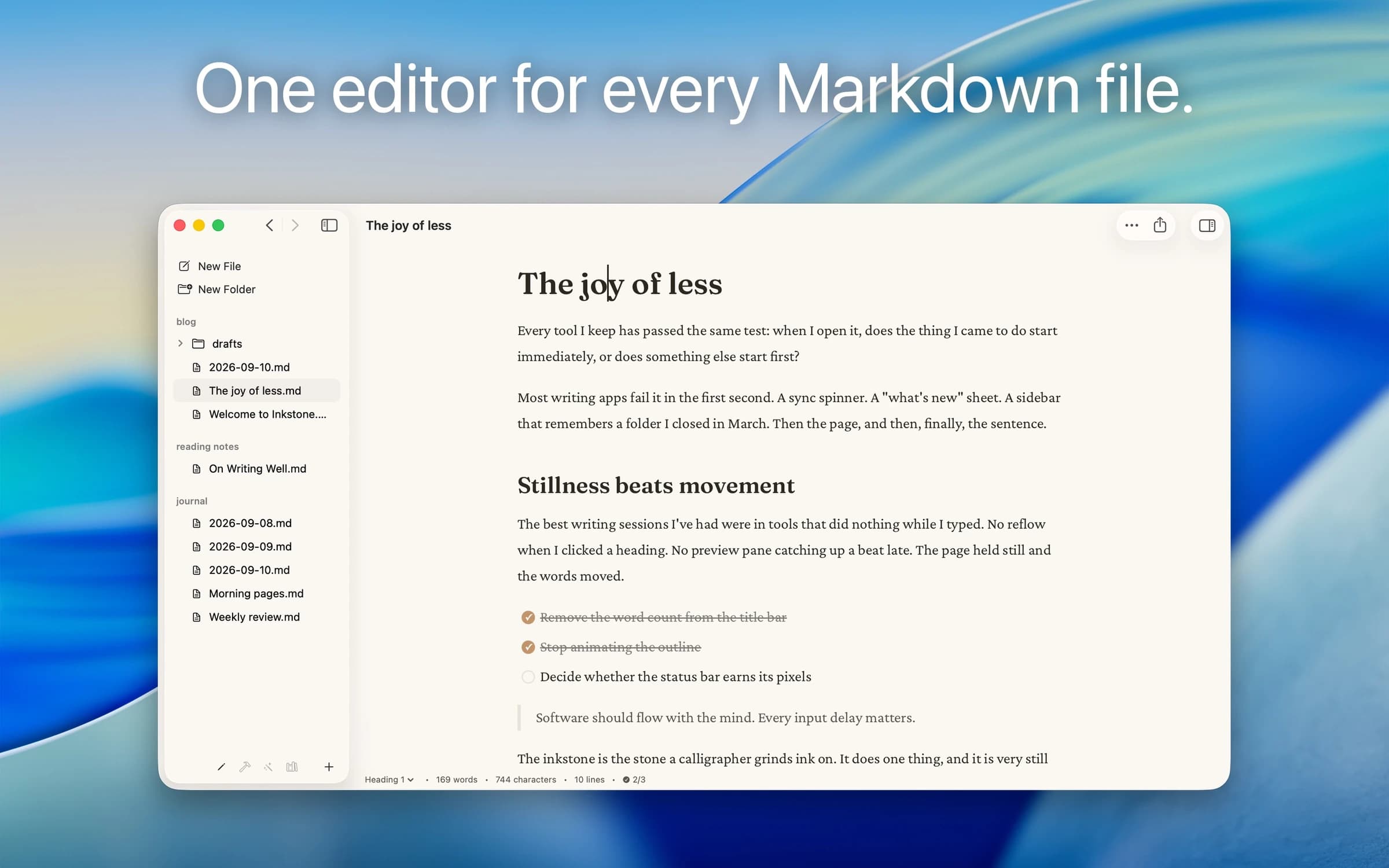
Native Markdown editor for the plain .md files on your Mac: renders as you type, edits folders in place, no account.
Writing & Documents · $17.99 · one-time (App Store. Subscription options also available.)
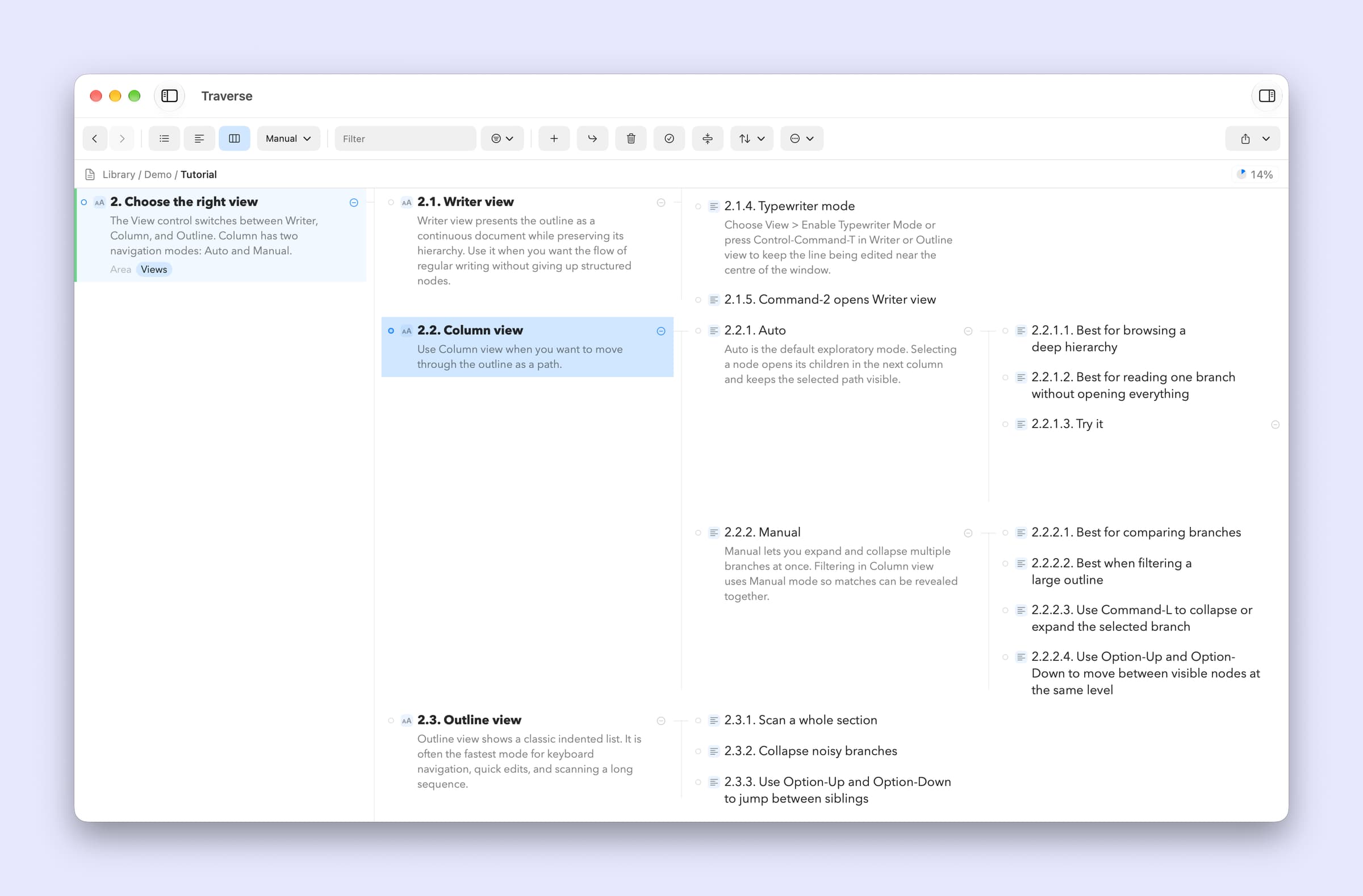
A native Mac outliner for turning messy ideas into structured writing, research, plans, and scripts, all stored as portable local OPML files
Writing & Documents · Free · free for 3 notes, $4.99 one-time for unlimited $0
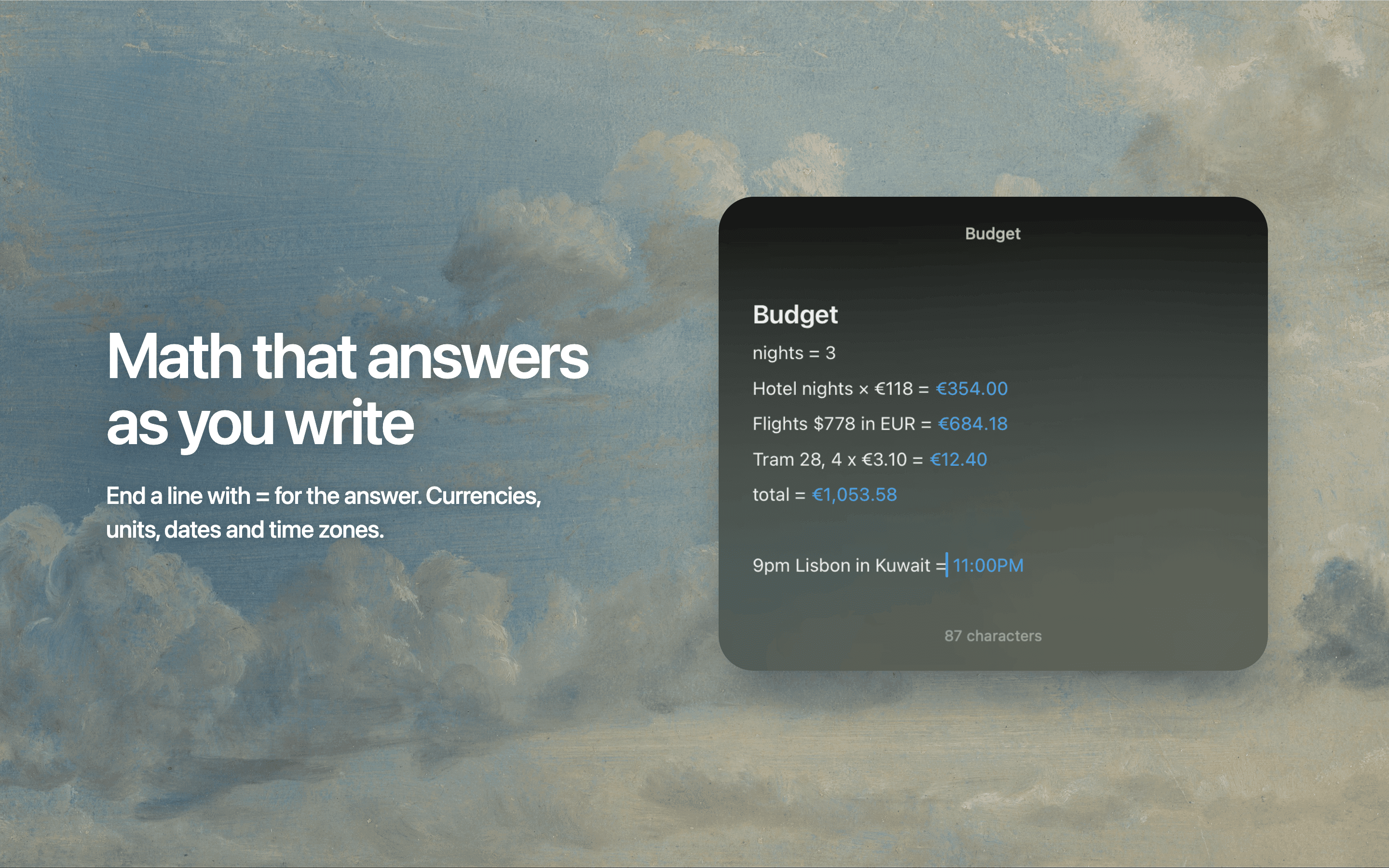
Floating Markdown notes for Mac that open over any app with one keystroke, or from the screen edge or notch.