
SpacePeek
Browse folders and archives in Finder Quick Look
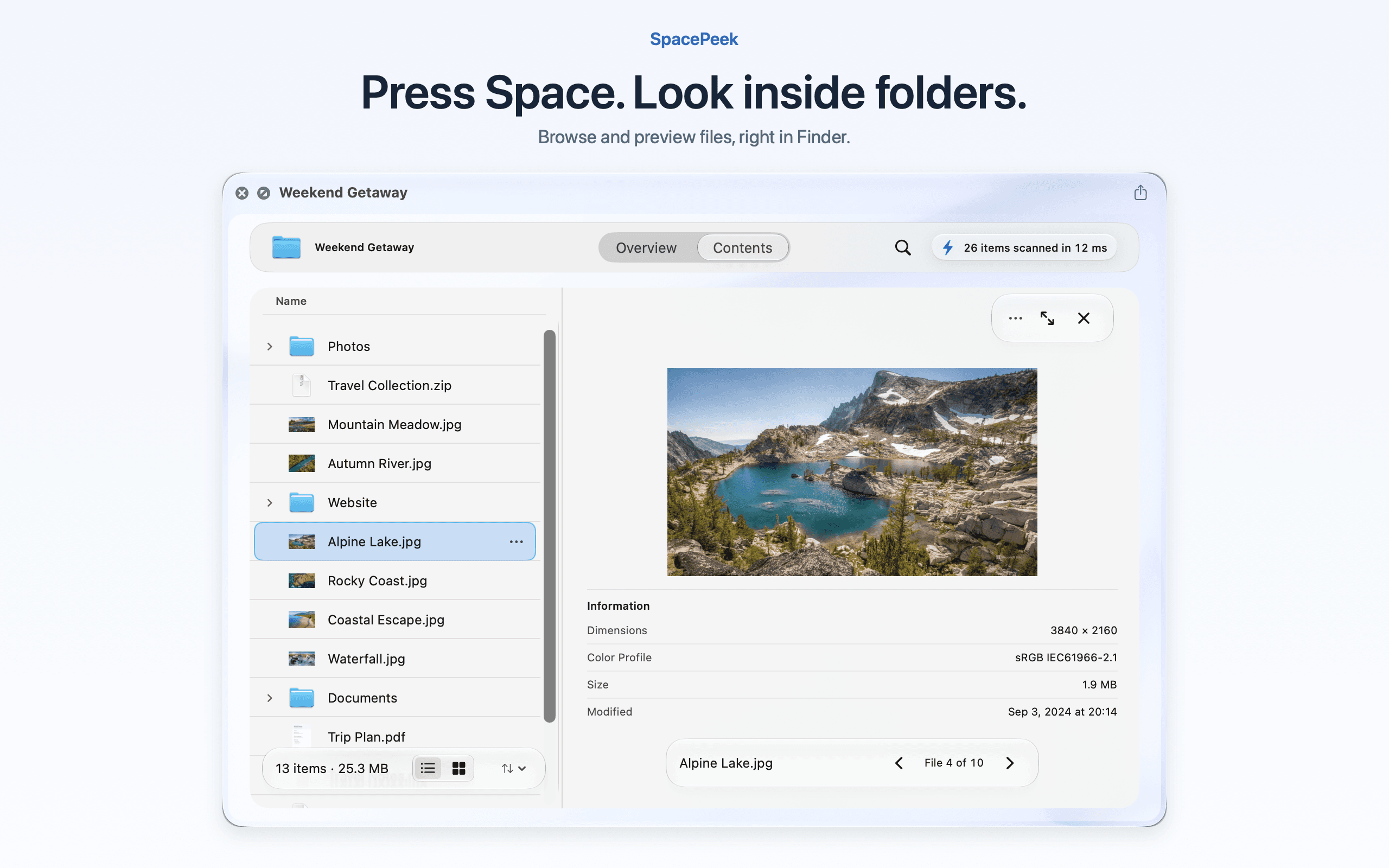
SpacePeek brings folder and archive browsing to Finder Quick Look. Select a folder or a ZIP, 7z or RAR archive and press Space to explore its contents, search for files, and preview images, PDFs, Markdown and code without opening another app. Check folder sizes, largest items and storage distribution along the way.
Search and file previews are free, along with browsing the selected folder and its first child level. The optional US$3.99 Pro upgrade is a one-time purchase that adds deeper folder navigation, Reveal in Finder for folder search results, and copying individual files from archives. No subscription. Local pricing may vary.
Requires macOS 14 or later. Processing stays on your Mac, with no uploads or background indexing.
More in Utilities

Utilities · Free · Pro
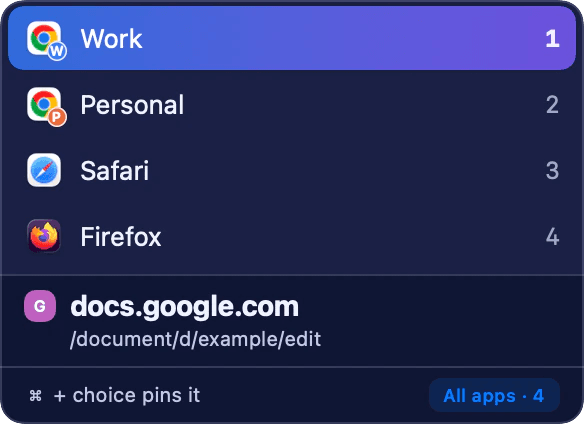
Native Mac link router: sends each clicked link to the browser, Chrome Profile or Arc Space you meant.

Utilities · $5.99 · one-time (7-day trial, then lifetime unlock)
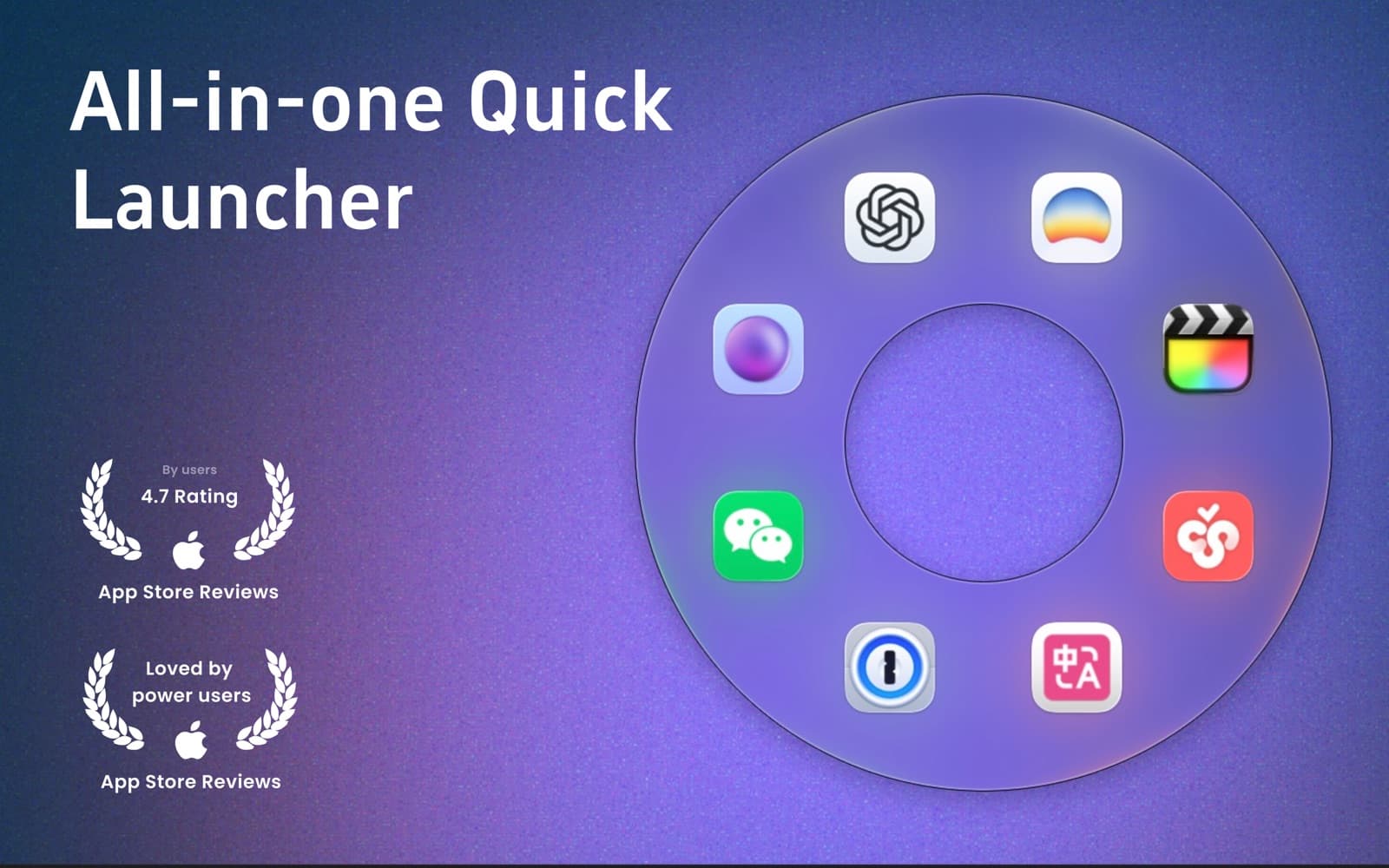
Circular macOS launcher: gesture-open an orbit of apps, files, folders, and sites.

Utilities · $9 · one-time (One-time; 7-day trial)
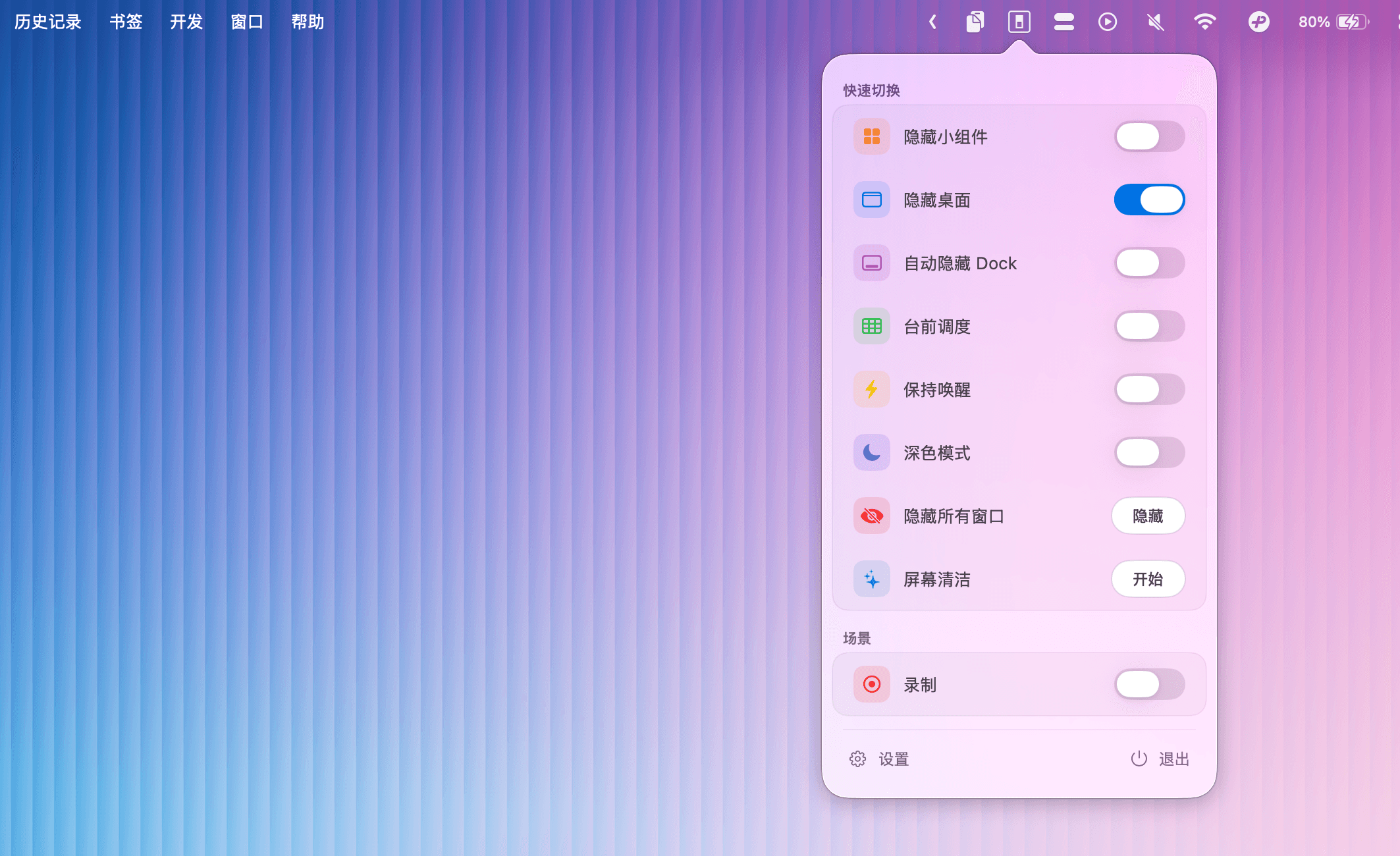
Menu bar toggles for macOS system controls — Dark Mode, Stage Manager, desktop icons, and more.