
AI & Automation · Free & open source
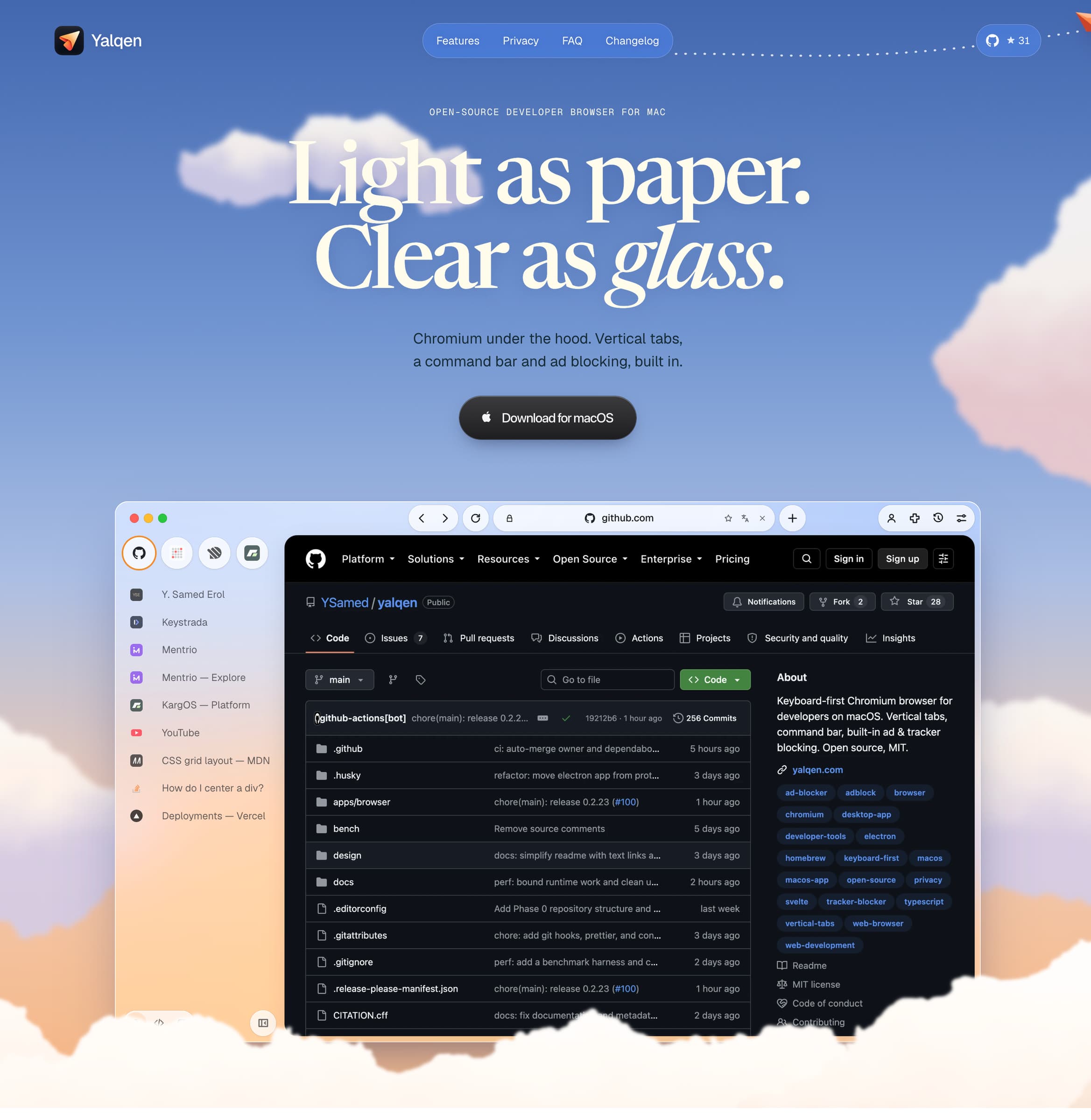
A Mac browser with built-in Claude Code, Codex and Gemini: fix page errors, request design changes, and verify results in your tabs.
An AI-native macOS video editor that hands your timeline to Claude, Codex, or Cursor — generate, edit, and automate video production end to end.
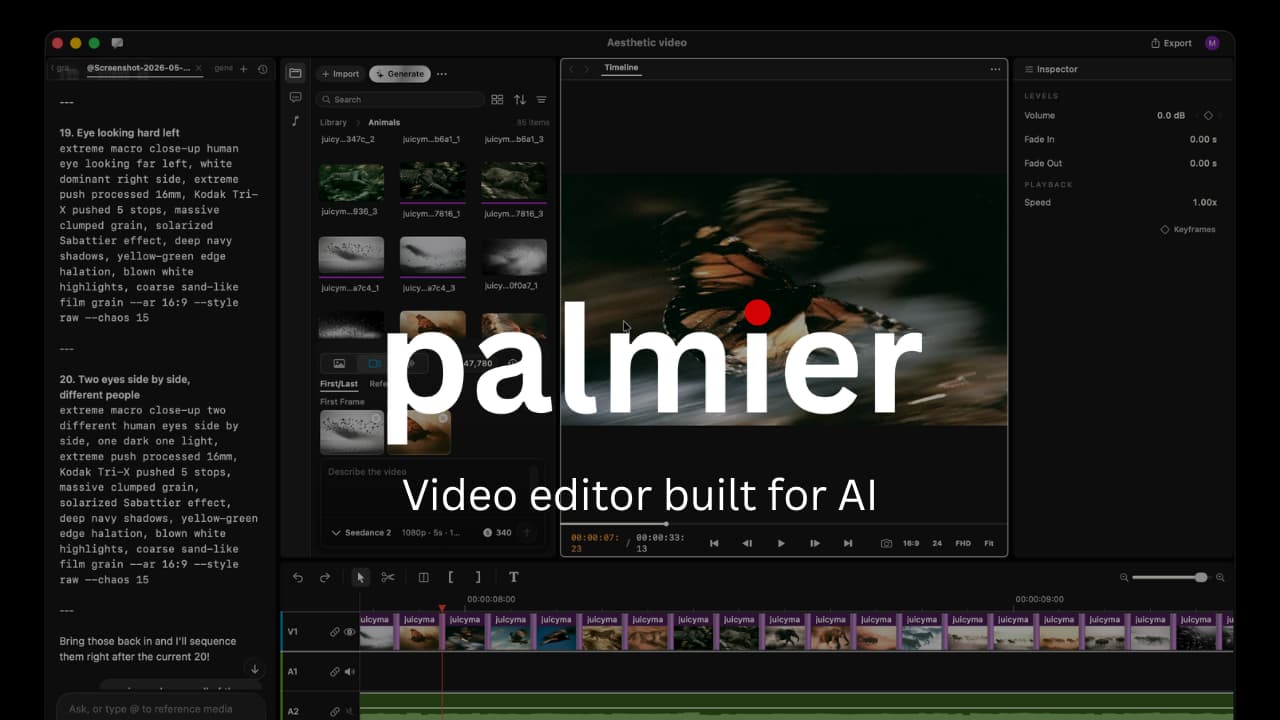
Palmier Pro is a full non-linear video editor for macOS built around a different assumption: that an AI agent, not just a human, might be driving the timeline. Connect it to Claude, Codex, or Cursor over MCP and an agent can trim, generate, and assemble footage directly inside your project — or use the built-in Palmier chat agent to do the same without leaving the app.
Most video editors bolt AI features onto a traditional NLE. Palmier Pro builds the editor around the agent from the start: teach it an edit once with "Save the process as a Skill," and it repeats that exact workflow on your next batch of clips automatically. It also plugs into 20+ generation models — Runway, FLUX, ElevenLabs, and more — for images, voiceovers, music, and dubbing, all landing straight on the timeline instead of a separate export/import round trip.
The editor and MCP connection are free and open source (GPL-3.0). A Pro plan adds bundled generation credits, and a managed Palmier Service will produce finished videos for you for a per-video fee. Requires macOS 26 (Tahoe) or later.
AI & Automation · Free & open source
A Mac browser with built-in Claude Code, Codex and Gemini: fix page errors, request design changes, and verify results in your tabs.

AI & Automation · Free & open source
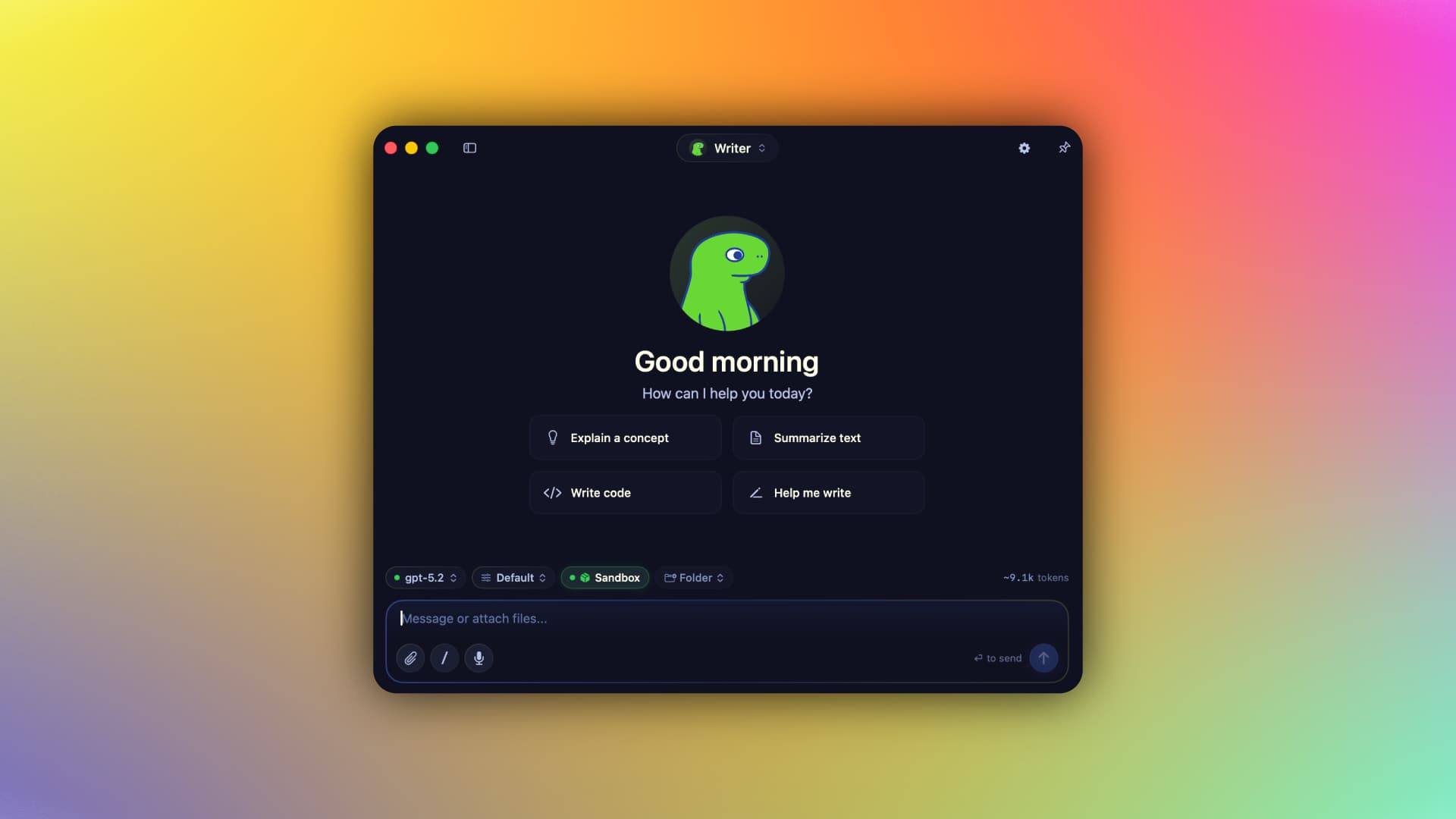
A native Swift harness for AI agents that keeps your context, memory, tools, and identity on your Mac — run local MLX models or bring your own cloud keys, fully offline-capable.
Productivity · $9.99 · one-time
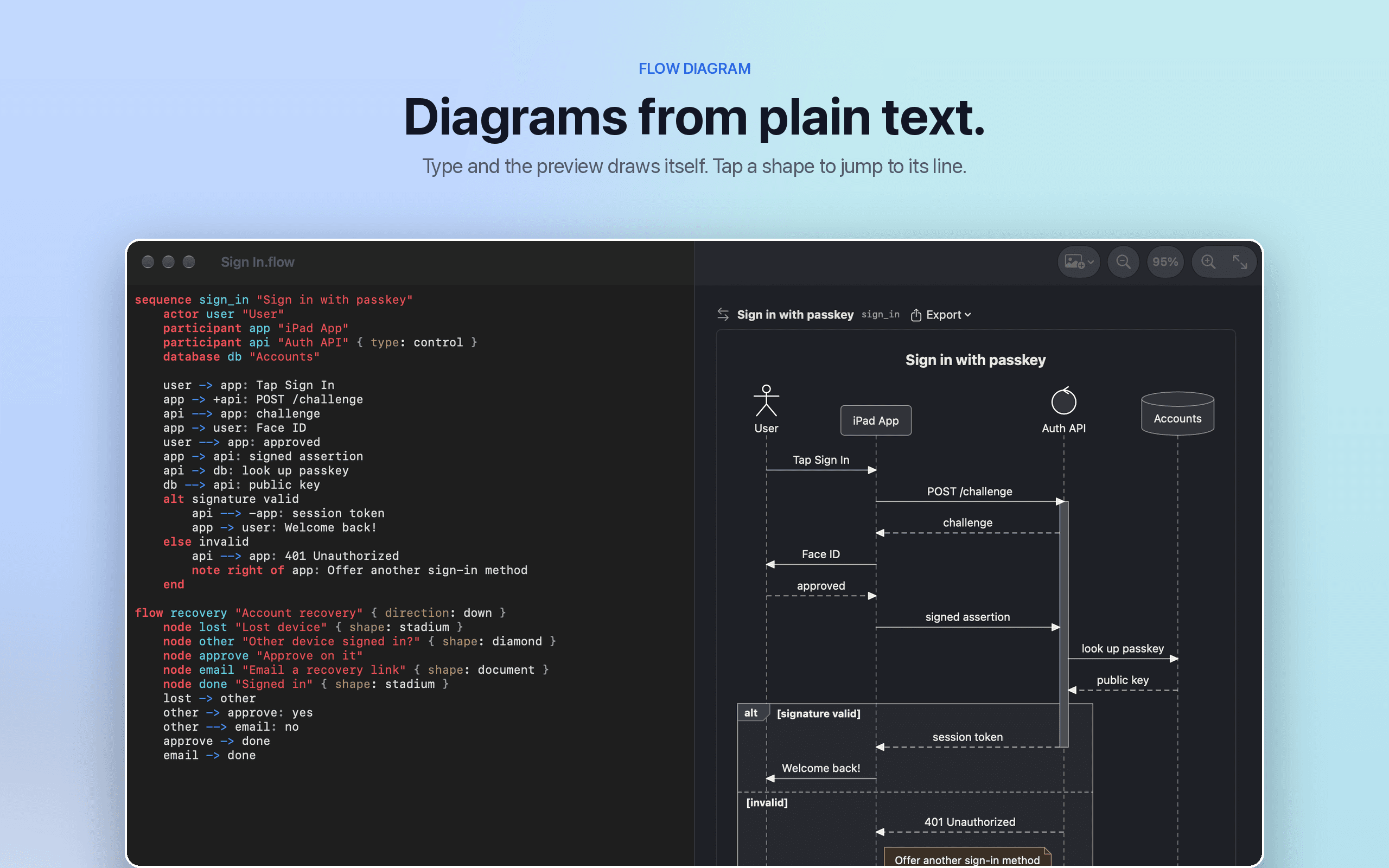
Flow Diagram turns a messy photo or a quick sketch into a diagram you can edit, share and keep

AI & Automation · Free · One-time license, 7-day free trial $19
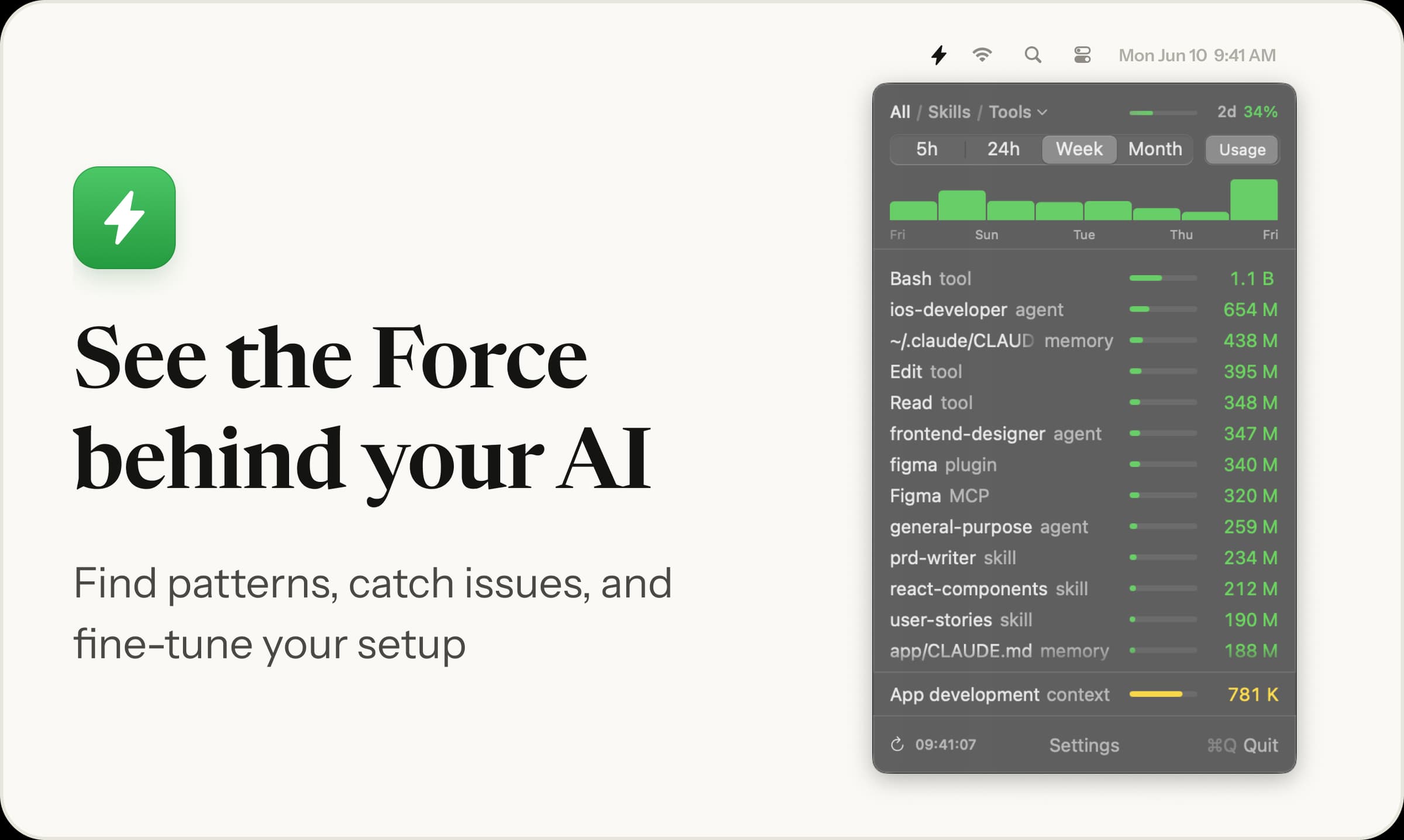
Menu bar app showing which skills, agents and MCP servers your AI coding runs, and their token cost

AI & Automation · $79 · one-time
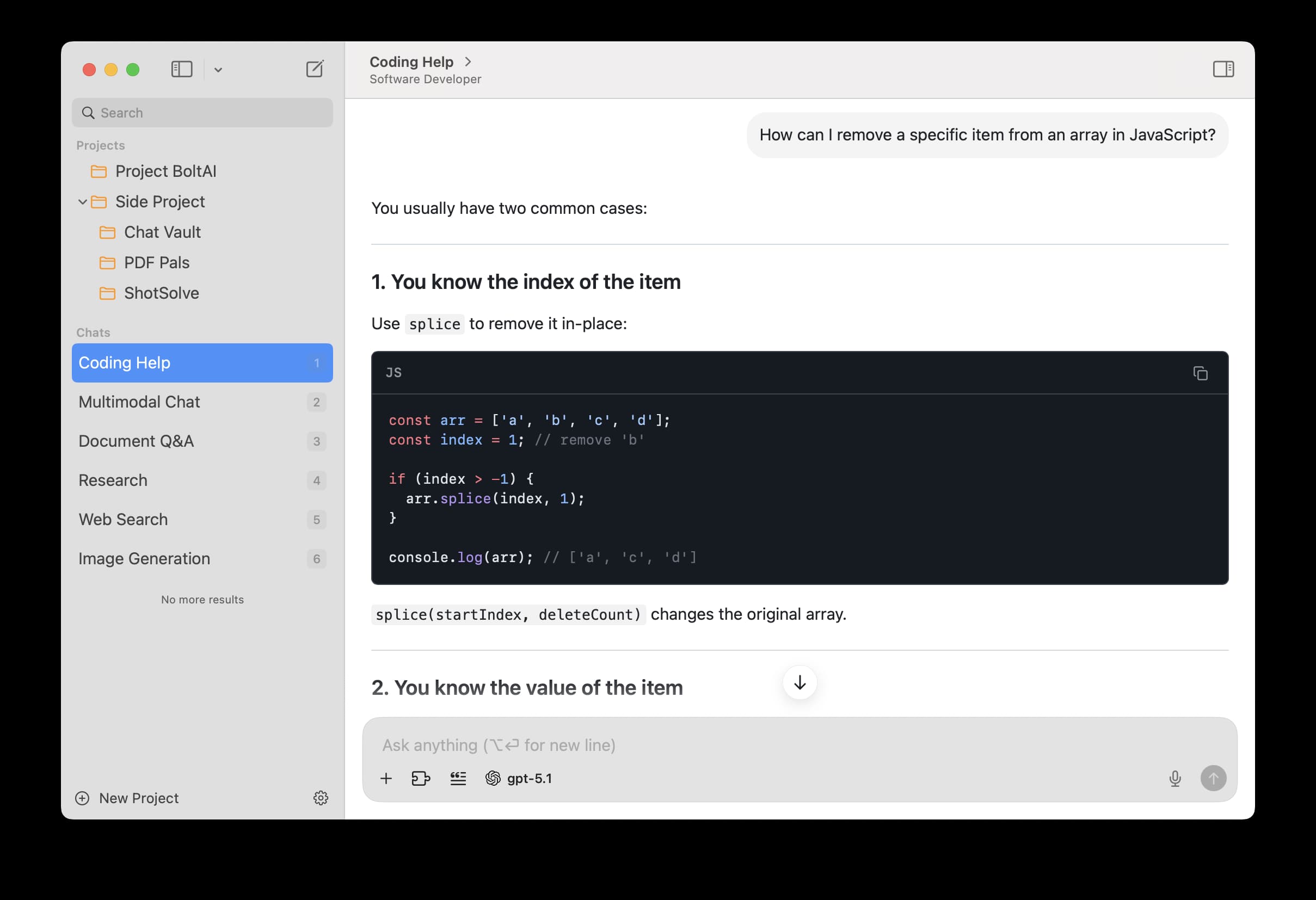
A private, fully native AI workspace for Mac — bring your own keys for ChatGPT, Claude, Gemini, and local models, and use them in a proper app instead of a browser tab.
AI & Automation · $19.99 · one-time (open source)
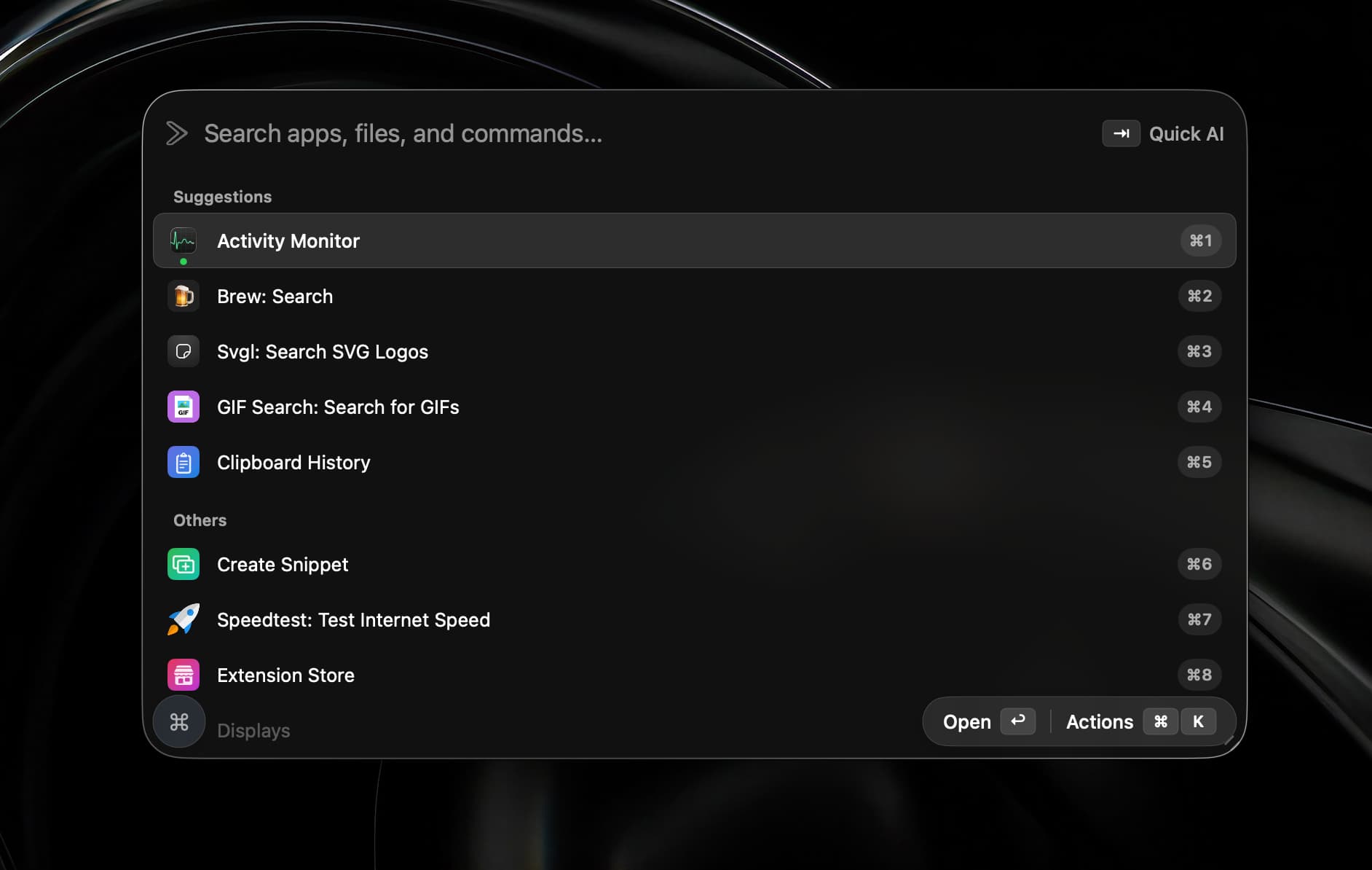
A native Swift launcher that bundles Raycast-compatible extensions, on-device dictation, AI chat and agents, window management, and a terminal behind one hotkey.