
Developer Tools · Free & open source
A Claude Code terminal in the menu bar
GitHub repo status right in your menu bar and terminal — CI runs, issues, pull requests, and releases, without opening a browser tab.
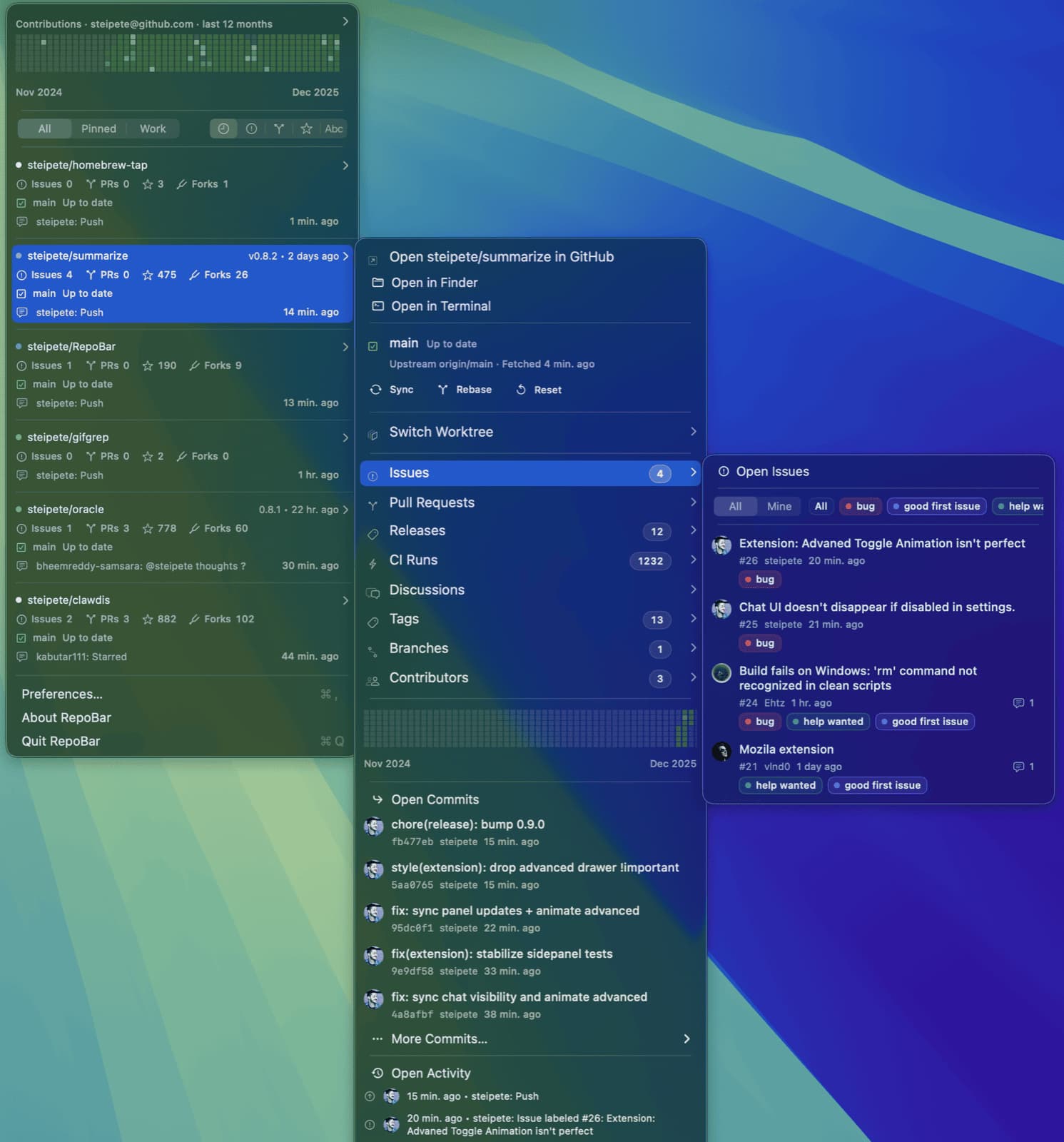
RepoBar watches your GitHub repos from the menu bar: CI status, open issues and pull requests, releases, and recent activity, all one click away instead of a browser tab you keep switching back to. A companion CLI (repobarcli) surfaces the same data in the terminal for anyone who lives there instead.
Most GitHub notification tools either flood you with noise or bury status behind a full web app. RepoBar is scoped tightly to what you actually check dozens of times a day — is CI green, did anyone open an issue, is there a PR waiting on me — and keeps it glanceable in the menu bar for every repo you care about, not just one.
repobarcli) for the same data without leaving the shellCompletely free and open source.
Developer Tools · Free & open source
A Claude Code terminal in the menu bar
Developer Tools · Free & open source
Lives in your Mac's notch and shows when Claude Code, Codex, OpenCode or pi finish or need you, so you can answer or jump back.

Writing & Documents · $19.99 · one-time (Paid for major upgrades (for example 1.x -> 2.x))
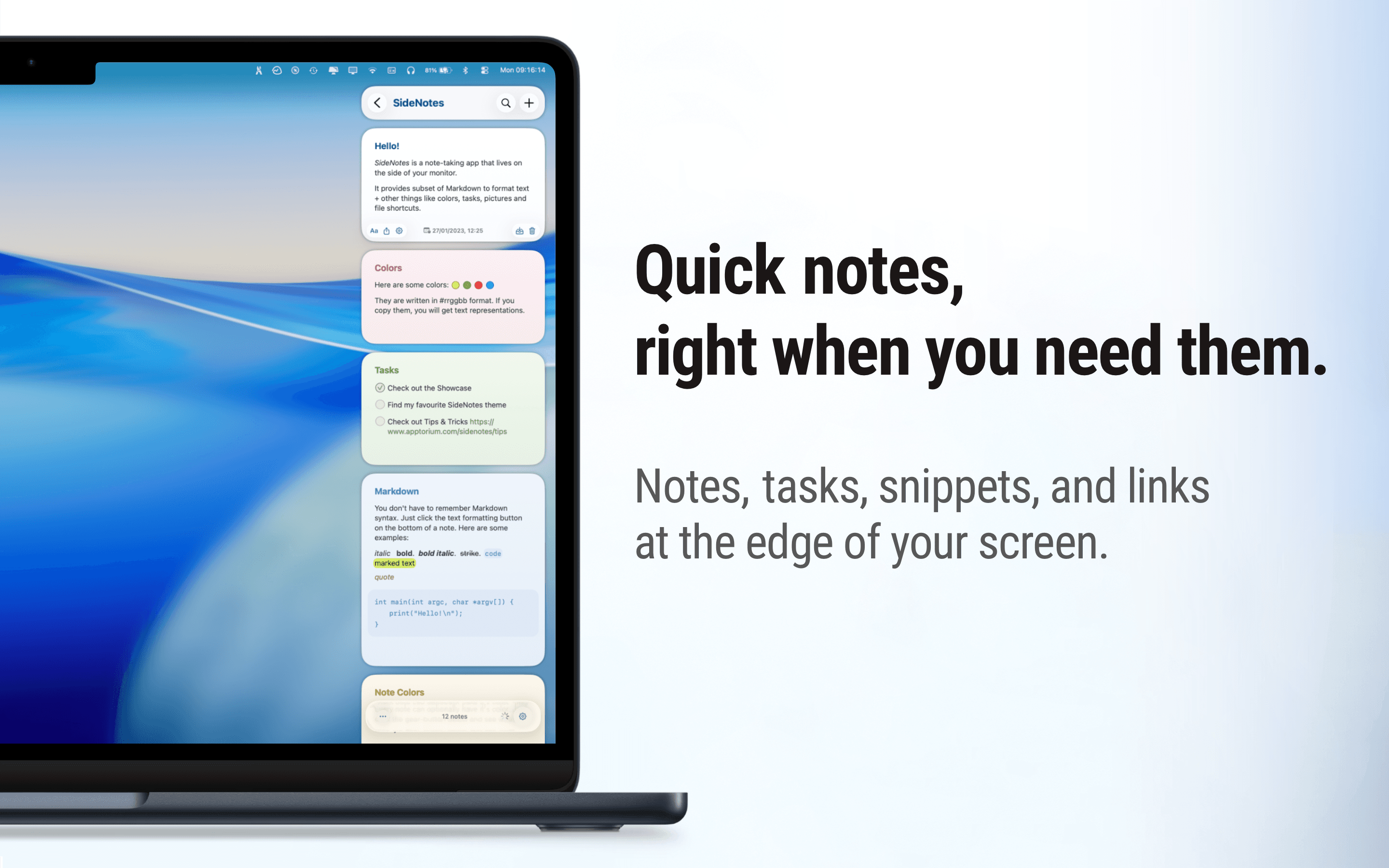
Native macOS notes that slide out from your screen edge, so you can capture tasks, links, and snippets without leaving your work.

Developer Tools · $19 · one-time (14-day free trial with everything switched on.)
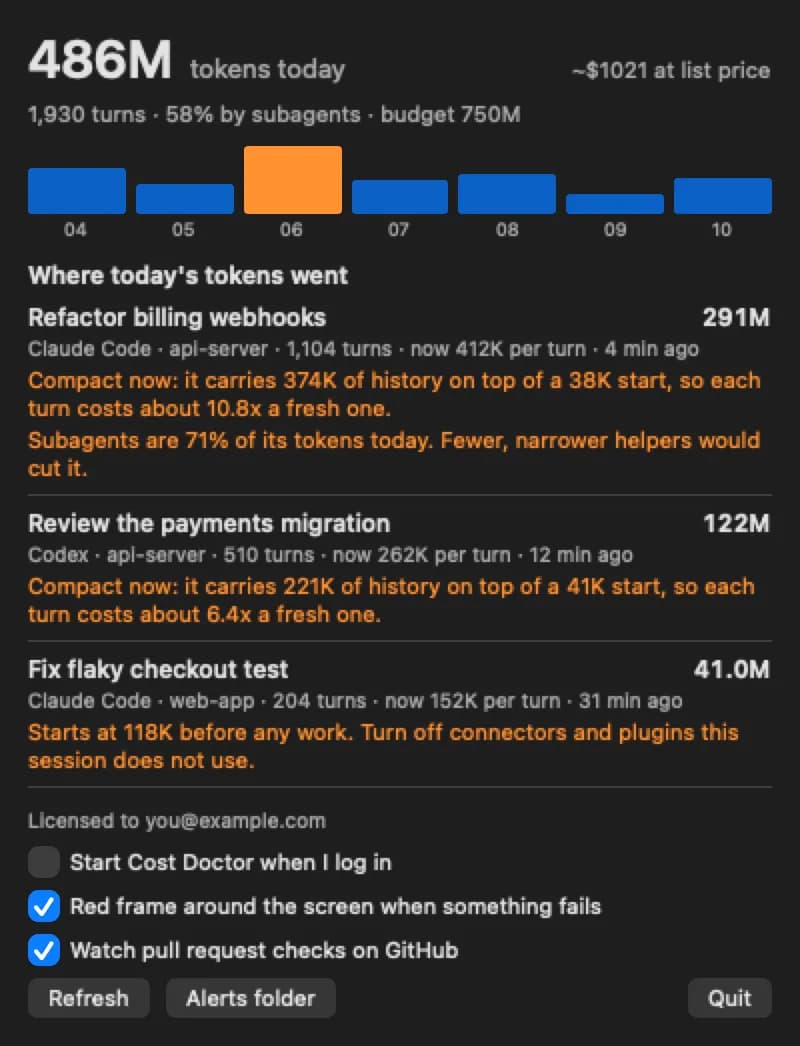
A Mac menu bar app that shows which Claude Code or Codex session is using your tokens, and why.
Developer Tools · Free & open source
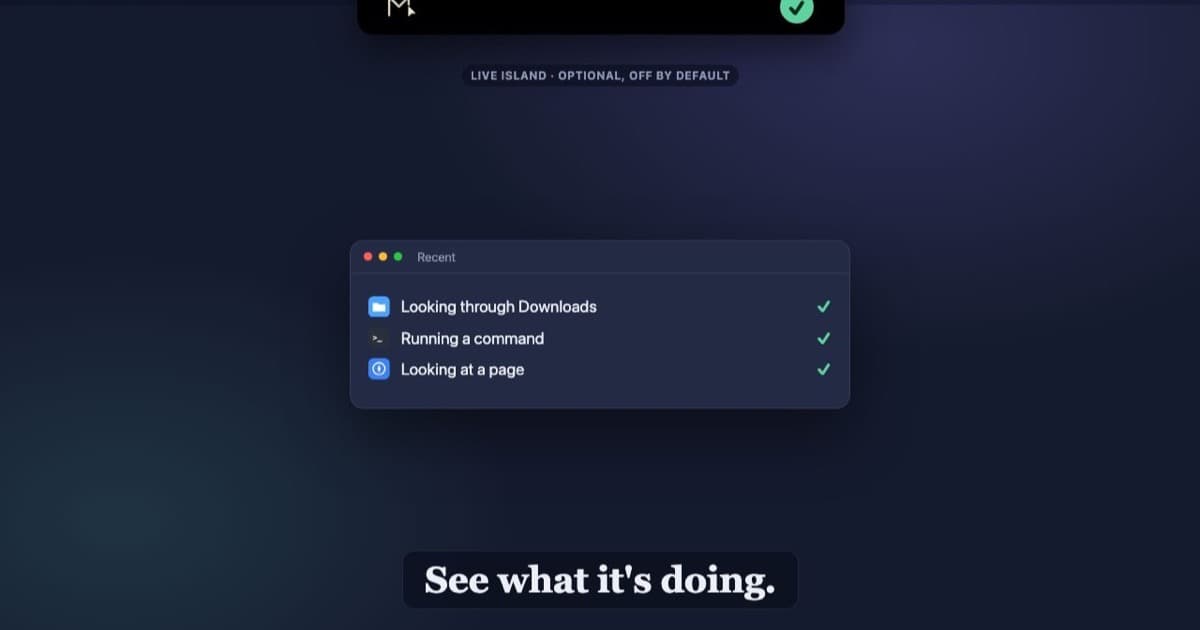
An open-source Mac menu bar app that lets AI agents work with native apps, files, terminal and browsers.
Developer Tools · Free
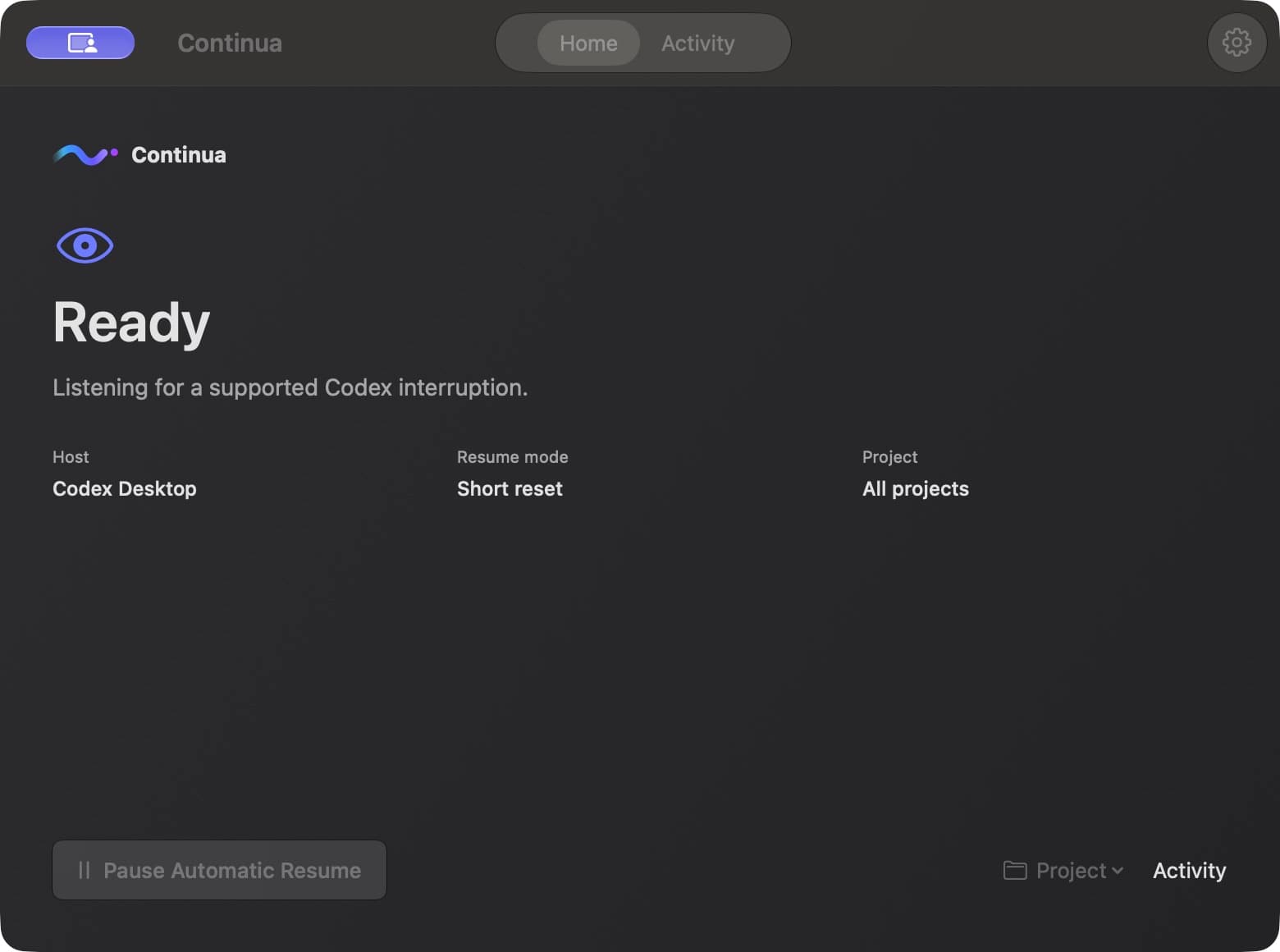
Codex hit its usage limit? Try a free native Mac beta for tracking interruptions and resuming the same task.