Developer Tools · Free & open source
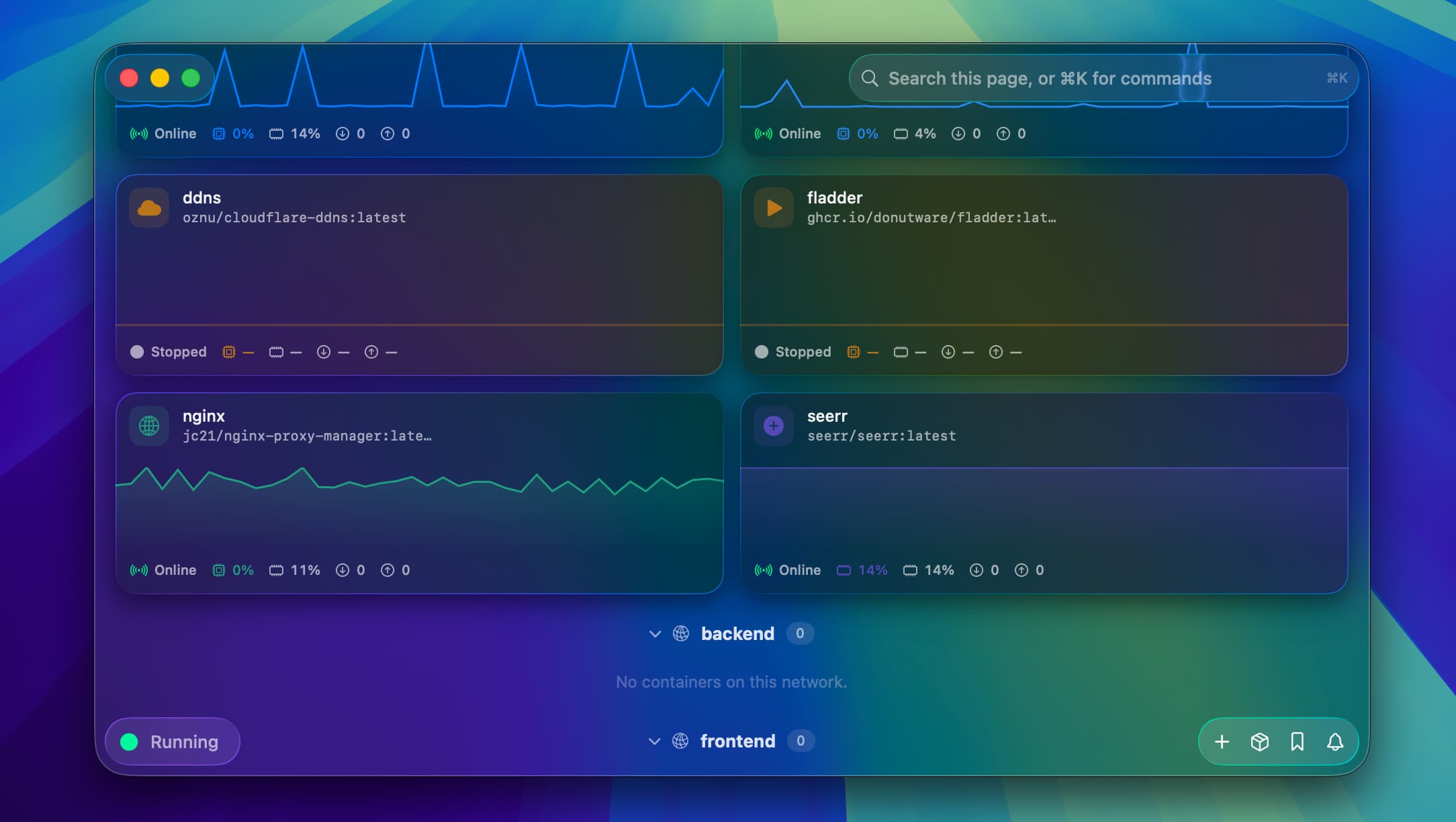
A native SwiftUI dashboard for Apple's container CLI — Docker Desktop, without Docker.
A powerful, cross-platform port manager for developers — monitor every open port, kill processes, and manage Kubernetes forwards and Cloudflare Tunnels.
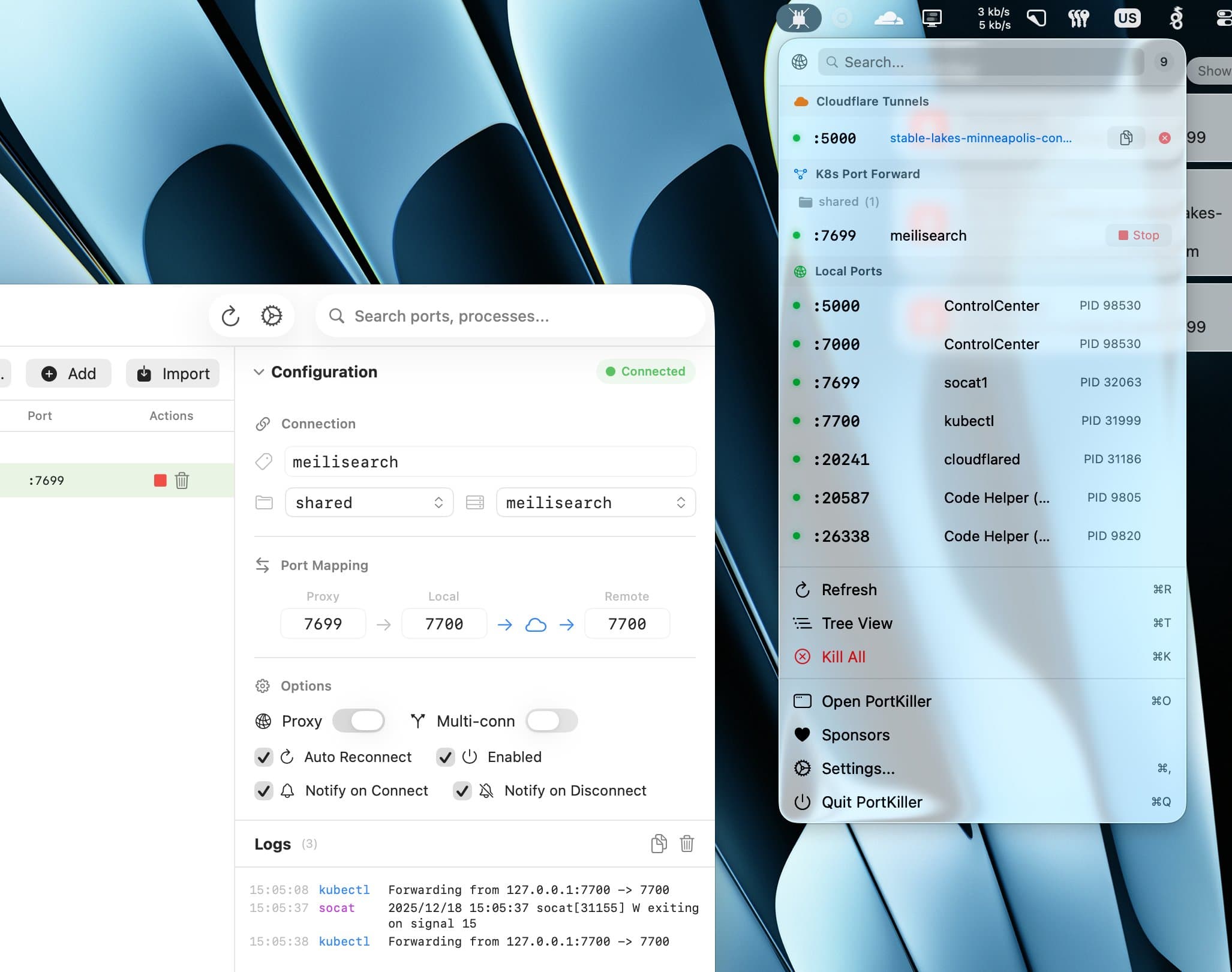
PortKiller is Activity Monitor for your open ports: see everything currently listening on your Mac, what process owns it, and kill it with one click. It goes further than a simple port scanner too, with built-in management for Kubernetes port-forwards and Cloudflare Tunnels — the two things developers usually juggle by hand across multiple terminal tabs.
Finding what's squatting on port 3000 usually means lsof -i :3000 and a kill command copied from Stack Overflow. PortKiller turns that into a menu bar list you can scan and act on instantly, and it's one of the few free tools that treats Kubernetes forwards and Cloudflare Tunnels as first-class citizens alongside plain local ports, not an afterthought.
Completely free and open source.
Developer Tools · Free & open source
A native SwiftUI dashboard for Apple's container CLI — Docker Desktop, without Docker.
Developer Tools · Free · Pro $8
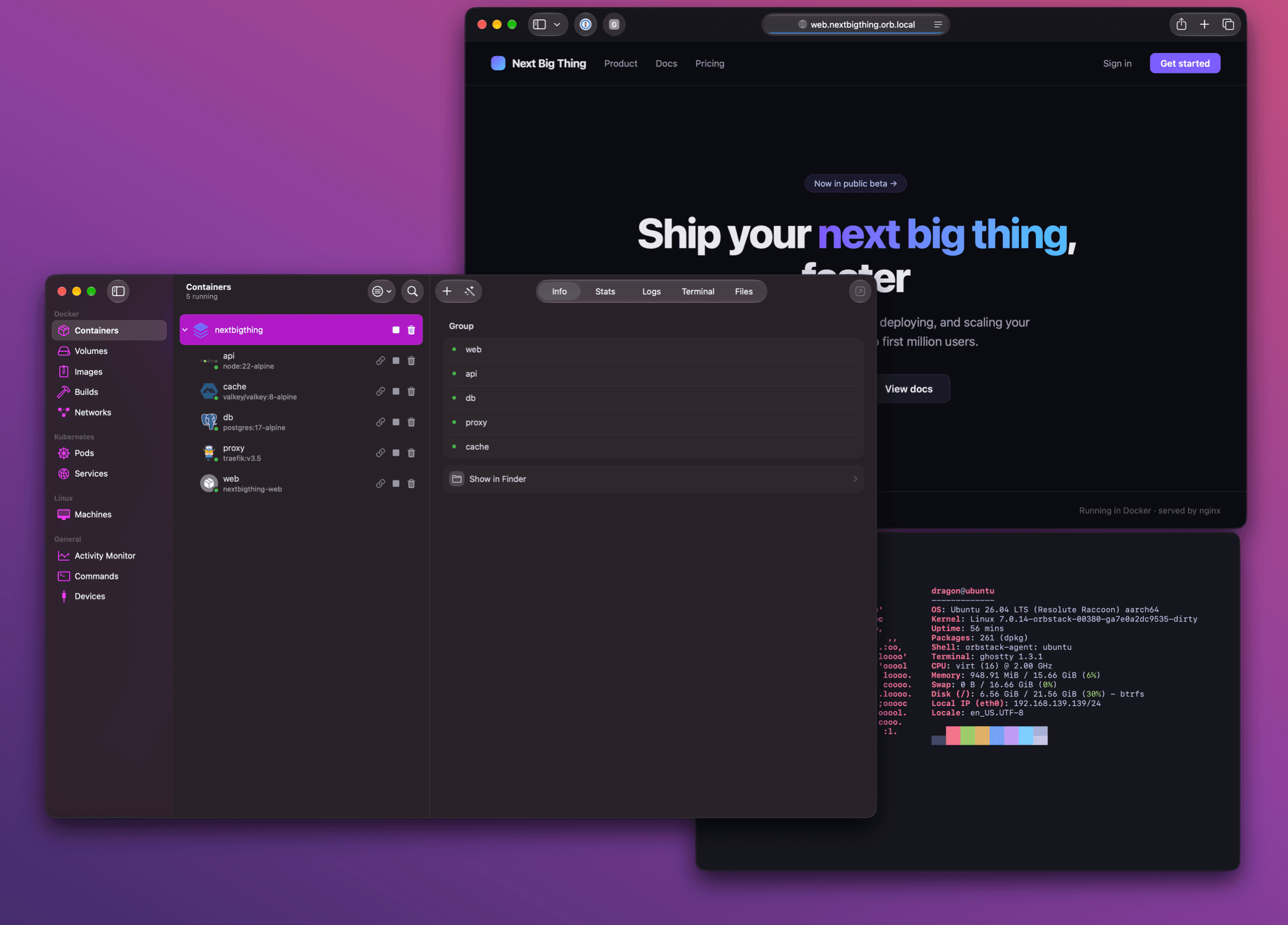
it replaces Docker Desktop with a fast, native Swift app that runs containers and Linux VMs with minimal CPU, memory and battery drain.
Developer Tools · $19 · one-time
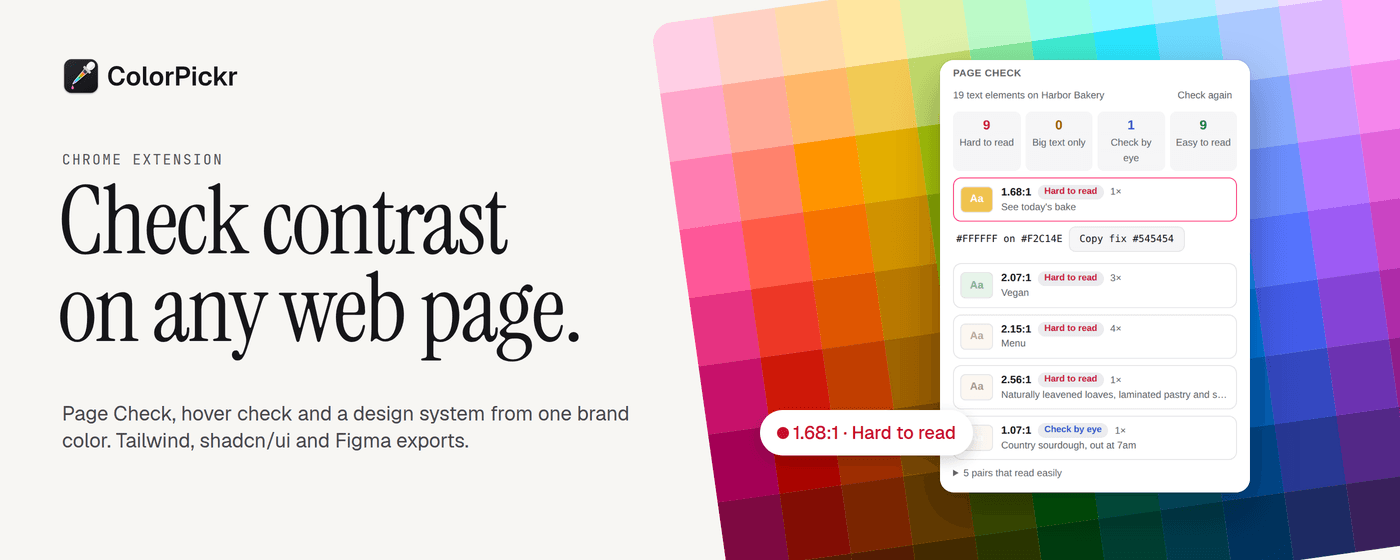
The color picker that checks your work.

Developer Tools · Free
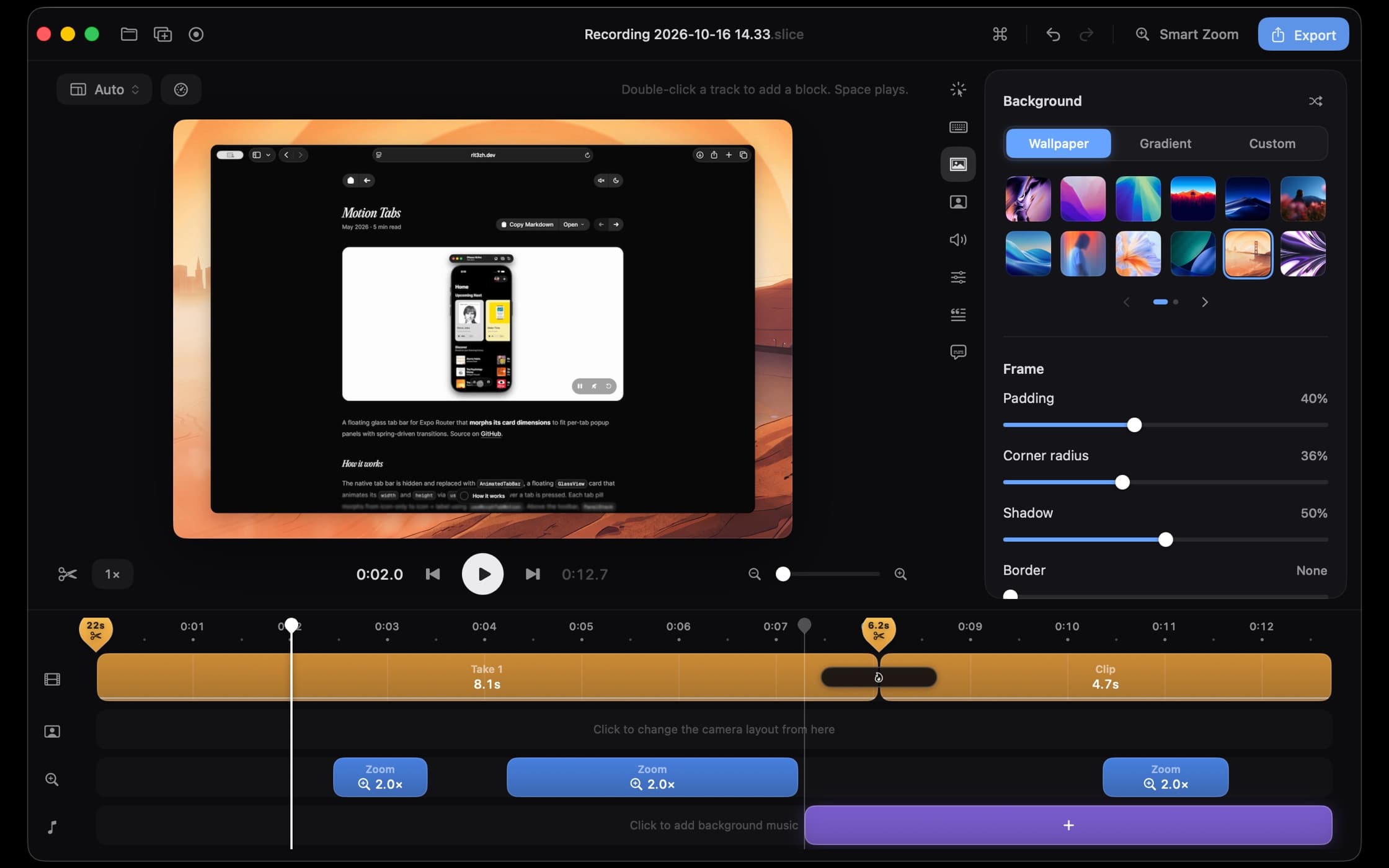
A native macOS screen recorder and video editor built with SwiftUI, with smooth zooms, cursor effects, and polished demos.

Developer Tools · $19.99 · one-time
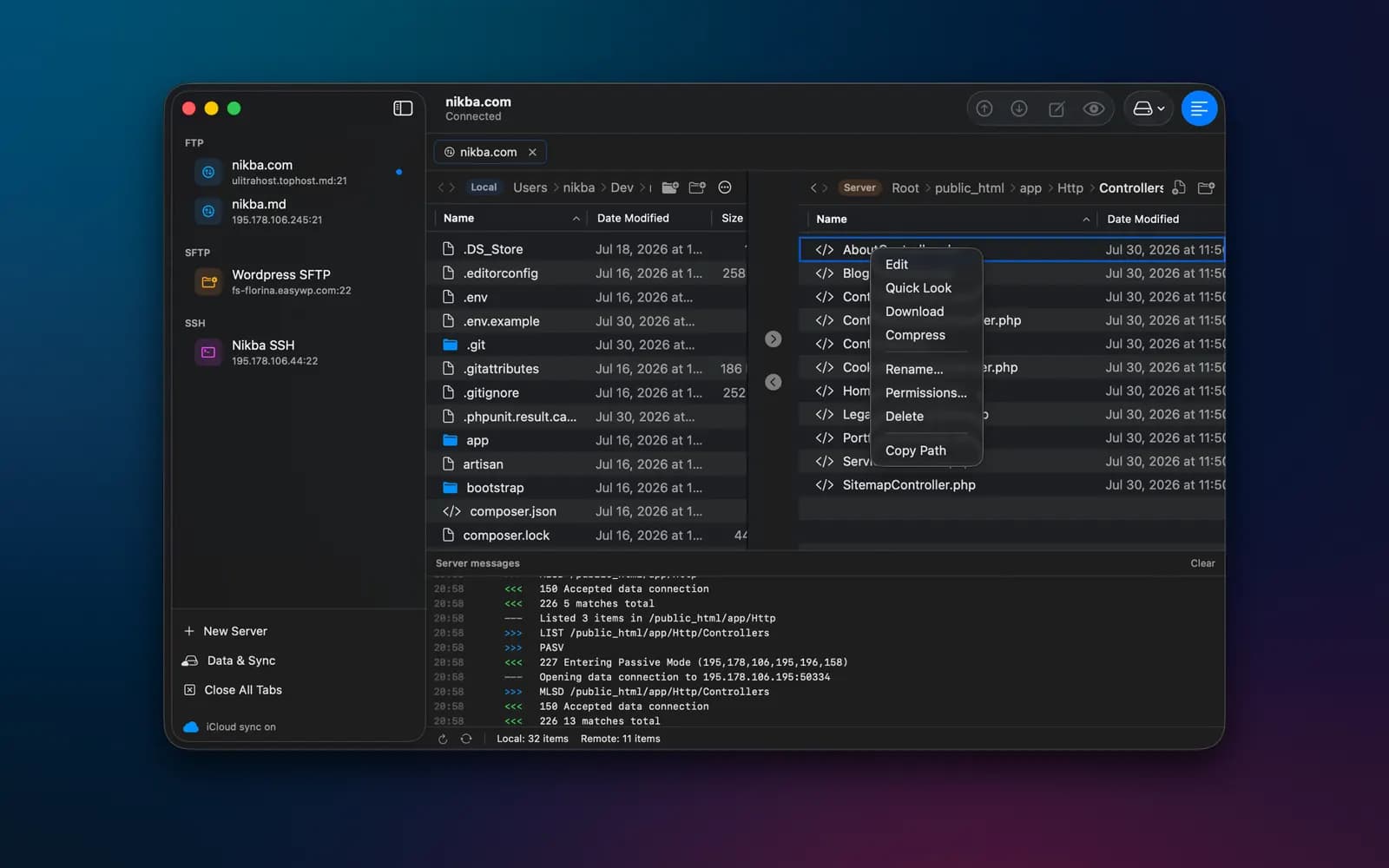
Native FTP, SFTP and SSH client for Mac

Developer Tools · $19 · one-time (14-day free trial with everything switched on.)
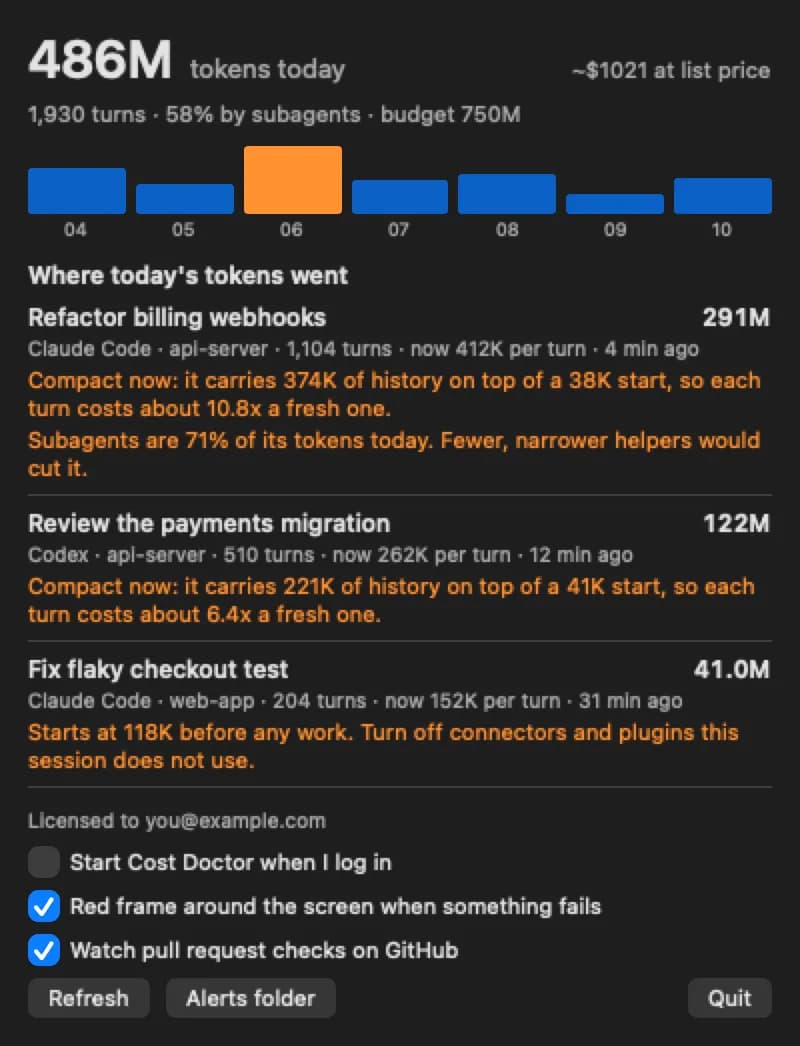
A Mac menu bar app that shows which Claude Code or Codex session is using your tokens, and why.